

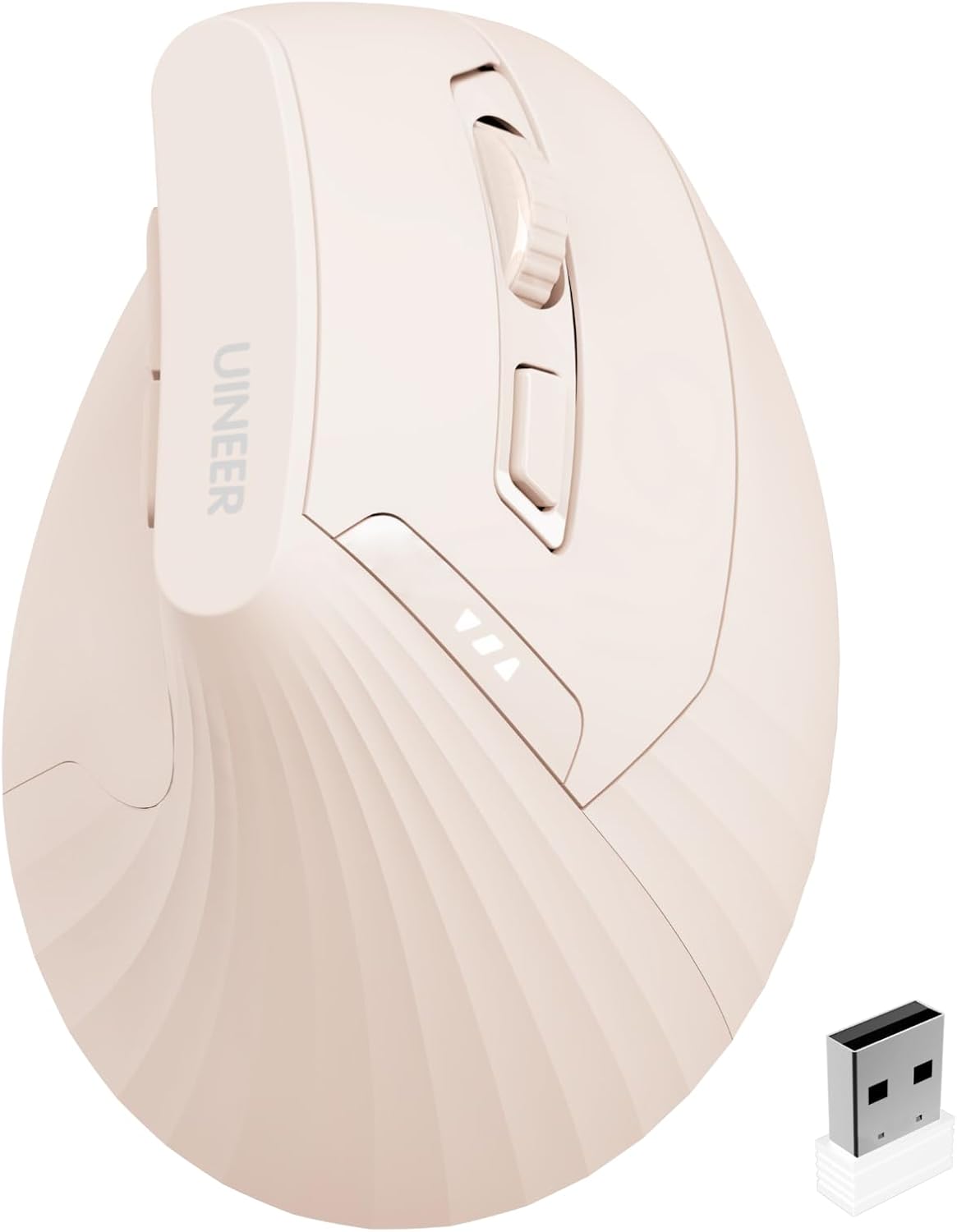
Uineer 2.4G Rechargeable Vertical Wireless Mouse — 59° Ergonomic Design for RSI Comfort
Product description
What it is and what it’s for
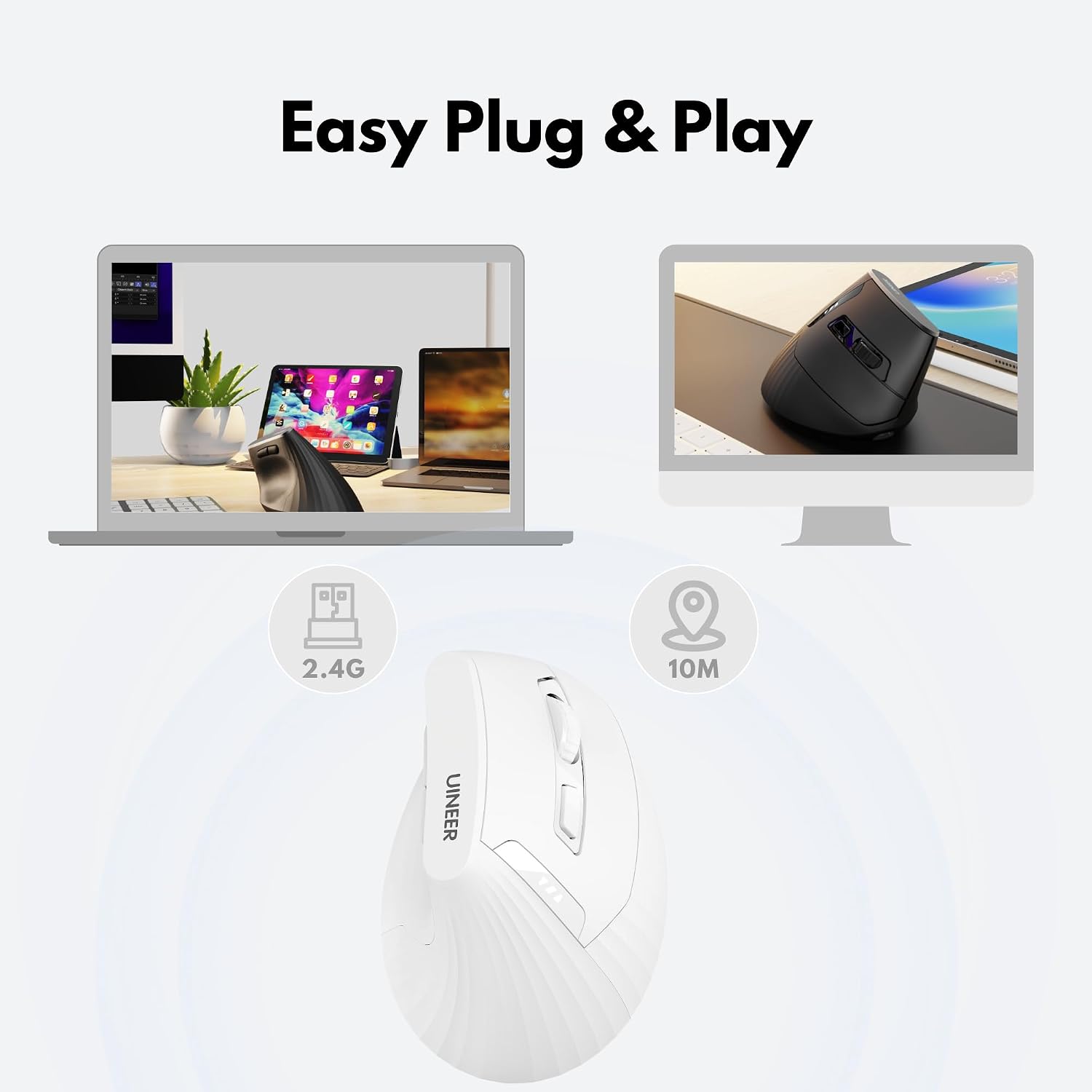
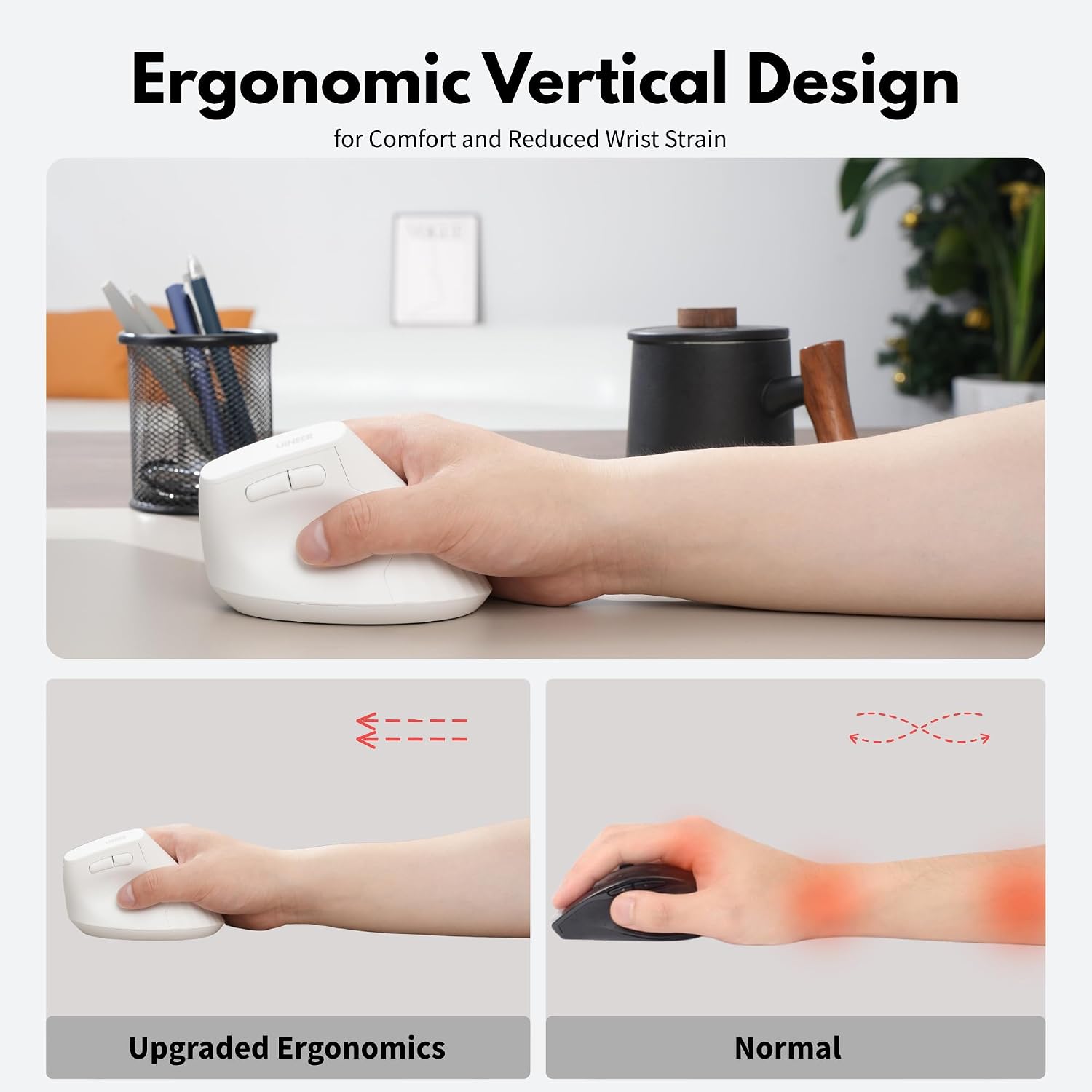
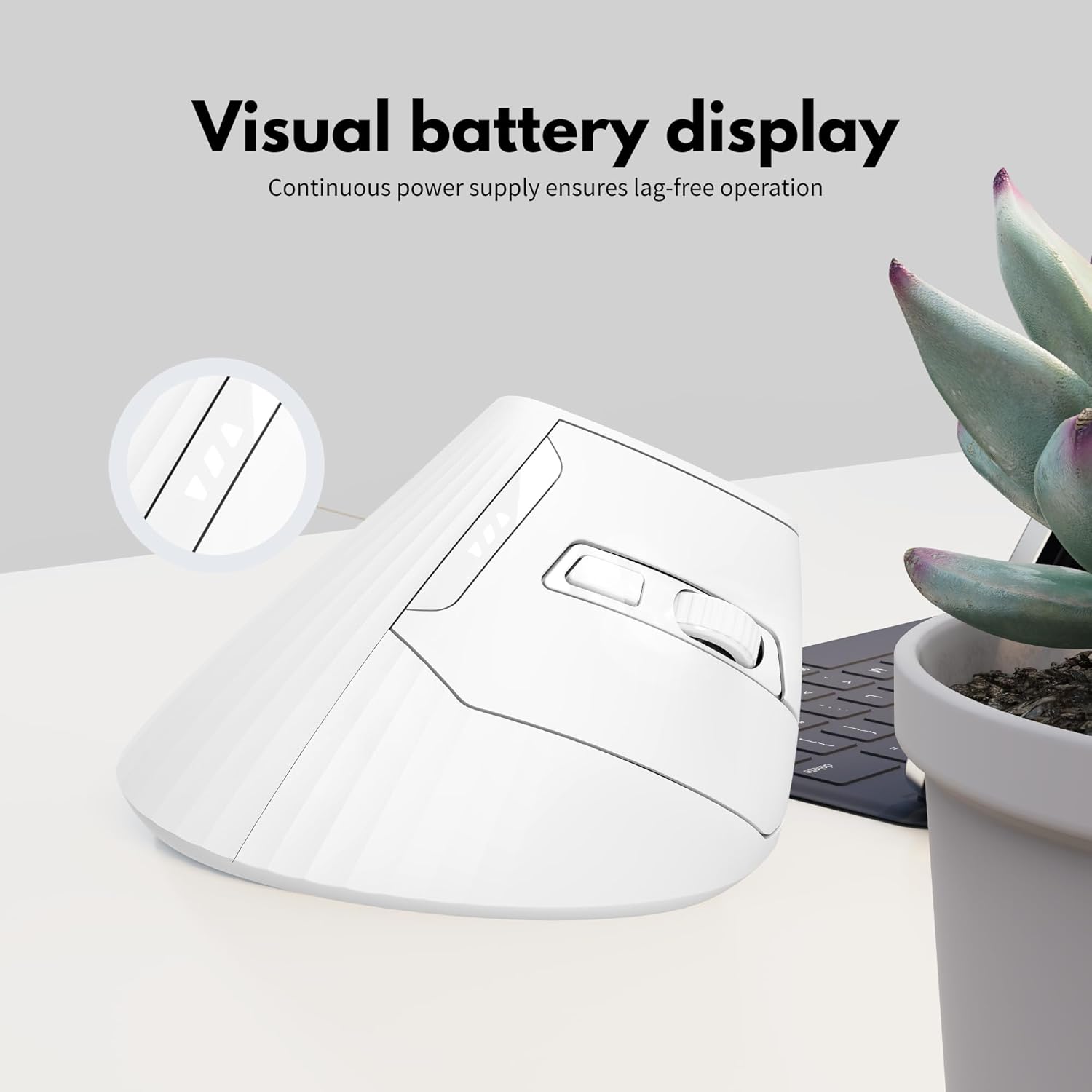
The Uineer 2.4G is a rechargeable vertical wireless mouse designed to promote a more natural wrist position with a 59° handshake angle. It aims to reduce wrist fatigue and help prevent repetitive strain injuries during long hours at a desk. It uses a 2.4 GHz USB-A receiver for plug‑and‑play wireless connectivity and ships with a Type-C charging port, a built‑in 500 mAh battery, and a quiet click mechanism to minimise noise in shared spaces.
How it works in practice
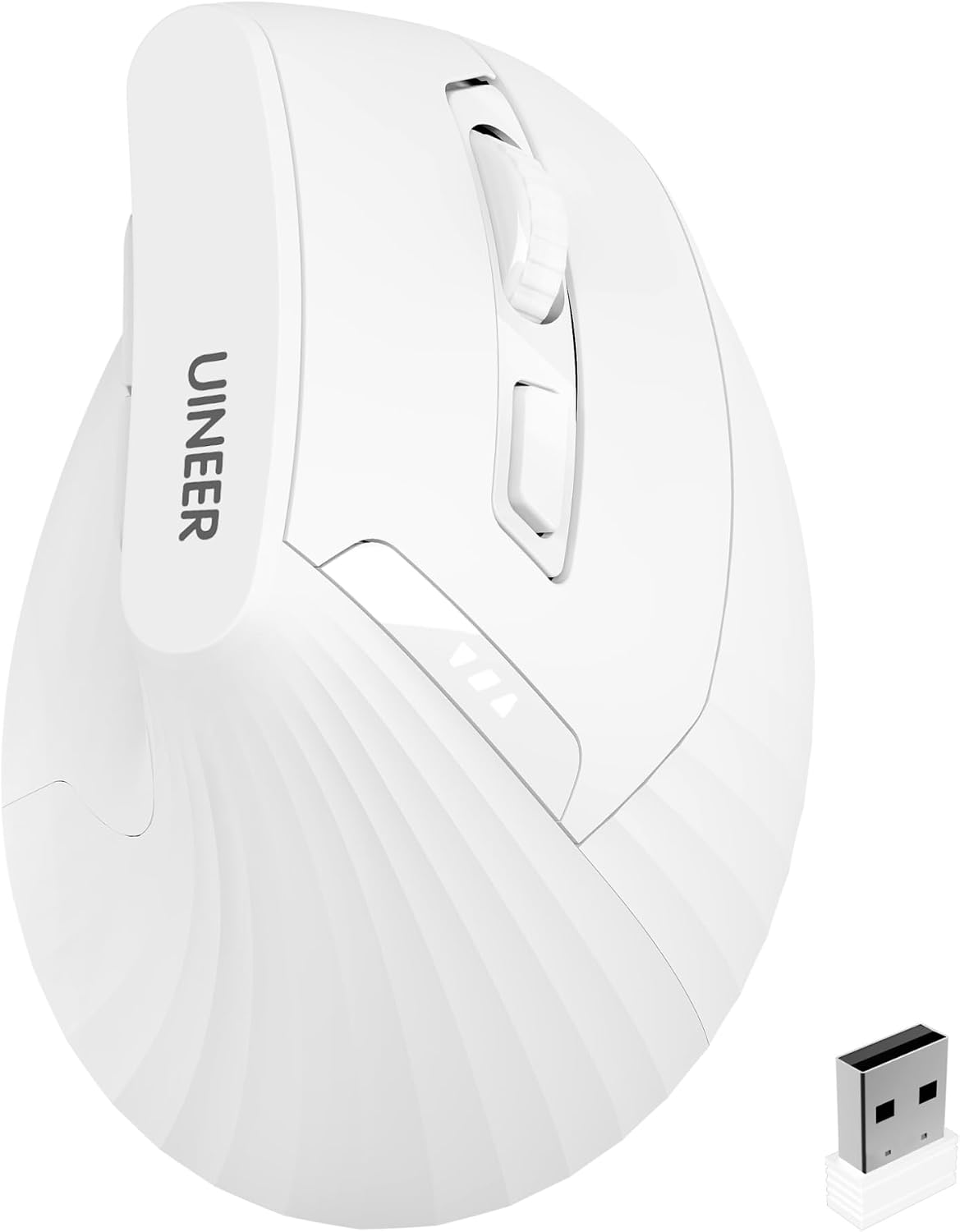
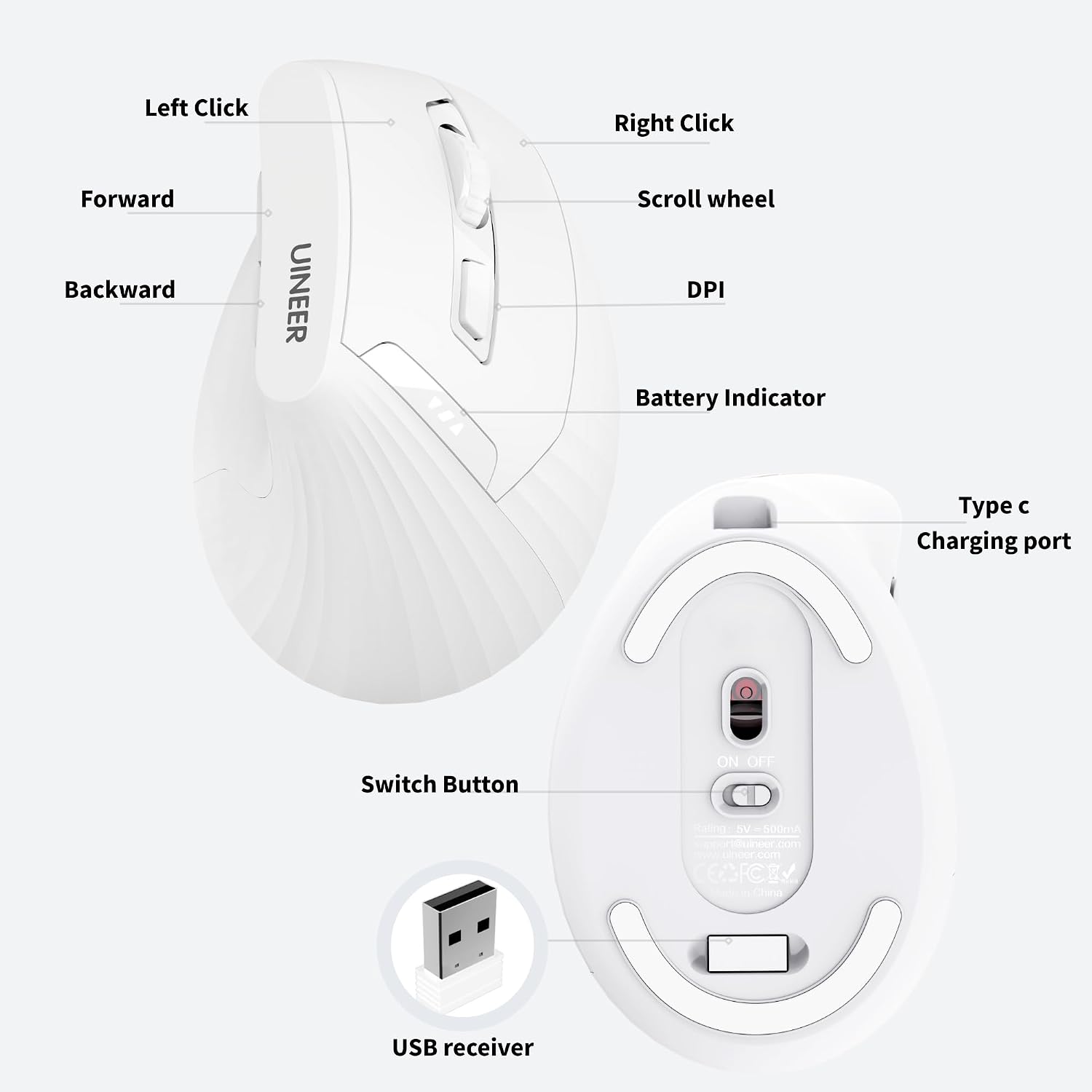
Out of the box, you’ll plug in the USB receiver (stored in the mouse base) and connect to your computer without installing drivers. The mouse supports common operating systems (Windows, macOS, Chrome OS and Linux), with most users adapting to the upright position within a week or two. For those who work across big spreadsheets or long documents, the thumb-side roller and forward/back buttons provide improved navigation without excessive wrist movement.
What stands out
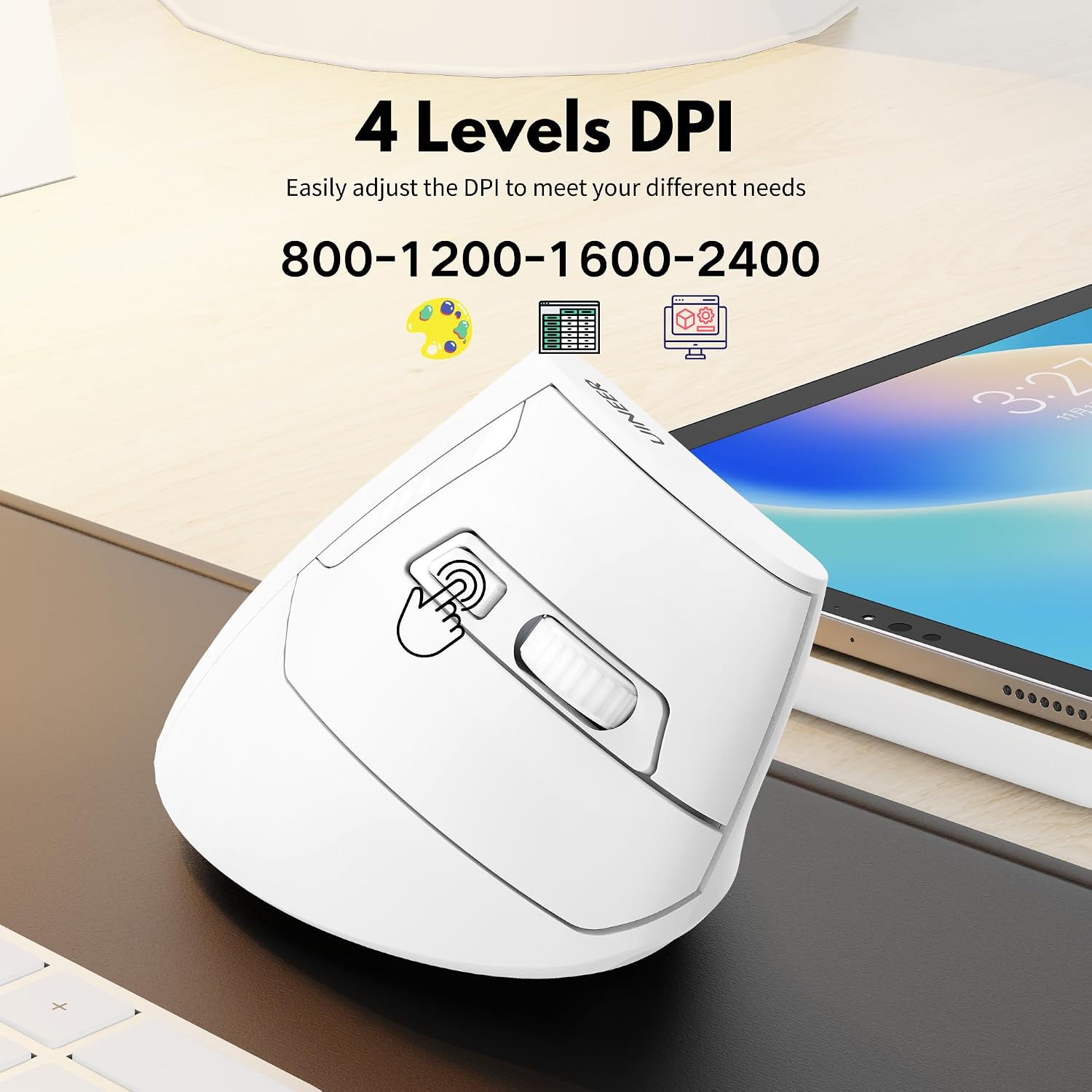
On paper, the combination of a 59° ergonomic angle, silent clicks and a decent 2400 DPI optical sensor makes this model appealing for quiet environments and everyday office tasks. The 10‑metre wireless range should cover typical desk-to-chair layouts, and the built‑in battery plus Type-C charging is a pragmatic touch for modern setups that avoid disposable batteries.
Strengths and limitations in use
Strengths: a dedicated ergonomic stance that may help with comfort over prolonged sessions, plus a compact package with a dedicated charging port and a storage place for the USB receiver. The silent click feature is practical in shared spaces. The side thumb roller enables horizontal scrolling, which is helpful for large spreadsheets or web design tasks. Limitations: some features are constrained by the operating system. For macOS and iPadOS, the Forward/Back buttons and Side Roller may be limited or unavailable due to system design. If you rely on all 6 buttons for daily work, you’ll want to verify which functions are accessible on your devices.
Who it’s for
This mouse is well suited to office workers, students, and anyone who spends long sessions at a computer and wants a calmer, more natural wrist position. It may reward users who regularly navigate through multiple browser tabs or audit long documents. If you value quiet operation in a shared environment, the silent clicks add a tangible benefit.
Who it isn’t the best for
If you primarily use devices with only USB-C ports and a needed adapter, you’ll need a USB-A to USB-C solution for the receiver. Those who depend on full macro/button functionality on macOS may find some limitations. It’s not pitched as a high‑end gaming mouse, so motion precision and button customisation may not match dedicated gaming peripherals.
When it makes sense to buy
If you want a pragmatic, USB-A wireless option with a rechargeable battery and a focus on wrist comfort, this model fits the bill. It’s worth considering if you’re after quiet operation and a compact ergonomic design rather than feature‑dense luxury.
What to check before buying
Confirm your device’s port situation (USB‑A vs USB‑C) and whether you need adapters. Consider whether the macOS limitations on side buttons affect your workflow. Check if you’ll benefit from the 59° angle and whether you can adapt to the vertical form factor within a couple of weeks.
Practical comparison and usage tip
Compared to flat, traditional mice, the Uineer vertical design actively encourages a neutral wrist posture and reduces forearm twist. If your typical workflow involves long spreadsheets or multi‑tab browsing, the thumb roller can save time, but if you rely on full peripheral button functionality on macOS, test how many features remain usable before committing.
What you get in the box
1x Vertical Wireless Mouse, 1x USB Receiver, 1x Type-C Cable, 1x Manual. The receiver is stored in the mouse base for convenience, keeping desk clutter minimal.
FAQ (where data allows)
- Does it require drivers? No, plug‑and‑play with USB-A receiver.
- What platforms are officially supported? Windows, macOS, Chrome OS, and Linux.
- Can I use it with USB‑C only devices? Yes, via a USB‑C to USB‑A adapter, but some features may be limited on macOS.
Final decision
Is it worth it?
Worth considering if you prioritise wrist comfort, quiet operation and straightforward wireless connectivity over feature‑dense gaming mice. It’s a sensible option for office work and study, provided you’re comfortable with a vertical stance and potential macOS button limitations. If you need every button and roll function fully available on macOS, you may want to test early or consider alternatives.