

UGREEN Nexode 100W USB-C Fast Charger & MagSafe-compatible 4-in-1 wireless charging stand
Product description
The essentials
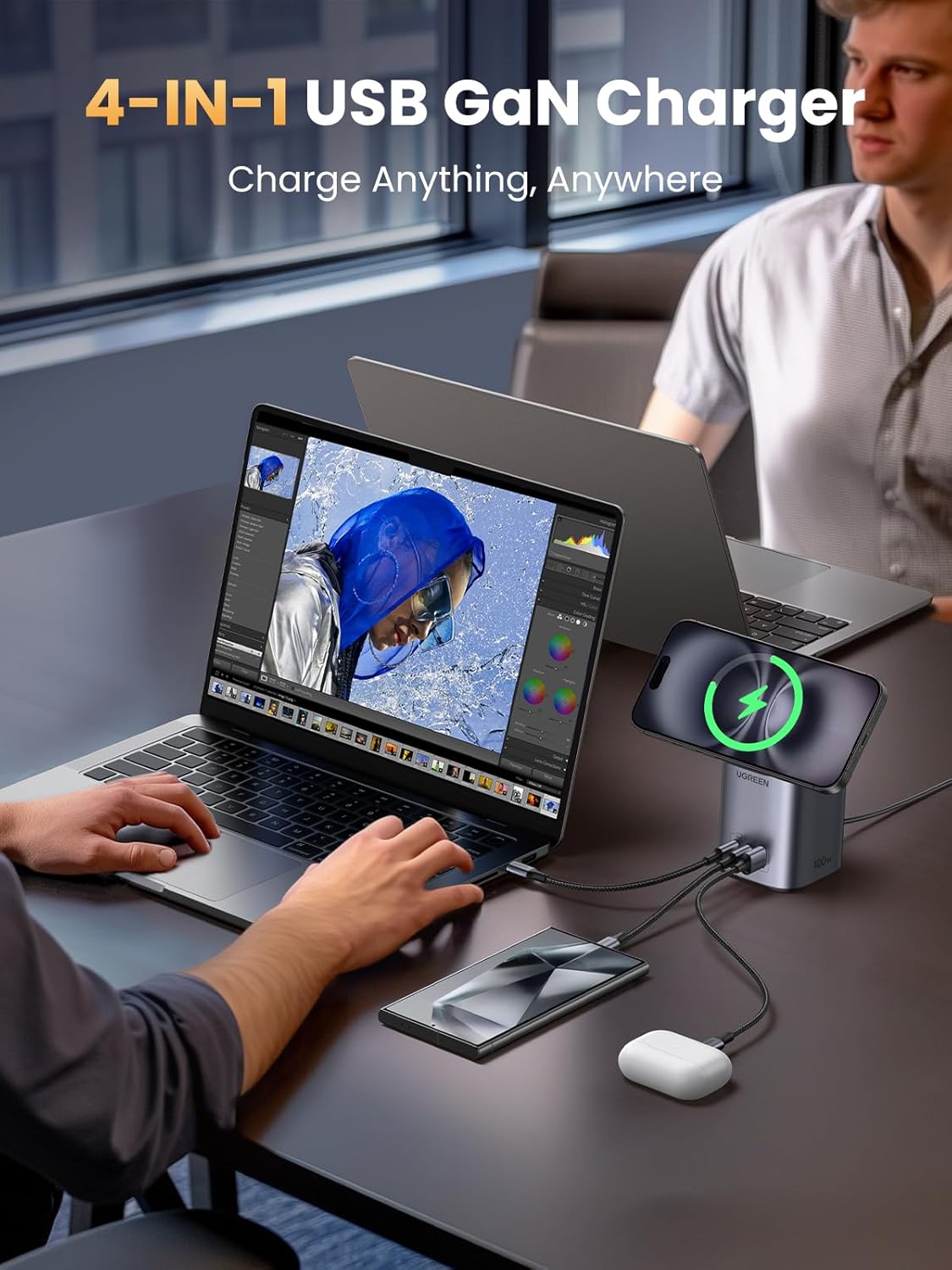
UGREEN’s Nexode 100W is a 4-in-1 wireless charging station that’s designed to sit on your desk and do a bit of everything: charge an iPhone magnetically (MagSafe-compatible) while also feeding power to other devices via USB-C and USB-A ports. On paper it targets people who want fewer separate chargers and cables cluttering up their setup, especially if you mix an iPhone with a laptop or tablet.
Because it’s a stand as well as a charger, it also leans into “use it while charging” moments. You can dock your phone, rotate it thanks to the magnetic hold, and even fold the MagSafe plate up to use it like a viewing angle setup.
That said, it’s still a wireless charging solution—so it’s not always the fastest, coolest, or most convenient approach compared with a dedicated wired charger for every device.
Where it stands out
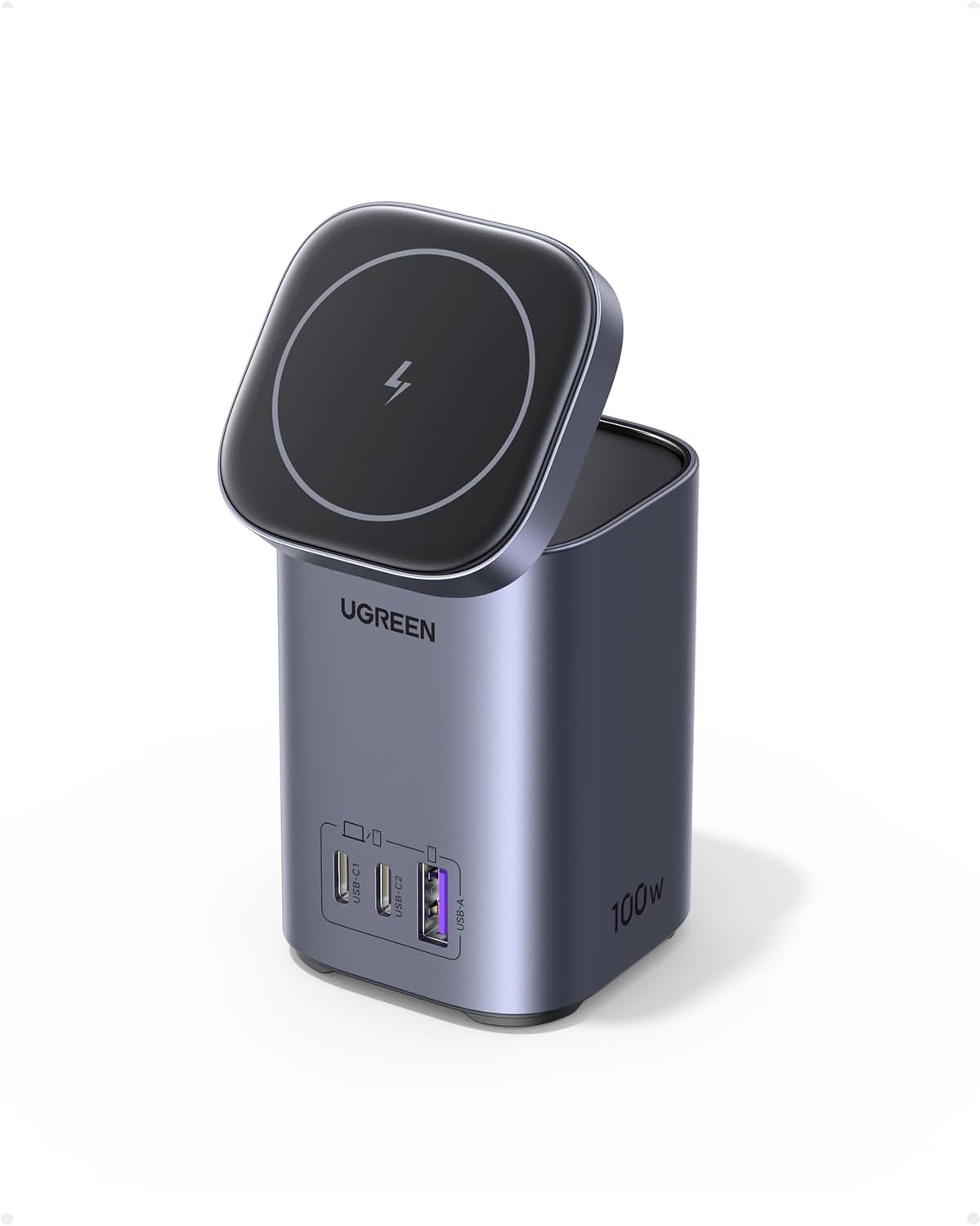
The headline feature is the combination of MagSafe-compatible wireless charging and a high-power USB station. The description claims:
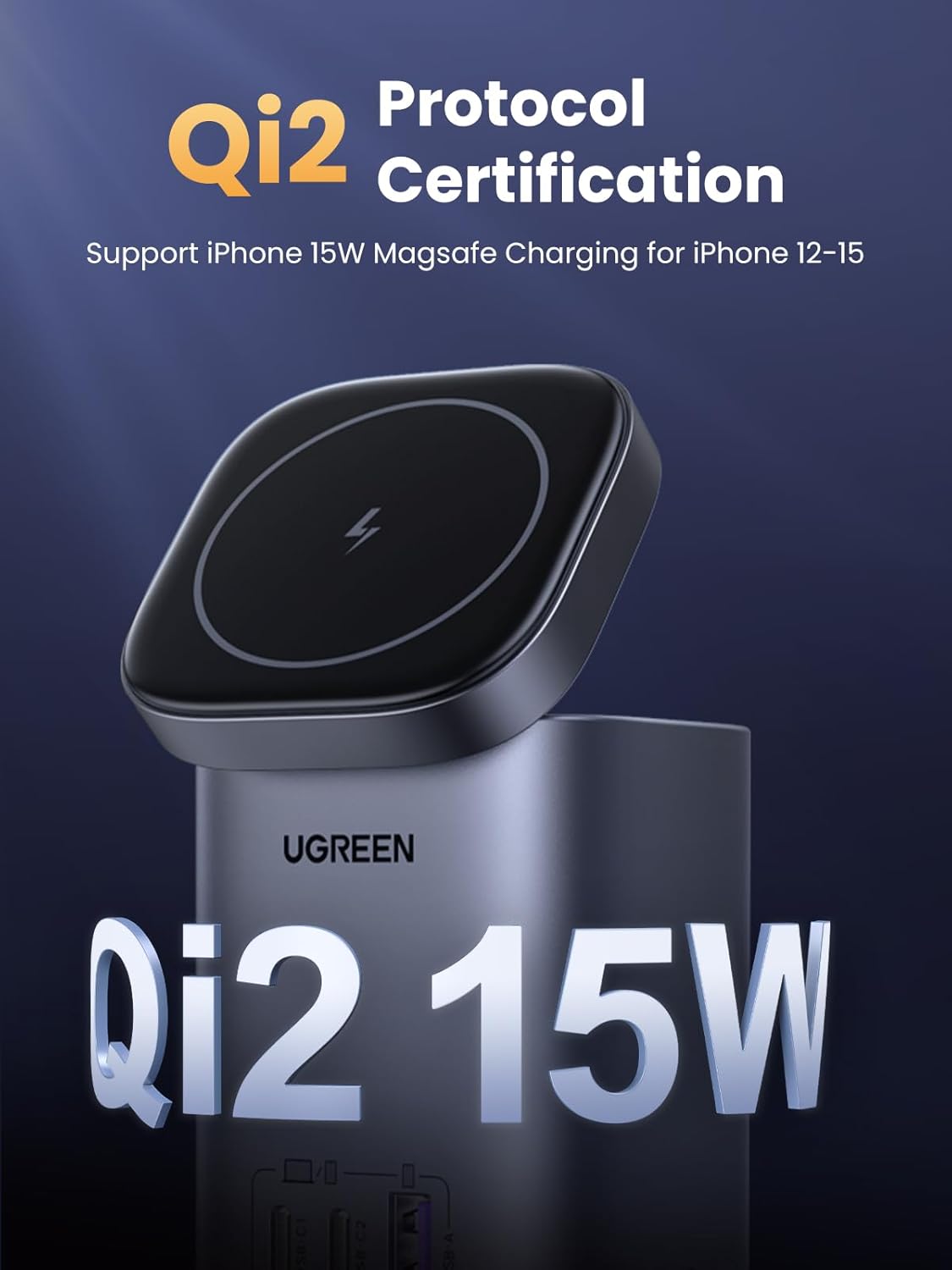
- MagSafe 15W wireless charging with a large coil, positioned as matching Apple MagSafe charging power.
- “Max 100W output per port” for the C1/C2 USB-C ports, using PD 3.0/2.0 and other fast-charge protocols (and the station includes two 100W USB-C and one USB-A connection).
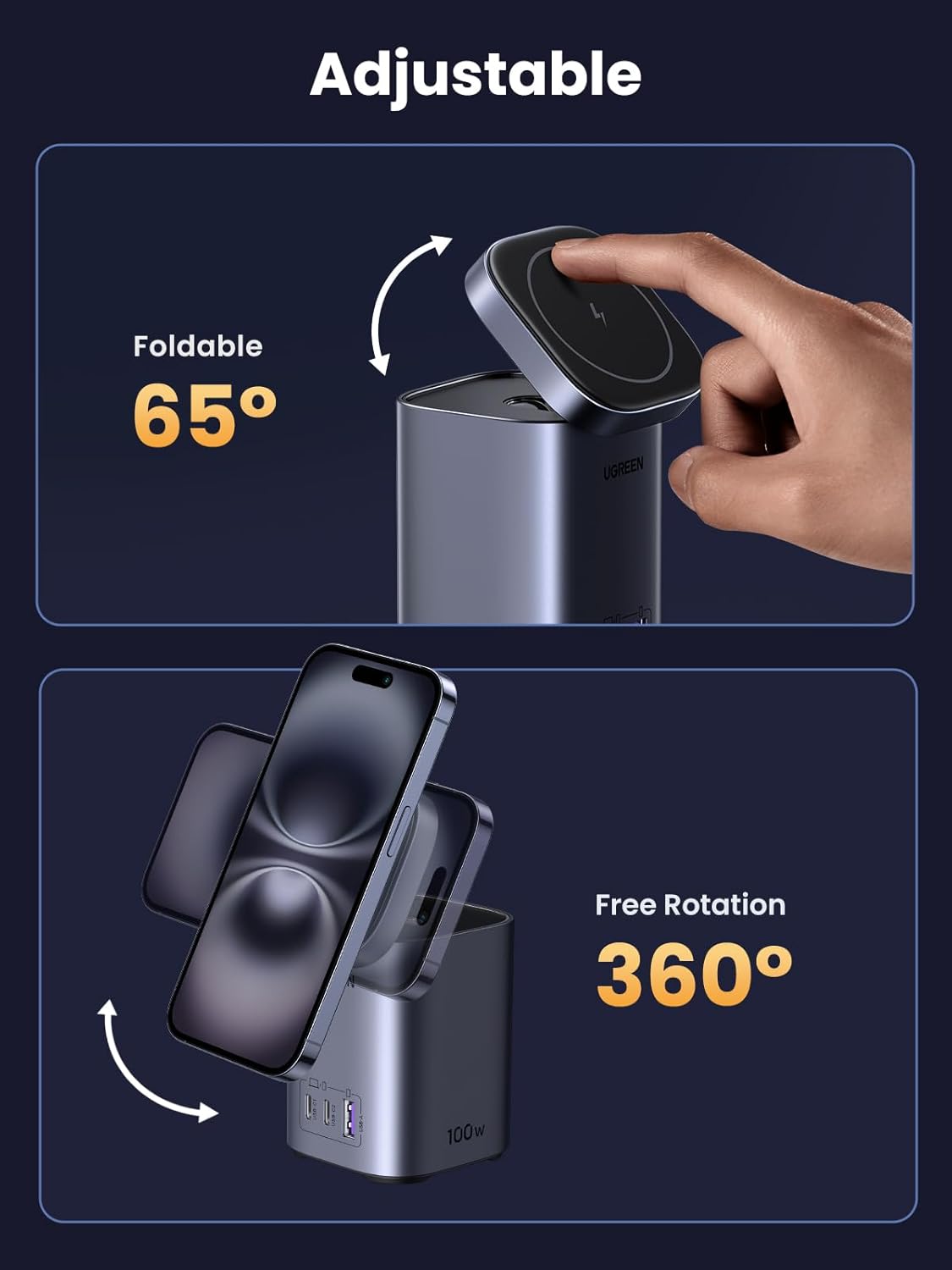
- A magnetic attraction strong enough to let the iPhone rotate 360° while staying on the plate.
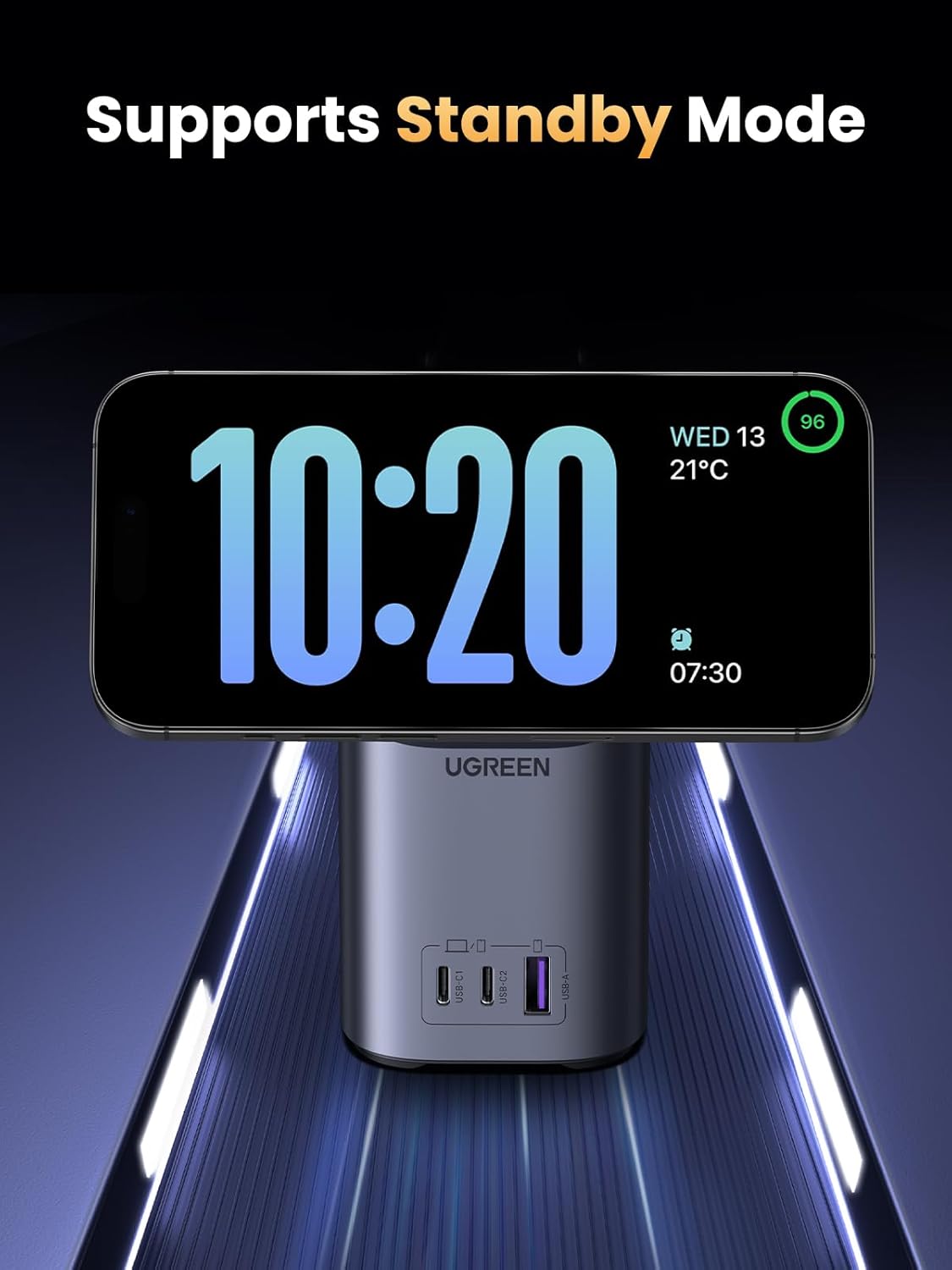
There’s also a Standby Mode mention for the MagSafe charging station. In practice, that’s mainly useful if you like your phone to act like a bedside/desk display when docked—useful for quick checks without picking it up.
What you’ll notice day to day
A desk charger should feel simple after a week, not fiddly. This one is built around magnetic alignment, and the ability to rotate the handset is a nice usability detail: you’re not locked into one “straight ahead” viewing angle.
The folding behaviour is another practical touch. The MagSafe charging plate can be folded up to 65°, which gives you options—more screen-up for calls and video, more angled for short conference-type viewing. If you’re the sort of person who leaves their phone charging overnight and wants it accessible in the morning, the stand format can make that routine less annoying.
One limitation to keep in mind: the listing explicitly says to avoid using the device while it is charging wirelessly. That won’t suit everyone—if you tend to scroll, game, or do hands-on tasks while it charges, you may want to use wired charging instead.
Key connections and charging support
This station is described as supporting charging for multiple devices at once. It uses two 100W USB-C ports plus USB-A, while also supporting MagSafe 15W wireless charging for a range of iPhone models.
On the wireless side, it’s positioned for iPhone 17 series (including Pro Max/Pro), iPhone 16, iPhone 15, and older iPhone 14/13/12 series. On the wired side, it’s described as compatible with laptops and tablets like MacBook Air and MacBook Pro, plus devices such as iPad Pro/Air.
It also lists support for fast-charge protocol standards including PD 3.0/2.0, QC 4.0+/3.0/2.0, PPS, AFC, SCP. If you already own devices that rely on these standards, it can be a smoother “plug in and forget it” experience.
Specs that matter when choosing
When you’re deciding whether a 100W station like this is worth it, the big question is whether you’ll actually benefit from both wireless MagSafe charging and high-power USB-C outputs.
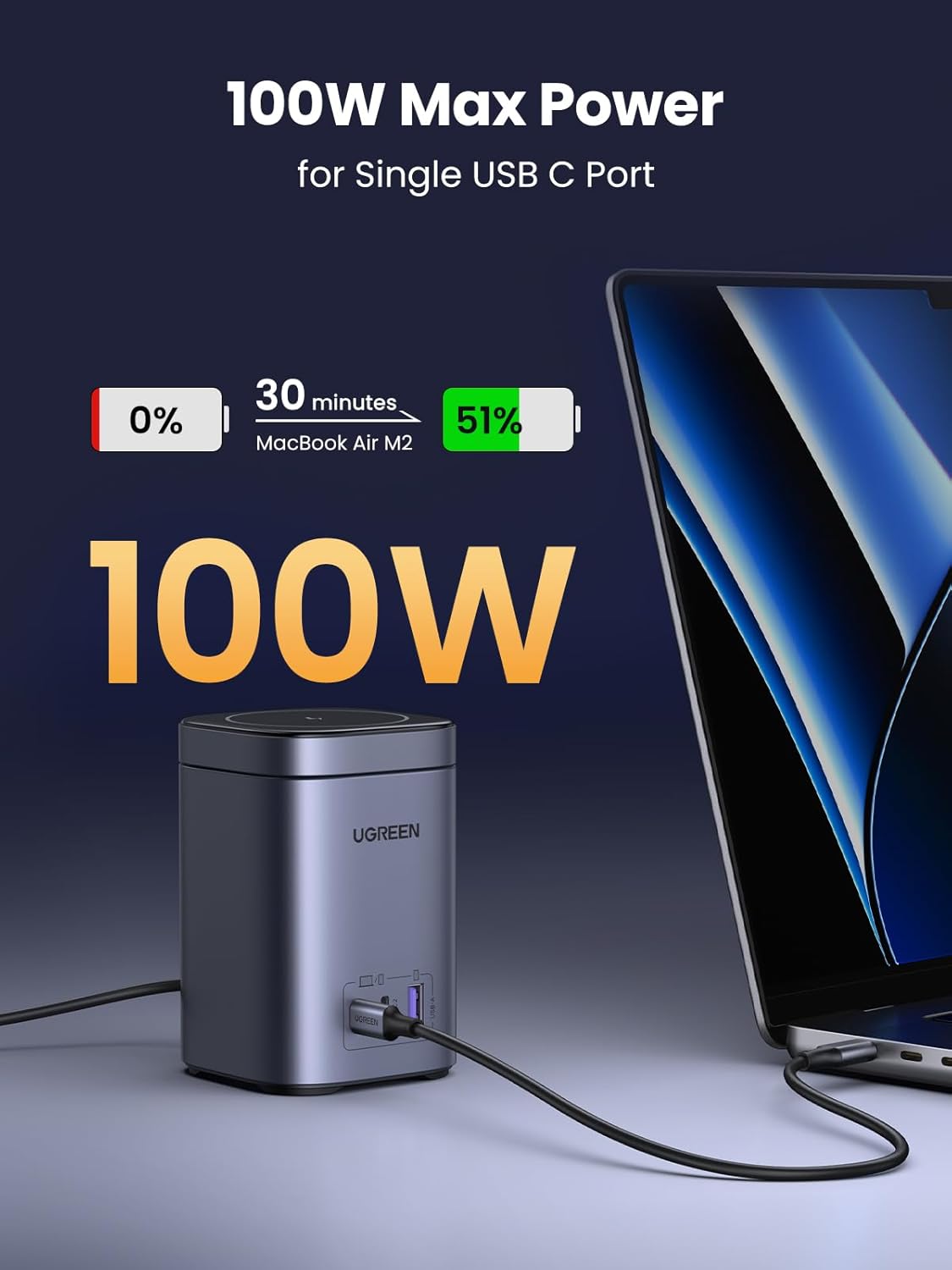
The listing claims power handling for the C1/C2 USB-C ports (max 100W each) and includes a note that it can charge a MacBook Air M2 from 0-51% in 30 minutes (as stated). It also mentions the ability to charge two 16-inch MacBook Pro units at the same time in roughly 1.5 hours—again, as described.
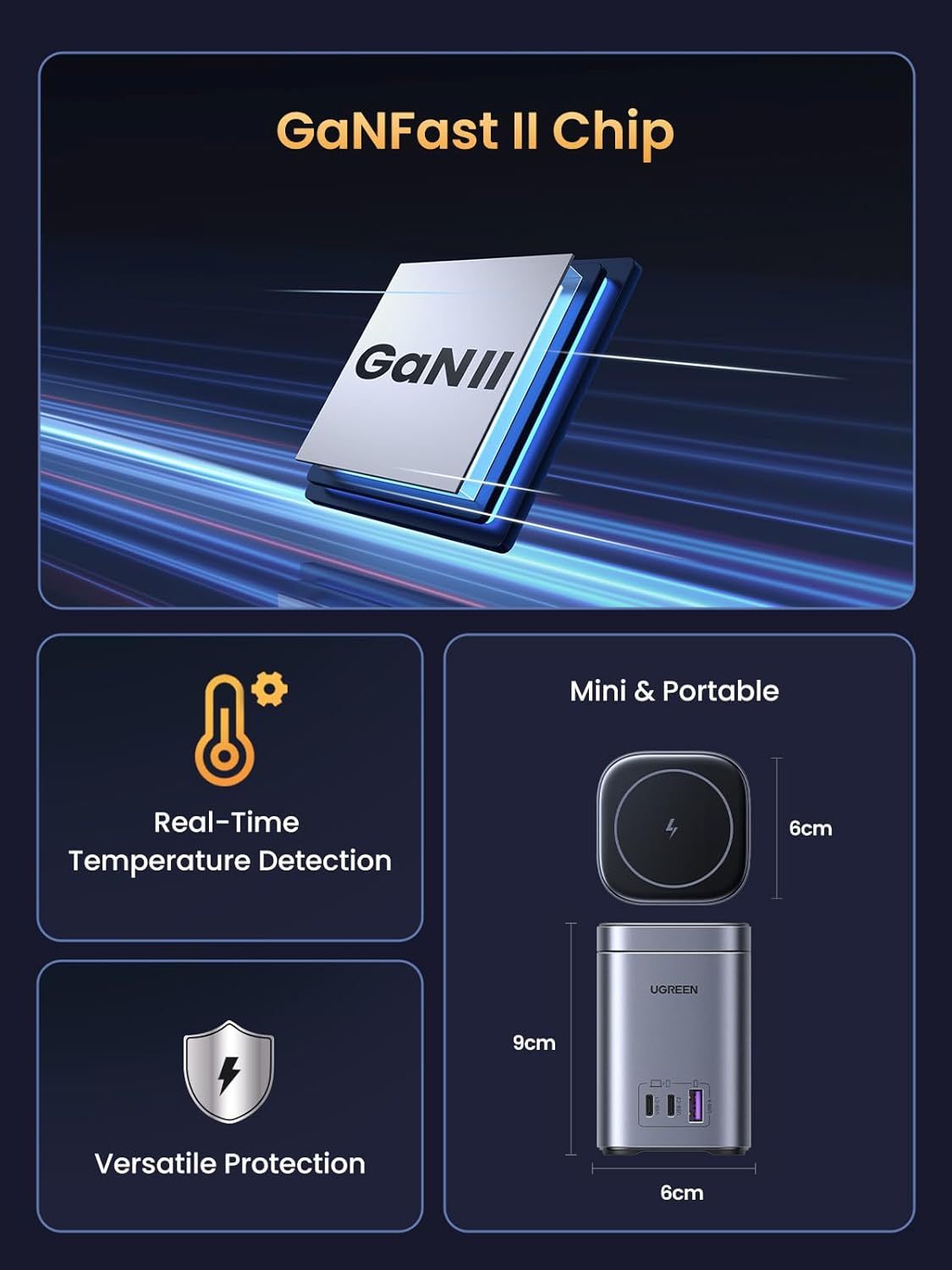
It’s also worth noting the physical footprint: the dimensions are given as approximately 92 × 60 × 60 mm (± 0.5 mm). That helps if you’re tight on space on a bedside table or work desk.
Who it suits (and who should think twice)
It makes sense if you want a compact hub for desk charging—one unit handling MagSafe for your iPhone and wired charging for other devices. It’s particularly appealing if you regularly use a laptop alongside a phone and want everything to be in reach.
Worth considering if: - You’re trying to reduce multiple chargers and keep a tidy setup. - You like the idea of using your phone in a charging dock, with rotation and an adjustable angle. - You have devices that support PD/QC/PPS-style fast charging and you’ll use the USB-C ports.
It might not be a great match if: - You plan to actively use the phone while it charges wirelessly (the listing advises against wireless use while charging). - You only need basic phone charging and would rather keep things simpler and cheaper. - You expect every device to charge at the maximum “headline” rate—real-world results depend on the device and how the power gets shared across ports.
Is it worth it?
A solid pick if you want a MagSafe-compatible wireless charging stand with a high-power USB-C station in one, especially for a desk or bedside setup where you’ll benefit from the stand, rotation, and adjustable angle. It’s more of a “one hub for everyday charging” approach than a minimal charger.
You may want to skip it if you’re mainly after ultra-simple charging, or if you regularly need to use your iPhone while it’s wirelessly charging (the listing specifically cautions against wireless use during charging).
Mini FAQ
Does it support MagSafe 15W charging?
Yes. The listing states MagSafe 15W wireless charging compatibility for supported iPhone models.
Can the phone rotate while charging?
The magnetic attraction is described as allowing the iPhone to rotate 360° while charging without slipping.
How many devices can you charge at once?
It’s described as a 4-in-1 charging station, supporting multiple devices simultaneously via two 100W USB-C ports, one USB-A port, and the MagSafe wireless charging plate.
Is it safe to use the phone while it charges wirelessly?
The listing says to avoid using the device while it is charging wirelessly, so it’s best treated as a “dock and leave it” routine.
What’s the physical size like?
Dimensions are provided as approximately 92 × 60 × 60 mm (± 0.5 mm), which should help you gauge desk or nightstand space.