

UGREEN Hard Drive Enclosure 22TB
Reviews
Price
Product description
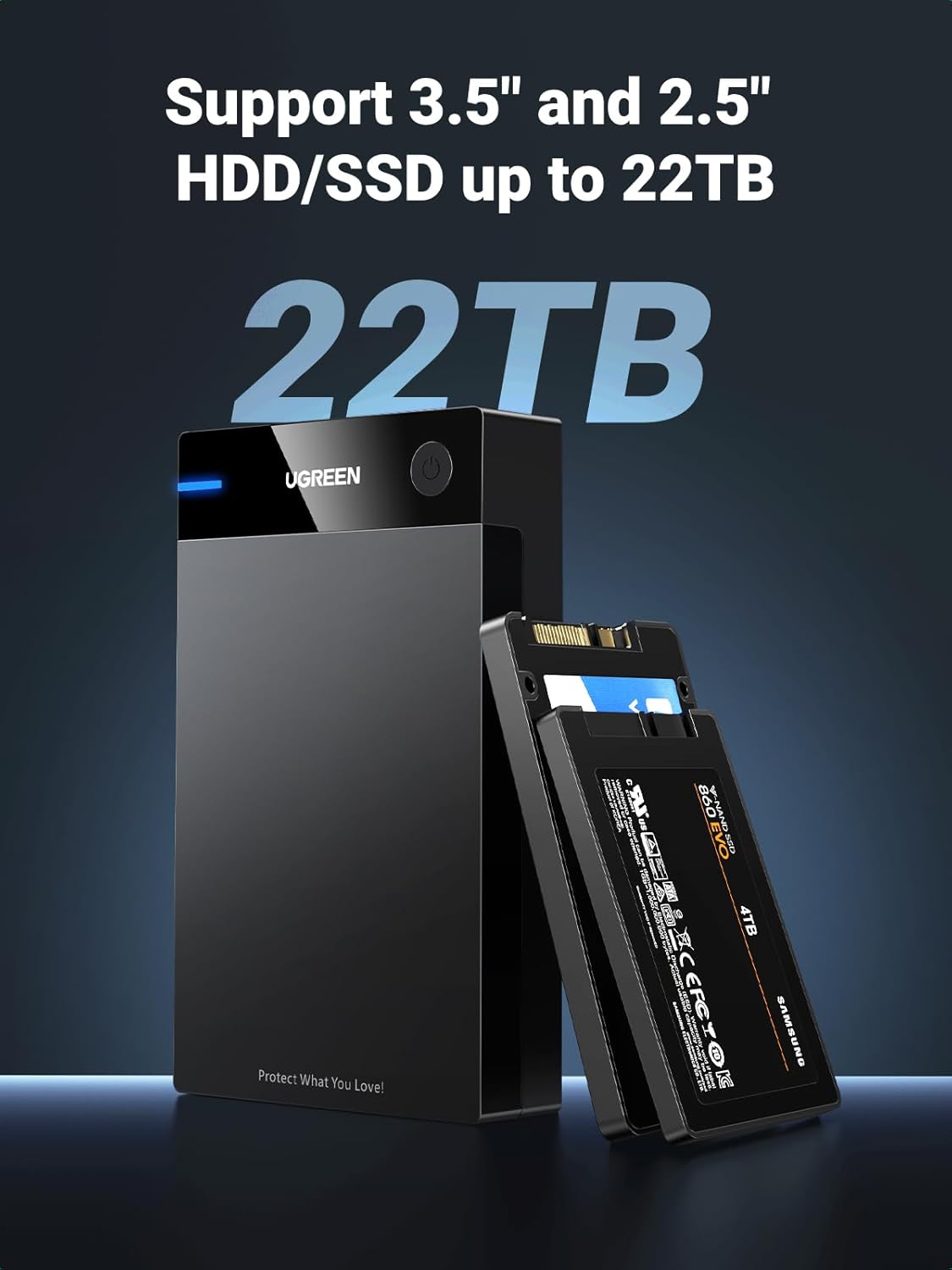
This UGREEN hard drive enclosure turns internal SATA 2.5 and 3.5 inch drives into an external USB 3.0 storage solution, useful for expanding backup capacity or recovering data from old HDDs and SSDs. It connects to desktops, laptops, MacBooks, game consoles and smart TVs for fast file transfers, and includes a DC power adapter for stable operation.
Key Points
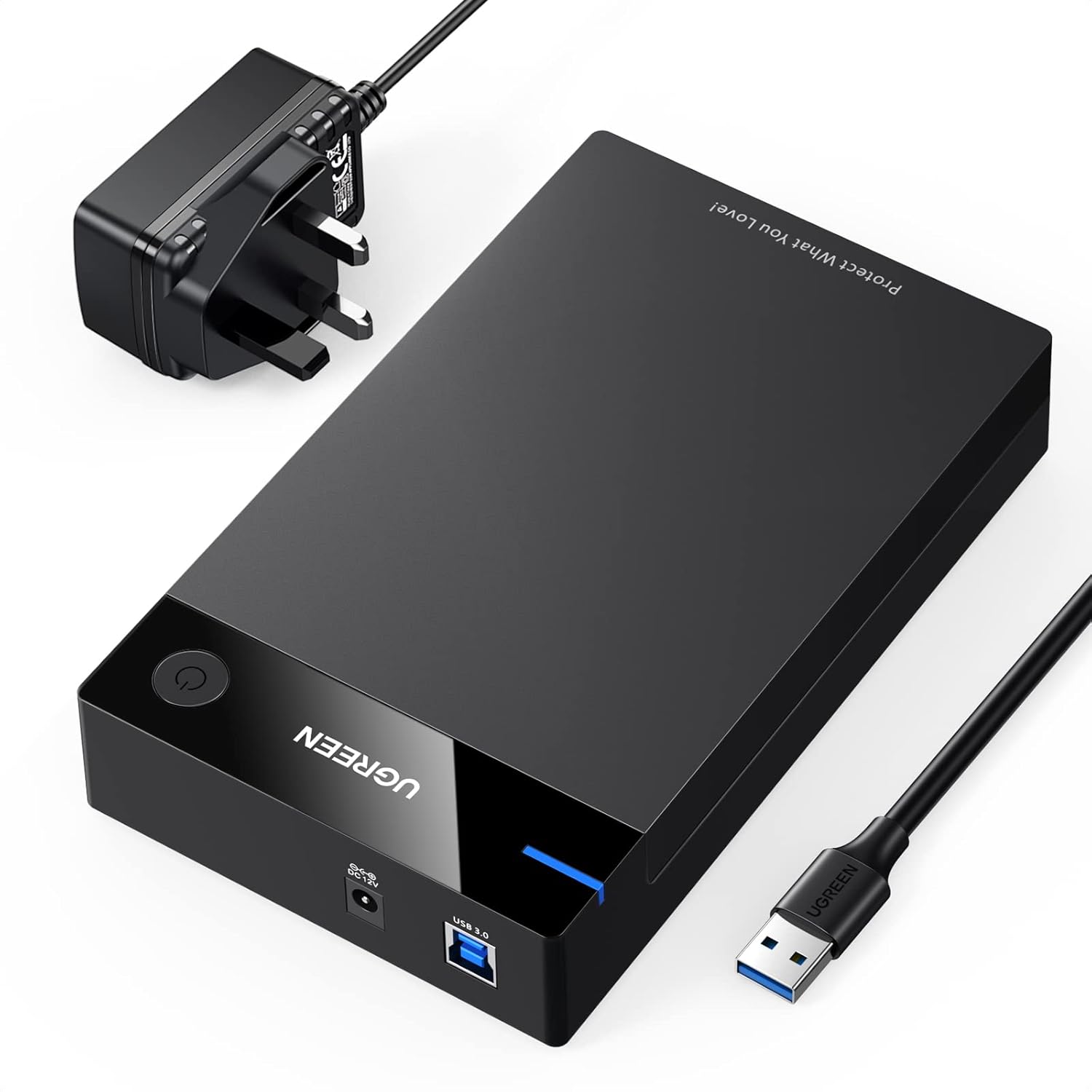
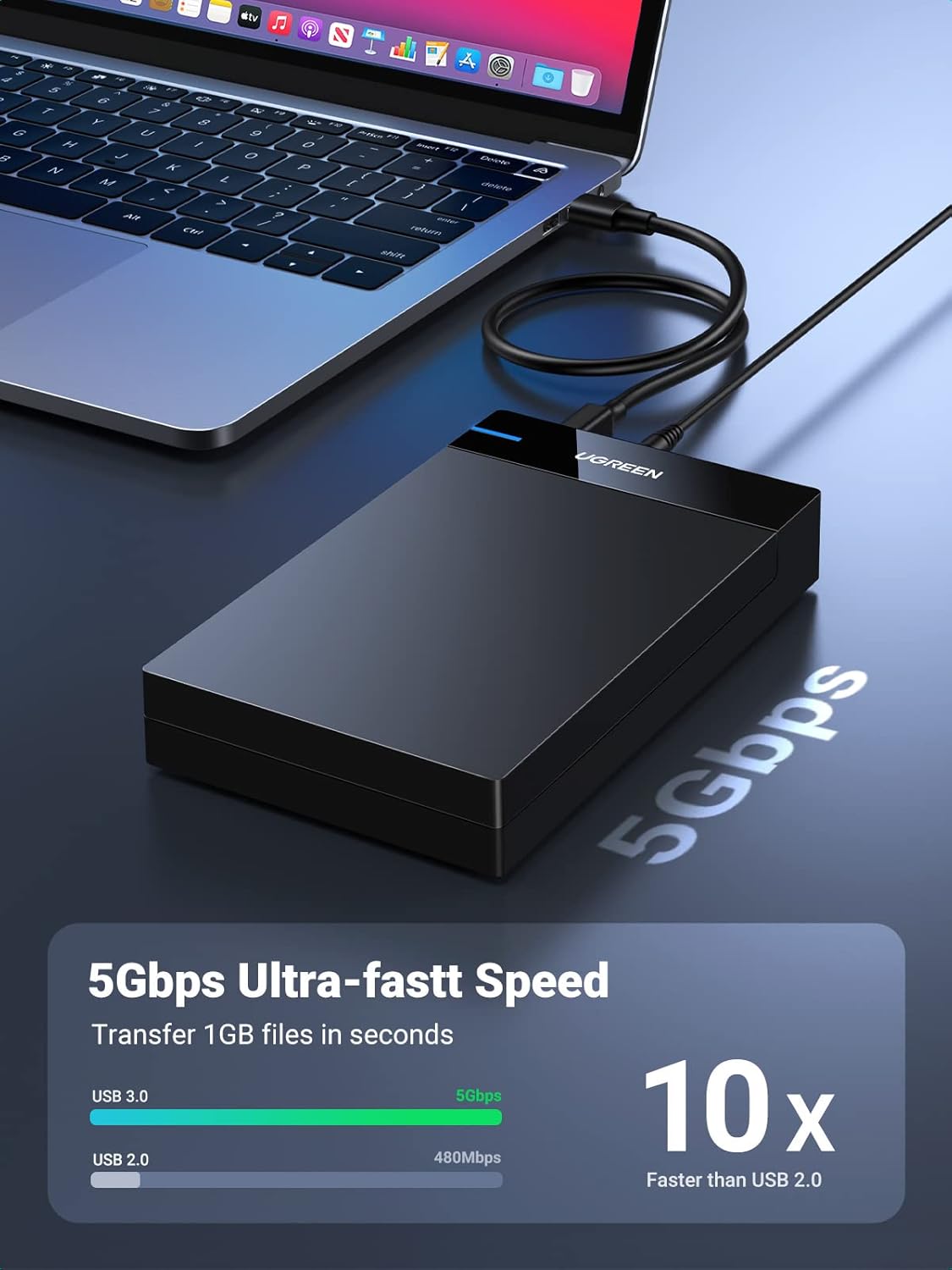
The enclosure supports plug-and-play connectivity with no driver installation required, and it accepts 2.5 inch and 3.5 inch SATA HDD, SSD and SSHD drives. Transfer speeds reach USB 3.0 throughput up to 5 Gbps, and the unit includes UASP support for improved performance with compatible controllers. There is an auto-sleep function that powers down the drive after three minutes of inactivity according to the manufacturer, which helps reduce wear and save energy. The case is tool-free with a lay-flat design that makes inserting and removing drives straightforward, and a detachable 50 cm USB cable adds flexibility when positioning the dock.
Technical Specifications
- Name: UGREEN Hard Drive Enclosure SATA to USB 3.0
- Supported drives: 2.5 inch and 3.5 inch SATA I/II/III HDD/SSD/SSHD
- Maximum capacity: up to 10 TB according to the original product listing
- Interface: USB 3.0 (5 Gbps), backward compatible with USB 2.0/1.0
- Power input: DC 12 V 2 A
Practical Tips
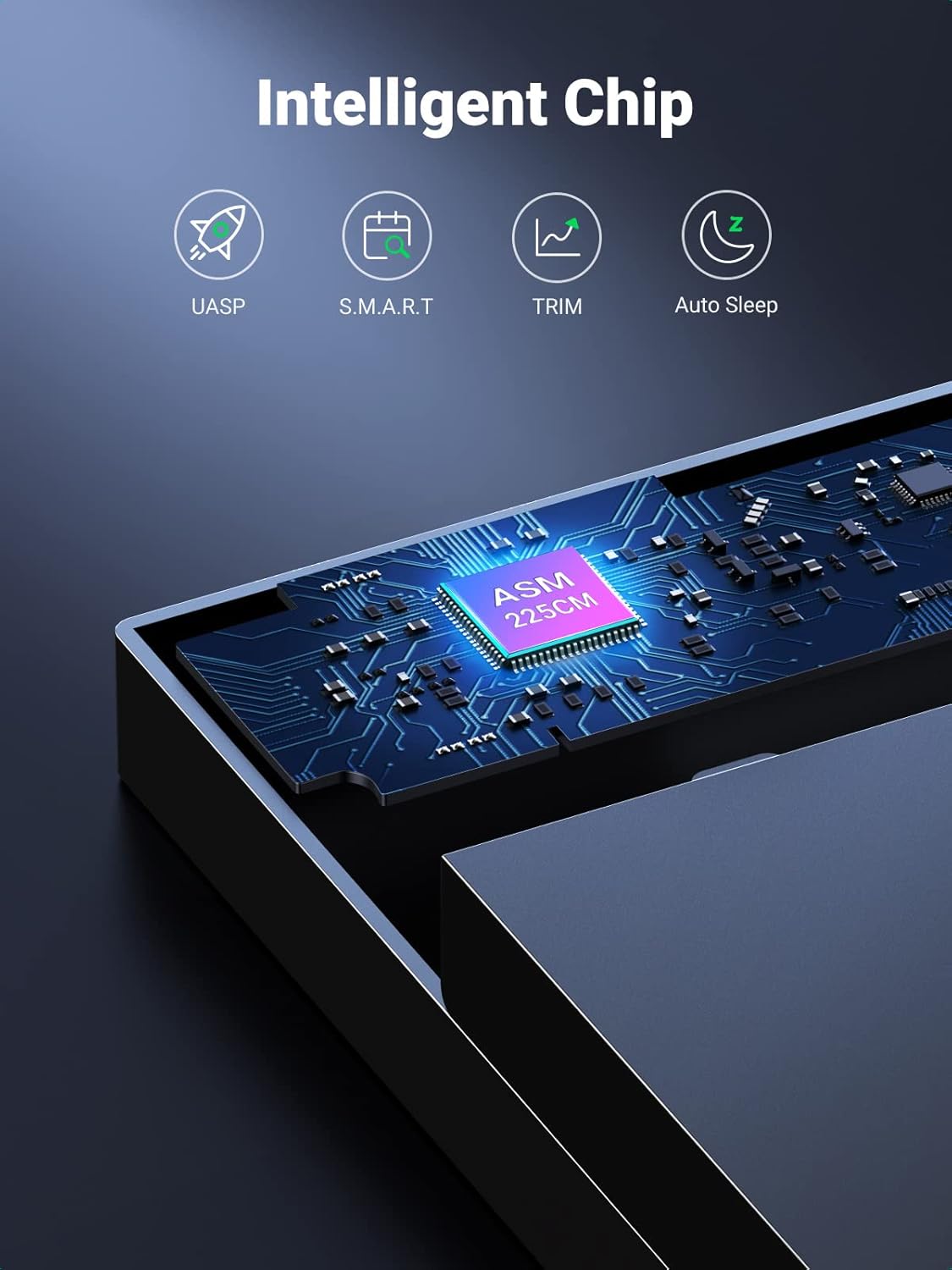
Place the enclosure on a stable surface that allows the ventilation holes at the base to remain unobstructed, as passive heat dissipation helps during sustained transfers. If you plan to use very large-capacity drives or work with long continuous transfers, make sure the host system supports UASP to benefit from faster SSD performance. The rubber strip inside cushions the drive against shocks, however consider avoiding heavy movement while the drive is active to reduce the risk of data corruption. 😊
Advantages
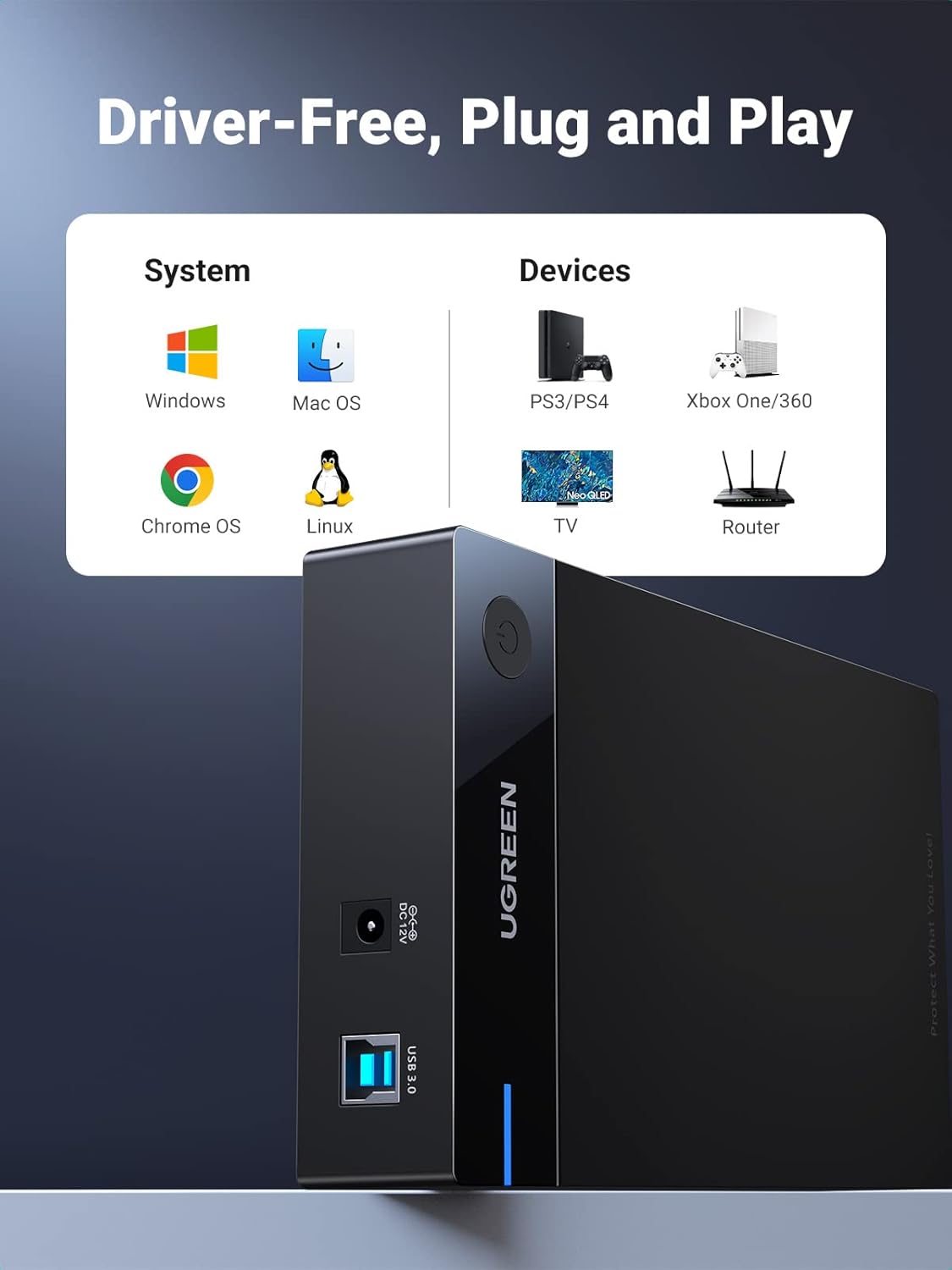
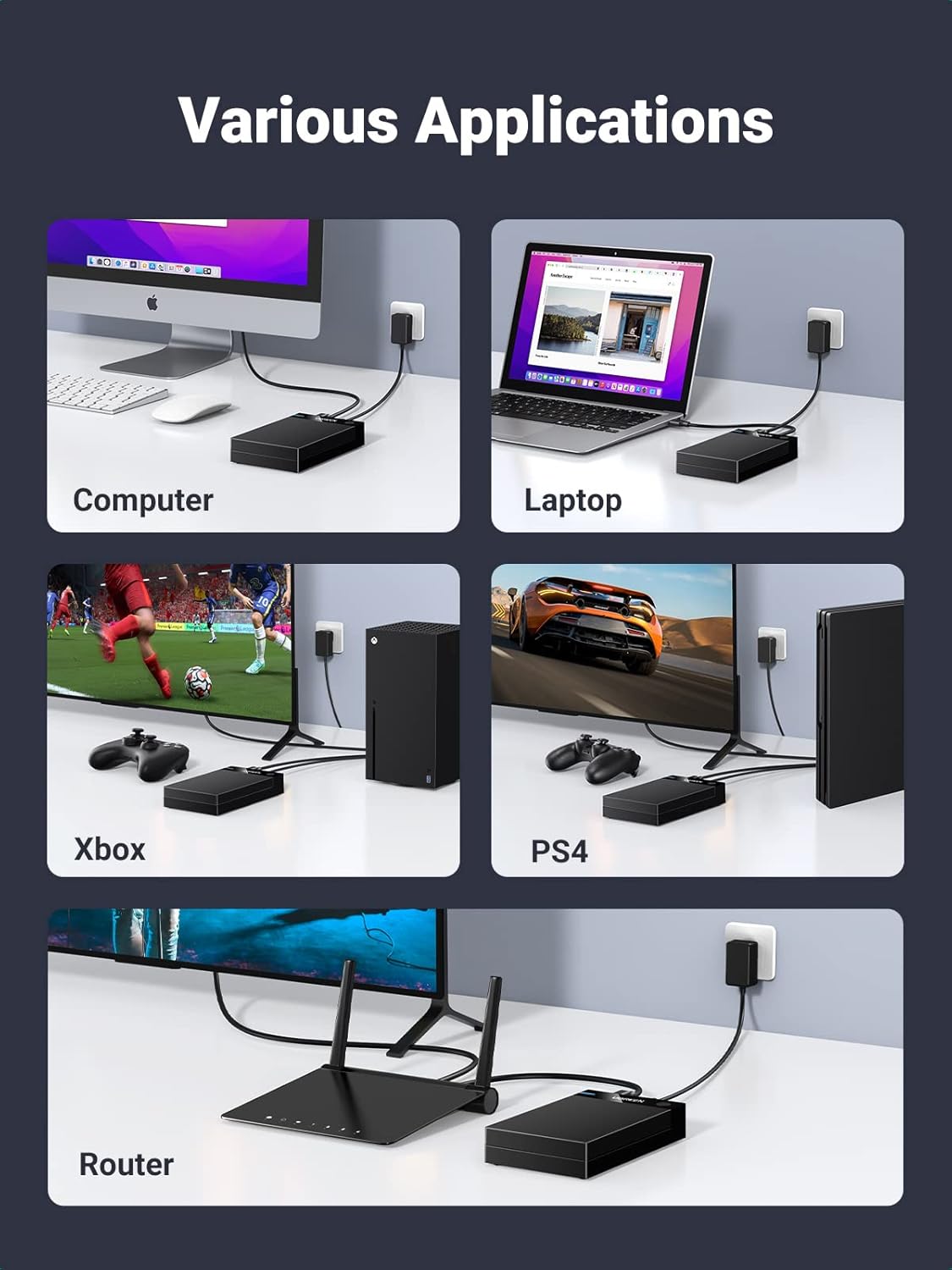
The product offers broad operating system compatibility with Windows, macOS and Linux, and it is also reported to work with PS4, Xbox One and certain Android TV boxes for media playback. The tool-free, lay-flat mechanism simplifies drive swapping and removes the need for screws or tools. The included external power adapter ensures that 3.5 inch mechanical drives receive sufficient power, which is not always possible from USB ports alone. 😎
Usage Recommendations
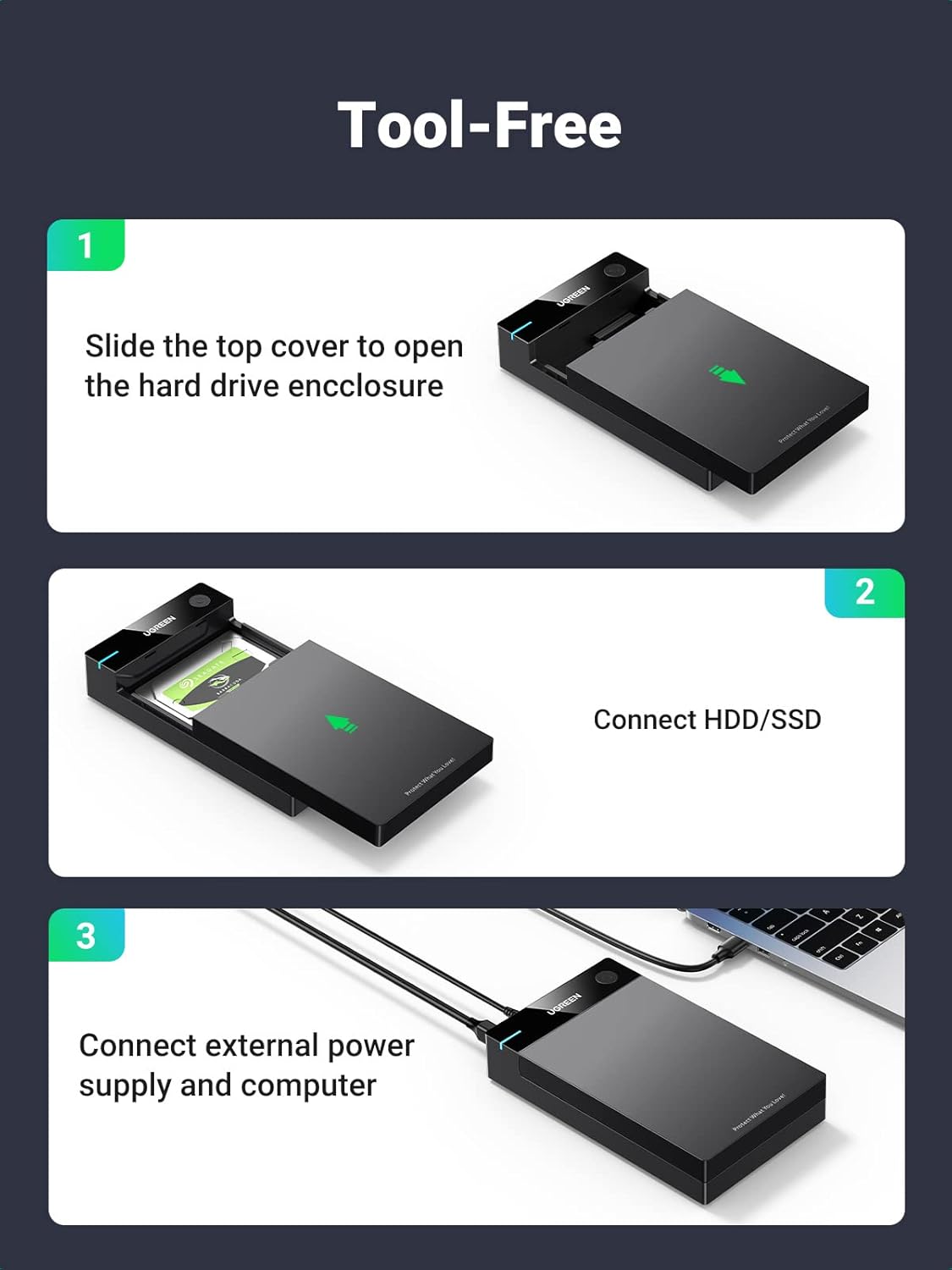
To install a drive, slide off the top cover, insert the SATA drive into the bay until it seats, attach the DC adapter and connect the USB cable to your host device, then press the power switch on the top. Watch the blue LED for power and activity indications; it glows steadily when powered and flashes during data transfer. Consider safely ejecting the drive from the operating system before switching the enclosure off or unplugging the USB cable to avoid file system errors. 🔧