


TP-Link RE815XE AXE5400 Tri-Band WiFi Extender
Product description
Key features
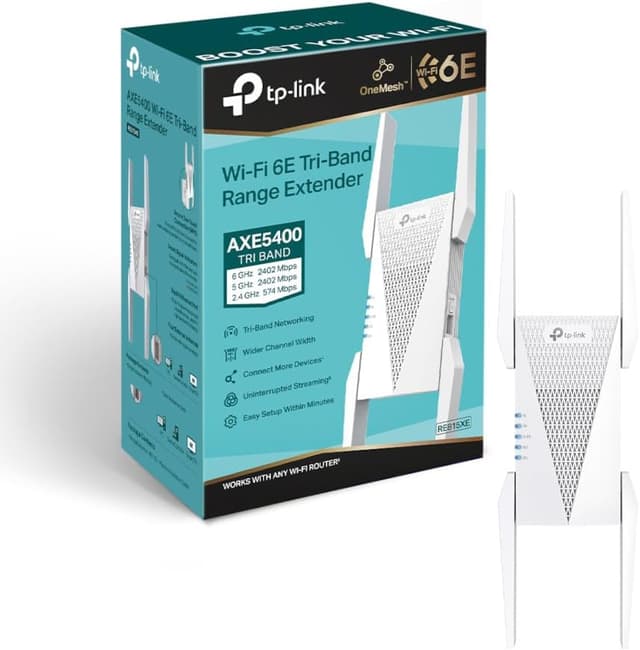
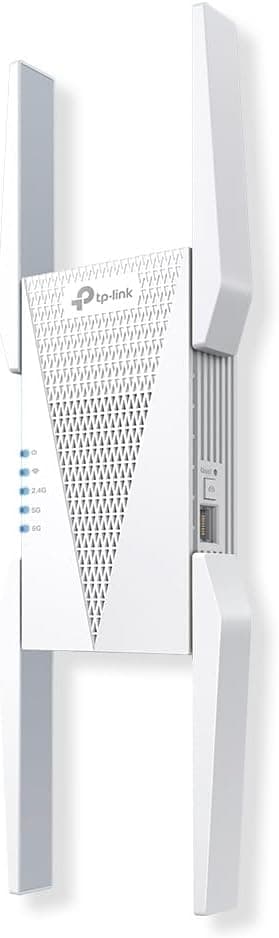
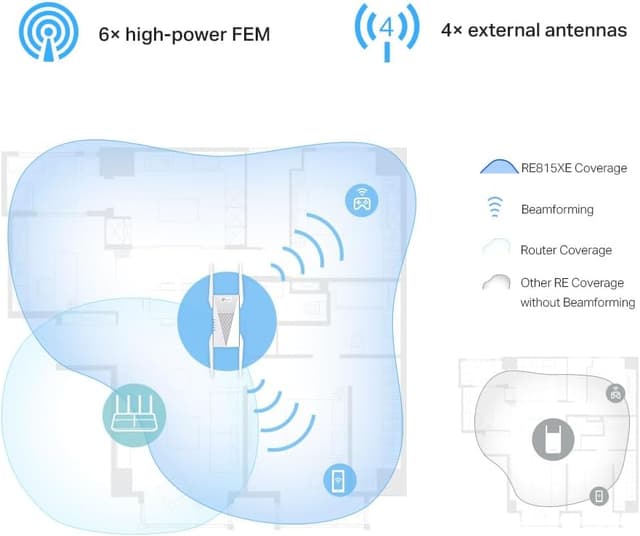
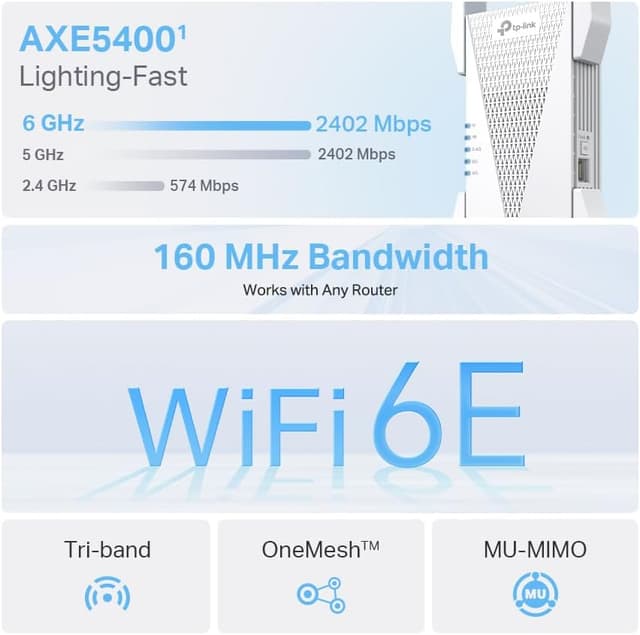
The TP-Link RE815XE boosts your home or small office network with a substantial increase in wireless performance. It supports AXE5400 speeds across three bands, delivering smoother 4K streaming, quicker downloads and more reliable video calls in homes with multiple devices. The device is designed to minimise interference by dedicating a 6 GHz band to clear airwaves and reduce congestion, which helps maintain strong connections even in crowded environments. Simple setup means you can get online quickly, either by pressing the WPS button or via the Tether App, and Smart Roaming helps you stay on the fastest path as you move around your space. This extender is compatible with common TP-Link mesh ecosystems, providing a practical upgrade path for expanding coverage without a full replacement of your existing router.
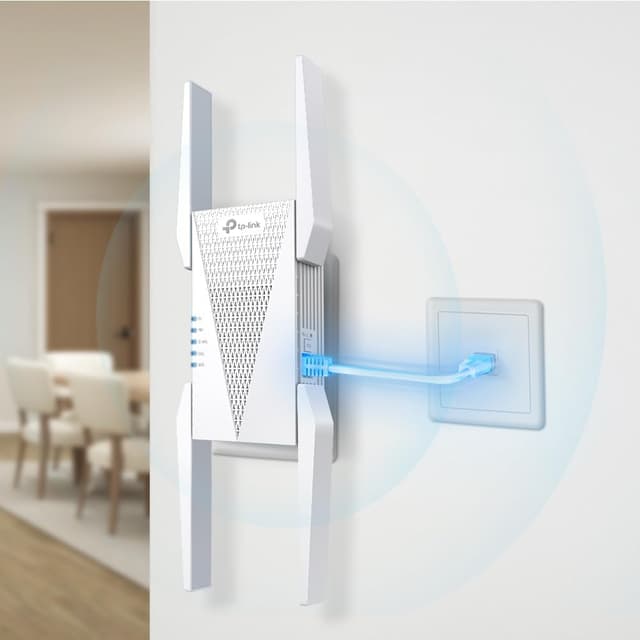
In everyday use, the RE815XE acts as a practical range booster that keeps devices connected as you move through rooms. The 160 MHz channel bandwidth doubles the network speed compared with traditional 80 MHz extenders, making it a sensible choice for households with multiple smart devices, streaming boxes and laptops. Its built‑in access point mode helps extend wired networks wirelessly, offering flexibility for guests or home offices. The compact form factor and straightforward setup reduce complexity, so you can focus on what matters most: reliable internet access for work, study and entertainment.
Tech specs
- Name: TP-Link RE815XE AXE5400Mbps Tri-Band WiFi Extender
- Type: WiFi range extender
- Format: N/A
- Size: 120 x 75 x 70 mm
- Weight: 280 g
- Dimensions: 120 x 75 x 70 mm
- Material: Plastic
- Colour: White
- Display: None
- Resolution: N/A
- Refresh rate: N/A
- Processor: N/A
- Memory: N/A
Usage tips
For households needing dependable WiFi expansion, this extender offers a straightforward upgrade path. Place it midway between your router and the farthest rooms, avoiding physical obstructions like thick walls where possible. If you prioritise a seamless roaming experience, enable Smart Roaming and ensure your devices are configured to use the new network name where appropriate. The built‑in access point mode can be convenient for turning a wired network into a wireless one, ideal for guest networks or a home office setup. Remember that real‑world speeds depend on your existing router, service plan and home layout, so use the 6 GHz band strategically where device density is highest. 🛠️💡