


TP-Link Deco XE75 AXE5400 Mesh Wi‑Fi System
Product description
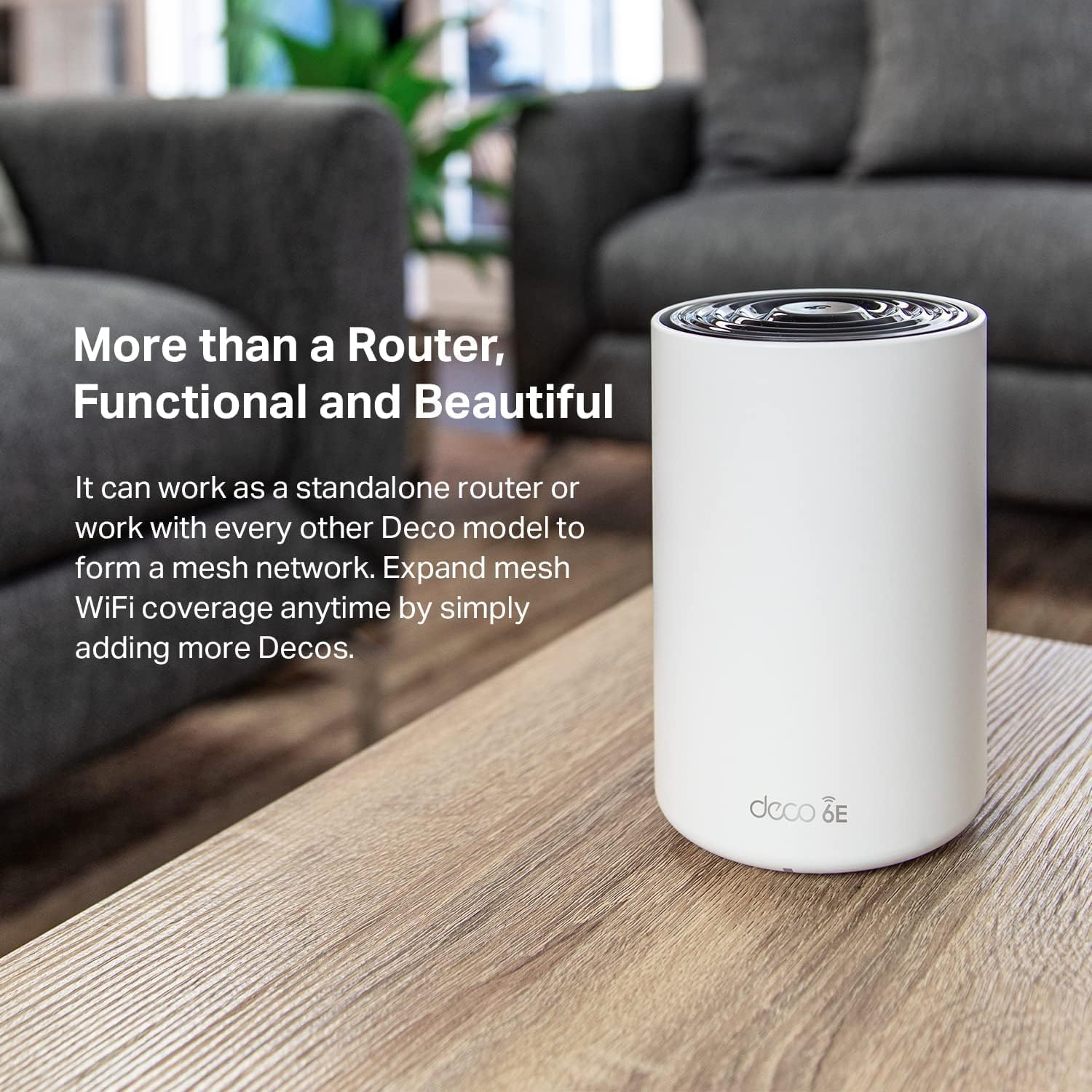
This mesh Wi‑Fi system from TP‑Link aims to deliver consistent whole‑home coverage, combining Wi‑Fi 6E performance with easy setup and security features. It covers up to 2,900 ft2 and manages many devices while reducing dead zones and buffering, making streaming and meetings more reliable. If you need stable connections across multiple rooms, this unit focuses on network reach and device density.
The essentials
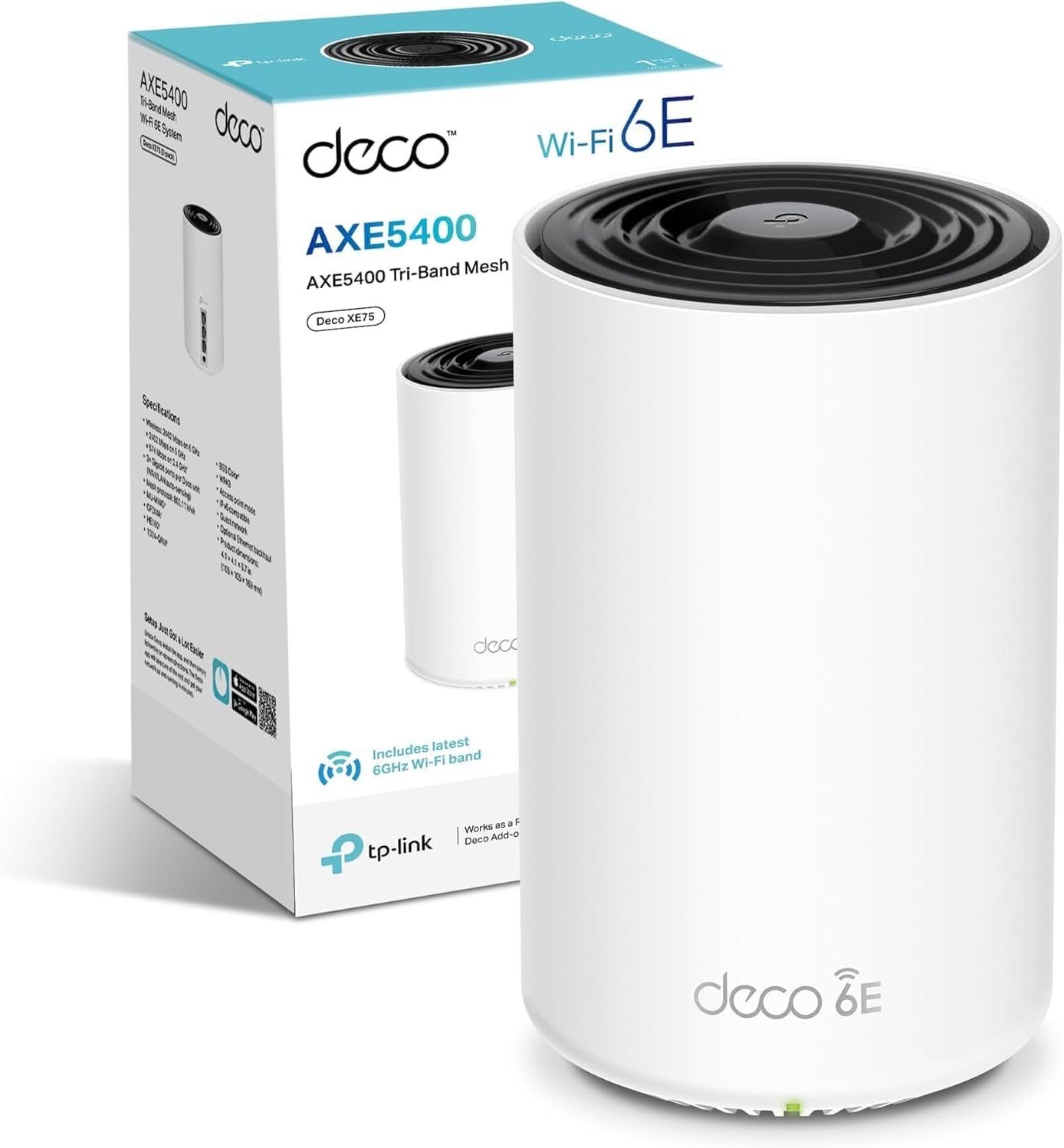
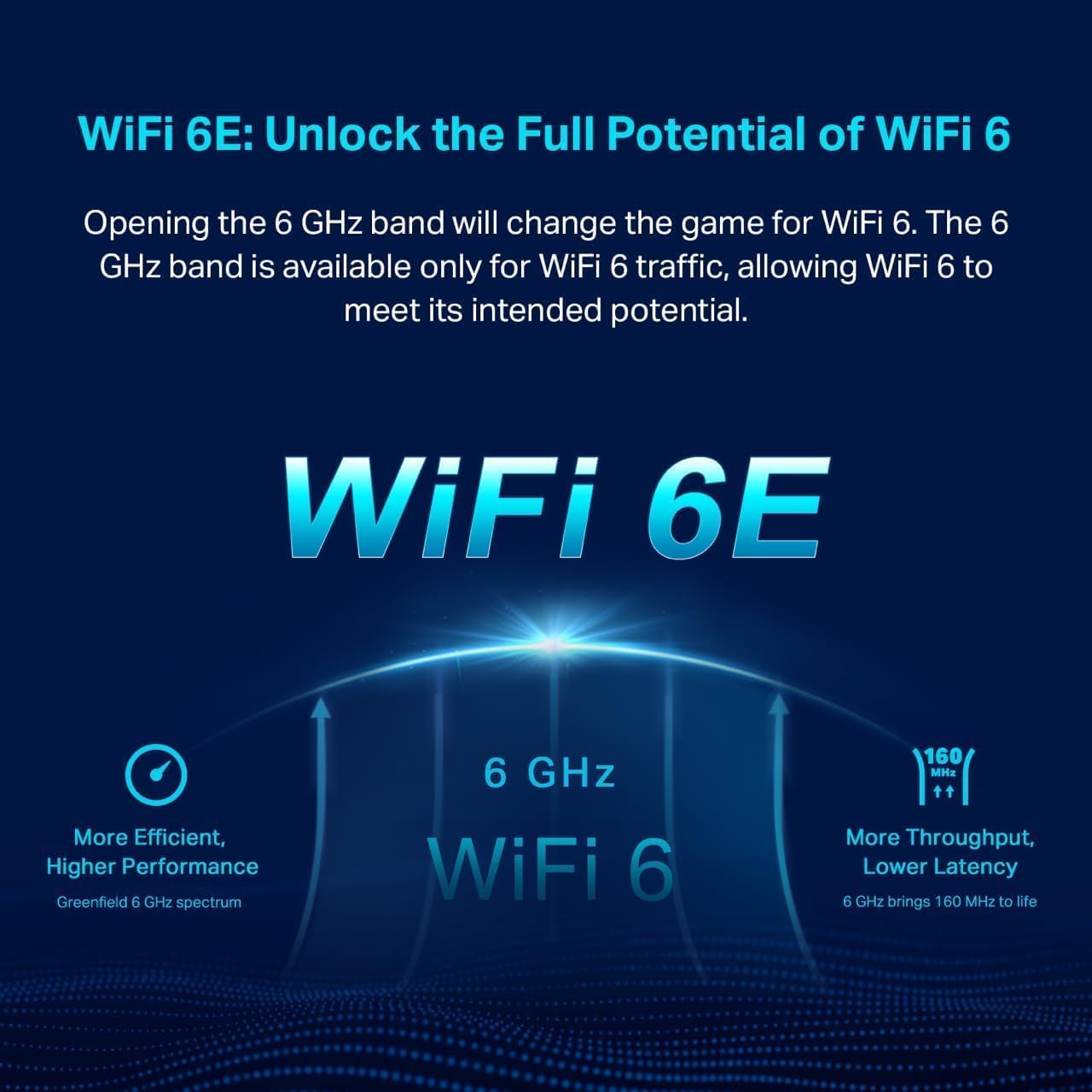
The Deco XE75 brings tri‑band Wi‑Fi 6E speeds and a single network name for seamless roaming around the home. According to the manufacturer, it supports up to 5,400 Mbps aggregated throughput and can handle up to 200 connected devices. The app led setup walks you through installation step by step, and Alexa compatibility adds simple voice control for basic network tasks.
Tech summary
- Name: TP‑Link Deco XE75 AXE5400Mbps
- Coverage: 2,900 ft2
- Capacity: Connects 200 Devices
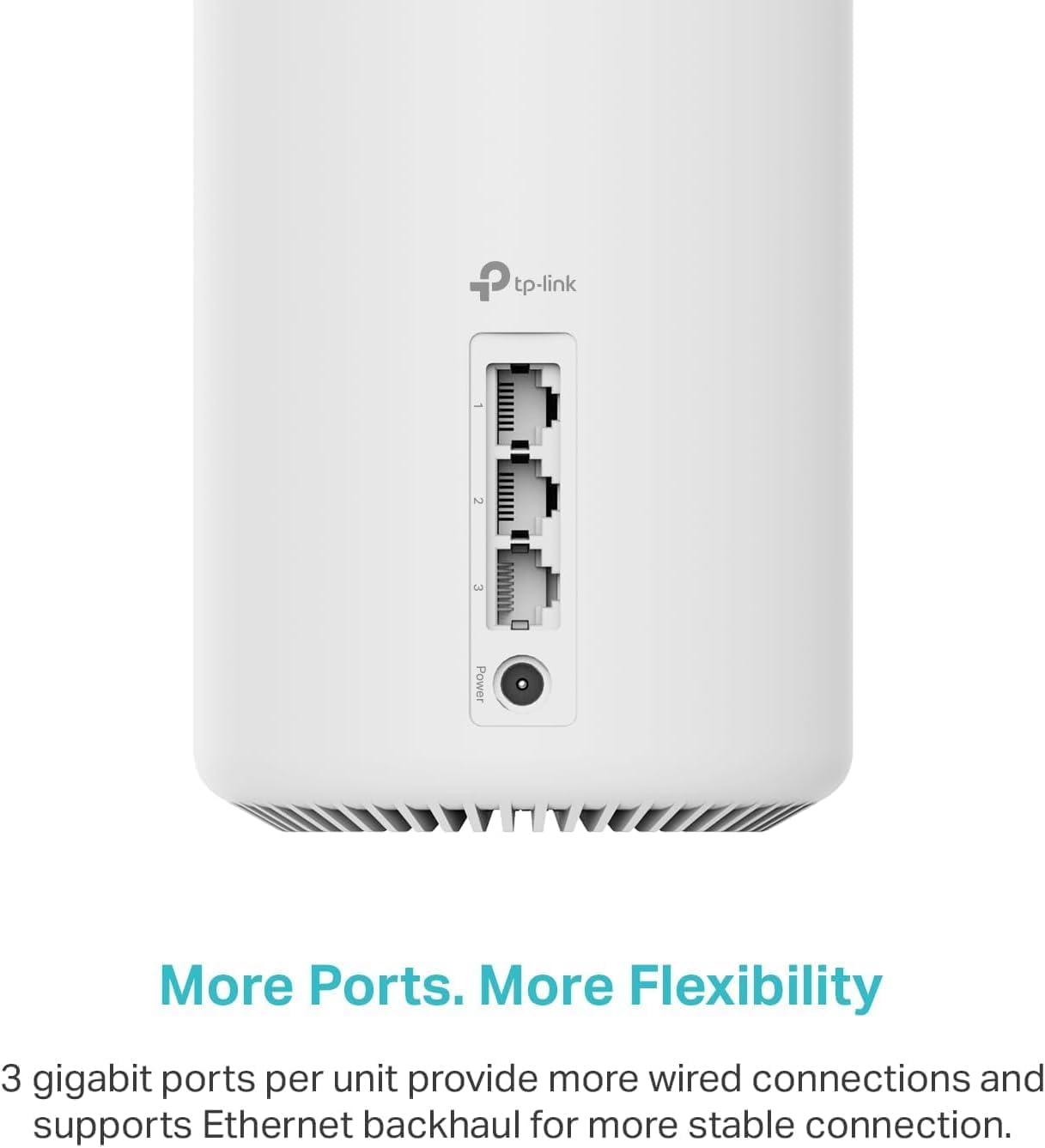
- Ports: 3 Gigabit ports per Deco unit
- Compatibility: Works with any ISP and modem
Where it shines

This system is useful where coverage gaps interrupt streaming or video calls, because the mesh keeps devices on the best band as you move about. The AI‑driven mesh optimises connections dynamically, which can reduce manual tweaking. HomeShield provides router‑level protections for smart home devices, a welcome layer for households with multiple IoT gadgets.
Usage tips
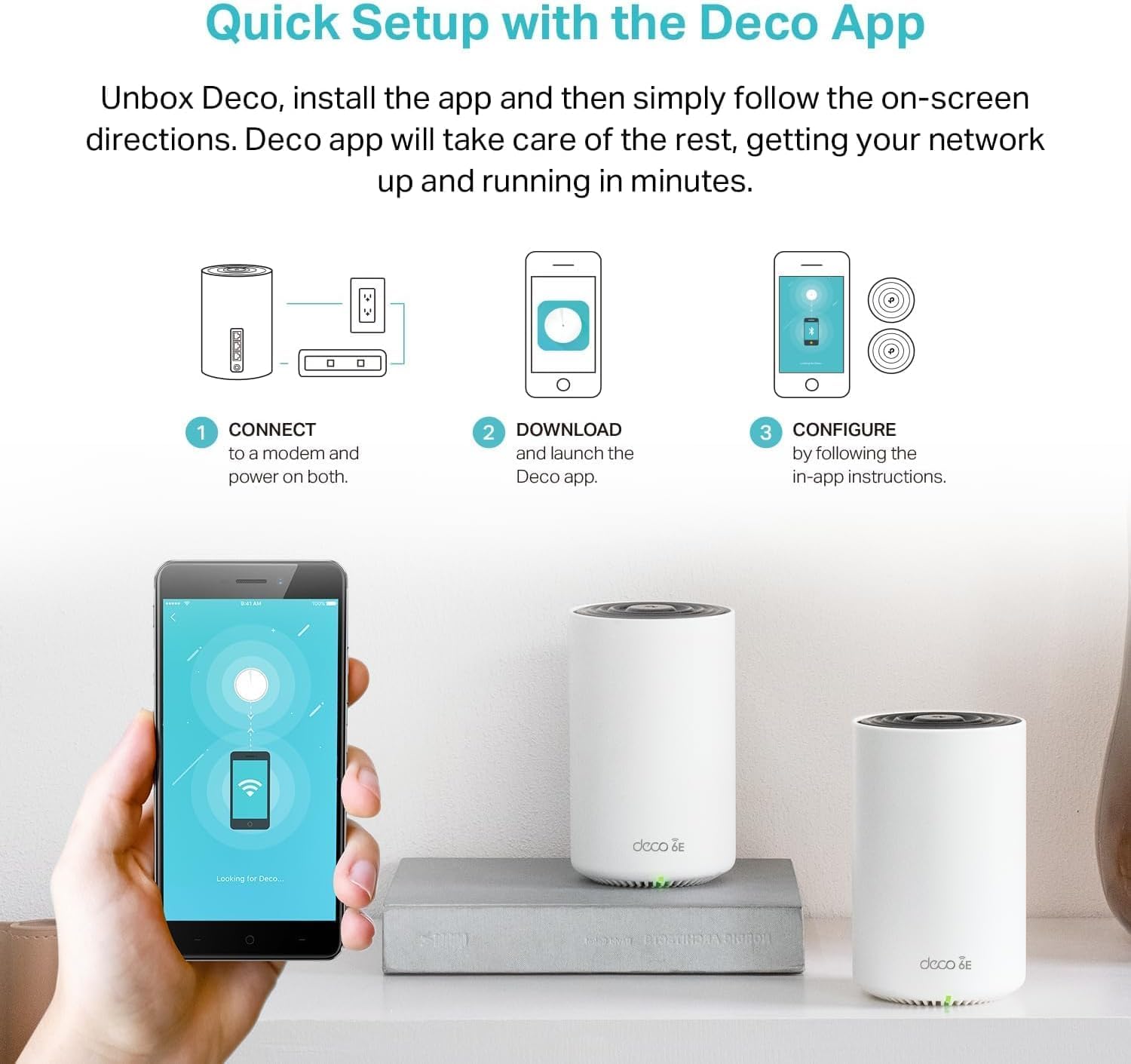
Set up is straightforward using the Deco app, follow the guided steps and place nodes where the signal drops. For denser device environments place a unit near clusters of devices to reduce contention. Remember that real‑world speeds depend on your ISP and placement, and peak figures are according to the manufacturer.