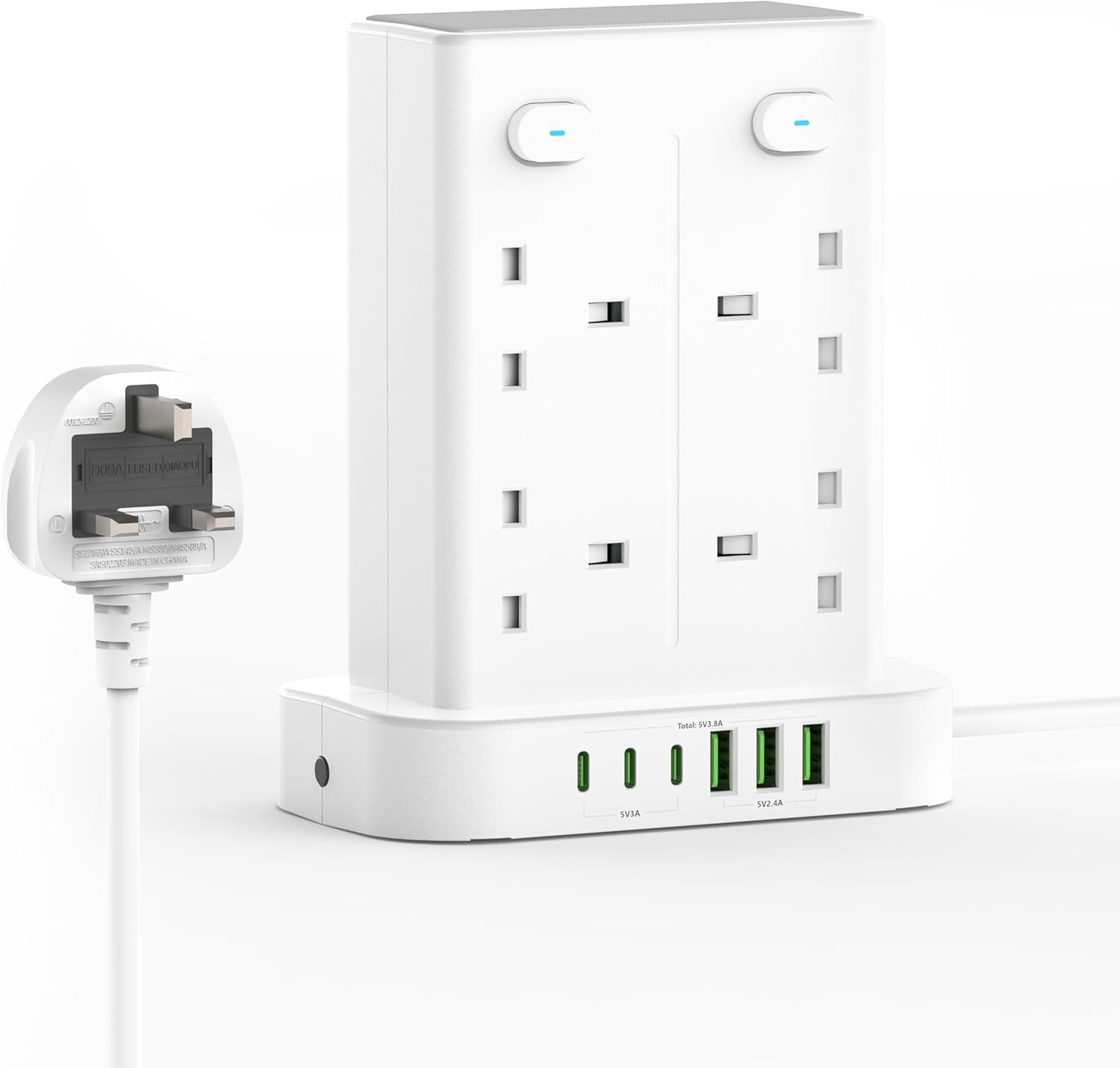
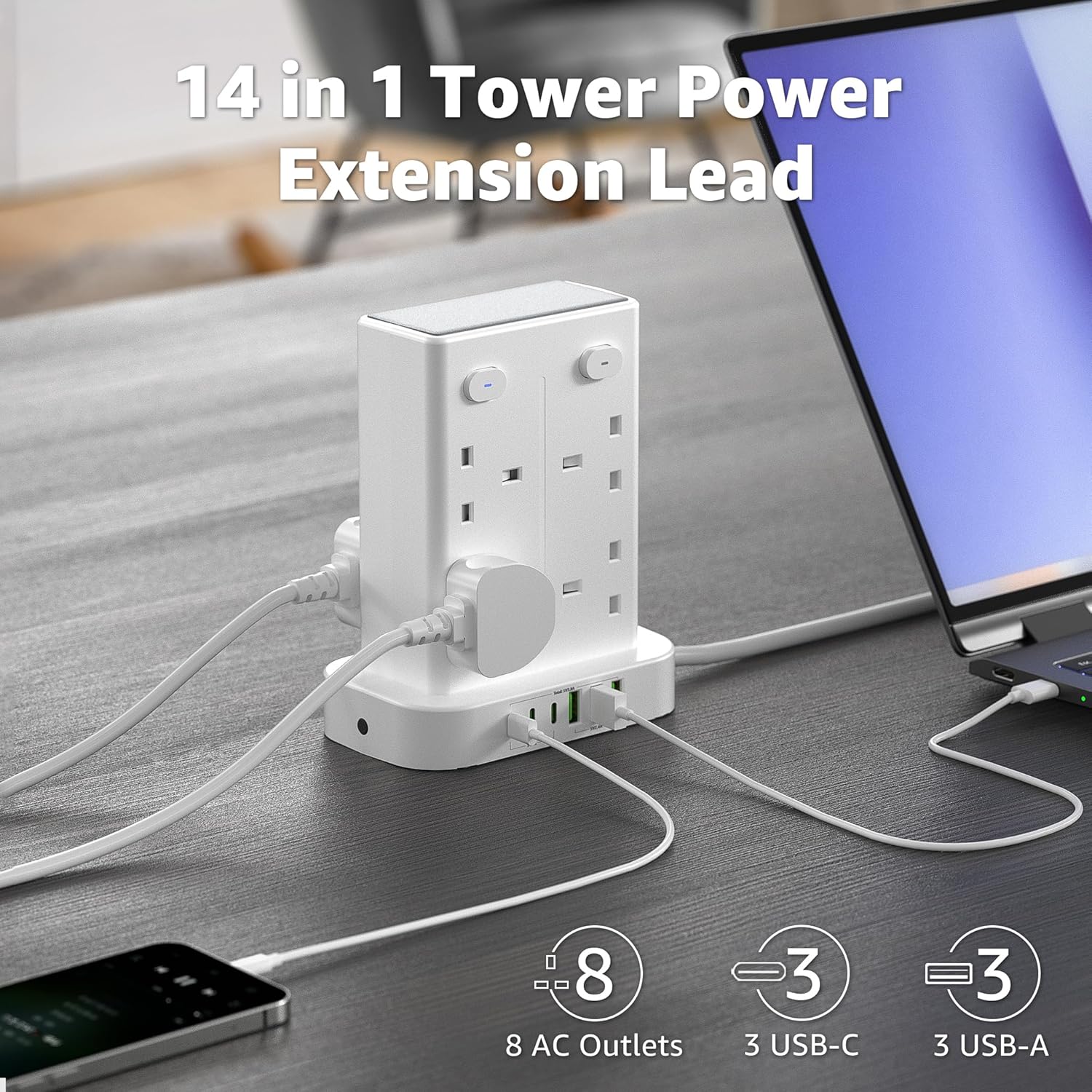
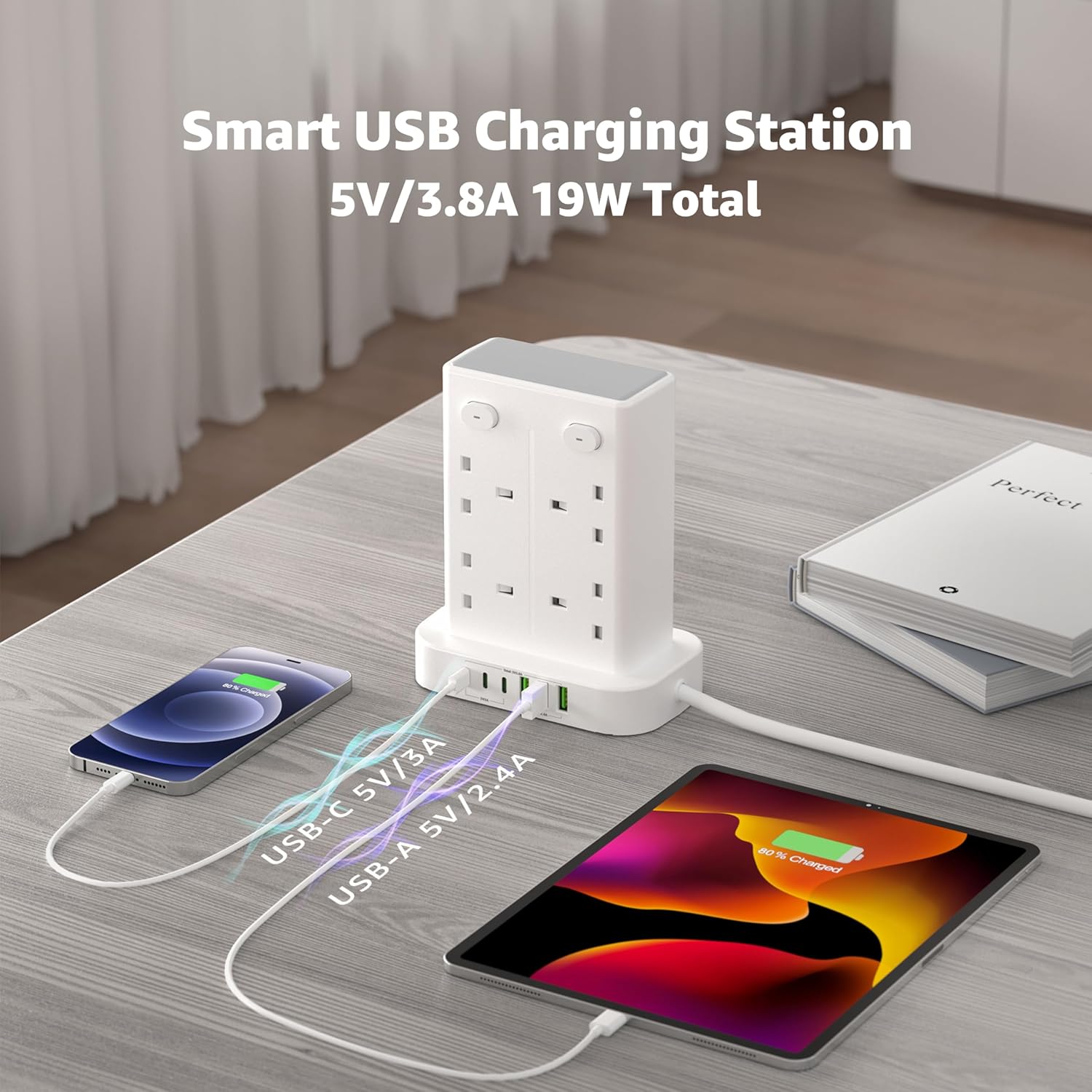
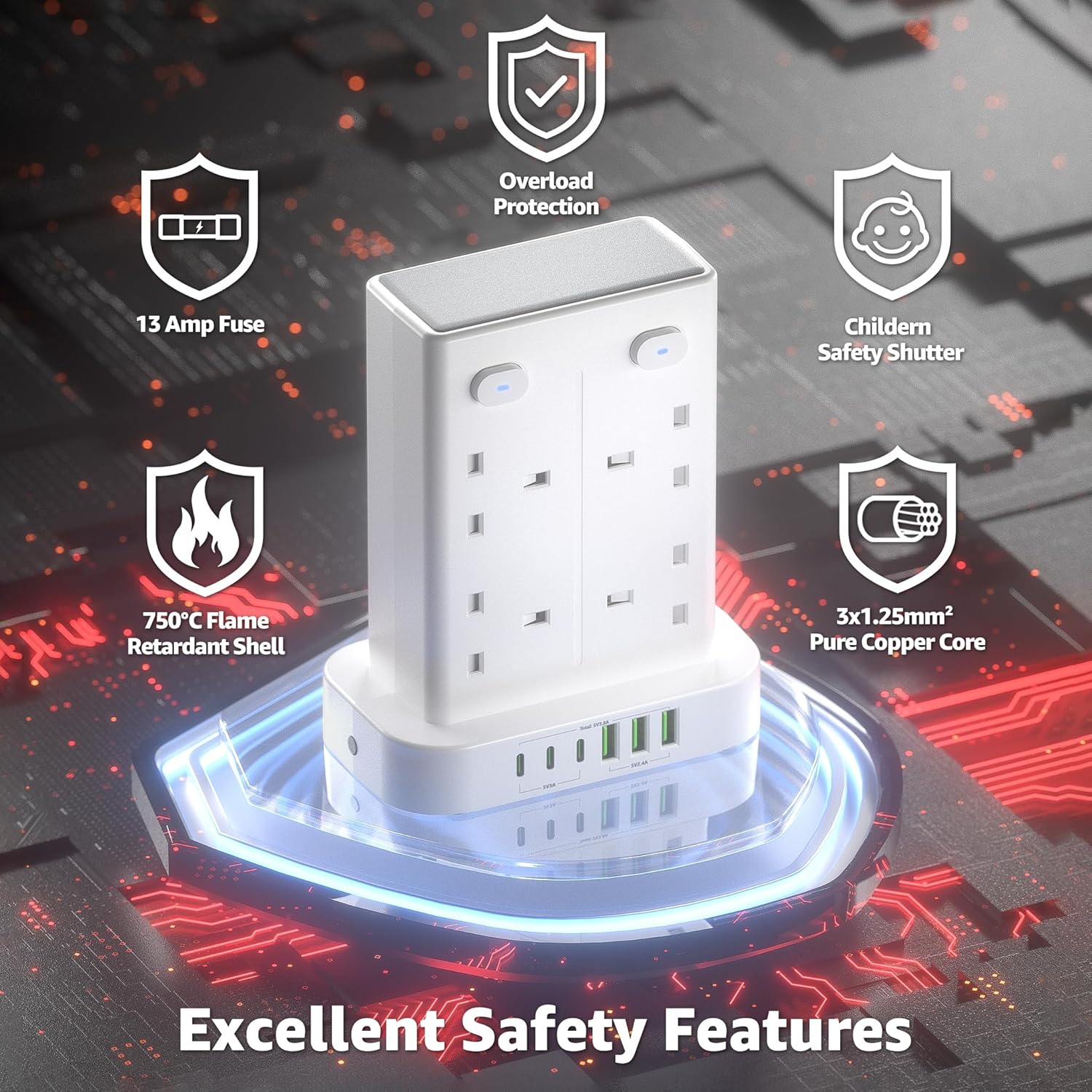
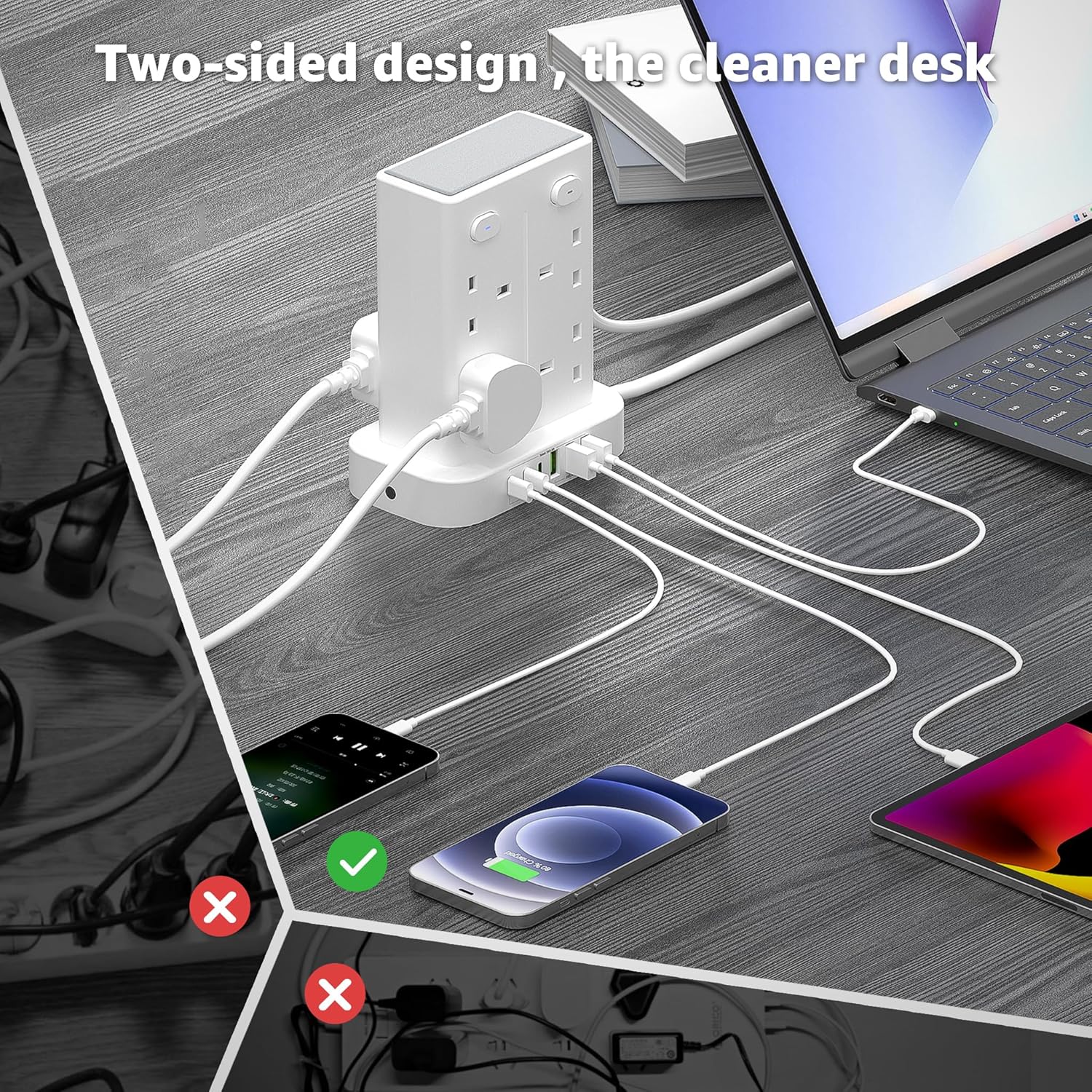
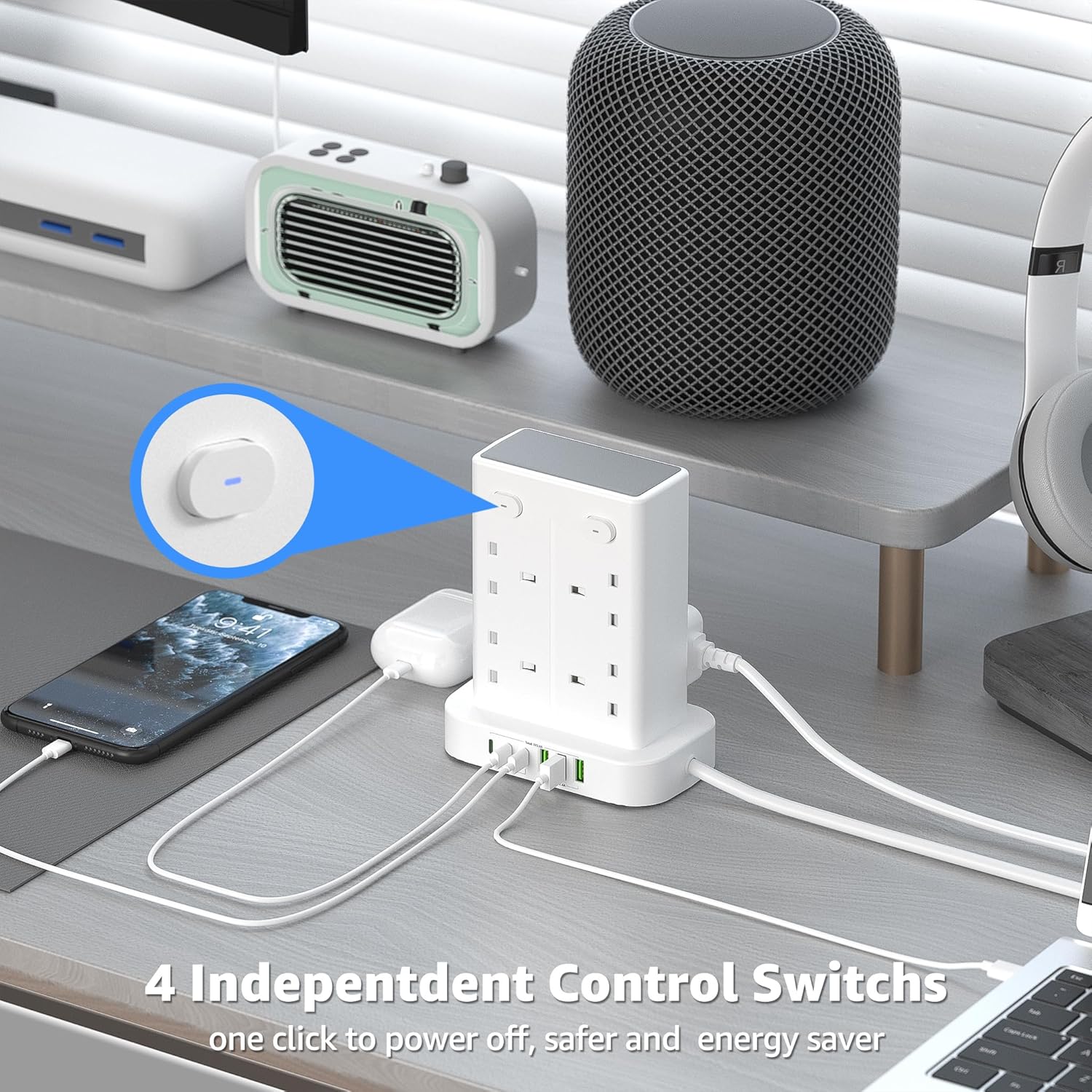
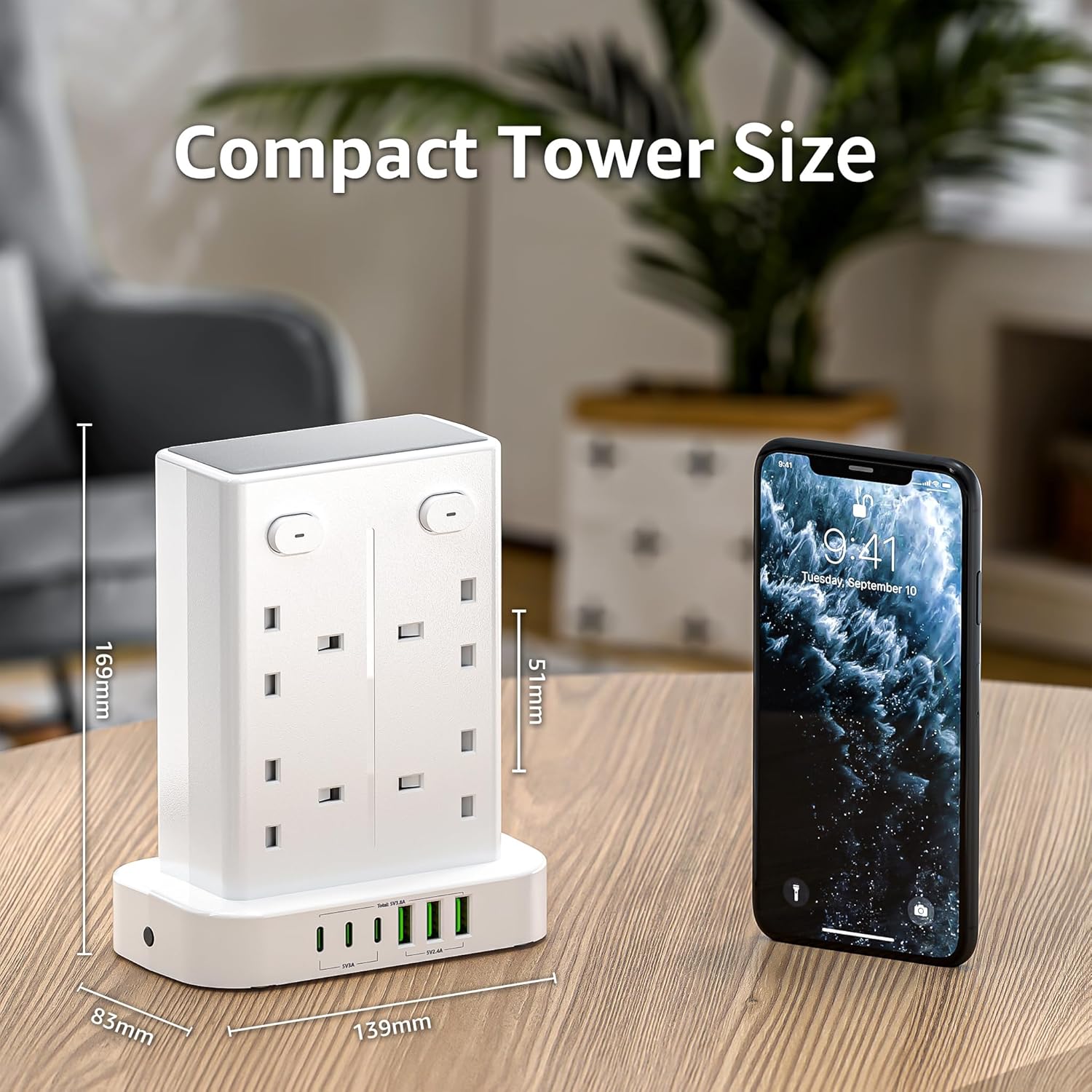
What it is and what it solves\nThis is a tower-style extension lead with eight AC outlets and a total of six USB ports (three USB A and three USB C). It’s designed to help you consolidate power for a desk, kitchen, or home office, keeping cables organised and reducing the need to crawl under desks or reach behind bulky adapters. On paper, it aims to offer convenient charging for multiple devices at once while saving space thanks to its dual-sided tower design.\n\n## How it’s laid out\nThe unit features eight AC outlets arranged in two directions, which is intended to reduce the odds of blocked sockets when large adapters are in use. A set of four independent switches allows you to control groups of devices on each side without unplugging. The 1.8 m power lead provides reach across rooms or workspaces, and the design includes non-slip mats on the base to minimise movement during use.\n\n## Charging capability and safety claims\nSmart IC charging technology is included, meaning the unit attempts to recognise connected devices and deliver an appropriate charging rate. The claimed maximum USB A output is 5 V / 2.4 A per port and USB C is 5 V / 3 A per port. The product is built from high-temperature fire-retardant PC material and includes a built-in safety feature described as a child’s safety door. A fuse and pure copper wiring are noted as part of its safety credentials.\n\n## What stands out in use\nIf you frequently juggle multiple devices at your desk or in a shared kitchen, this tower extension could help reduce clutter and the need to unplug things from wall outlets. The dual-side design means you don’t have to twist or rotate the unit to reach sockets in tight corners. The four independent switches are convenient for powering down groups of devices without messing with individual plugs.\n\n## Limitations and caveats\nWhile the specs imply solid support for common devices, it’s important to note that real-world USB charging speeds can vary depending on the devices connected and the overall load on the extension. The exact distribution of USB power when multiple ports are in use at once isn’t detailed beyond the stated per-port maximum values. If you have power-hungry laptops or drawing near the 13 A limit, you may notice some slowdowns or the need to prioritise essential devices.\n\n## Suitable scenarios\nThis tower is likely to appeal to people who want to declutter a busy workspace: a home office, study desk, or a kitchen counter where several gadgets require charging or connection. It may also fit into small rooms where space is at a premium, thanks to its vertical, two-direction socket layout.\n\n## When it might not be the best match\nIf you rely on very high-wattage equipment simultaneously (for example, certain desktop workstations or power-hungry appliances), you may prefer a setup with higher total capacity or dedicated outlets. Also, if you need individual monitoring of each socket’s usage, you’ll want to look for a device that offers more granular power management data.\n\n## What to check before buying\n- Confirm the device dimensions don’t conflict with furniture or behind furniture you plan to place it near.\n- Consider whether you need more USB-C or USB-A ports and whether the 5 V max per port suits your devices.\n- Think about the room where you’ll place it and whether the dual-side socket orientation truly frees up space where you need it.\n- Check the warranty and any safety certifications specific to your region.\n\n## Practical usage example\nImagine you’ve got a laptop, a tablet, a smart speaker, a phone, and a couple of charging bricks on your desk. With the 4 independent switches, you could power down all non-essential devices at the end of the day with a single flip, while keeping essential devices plugged in and ready. The USB ports would handle everyday charging without cluttering nearby wall sockets.\n\n## FAQ (quick reference)\n- How many sockets are there in total? Eight AC outlets plus six USB ports (three USB A and three USB C).\n- Is the lead length suitable for a typical home or office setup? The unit includes a 1.8 m power lead, which should cover most desks and workstations.\n- Are there safety features for households with children? Yes, the product mentions a child safety door as part of its safety suite.\n- Can I control sockets individually? The extension has four independent switches spread across both sides, designed to let you power down groups of devices without unplugging.\n\n## Is it worth it? Final thoughts\nWorth considering if you need to consolidate many devices on a single desk or counter and want to keep cables neat with separate on/off control. It may not be the best fit if you frequently run very high-wattage equipment at once or if you need detailed per-socket power management data. If prioritising space saving and orderly charging for a mixed mix of USB devices and mains-powered electronics, this tower extension offers a reasonable balance of capacity, convenience and safety features.