

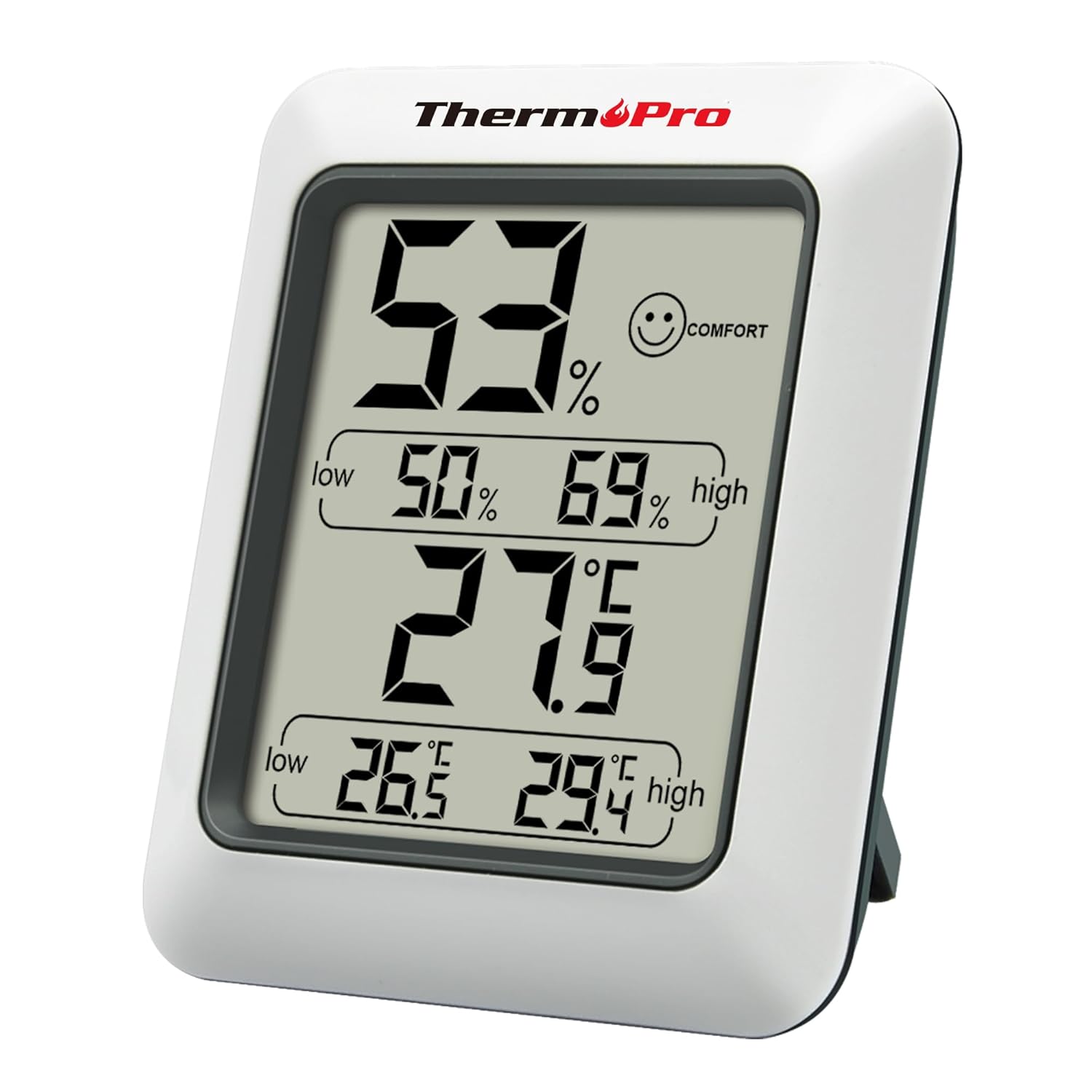
ThermoPro TP50 Digital Thermo-Hygrometer: indoor temperature and humidity monitor with max/min recording
Product description
What it is and what it’s for
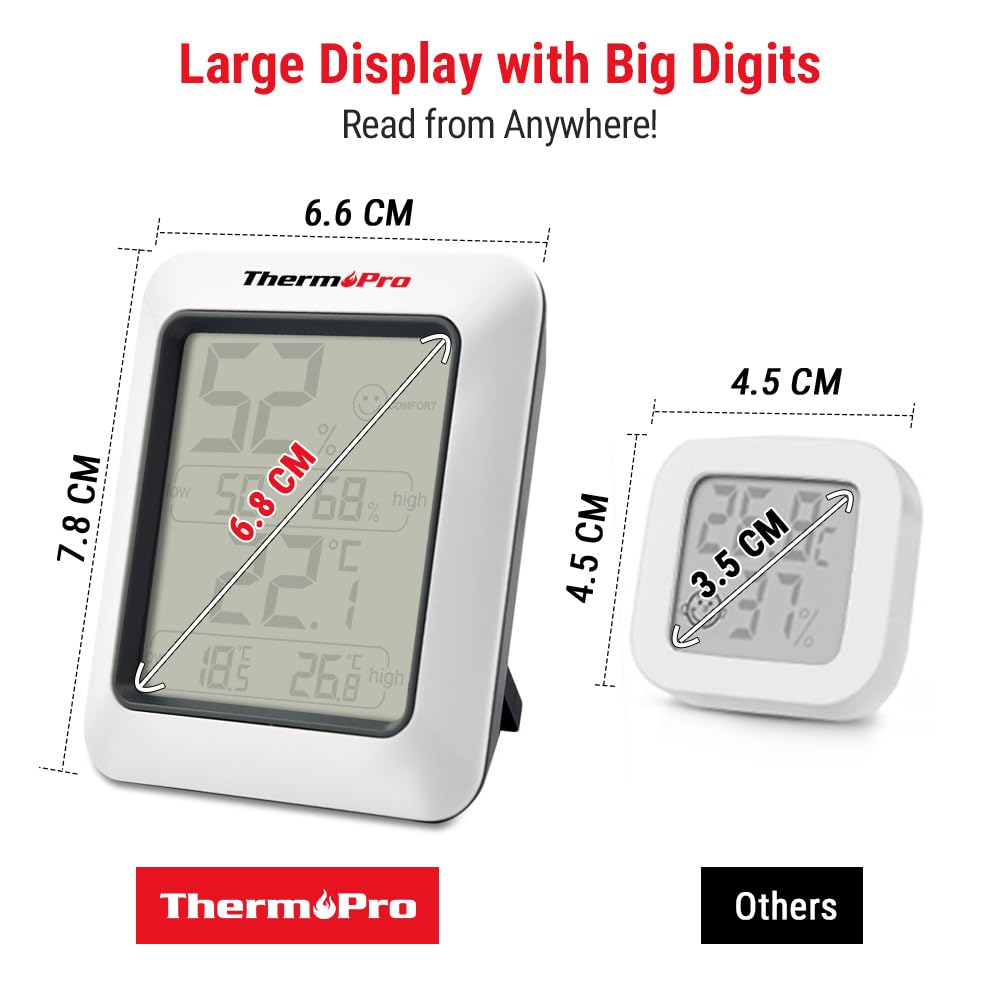
The ThermoPro TP50 is a digital thermo-hygrometer designed to monitor both temperature and humidity indoors. On paper, it’s aimed at the simple day-to-day question many households (and offices) have: “Is the room feeling a bit too dry or too damp, and what are the numbers saying?”
It combines a thermometer and a hygrometer in one compact unit, giving you a temperature reading and a humidity reading in the same place. There’s also a built-in room climate indicator that uses symbols to give you an at-a-glance sense of whether conditions are leaning dry, comfortable, or damp.
If you want a practical device for room climate control—without installing anything—this is the sort of monitor you’d keep on a desk, shelf, or by the thermostat area and check when you’re airing a room, running heating, or noticing how the air feels.
Where the TP50 stands out in daily use
The most noticeable difference vs “just a readout” monitors is the climate indicator. Instead of making you interpret humidity percentages every time, the TP50 displays current temperature and humidity using symbols: a dry/wet style indicator plus a comfort state. If the room is too damp or too dry, the indicator turns into an unhappy symbol, which is a subtle but helpful prompt that something may be worth adjusting.
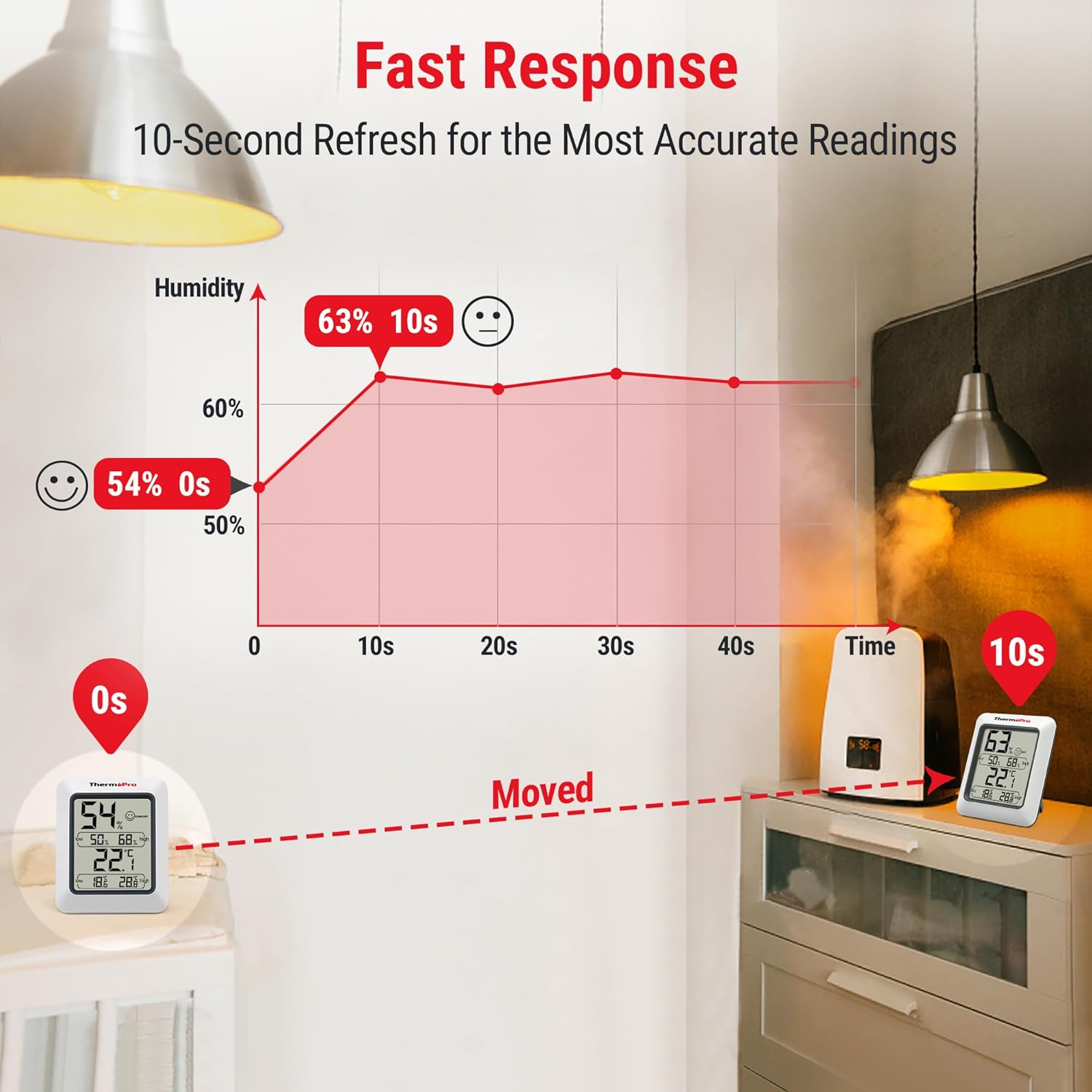
It also refreshes automatically every 10 seconds, which matters if you’re trying to understand changes after opening a window or turning a heating system on/off. You’re not stuck staring at a display that only updates slowly, so on short timeframes the readings feel more responsive.
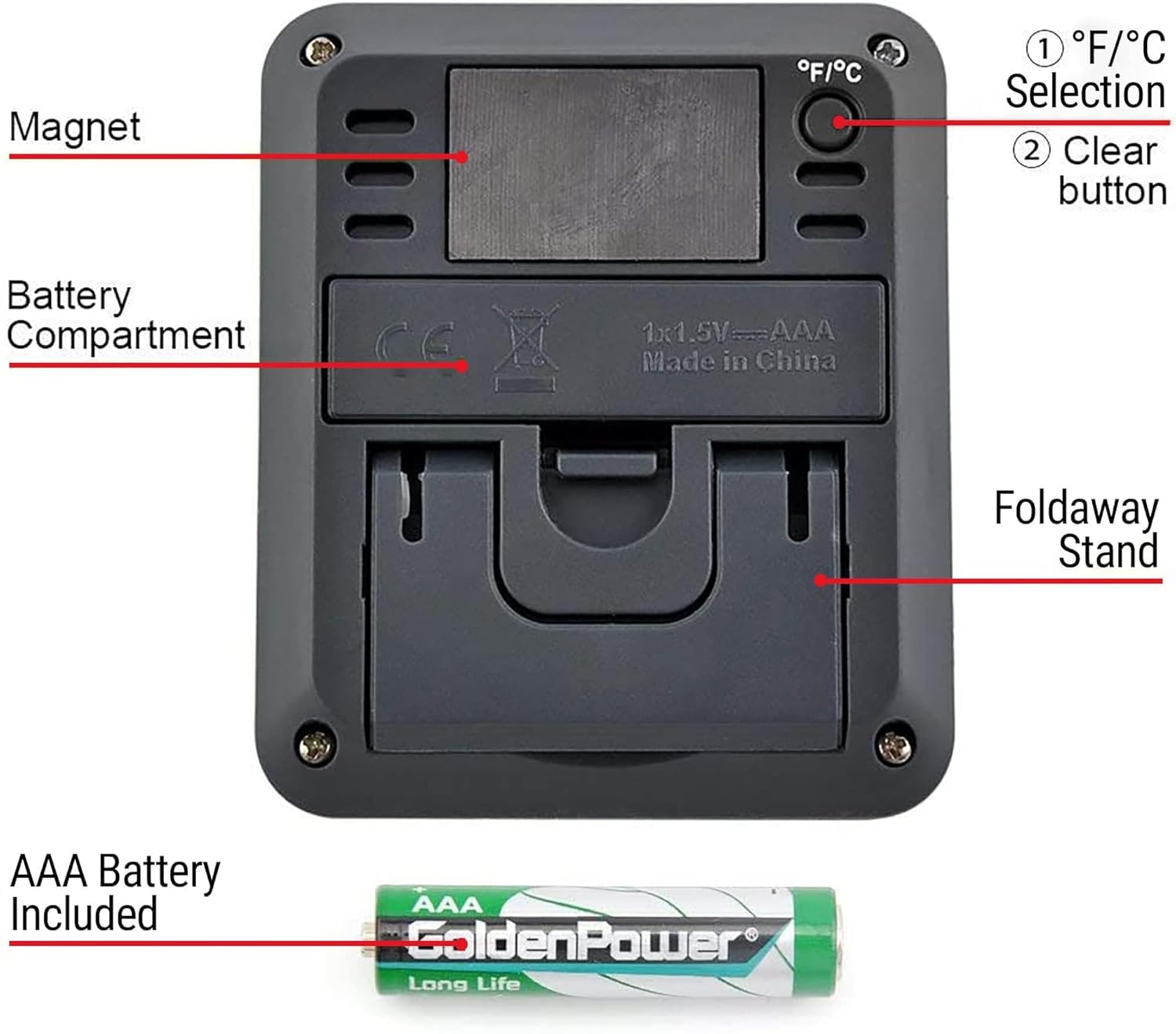
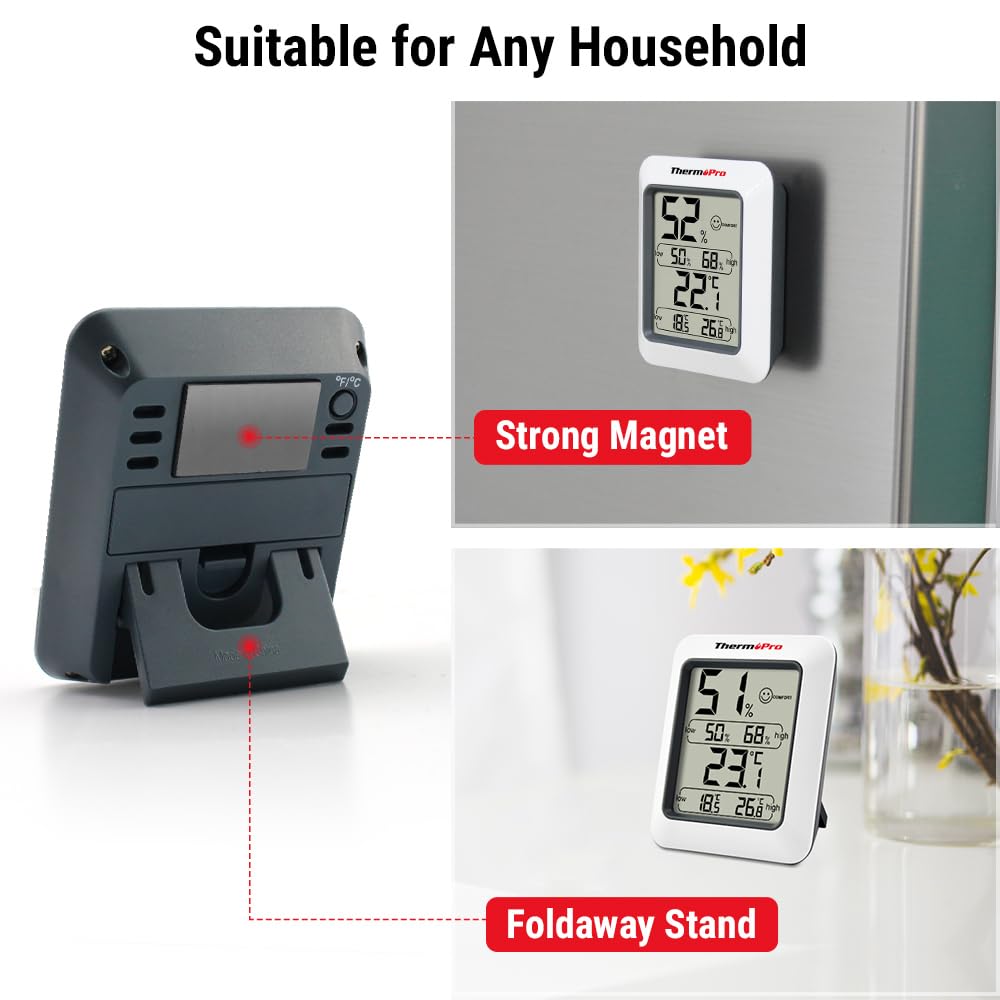
Finally, the unit supports tabletop placement and a magnet mount, so you can put it where you’ll actually see it. Depending on your setup, that could be near a radiator, by a home office desk, or in the room you use most.
Key points to consider before buying
You get broad measurement ranges: temperature between -50°C and 70°C, and humidity between 10% and 99%. That coverage is useful for indoor monitoring and for people who like to keep an eye on wider extremes.
However, there are a couple of “read the fine print” moments. First, this is a room monitor: it can tell you what the air is like, but it can’t automatically correct the humidity for you. So if you’re expecting an active solution (like a humidifier/dehumidifier doing the work), you’d still need the relevant equipment.
Second, the comfort indicator helps with quick interpretation, but it’s still a general guideline based on humidity and temperature. If you’re trying to manage very specific requirements (for example, strict conditions for a particular sensitive setup), you’ll likely want to rely on the actual humidity numbers rather than the symbol alone.
Tech specs (the parts that tend to matter)
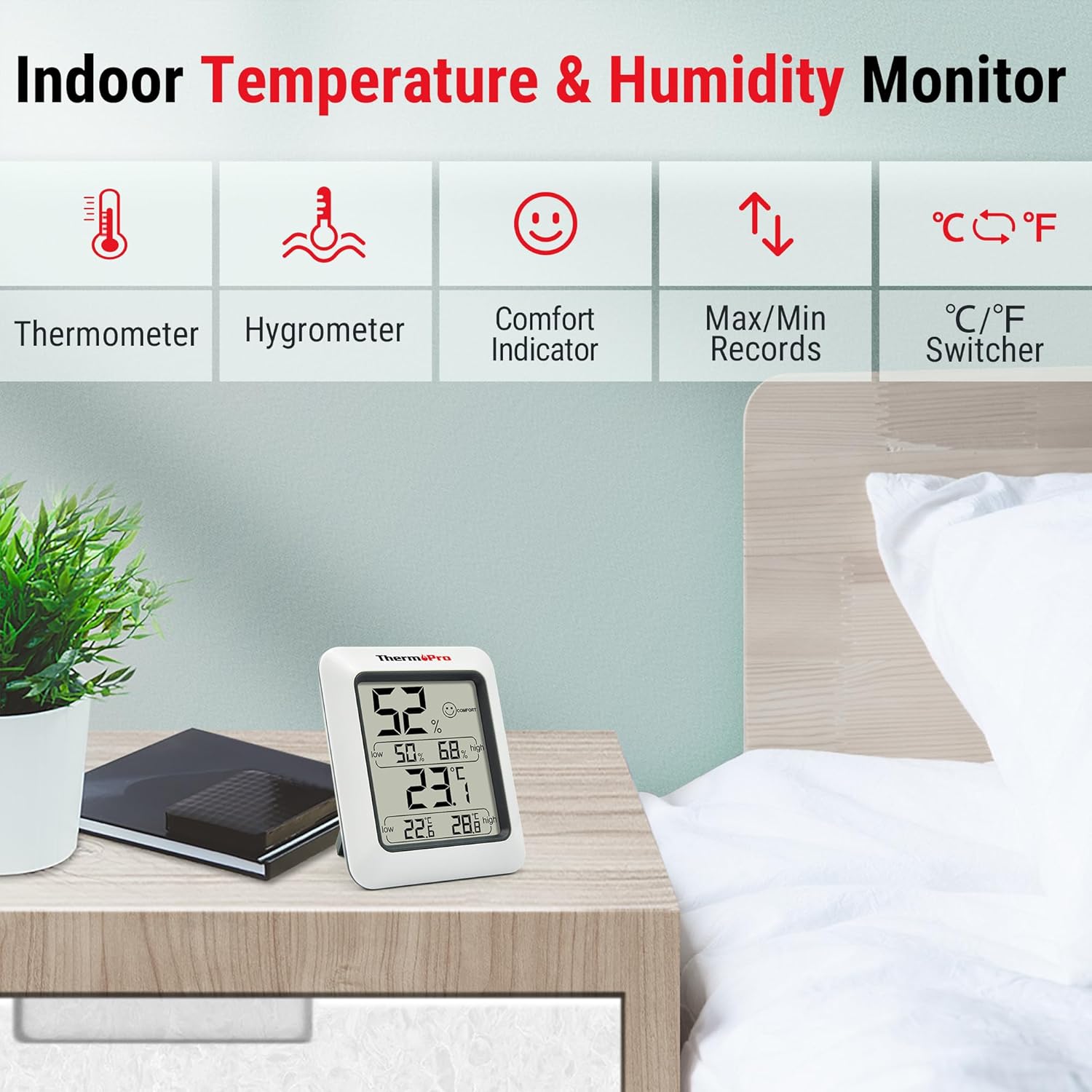
- Type: Digital thermo-hygrometer (temperature + humidity monitor)
- Temperature range: -50°C to 70°C
- Humidity range: 10% to 99%
- Temperature units: °C or °F selector
- Automatic update rate: readings update every 10 seconds
- Indoor climate indicator: dry / comfort / wet symbols with an unhappy symbol for too damp or too dry conditions
- Mounting: tabletop and magnet mountable design
- Power: AAA battery
- Recording: includes max and min recording
Getting the most from it at home or in the office
A practical way to use the TP50 is to treat it like a quick feedback loop for your usual routine. For example: you notice your office desk area feels a bit uncomfortable during winter heating. You check the device, then open the window for a short airing. Because it updates every 10 seconds, you can observe whether humidity starts moving towards comfort, rather than guessing.
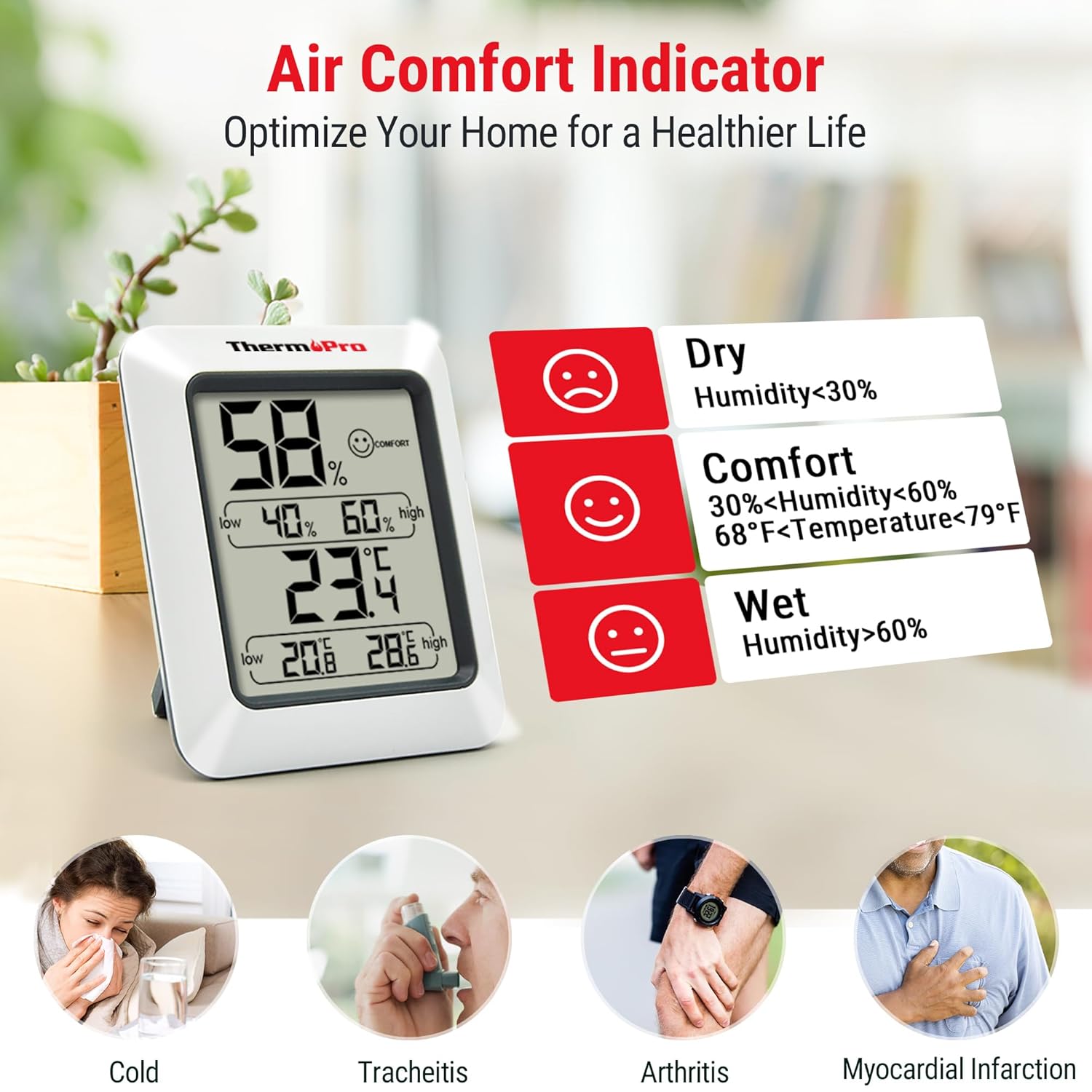
If you’re sensitive to air quality (or you just want to be more deliberate about ventilation), the “healthier home” angle makes sense as an everyday motivator. Keeping indoor humidity within a reasonable band can be relevant for skin comfort and allergen-related concerns, although exact outcomes depend on your broader environment.
Where this device is strongest is consistency: it’s easy to place in the room you care about most, and it gives you both temperature and humidity without extra steps.
Should you buy it?
It’s worth considering if you want a straightforward indoor temperature and humidity monitor with max/min recording, quick updates, and a room climate indicator that helps you interpret conditions instantly. The tabletop + magnet mount options also make it easier to fit into a real home or office setup.
You may want to skip it if you only care about one metric (temperature or humidity), or if you expect the device to actively control humidity by itself. It also may not suit you if you need highly specialised control beyond general “dry/comfortable/wet” guidance.
In short: the TP50 feels like a sensible, mid-range style indoor monitor—useful for everyday climate checking, not a full climate-management system.
Mini FAQ
Does the TP50 show both temperature and humidity at the same time?
Yes. The product is described as a combined thermometer and hygrometer, displaying temperature and humidity together.
How often does it update the readings?
It automatically updates every 10 seconds.
Can you switch between Celsius and Fahrenheit?
Yes, it includes a °C or °F selector.
How do you mount it?
It’s designed for tabletop placement and it can also be mounted using the magnet design.
Does it record maximum and minimum values?
Yes, it includes max and min recording.