

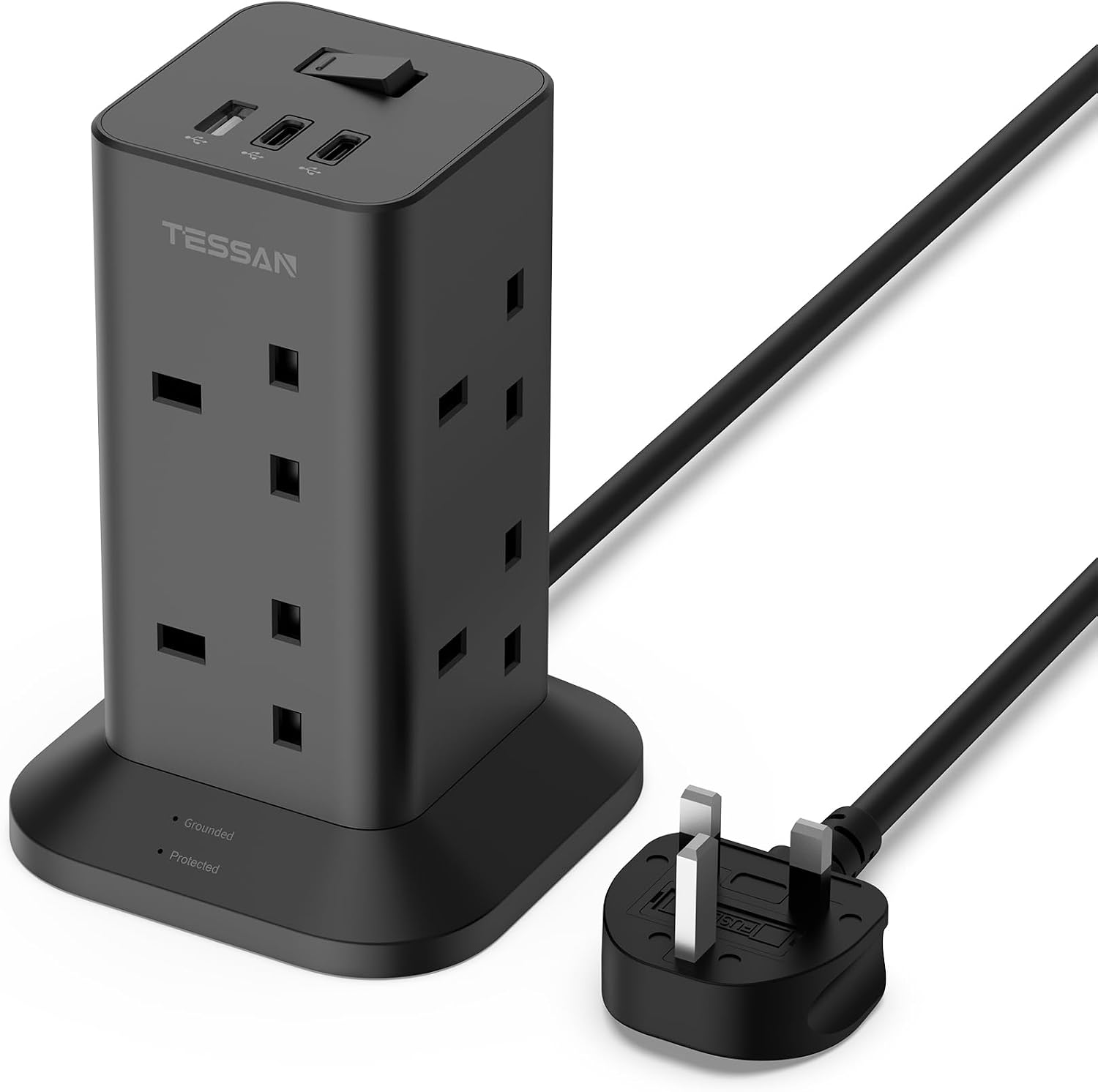
TESSAN Tower Black 8-Way Extension Lead with USB-C and USB-A Ports (2m) — Surge Protected
Product description
What it’s for (and why a tower design matters)
A multi-socket extension lead with built-in USB charging is one of those products that sounds simple… until you actually live with it. This TESSAN tower extension lead is designed for exactly that everyday mess: multiple devices need mains power at the same time, and you still want a couple of charging ports without reaching for another adapter.
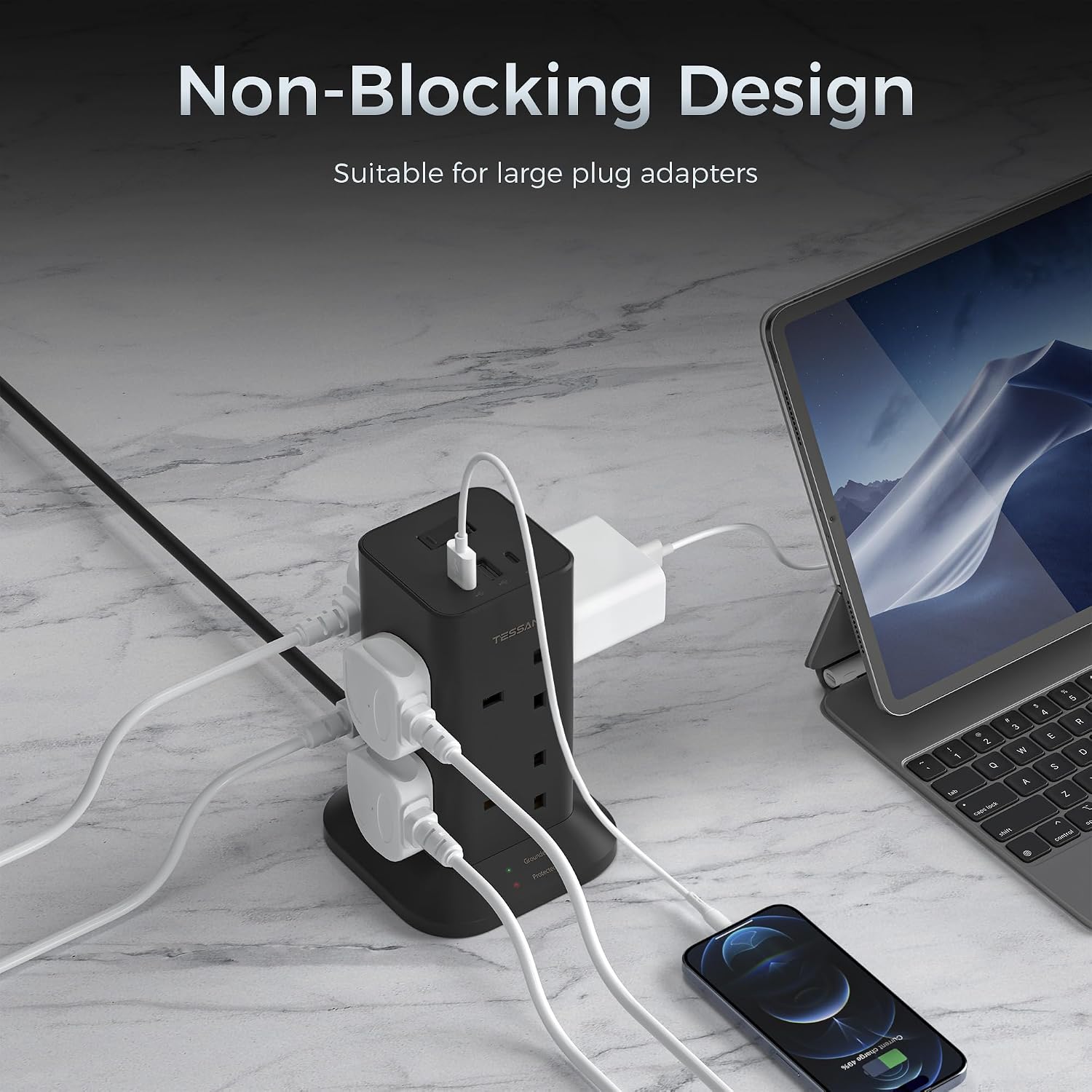
The “tower” format is the main differentiator. Instead of a flat power strip where bulky chargers fight for space, the outlets are arranged vertically and (as described) spaced widely. On paper, that makes it easier to plug in larger plugs side-by-side without them bumping into each other.
If you’re setting up a desk, classroom area, study corner or even a dorm-style space, it’s the kind of accessory that helps you tidy up power distribution rather than spreading it across several leads.
Key features that actually affect daily use
What you’ll notice day to day is the mix of mains + USB, plus a single switch that controls the lot.
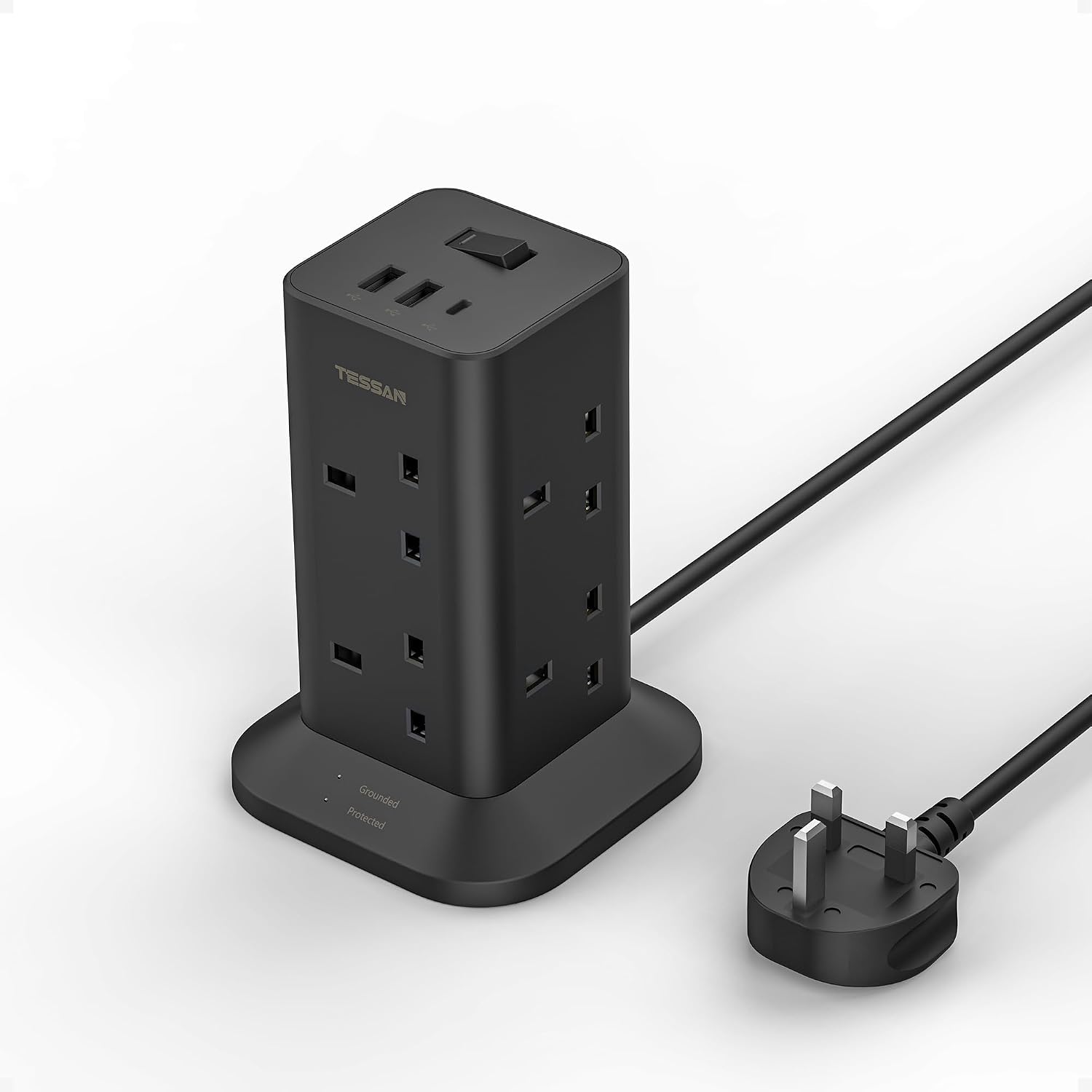
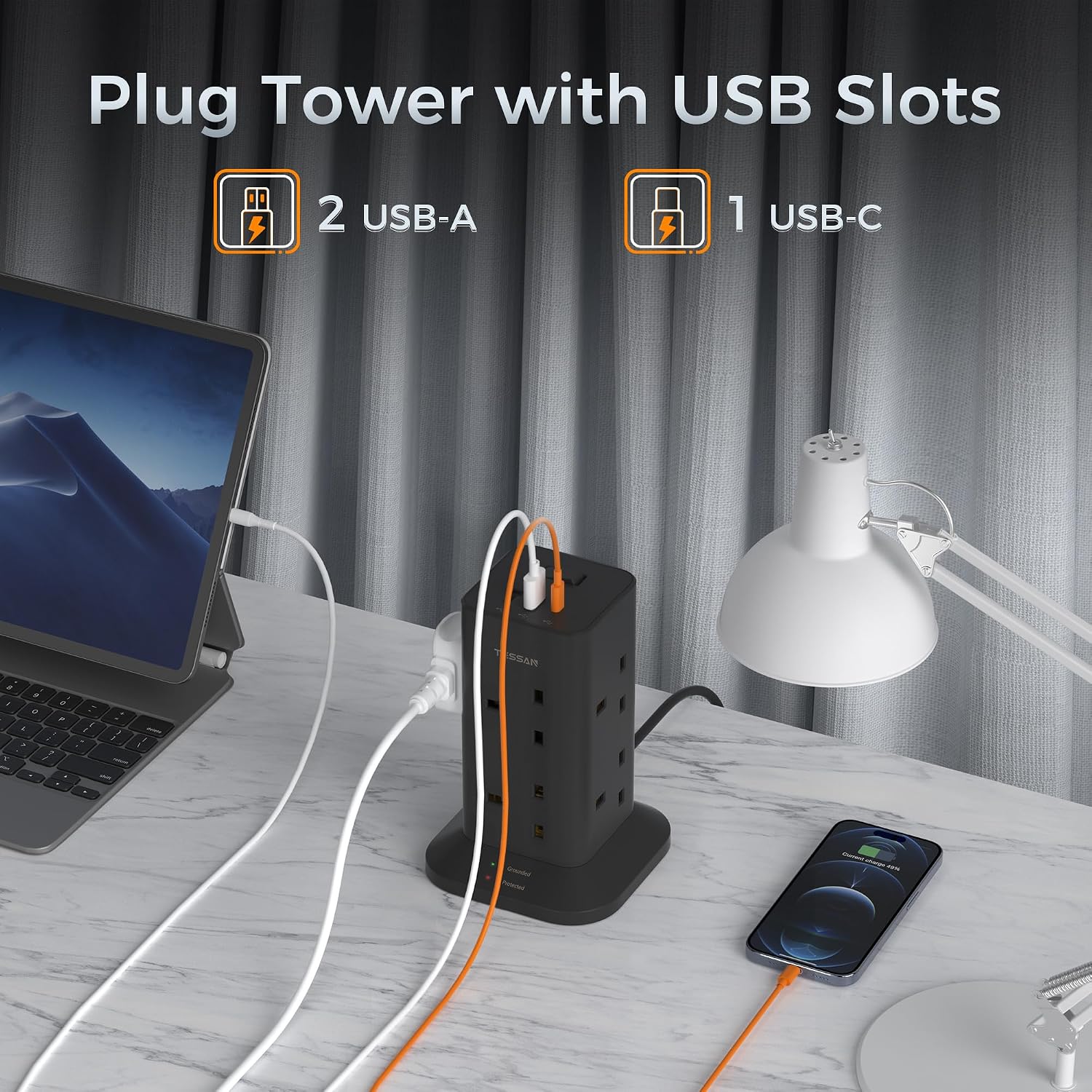
It includes 8 AC outlets (rated up to 3250W max in the description), along with: - 2 USB-A ports - 1 USB-C port (15W)
The manufacturer’s claim is that it can charge/power up to 11 devices simultaneously (8 AC + 3 USB ports). In real life, that’s helpful when you’re trying to run a few essentials together—think a desk lamp, laptop charger, phone, tablet, and a couple of smaller accessories—without constantly swapping adapters.
There’s also a power switch on the top and an indicator light. The practical upside here is convenience: you can switch off everything connected to the tower at once when you’re done, instead of hunting for individual switches. It’s not life-changing, but it’s the sort of feature that reduces friction.
Safety and protection: where this tower is more considered
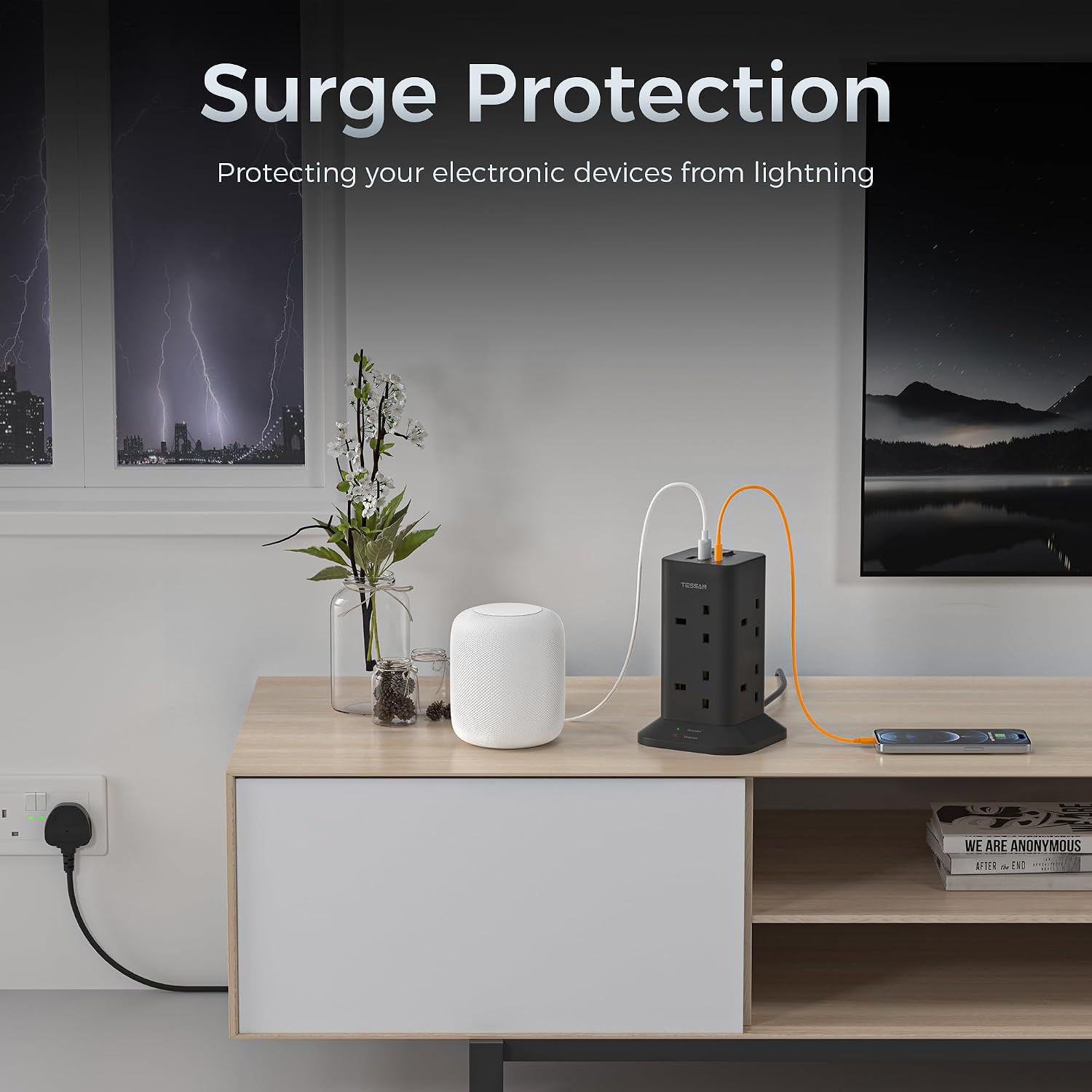
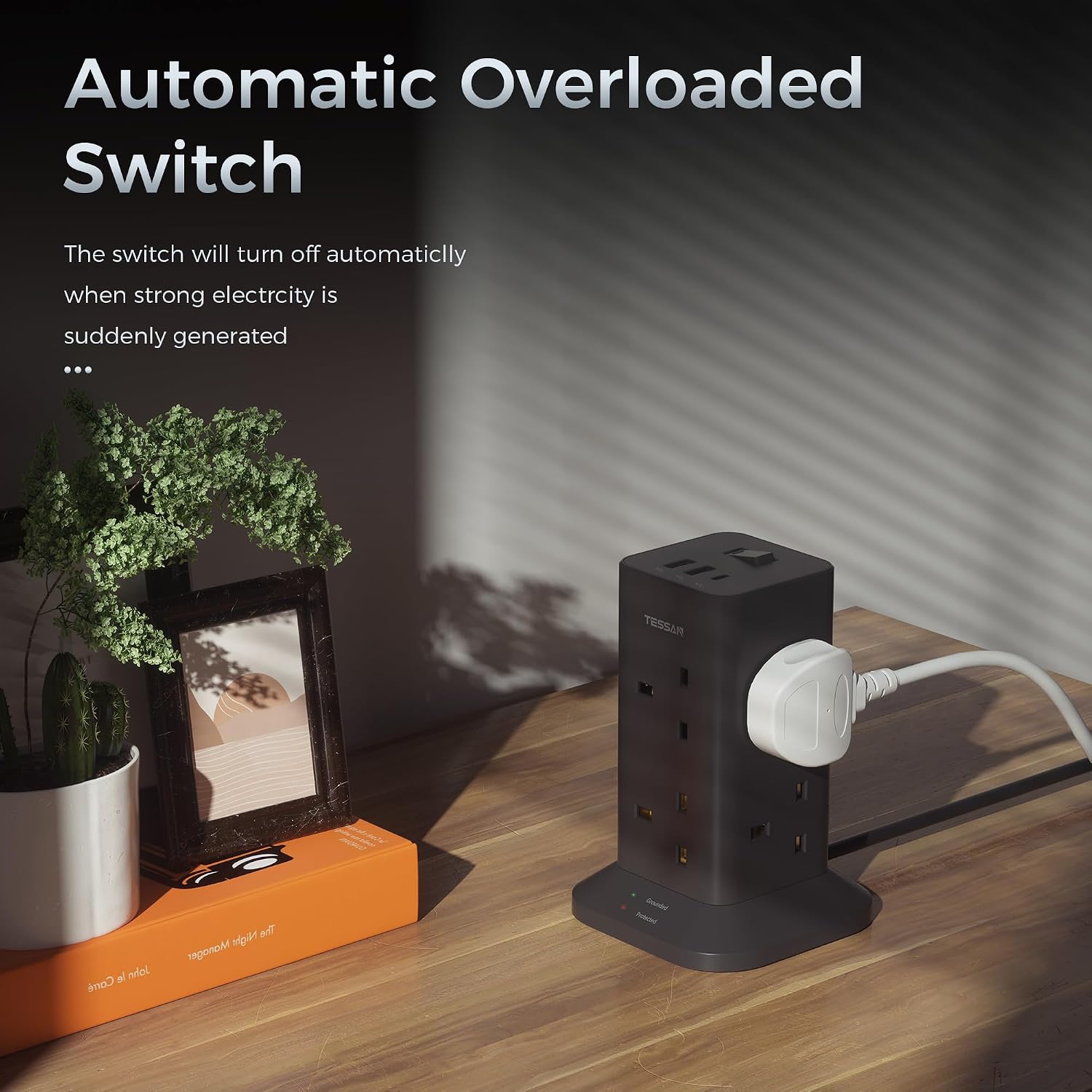
Power strips are one of those purchases where “it works” isn’t the whole story. This one is described as surge protected and includes overload protection.
The stated protection level is a 1700J surge protector, plus overload protection. That won’t make every risk disappear, but it’s a meaningful extra layer compared with very basic strips if you’re using it for regular electronics.
One limitation to keep in mind: the protection details don’t tell you everything about cable fate, installation conditions, or what happens if you overload beyond the stated ratings. So it’s still worth being sensible with what you plug in and how heavily you use it.
Power layout: good for big plugs, not just small chargers
The outlets are designed to be more convenient for multiple bigger plugs at the same time, thanks to the stand-up tower shape and widely spaced sockets (per the description).
This can be especially useful if you tend to use “chunky” adapters—common with laptop power bricks, some gaming accessories, or older chargers with larger footprints. A flat strip can turn into a wrestling match, the tower approach is intended to avoid that.
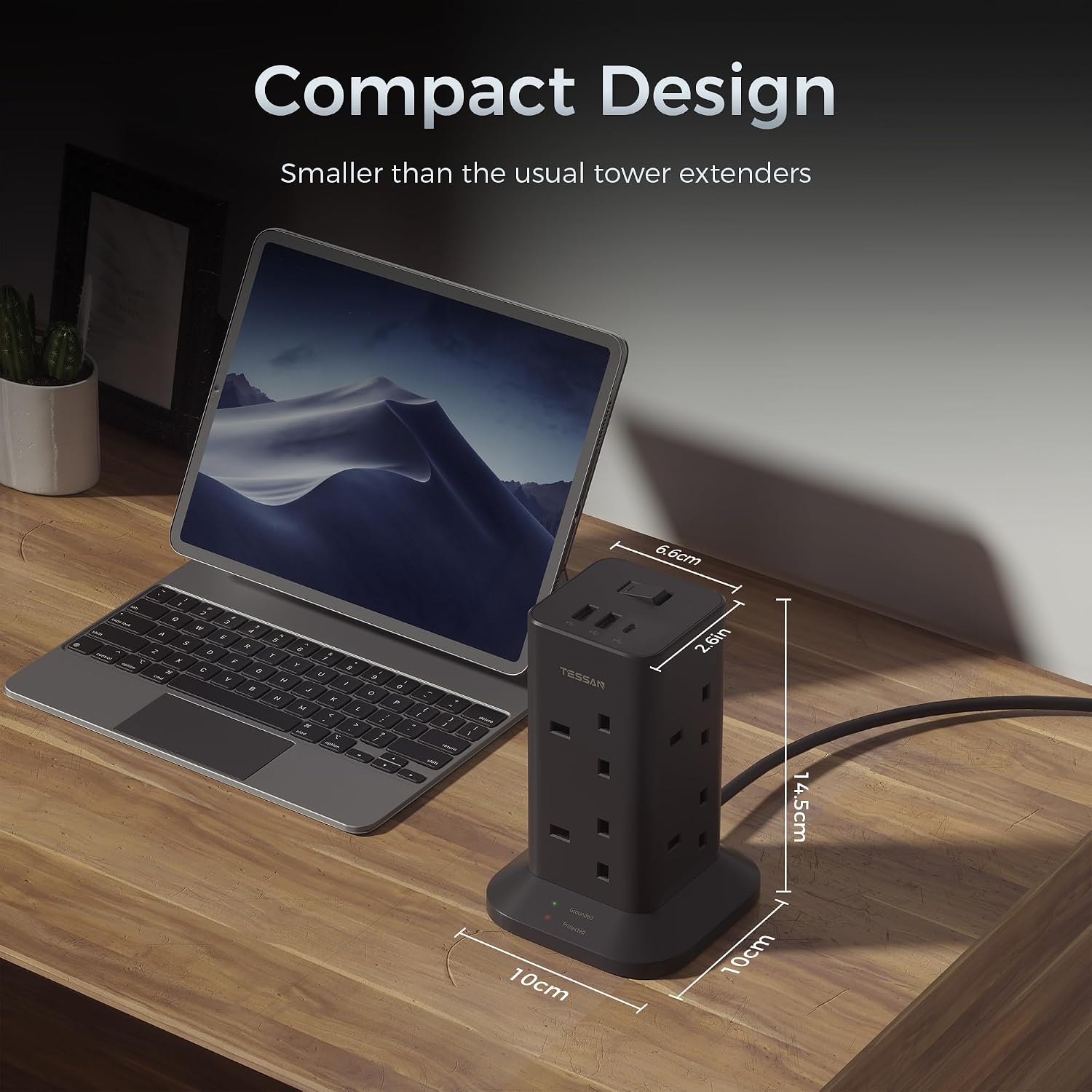
Also, the base includes 4 non-slip mats, and it’s described as stable for holding up heavy devices. That’s one of those understated details that you only really appreciate after you’ve had a strip creep, slide, or wobble on a smooth desk surface.
The essentials: the tech side in plain English
Here’s what you can rely on from the provided information, without overcomplicating it.
- Max AC power: 3250W (as stated)
- Surge protection: 1700J (as stated)
- USB charging: 2× USB-A plus 1× USB-C with 15W (as stated)
- Cable length: 2m (as stated)
- Switching: a switch on the top controls power to the tower
- Physical stability: stand-up design with a strong base and 4 non-slip mats
If you’re buying specifically for USB-C charging, the included 15W USB-C port is the standout point. If your devices need higher USB-C power than what’s stated here, you may need to check that against your own device requirements before you commit.
Is it a good fit for you?
It makes sense if you want one central charging point for a room where you regularly use multiple devices at once, and you’d like the physical layout to cope better with larger power bricks.
Worth considering if you’re equipping: - a college-style desk setup - a home office area - a classroom or school supplies station - any situation where you’d rather manage power in one place
It’s not the best choice if you only need one or two sockets and a couple of USB ports—then a simpler option may be more space-efficient. And you may want to look elsewhere if your priority is maximum USB-C performance beyond 15W, because the only USB-C detail provided is 15W.
Practical example (how it might feel in use)
Imagine you come home and sit at your desk: you plug in your laptop power brick, a monitor or speaker, and then charge your phone and tablet via the USB ports. With the tower format, the bigger laptop adapter is less likely to block nearby outlets, and you can flip the top switch to cut power to everything when you leave. It’s small, but it reduces daily cable chaos.
What to double-check before you buy
Before you order, a few checks can save disappointment:
- Are you planning to run higher-power appliances? The description gives a max 3250W rating, but you still need to ensure the total load stays within what you intend to use.
- Do your devices rely on USB-C charging at a specific wattage? The USB-C port is stated as 15W.
- Is a 2m cable length enough for where you’ll place the tower? The product is described with a 2m lead.
- Do you want the convenience of switching everything off together? The top switch is there, but if that’s not a priority, you might not value it as much.
FAQs
How many devices can it power at once?
The description says it can power 11 devices simultaneously: 8 AC outlets plus 2 USB-A ports and 1 USB-C port.
Does it have surge protection?
Yes. It’s described as surge protected with a 1700J surge protector, alongside overload protection.
Is there a USB-C port or only USB-A?
There is a USB-C port (15W) in addition to two USB-A ports.
Is it stable on a desk or tabletop?
It’s described with a stable base and 4 non-slip mats to help prevent sliding or falling during use.
Final verdict
Should you buy it?
It’s worth buying if you want a single tower-style extension lead that combines 8 AC outlets with built-in USB-A and USB-C charging, and you like the idea of having more space for bigger plugs plus a switch that controls everything.
You may want to skip it if you don’t need that many outlets, if 2m cable length won’t suit your setup, or if you’re expecting USB-C charging performance beyond what’s stated (15W). For most typical home office, school or study setups, though, it looks like a practical way to centralise power—just keep an eye on the load and device charging needs first.