

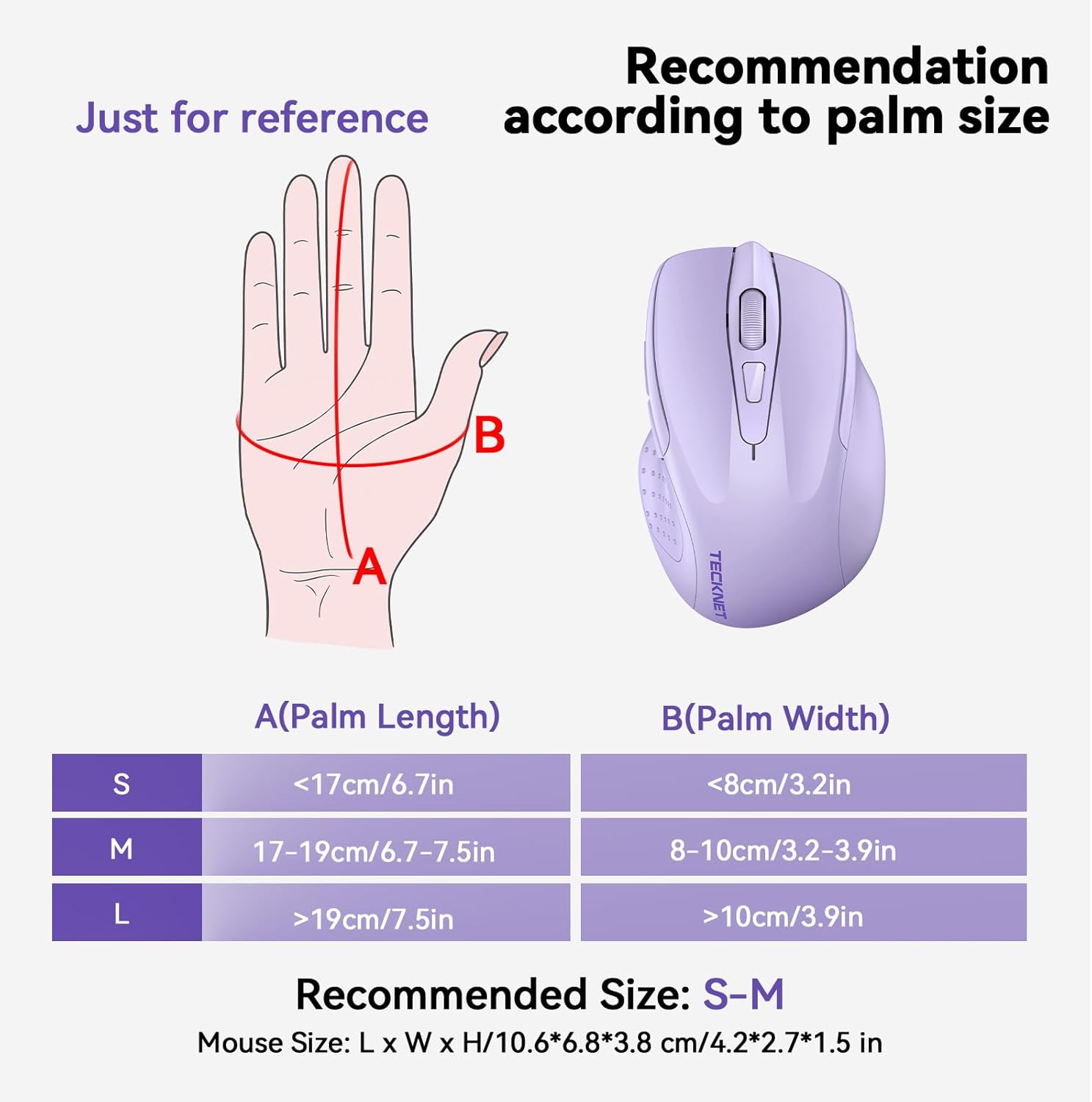
TECKNET Tri-Mode Rechargeable Bluetooth Mouse (BT 5.0/3.0 + 2.4G), 4800DPI, 6 Buttons
Reviews
Price
Product description
If you regularly bounce between a laptop, tablet or even a desktop, the TECKNET tri-mode setup is the sort of practical feature that can save you time. It’s a rechargeable wireless mouse that can connect via Bluetooth (BT 5.0 and BT 3.0) or a 2.4G USB connection, with a switch button so you can swap devices without faffing around.
At a glance
On paper, this mouse is built for everyday productivity: adjustable DPI up to 4800 for sensitivity tweaks, silent scrolling to keep things quieter, and an ergonomic shape aimed at reducing hand fatigue. It also supports switching between two devices through the connection switch button, which is handy if you’re doing split work—say laptop for calls and a tablet/PC for notes.
Key features that affect day-to-day use
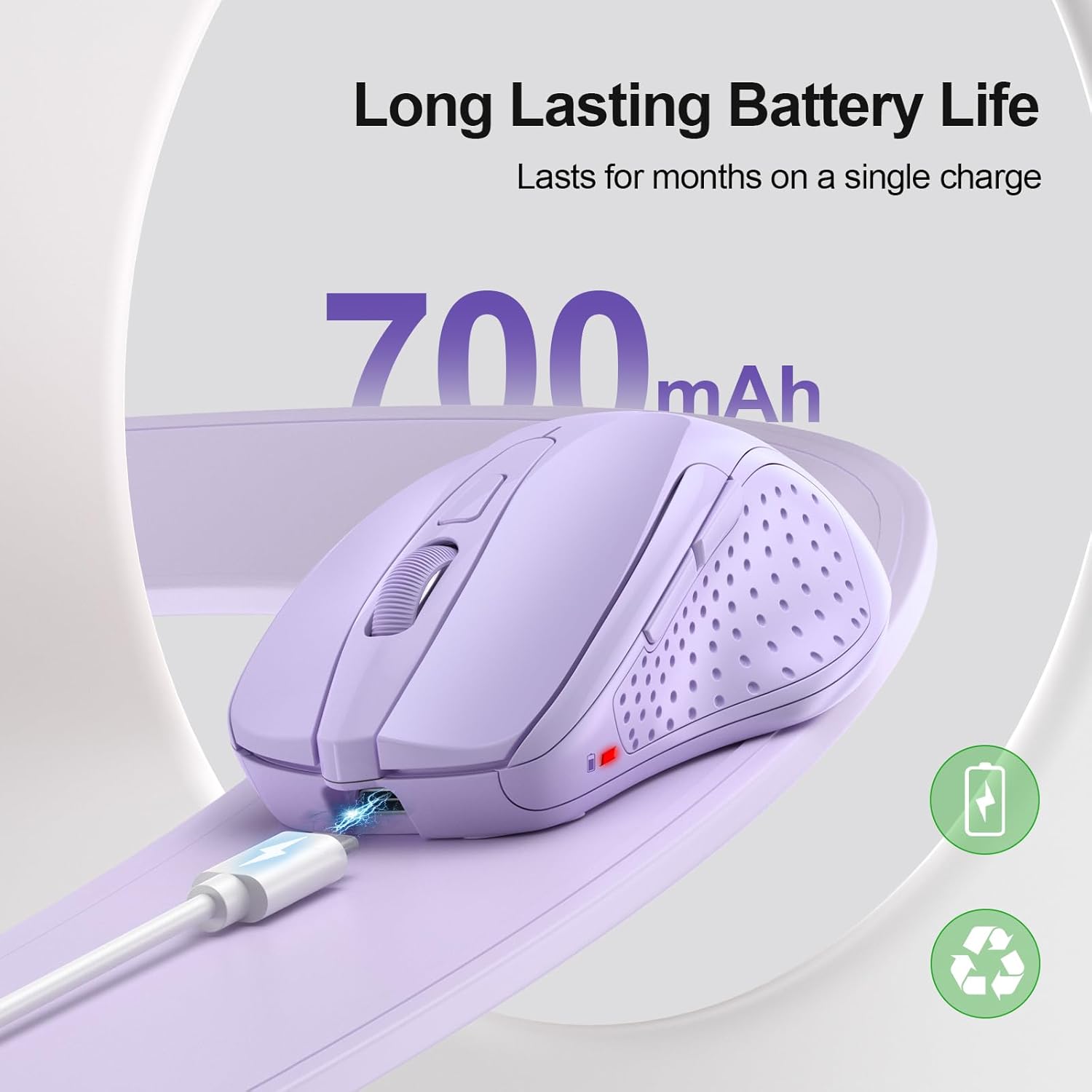
The big selling point here is the connection flexibility. With 3 connection modes (BT5.0, BT3.0+2.4G), you’re not locked into one setup. In a typical scenario, you could pair it to a laptop over Bluetooth for quick wake-and-go, then flip over to a desktop using the 2.4G receiver when you’re sat at your desk.
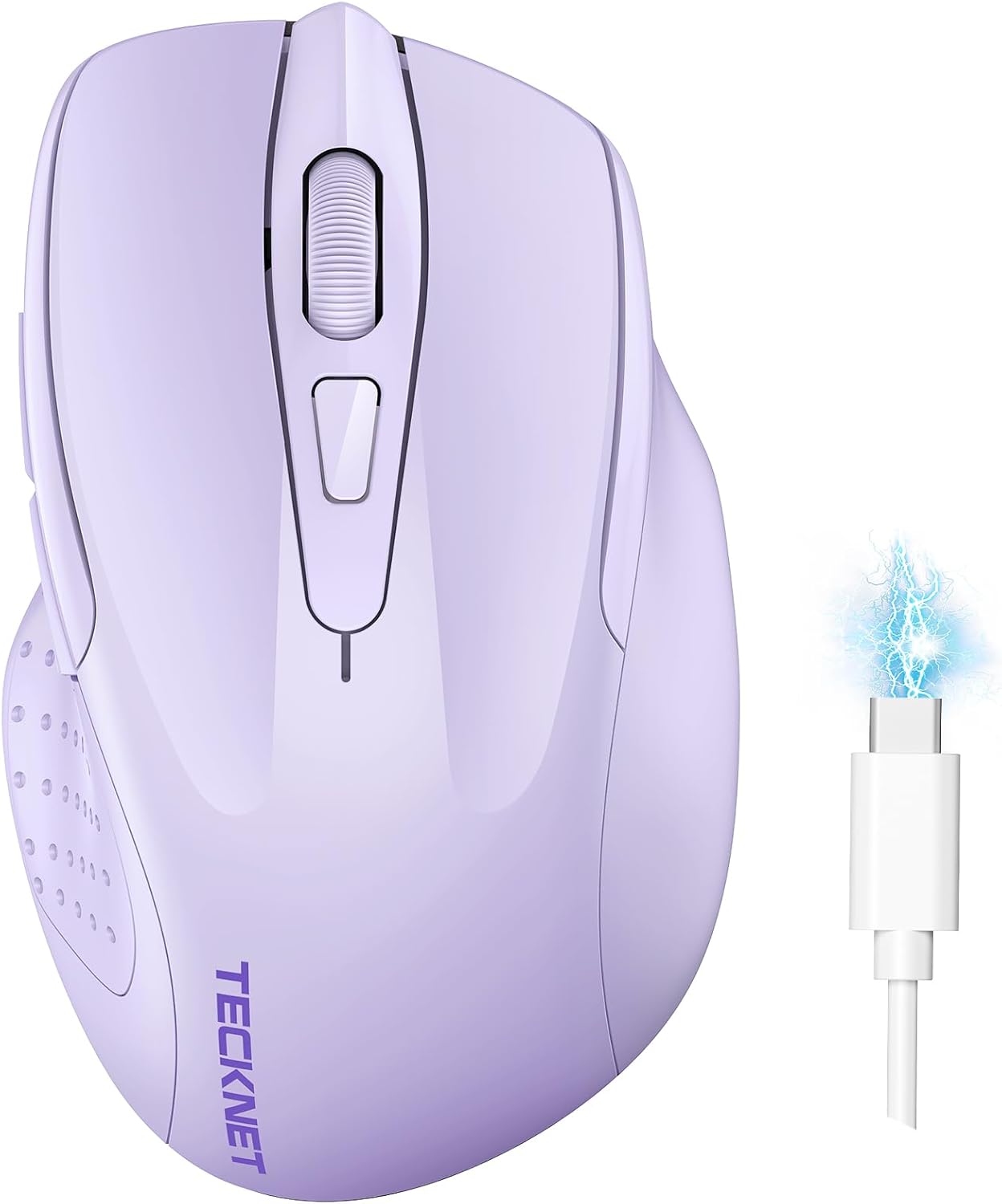
There’s also a rechargeable battery with claims of 1–2 months of use after charging for 2 hours, and the reassurance that you can keep using it while it charges. That’s useful if you’ve forgotten to top it up and you’re in the middle of a document sprint.
On control, you get 6 buttons and an optical sensor with 6 DPI levels (4800/3200/2400/1600/1200/800). The mouse also includes a high-speed scroll wheel designed for moving through long pages or lots of text more efficiently.
Tech specs
- Name: TECKNET Bluetooth Mouse (Tri-Mode)
- Type: Rechargeable Bluetooth wireless mouse with 2.4G option
- Connection modes: BT 5.0, BT 3.0, and 2.4 GHz (2.4G)
- DPI levels: 4800/3200/2400/1600/1200/800
- Buttons: 6 buttons
- Battery claim: Up to 1–2 months after charging (2 hours charge time stated)
- Compatibility (as stated): Windows 11/10/8/7/XP/Vista, Mac OS/Linux/Android/iOS (10.4+), iOS compatibility via BT 5.0
What stands out (and what to be realistic about)
The silent design is one of those features you notice immediately if you share a space—claims suggest it can reduce noise by up to 90%. That said, silence is always relative with mice: if you’re expecting truly “nothing at all” clicking, it may not fully match that expectation. Still, for quieter office work it’s a sensible angle.
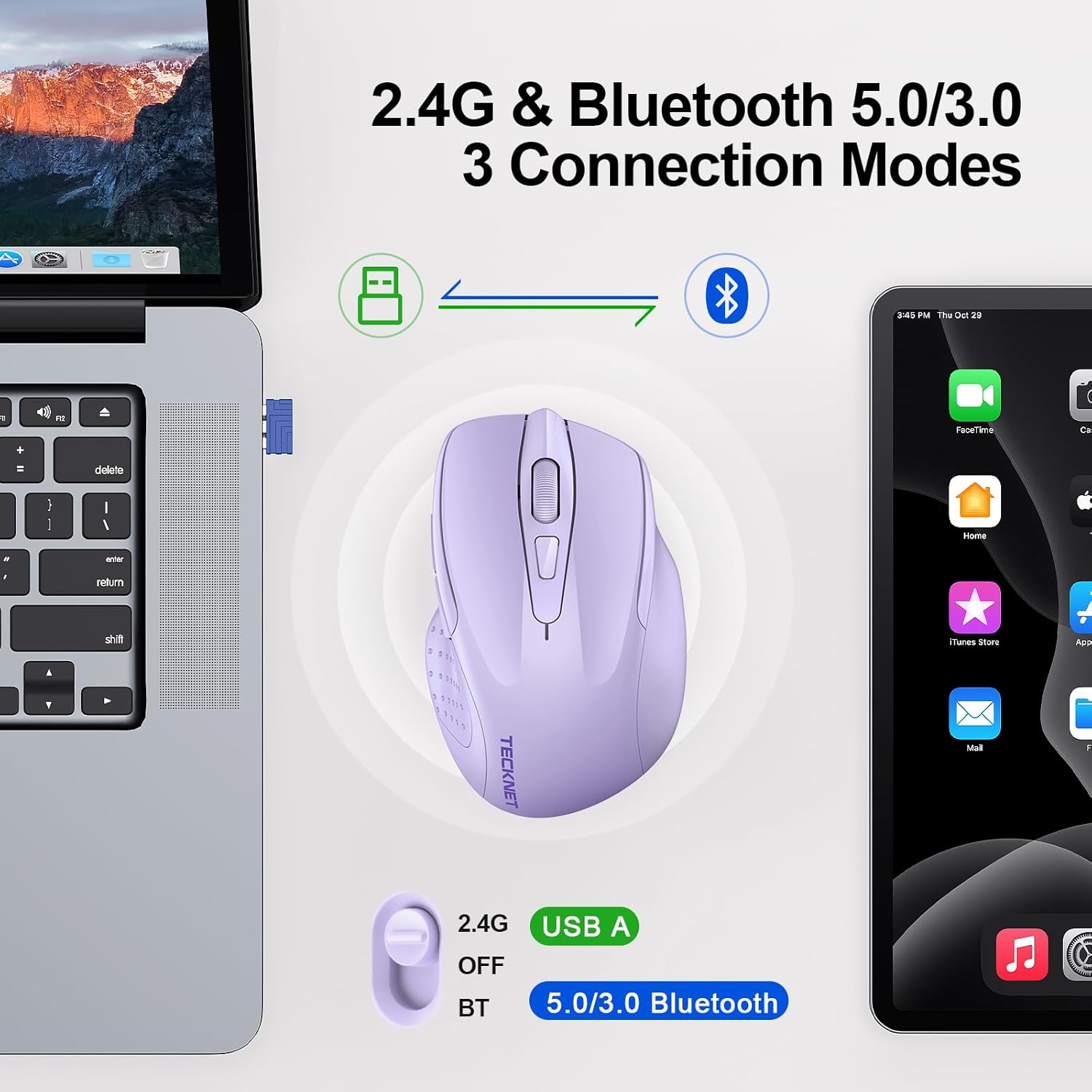
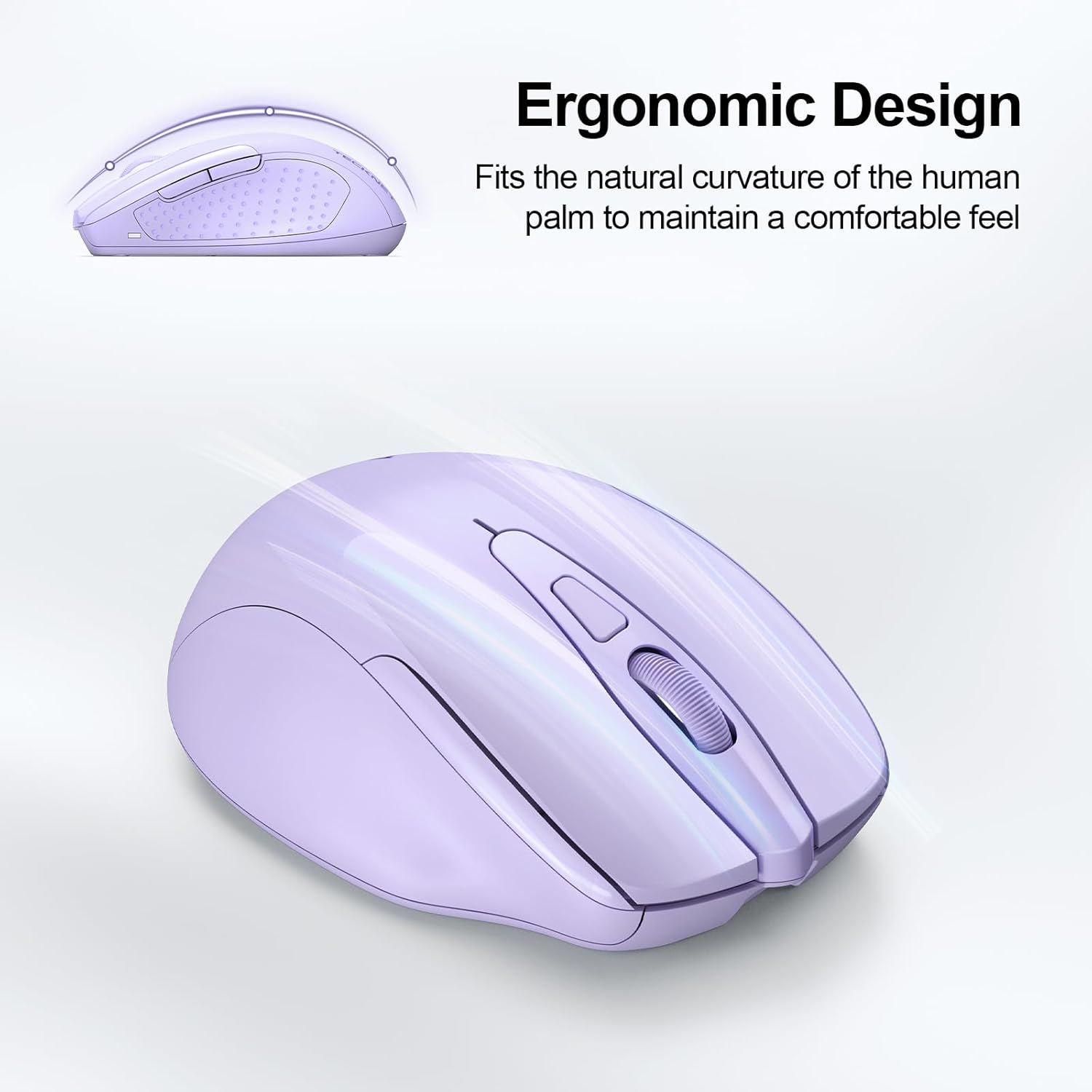
The ergonomics also matter, especially if you spend hours scrolling and clicking. It’s described as ergonomic and comfort-focused, aiming to reduce fatigue.
Where it may feel more limited is the “plug and forget” approach. It’s not strictly a simple one-mode mouse: you’re expected to switch between modes/devices, and you’ll get the most out of it if you actually use multiple devices (or you’re willing to). If you only ever use one laptop, a single-connection mouse can be simpler and sometimes better value.
Who it suits (and who should skip it)
It makes sense if you need one mouse for different setups—laptop plus desktop, or a laptop plus a tablet—because the tri-mode connection plus switch button is built around multitasking. It also suits anyone who prefers fine-tuning their pointer speed via DPI levels rather than leaving it to default settings.
It’s not the best match if you’re after the simplest possible wireless experience, or if your main device support doesn’t line up with the stated Bluetooth requirements (for example, iOS compatibility is noted as iOS 10.4 or later via BT 5.0). It may not suit you if you dislike charging gadgets at all, while it can be used while charging, it’s still a rechargeable model.

Practical tips for getting the most from it
Start by deciding how you’ll split your devices. If one device is your everyday work machine, pair it first over Bluetooth (BT 5.0 is referenced for iOS via that path). Then connect your second device using the other mode (either BT 3.0+ or 2.4G with the receiver, depending on what your devices support and what’s easiest).
Then take 30 seconds to set DPI to your preference—higher DPI can feel great for quick movement, but lower levels may feel more controlled for detailed work. For long reading or document editing, you’ll probably appreciate the high-speed scroll wheel described for quickly moving through pages and text.
When it makes sense?

Buy it if you want a rechargeable, ergonomic mouse designed for multiple devices, with the convenience of switching connection modes rather than buying separate peripherals for each gadget. The silent scrolling and adjustable DPI add practical value for everyday desk use.
Skip it if you only need a single-device mouse and don’t want to think about modes at all. Also, if your iOS device is older than the stated requirement, or you’re not using the Bluetooth/2.4G switching features, it may feel like more complexity than you need.
Mini FAQ
Will it work while it charges?
The description says you can keep using the mouse even when it’s charging, so downtime should be minimal.
How many DPI levels does it have?
It’s stated to offer 6 adjustable DPI levels: 4800, 3200, 2400, 1600, 1200 and 800.
Can I use it with multiple devices?
Yes—there’s a connection switch button and it’s described as allowing switching between two devices.
Is iOS supported?
iOS compatibility is stated via BT 5.0, with the note that iOS 10.4 or later is required.
Is it silent?
It’s described as having a silent design with noise reduction claimed up to 90%, which should suit quieter working environments.