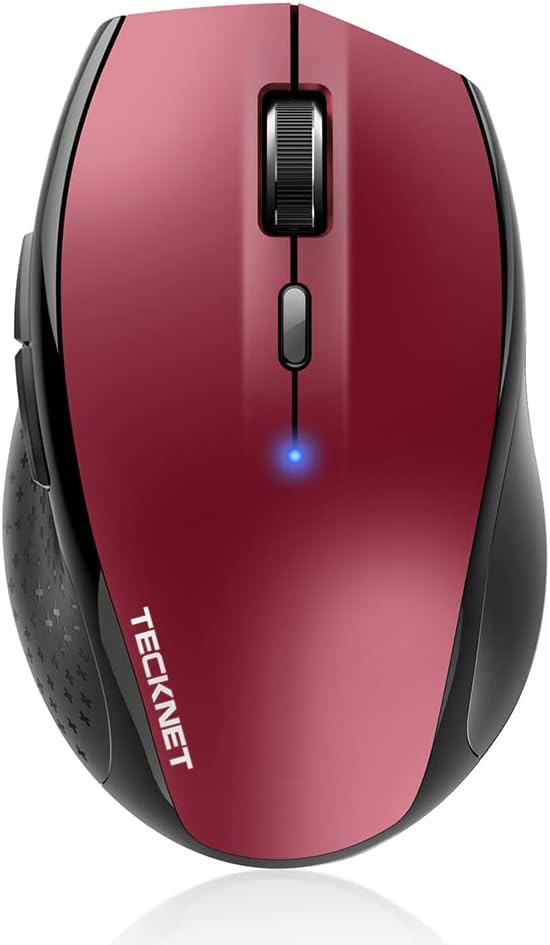
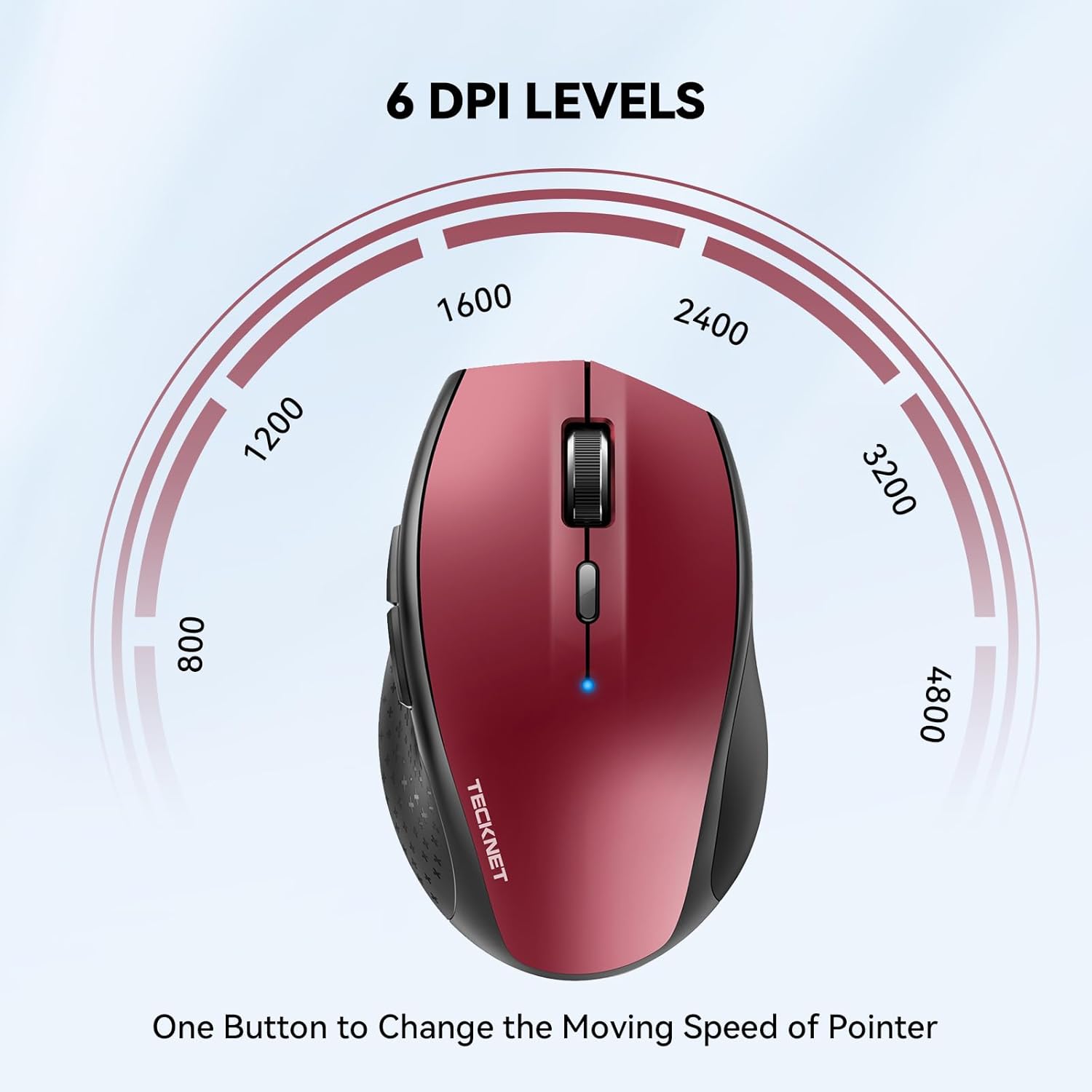
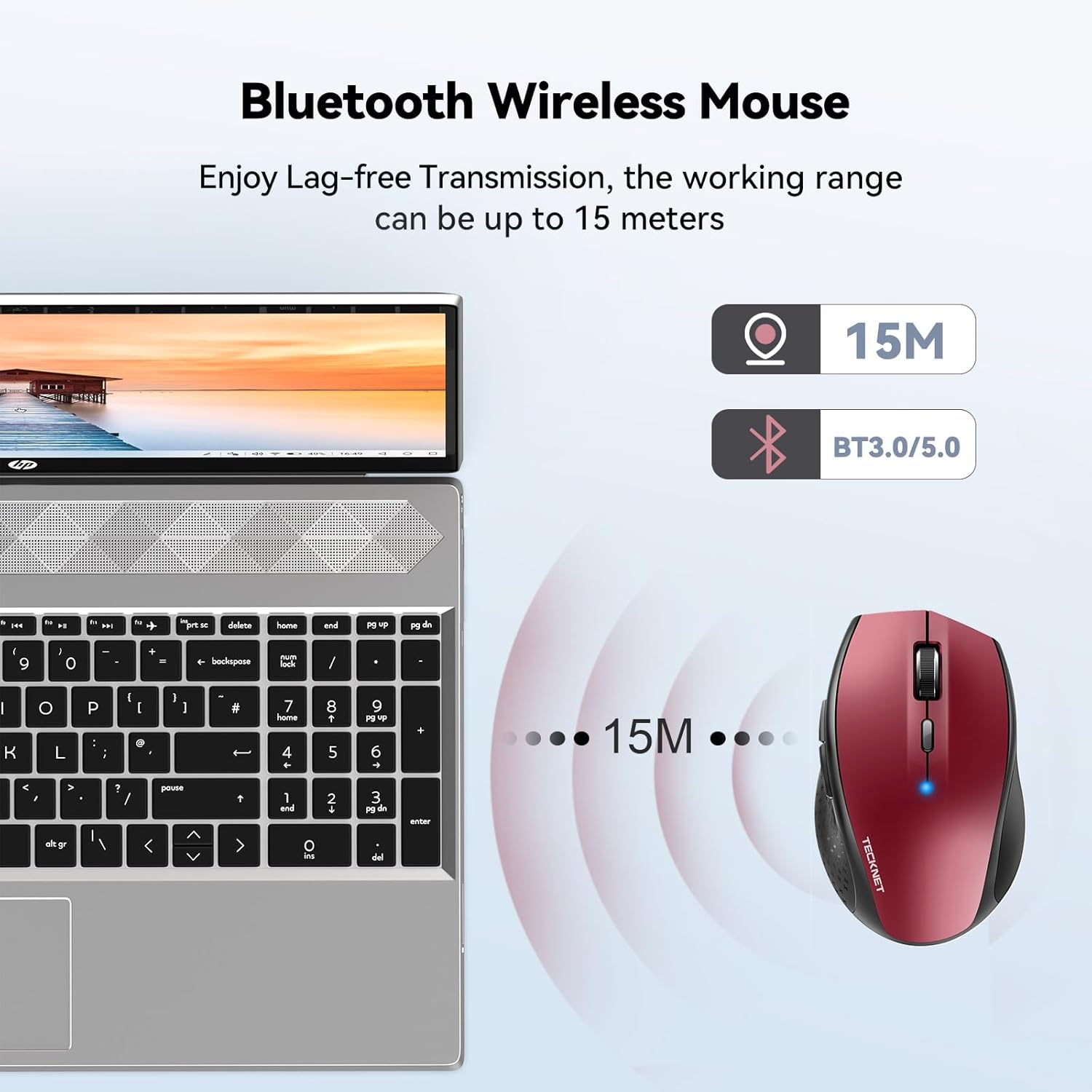
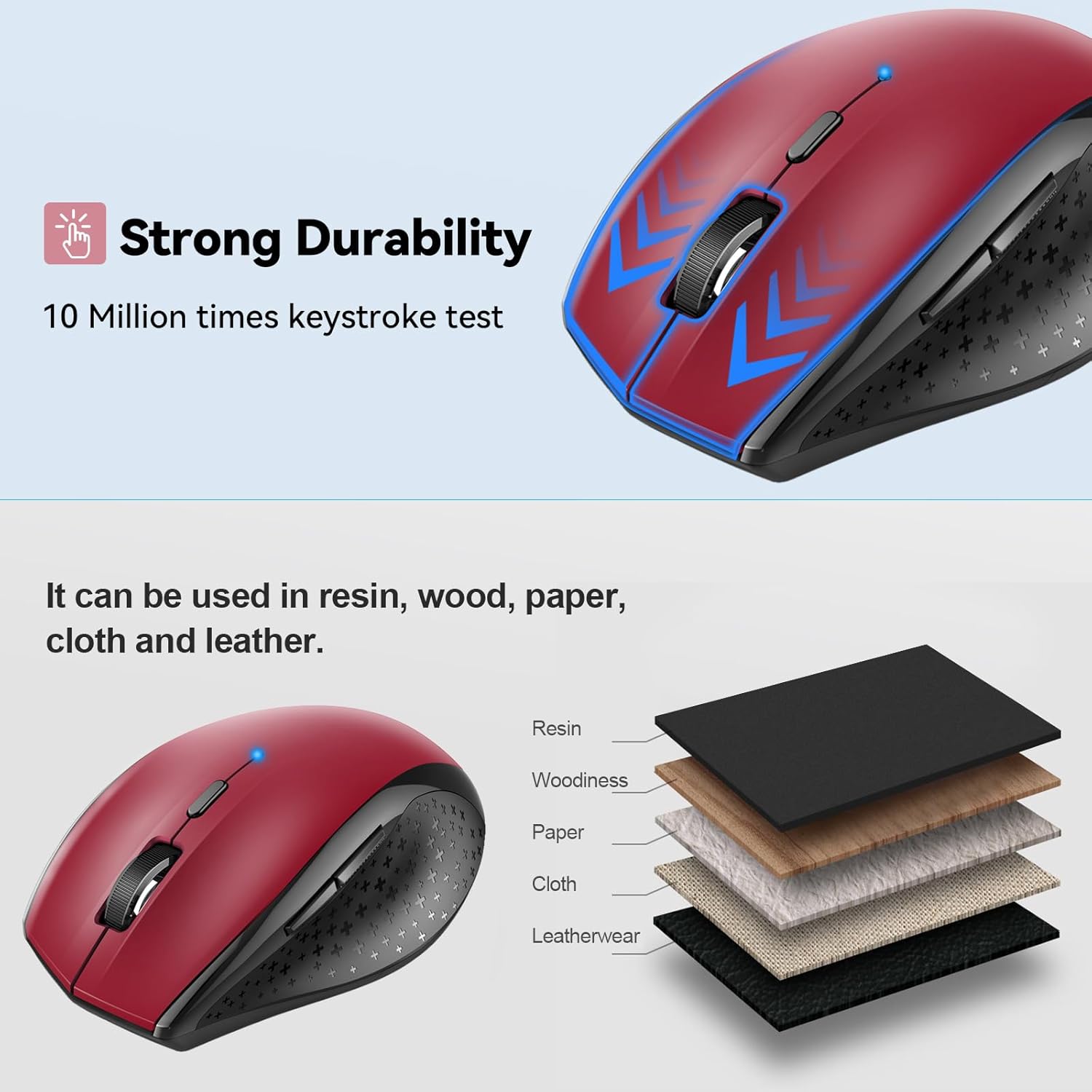
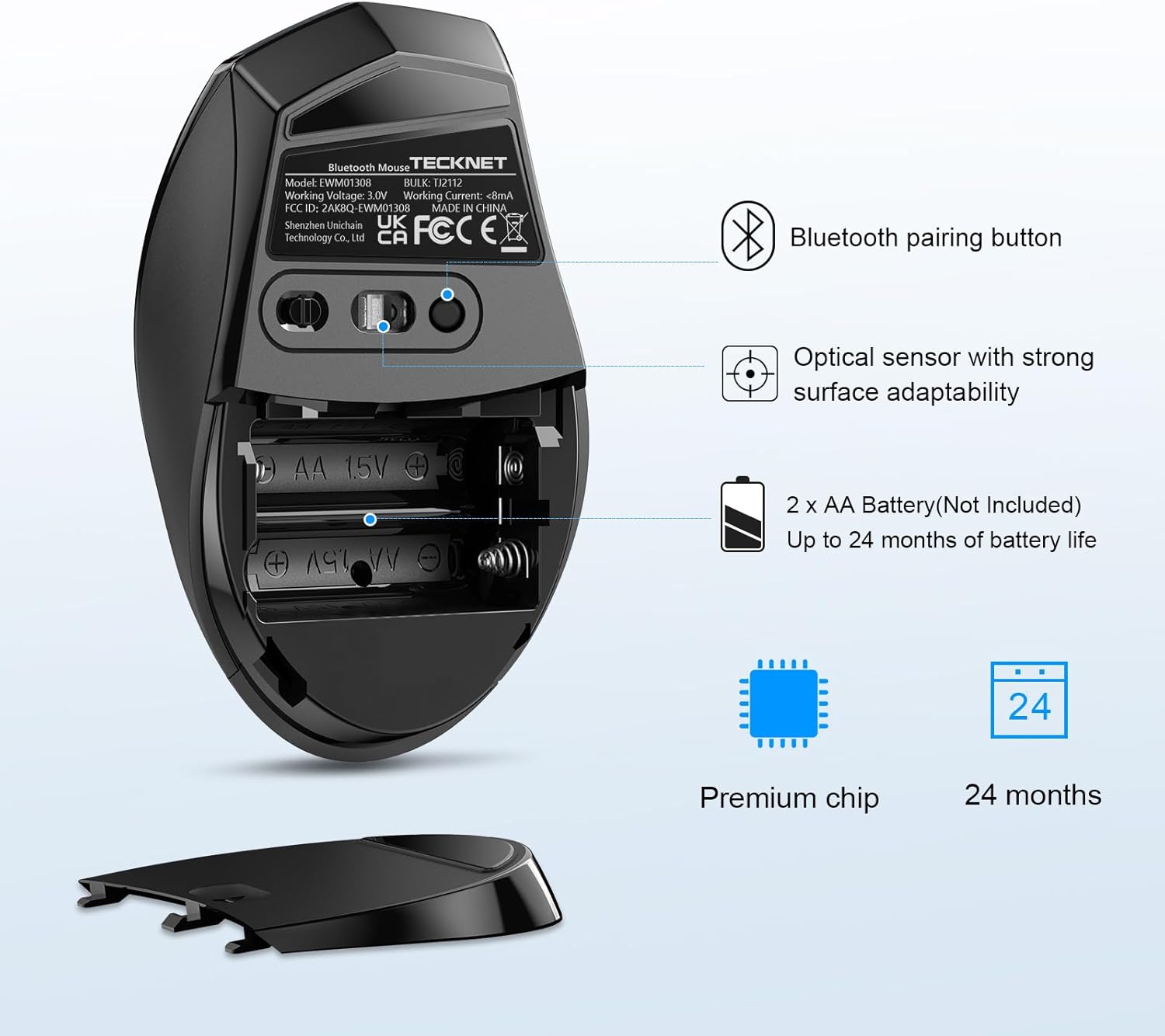
What it is and what problem it solves\nThe TECKNET Classic Bluetooth Mouse is a cordless, Bluetooth-enabled pointing device designed to work with laptops and desktops that support BT3.0 or BT5.0. It aims to free you from USB receivers while delivering a reliable connection over a reasonably long wireless range. If you frequently switch devices or travel with a laptop, this kind of mouse can cut cable clutter and simplify setup.\n\n## How it performs in real-world use\nWith 6 adjustable DPI levels (800–4800), you can tailor cursor precision to your task, whether you’re navigating spreadsheets, design software, or browsing. The DPI switch is intended for quick on-the-fly speed adjustments, which is handy when you’re moving between detailed editing and rapid page scrolling. TECKNET claims a durable construction tested to 10 million clicks, which suggests it should withstand daily office use and the occasional misclick in a busy workspace. The mouse runs on two AA batteries, and with energy-saving features like an on/off switch and smart sleep mode, TECKNET estimates up to 24 months of use between battery changes. A battery indicator helps you know when to refresh power.\n\n## Design and compatibility notes\nThe device is described as universal in compatibility, working with Windows and Mac systems (though Mac users may find the side buttons less usable). The form is intended to be portable and ergonomic, suitable for both office setups and travel. While ergonomic claims can be subjective, the combination of wireless convenience and a compact design is a common choice for laptop users who want a clean workspace.\n\n## What stands out and what to watch\nPositives: stable Bluetooth connection without a dongle, no receiver to lose, broad DPI range for diverse tasks, and very long battery life on paper. The lack of a dedicated USB receiver is appealing if you dislike extra gear. Limitations: side buttons are noted as Mac-incompatible, and you’ll need to provide your own AA batteries. If you rely on USB-C-only devices or require universally mapped Mac button functions, this model may feel restrictive.\n\n## Who it’s for\nIt’s sensible for professionals and students who value simplicity, travel-friendliness, and the possibility of operating across multiple Bluetooth-enabled devices. It also suits office environments where a spare mouse is handy for a second computer setup.\n\n## When it makes sense to buy\nIf you prioritise a wireless setup without a receiver, enjoy a wide DPI range for different tasks, and want lengthy battery life, this TECKNET model could be a practical choice. It may be less compelling if you primarily use Mac and rely on Mac-specific button mappings, or if you need more advanced software customisation.\n\n## Before you buy: what to check\n- Ensure your devices support BT3.0 or BT5.0 for a direct Bluetooth connection.\n- Consider whether you need Mac-compatible side button functionality.\n- Think about whether you’re comfortable supplying your own AA batteries or want a rechargeable alternative.\n\n## How it compares to practical alternatives\nIf you already own a Bluetooth-capable laptop or desktop and want to avoid USB receivers, this model aligns with that goal. For users who prioritise button customisation and Mac compatibility, another model with broader macOS support and potential software tweaks might be worth considering.\n\n## What you’ll notice in use (micro-use example)\nIn a typical office scenario, you can switch from a high-precision 4800 DPI setting when editing imagery to a more relaxed 800 DPI for rapid document navigation, without plugging in a cable. The long battery life means fewer interruptions during busy workdays.\n\n## FAQ (practical, non-technical)\nQ: Will the side buttons work on Mac? A: Not according to the product notes, some functions may be limited on macOS.\nQ: How long will the mouse last on batteries in normal use? A: TECKNET estimates up to 24 months with smart energy saving, depending on usage.\nQ: Do I need a USB receiver? A: No, it connects via Bluetooth, provided your device supports BT3.0 or BT5.0.\n\n## Final verdict\nWorth considering if you want a straightforward Bluetooth mouse with a broad DPI range and long battery life, without a dongle. It’s a solid mid-range pick for everyday computing and travel, though Mac users should note potential button compatibility limits.\n\n## What to know about the tech (brief)\n### Tech specs\n- DPI levels: 4800/3200/2400/1600/1200/800\n- Bluetooth modes: BT3.0 / BT5.0\n- Battery life: up to 24 months (2 AA batteries)\n- Compatibility: Windows and Mac (Mac side buttons limited)\n- Durability: rated for up to 10 million clicks\n- Range: up to 15 metres (theoretical)\n\n## Quick take\nIf you value a simple, long-lasting Bluetooth mouse that strips away receivers and offers adjustable precision, this TECKNET model ticks several practical boxes for daily office life.