

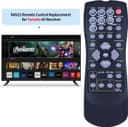
TCNOUMT Replacement Remote for Yamaha AV Receiver 🎧

Description:
This compact replacement remote control is made to work straight out of the box with many Yamaha AV receivers, offering a quick way to regain control of your home theatre without programming. If you need a replacement remote control for a Yamaha AV receiver, this model promises plug-and-play simplicity and a familiar button layout for everyday use.
Key Points
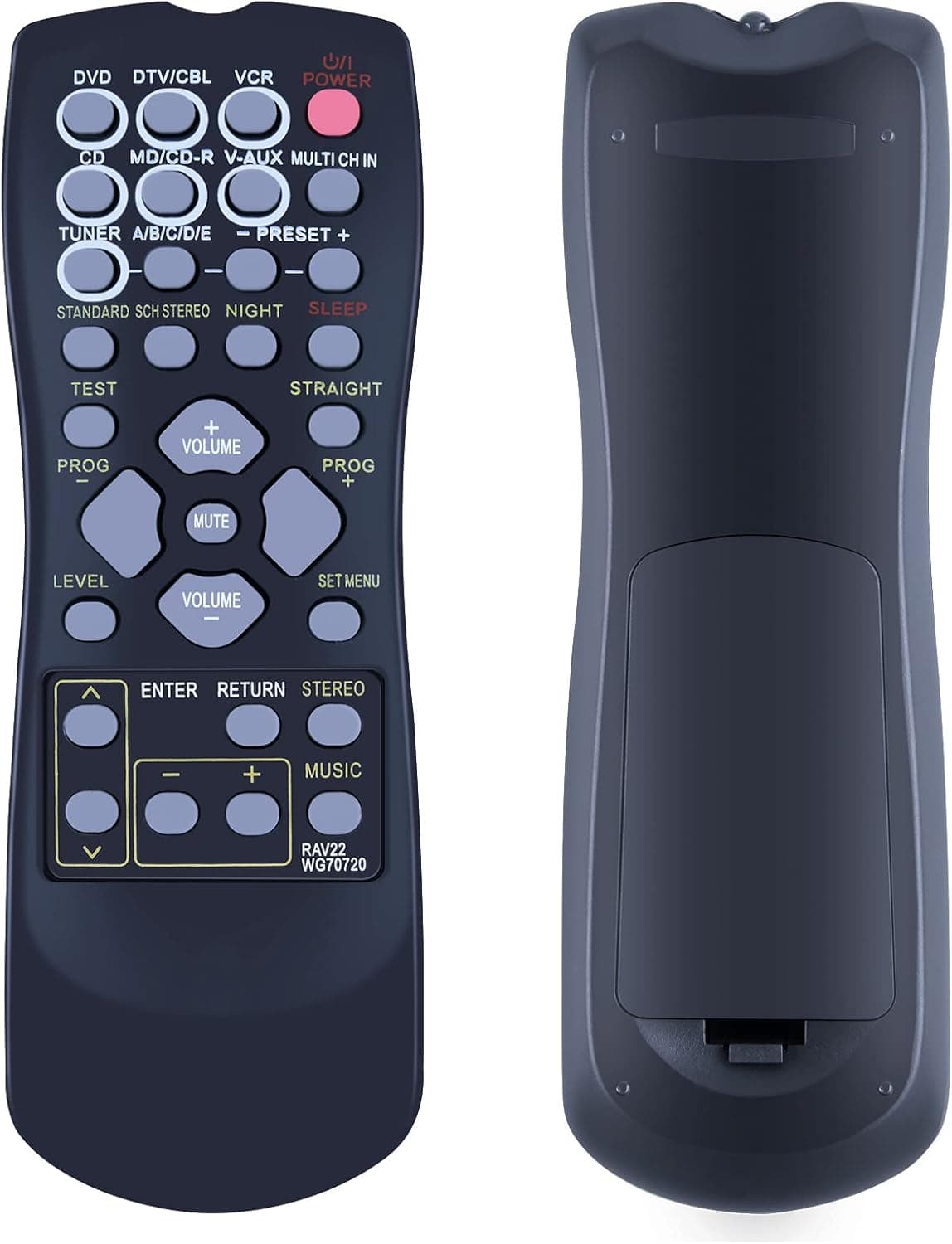
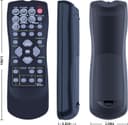
The remote recreates the standard layout found on original Yamaha handsets, so basic functions such as volume, input selection and menu navigation are immediately available. It is designed to fit models including RX-V350, RX-V357 and RX-V359 among others, and the manufacturer states there is no setup required before use. For people who want a straightforward spare, this remote reduces downtime and keeps your audio system accessible.
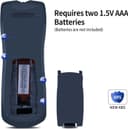
The unit uses two AAA batteries which are not included, so you will need to supply power cells before first use. Note that the remote is a third-party replacement rather than an official Yamaha accessory, and the markings on some keys may differ slightly from an original. If precise labelling matters for specific AVR models, check the button symbols carefully against your existing remote image before committing.
Technical Specifications
- Name: TCNOUMT RAV22 Replacement Remote for Yamaha AV Receiver
- Compatible models: RX-V350, RX-V357, RX-V359, HTR5930, HTR5940 (according to the manufacturer)
- Power: 2 x 1.5 V AAA batteries, batteries not included
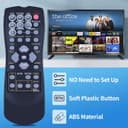
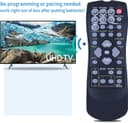
- Setup: No programming or pairing required, works out of the box
- Colour: Black
Why This May Interest You
Replacement remotes are useful when originals are lost or damaged, and this option aims to balance functionality with affordability. The familiar control scheme helps maintain access to key receiver features without learning a new layout. It can also serve as a convenient spare for multi-room setups or for guests who prefer a simple handset. 🔊
Usage Recommendations
Install two fresh AAA batteries and point the remote towards your receiver during initial use. If a button does not respond as expected, try replacing the batteries or confirming the receiver model against the compatibility list. Consider keeping the original remote for advanced or model-specific commands that may not be replicated exactly on a third-party unit. 🎛️📺.
