

TCNOUMT replacement remote control for Android TV boxes (incl. Strong SRT420, MECOOL G20, Homatics) – SRT420-compatible
Product description
What it is and why you’d want it
This TCNOUMT replacement remote is designed to swap in for an older or damaged remote for certain Android TV player boxes. On paper, the promise is simple: you get the same kinds of functions you’re used to, as long as it’s the correct remote for your specific box.
That “as long as” matters. The listing notes that some functions can depend on the button layout and the model. So if your current remote is lost, broken, or you’re trying to replace a spare, it’s less about finding a universal remote and more about matching the exact one.
The essentials at a glance
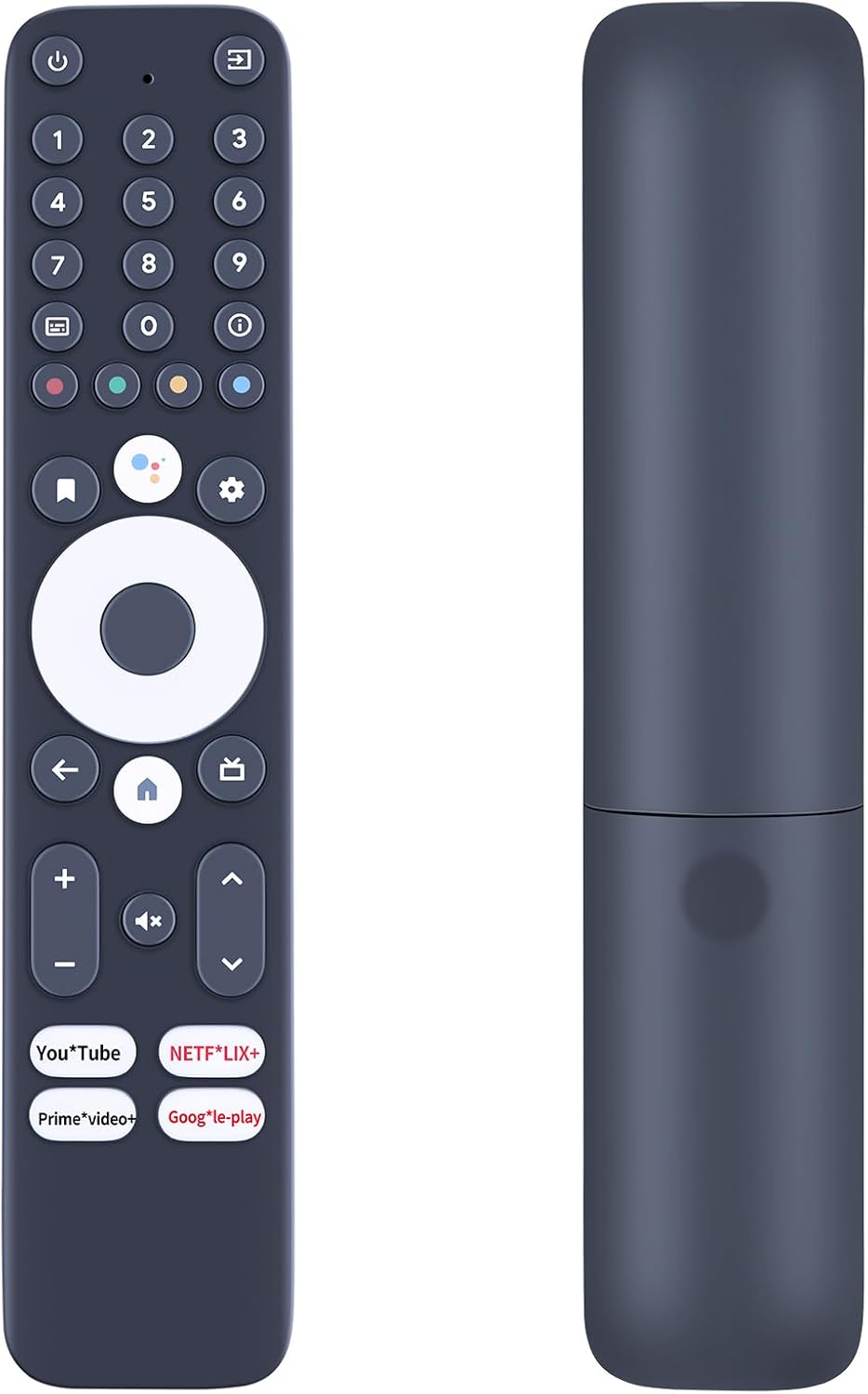
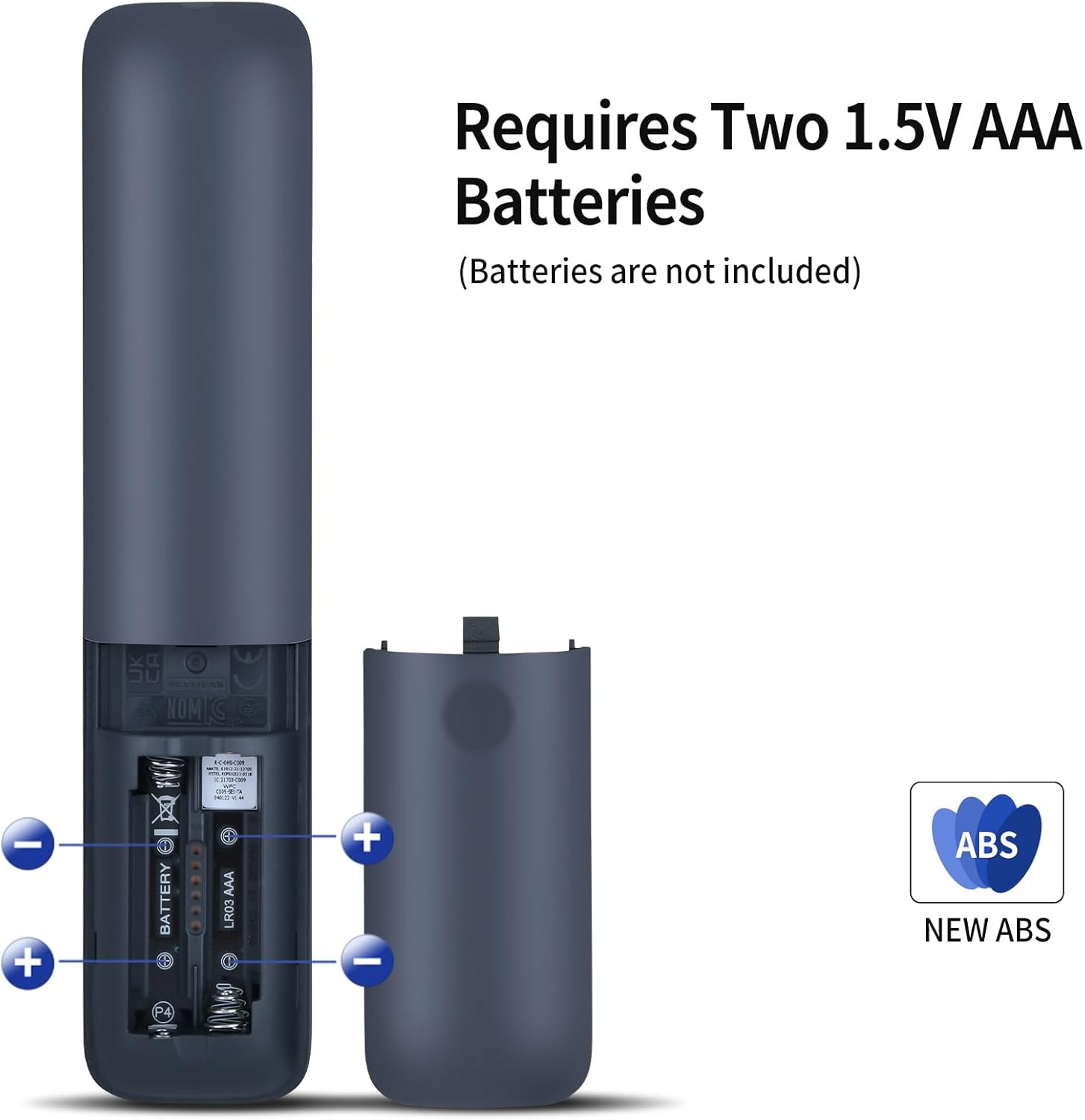
The remote uses 2x AAA batteries (not included). Setup is intended to be straightforward: insert the batteries and then follow the pairing instructions so it works with your device once paired.
In everyday terms, it’s a lightweight, ergonomic design meant to be comfortable for longer viewing sessions—whether that’s TV evenings, casual streaming, or sorting through apps and menus. The buttons are described as soft silicone, which is a small but practical detail if you’ve ever dealt with clicky buttons that feel awkward in use.
What you’ll notice day to day
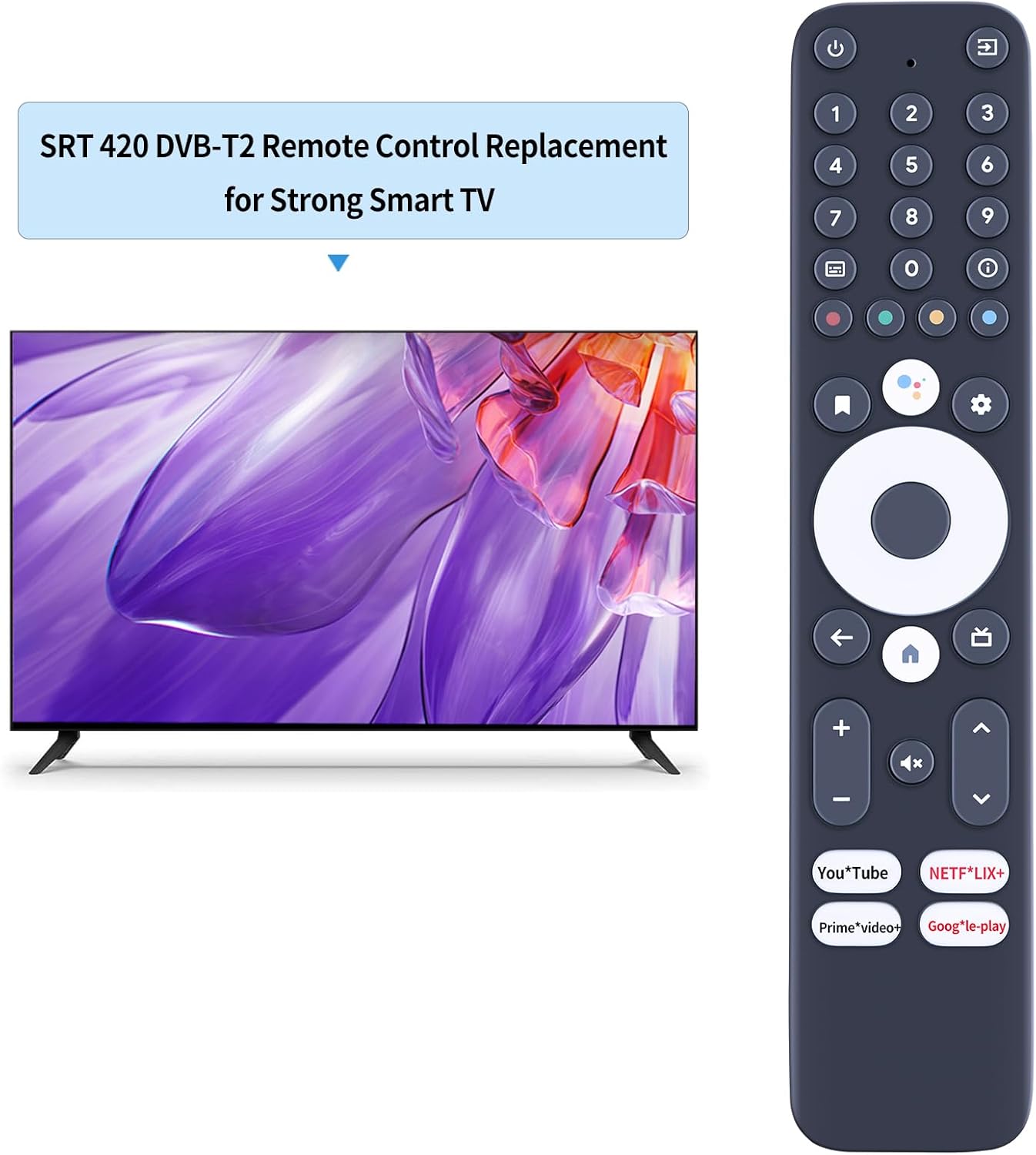
You’ll mainly feel the difference in comfort and confidence of use. A sturdy plastic case and a battery compartment cover are included in the construction description, which should help it survive the normal bumps that happen in households (kids, frequent handling, the occasional drop on carpet).
And if you’re replacing a remote that’s already failing—buttons sticking, poor responsiveness, or the battery door not staying shut—this kind of replacement can bring your setup back to something closer to how it used to feel.
Key things to check before you buy
Before ordering, don’t treat this like a generic “works with everything” purchase. The listing explicitly asks you to check the remote picture carefully and match the button symbol and layout to what you need.
A concrete way to approach it: - Compare the button icons on your current remote (especially any unique symbols on the main buttons). - If you don’t have the old remote, double-check that the listing image corresponds to what your device expects.
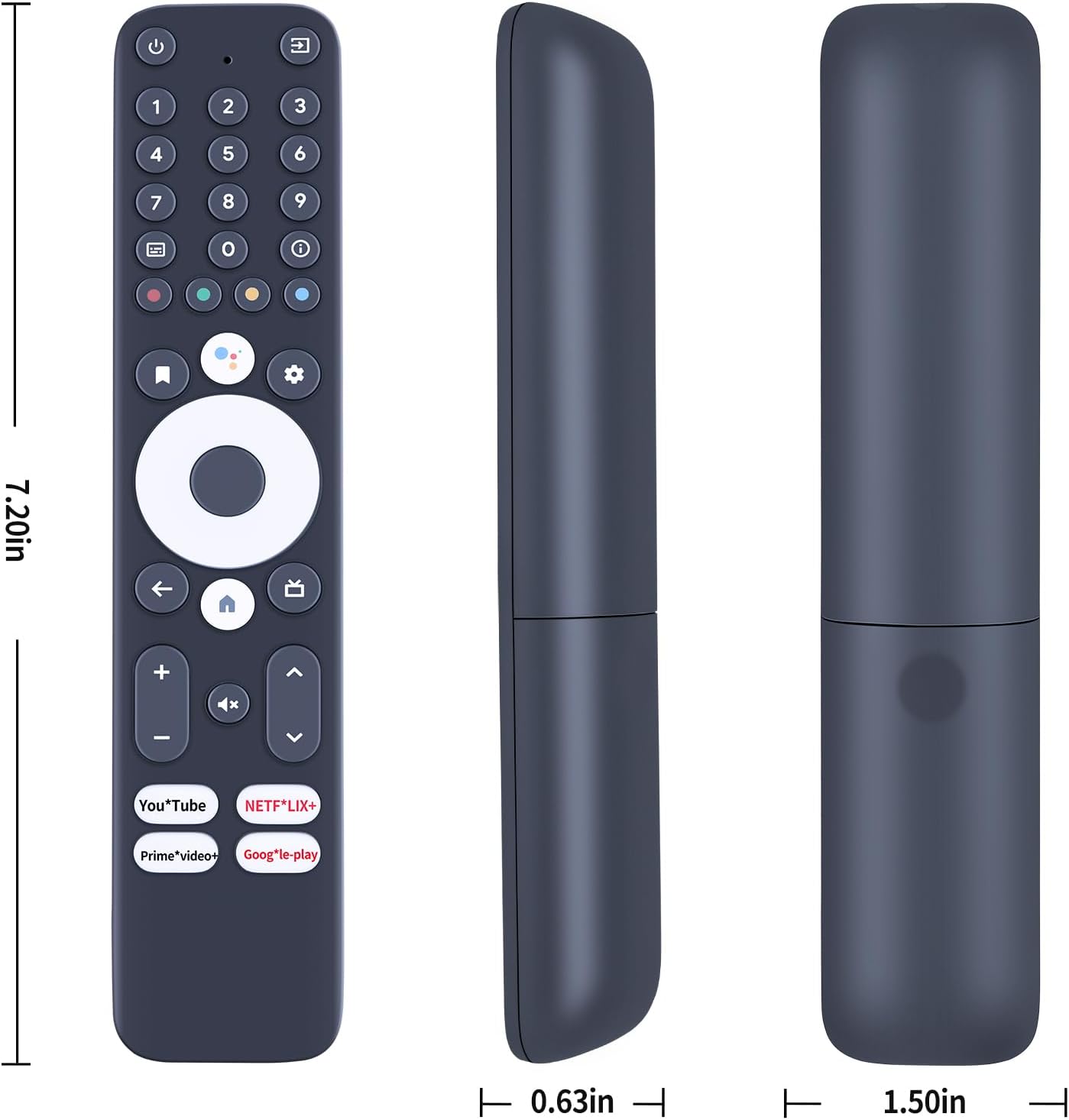
It might feel picky, but with remotes, this is often the difference between “pairs straight away” and “pairing worked, but a few buttons don’t do what you expected”.
Where it makes sense (and where it may fall short)
Worth considering if you need a practical replacement remote and you’re comfortable doing a quick visual match against your existing remote. It also makes sense if your main goal is day-to-day control—navigating menus, using playback controls, and moving around the Android TV interface.
It may not be the best choice if you need every single button function to behave exactly like the original remote. The listing warns that, depending on the button and model, some functions may not be available. So if you rely on a specific shortcut button (or you’re replacing a remote you suspect is a very particular variant), you may want to be extra cautious.
Also, since batteries are not included, you’ll need AAA spares ready for the initial setup.
Quick FAQ
How do you set it up?
The remote is described as simple to set up: insert 2x AAA batteries (not included) and follow the pairing instructions. After successful pairing, it should work with your device.
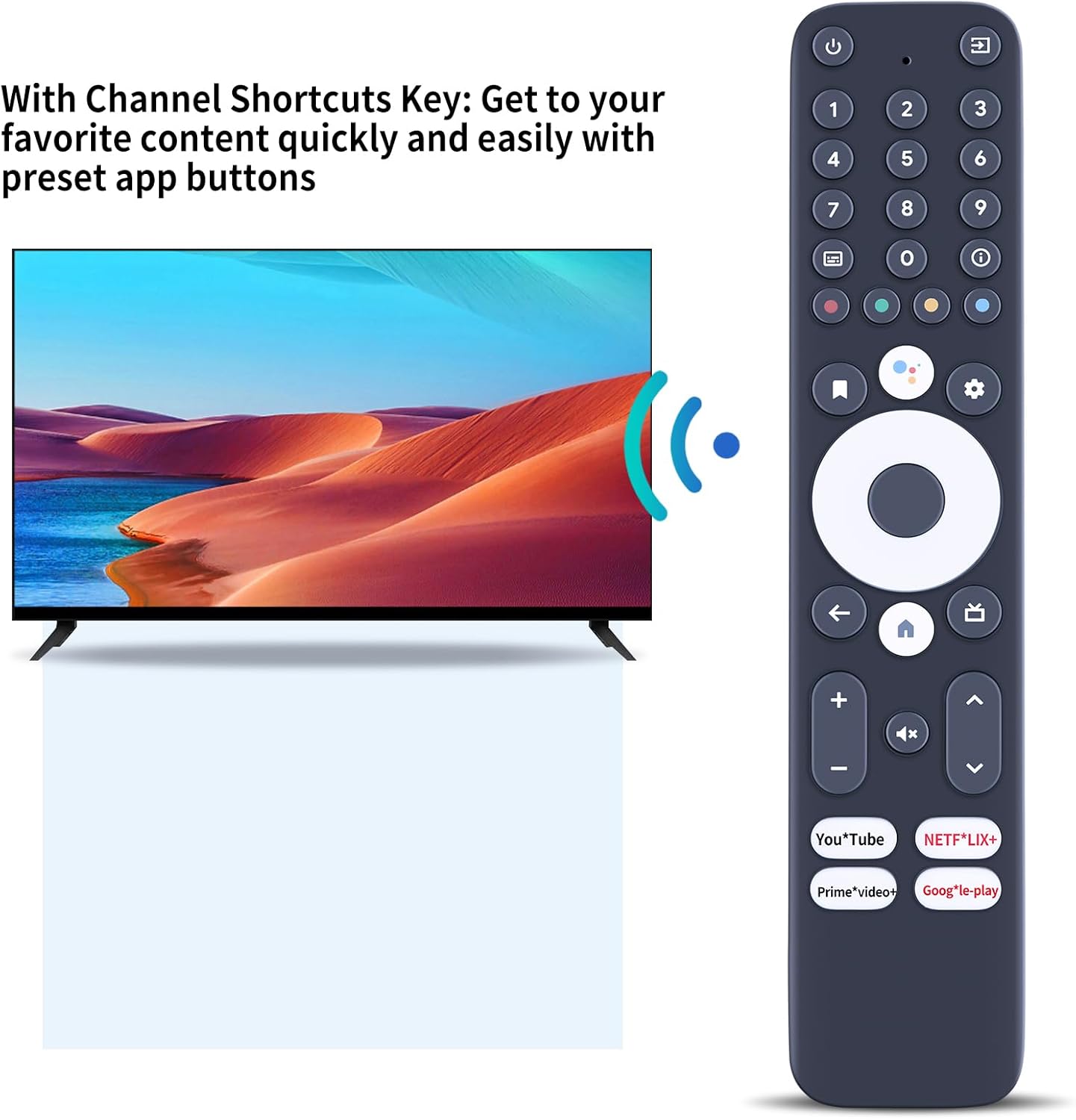
Does it have all the same functions as the original?
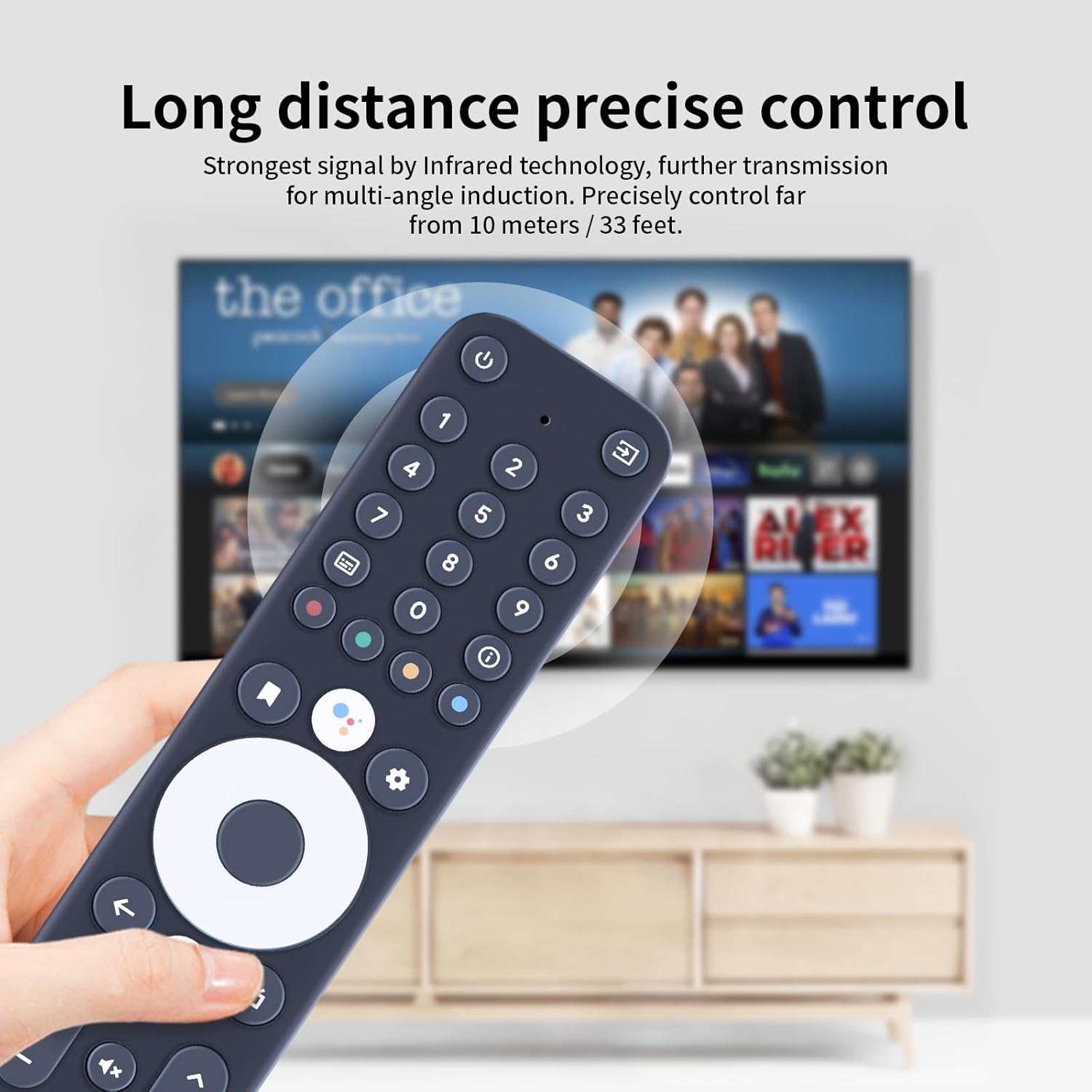
It’s positioned as a replacement that should offer the same functions, but the listing notes that some functions may not be available depending on the button layout and model. Matching the remote to the correct variant is important.
Do I need to pair it?
Yes—pairing is mentioned as part of getting it working with the device after inserting the batteries.
What if the buttons don’t match?
The listing specifically asks you to check the remote picture carefully and pay attention to the symbol of the button. If you’re unsure, it suggests contacting the seller before buying.
Final verdict
Is it worth it?
Buy it if you want a straightforward replacement remote for your Android TV player box, you can confirm the remote picture/button symbols match what you need, and you’re happy to handle the pairing step. It’s the kind of everyday fix that can save you the hassle of living with a damaged remote.
Avoid it if you can’t verify the button layout, or if you’re counting on every single function being identical to your original—because the listing makes it clear that some functions may not be available depending on the model and buttons. If your current remote is different enough that you can’t confidently match it from the images, you may want to look for an exact match first.