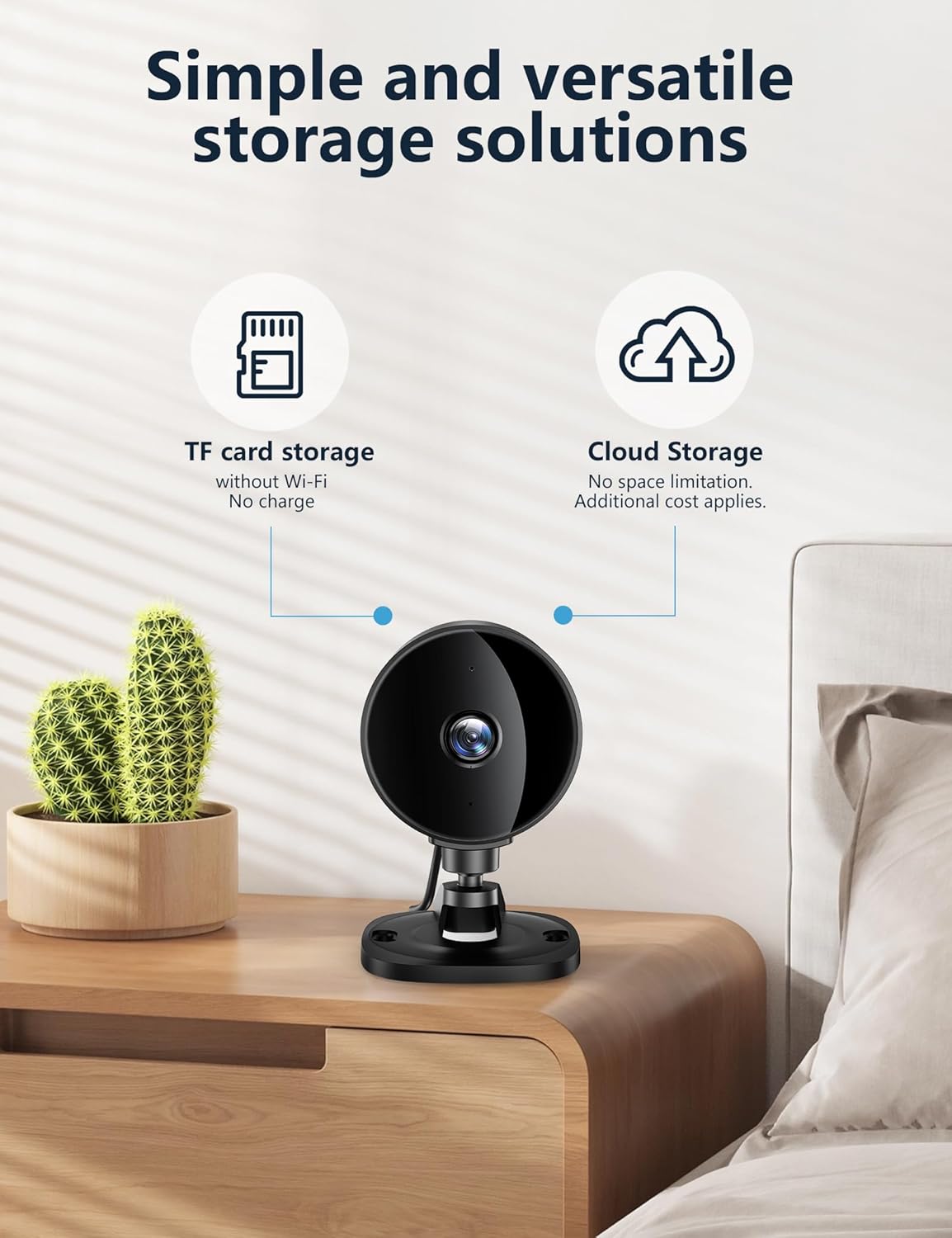
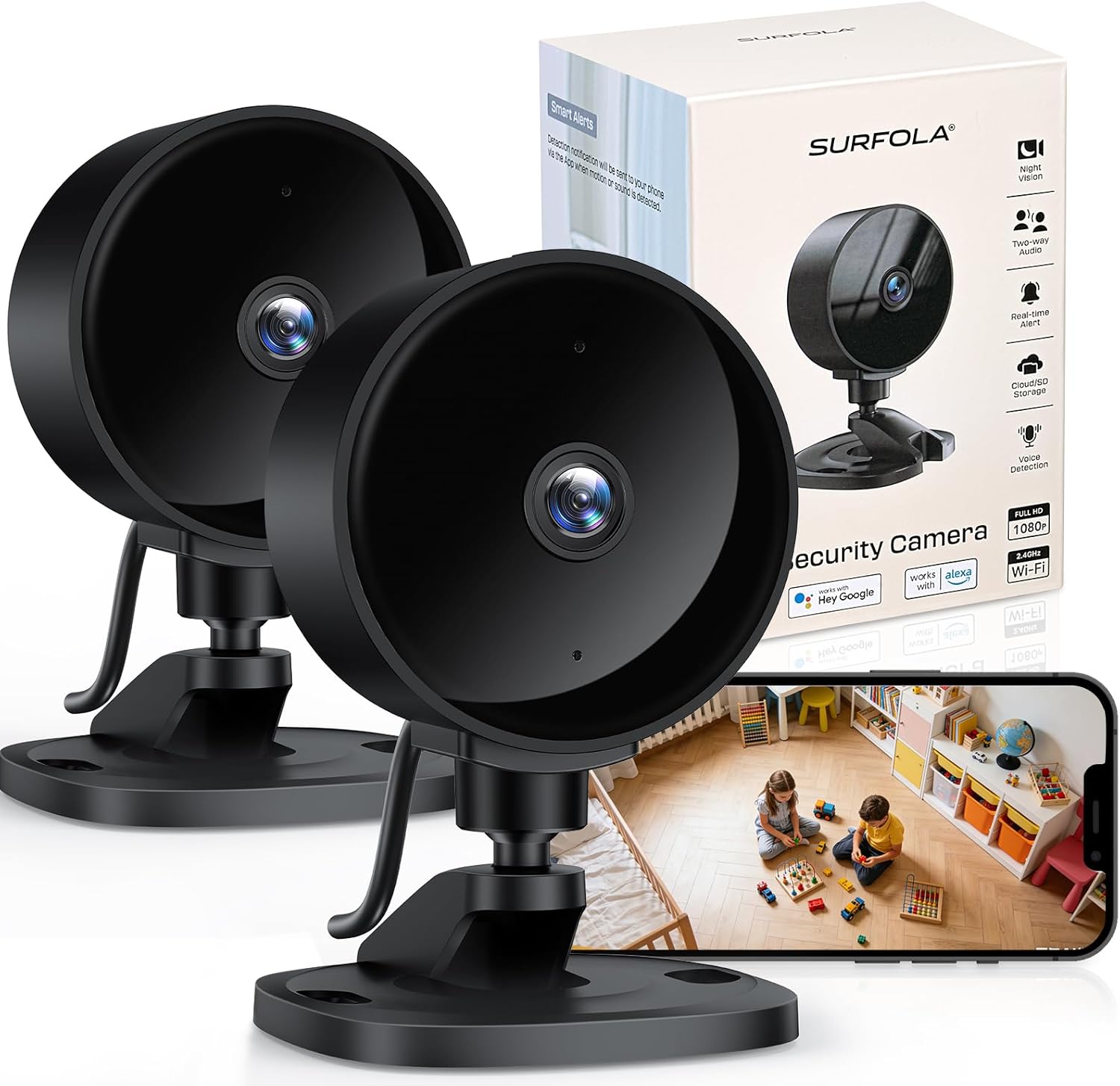
What it is and what it solves\nSurfola’s 1080P Indoor Security Camera is a compact, plug‑in CCTV solution designed for home monitoring, pet watching and infant care. It delivers full HD footage with enhanced night vision to reduce dark blind spots in rooms like living rooms or nurseries. The camera is purpose‑built for straightforward home security: no mandatory subscription is required, and you can choose between local storage via microSD (up to 128GB, card not included) or encrypted cloud backup. If you prioritise easy setup and autonomous operation, this model offers a pragmatic balance between affordability and usefulness.
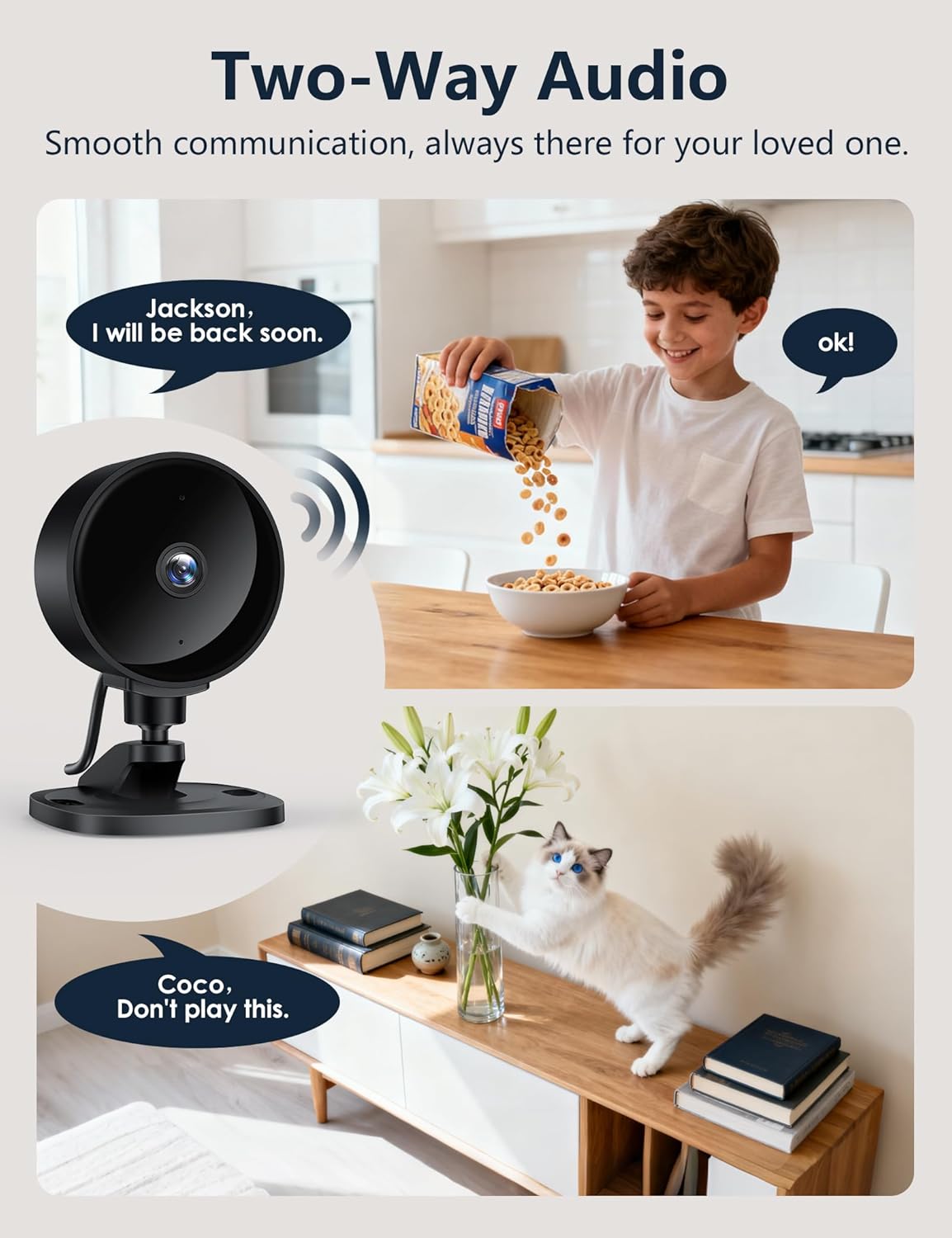
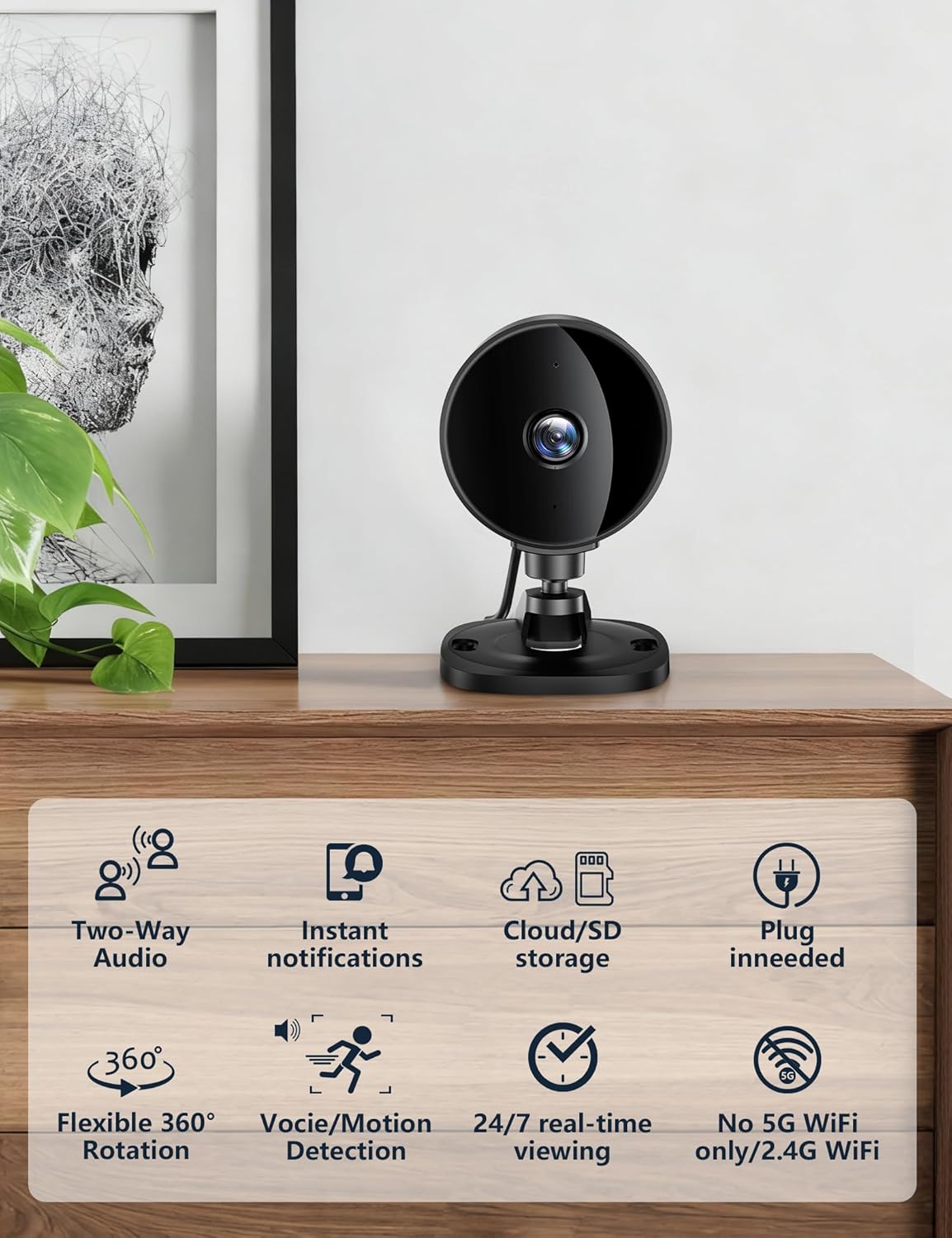
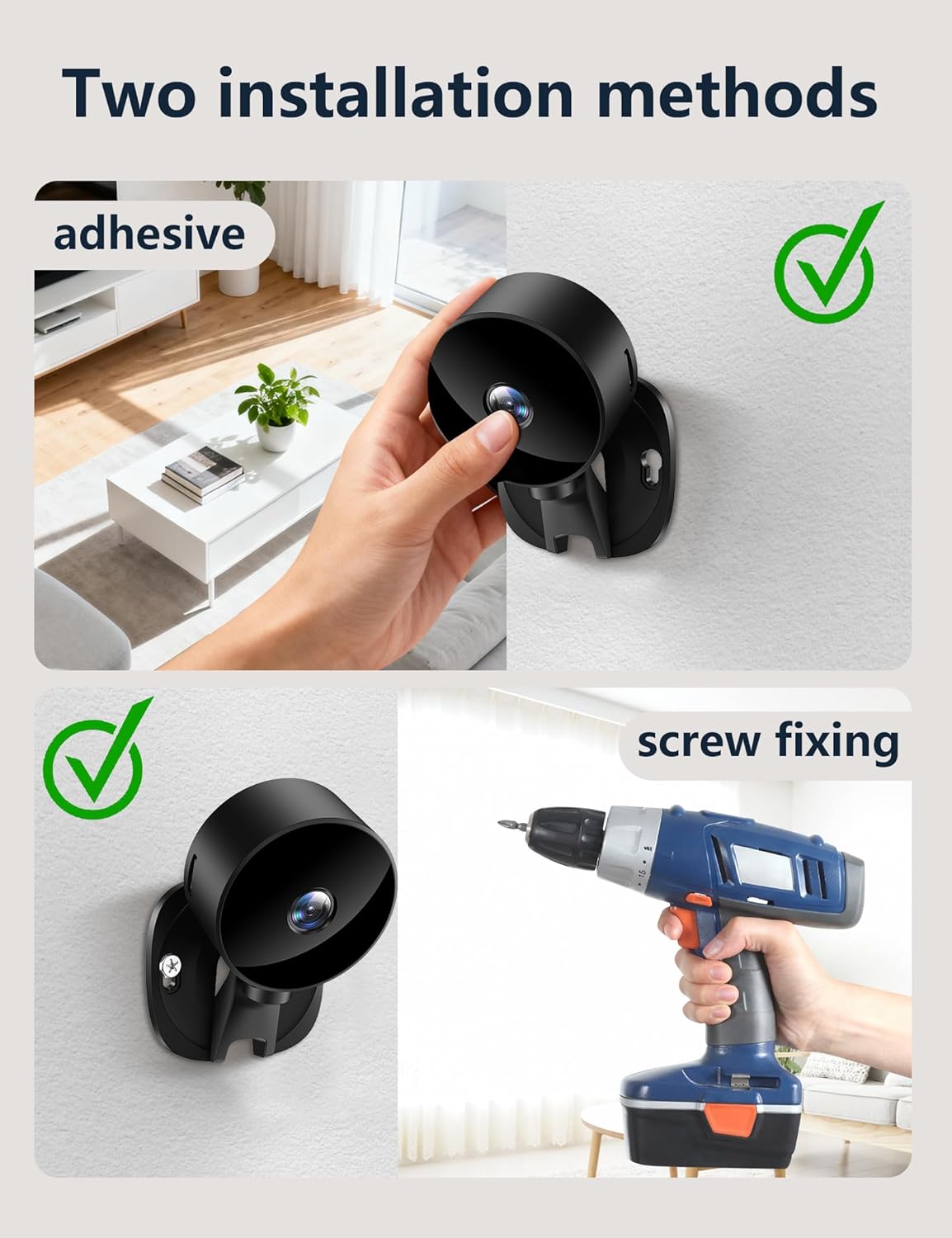
How it performs on paper\nOn the technical side, you get 1080P Full HD clarity and a dual infrared LED system for clearer night-time recording. The 360° manual rotation lets you adjust the field of view to cover multiple corners of a room, while adhesive stickers or wall mounts simplify installation without needing tools. The two‑way audio feature enables real‑time conversation—handy for checking in on a pet, talking to a baby, or communicating with someone at home.
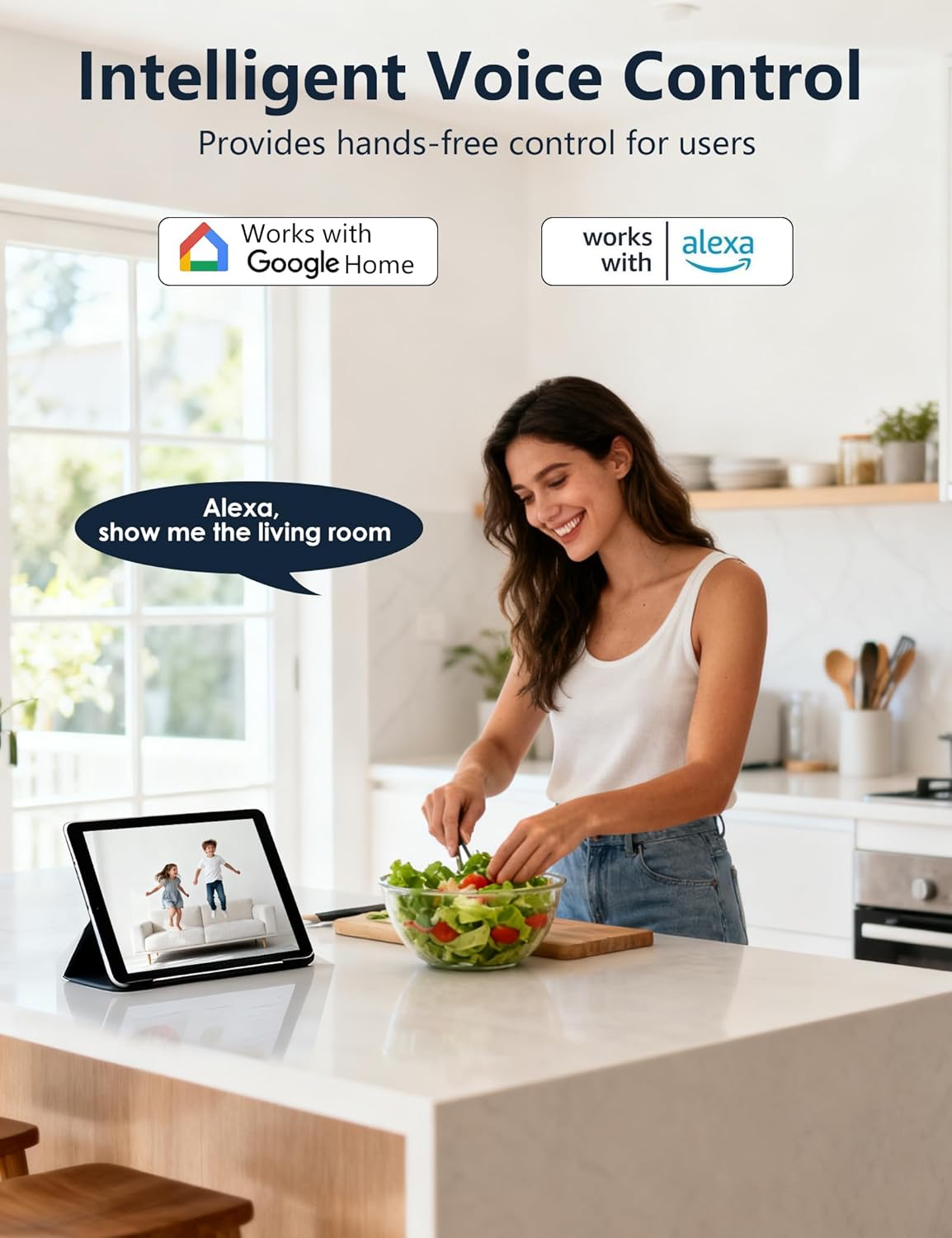
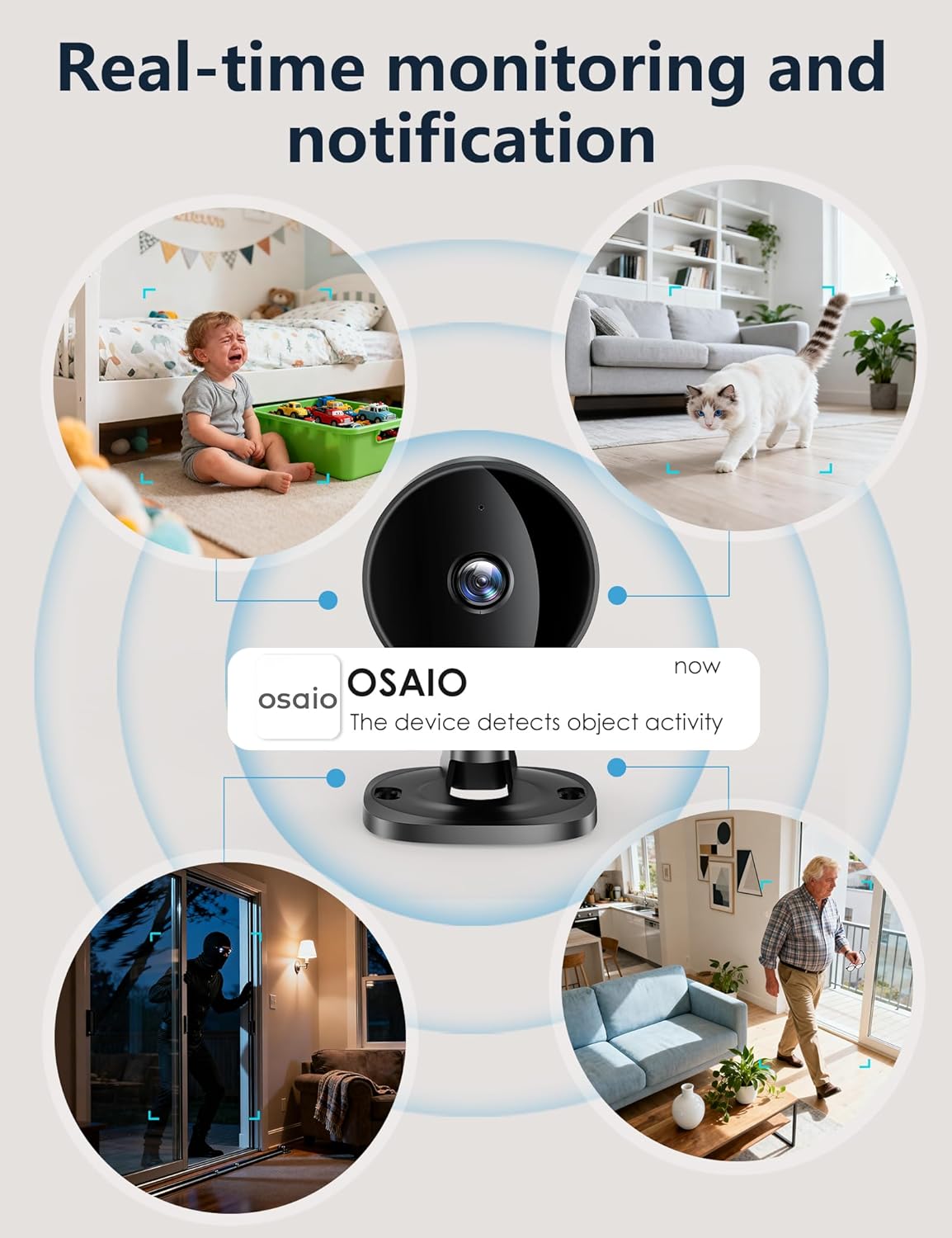
Real‑world use and everyday scenarios\nIn practice, this camera works well as a pet cam or baby monitor, thanks to motion and sound detection that triggers instant phone alerts. It’s useful for keeping an eye on entry points or monitoring activity around a nursery or office. Because it supports Alexa and Google Home, you can view the live feed on compatible smart screens with voice, which adds a hands‑free element to daily monitoring.
What stands out and what falls short\nOn the upside, the setup is straightforward: download the Osaio App, power up, connect to WiFi, and you’re watching in moments. The lack of a mandatory cloud subscription keeps ongoing costs predictable, and the option for local storage gives you control over your data. A potential limitation is that the product is designed around a 2.4GHz WiFi network, it may not be ideal for homes with complicated network layouts or where only 5GHz is available. The 360° view is excellent for wide coverage, but depending on room layout, you may still need to reposition to catch every corner.
Who it’s most suitable for\nIf you want a practical, budget‑friendly indoor camera for pet monitoring, baby checks, or basic home surveillance, Surfola offers a credible option. It suits households prioritising straightforward app control, optional cloud storage, and local storage flexibility without a monthly fee. It’s less compelling if you expect ultra‑wide smart‑home integration, very high‑end video quality in challenging lighting, or a hands‑free auto‑tracking feature that follows movement automatically.
When it makes sense to buy and when to hold off\nBuy it when you need a simple, independent camera that delivers reliable day‑to‑night viewing and you’re comfortable with local or encrypted cloud storage. It may not be the best choice if you require advanced AI features, adaptive tracking, or a multi‑camera system with seamless cross‑device integration beyond basic voice assistants.
What to check before purchasing\n- Confirm your router supports 2.4GHz WiFi for initial setup.\n- Decide between local storage (Micro SD up to 128GB) or encrypted cloud backup.\n- Consider room layout to ensure the 360° lens can be positioned for maximum coverage.\n- If you rely on voice assistants, check compatibility with your existing smart home setup.\n- Be aware of the need for a power supply nearby for continuous operation.
Practical example in use\nImagine you’ve left the door ajar and want to check the hallway while your toddler naps. You can open the Osaio app on your phone, view a live feed, and speak through the two‑way audio to reassure or instruct without leaving the room. In the evening, the camera’s night vision helps you keep an eye on the living room without disturbing the baby’s sleep.
What you get and how it compares to the vibe of the market\nThis model emphasises plug‑and‑play simplicity and local storage flexibility, with no compulsory cloud subscription. If you’re comparing to higher‑tier cameras, you may notice fewer advanced modes or automation features, but it remains a solid option for value‑driven buyers who want decent quality footage and straightforward operation.
Is it worth it?\nFinal verdict: it makes sense if you want an uncomplicated, budget‑friendly indoor camera with reliable night vision, two‑way audio, and flexible storage options. It’s a sensible pick for basic home monitoring and pet surveillance, provided you don’t need premium AI features or ultra‑robust smart‑home automation.
FAQ\n- Does it require a cloud subscription? Not mandatory, cloud storage is optional.\n- Can I access footage without internet? Real‑time viewing relies on app connectivity, local storage can save footage when connected.\n- Is there a twist‑free setup for multiple devices? Setup is straightforward via the Osaio App, but multi‑camera management isn’t described in the data provided.\n- What happens if the SD card is full? The base data doesn’t specify, so plan for card capacity and consider cloud backup as an alternative.