

SUDEHO USB Stick 256GB Lightning and USB-C drive
Product description
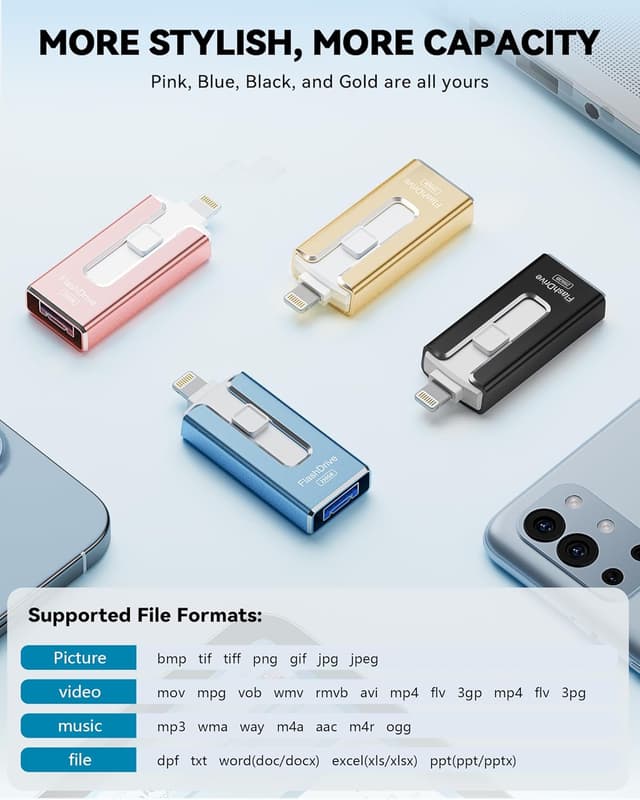
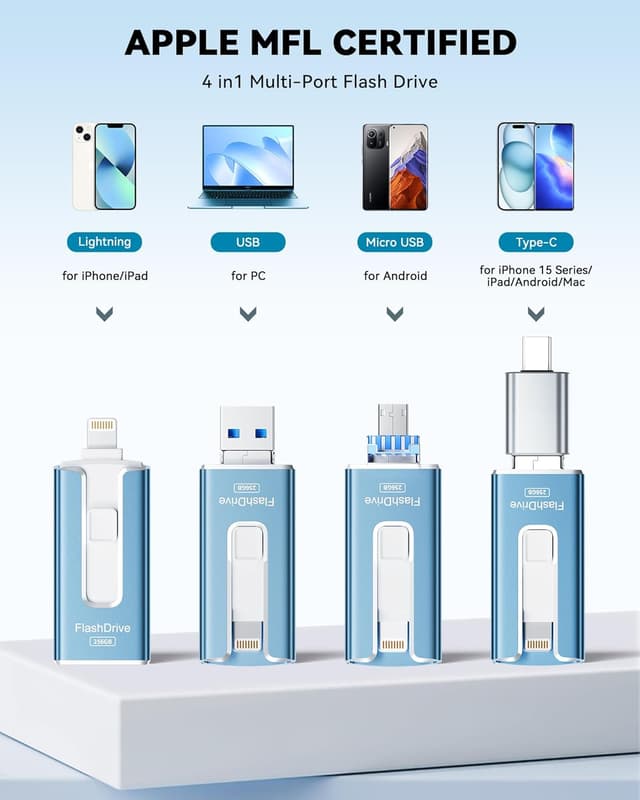
This compact 4-in-1 flash drive offers expandable on-the-go storage for smartphones, tablets and computers, making it easy to back up photos and videos without relying on the cloud. It connects via Lightning, USB-C, Micro-USB and USB-A for cross-platform transfers, and its MFi certification ensures compatibility with Apple devices while keeping mobile galleries and documents accessible during travel or daily use.
Key Points
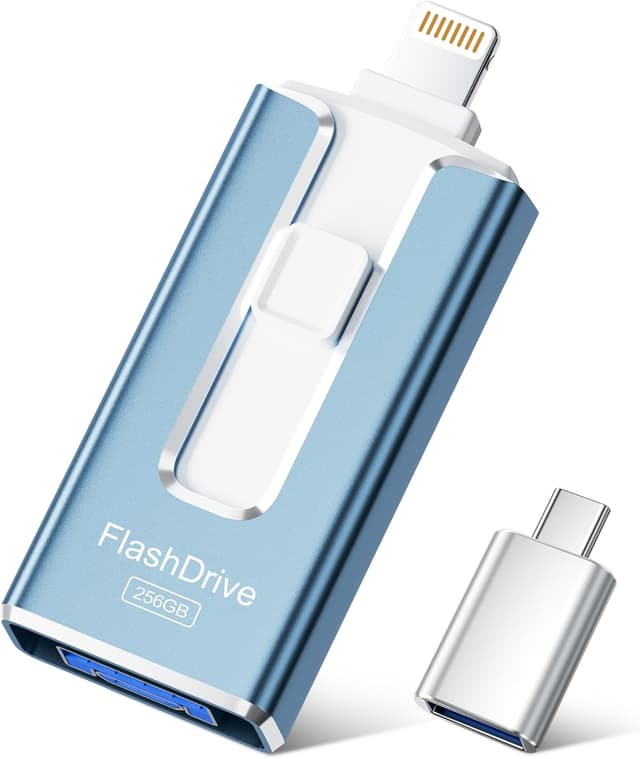
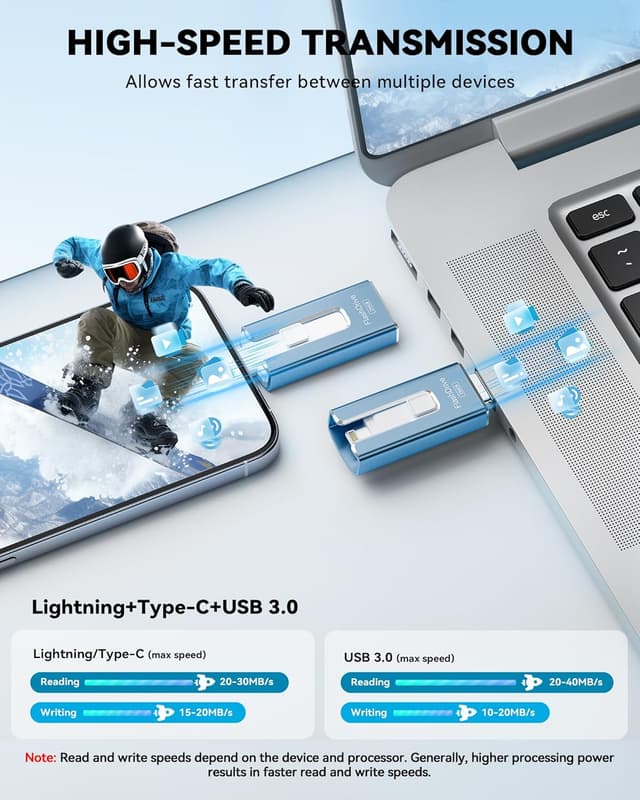
The drive supports plug-and-play use on Android devices that accept OTG and works with iPhones and iPads through a free app, allowing straightforward backups and file management. Its slim, pocketable form in ash blue is convenient for commuters and photographers who capture large amounts of media. Transfer speeds are geared towards everyday use, letting you move large photos and video clips faster than standard USB 2.0 flash drives. ⚡️
You can protect sensitive files with password options available through the app on iOS, adding a layer of privacy when storing personal documents. The unit includes a USB-C adapter so you can connect to newer laptops and many modern Android phones without needing separate cables. Consider that write and read speeds depend on the host device and system performance, according to the manufacturer, so peak rates may not always be reached.
Technical Specifications
- Name: SUDEHO USB Stick 256GB
- Capacity: 256 GB
- Connectors: USB 3.0 (USB-A), Lightning, Micro-USB, USB-C (adapter included)
- Read speed: up to 40 MB/s, Write speed: up to 25 MB/s
- Colour: AshBlue
- Certification: MFi certified for Apple devices
- App: ROSPE app for iOS, OTG plug-and-play for Android
Usage Recommendations
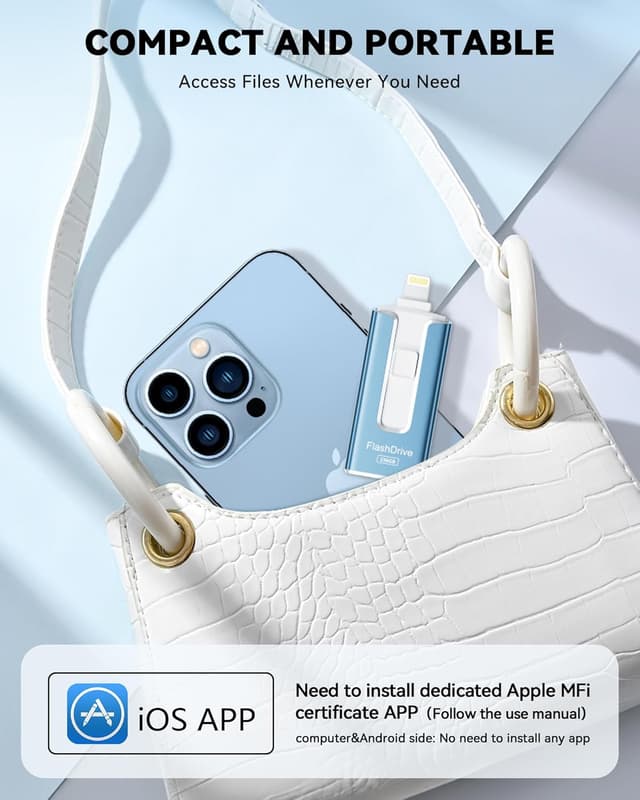
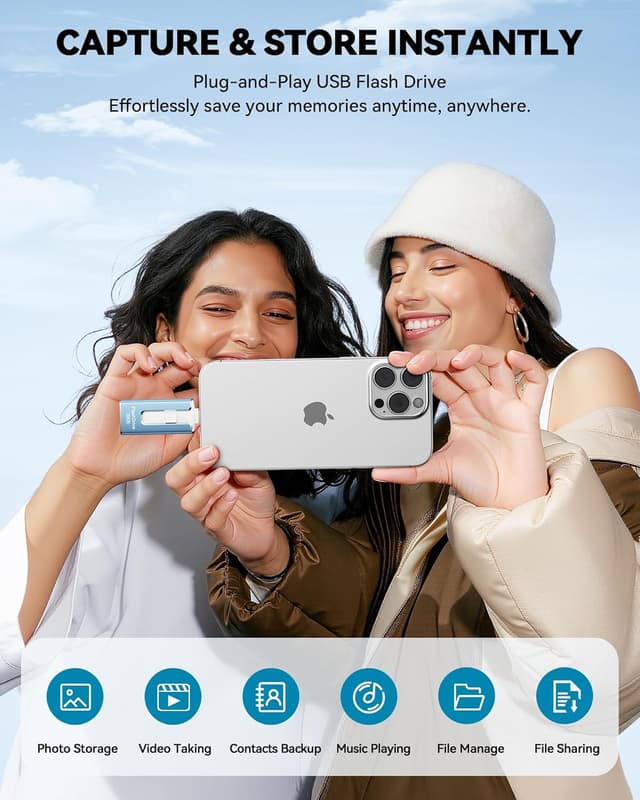
For quick photo backups from an iPhone, install the ROSPE app from the App Store and follow the on-screen prompts to access the drive. On Android devices, enable OTG support and plug the drive straight in to transfer files using the device’s file manager. When working with large video files, copy them in larger batches rather than many small transfers to improve efficiency and reduce time. 📸
If you plan to use the drive frequently with a laptop, connect via USB 3.0 on the computer side to make the most of the available throughput. Keep the device in a protective pouch when carried with keys or other metal objects to avoid scratches. For long-term storage of irreplaceable files, maintain a second backup elsewhere as an added precaution, especially for important video projects or family archives. 🔒.