

SteelSeries Arctis Nova Pro for Xbox (Multi-System) gaming headset with GameDAC Gen 2
Product description
The essentials for how you actually play
If you’re the kind of person who cares about what you can hear in-game (footsteps, reloads, spoken call-outs), the SteelSeries Arctis Nova Pro for Xbox is built around sound detail and control. It’s a premium multi-system headset, paired with the Hi-Res Certified GameDAC Gen 2, plus a retractable mic that’s designed for clean communication.
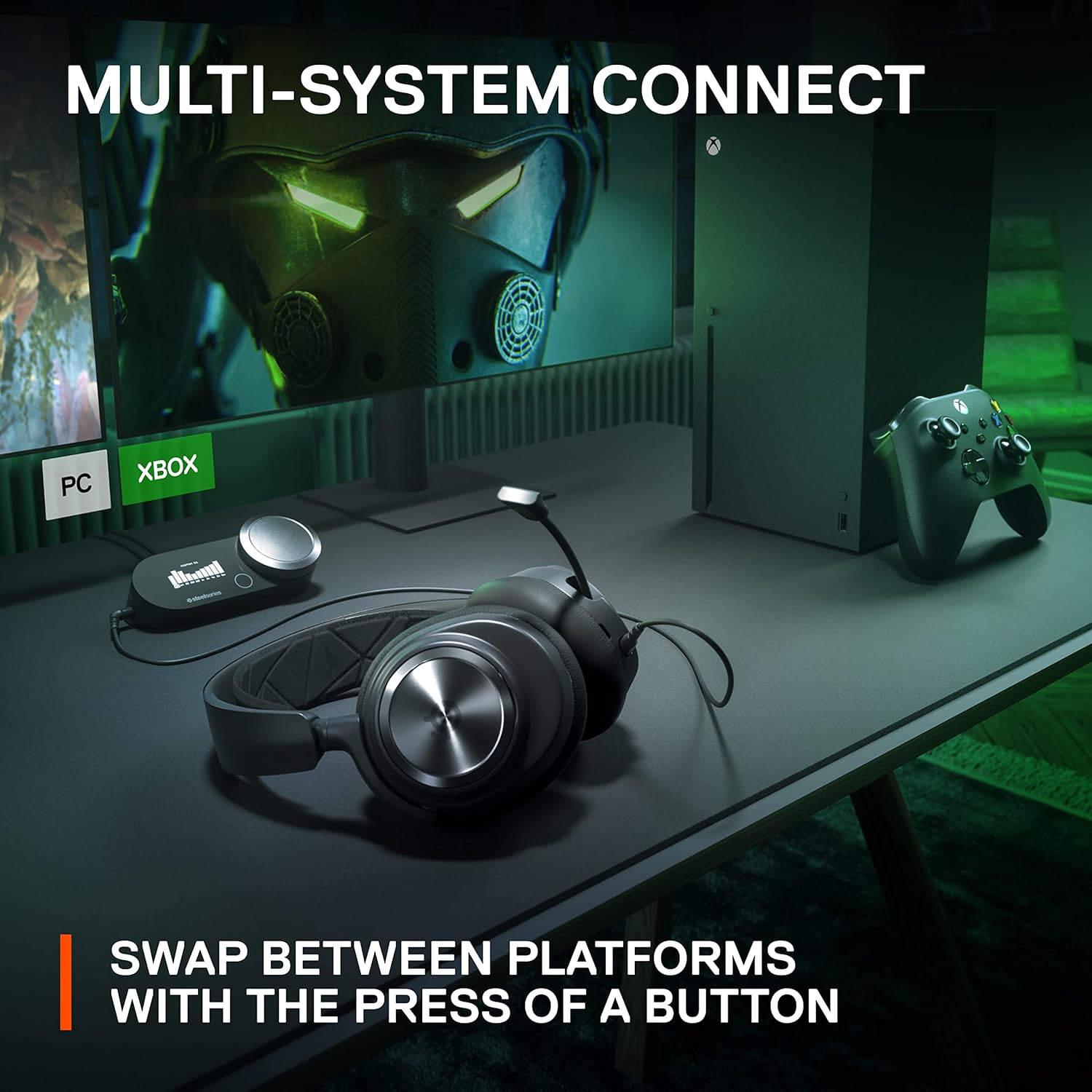
On paper, it aims to cover a lot of ground: Xbox first, but also PC and Switch and “more”, with the ability to connect two systems at once and switch quickly. That means it suits households where different consoles/PC setups share the same headset, or players who jump between platforms.
Key features that matter in day-to-day use
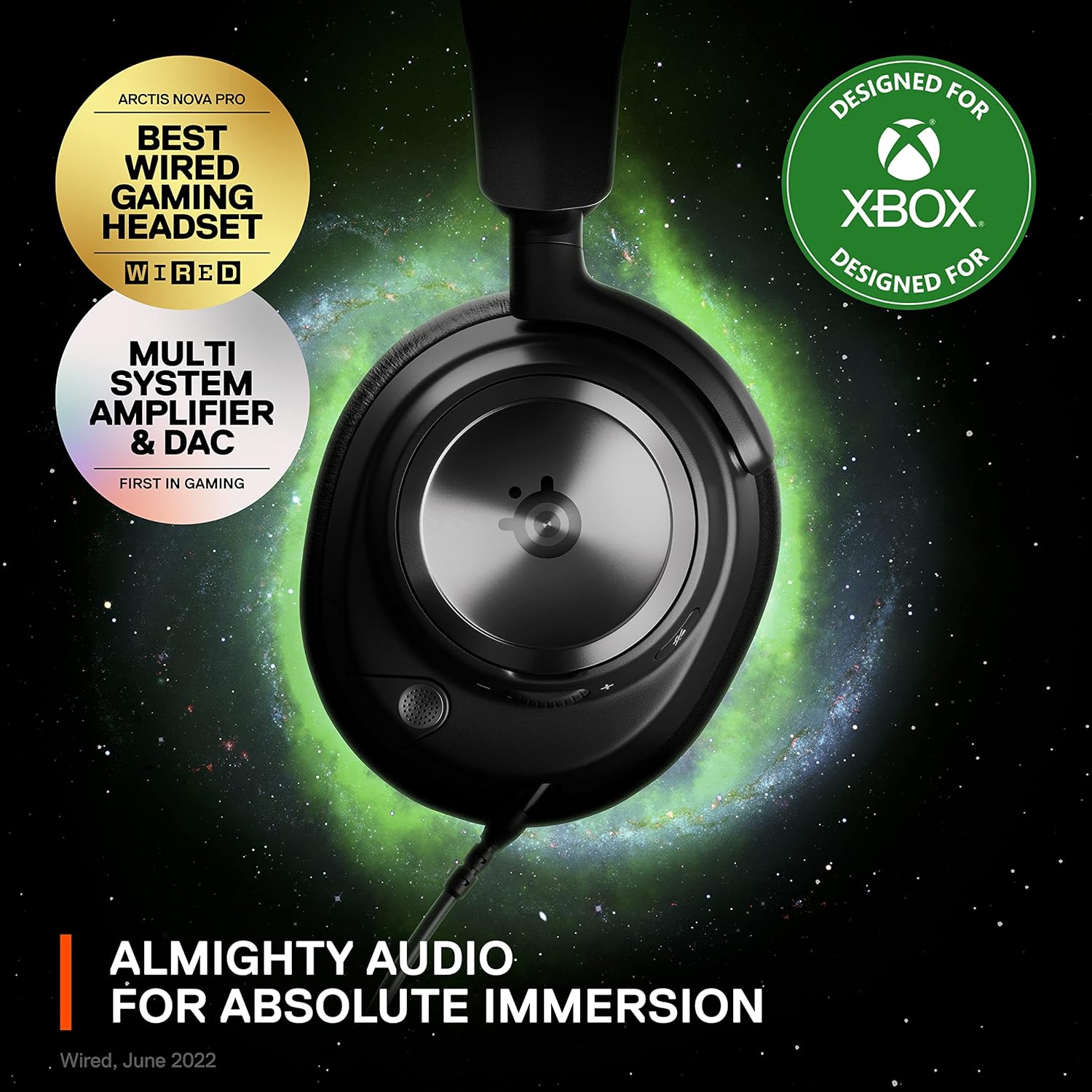
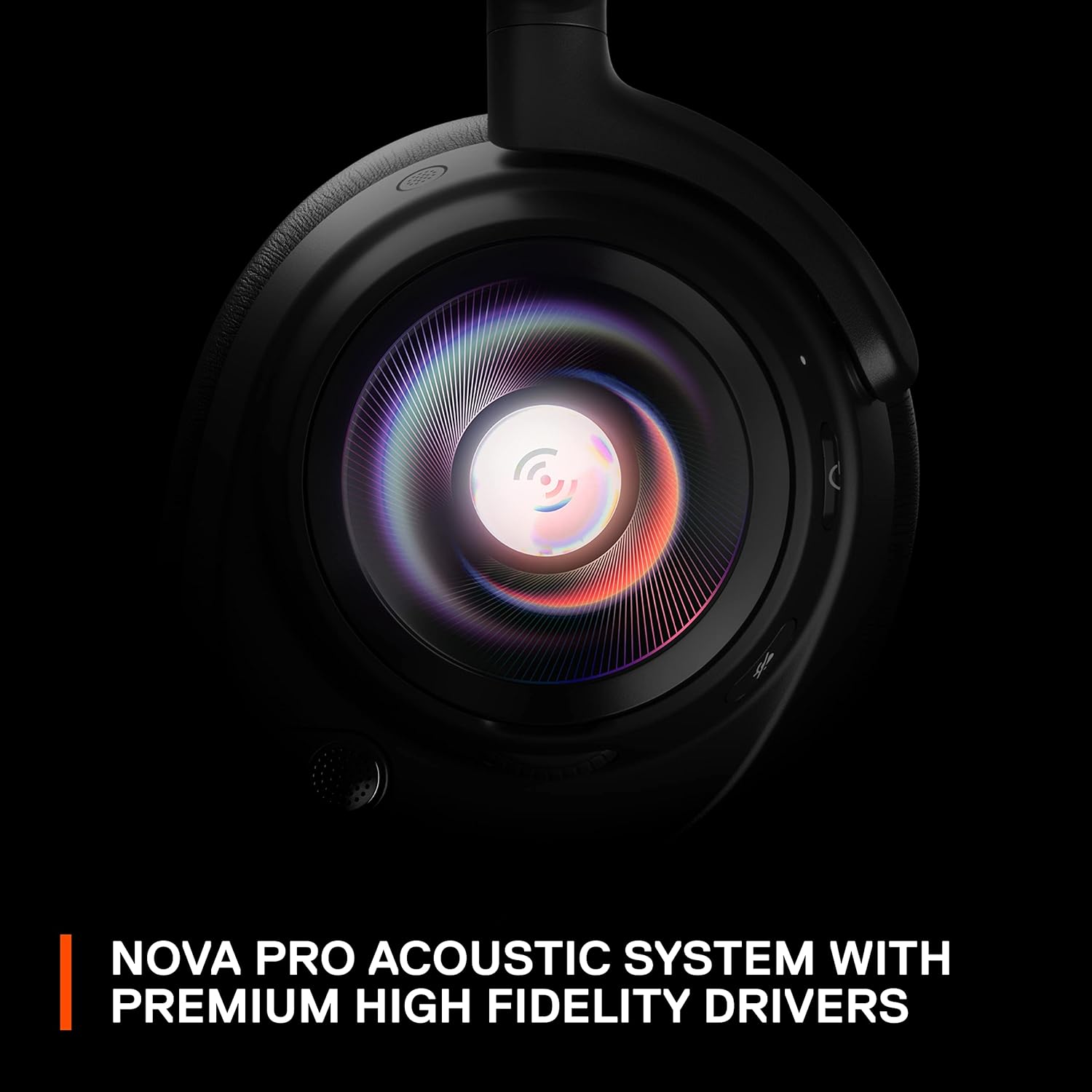
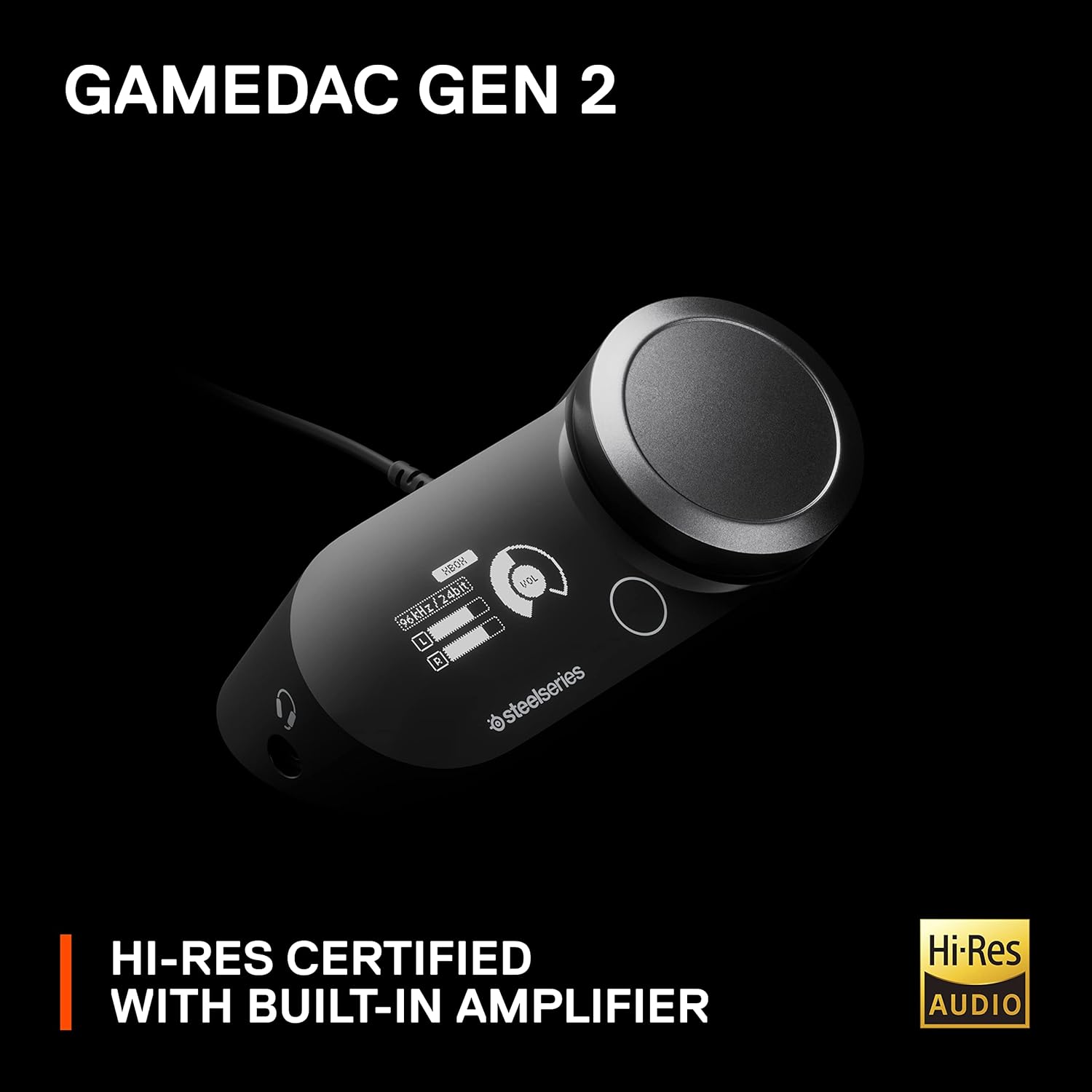
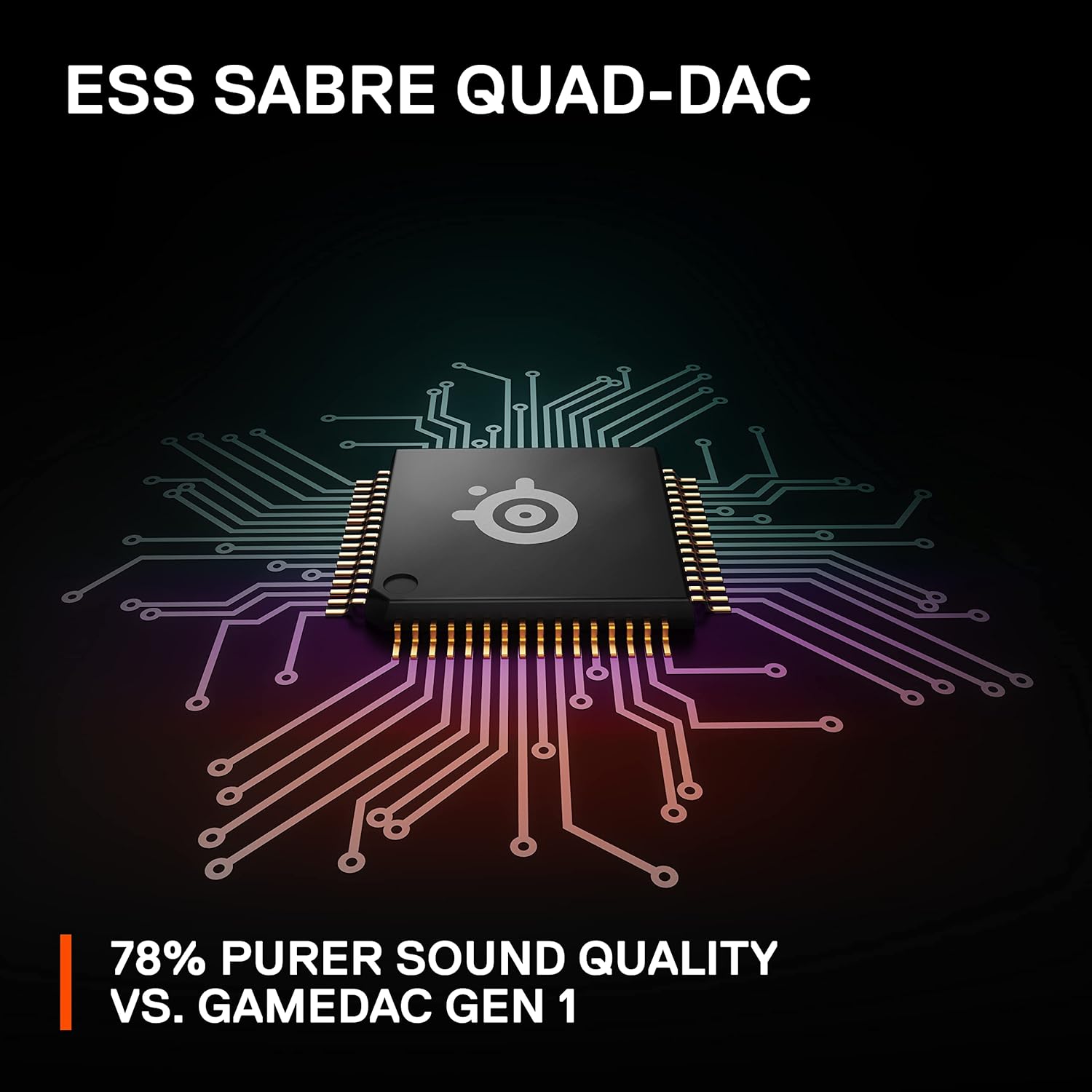
The headline here is the GameDAC Gen 2 and the way it helps shape audio. The GameDAC is described as boosting the audio signal compared with GameDAC Gen 1, and the headset is positioned as delivering a more detailed, richer soundscape. In practical terms, this kind of setup is usually what you notice when you’re trying to pick out small sounds during quieter moments.
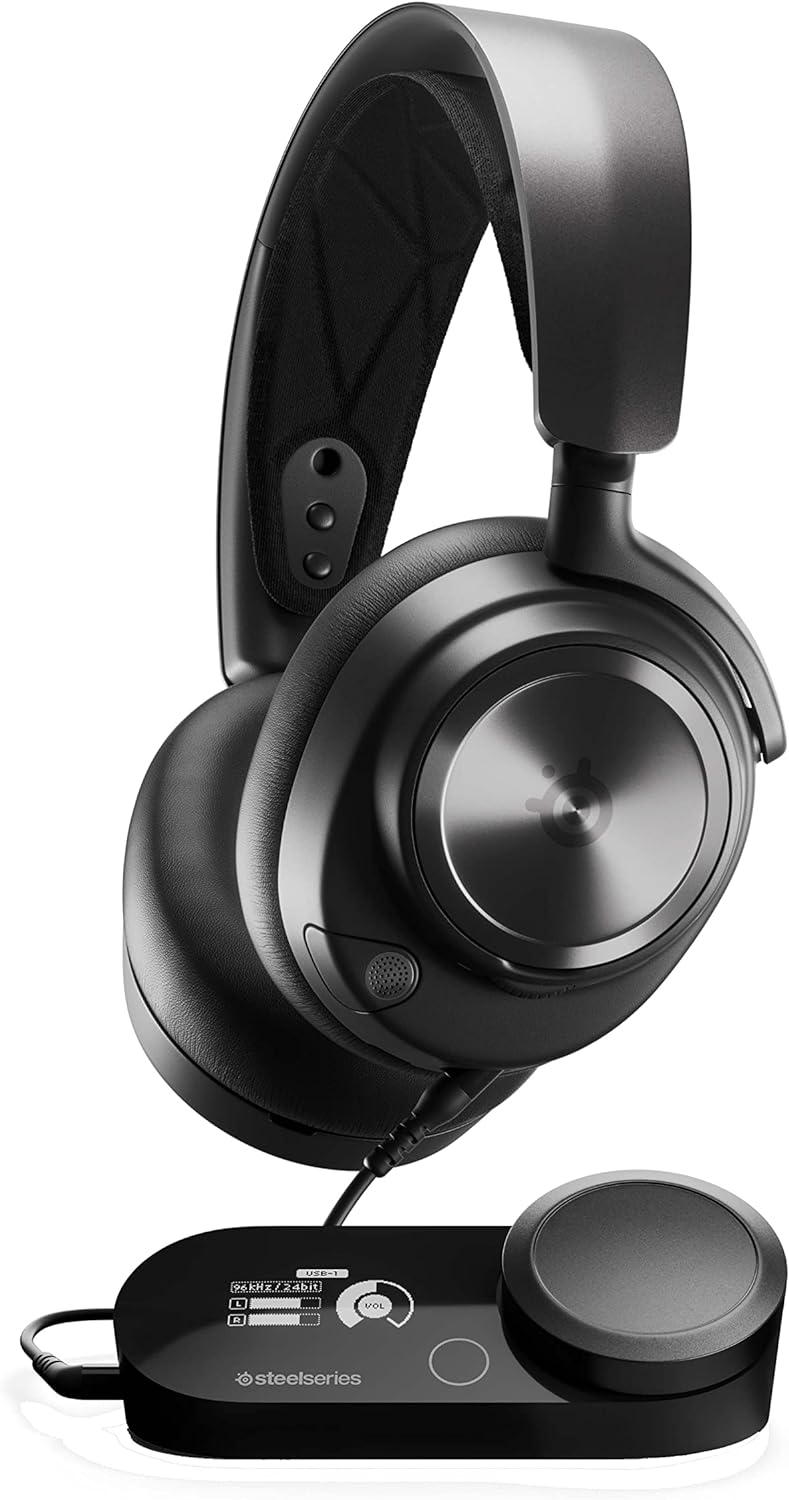
Sound customisation is also a big part of the pitch. With Sonar software, you can use a pro-grade parametric EQ, and you can adjust items like EQ, input device, volume and ChatMix from the multi-function OLED display on the GameDAC. That’s the sort of control that can make a difference if you often change between competitive modes (where you want clarity) and story/co-op sessions (where you may prefer a different balance).
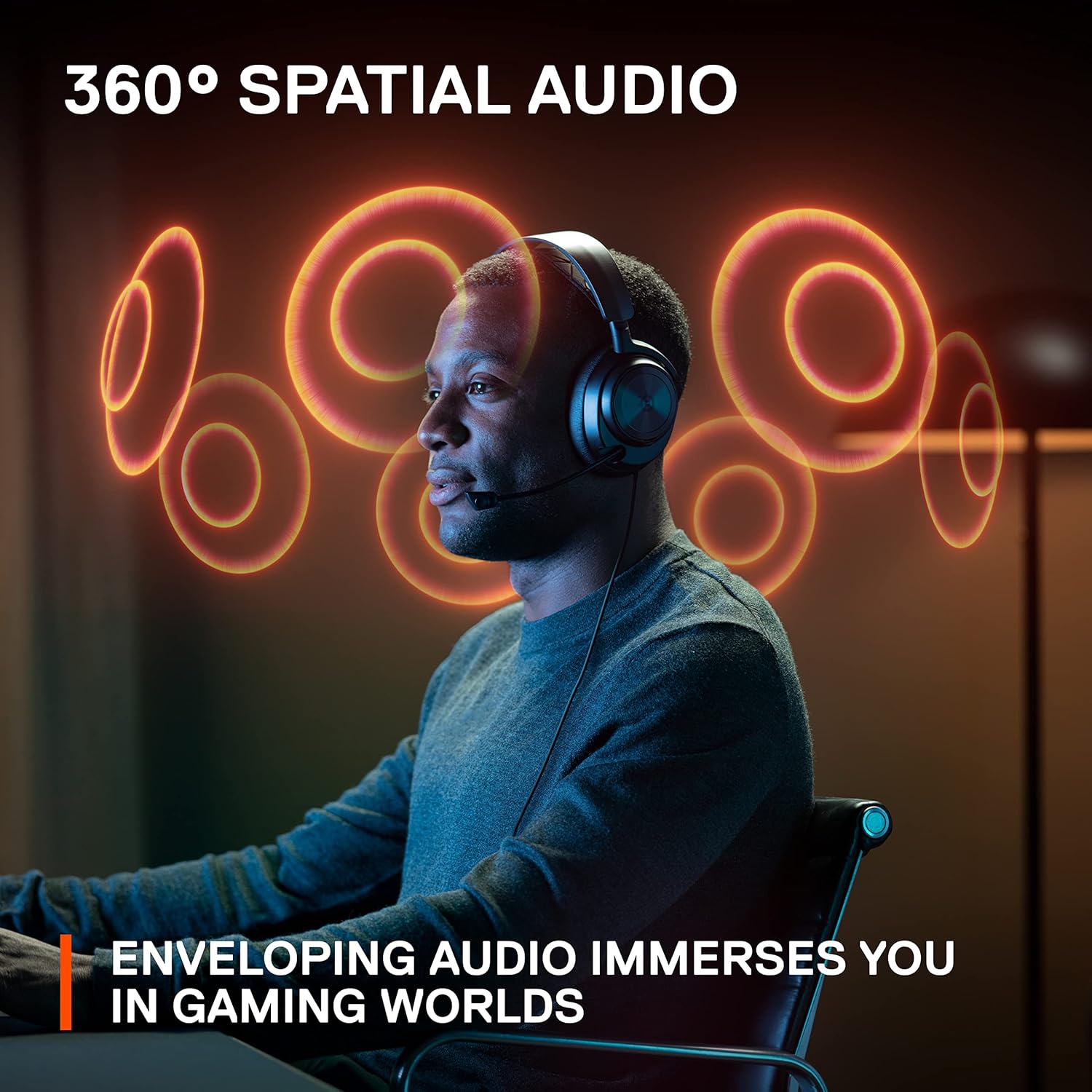
The 360° spatial audio support is meant to create an immersive surround effect—again, useful for hearing directionally where possible, such as when you’re listening for a step in the next room of a map.
The mic and communication side of things
For chat, the ClearCast Gen 2 retractable microphone is described as AI powered noise-cancelling. The idea is to silence background noise so your voice comes through clearly. It’s also a stealth mic that retracts into the earcup for a sleeker look when you’re not in a call.
That said, noise-cancelling microphones aren’t magic. If your room is very echoey or you sit with the mic unusually far from your mouth, you may still need to tweak positioning. Still, as a concept, it’s the right direction for people who stream, play with friends regularly, or share a living space.
Compatibility and setup expectations (what to check)
The product description stresses multi-system connectivity: you can plug in two systems at once and switch between them with a button. That’s handy if you’re, say, alternating between your console and your PC without wanting to unplug everything.
It also mentions full compatibility with Tempest 3D Audio for PS5 / Microsoft Spatial Sound and Hi-Res Audio Certified support. However, since this is specifically the Arctis Nova Pro for Xbox model, it’s worth double-checking exactly how you want to run spatial audio on your own platform mix before committing.
Also, if you’re using a device beyond what’s explicitly mentioned, you’ll want to make sure the connections and input selection match your setup—multi-system sounds simple, but the details of your sources matter.
Comfort and fit for longer sessions
ComfortMAX is mentioned with height-adjustable rotating earcups, a flexible suspension band, and a glasses-friendly build. The intent is that the headset stays comfortable even over longer sessions, which matters because even good audio can become frustrating if the fit is off.
If you tend to wear glasses or you’re sensitive to clamping pressure, this is one of the more reassuring parts of the spec. Still, “adjustable” doesn’t guarantee perfect comfort for everyone—your head shape and preferred ear coverage style will play a part.
Pros, and where it may not be the best match
What you’ll likely like: - Strong focus on audio clarity and customisation via Sonar software and parametric EQ. - Multi-system approach, including switching between two connected systems. - Spatial audio support (360°) designed for immersion and directional cues. - A retractable, AI noise-cancelling mic for clearer comms.
What to be cautious about: - If you only play on one system and want the simplest possible setup, this can feel like more headset than you strictly need. - It’s aimed at players who will actually use tuning options like EQ and ChatMix, if you’ll never touch settings, some of the added complexity may be wasted.
A good buying rule of thumb: if you’re the sort of person who spends time dialling in audio, this makes sense. If you want something plug-and-play with minimal fuss, you may prefer a simpler alternative.
Mini FAQ (quick answers before you buy)
Is it really multi-system, or just “works with more”?
The description says it supports connecting two systems at once and switching between them with a press of a button, and it’s marketed for Xbox, PC, Switch and more.
Can I adjust audio without using software on a computer?
The GameDAC Gen 2 is described as having an OLED display that lets you adjust EQ, input device, volume and ChatMix using touch controls.
What does the GameDAC Gen 2 add, beyond the headset?
It’s positioned as supercharging game audio and enabling detailed, high-resolution output, plus it’s the hub for settings and switching between systems.
Does the mic cancel noise effectively?
It uses AI powered noise-cancelling, designed to silence background noise. That should help in many everyday situations, though mic placement still matters.
Is it comfortable for long play sessions?
The ComfortMAX system includes height-adjustable rotating earcups, a flexible suspension band, and a glasses-friendly build, which is aimed at longer wear.
Is it worth it?
This is a solid pick if you want more control over your game audio, like the idea of spatial 360° immersion, and will use the tuning features (EQ, ChatMix and input switching) rather than leaving everything at default. It also makes sense if you regularly swap between Xbox and another platform and don’t want to keep unplugging.
You may want to skip it if you only use a single device and you’re after the most straightforward, least “settings-heavy” headset possible. It’s also not the best match if you don’t care about audio detail and communication clarity enough to spend a few minutes setting up how you like it.