

StarTech USB-A and USB-C to Dual HDMI Adapter (4K30 + 1080p) — USB 3.0, 2 Displays, Windows/ChromeOS/Ubuntu
Product description
What it is
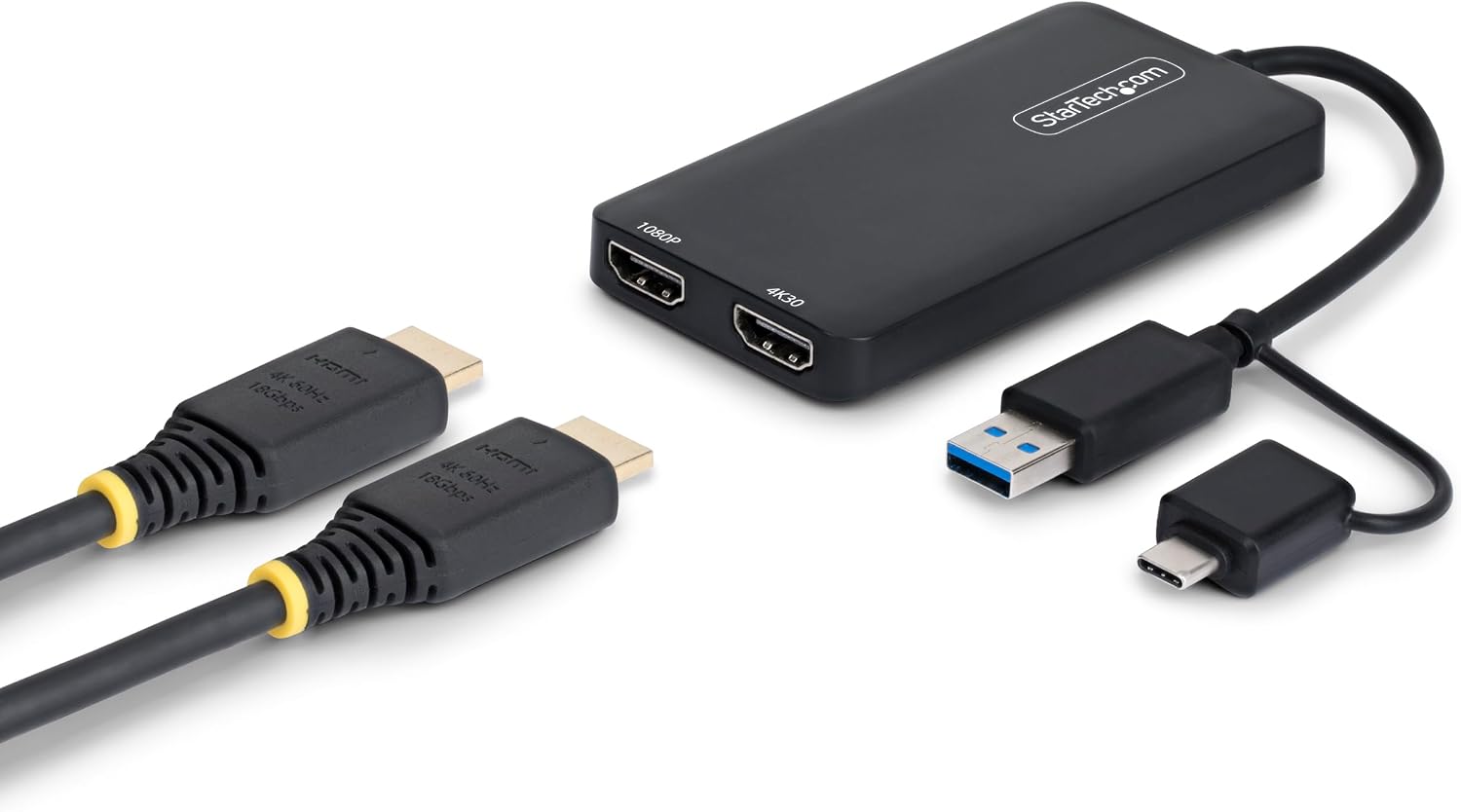
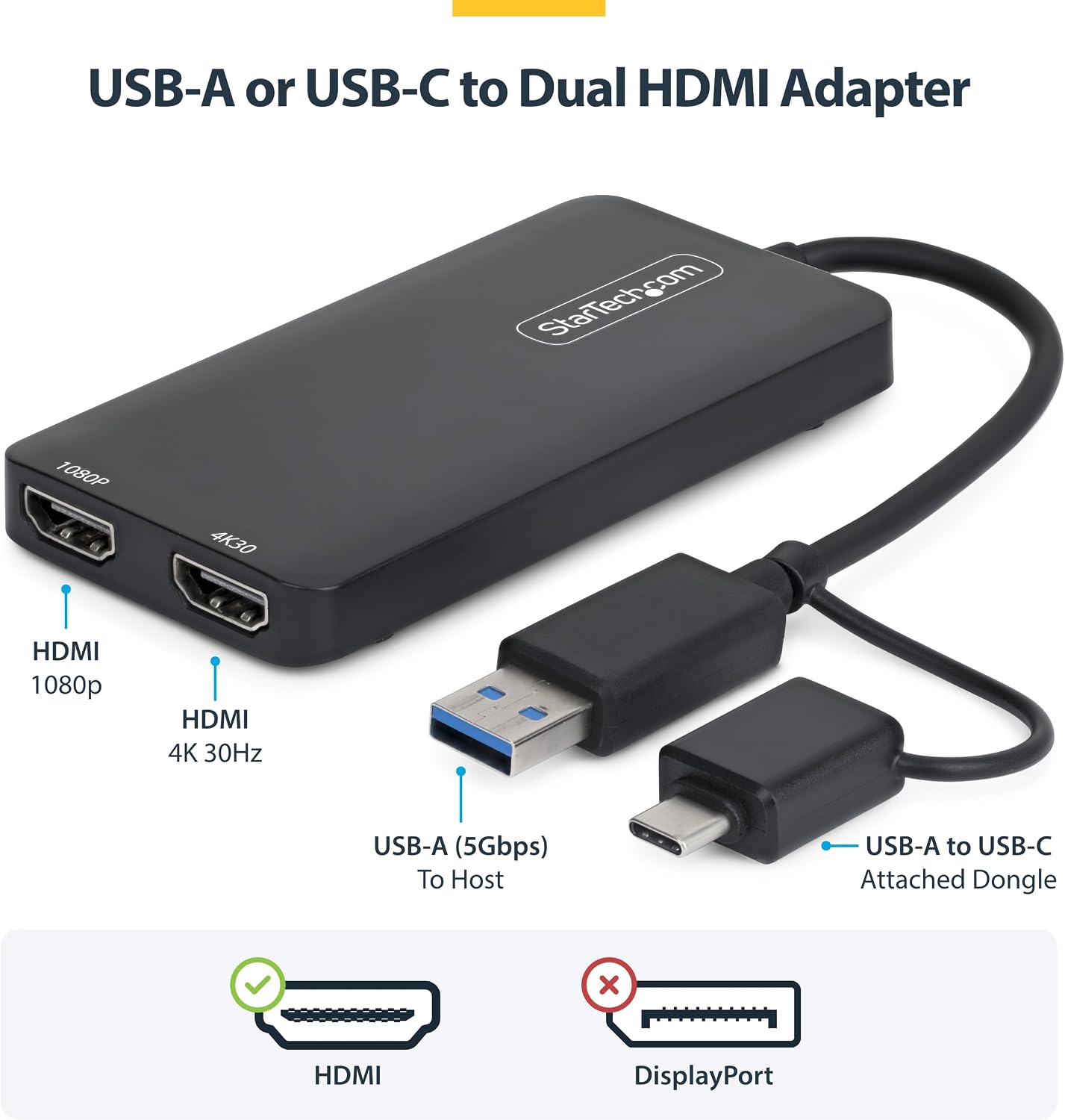
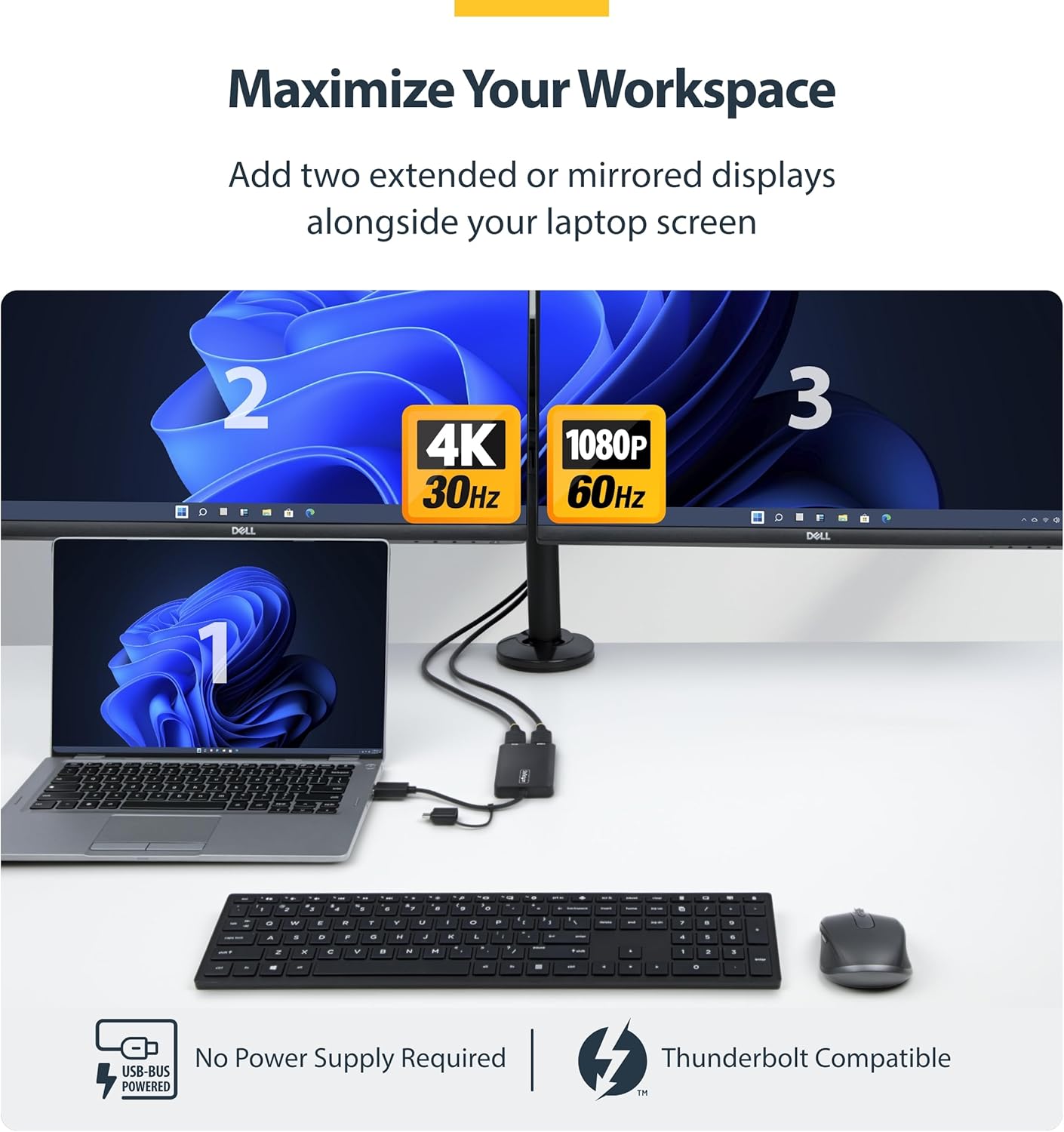
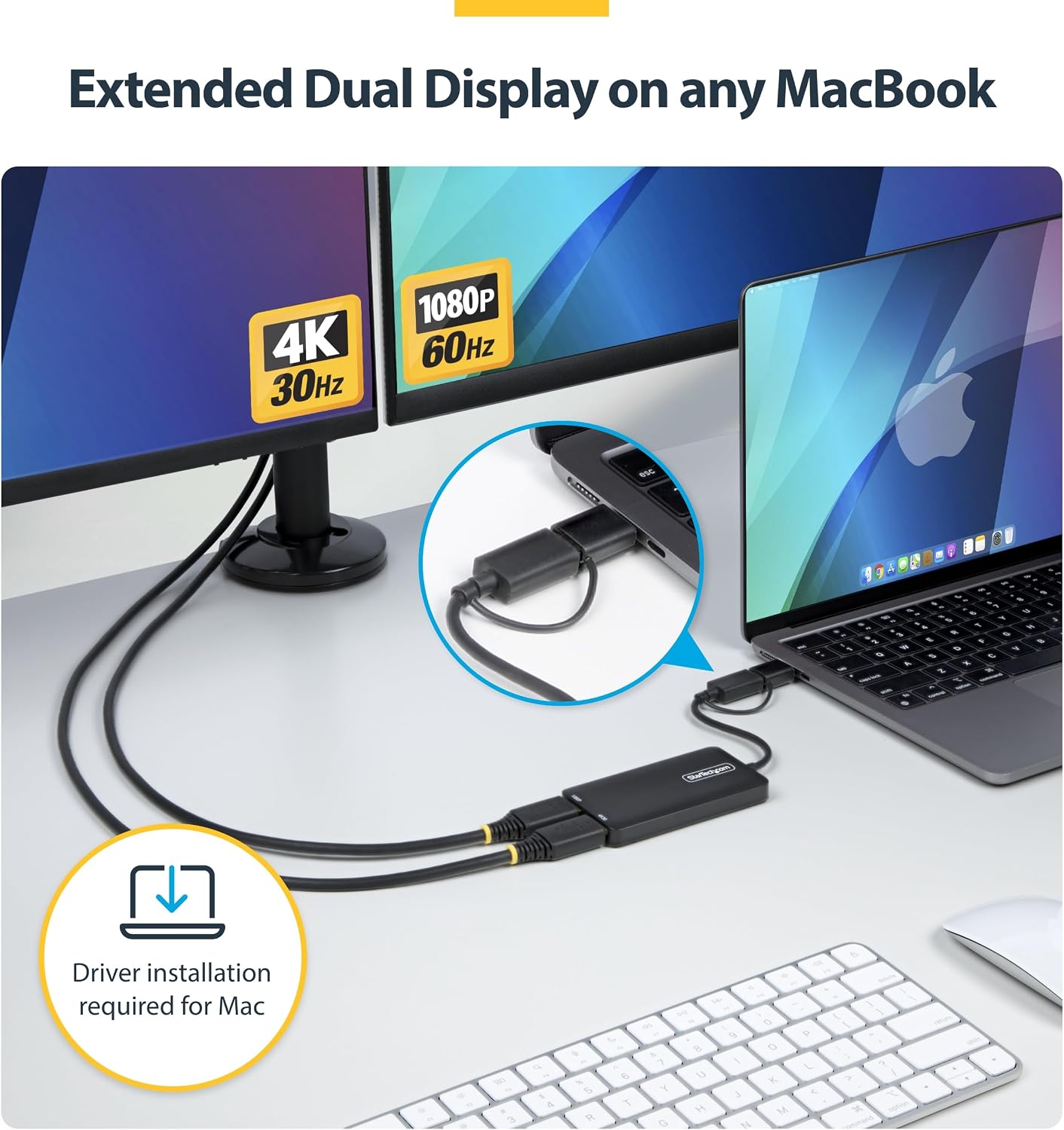
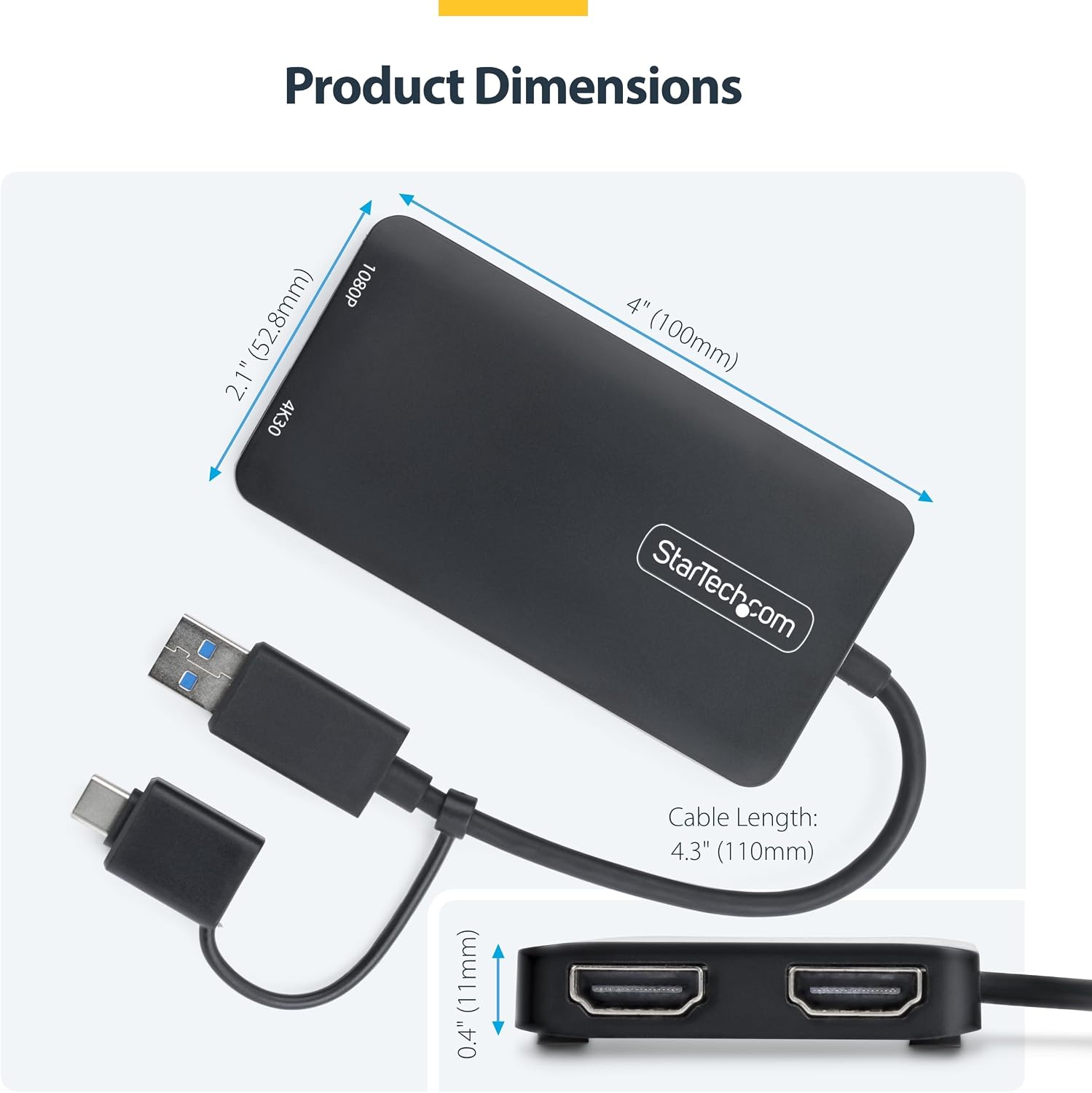
The StarTech USB-A and USB-C to Dual HDMI adapter is a portable external graphics solution that lets you extend or mirror your laptop’s display onto two external monitors. It uses a single USB 3.0 connection to drive two HDMI outputs, delivering one 4K at 30Hz and one 1080p display. The cable is 4.3 inches long, and the device is bus-powered, meaning no extra power supply is typically required.
How it works
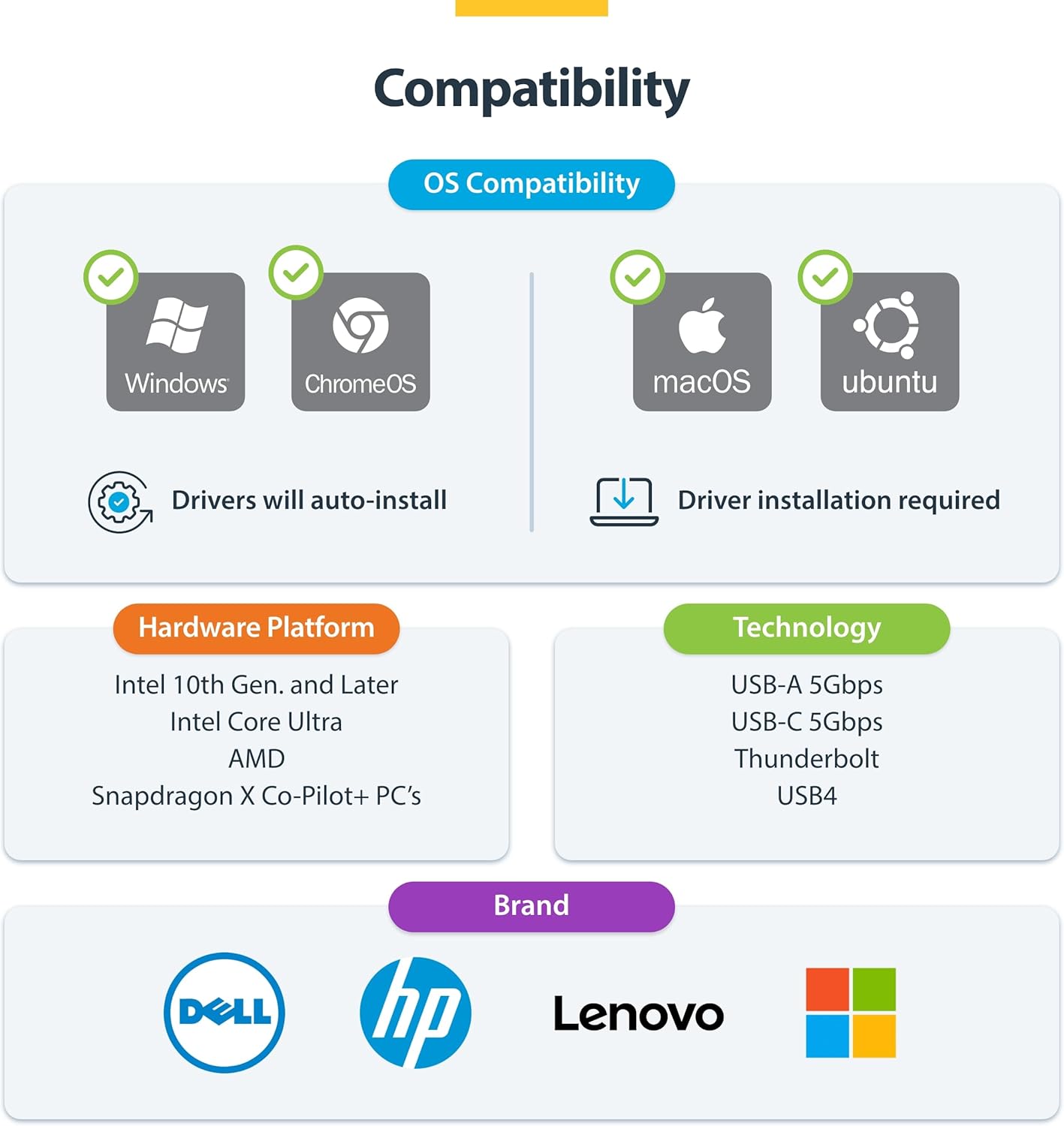
This external graphics adapter relies on Silicon Motion’s technology to reduce CPU load and provide low-latency graphics for smoother window movement and cursor control. It supports USB-A, USB-C, USB4, and Thunderbolt hosts, and it installs automatically on Windows and Chrome OS, with driver requirements noted for macOS and Ubuntu.
What it’s for
If you need more screen real estate for office tasks, data work, or multi-application workflows, this adapter can add two external displays when a laptop lacks enough video ports. It’s described as suitable for business productivity rather than gaming, and it’s particularly noted as a good option for Apple M‑Series MacBooks in some setups.
What stands out
- Dual HDMI outputs with a mix of resolutions (4K30 + 1080p) from a single USB connection.
- USB 3.0/5Gbps bandwidth supports multiple displays without a dedicated graphics dock.
- Compatibility across Windows, Chrome OS, macOS (driver may be required), and Ubuntu, with automatic Windows/Chrome OS driver installation.
- No separate power brick required in typical use, thanks to bus-powered design.
Limitations and caveats
- The 4K output runs at 30Hz, which may not feel as smooth as higher refresh rates for fast motion.
- Gaming is not the intended use, performance is geared toward productivity tasks and multi‑screen workflows.
- macOS and Ubuntu require driver downloads or manual setup, which adds a step for some users.
- The unit uses a fixed attached cable, if you need more flexible placement, you might prefer a dock with longer interconnects.
Who it’s for
- Professionals needing two external displays to increase productivity on laptops with limited ports.
- MacBook users who want to add another screen without investing in a full docking station.
- Windows, Chrome OS, and Ubuntu users seeking a plug‑and‑play or straightforward driver experience.
Who it isn’t for
- Gamers or users requiring high-refresh-rate gaming or heavy 3D workloads.
- Those who prioritise plug‑and‑play macOS graphics with no driver steps, since macOS requires driver installation.
When it makes sense to buy
- You frequently work with multiple apps across parallel windows and want more desktop real estate.
- Your laptop has limited video ports and you need an inexpensive way to add two displays for work tasks.