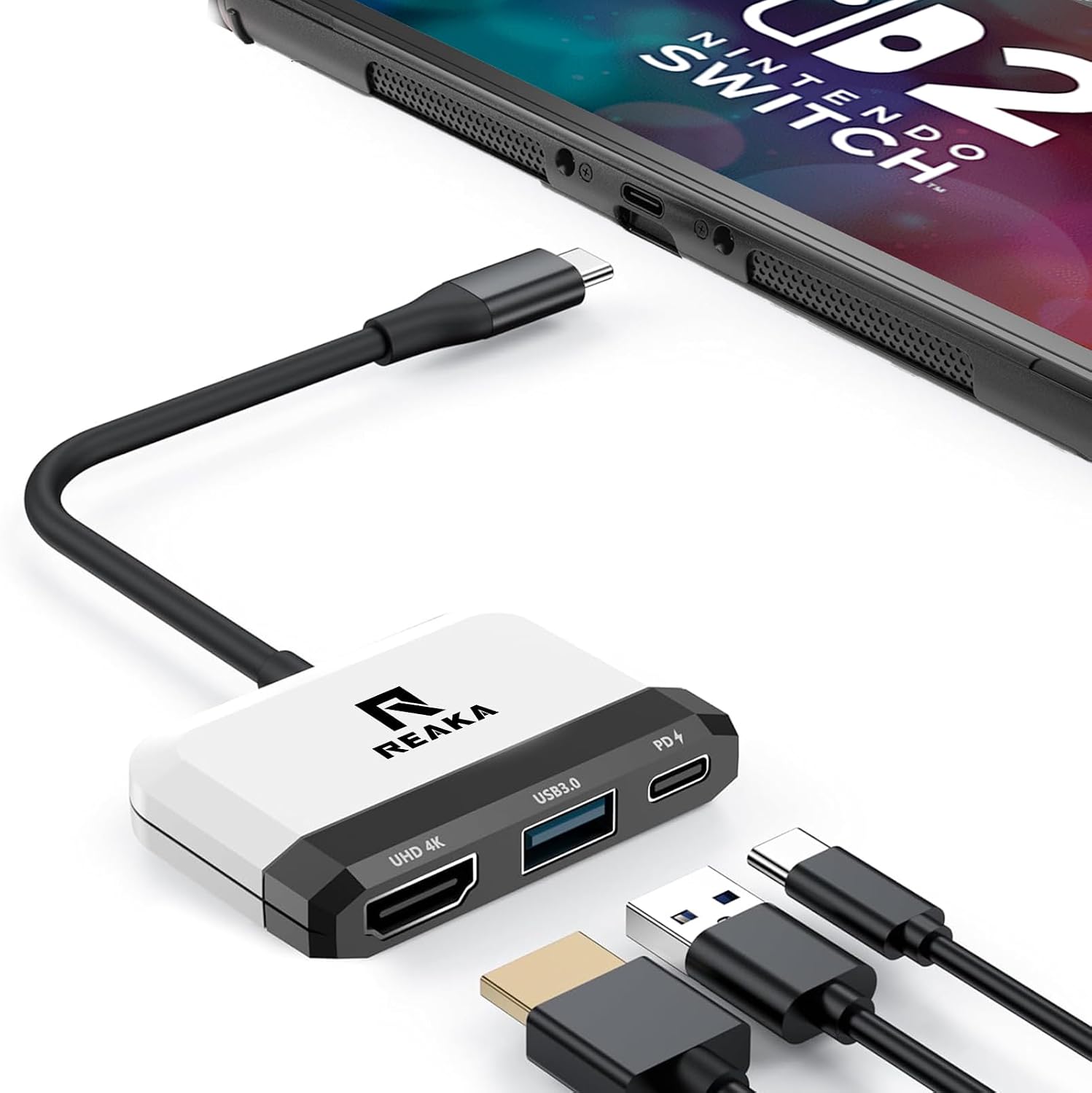
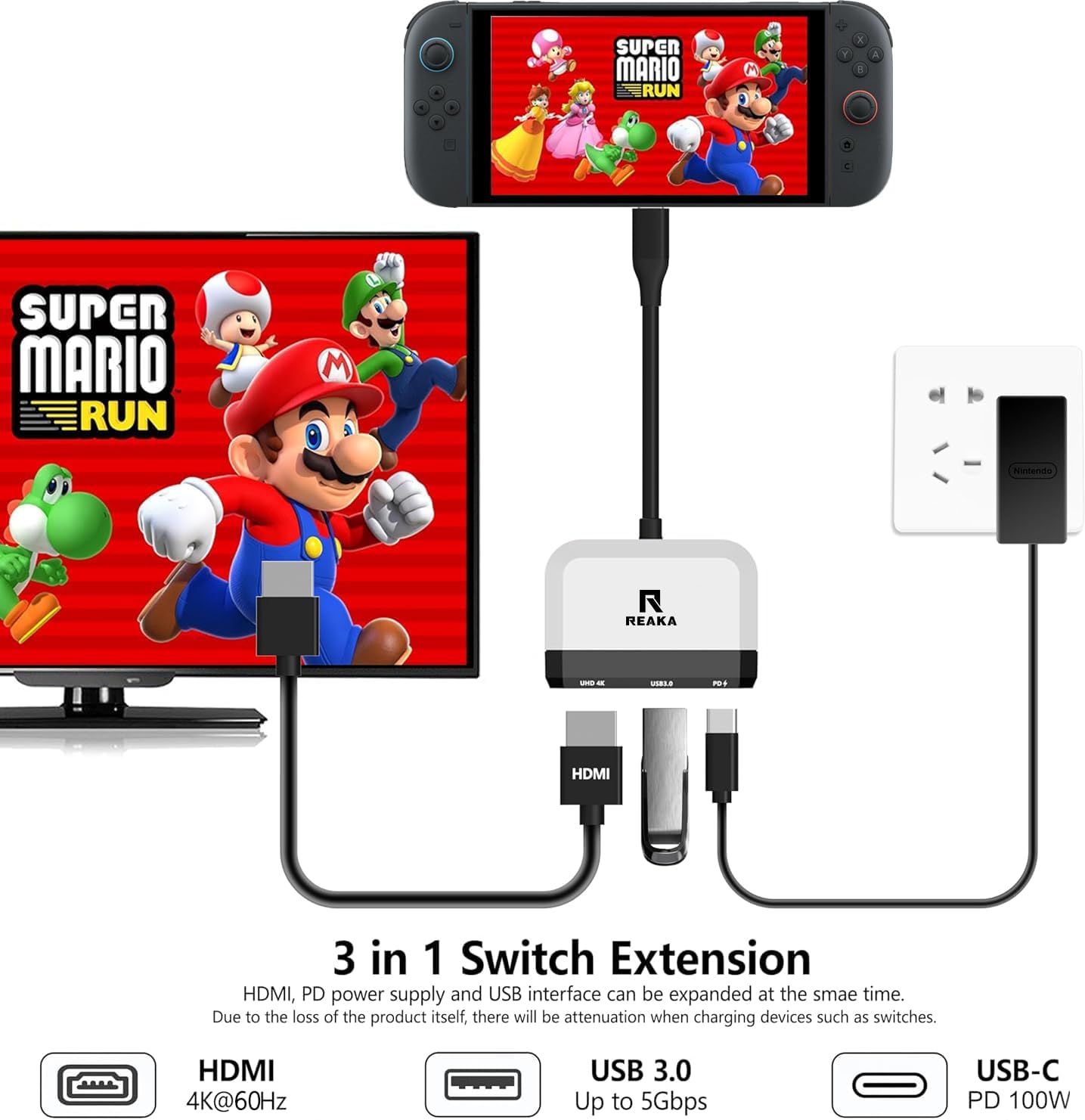
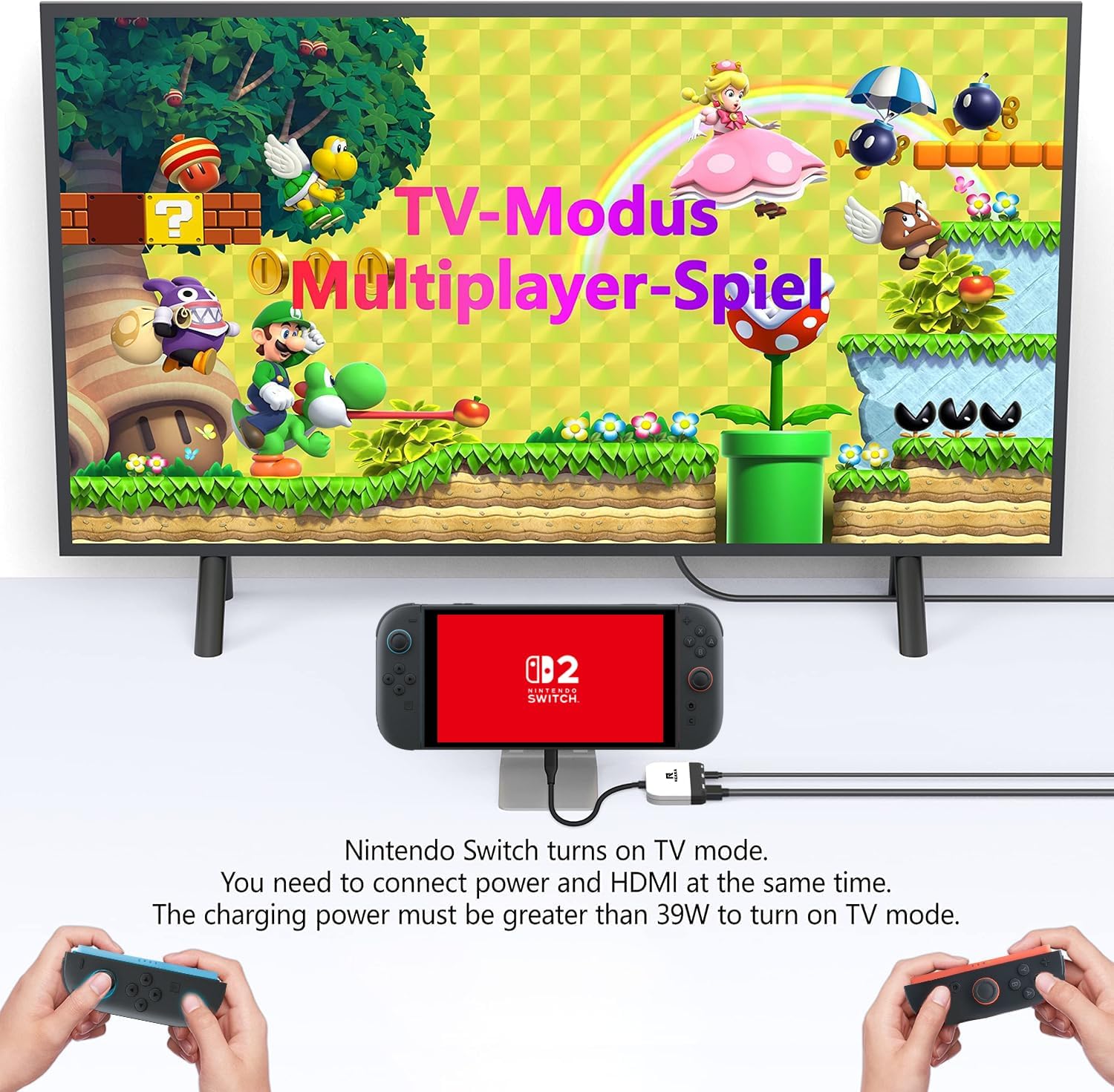
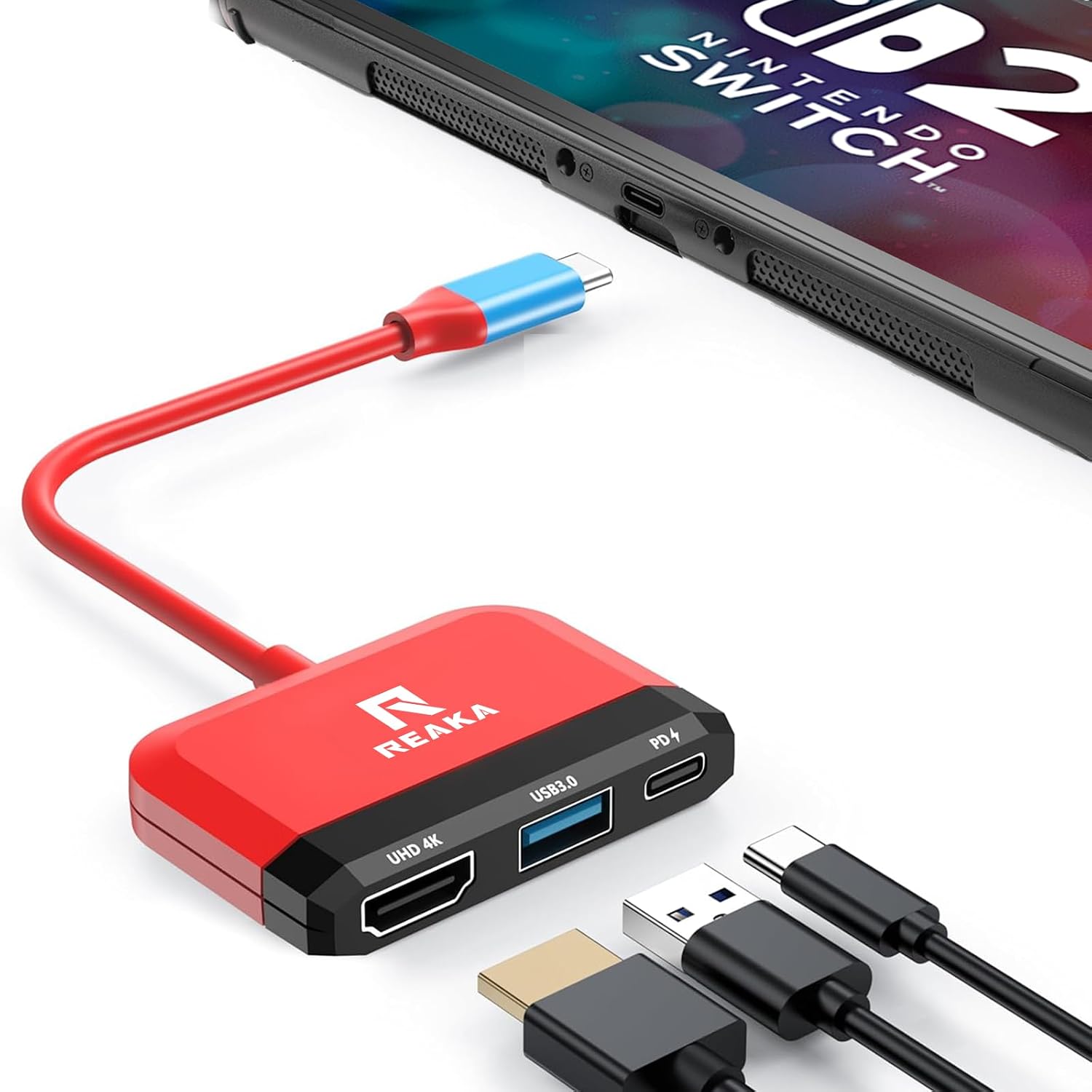
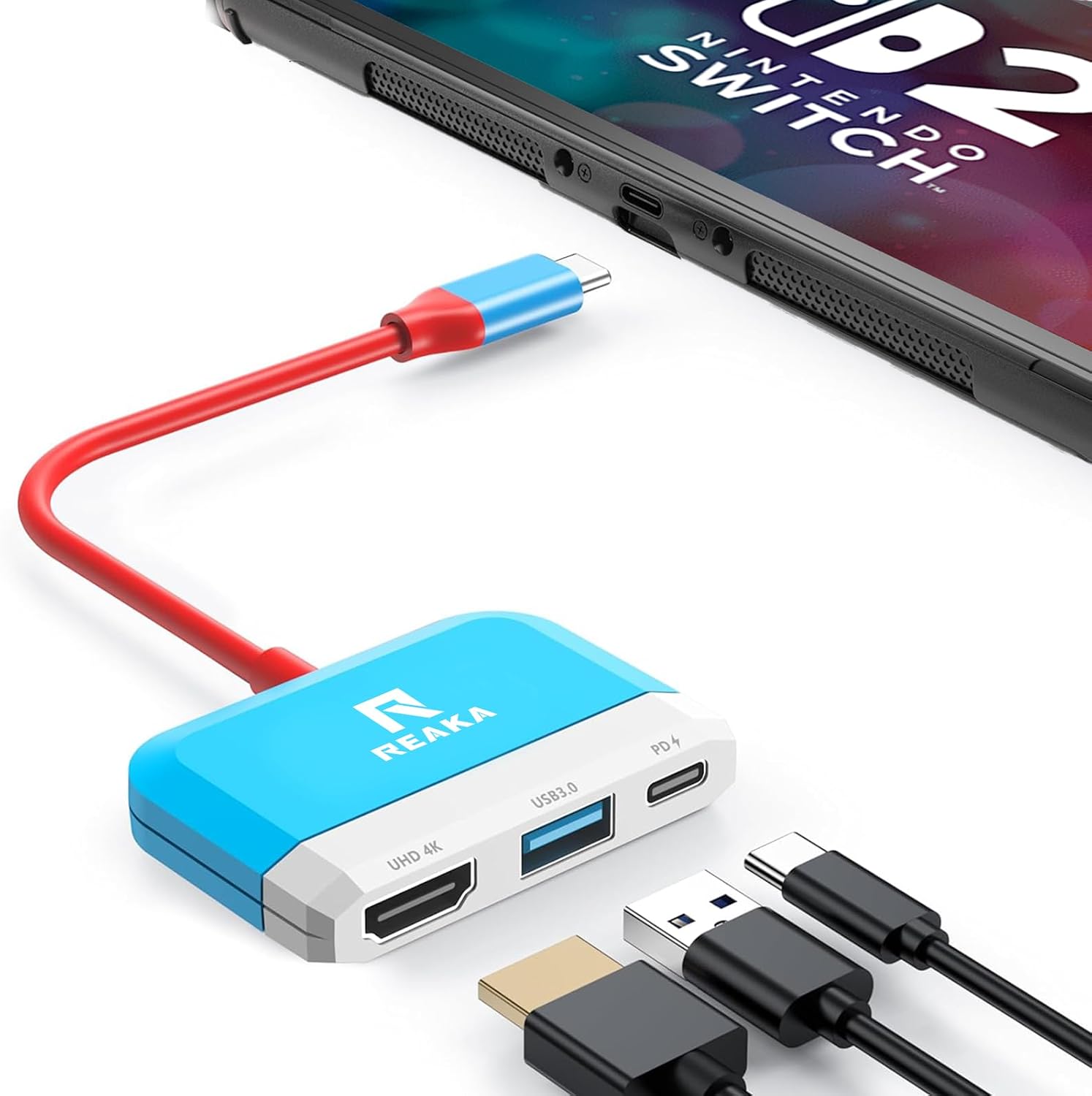
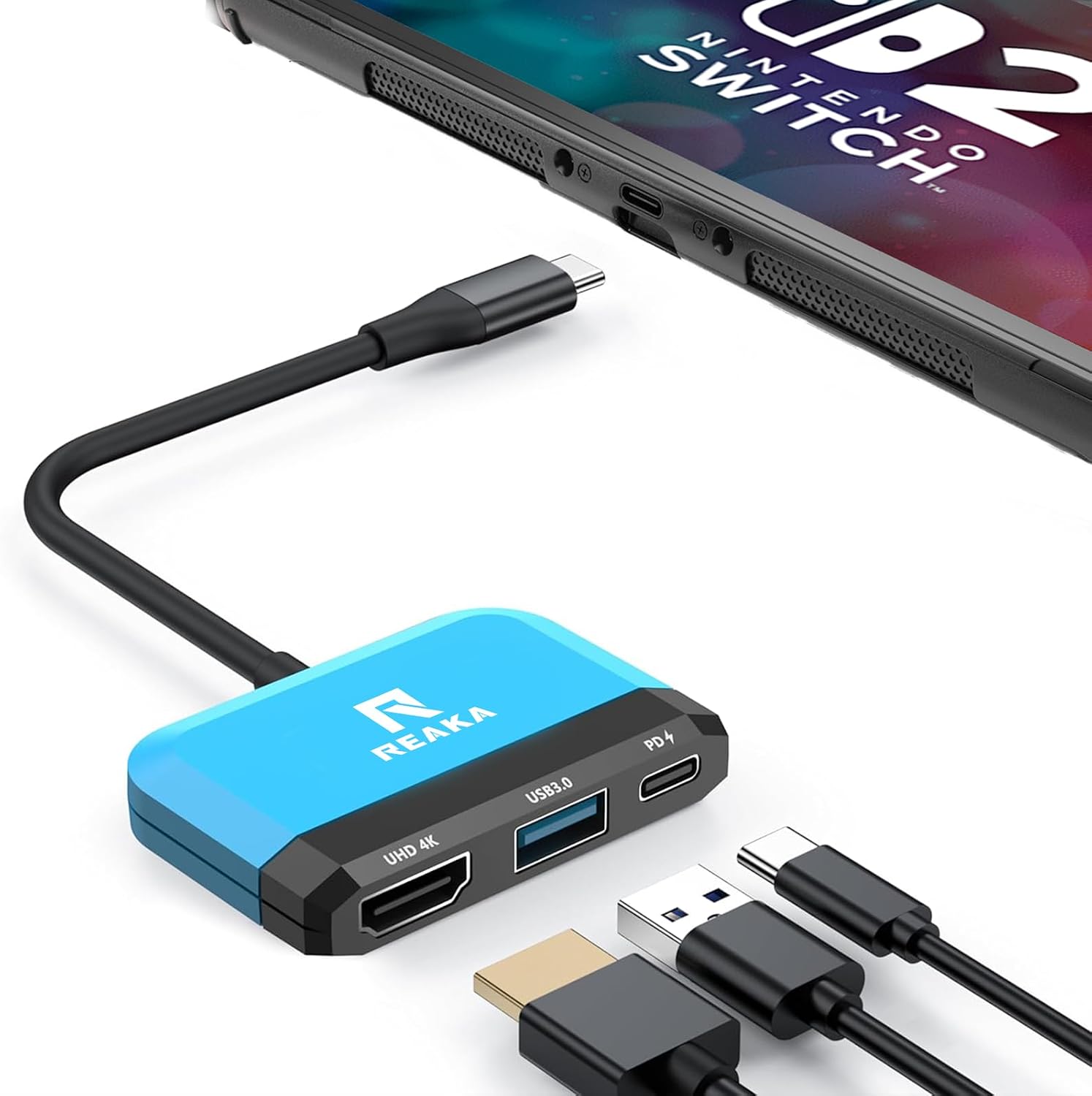
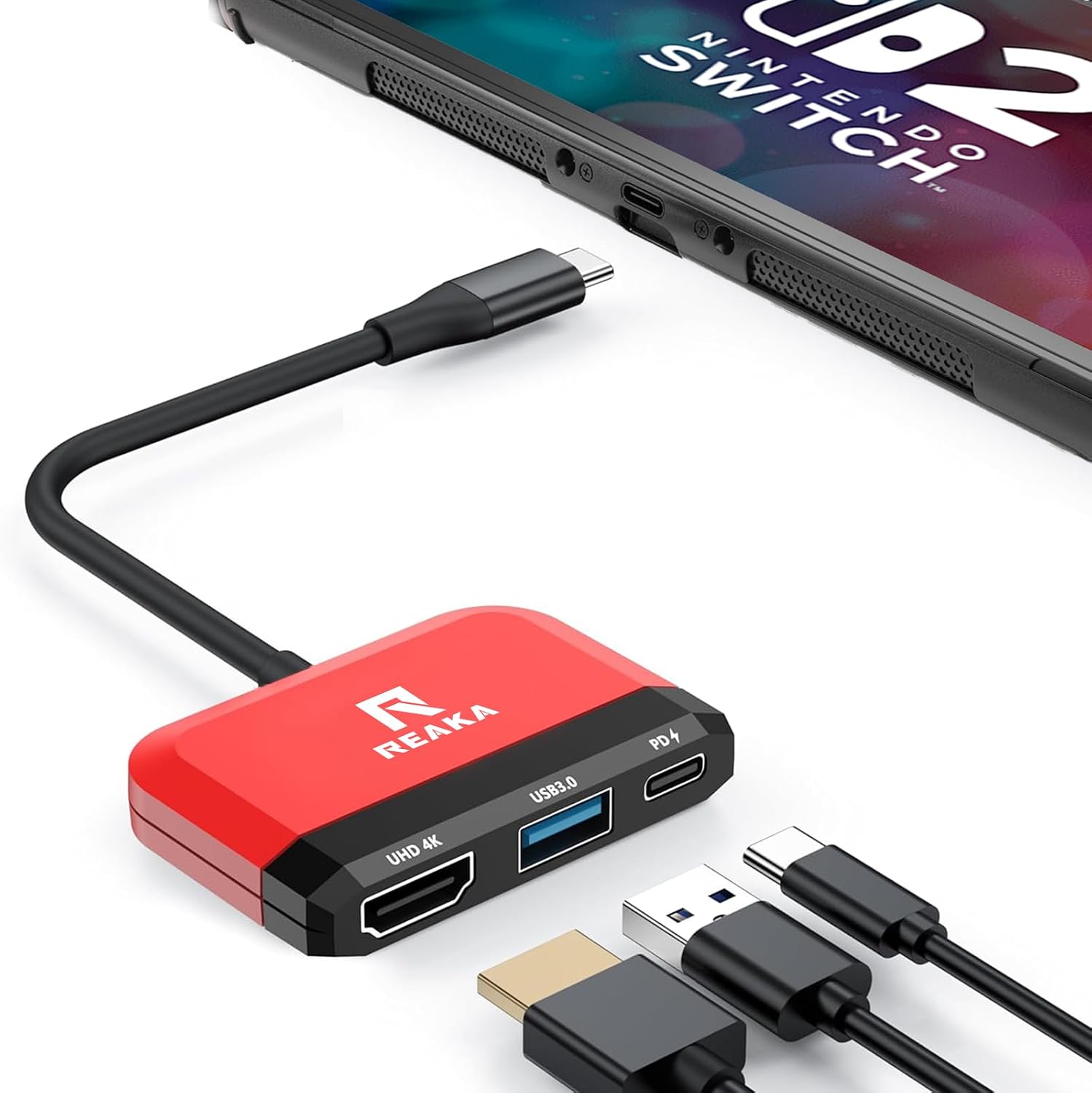
What it is and what it solves\nThe RREAKA Switch 2 Dock is a compact replacement dock for Nintendo Switch consoles, designed to expand where you can play by turning any HDMI-equipped display into a Switch station. With a lightweight, pocket-friendly design (around 27g), it aims to give you a travel-friendly option for TV mode or Samsung DeX-style use on the go. It’s positioned as a practical alternative when the official dock isn’t convenient or when you want a second, portable solution.\n\n## Key questions you’ll want answered\nOn paper, the dock supports up to 4K video at 30Hz over HDMI and remains broadly compatible with most HDTVs, monitors and projectors that feature an HDMI input. Do note that the Nintendo Switch itself outputs up to 1080p, so 1080p is the practical limit from the console’s side, even if the dock supports higher resolutions. No extra driver should be required, simplifying plug-and-play in most setups.\n\n## What stands out in terms of connections\nThe dock provides a 4K HDMI output, a USB 3.0 port, and a 100W Power Delivery charging port. In practice, you can run the Switch, charge it, and connect USB peripherals simultaneously, which is convenient for short sessions or when you’re away from a full set-up. The USB 3.0 transfer speed (up to 5Gbps) is commonly sufficient for basic peripherals, but it’s worth managing expectations if you intend to run high-bandwidth devices.\n\n## Who this fits best\nIf you travel frequently, value portability, or want a compact fallback dock for TV use, this could be appealing. It’s suitable for Nintendo Switch, Switch OLED, and other USB‑C devices when used with an appropriate power source. It may also be a reasonable choice for those testing a small second workspace where a full-size dock would be impractical.\n\n## Limitations and caveats\nDependant on the console’s output capabilities, you should expect the max output to align with 1080p from the Switch, even if the dock lists 4K support. The setup requires an external power source to operate, and using the original Switch charger or a charger with at least >39W output is advised to avoid potential performance limitations. The claim of “4K@60Hz” in some descriptions appears inconsistent with the note about Switch output, in practice, avoid assuming 4K forwarding beyond what the console can deliver.\n\n## Practical usage note\nA quick-use scenario: you’re in a hotel room, you pack the tiny dock, a lightweight HDMI cable, and your Switch. You connect to a TV, plug in the charger, and you’ve got a simple, space-saving setup for gaming or docked use while travelling. If you rely on portable power banks for charging, keep in mind that sustained gaming in TV mode will still require a reliable mains connection.\n\n## What to check before buying\n- Ensure you have an external power source with adequate wattage (preferably the original charger or a charger >39W).\n- Confirm your TV or monitor has an HDMI input compatible with 4K-capable devices, understanding that your Switch output is 1080p.\n- Be mindful of the need for external power when using DEX mode or high-power features.\n\n## Is it worth it for you?\nIt’s a solid option if you prize portability and want a compact dock for occasional TV play on the go. It may not be the best choice if you require guaranteed 4K 60Hz output or if you rely heavily on USB peripherals with high bandwidth while charging. If you prioritise a straightforward, budget-conscious travel dock that works with Nintendo Switch and similar USB‑C devices, this could justify its place in your kit.\n\n## FAQ (practical answers)\nQ: Does it require an external power source? A: Yes, to operate and retain performance, use the original Switch charger or a charger over 39W.\nQ: Can it output 4K at 60Hz? A: The console outputs up to 1080p, and the dock’s 4K specification should be understood as supported by the dock’s hardware, not guaranteed to exceed Switch output.\nQ: Will it work with Switch OLED and other USB‑C devices? A: Yes, it’s described as compatible with Switch OLED and other USB‑C devices when powered appropriately.\nQ: Can I use USB peripherals while charging? A: The dock offers a USB 3.0 port, but practical bandwidth depends on the connected devices and power delivery.