

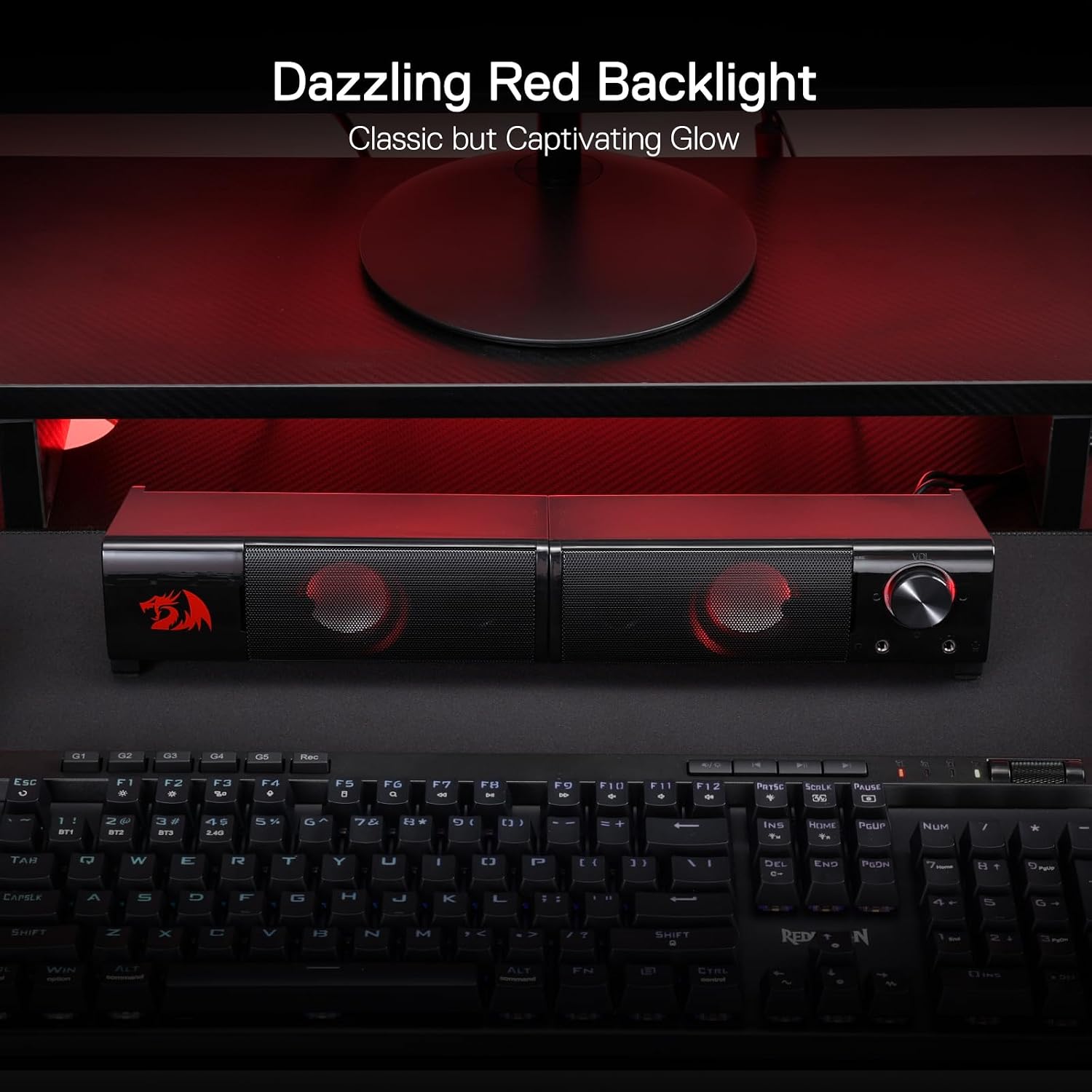
Redragon GS550 Orpheus 2.0 Channel PC Gaming Sound Bar Speakers (USB powered, 3.5mm, red backlit)
Product description
What these GS550 Orpheus speakers are for
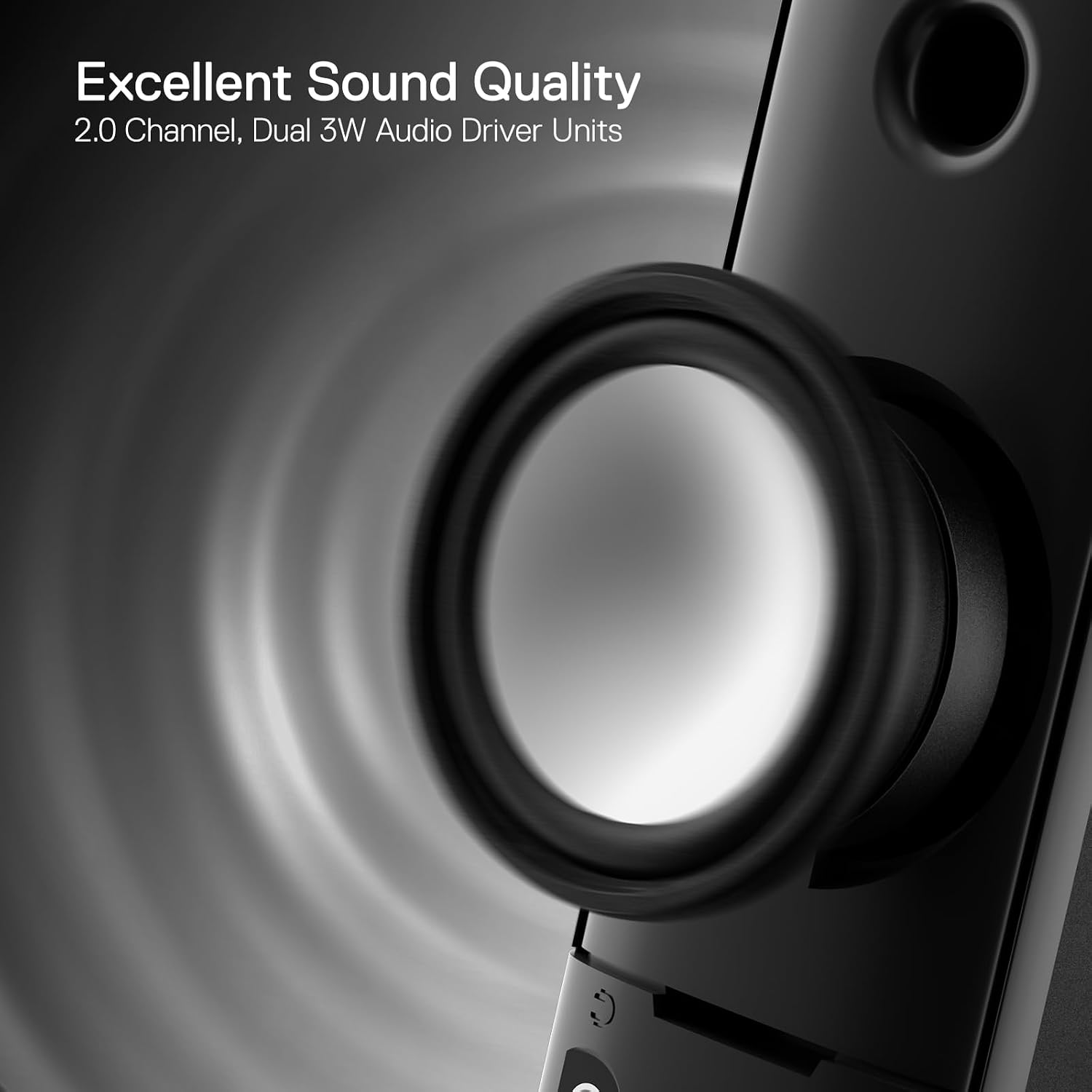
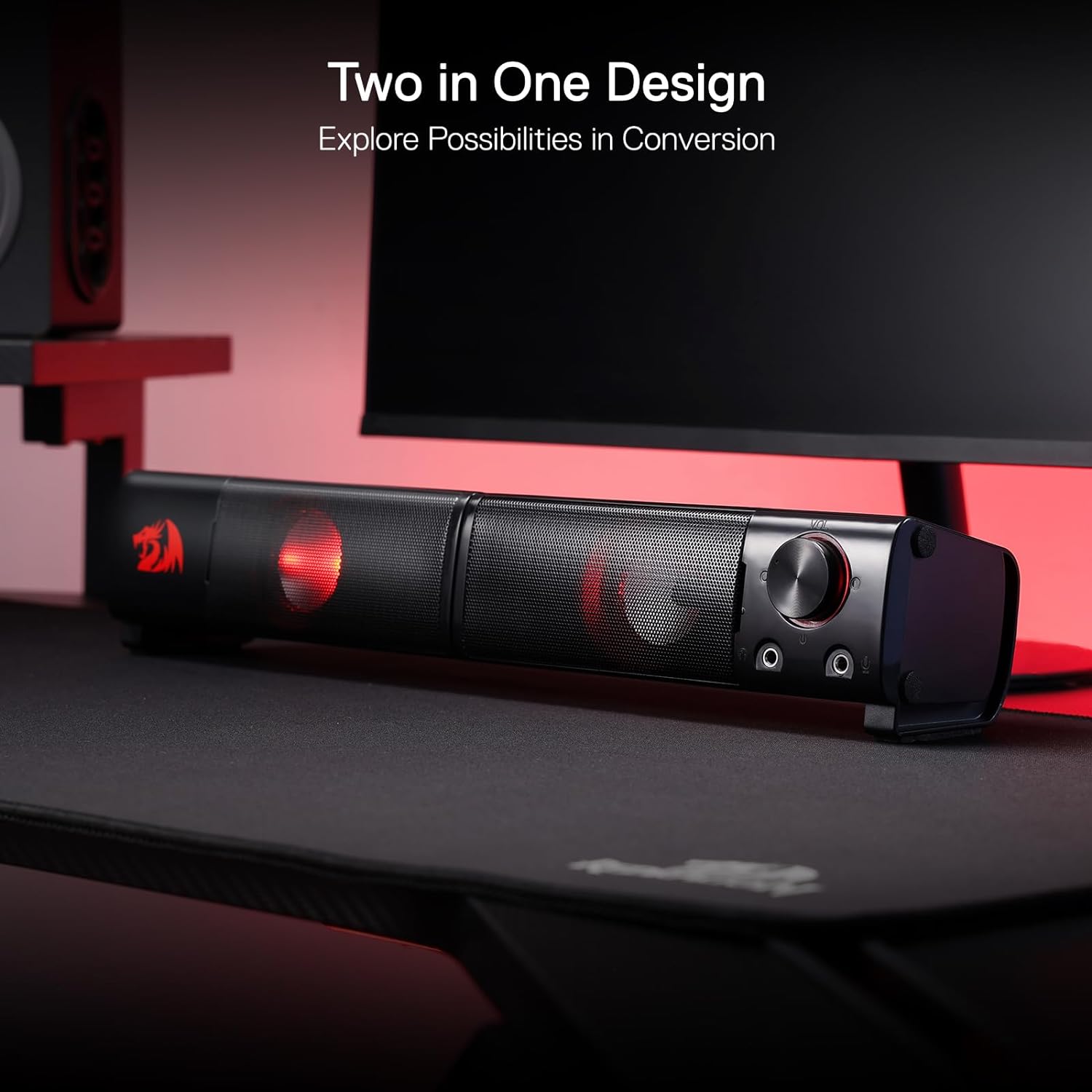
The Redragon GS550 Orpheus are compact 2.0 channel stereo desktop speakers designed to sit neatly on or under your monitor. The selling point, on paper, is their “move out” style: a smaller footprint that’s easier to place around a desk setup, whether you want them standing apart on either side or tucked together underneath the screen.
If you’re looking for something simple for everyday PC audio (and not a big, space-hungry speaker system), these are built around a straightforward plug-in approach. You’re meant to connect, set the volume, and get on with gaming, YouTube, or general desktop listening. The backlit red look is also clearly aimed at matching a typical gaming desk aesthetic.
Key takeaways for day-to-day use
This model is a USB powered sound bar style speaker that uses 3.5mm audio connections. In practice, that points towards a “works with a range of devices” type of setup: PC, TV, and laptop are mentioned in the base description, with a 3.5mm cable route for audio and an extra mic port for compatible peripheral needs.
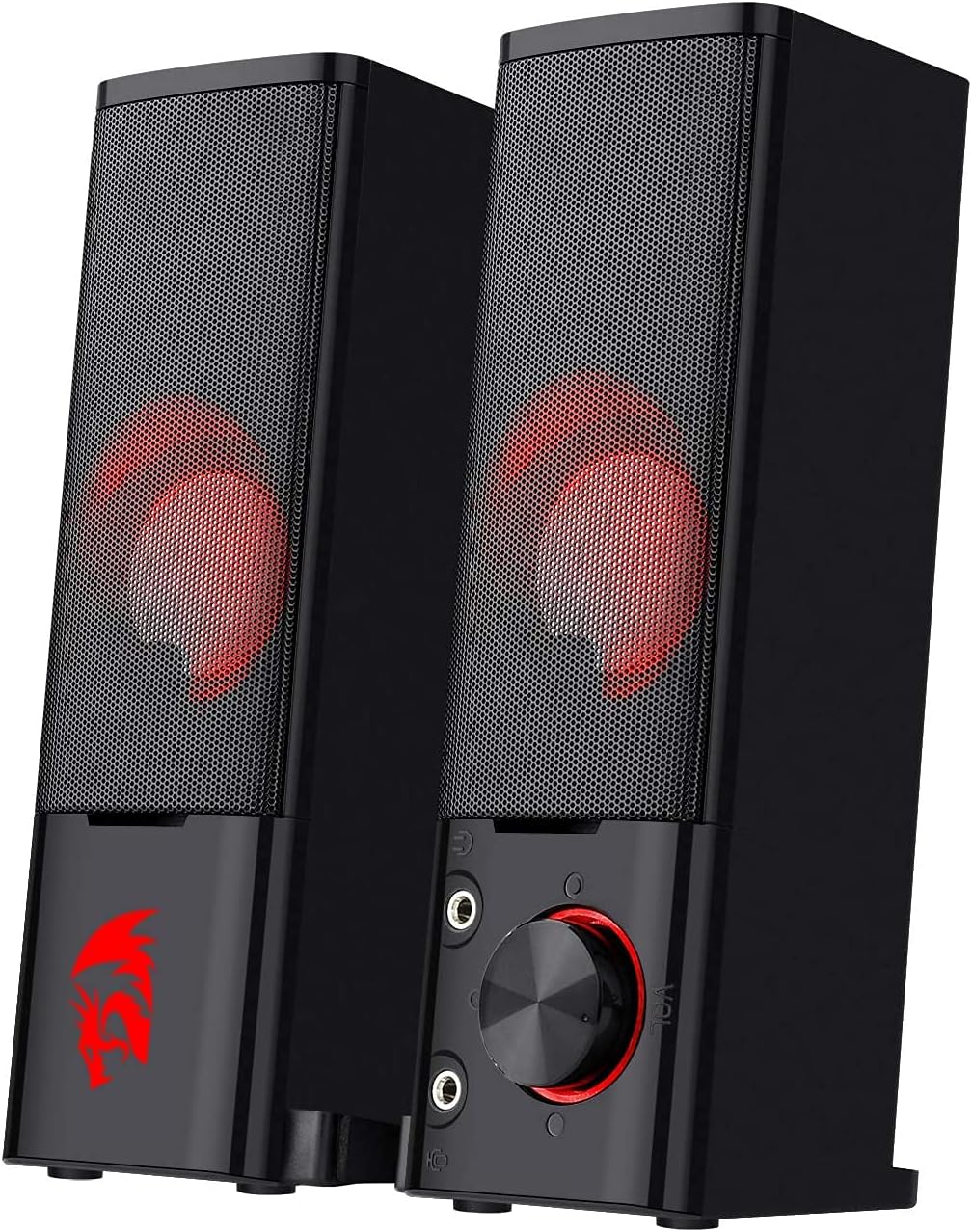
There’s also a handy volume knob combined with an on/off switch. That may sound minor, but when your speakers are positioned near the desk edge, having tactile control can save you from fiddling with menus.
Worth noting: this is a 2.0 stereo setup, so it’s not trying to replace multi-speaker surround systems. If you’re chasing big cinematic separation or deep room-filling output, this may feel more like a solid desktop upgrade than a “wow, everything changed” moment.
Sound and bass: what to expect (and what not to)
The GS550 Orpheus comes with a full-range 2.0 channel stereo core and is pitched with “quality bass”. That’s a fair expectation for a compact desktop pair: bass that holds up for typical gaming audio cues, dialogue, and casual music listening.
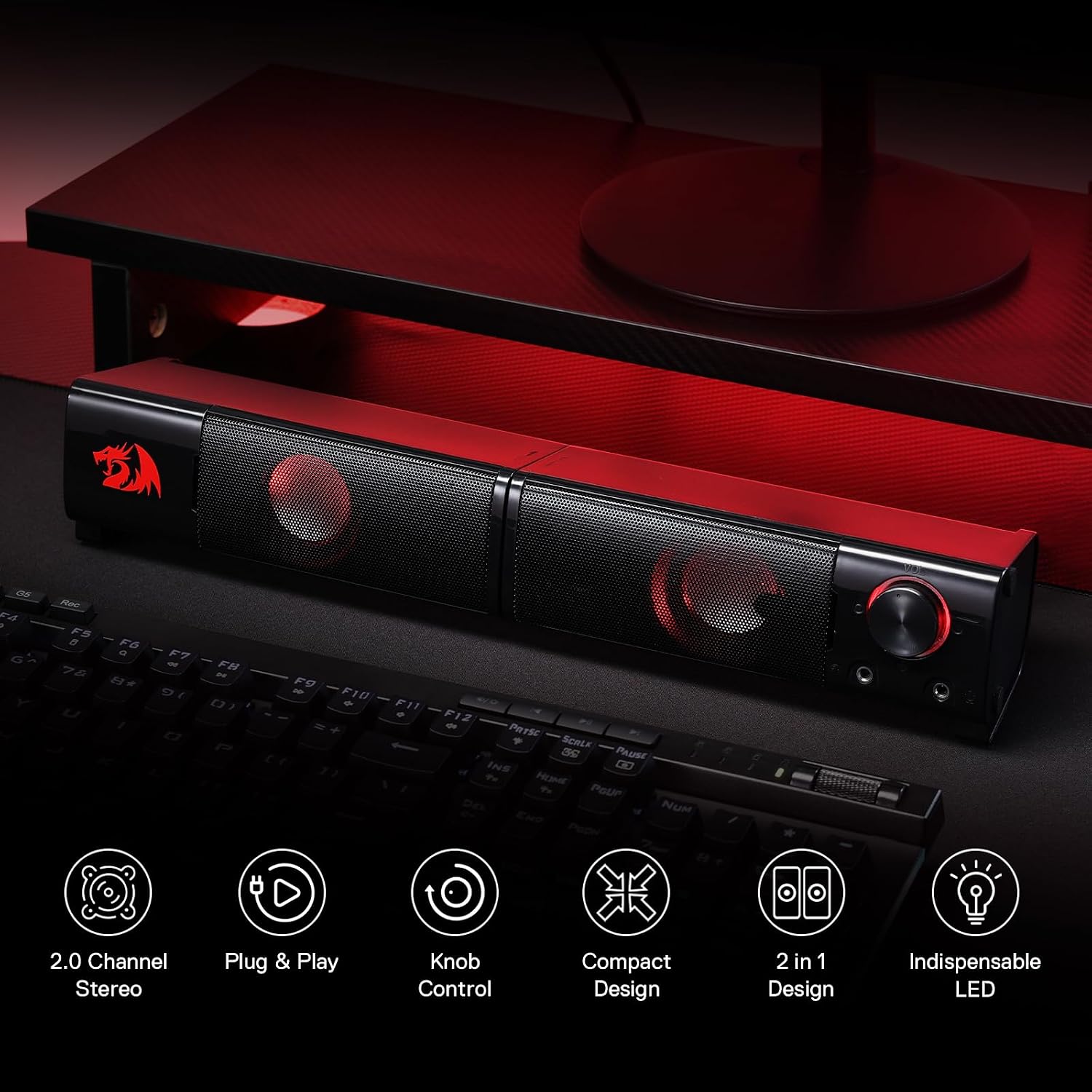
However, because the information you provided stays general (no specific driver size, wattage, or measured performance), you should treat the bass claim as “aimed at being satisfying”, not a guarantee of heavy sub-bass. In other words, it should be a sensible match for desk-sized listening, but it may not suit people who want the kind of low-end impact you’d associate with larger speaker systems.
If you like to crank volume while gaming, these are designed for that basic habit—there’s an emphasis on turning it up—just don’t expect it to outperform bigger setups on sheer power.
Where the red backlight and compact design really matter
The indispensible red LED backlit feature isn’t just decoration. On a gaming desk, it helps the speakers visually blend with the rest of your setup, especially if you already have red lighting elements.
The compact and manoeuvrable size is arguably the more practical benefit. Your placement options are explicitly covered: you can have them standing individually on each side of the monitor, or lying together underneath. That flexibility can be the difference between “looks tidy” and “crowds my workspace”.
One limitation to keep in mind: the benefits of placement depend on your monitor stand clearance. If you’ve got very tight space under the screen, “lying merged together underneath” might not be as easy as you hope.
Connections, compatibility, and the mic/headphone extras
On connectivity, the base description says USB powered, using 3.5mm audio and mic cables. It also references a headphone jack and an additional audio and mic port setup that supports other peripheral device needs.
This matters if you often switch between gaming and communication. For example, you could plug your PC into the speaker system, then connect your headset through the headphone jack for quicker monitoring without re-plugging everything. That kind of desk workflow is exactly where small convenience ports pay off.
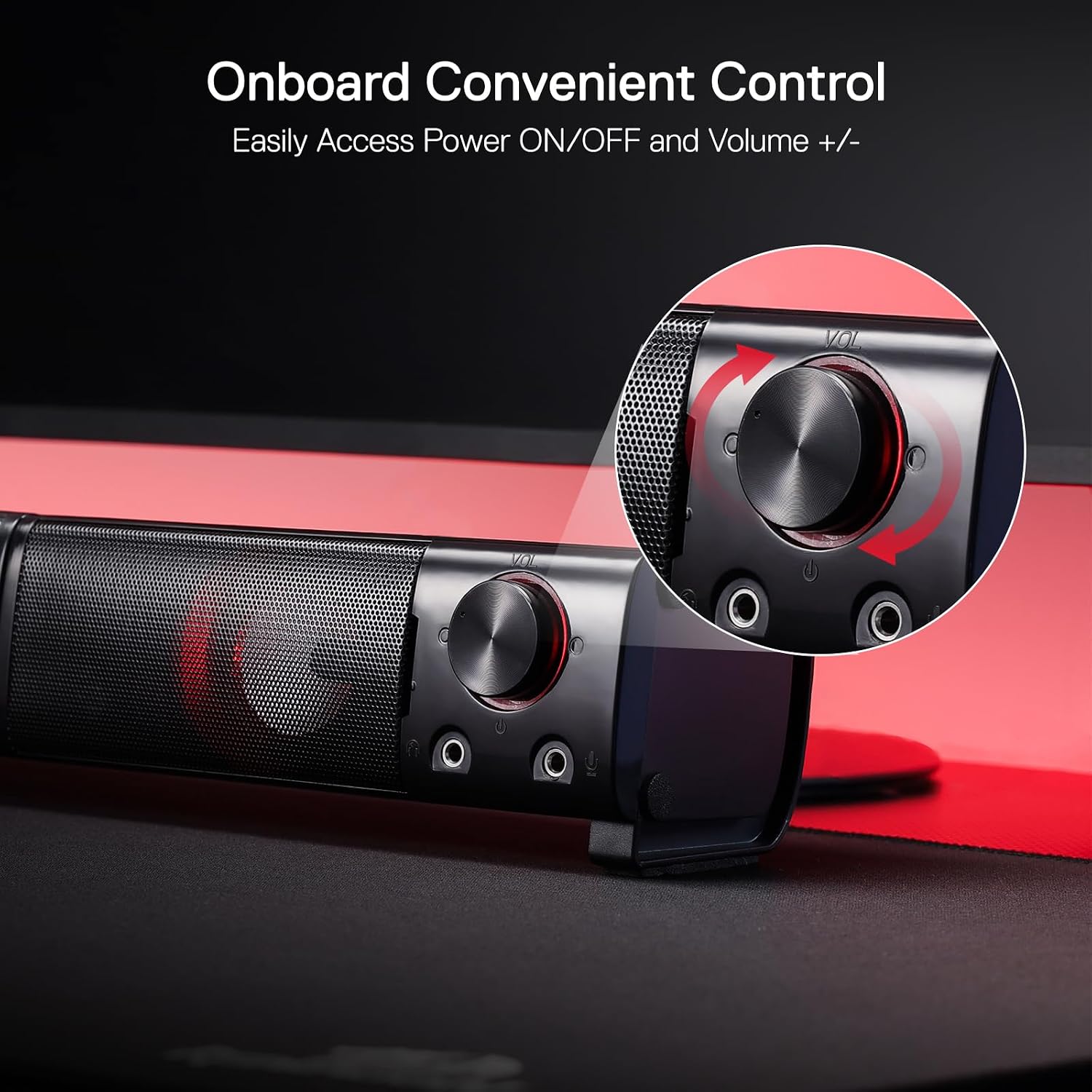
Still, since the entry doesn’t list specific OS support or exact cable types beyond “USB powered with 3.5mm audio and mic cables”, it’s worth double-checking your devices’ available ports before committing.
What you should check before buying
Before you buy the Redragon GS550 Orpheus, it’s sensible to confirm a few practical details: - Do you have an available USB port and compatible 3.5mm audio connection on your PC/laptop/TV? - Does your desk layout allow either “standing apart” or “lying together under the monitor” placement? - If you plan to use the mic and extra ports, do you actually need those peripherals connected via the speaker system, rather than directly into your device?
This is one of those products where the right setup makes it feel effortless. Get the placement or ports wrong, and it becomes more hassle than it should.
When it makes sense to choose this over a more basic setup
If your current speakers are underwhelming, or you’re using monitor audio, these GS550 Orpheus offer a clear upgrade path that stays desk-friendly. The combination of compact placement, USB power, stereo 2.0 design, and a simple volume knob/controls setup is aimed at people who want improved audio without turning their workstation into a full home-theatre project.
It may not be the best match if you’re specifically after advanced surround features, or if you want a highly specified audio system with detailed performance data. For that, you’d likely look at bigger speaker categories with more measurable specs.
Buying verdict
The Redragon GS550 Orpheus are worth considering if you want compact 2.0 stereo speakers for a PC gaming desk, and you value tidy placement plus an easy USB/3.5mm connection approach. The red backlighting and the volume knob with on/off switch make daily use feel more “ready-to-go”, and the mic/headphone port mention suggests they’re built for typical desktop peripheral workflows.
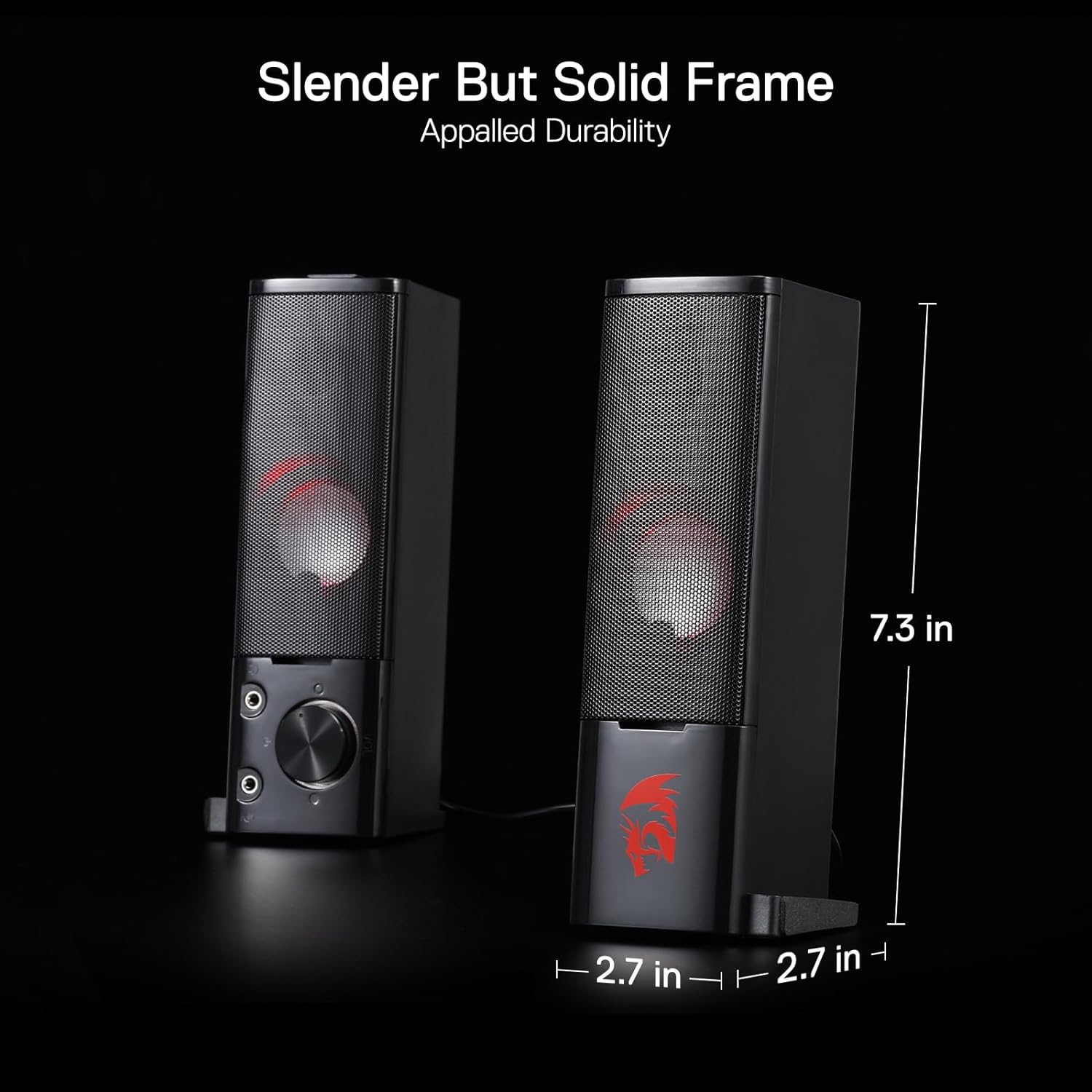
You may want to skip them if your space under the monitor is cramped, or if you expect a compact 2.0 system to deliver the kind of low-end power and surround experience that larger speaker setups can offer.
Mini FAQ
Does the GS550 Orpheus need power from a wall socket?
The description says the speakers are USB powered, so they’re intended to run from a USB connection.
What connections do they use?
The entry mentions USB power plus 3.5mm audio and mic cables, and it also references a headphone jack.
Can they be placed either under the monitor or on the sides?
Yes—your provided text states they can be used standing apart on each side of the monitor, or lying merged together underneath.
Is the red LED backlight included?
Yes, the description explicitly mentions red LED backlit.