

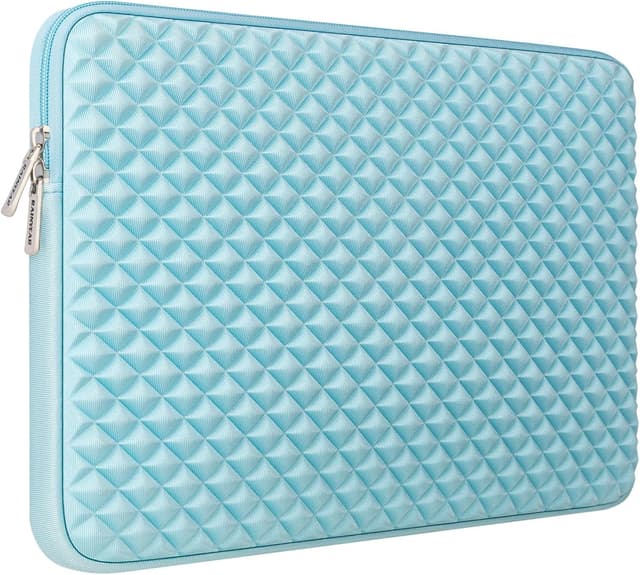
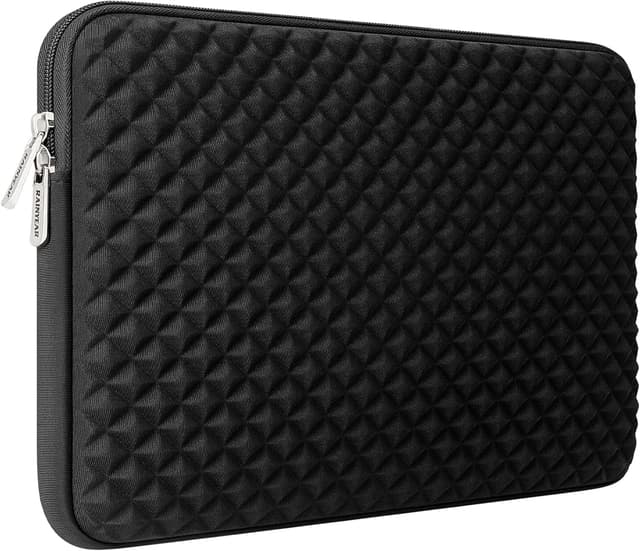
RAINYEAR 11–13 Inch Laptop Sleeve (Black) with Diamond Foam Shock Protection
Reviews
Price
Product description
What this laptop sleeve is for
If you carry your laptop between home, the office, meetings and the occasional café, a sleeve like this is meant to take the everyday knocks without turning your bag into a worry. The RAINYEAR sleeve is a padded case designed for laptops in the 11 to 13 inch range, with extra protection via a diamond-styled exterior layer and foam padding.
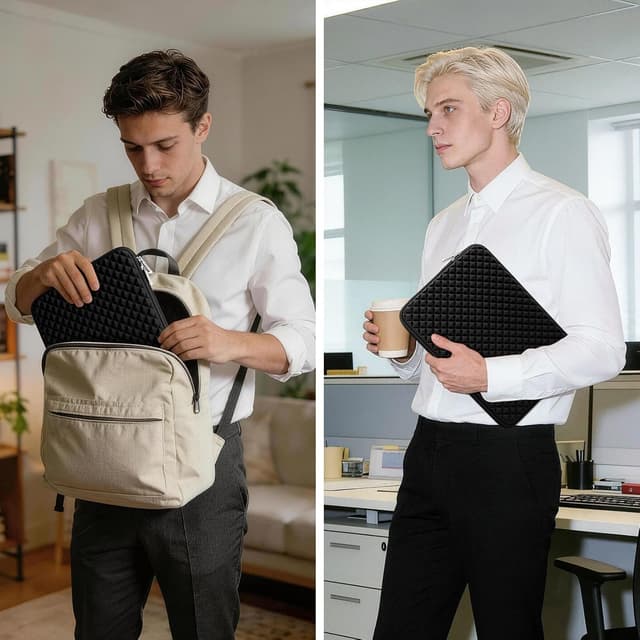
On paper, the main job here is straightforward: help reduce the impact of bumps and help prevent minor scratches when your laptop sits inside a backpack or suitcase. It’s also aimed at people who like a simple, secure carry—zip it up and move on.
Key fit & model compatibility (what to check before buying)
This sleeve is described as especially compatible with several MacBook sizes and certain model numbers, plus general support for notebooks/ultrabooks in the 11–12.6 inch range.
The listing specifically mentions compatibility with: - MacBook Air 13 inch models (including A3240, A3113, A2681, A2338, A2337) - MacBook Pro 13.3 inch models (A1989, A2159, A2251, A2289) - MacBook Pro 14 inch models (A2442, A2779, A2918, A2992, A3112, A3185, A1425, A1502) - 11–12.6 inch laptops/notebooks/ultrabooks (by size)
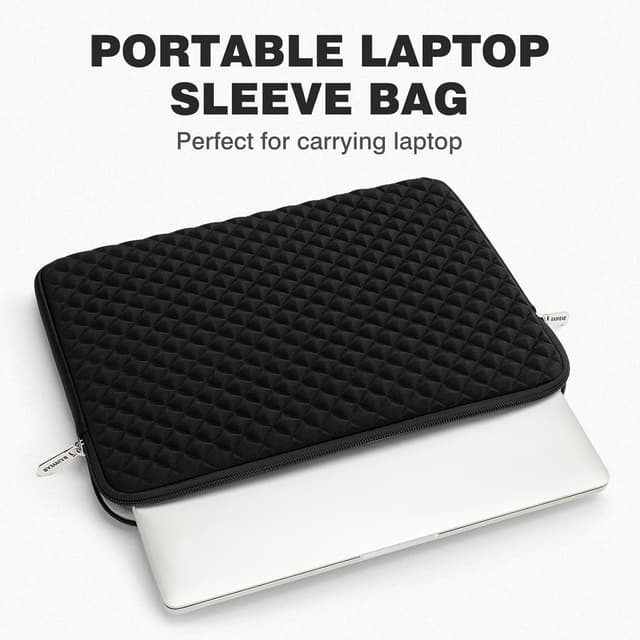
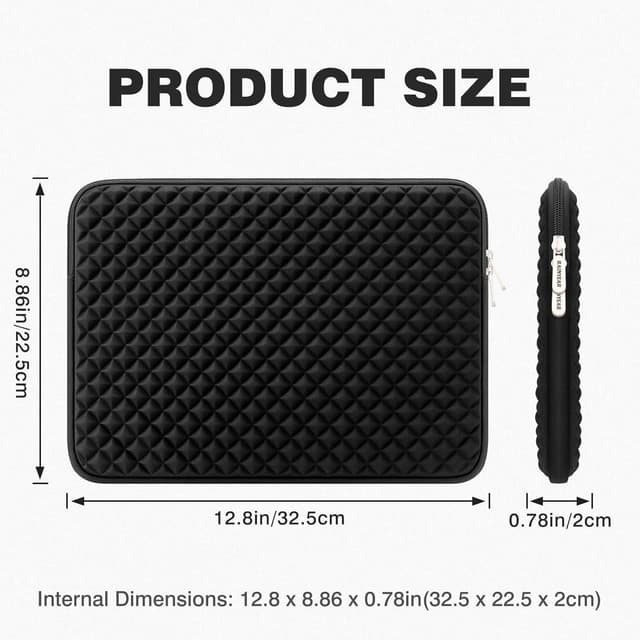
However, the most reliable way to judge fit is still the measurements. The exterior dimensions are given as 34 x 24 x 2.5 cm, while the internal dimensions are 32.5 x 22.5 x 2 cm. If your device sits close to those internal limits (or if you use a thick protective skin), you’ll want to measure first and not assume it’ll be fine.
It’s not perfect for every situation—if your priority is maximum bulk protection for harsh travel (think frequent drops or rough logistics), you may find this sits more in the “everyday protection” camp than “rugged armour”.
Protection that’s aimed at daily bumps and minor scratches
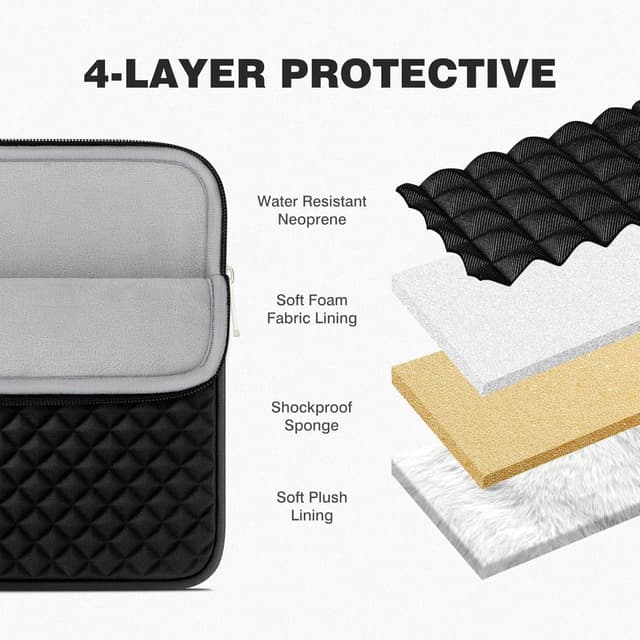
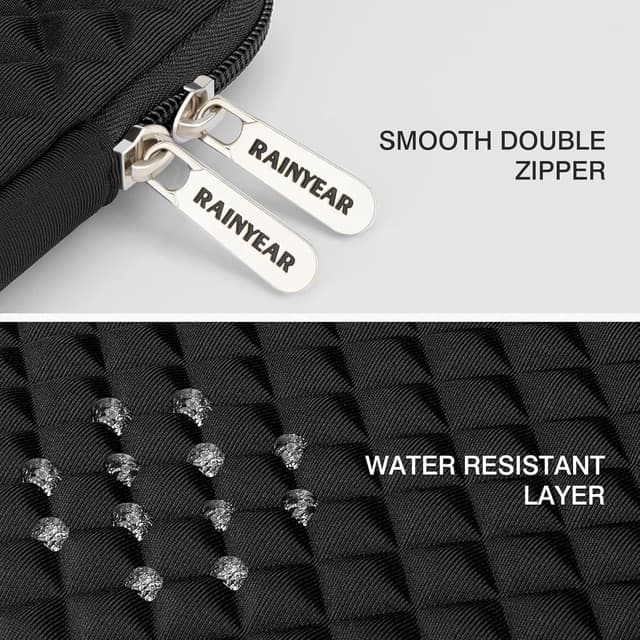
The sleeve is built around a multi-layer approach. There’s a diamond-style exterior layer intended to help protect against impacts, shaking and extrusion—useful when the bag is jostled or squeezed between other items.
Inside, there’s a soft padded lining that’s meant to guard the laptop surface from accidental scuffs and scratches. In real-world terms, this tends to matter most if you often place the laptop in your bag without a separate rigid cover, or if your backpack is shared space with chargers, cables and small essentials.
One practical micro-scenario: imagine you’ve got your laptop, a charger brick, and a couple of cables in the same compartment. With a padded sleeve like this, the laptop isn’t directly rubbing against hard edges or metal hardware, and it has an extra buffer against minor impacts.
Zip closure and feel during everyday use
A smooth, internal zip is included, plus a stronger top-loading zip designed to keep the sleeve closed. That sounds like a small detail, but when you’re using the sleeve daily, the closure matters: you want to be able to open and close it without fighting the zipper, and you want the laptop to stay contained while you move.
Also worth noting is the “no drama” style—this is positioned as modern and practical, with a design that’s meant to look decent while still focusing on keeping your laptop secure.
Where it shines (and where it may fall short)
This sleeve makes the most sense if you: - want a padded case for commuting, workdays and light travel - carry your laptop in a bag and want scratch protection from a soft inner layer - like the idea of a diamond-textured exterior that’s there to take knocks rather than leaving your laptop exposed
It may not be the best match if you: - need very thick, drop-resistant protection (this is described for shock resistance in everyday handling, but it won’t replace a hard shell) - have a laptop that doesn’t line up with the stated internal dimensions or listed model compatibility - frequently carry bulky add-ons attached to the laptop (thick covers or accessories can affect whether it closes comfortably)
What to review before you order
Before buying, it’s wise to double-check: 1) The laptop size relative to the given internal dimensions (32.5 x 22.5 x 2 cm). This is the part that decides real fit more than the inch label. 2) The exact model number if you’re matching a specific MacBook. The listing includes several A-serial numbers—use that as your reference. 3) Whether you keep your laptop in any sleeve/skin already. If you add thickness, the fit may feel tighter than expected. 4) How you pack your bag. If you routinely compress items hard or the laptop compartment isn’t padded, you may want a more protective option.
Pros
- Multi-layer protection concept, including a diamond-styled exterior layer
- Soft padded interior aimed at reducing scratches from everyday contact
- Smooth internal zip and a stronger top-loading zip designed to keep the sleeve closed
- Internal and external measurements are clearly provided, so you can sanity-check fit
Final verdict
It’s a good pick if you want straightforward, padded everyday protection for an 11–13 inch laptop, especially if you’re moving around a lot and care about keeping your device protected from knocks and minor scuffs. It might not suit you if you need heavy-duty drop protection or if your laptop (or extras attached to it) pushes past the stated internal dimensions. Worth considering if you like the balance of a simple sleeve with sensible closure security—just don’t skip the fit check first.