

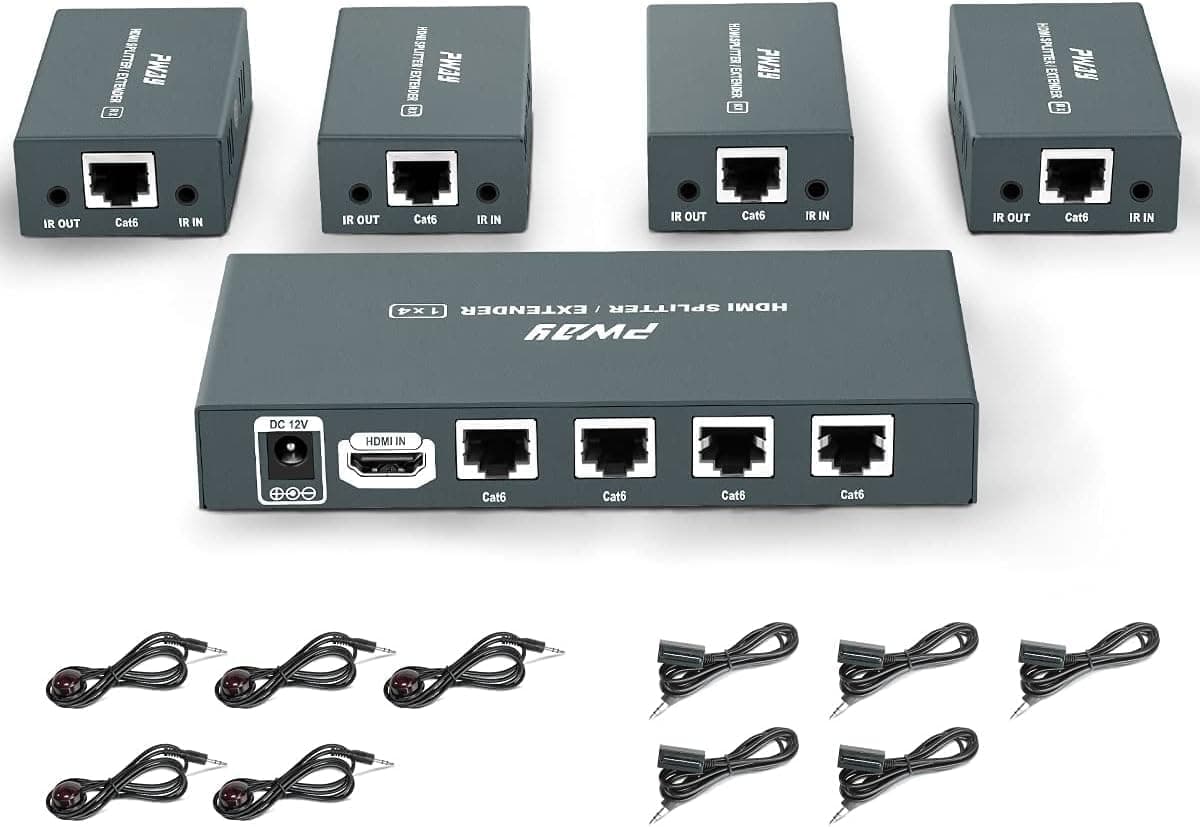

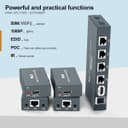
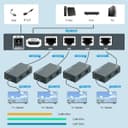
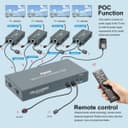
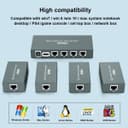

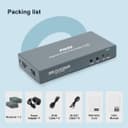
PW-HTS0104IR HDMI splitter extender 1x4, 60m 📺

Description:
This HDMI splitter extender sends one HDMI source to four displays using Cat5e or Cat6 cable, useful for meeting rooms, classrooms and retail signage. It supports transmission up to 60 m and delivers smooth Full HD playback at 1080p for consistent video distribution with IR control for remote operation.
Key Points
The unit splits a single HDMI input into four outputs and transmits the signal over Ethernet cable, avoiding long HDMI runs. It is plug and play, so installation is straightforward and does not require drivers or complex setup. The system supports IR signal passthrough which allows central control of the source from each display location, helping to keep control simple in multi-screen installations. Consider that the maximum resolution is 1920x1080 at 60 Hz according to the manufacturer, so it is not intended for 4K content or higher refresh rate requirements. 📺
Technical Specifications
- Name: PW-HTS0104IR(POC)
- Input/Output: 1 × HDMI input, 4 × HDMI outputs
- Maximum resolution: 1920x1080@60Hz
- Transmission distance: 60 m (196 ft) over Cat5e/Cat6 cable
- Extra features: IR signal transmission, EDID support
Usage Recommendations
Run high-quality Cat6 cable for best signal reliability over longer runs and keep cable paths away from heavy electrical interference. For installations where displays are in different rooms, label both ends of each cable to simplify maintenance and future changes. The built-in EDID function helps the splitter negotiate the best common settings between the source and displays, however, if displays vary significantly in capability you may need to match settings manually at the source. 🔌
Note that PoC or power-over-cable behaviour may depend on how the kit is supplied and the specific transmitter/receiver units included, so confirm the power arrangement in your setup before deployment. For simple digital signage and multiroom video sharing this model provides a compact and practical solution, with IR passthrough making remote control tasks easier from each display location. 📡.
