

PORTTA Film Scanner with 5" LCD Screen and 22MP Output
Product description
What it is and what it does
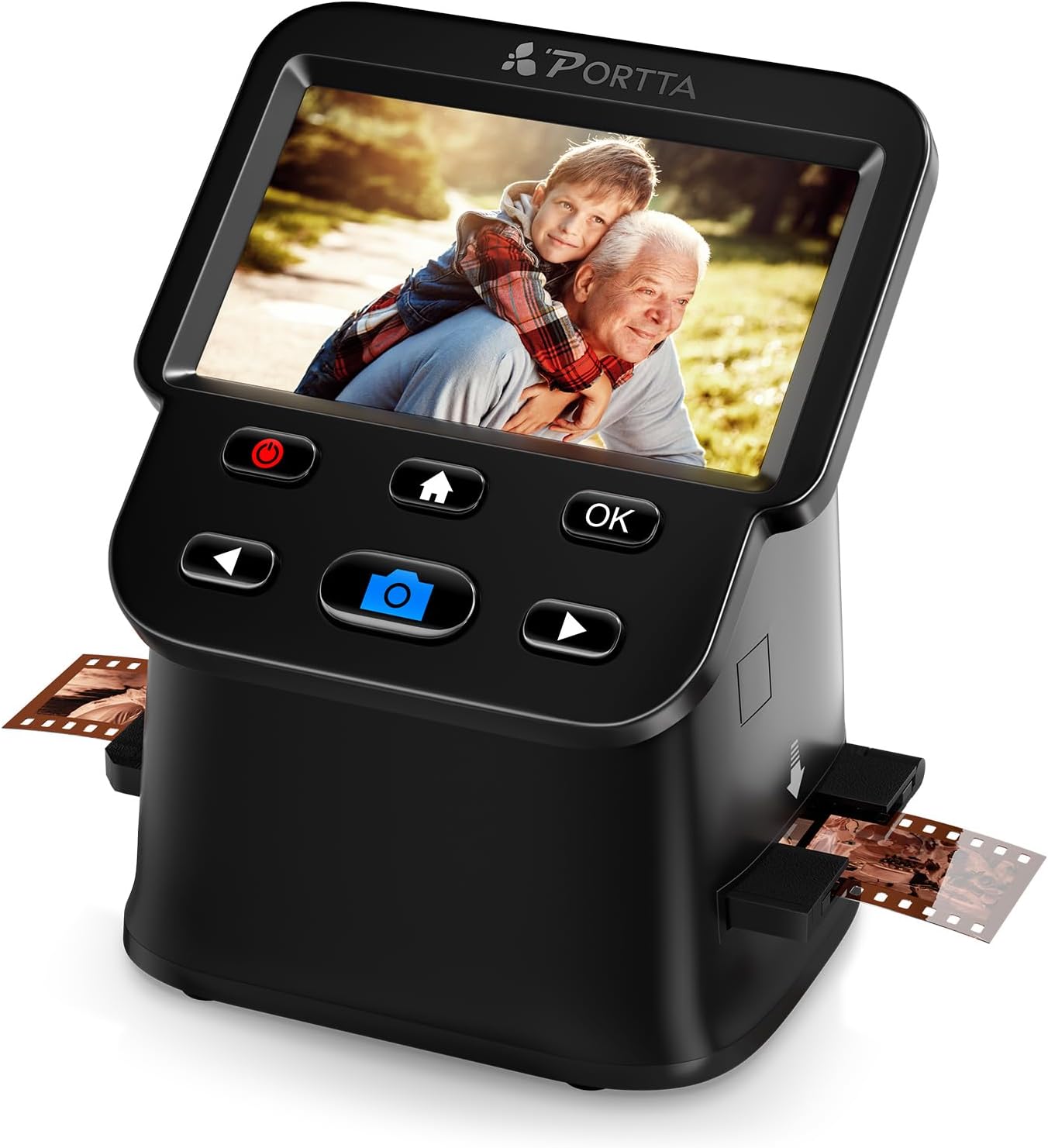
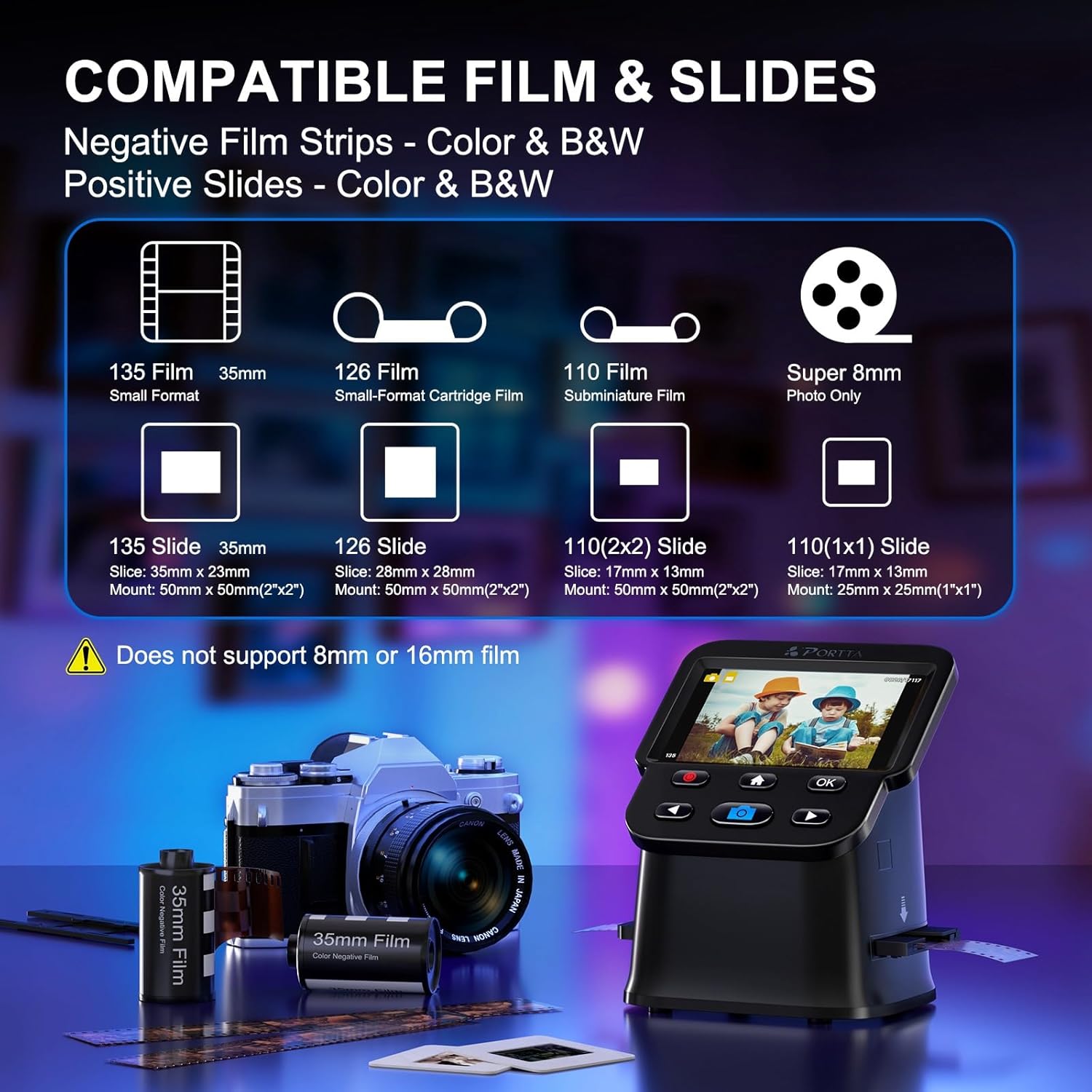
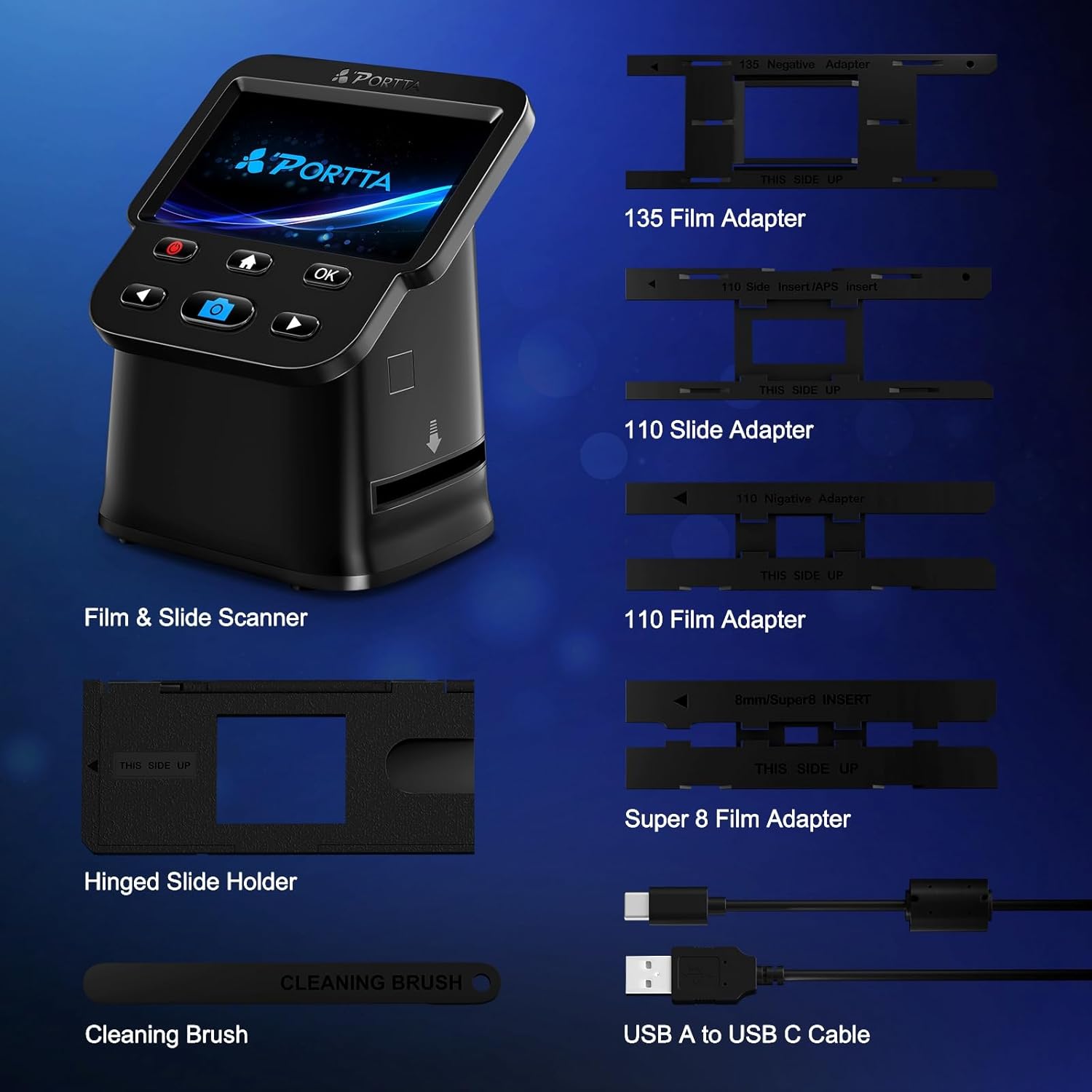
The PORTTA Film Scanner is a stand-alone device designed to convert various film formats into digital photos at home. It supports 35mm (135), 126, 110 and Super 8 film (photo only), including both colour and black & white negatives and slides. You don’t need a computer to operate it, which can simplify the process and reduce the need for extra cables or software.
How it works
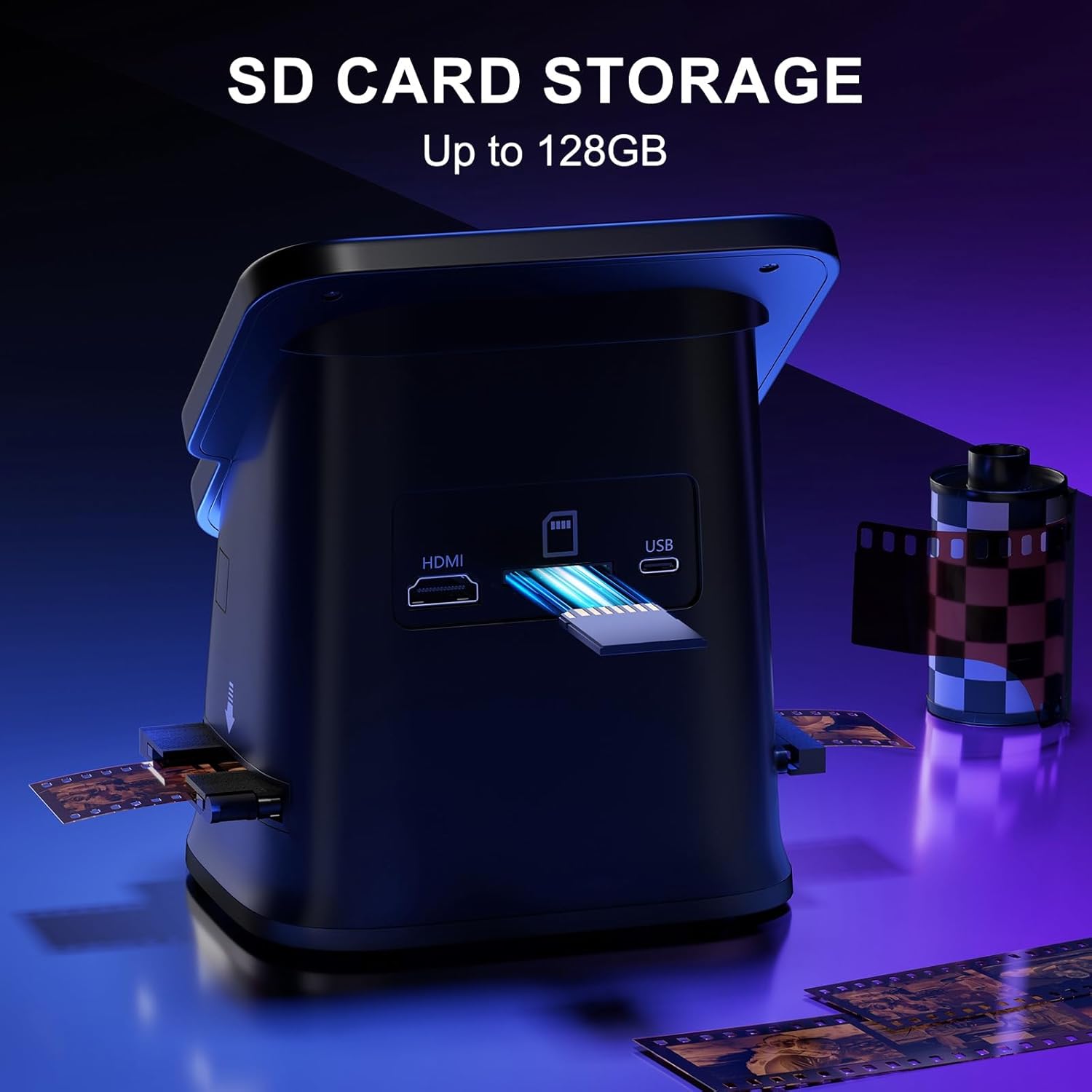
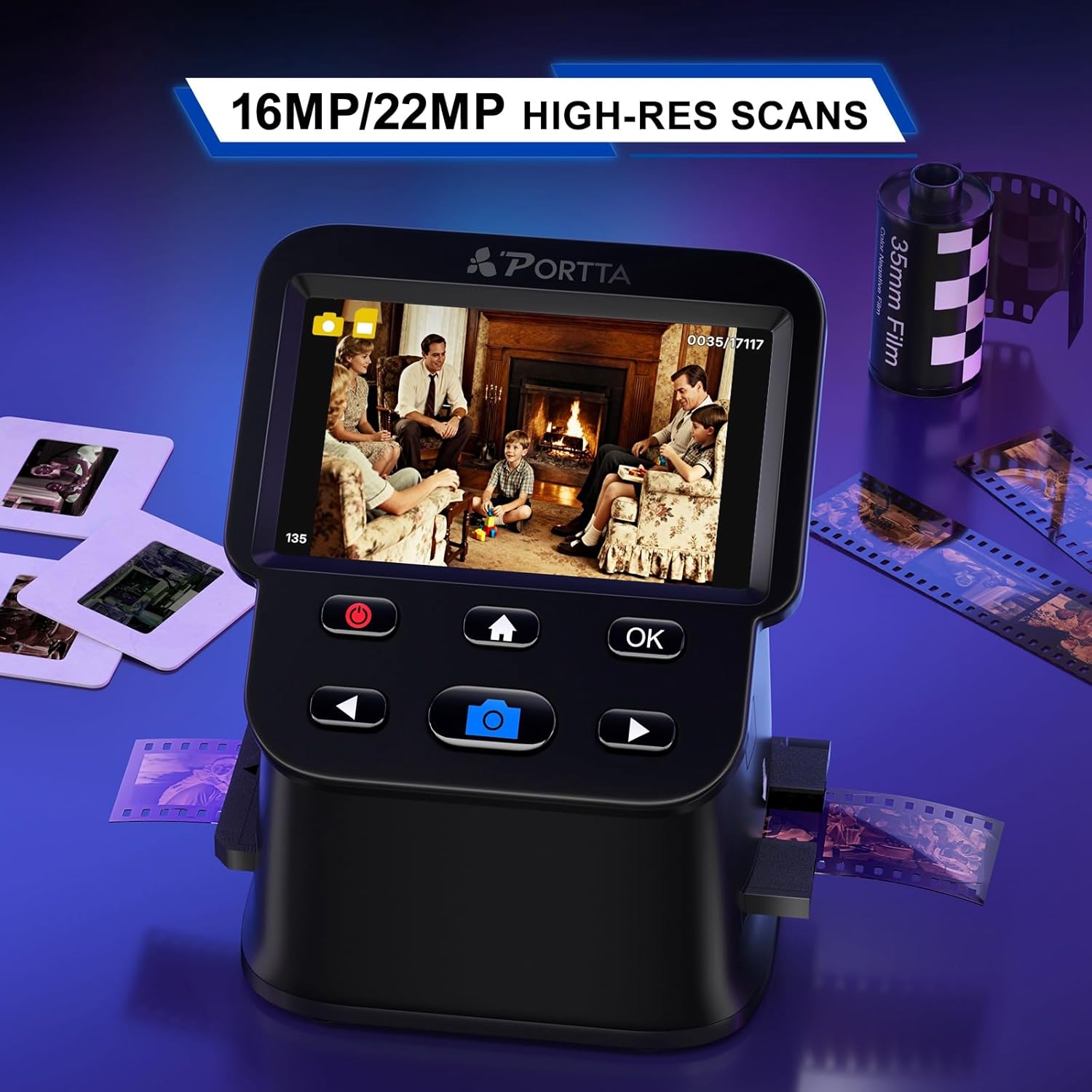
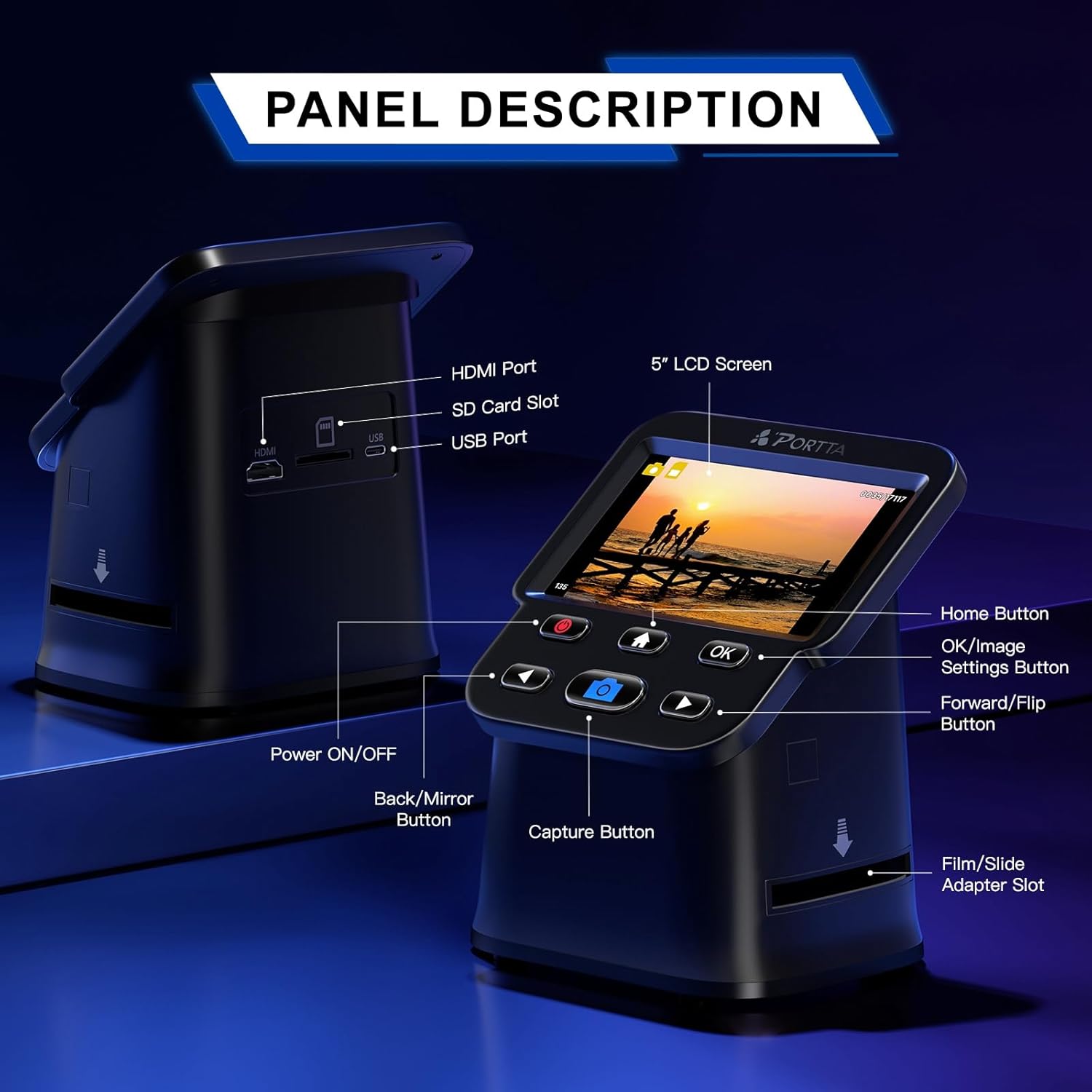
With a built-in 5" LCD screen, you can preview, adjust and align frames in real time before saving. The scanner offers two resolution options: 16MP standard and a 22MP enhanced output, allowing you to balance file size against detail. Images are saved directly to an SD card (up to 128GB) or can be viewed on a TV via HDMI as you scan. On-device adjustments let you tweak brightness, colour and orientation, so the captured image looks closer to what you expect from the original.
What stands out on paper
The large screen is a clear convenience feature, removing the need to switch between devices to verify results. The no-computer requirement is a practical draw for quick, casual digitisation of a few reels or boxes of slides. The 22MP option promises sharper detail for older film, while the 16MP setting provides a lighter file size if that suits your workflow.
The best use cases
If you have a modest collection of 35mm negatives or slides and want to digitise without booting up a computer or investing in a dedicated slide scanner, this model could be appealing. It’s also suitable for colour and monochrome negatives where the ability to preview and adjust on the fly helps you decide which frames are worth keeping.
Limitations and what to watch for
On the downside, the digitisation is limited to film types listed and the Super 8 feature is described as photo only, so moving image capture isn’t supported. Dual-format flexibility is helpful, but some users may find the 22MP output overkill for casual archiving if the original scans will be shared mainly online. Like any stand-alone scanner, it won’t replace a high-end professional setup for large archives or very high-detail needs.
What to check before buying
- Confirm you actually have the film formats supported (135, 126, 110, Super 8 prints only).
- Consider how you plan to store outputs: SD card capacity and whether HDMI output suits your viewing setup.
- Think about the editing step: the built-in adjustments are handy, but you may still want a computer or software later if you need advanced corrections.
How it compares to other methods
If you’re deciding between this and a computer-based workflow, the PORTTA unit offers simplicity and speed for small batches. It’s a practical compromise between a basic film scanner and a professional scanner: you gain immediate previews and straightforward saving, but you won’t get the same level of colour calibration or batch processing as more expensive options.
Practical example of use
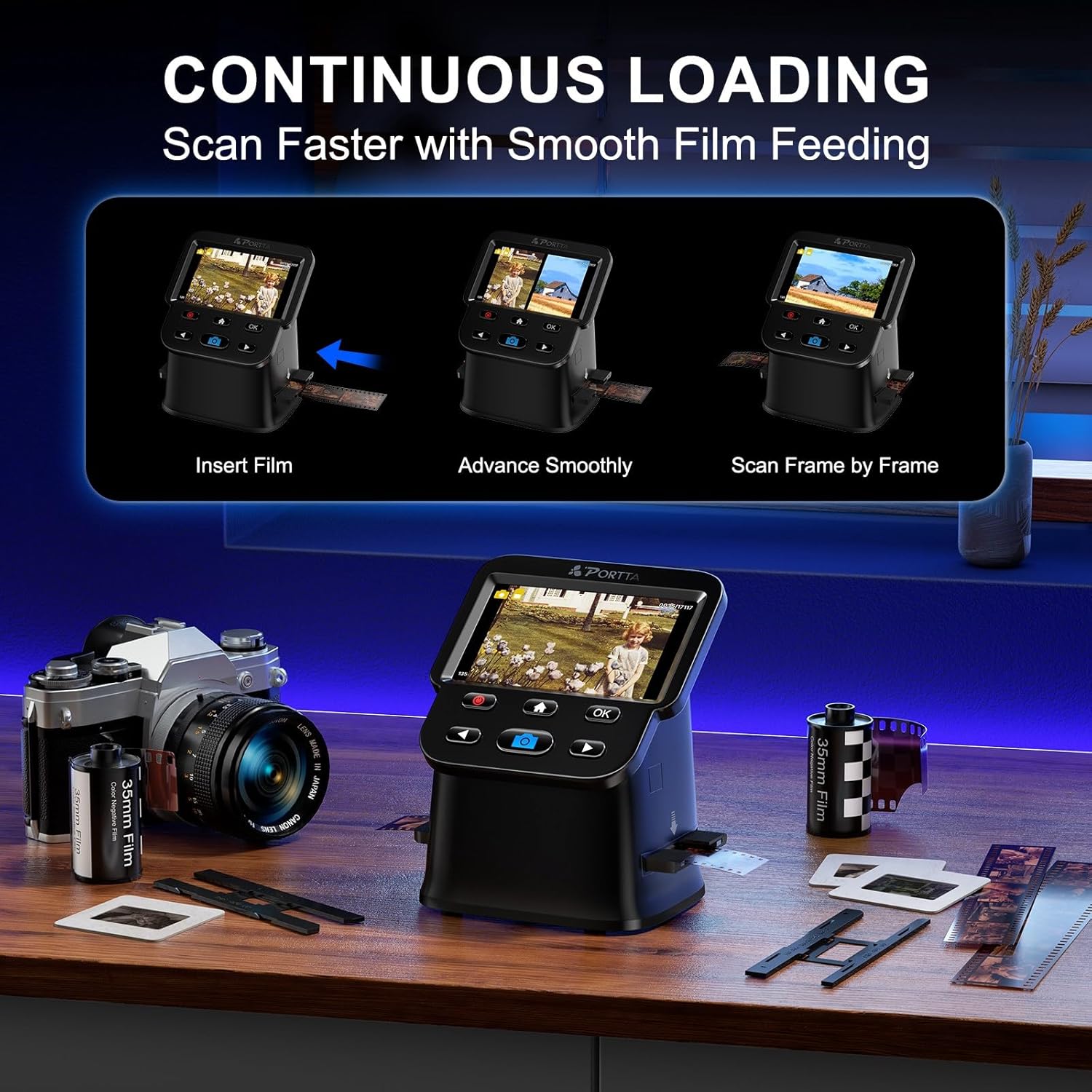
Imagine you’ve just unearthed a box of family slides from the 1990s. You can load a reel, preview each frame on the 5" screen, tweak brightness and colour to bring back some of the vibrancy lost over time, and save the good frames directly to an SD card. Later, you can connect the scanner to a TV to show the results to relatives without fiddling with laptops or software.
FAQ (based on available data)
- Can it scan 135, 126, 110 film and slides? Yes, it supports 135, 126, 110 film formats and slides, including negatives, with the TV/HDMI option for viewing.
- Does it require a computer? No, it can operate completely standalone with built-in adjustments and saving to SD.
- What about Super 8? It supports Super 8 film in photo form, not video capture.
Is it worth it?
Worth considering if you prioritise a self-contained, straightforward workflow for small batch digitisation and you value the convenience of a large LCD preview. It may not be the best choice if your archive is large or if you need advanced colour science and batch processing. If you want to test the waters with minimal setup, this model offers a practical balance between ease of use and output quality.