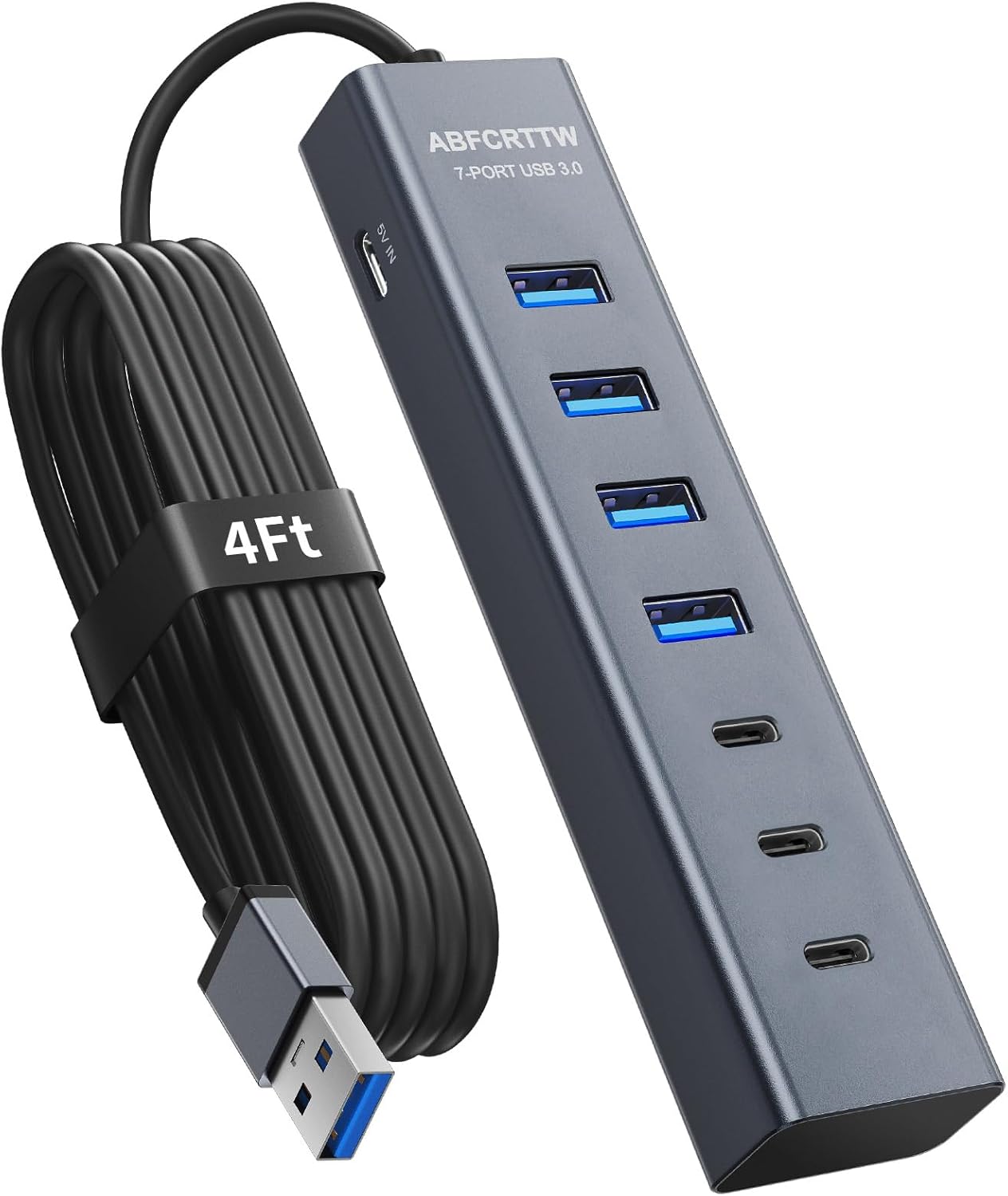
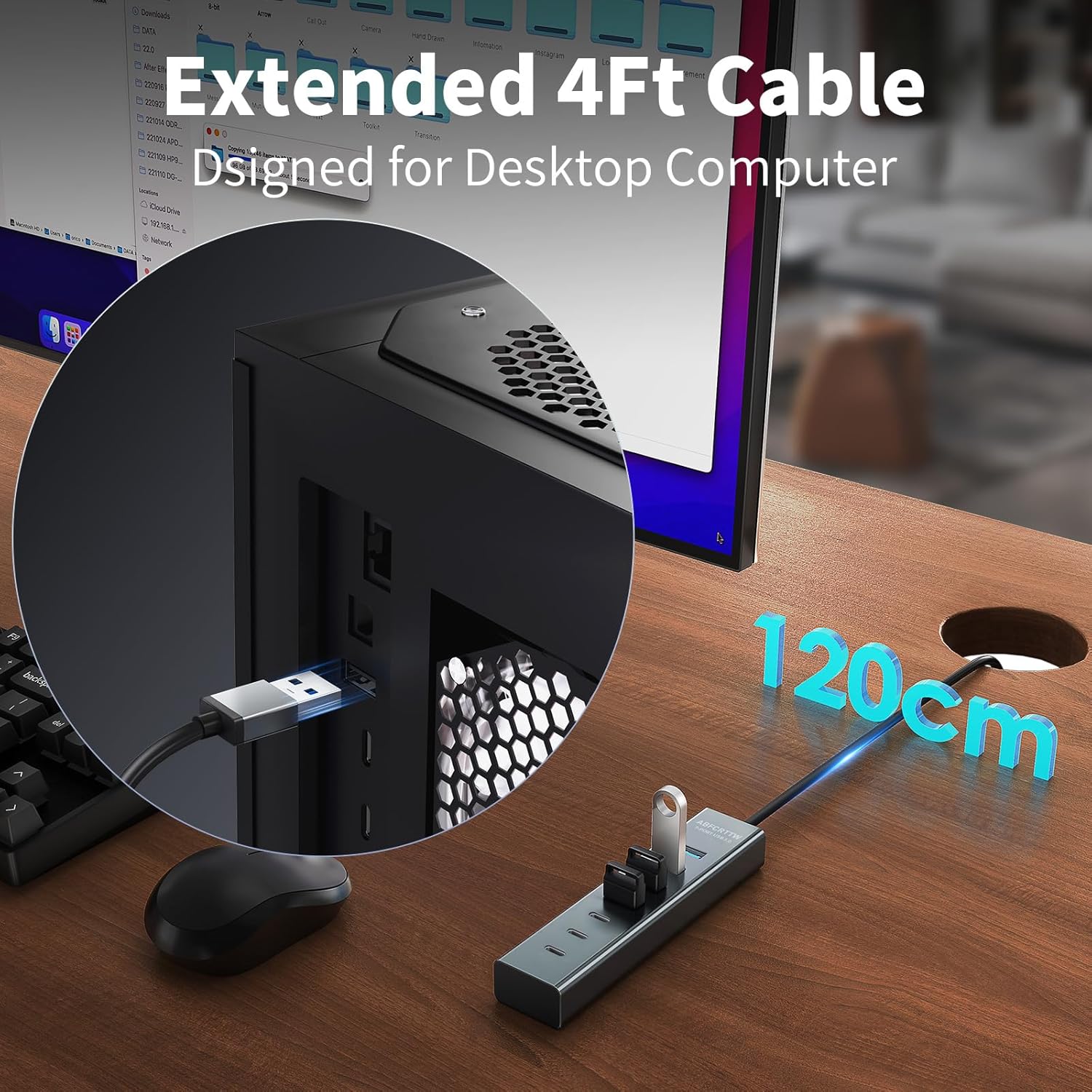
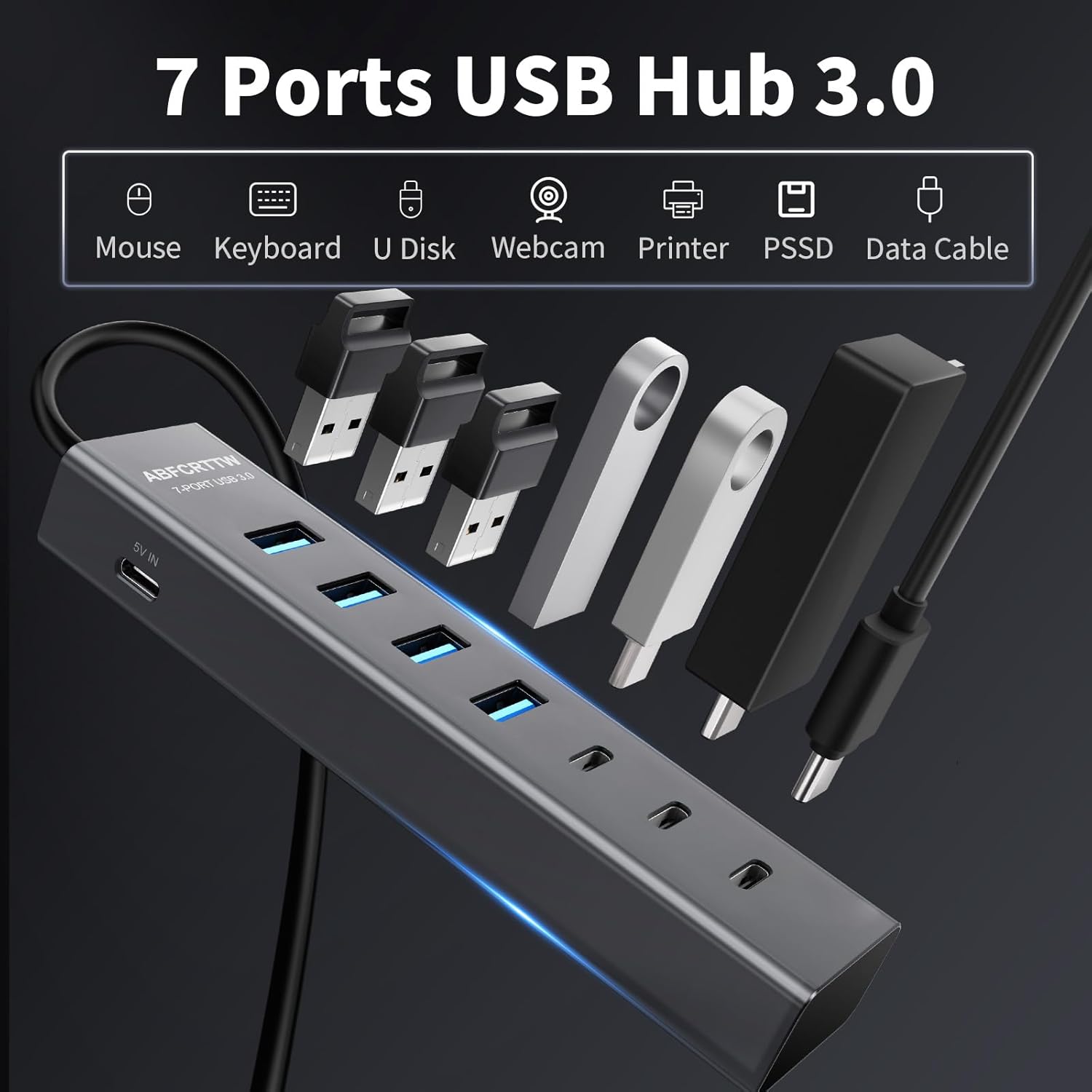
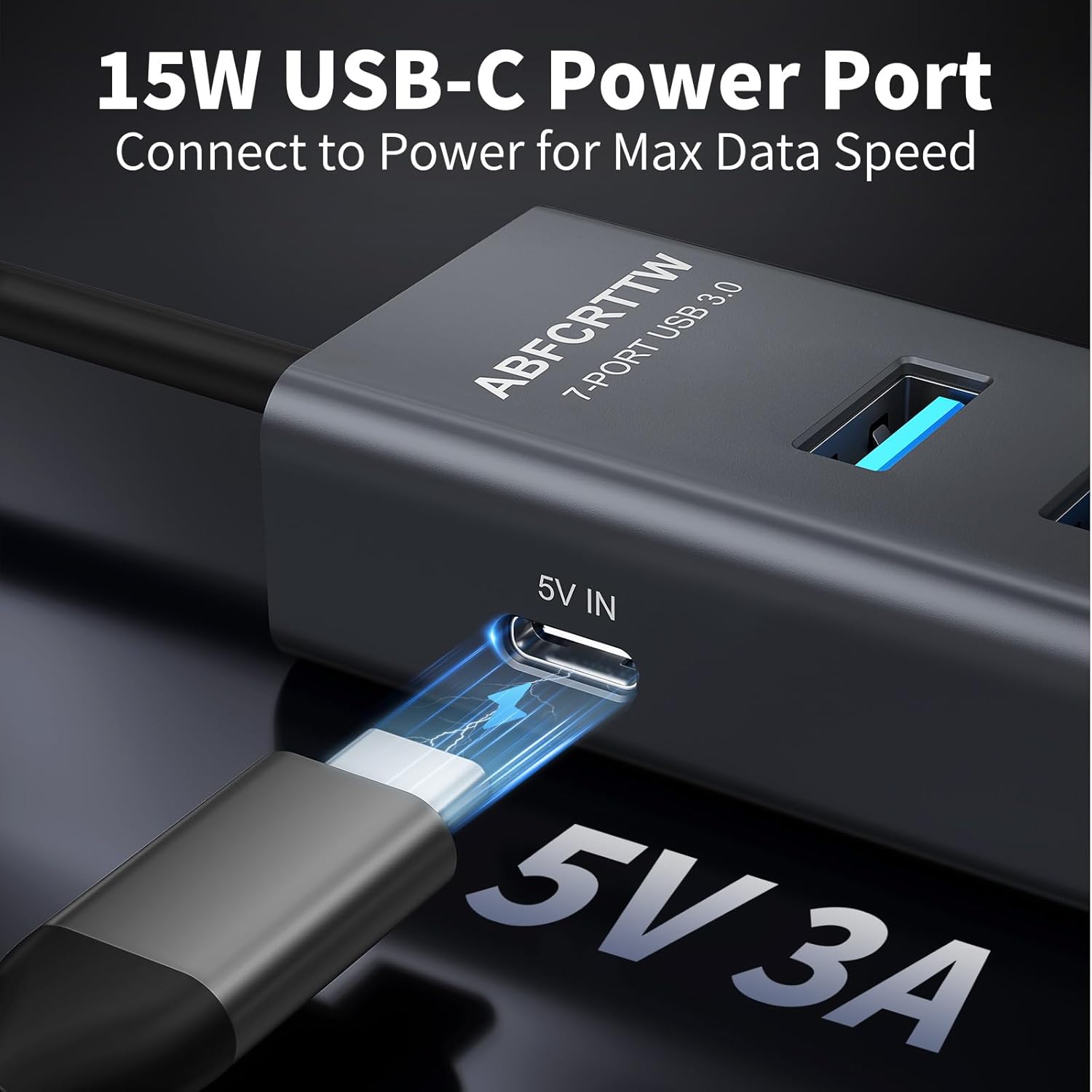
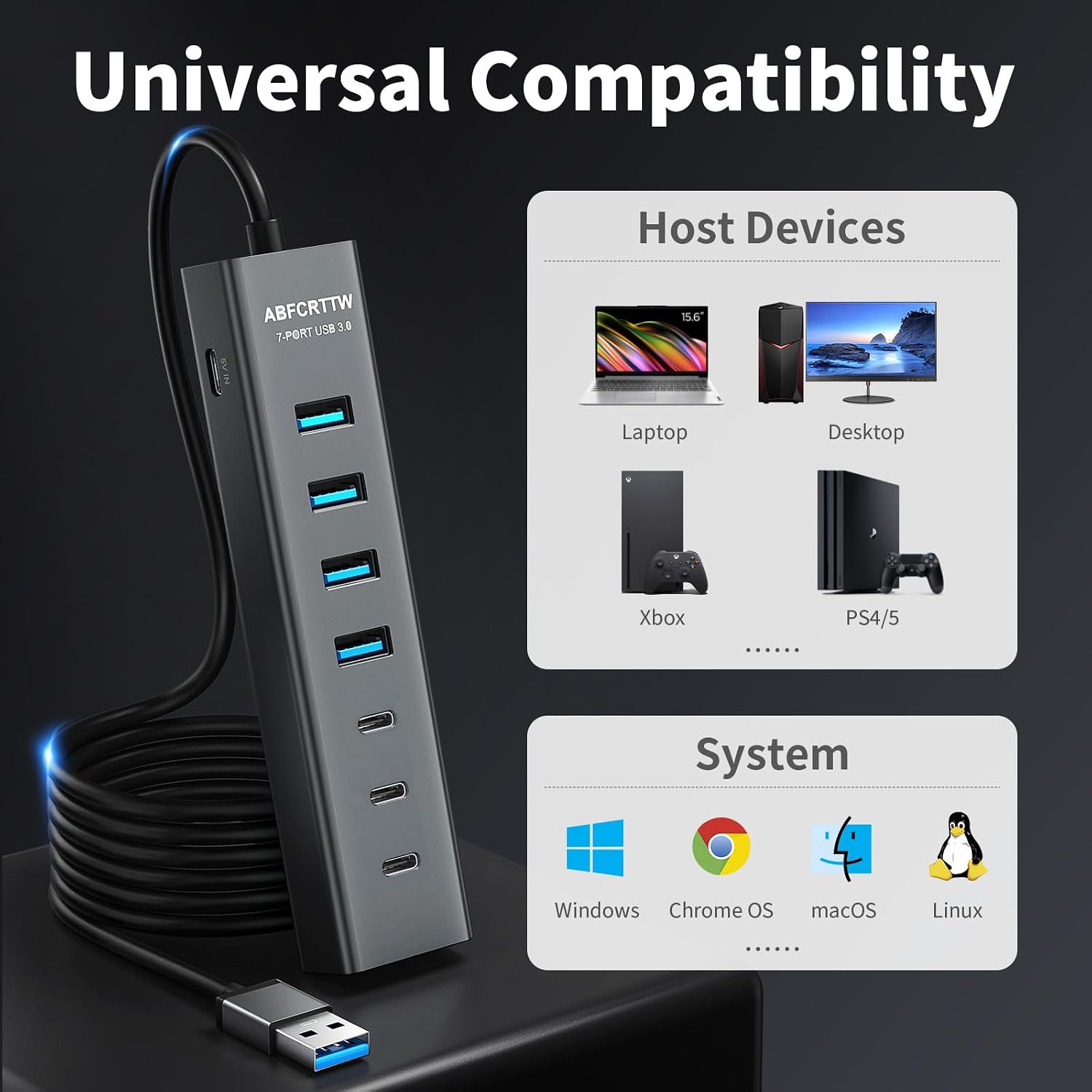
What it is and what it solves\nThis is a 7-port USB 3.0 aluminium hub designed to simplify a cluttered desk by expanding a single computer port into four USB-A and three USB-C connections. Its scratch-resistant, heat-dissipating surface makes it look sturdy on a home or office desk. The long 1.2 m cable helps you reach inaccessible ports without contorting cables behind the machine, keeping your workspace tidy.\n\n## Who it’s for\nIf you routinely run multiple peripherals—keyboard and mouse, external drives, webcams, hubs, or charging cables—the hub offers a practical solution to free up laptop or PC ports. It’s particularly handy for compact setups, home offices, or desks where USB ports are spread out, not easily accessible, or crowded by other devices.\n\n## What stands out\nOn paper, the standout features are the 5Gbps data transmission speed, the 1.2 m reinforced cable, and the 15W Type-C port for powering larger peripherals without a separate power adapter. The dual‑chip control promises smoother power distribution and helps prevent data loss during transfers.\n\n## Pros and cons\nPros: convenient 7-port expansion, long cable reduces cable chaos, fast USB 3.0 transfer rates, built‑in power delivery for compatible devices, automatic device recognition for stable operation.\nCons: it may not replace a purpose-built multi‑bay dock for demanding professional workflows, and some users might want even higher wattage on the Type-C port for power-hungry devices.\n\n## How to use it\nConnect the hub to your computer, place it on the desk where cables are easy to reach, and plug in your peripherals one by one. If you’re moving between devices, the hub’s plug‑and‑play nature makes it straightforward to reuse on another desk or with a different PC.\n\n## When it makes sense to buy\nChoose this hub if you need more USB-A and USB-C ports without buying a larger dock, value a tidy workspace, and want a simple upgrade to support external drives and peripherals without extra power bricks. It can stay useful as your peripheral setup grows or changes.\n\n## When to skip it\nIf your needs include very high-powered USB-C devices requiring more than 15W on a single port, or you want a dock with RGB lighting, built‑in ethernet, or stronger charging capabilities, you might look for alternatives with higher wattage or more features.\n\n## What to check before buying\nEnsure your main device supports USB 3.0 performance and that your peripherals can benefit from the extra ports. Consider whether 1.2 m is long enough for your desk layout and that you don’t require more than 15W on the Type-C port for power-hungry devices.\n\n## Practical use case\nOn a tidy home workstation, you could connect a keyboard, mouse, external SSD, webcam, a USB hub for lighting, and a smartphone for charging—without juggling multiple power adapters or reaching behind the PC every time.\n\n## Technical snapshot (brief)\nA 7-port aluminium hub with 4 USB‑A and 3 USB‑C ports, USB 3.0 with up to 5Gbps transfer, a 1.2 m reinforced cable, and a 15W Type‑C Power Delivery port. Dual‑chip control for device detection and power distribution.\n\n## FAQ\n- Is the hub powered separately? No, it includes a 15W Type‑C power delivery port to support power-hungry peripherals, but it does not require a separate power brick for typical devices.\n- Will it run all my USB-C devices? It should support common USB‑C peripherals, but devices that demand more than 15W may not run optimally.\n- Can I use it with a laptop and desktop interchangeably? Yes, the hub is designed for desktop use and can be moved between devices as needed.\n\n## Final question to consider\nIf you prioritise a neat desk, straightforward expansion and decent transfer speeds for everyday peripherals, this hub offers a sensible balance between functionality and value.