

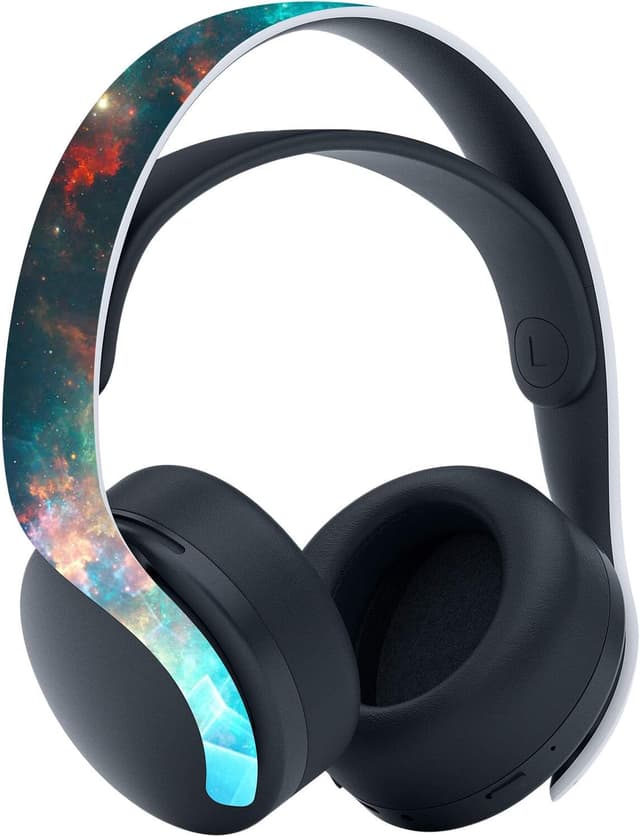
playvital Galaxy Rift Full Set Skin Decal for PS5 Disc Edition (console, controllers & accessories)
Reviews
Price
Product description
What it is and why people buy it
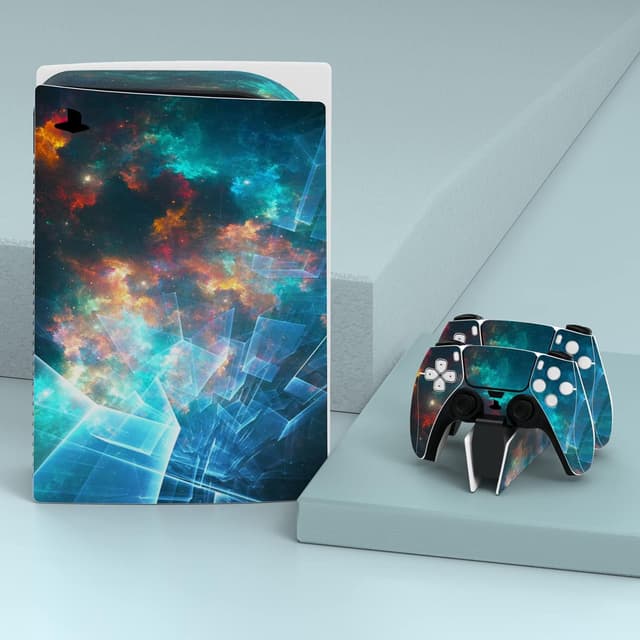
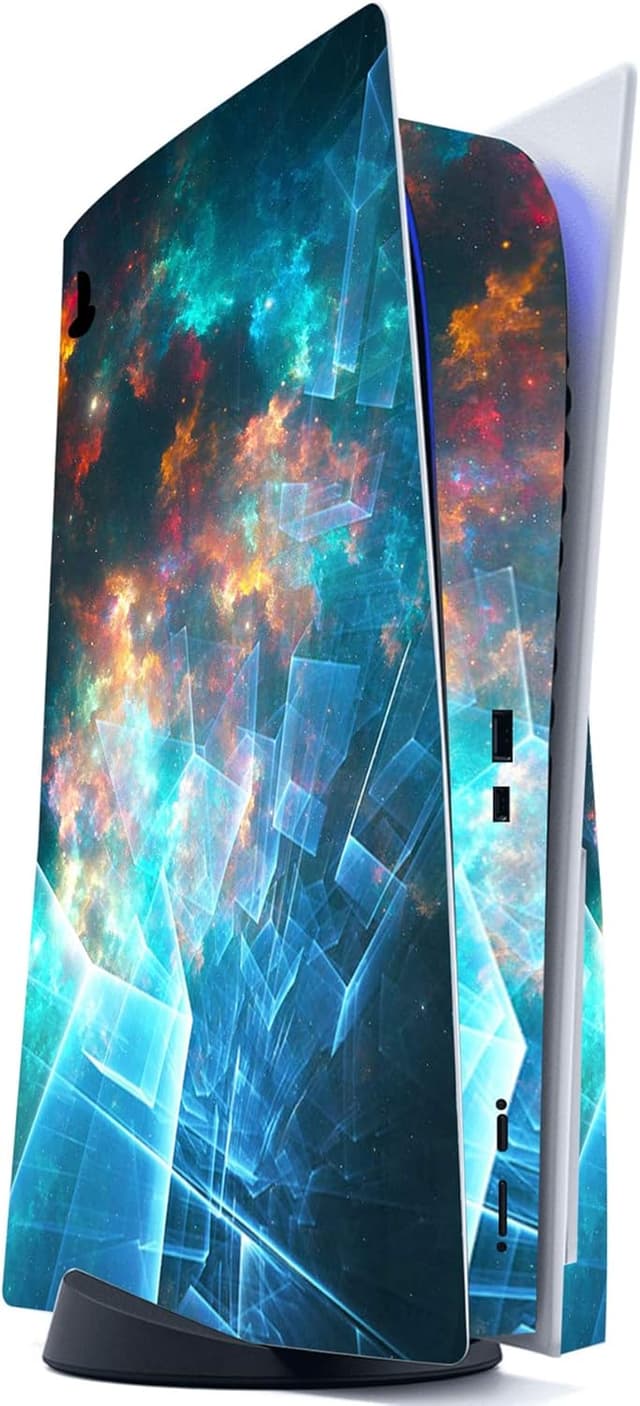
This playvital Galaxy Rift Full Set Skin Decal is a vinyl sticker set designed to change the look of a PS5 Disc Edition system setup. The idea is simple: you get matching decal pieces for the console and several accessories, so your whole “station” feels more coordinated rather than leaving everything stock.
It’s also meant to help with everyday wear. While no sticker will turn back time on existing damage, the vinyl cover approach can act as a barrier against dust and light scuffs from handling—handy if you swap controllers often, move the charging station around, or just prefer keeping things tidy.
A quick note that’s worth keeping in mind: the listing states that the console, controllers and the other accessories are not included. You’re buying the skins/decals only.
The essentials: what’s included in the full set
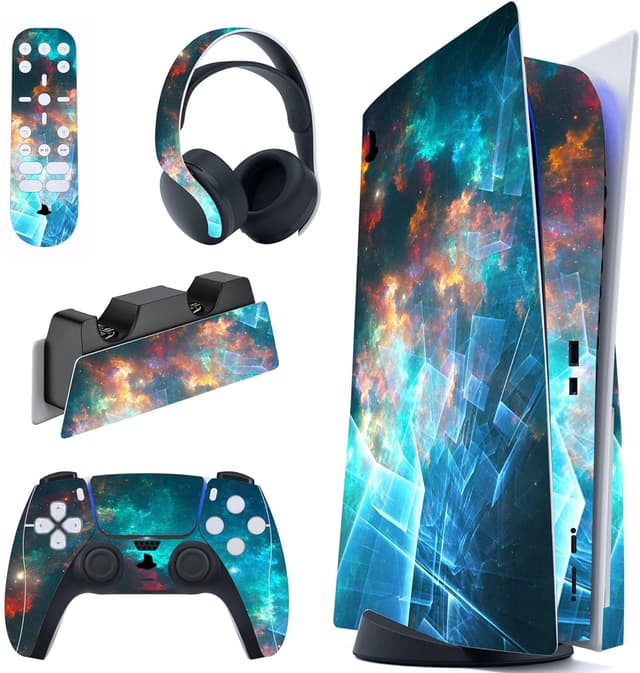
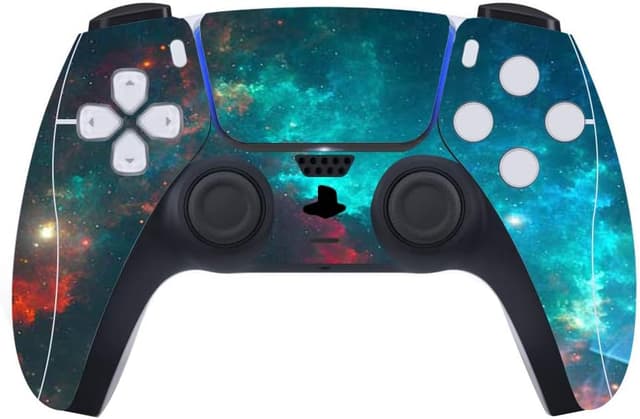
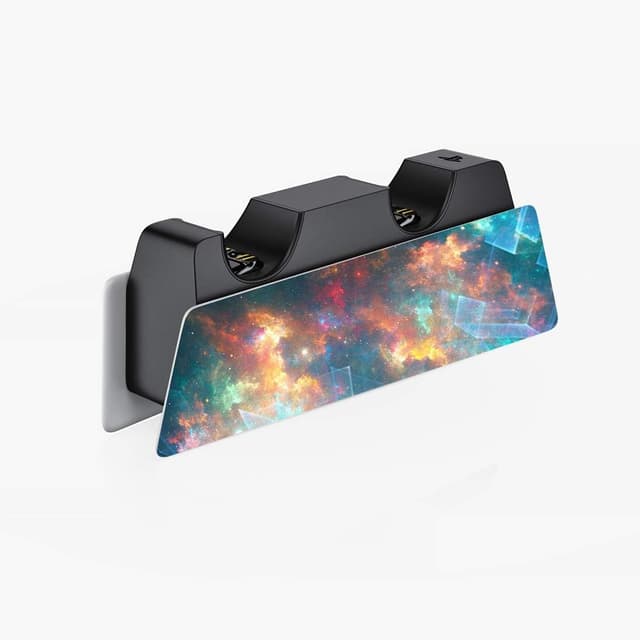
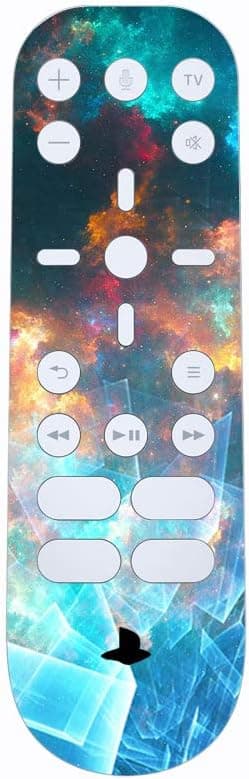
On paper, the full set covers multiple surfaces, not just the console shell. According to the provided details, the package includes: - 1 sticker for the PS5 console - 2 stickers for PS5 controllers - 1 sticker for a charging station - 1 sticker for headphones - 1 sticker for a media remote
There are several style options mentioned as well, so if you’re specifically after the Galaxy Rift look, make sure you’re selecting the variant that matches your preferences.
What stands out with this decal set
The most convincing parts here are about fit and practicality rather than big claims. The vinyl is described as high quality with precise cutting, and the pieces are said to “fit perfectly”. In real buying terms, that usually matters because a skin that aligns well is easier to apply and less likely to look messy at the edges.
The set also focuses on installation and removal: it’s presented as easy to fit and remove, without complicated steps or special tools. If you’ve ever wrestled with misaligned skins, you’ll appreciate even basic “no fuss” guidance—especially when you’re applying multiple stickers across a setup.
Where it may fall short (so you don’t get surprised)
This is where you need a bit of realism. The listing mentions an installation video on YouTube (“PlayVital Sticker for PS5 Regular Edition”), but it doesn’t clarify whether the exact steps fully mirror the Disc Edition surfaces you’re decorating. It may still be broadly similar, but if your priority is absolute certainty, it’s worth double-checking that the video matches your specific setup.
Also, the “easy removal” claim is helpful, but it’s still a decal. Depending on how you treat your console and accessories (humidity, repeated handling, how clean the surfaces are before applying), removal results can vary. If you tend to change aesthetics often, it’s wise to treat application with care rather than rushing.
Everyday use: a practical example
Imagine you’ve got your PS5 Disc Edition placed in a media unit, with your controller usually resting on a charging station. You apply the console decal first, let it settle, then add the controller skins so the hand-held parts match.
Once the accessories are skinned too—media remote and headphones—the whole corner looks like it belongs together. It’s not just about looks, it can also reduce the “fingerprint and dust magnet” feeling for frequently used items, because the decal surface can act as an additional layer against everyday grime.
Who it suits (and who should think twice)
It makes sense if you want a cohesive theme across your PS5 setup and you’re specifically looking for a full set rather than a single console skin.
It may not be the best match if you only want a quick console refresh (in which case you might not need coverage for controllers and accessories), or if you prefer a zero-maintenance approach where any removable surface layer is a potential hassle.
You may want to skip it if you’re the type of buyer who’s very sensitive about perfect alignment on curved or textured areas. The listing suggests precise cutting, but any sticker application can be affected by surface prep and careful placement.
Care & setup checks before you buy
Because the kit is made of vinyl decals, preparation matters. Even though the listing doesn’t go into cleaning steps, it’s still a sensible idea to ensure the surfaces are dust-free and ready for sticking before you apply. Also, confirm that you’re choosing the correct set for your PS5 Disc Edition version.
Finally, if you’re worried about getting it wrong, the existence of an installation video is a good sign. Just be sure you’re comfortable following it before you commit to applying all pieces.
Final verdict
Worth considering if you want a matched, “full setup” look for a PS5 Disc Edition—console, controller(s), and the related accessories—without turning it into a major DIY project. The main value here is the multi-piece coverage and the emphasis on precise cutting and straightforward installation/removal.
It’s not the most sensible choice if you only want one or two stickers, or if you need instructions that are guaranteed to match your exact Disc Edition layout. Treat it as a styling and light protection layer rather than anything that changes the performance of the console.
Mini FAQ
Is the PS5 console and accessories included?
No. The details specifically state that the console, controllers and other accessories are not included—only the decals/stickers are.
What parts does the full set cover?
The set includes stickers for the PS5 console, two controllers, a charging station, headphones, and a media remote.
Is it difficult to apply?
The listing describes it as easy to fit and remove, with no complicated steps. An installation video is also mentioned.
Does the video cover Disc Edition specifically?
The provided video reference is for “PS5 Regular Edition”. It may still help, but it’s not stated that it’s a perfect match for Disc Edition.
How many style options are there?
The description notes that various styles are optional, but it doesn’t list how many. You’ll need to check the available variants in the product options.