

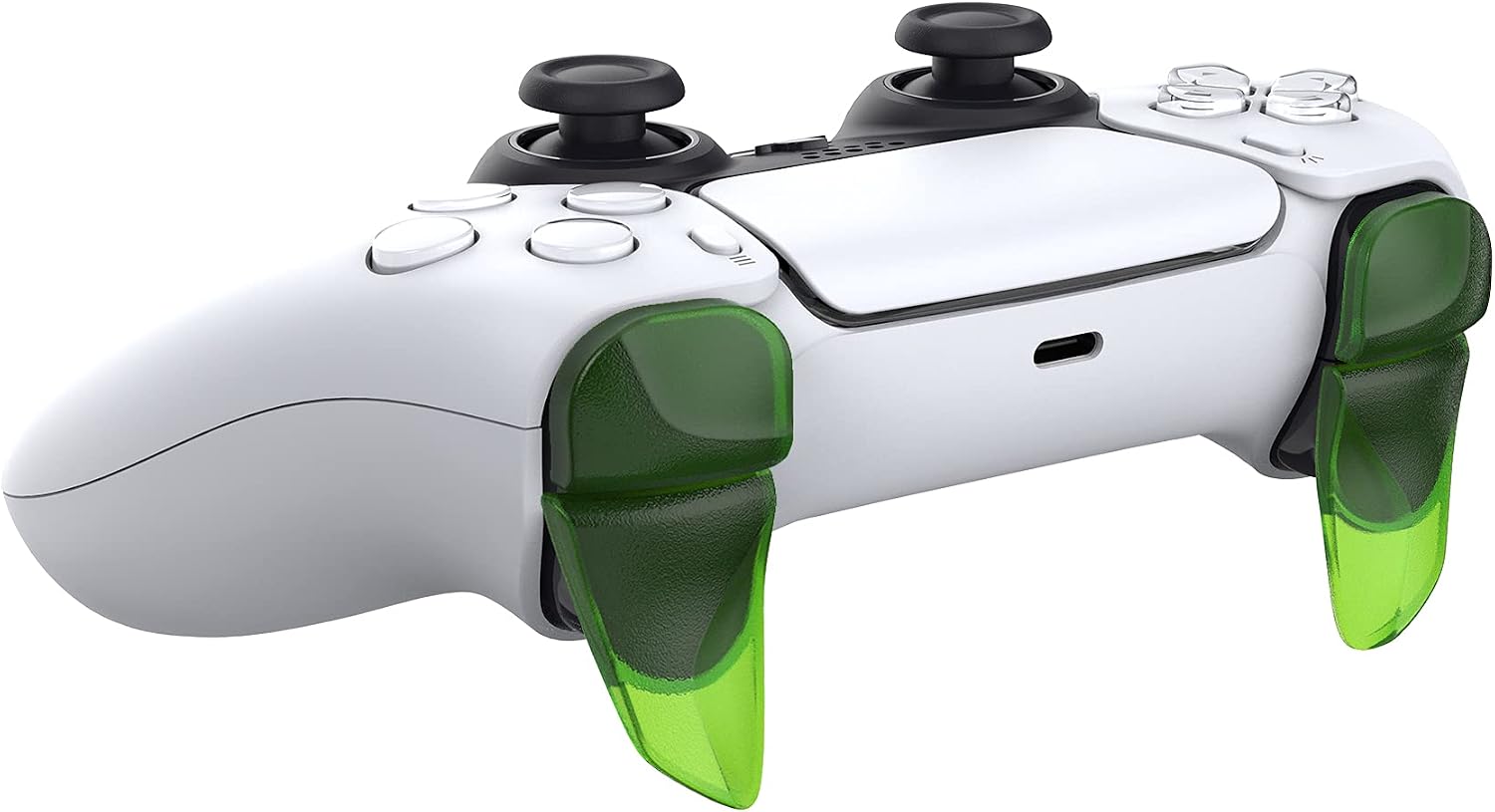
playvital BLADE Shoulder Trigger Extenders
Reviews
Price
Product description
If you find it awkward to reach the shoulder buttons on your PS5 controller, the playvital BLADE 2 pairs of shoulder button extension triggers are a practical way to improve comfort and control. They add extra leverage to help you press R1, L1, R2, and L2 with more ease, which can be especially useful during longer gaming sessions. 😊 The kit is also made for a more comfortable feel in the hands, with a more ergonomic approach to how you rest your fingers on the controls.
Key takeaways
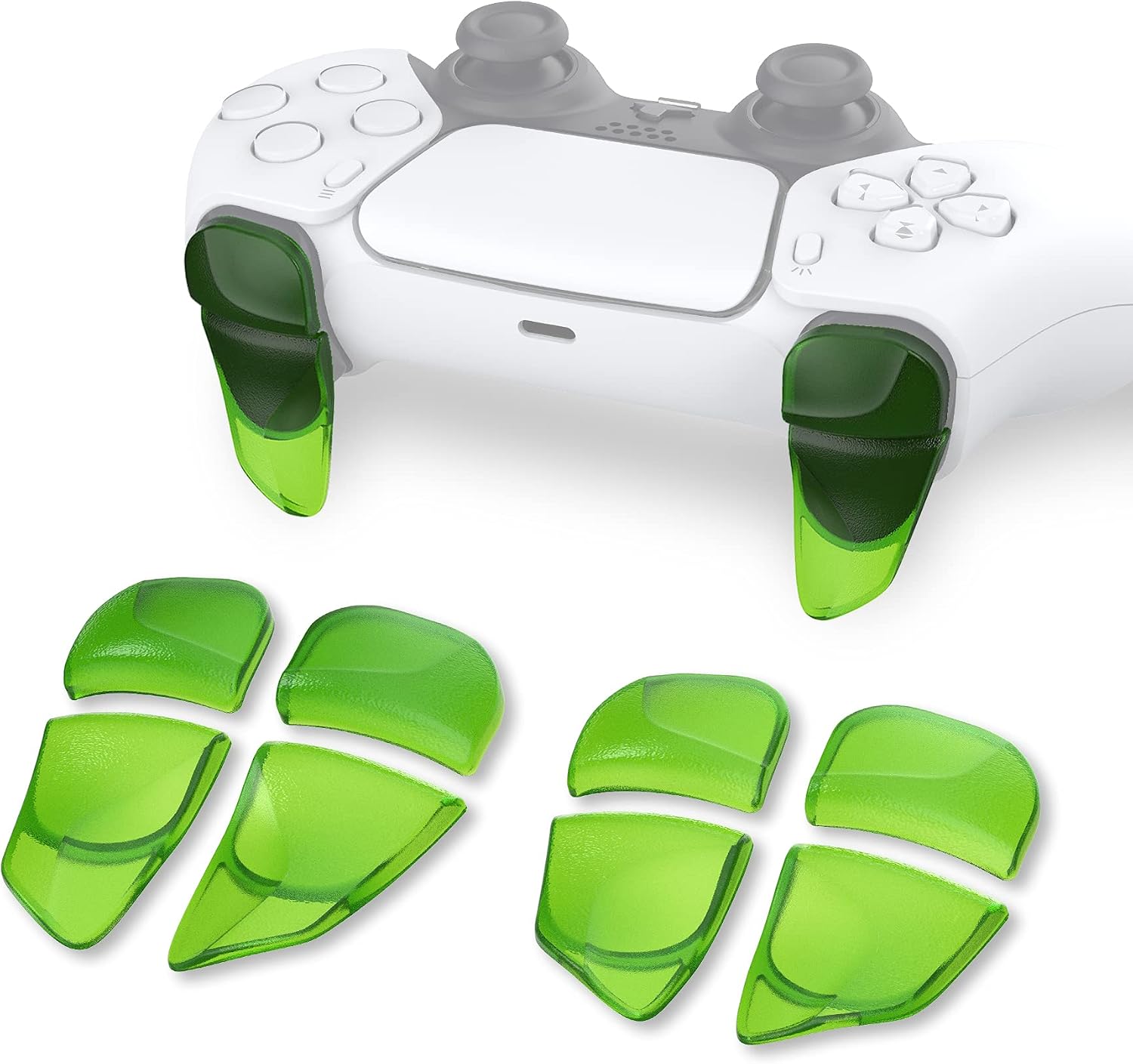
The playvital BLADE extension triggers focus on comfort and responsiveness, without changing how your controller is used. By extending the shoulder button reach, they can help reduce finger strain for players with larger hands. The kit is designed to support improved button reaction, so actions feel more immediate during gameplay. 🎮
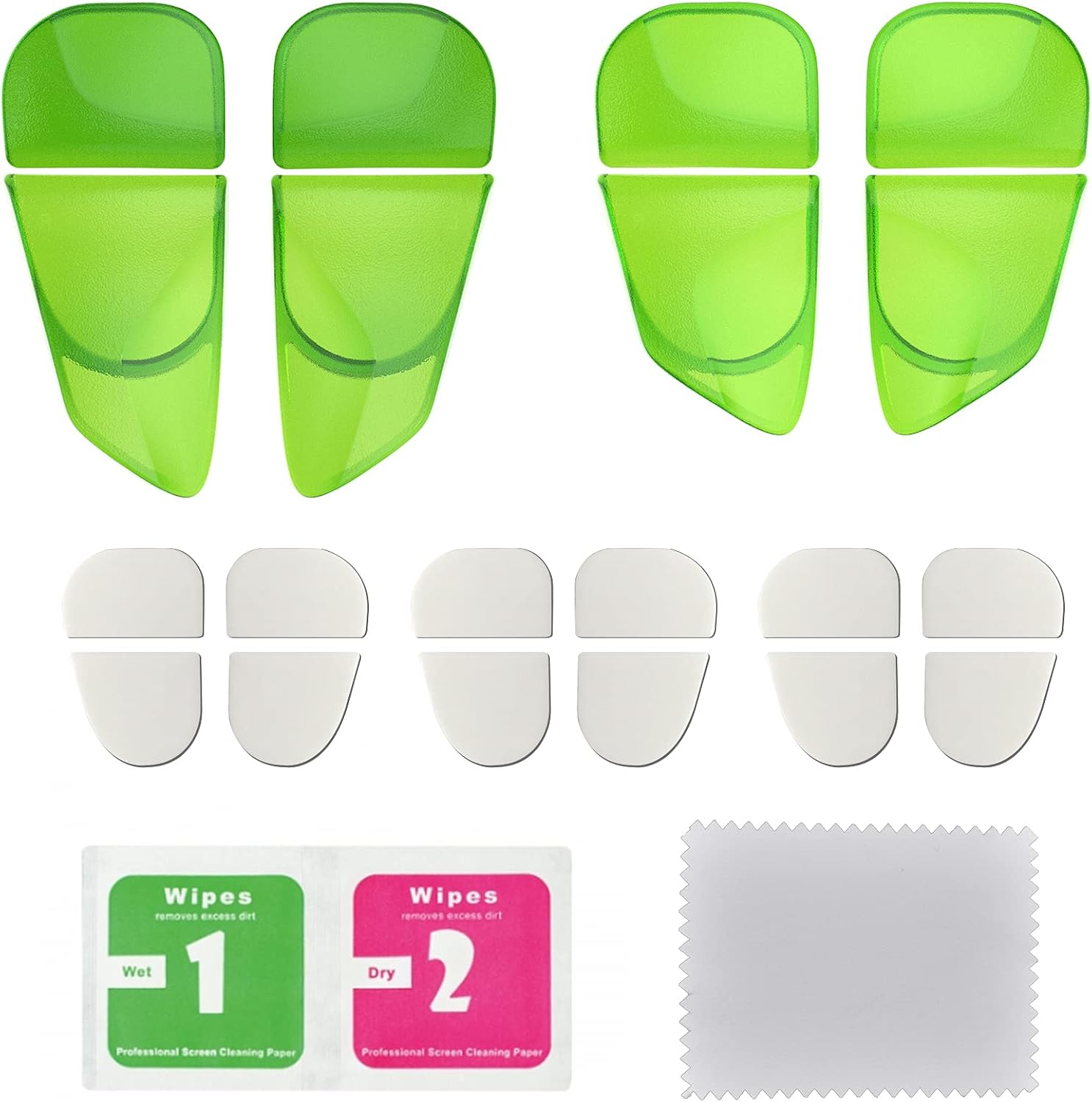
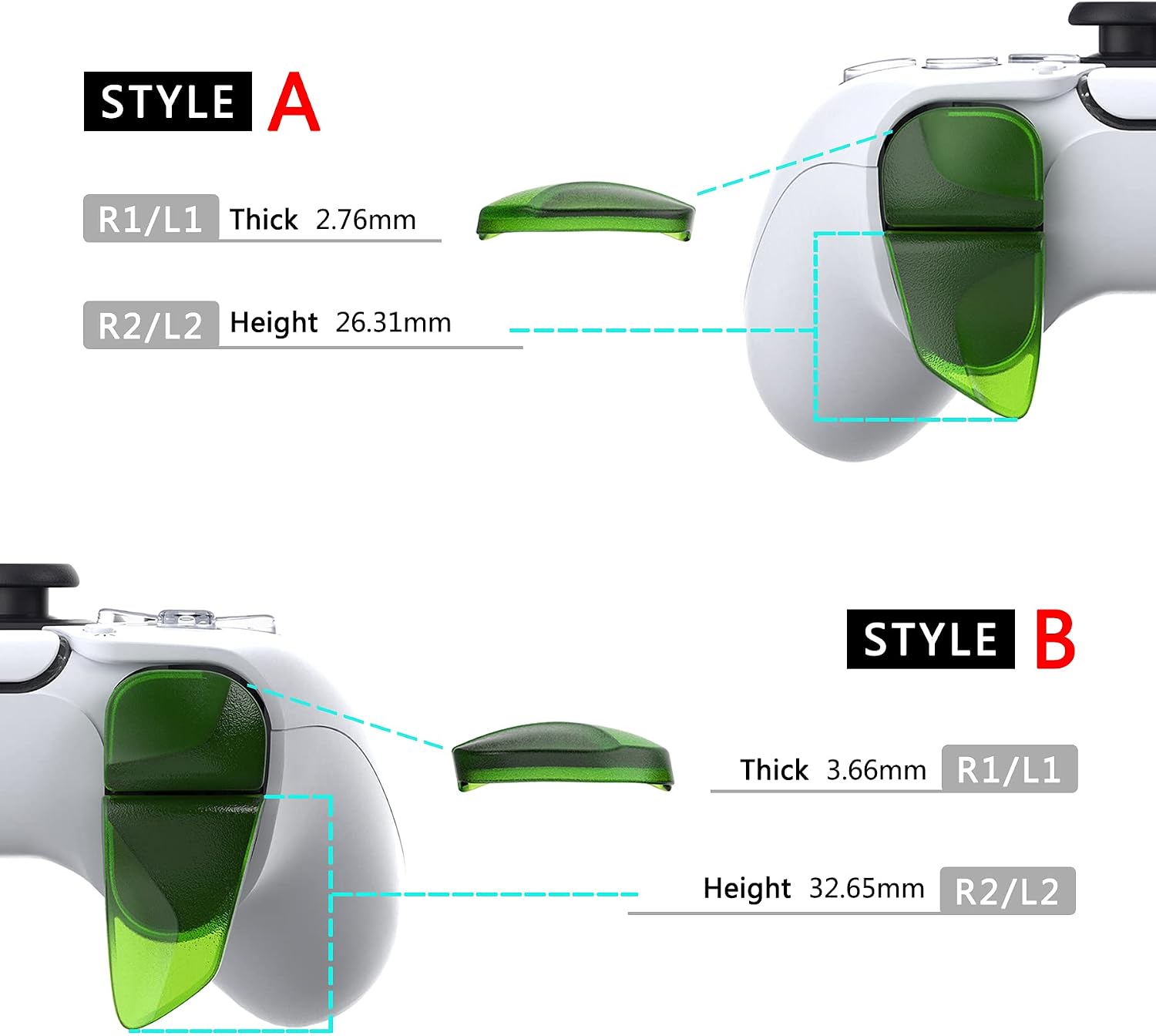
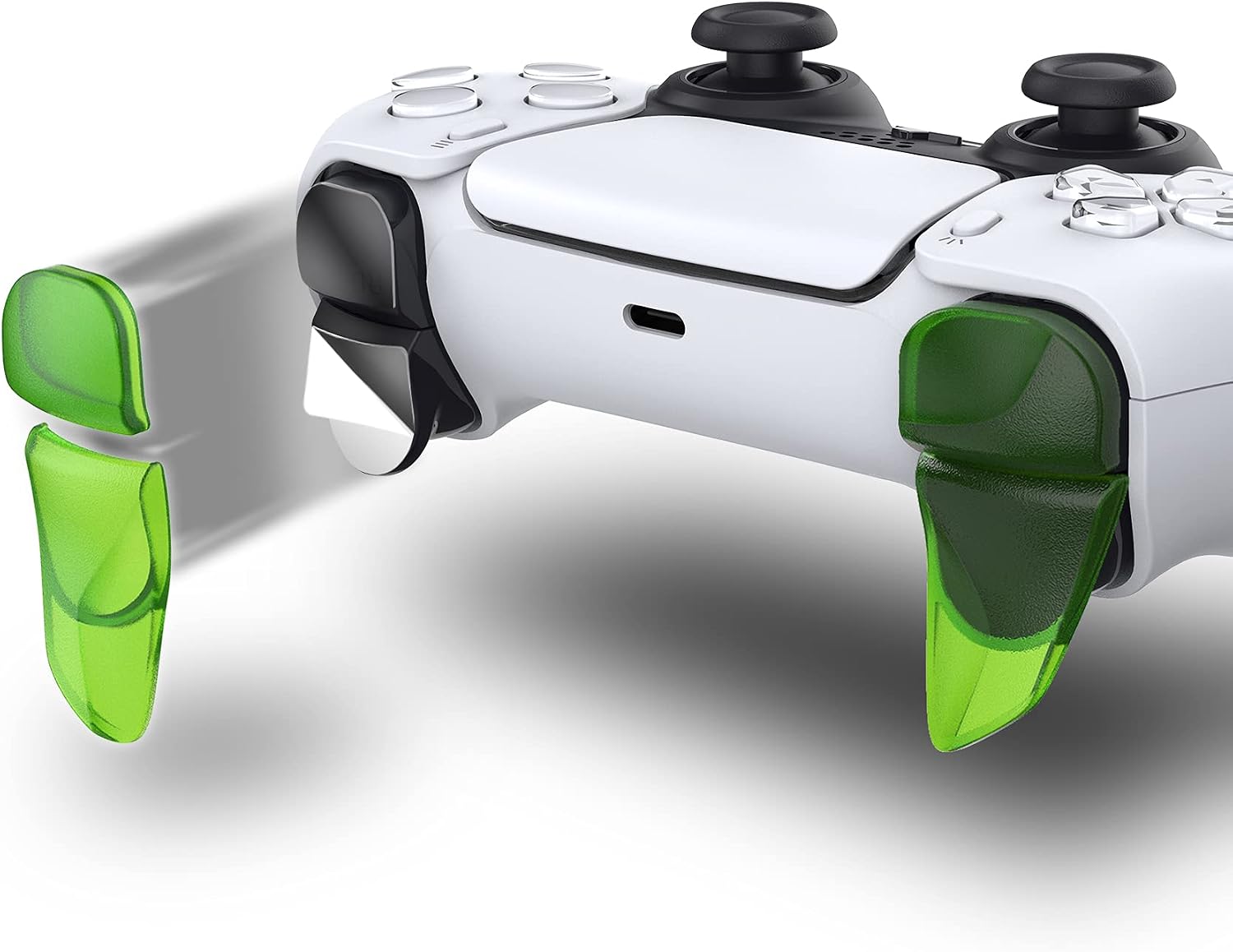
You also get flexibility within the package, because the extenders for L1R1 and L2R2 each come with different thickness or length options. That means you can choose the adjustment that matches your grip and the way you press the triggers. It is easy to install, and the kit is intended to be fitted using the adhesive stickers included in the pack. Once attached, the extenders are described as firm and stable, with a click-in feel that helps them stay in place during use.
It is a straightforward, game-improvement accessory for people who want a clearer feel when pressing shoulder buttons, not a complex mod. If you play frequently and want your hands to feel less tired over time, these extensions are worth considering. 🤝 And if you prefer a precise fit, the included options for different thickness and lengths give you room to fine-tune the adjustment.
Tech specs
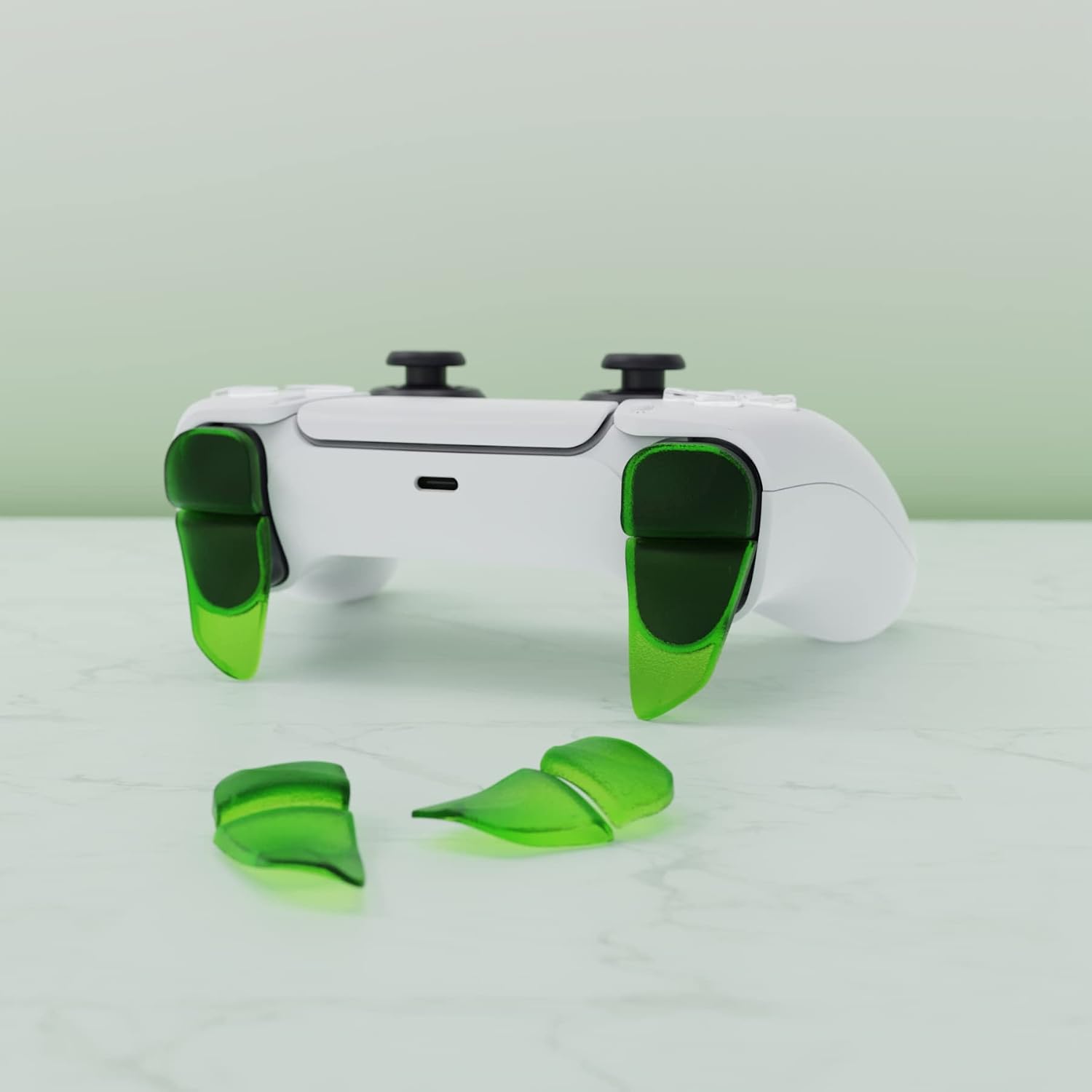
- Name: playvital BLADE 2 Pairs Shoulder Buttons Extension Triggers for PS5 Controller
- Type: Shoulder button extension triggers kit
- Material: Not specified in the provided details
- Colour: Clear green
- Compatibility: PS5 controller, PS Portal remote player, and PS5 Edge controller mentioned
- Installation: Uses adhesive stickers
- What’s included: 2 pairs of L1R1 and L2R2 bumper trigger extenders, with L1R1 having two thickness options and L2R2 having two length options
What you’ll notice day to day
One of the main benefits is how the extensions change the reach of the shoulder buttons. Instead of stretching, you get a more comfortable contact point that makes it easier to press R1, L1, R2, and L2. This can be particularly helpful for players with bigger hands, as it can feel less demanding on the fingers when you are holding a steady grip. 😌
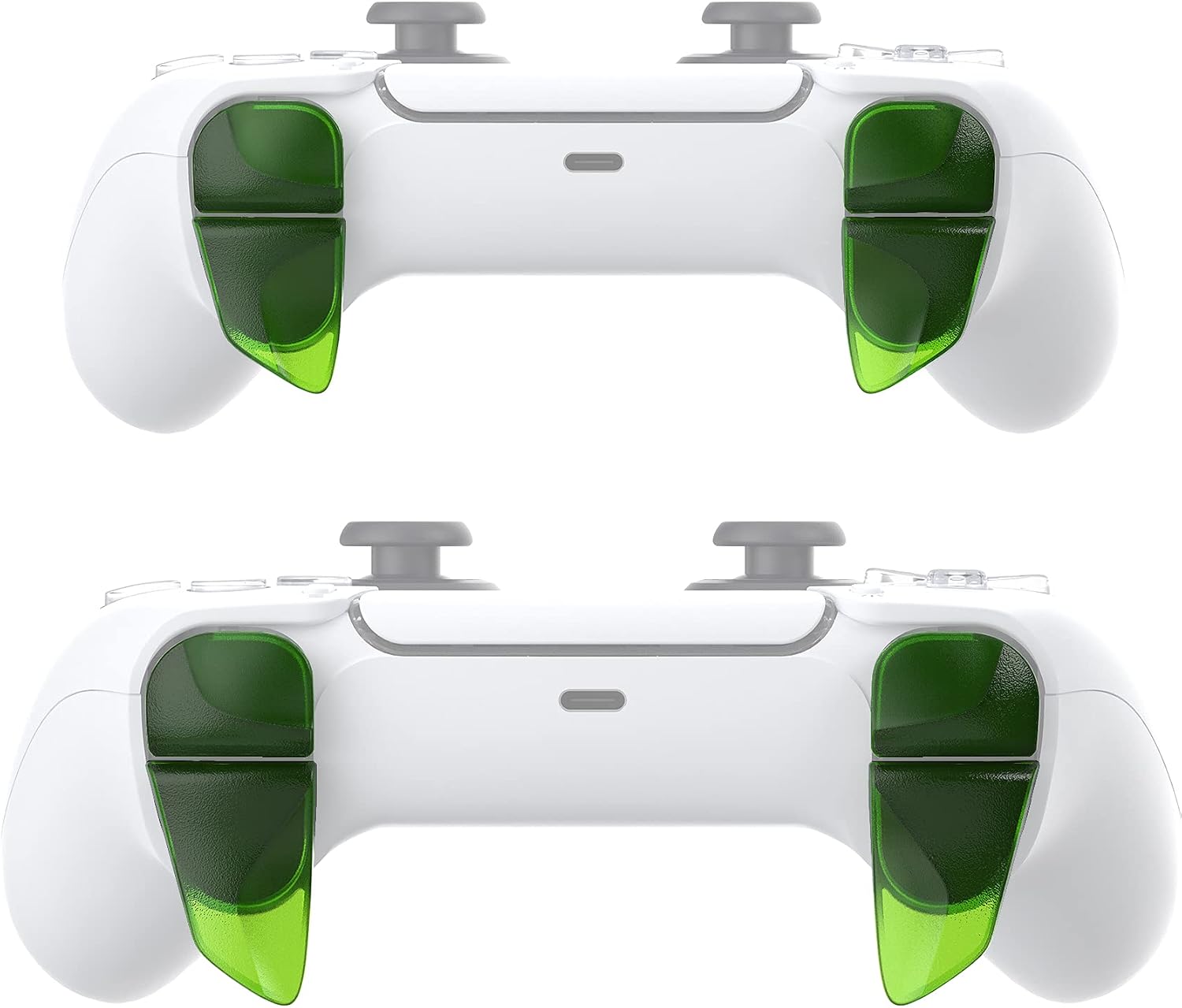
You can also expect a more consistent feel to your inputs because the extenders are designed to make it easier to press the buttons. The manufacturer describes an increased reaction of the buttons for games, which may help when you are relying on frequent shoulder button actions. For many players, that improved responsiveness is the difference between comfortable control and having to adjust your hand position mid-match.
There is also a time and comfort angle here. The design goal is to help fingers rest more comfortably on the trigger setup, so even if you play for a long time, the experience is intended to feel less tiring. Ten minutes in, you may notice fewer micro-adjustments, and later on it can translate into less fatigue during extended sessions.
Usage tips
It helps to think about your grip first, then pick the extender option that matches. If you like a firmer or slightly higher contact point, you can try the thickness option on the L1R1 extender, and then repeat the approach with the length options on L2R2. Take your time during fitting, because the placement affects how the buttons feel when you press.
Installation is described as straightforward, using adhesive stickers. Before you apply the extenders, make sure the area where the stickers will sit is ready for bonding, since stable fitting is key to the click feel described in the product details. For added guidance, a fitting video is available on YouTube by searching PlayVital Bumper Trigger Extenders for ps5. 🎥
It is also a good idea to test the controls gently right after installation. Check that the extender triggers feel firm and stable and that you can click them easily without them coming loose. The kit is intended to be a secure, practical add-on, so if anything feels off, re-check the alignment before continuing with longer play.