

Parallels Desktop 26 1 Year subscription
Product description
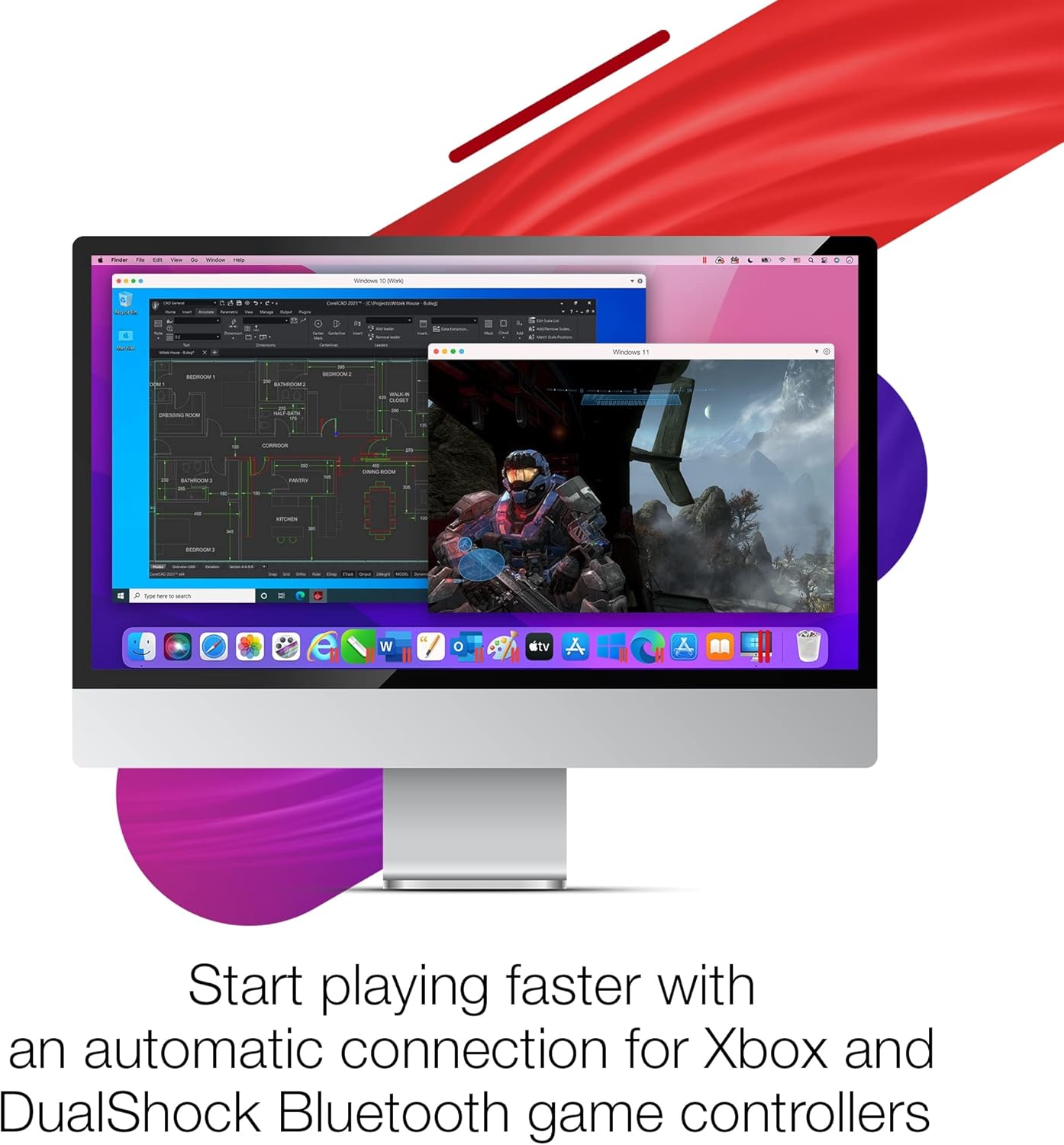
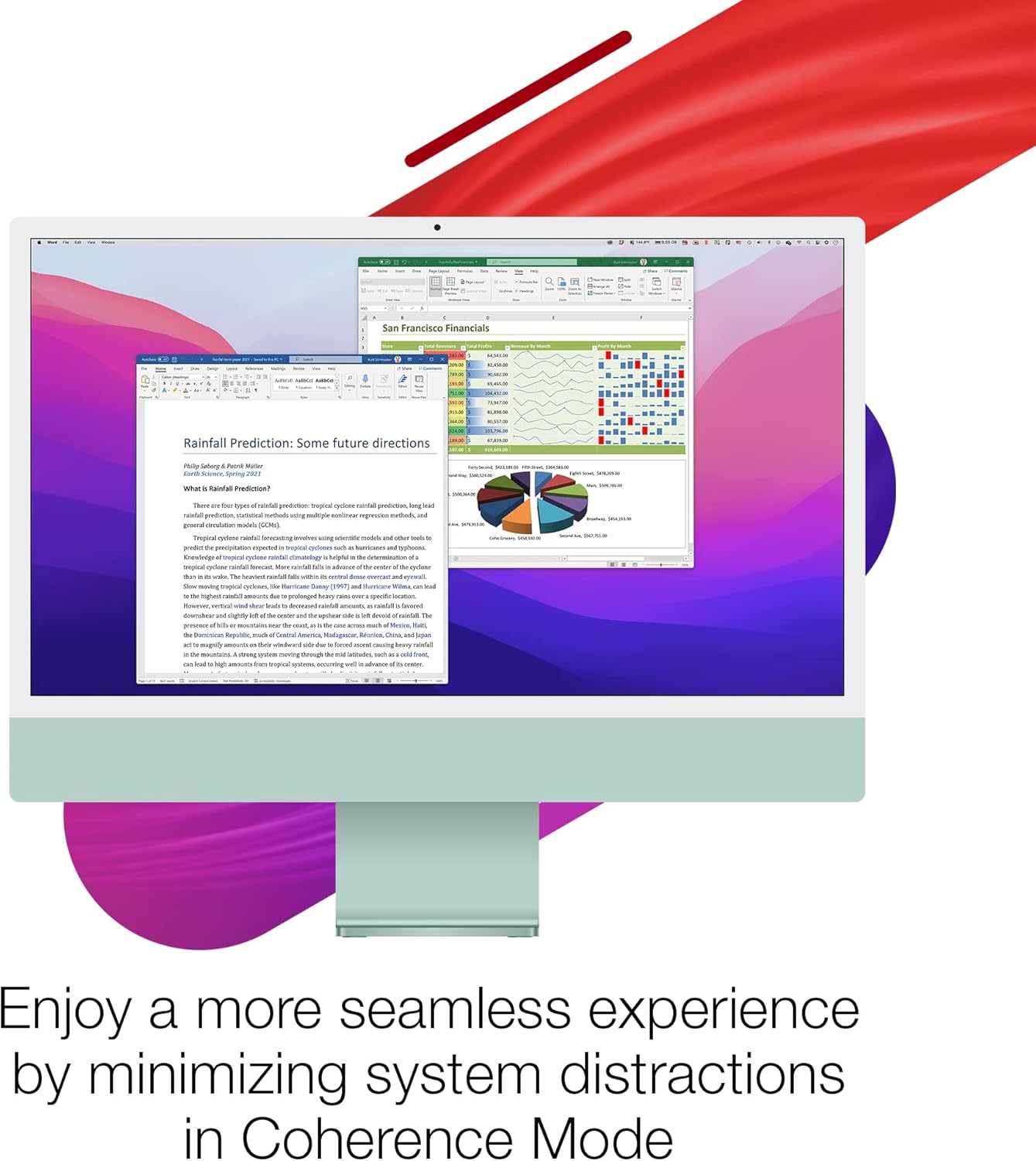
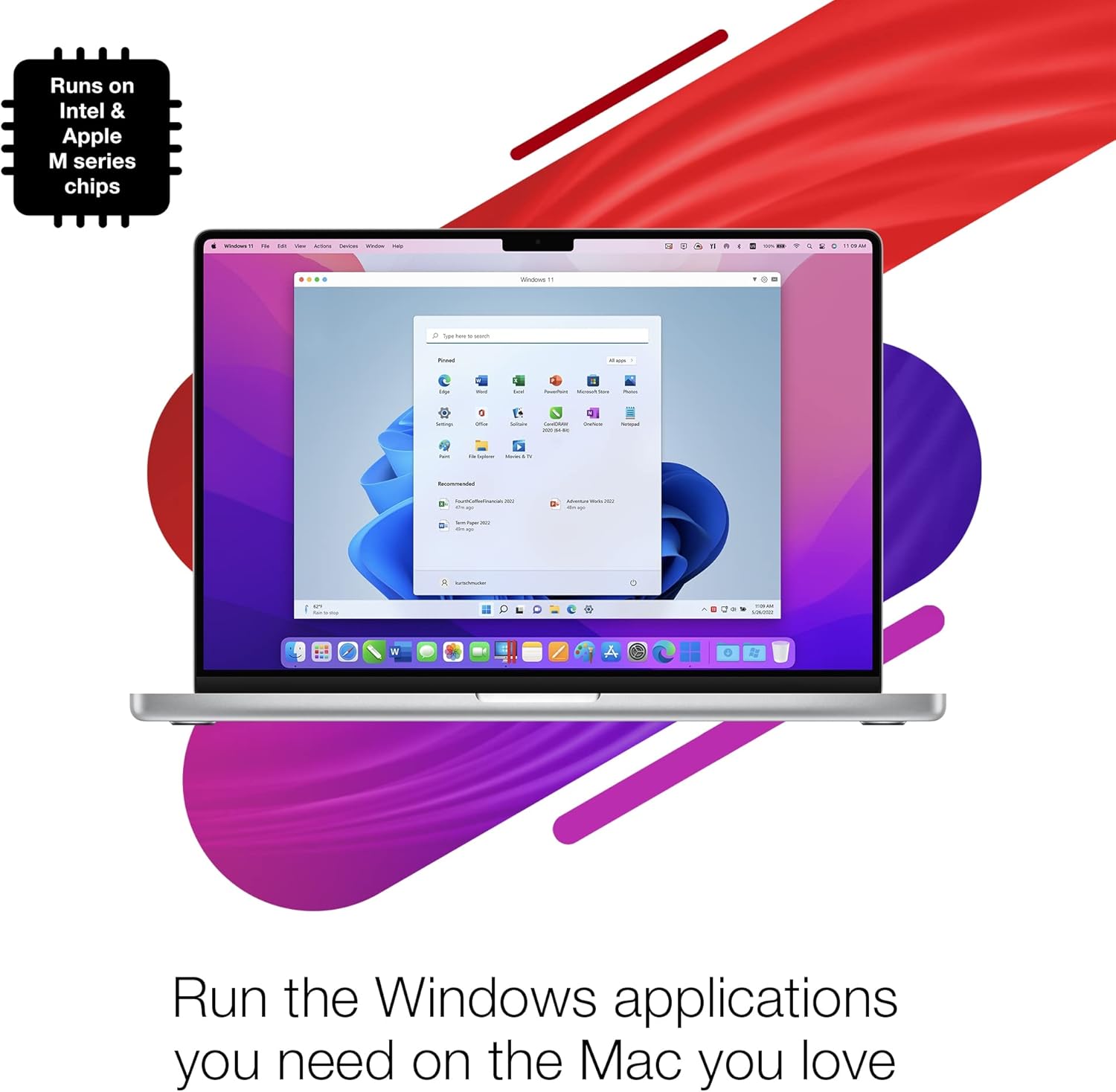
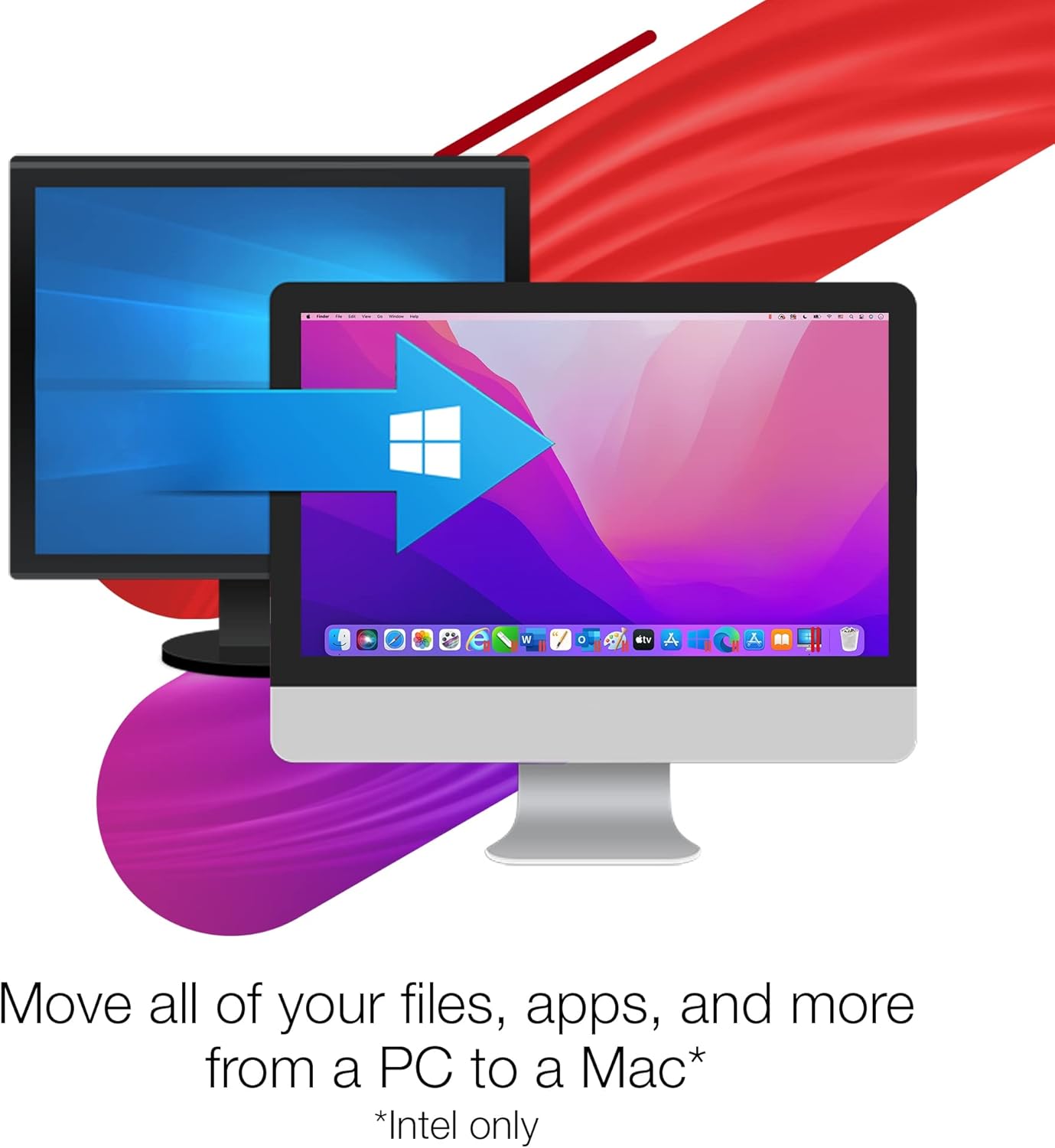
This virtualisation app brings Windows and other operating systems into macOS with minimal fuss. It lets you run more than 200,000 Windows apps and games side by side with macOS, making it a practical choice for users who need occasional Windows-only software or want to test Linux distributions in a familiar environment. The interface is geared to keep workflows smooth and quick.
What matters most

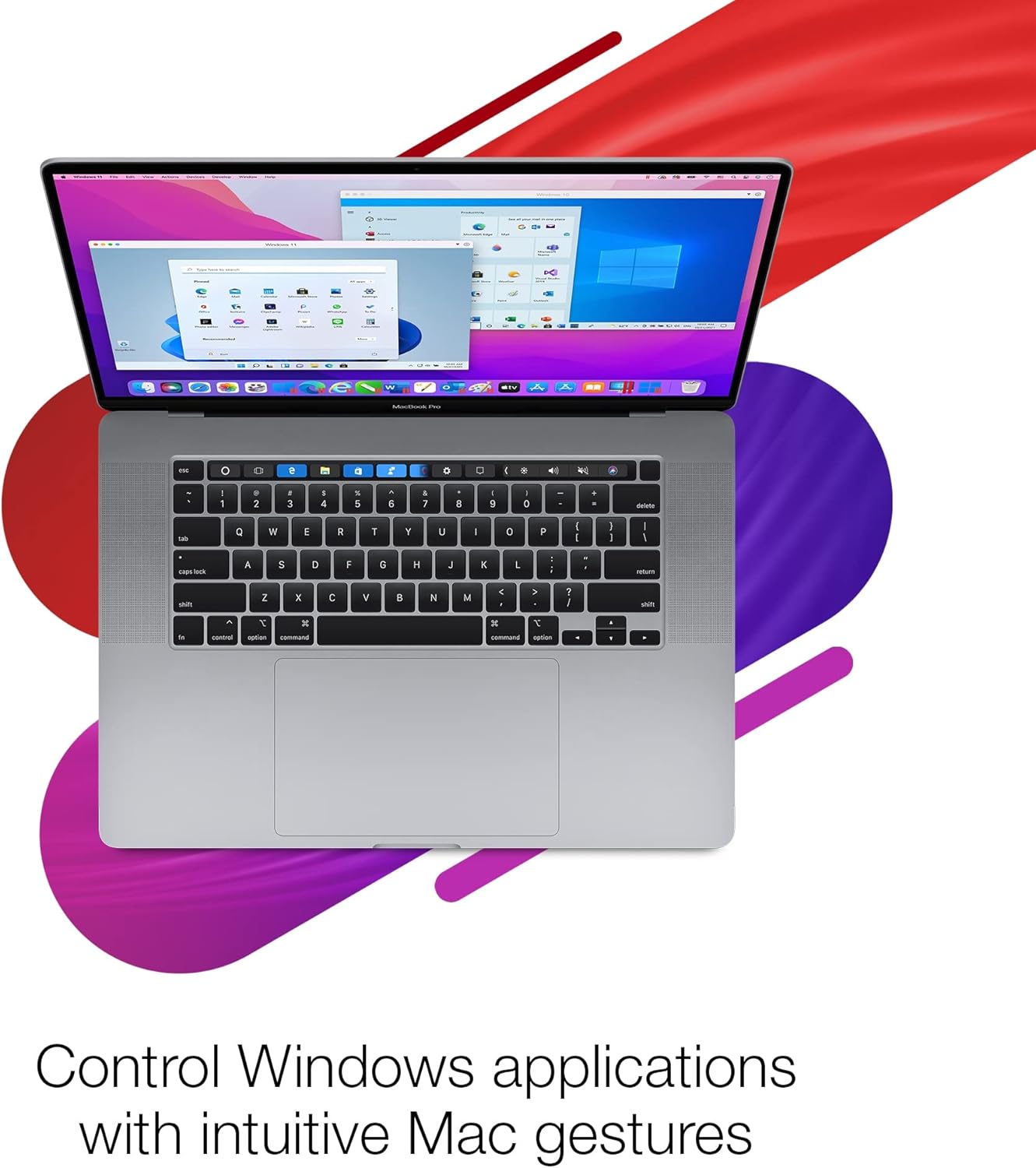
Parallels Desktop 26 focuses on compatibility and convenience. It is optimised for macOS Sonoma 14 and macOS Ventura, and it supports Windows 11, which helps preserve features and performance according to the developer. You can drag and drop files, copy and paste between systems, and use Touch ID for Windows sign-in on supported Macs, which reduces friction when switching contexts. It also adds OpenGL 4.1 support in Windows and can run CentOS 9 Stream on Apple silicon.
Tech specs
- Name: Parallels Desktop 26 for Mac
- Type: Virtual machine software
- Format: Digital download
- Licence: 1 Year subscription
- Compatibility: macOS Sonoma 14, macOS Ventura, Windows 11
Why it’s worth it
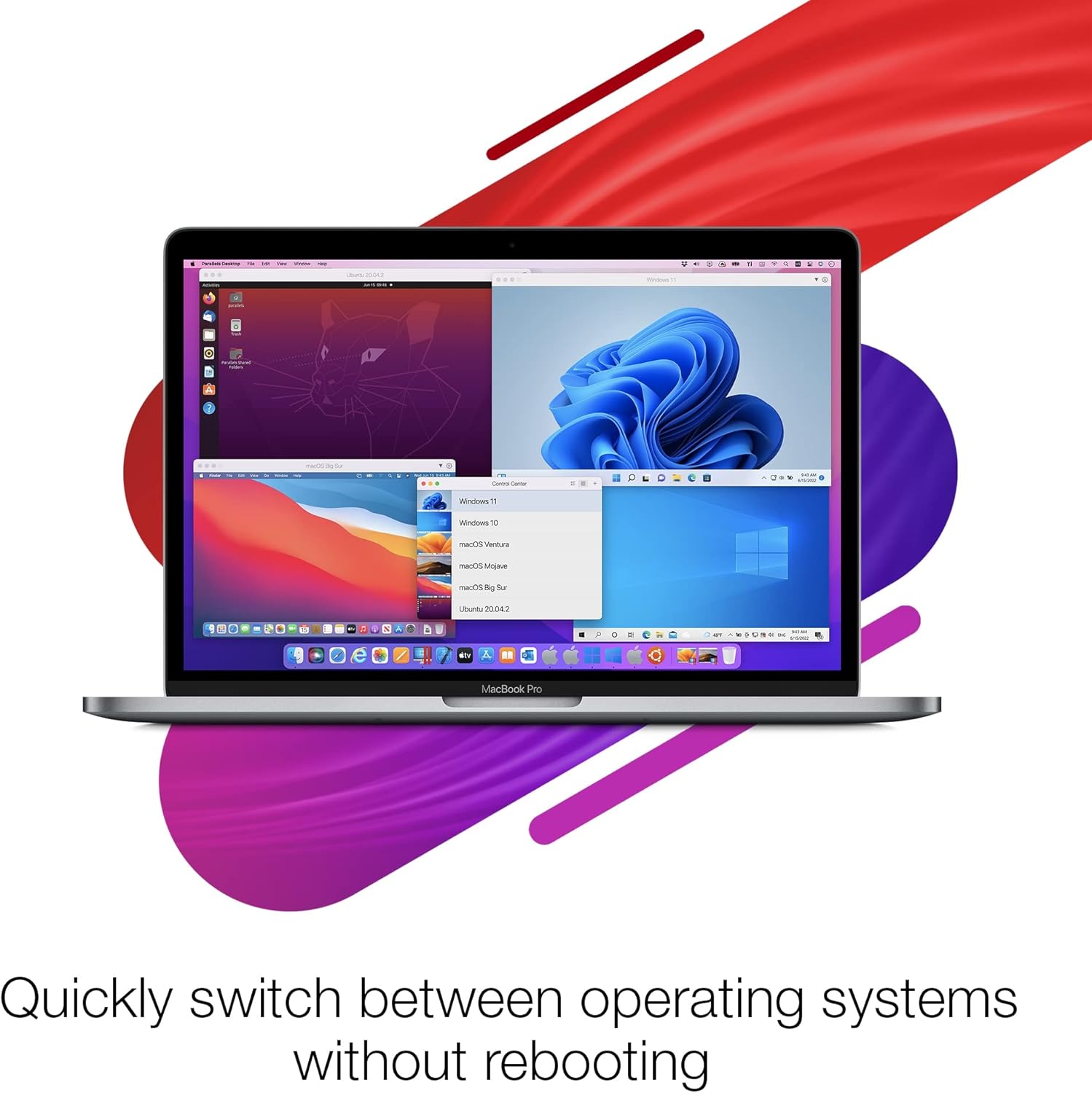
If you need access to specific Windows applications without maintaining a separate PC, Parallels keeps everything on one machine. Performance improvements and macOS optimisations aim to reduce lag when moving between environments. The addition of OpenGL 4.1 expands the range of graphics applications and games that can run under Windows.
Getting the most from it
Install and activate the licence, then download the guest OS you require, be that Windows, Linux or an older macOS. For Apple silicon users, the package notes support for CentOS 9 Stream, which can be helpful for developers testing server distributions. One practical tip: allocate sufficient disk space and memory to your virtual machines to avoid slowdowns during heavier tasks.
It suits you if
It’s a good fit if you rely on occasional Windows-only tools, need to test multiple OS environments, or prefer to keep workflows consolidated on a Mac. It may not suit you if you expect to run very demanding Windows games or professional 3D workloads that require native GPU performance, as virtualisation has inherent limits.