

PAKOTOO 8MP USB Visualiser for A3/A4 Document Camera
Product description
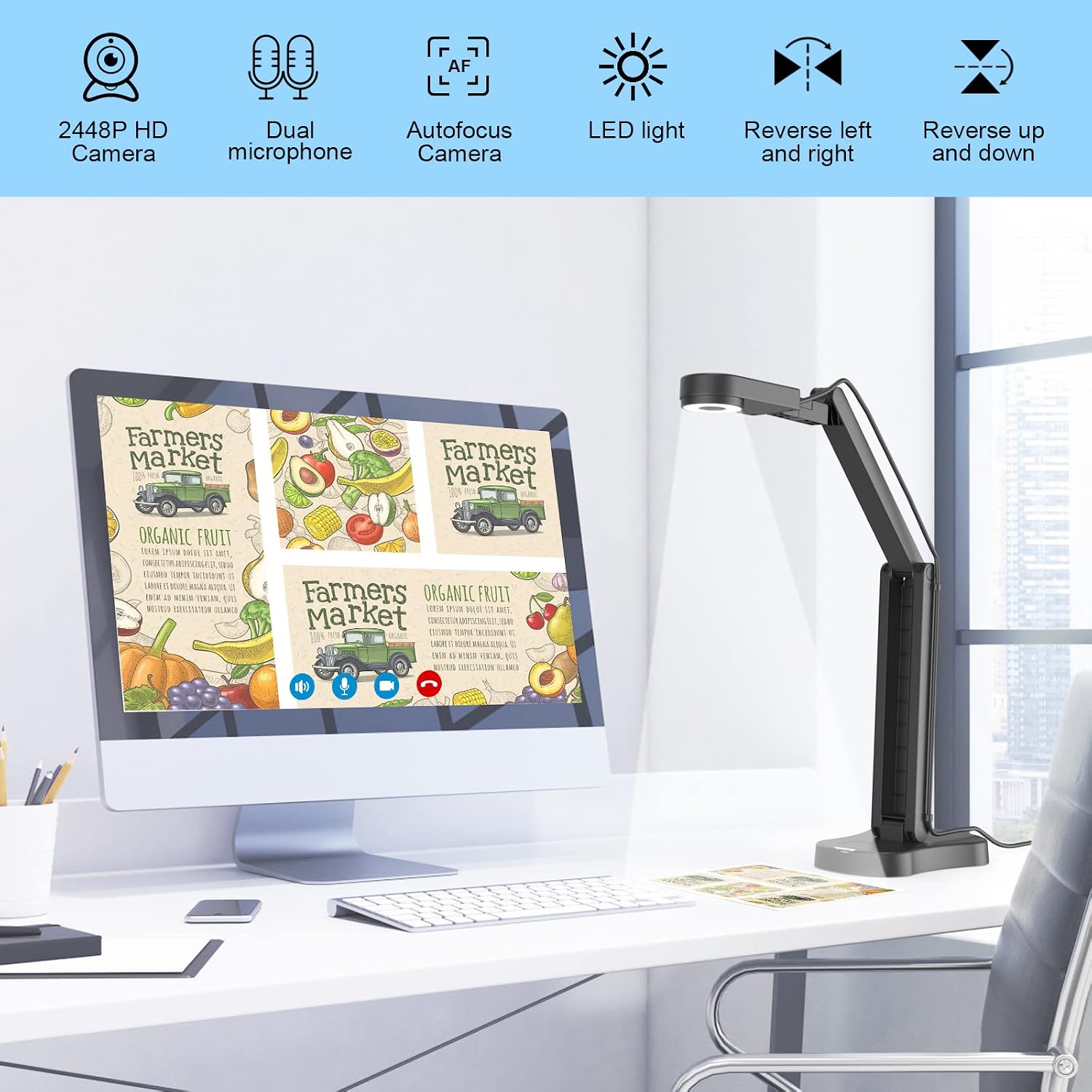
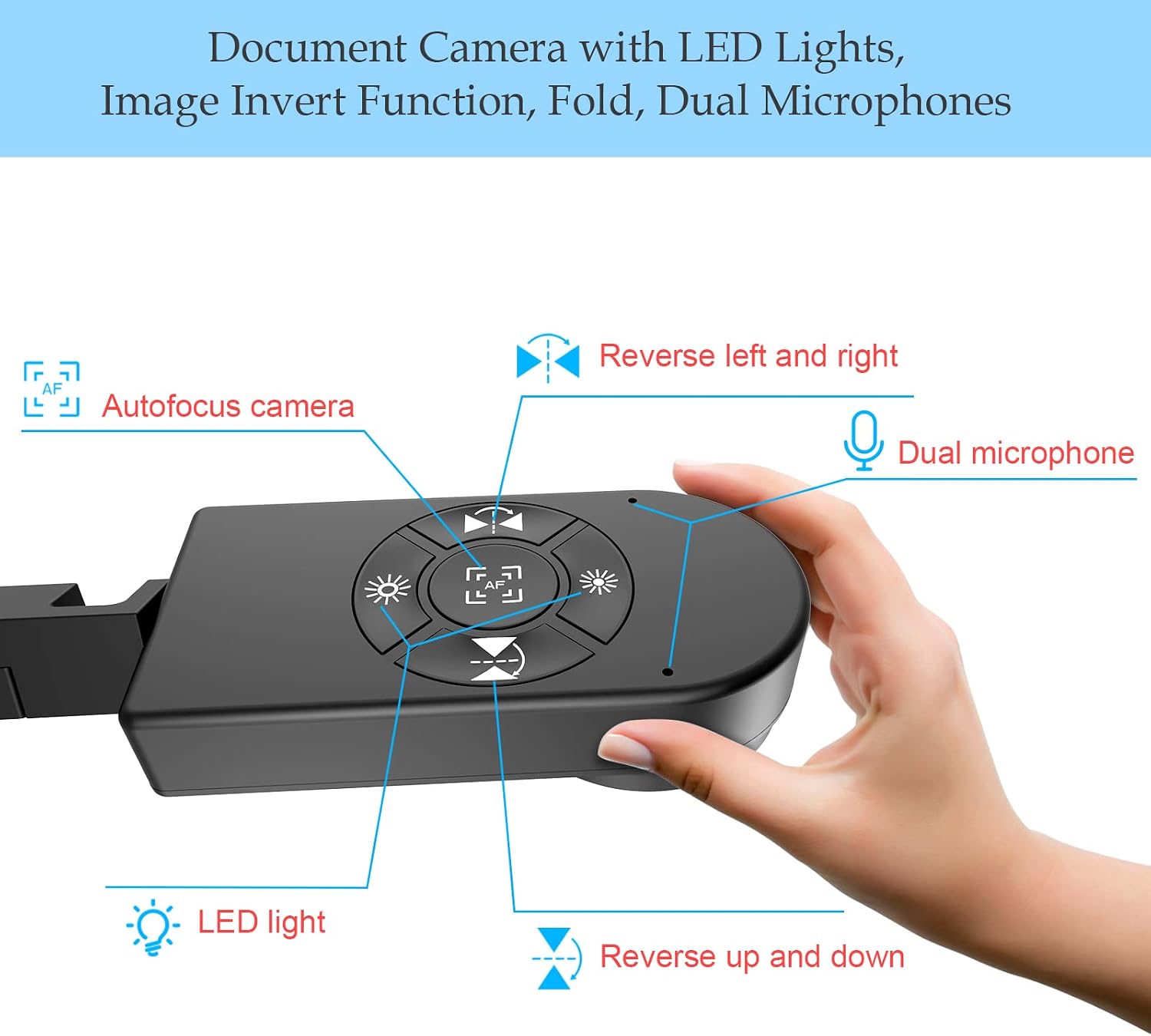
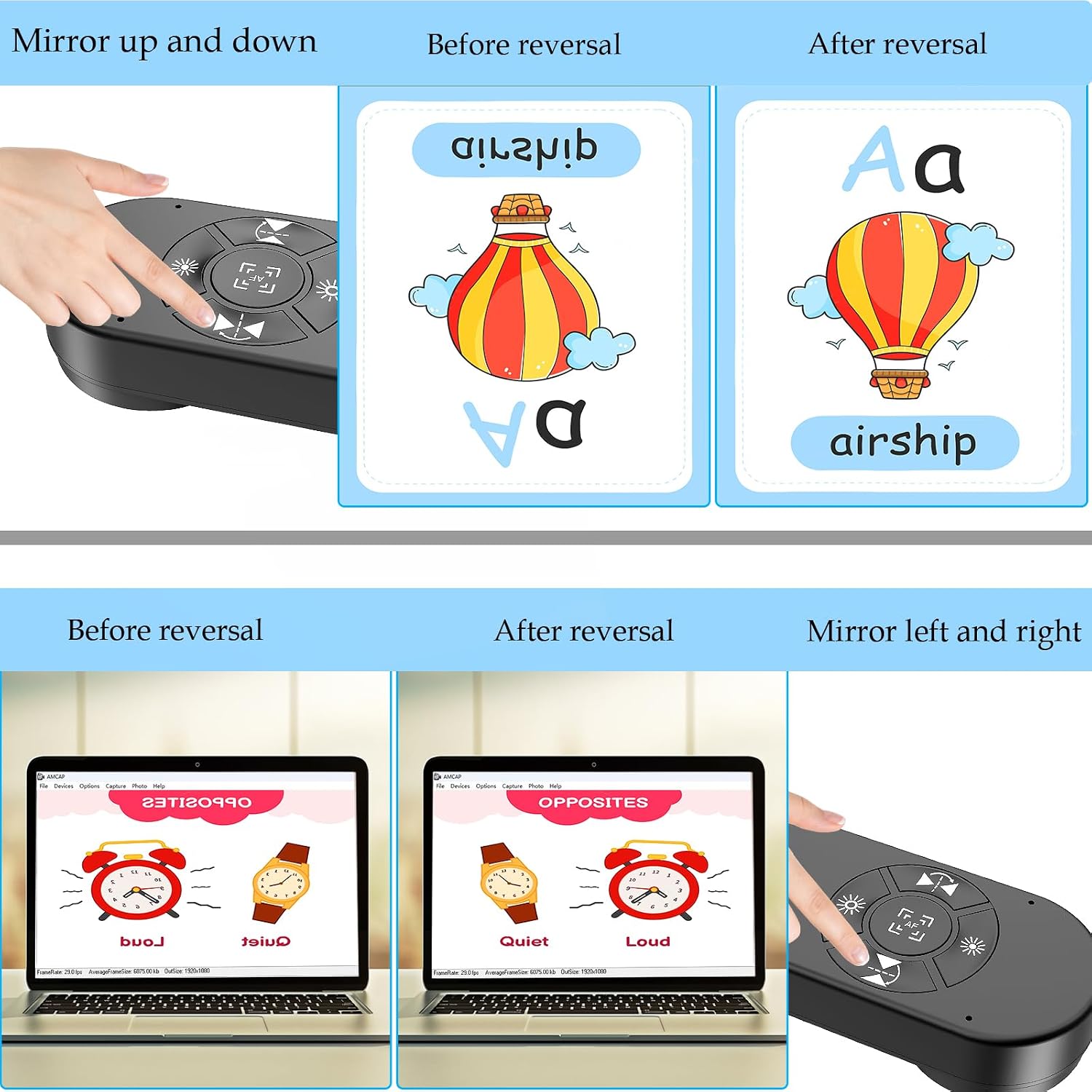
This compact document camera brings classroom demonstrations and remote teaching closer with clear close-ups and flexible positioning. As a document camera for teachers it captures pages and small objects with ease and includes on-board controls for brightness and image reversal, which helps when switching between live demos and video calls.
Key Points
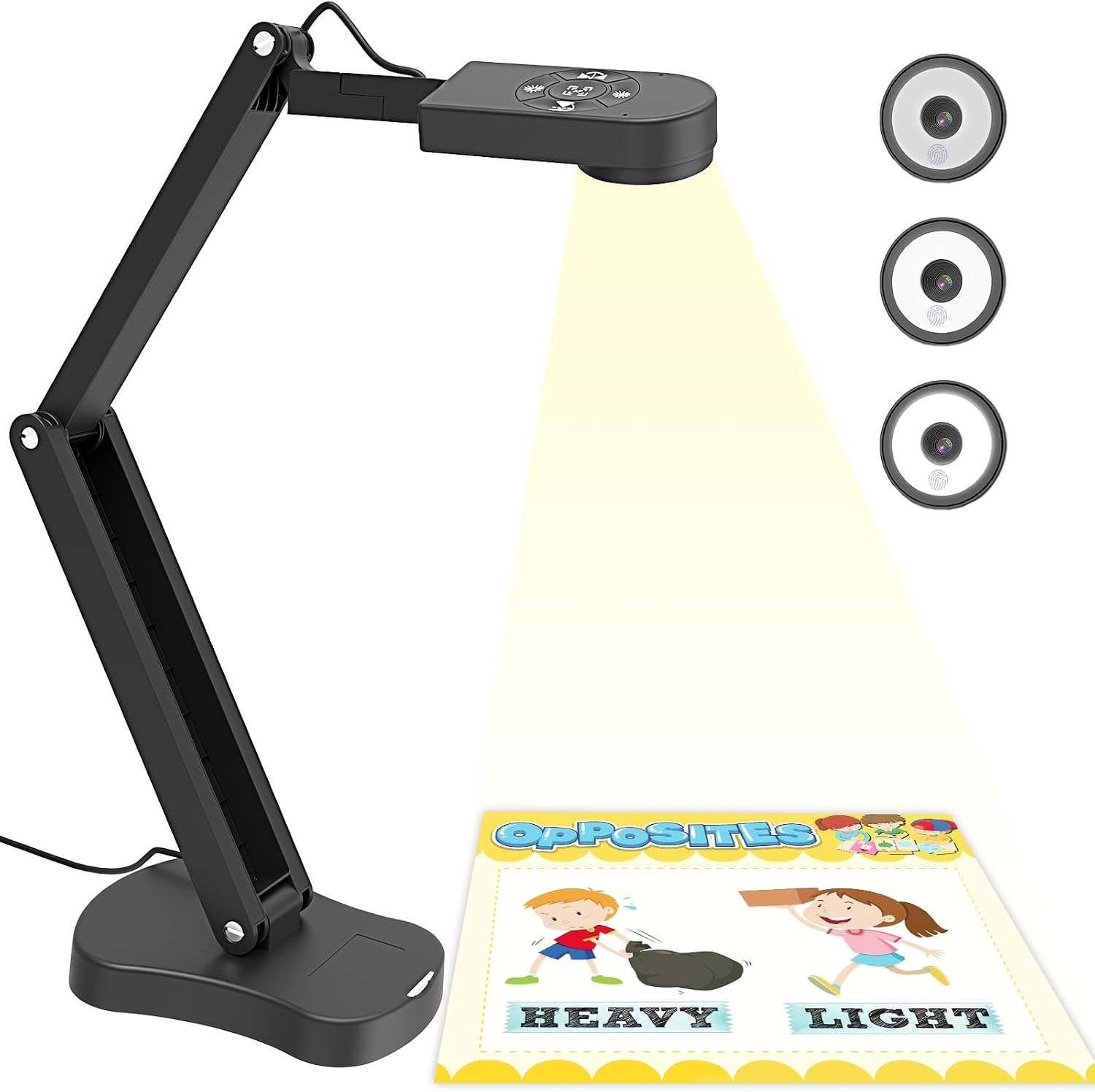
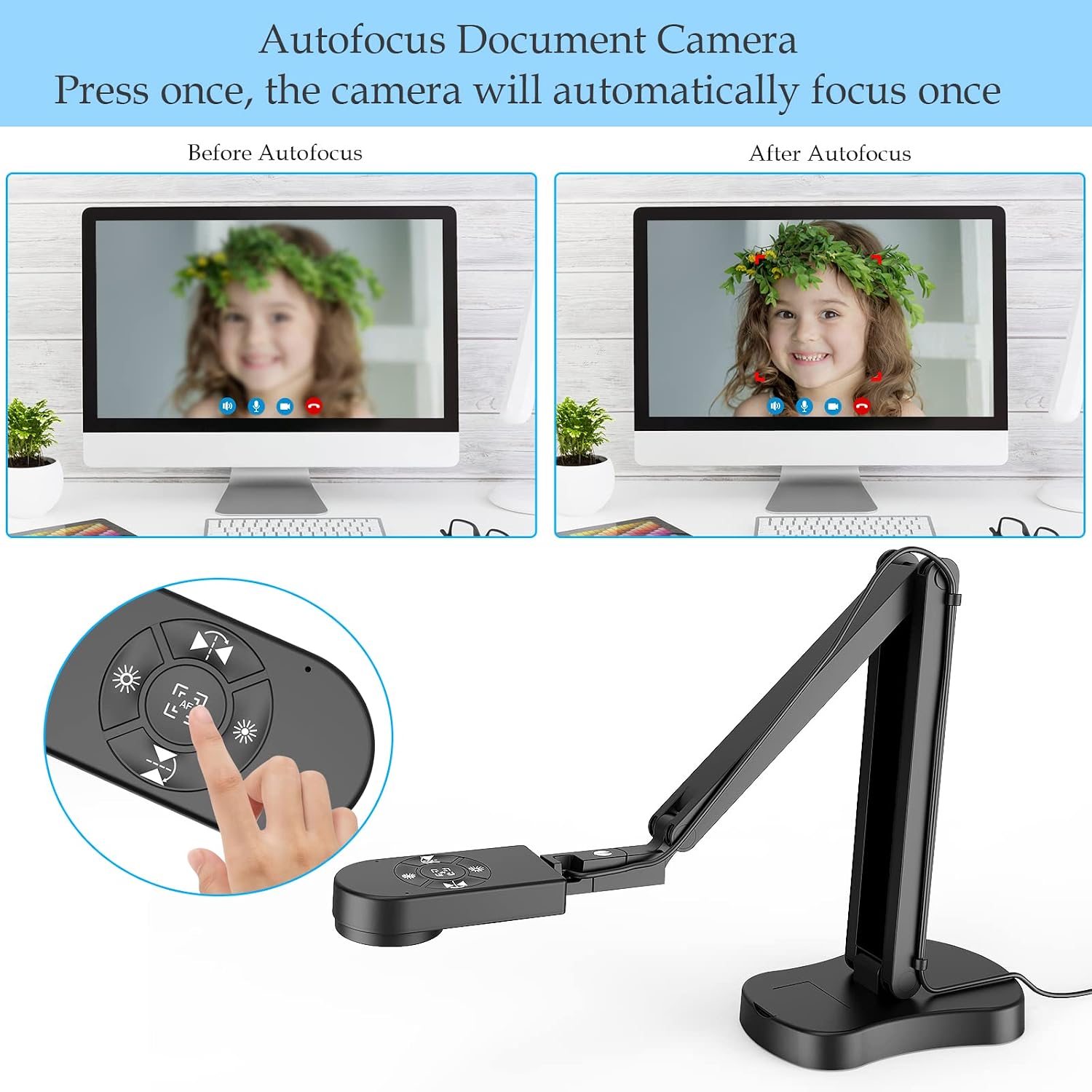
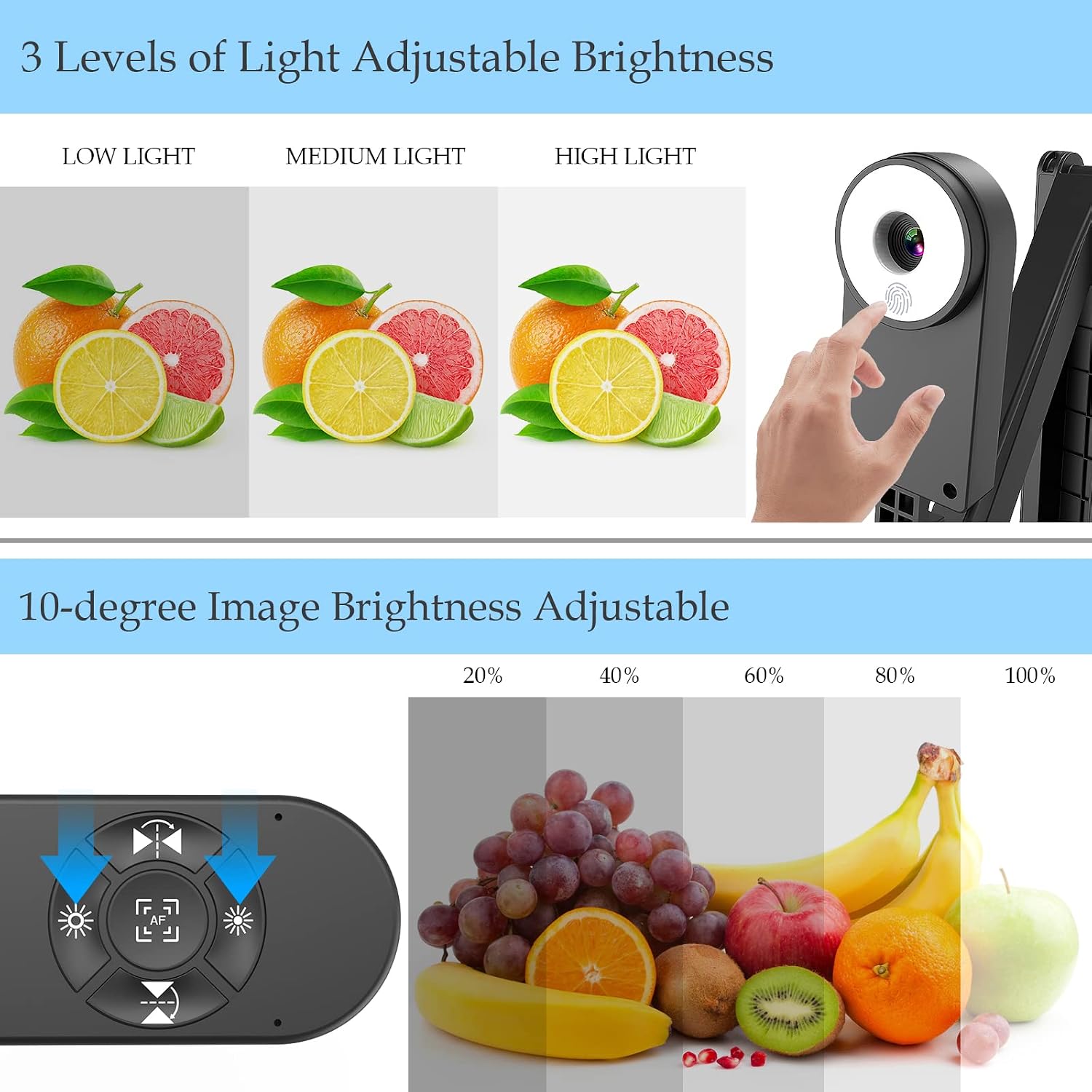
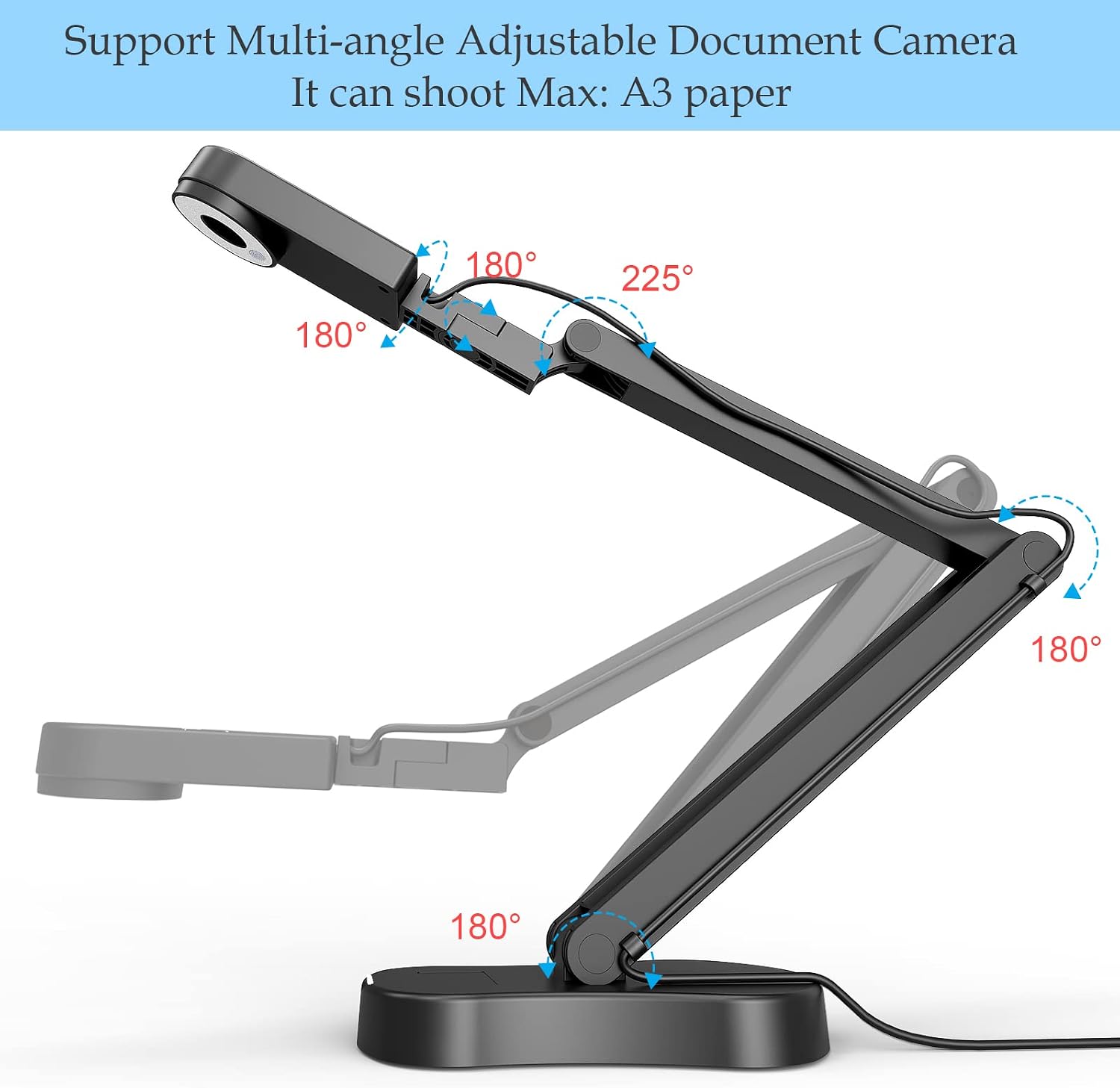
The visualiser folds flat for transport and has multi-joint articulation so you can angle the head precisely over an A3 or A4 sheet. The unit includes three levels of LED brightness and ten exposure steps accessed by buttons, allowing quick adaptation to different lighting conditions and materials. 📚 The built-in dual noise-cancelling microphones pick up speech for distance teaching and online meetings while reducing background hiss. The camera offers autofocus for steady framing and a macro mode to focus on details as small as 3.94 inches, useful for demonstrations of artefacts, worksheets or craft work. 🔍 One practical nuance is that image reversal is handled by a physical button on the device rather than software, which makes flipping the view immediate but means software-driven settings are not required.
Technical Specifications
- Name: PAKOTOO 8MP USB Visualiser
- Sensor resolution: 8MP (2448P capture reported by the manufacturer)
- Maximum coverage area: A3, 16.5" x 116"
- Focus: Autofocus with macro capture down to 3.94"
- Connectivity: USB plug and play, compatible with Windows, Mac, Chromebook and common meeting apps
- Lighting: 3-level LED light and 10-step exposure adjustment
Usage Recommendations
For classroom use position the camera so the document fills the capture area and adjust the exposure to avoid glare from glossy papers. When streaming or hosting a live lesson use the autofocus and macro mode for close-ups, then switch to a wider view for full-page demonstrations. Consider placing the unit on a slightly elevated surface for better ergonomics when filming 3D objects. 🎥 For low-light environments engage the LED fill light and increase exposure gradually to maintain natural colours.
Benefits
This visualiser helps reduce setup complexity because it works without special drivers in most situations and supports popular platforms such as Zoom, Microsoft Teams, Google Meet and TikTok. The folding design saves desk space and aids portability between classrooms. A potential limitation is that very fast movements can challenge any autofocus system according to the manufacturer, so steady placement yields the best image quality. The combination of dual microphones and image inversion buttons makes switching between teaching modes straightforward and keeps the focus on the material being shown.