

OYEEICE Anti-Falloff Keycap Keyboard for iPad 10th Gen 10.9-inch 🧾
Product description
This protective keyboard case combines a folio cover with a Bluetooth keyboard designed for use with iPad 10th Generation (2022) and iPad A16 11th Generation (2025). It aims to make typing on a 10.9–11 inch iPad more comfortable by using larger keycaps and a design that prevents keys from coming loose, suitable for extended notes, email and document editing.
Key Points
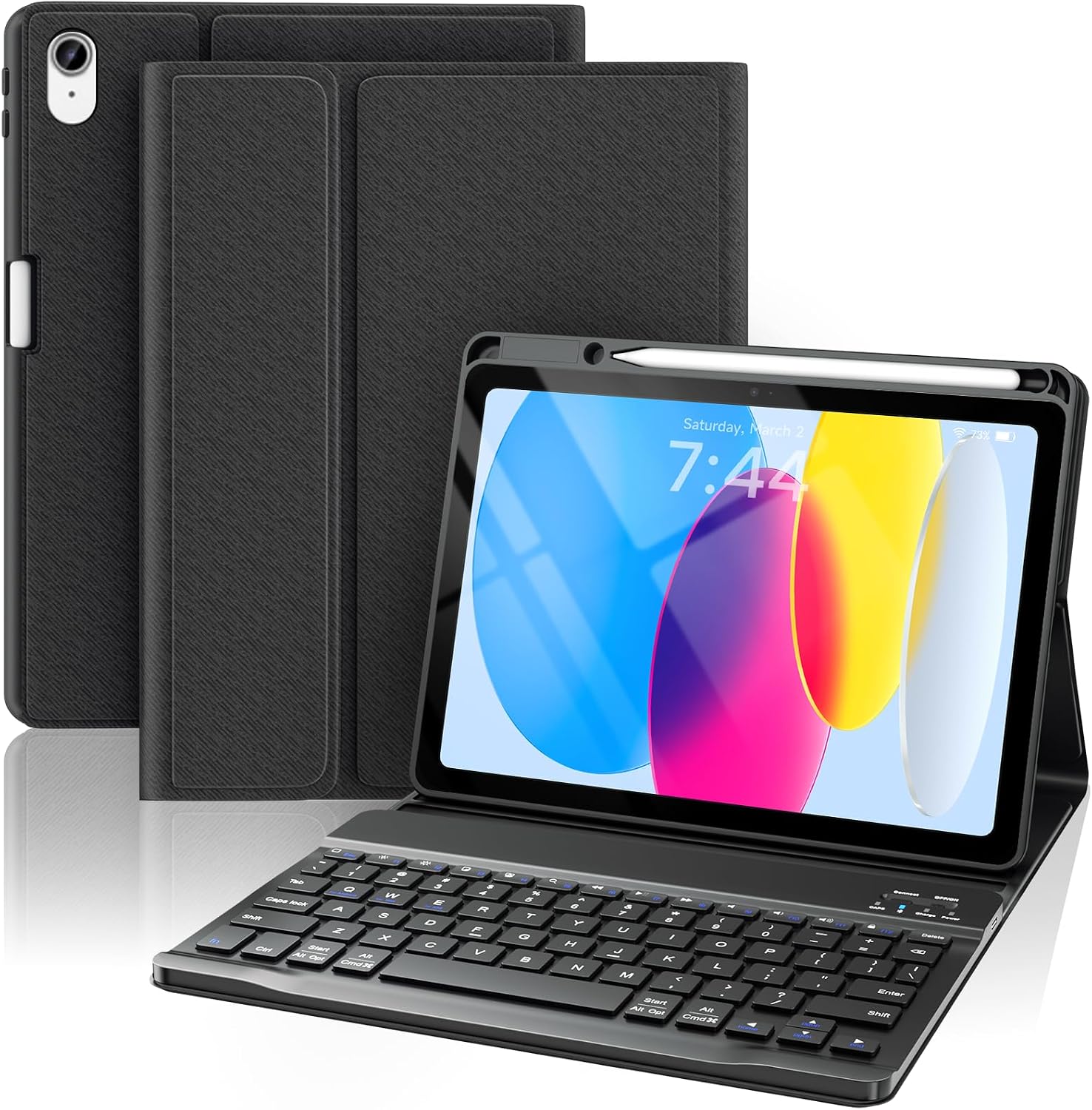
The case includes the keyboard, a Type-C cable and a user manual, with no Apple Pencil or charger supplied. The keyboard features anti-detachment keycaps that are fixed at the corners under the base plate, which, according to the manufacturer, reduces the chance of keys loosening or falling off. Keycaps are approximately 30% larger in area than regular laptop-style keys, which helps with accuracy and a steadier typing rhythm. The keyboard supports automatic sleep and wake so it conserves power when not in use.
Technical Specifications
- Name: OYEEICE Anti-Falloff Keycap Keyboard Case for iPad 10th/11th Gen (Black, Classic Style No Backlit)
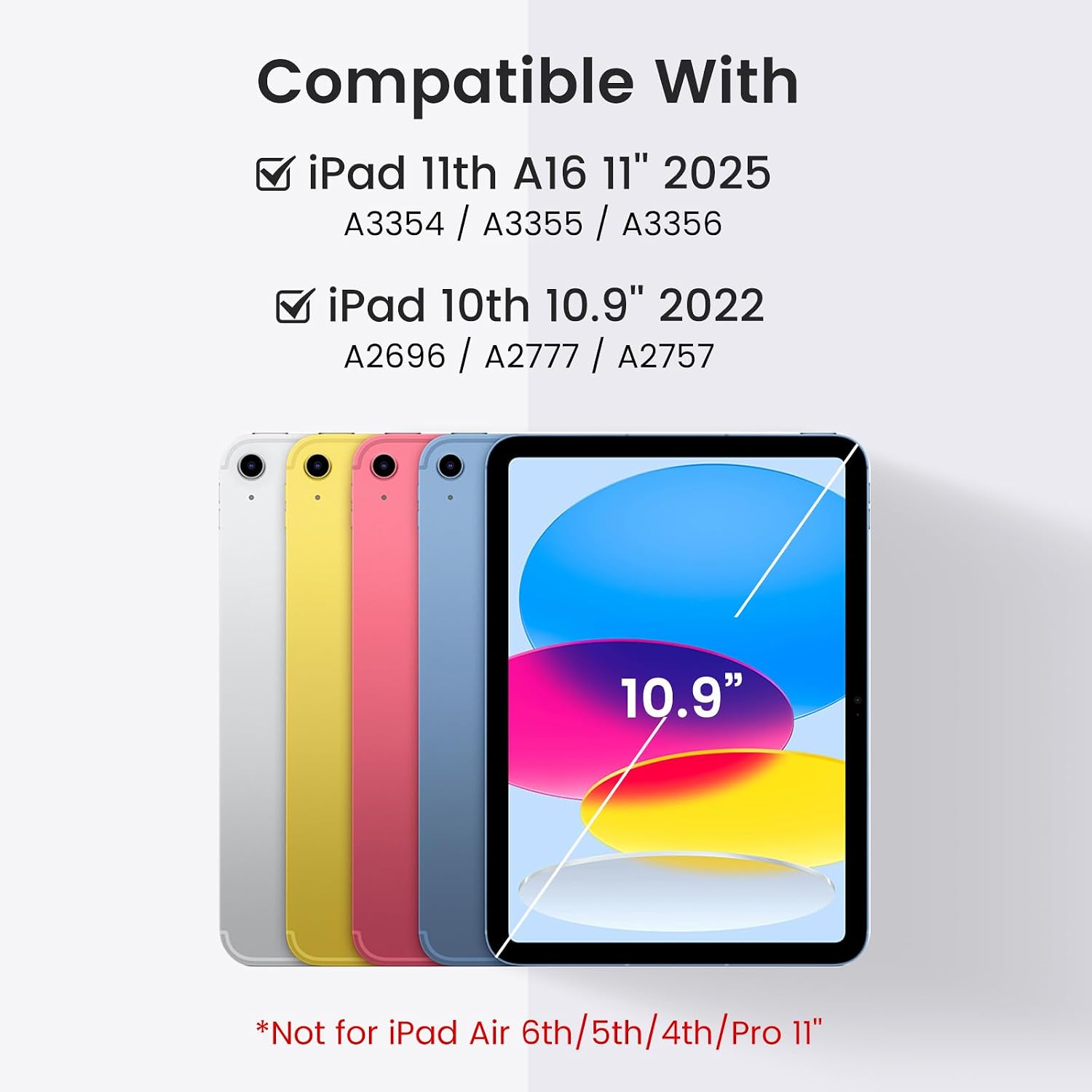
- Compatibility: iPad 10th Generation 2022 (A2696, A2757, A2777), iPad A16 11th Generation 2025 (A3354, A3355, A3356)
- Screen size fit: 10.9–11 inch
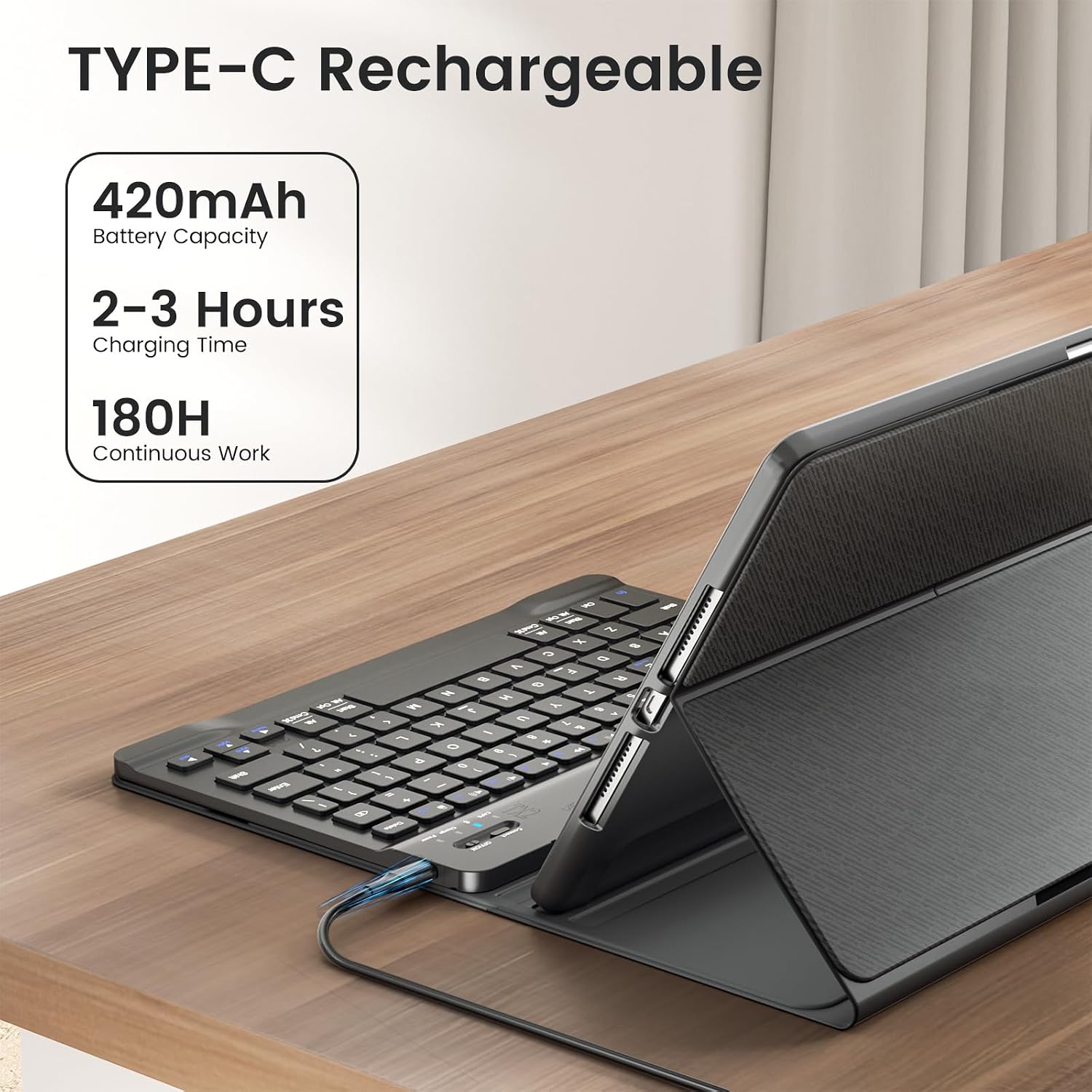
- Battery standby: up to 90 days after a full 2–3 hour charge, according to the manufacturer
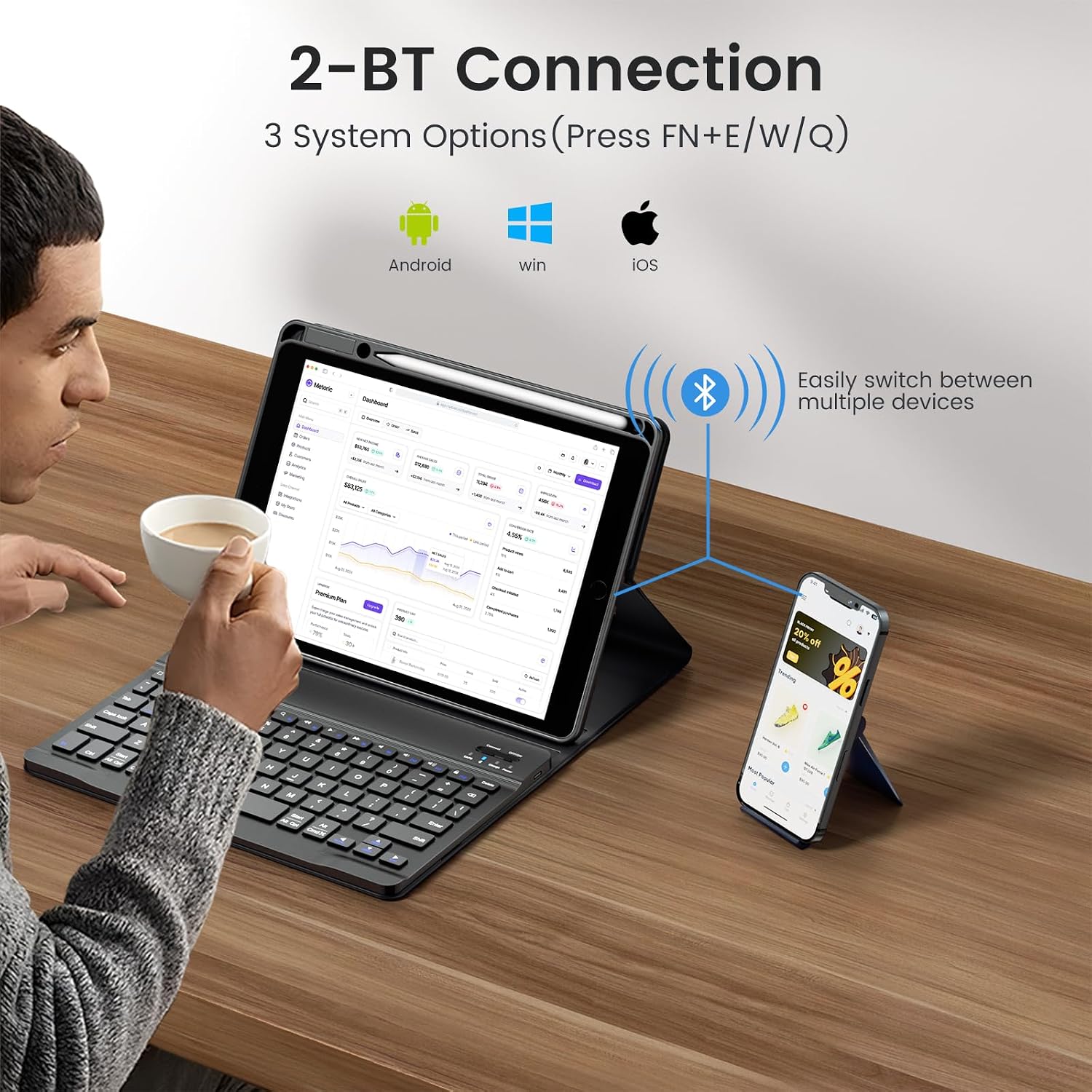
- Connectivity: Bluetooth with Type-C charging cable included
Benefits
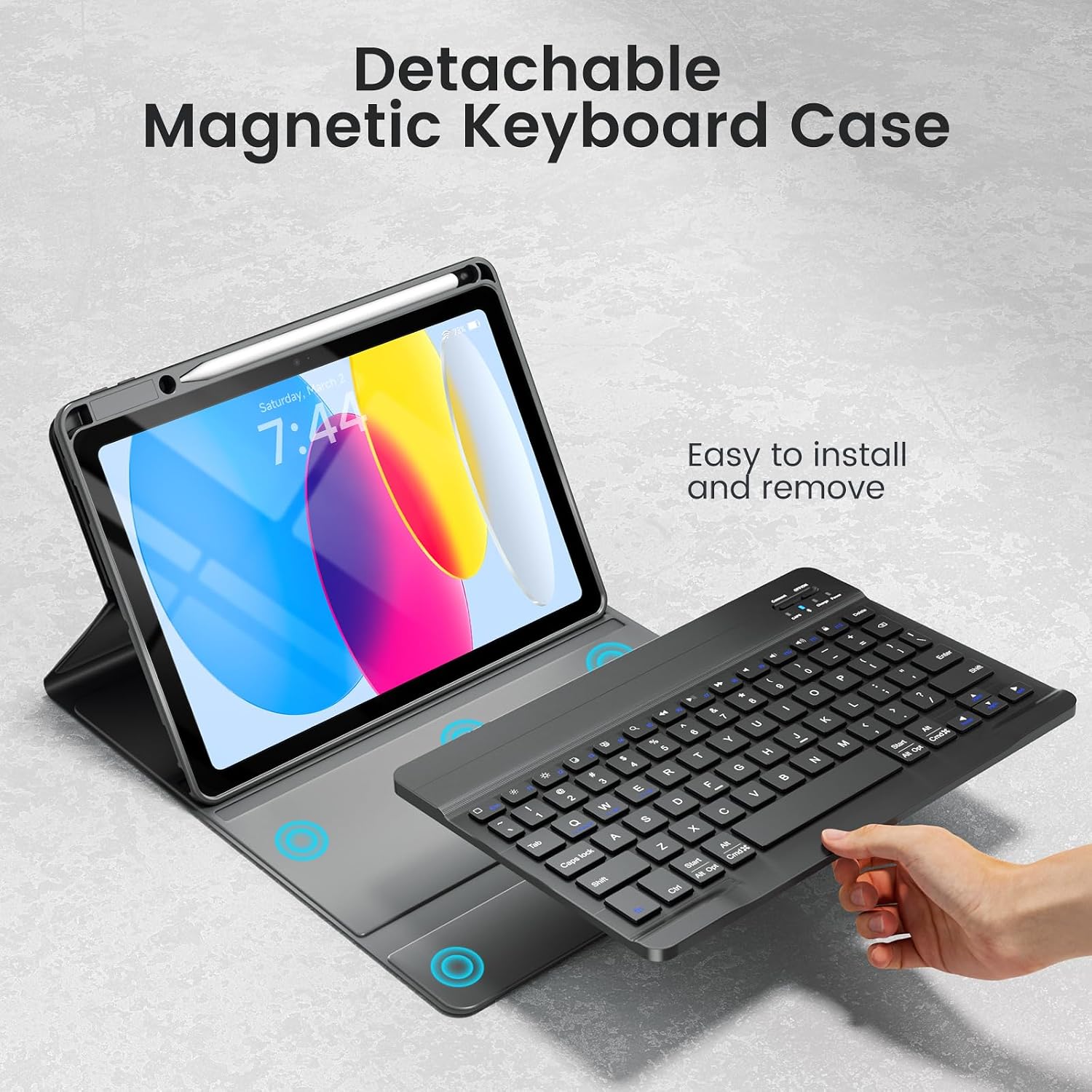
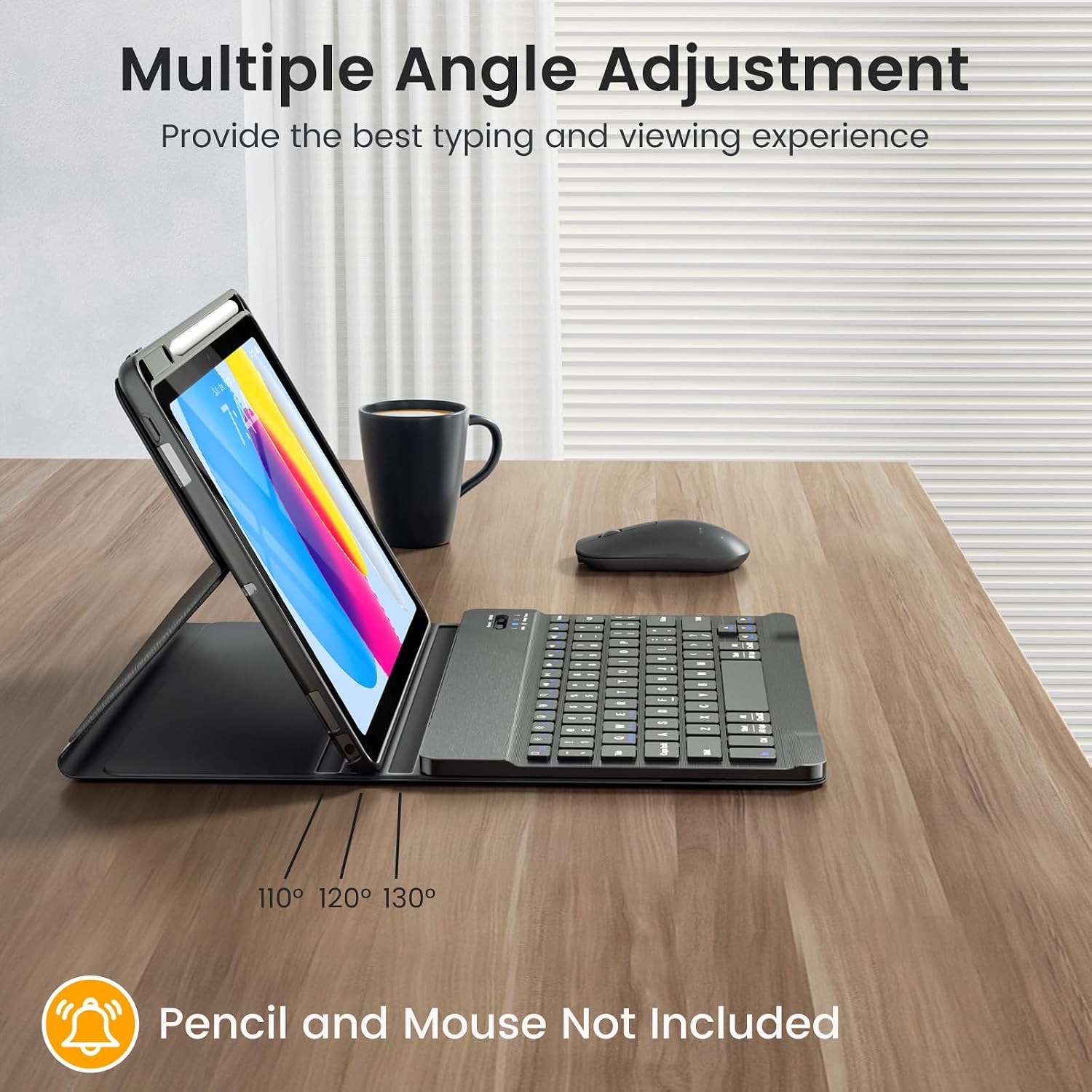
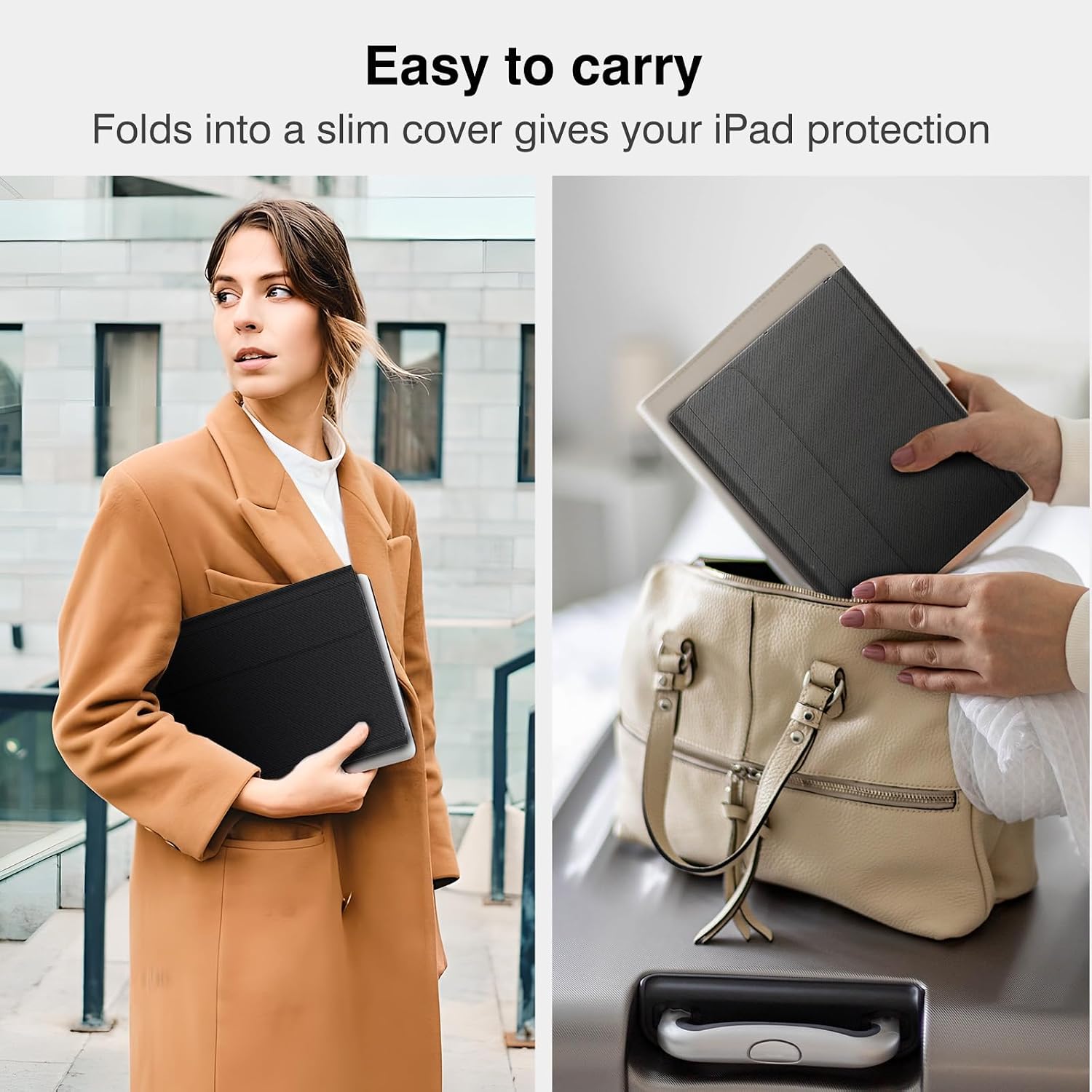
Larger keycaps reduce mis-presses and may ease longer typing sessions for students or professionals working on emails and documents. The fixed corner mounting of each keycap is intended to increase durability, offering a more robust feel compared with press-fit keys that can detach. The folio case protects the iPad screen and body while turning into a typing stand, so it doubles as both a cover and a lightweight workstation.
Usage Recommendations
To pair the keyboard, activate Bluetooth on the iPad and follow the on-screen prompts. Charge the keyboard for two to three hours before first use to reach the standby durations stated by the manufacturer. Consider that the product has no backlighting, so use in dim environments may require additional lighting. For users prioritising illuminated keys or an included stylus, this model may not meet those specific needs.