

ONLYU PGI-580XXL & CLI-581XXL compatible ink cartridges (5 pack) for Canon PIXMA TS/TSe/TX series
Product description
The essentials
If you’re trying to keep your Canon PIXMA printer running without constantly buying small ink cartridges, the ONLYU PGI-580XXL & CLI-581XXL compatible ink set is built for that kind of “everyday print” routine. The pack is designed to replace a PGI-580XXL black cartridge and CLI-581XXL colours (cyan, magenta and yellow), which is a practical setup for lots of text documents, schoolwork and general colour printing.
It’s not the same as buying original Canon inks, so results can depend a bit on your printer model and how it treats compatible cartridges. Still, the included “XXL” positioning is clearly aimed at people who want fewer cartridge swaps and a steadier cost-per-page feel.
Where it fits best
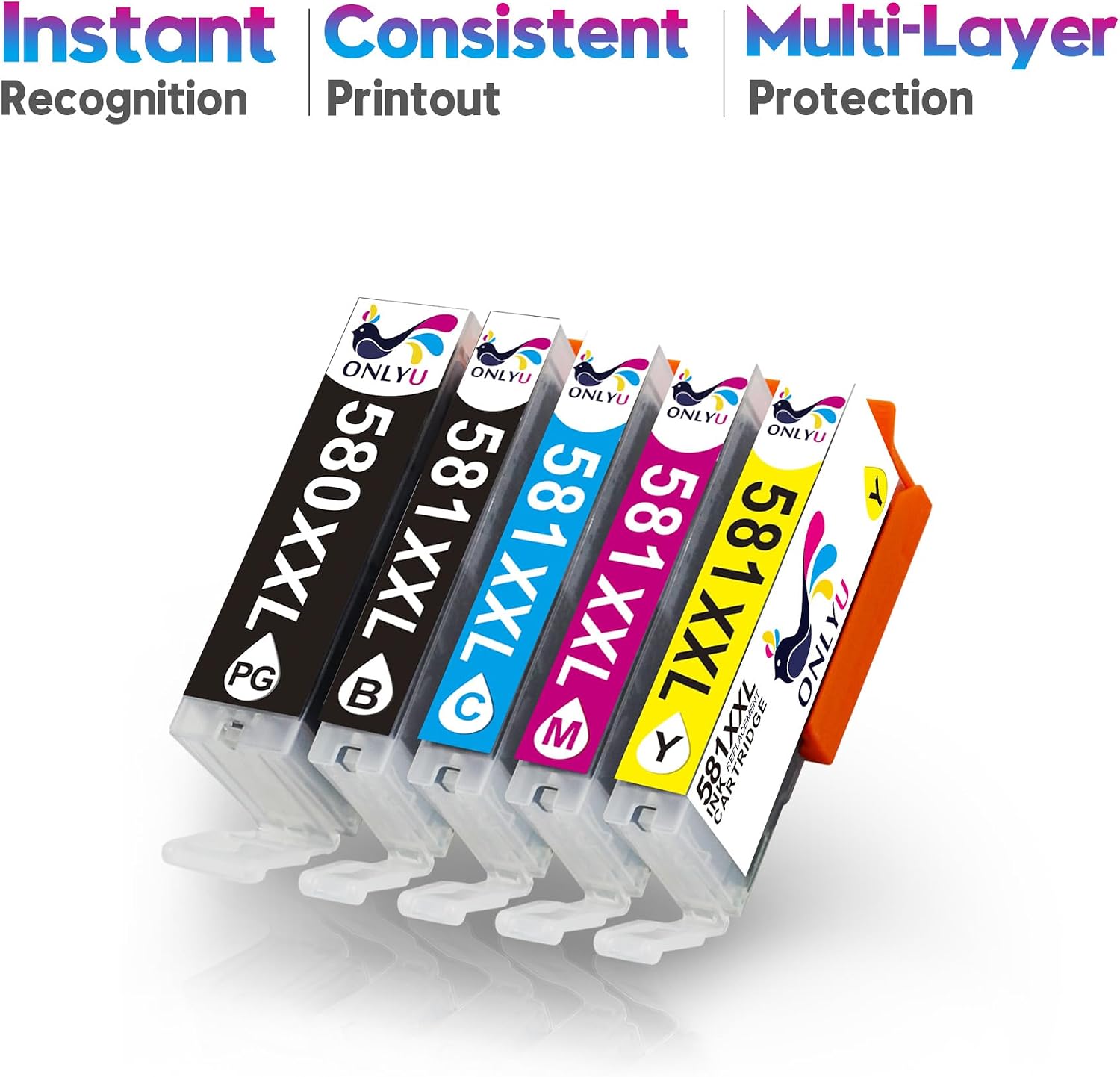
This 5 pack includes 1 PGI-580XXL PGBK ink cartridge and 4 CLI-581XXL cartridges (Black, Cyan, Magenta and Yellow). On paper, that makes it a good match if your PIXMA printer uses this specific ink family and you want the colours for everyday documents.
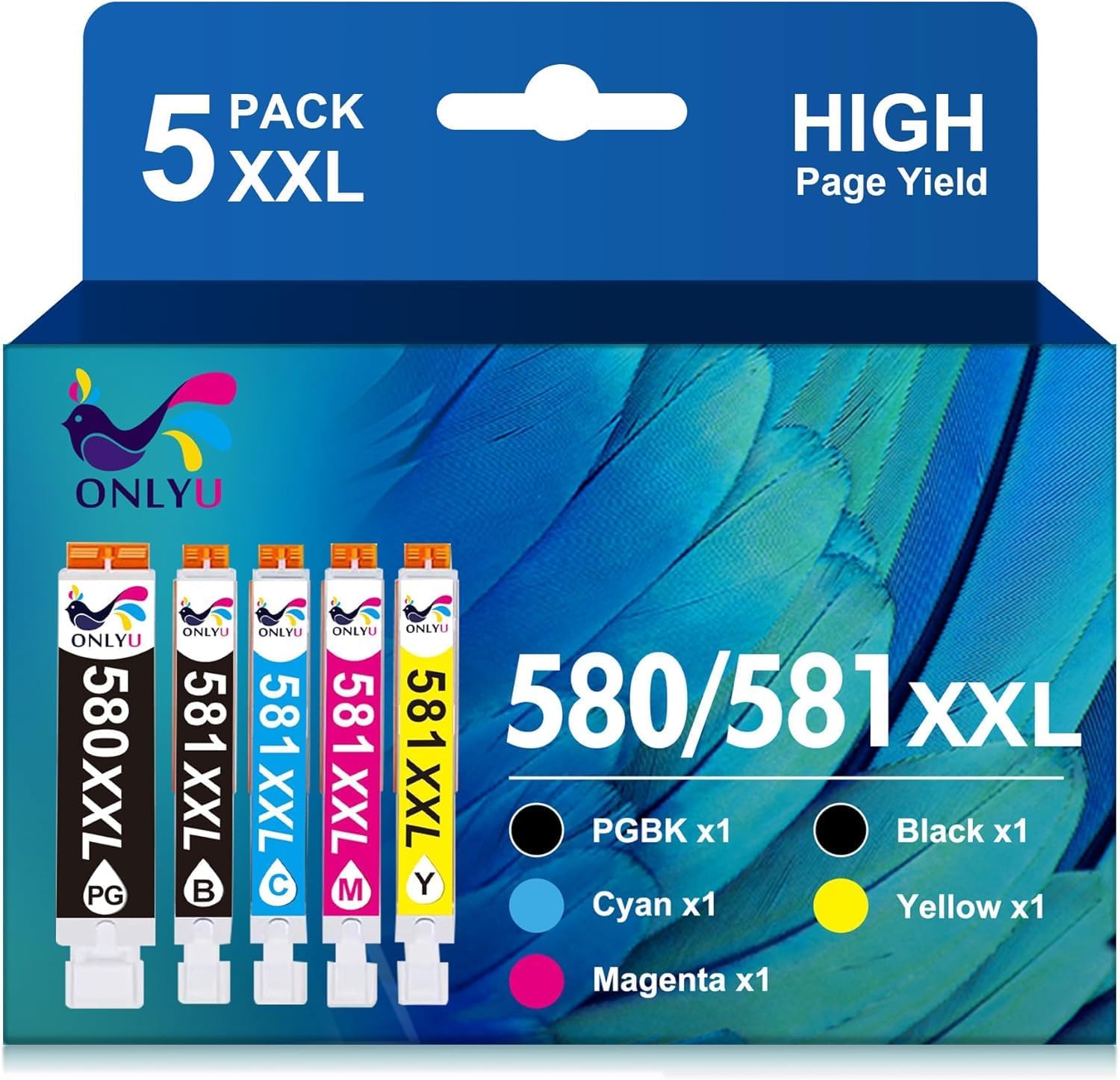
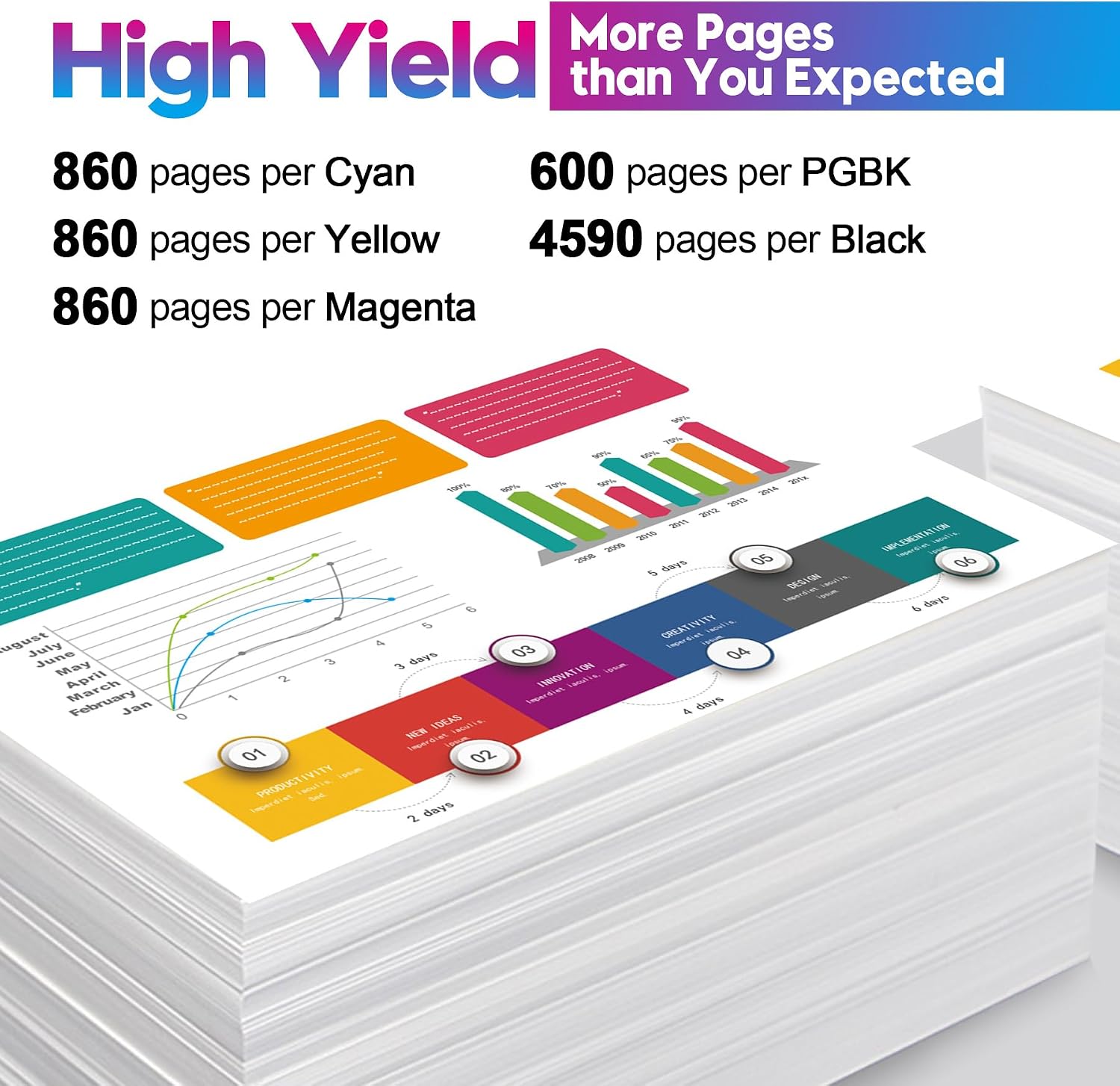
One thing to note upfront: the description specifies that for users of some PIXMA models (listed for TS8150/TS8151/TS8152 and TS8250/TS8251/TS8252 and TS8350/TS8251/TS8252 etc.), this product does not include the Photo Blue ink cartridge. So if your workflow relies on Photo Blue for specific photo prints, you may find you still need an additional cartridge.
Key takeaways for quality and output
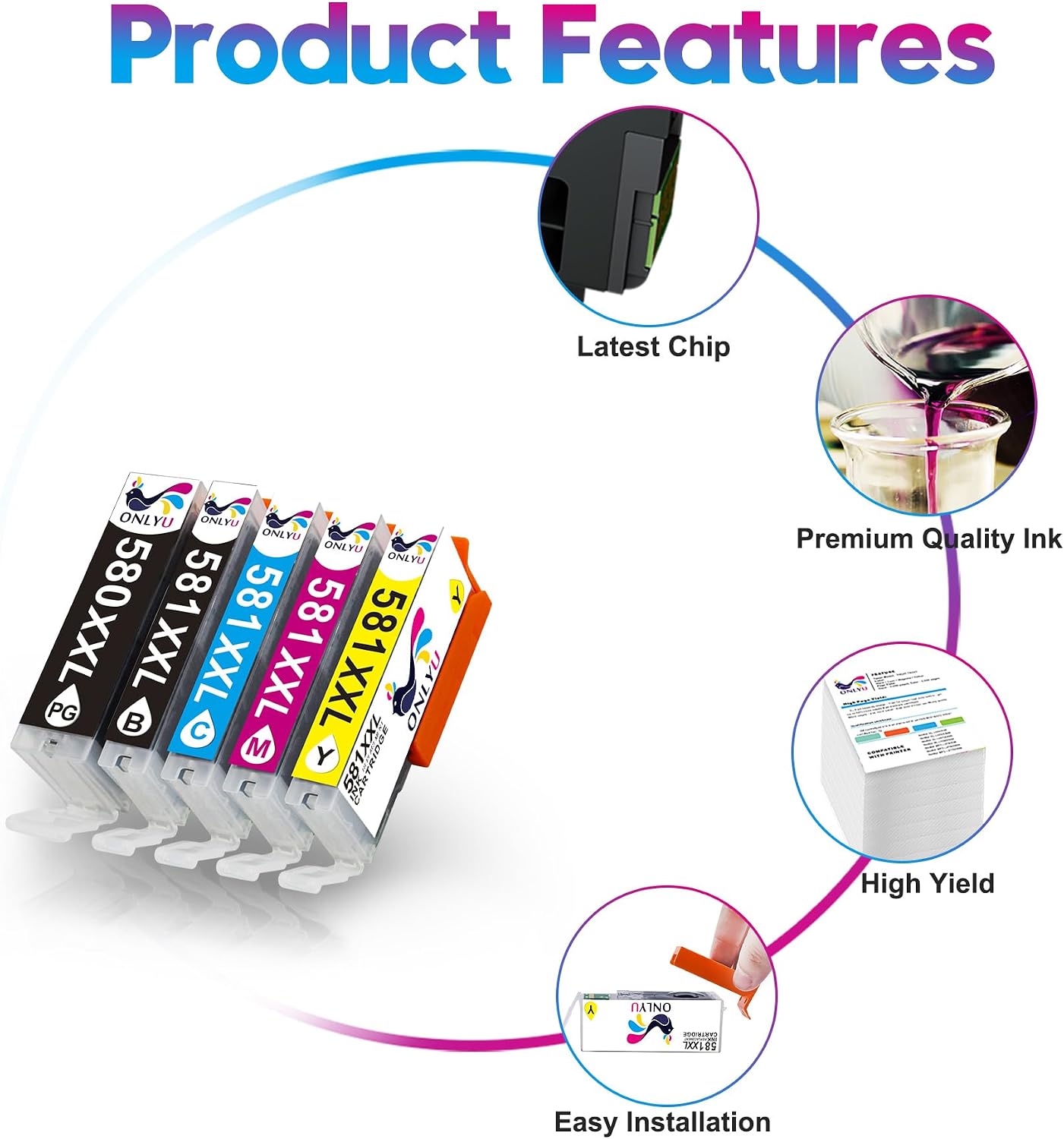
The manufacturer-style claims here focus on colour and page yield. The ink set is described as using “high quality chip of ink cartridges”, with “bright and outstanding color”, plus multiple protective packaging to help keep cartridges safe in transit.
In terms of page output, the provided estimates are:
- PGI-580XXL black: about 600 pages
- CLI-581XXL black: about 4590 pages
- CLI-581XXL cyan/magenta/yellow: about 830 pages
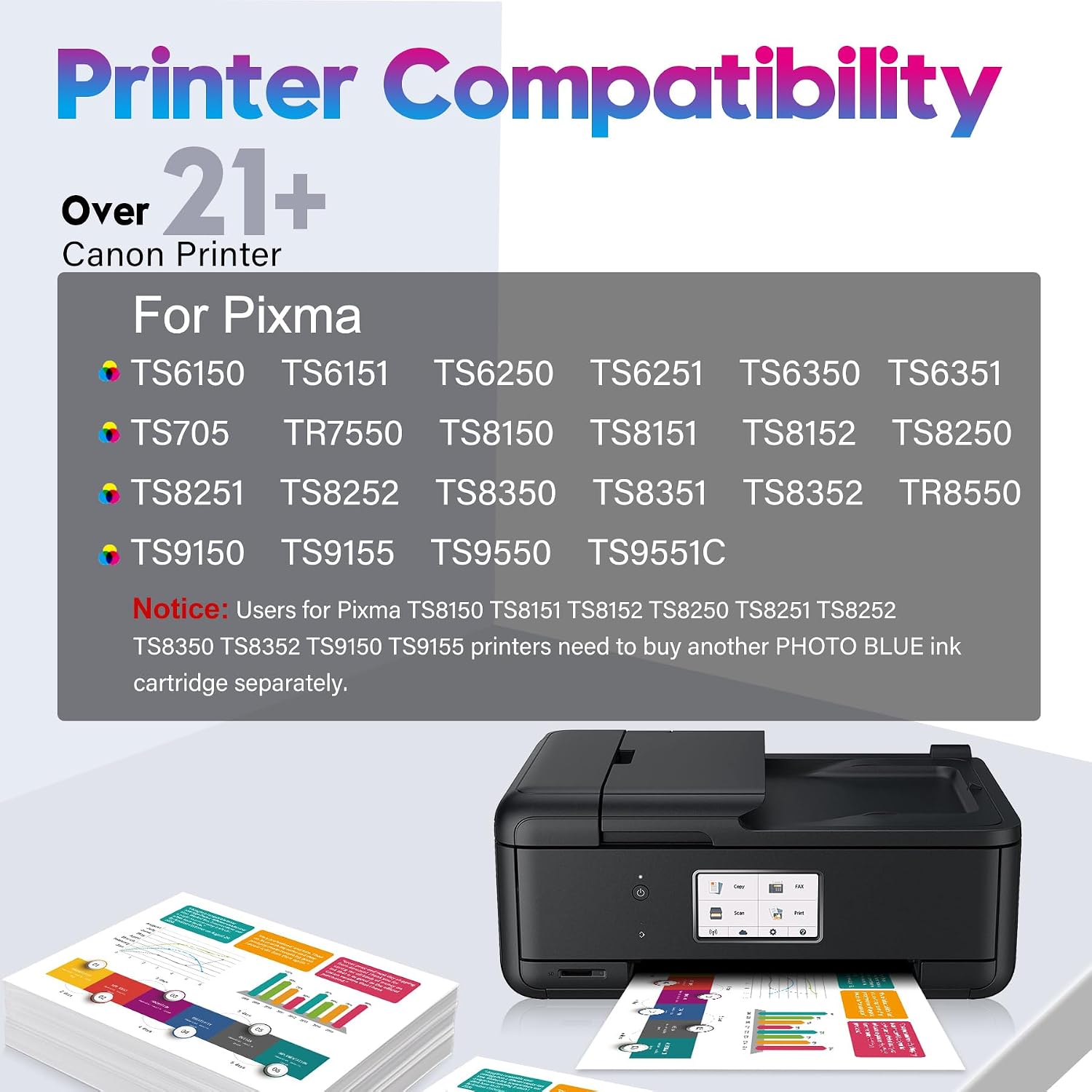
Bear in mind that these yields are estimates, and real-world results can vary depending on your printer settings (draft vs normal), how much colour you use, and how heavily your prints cover the page.
Setup and day-to-day use
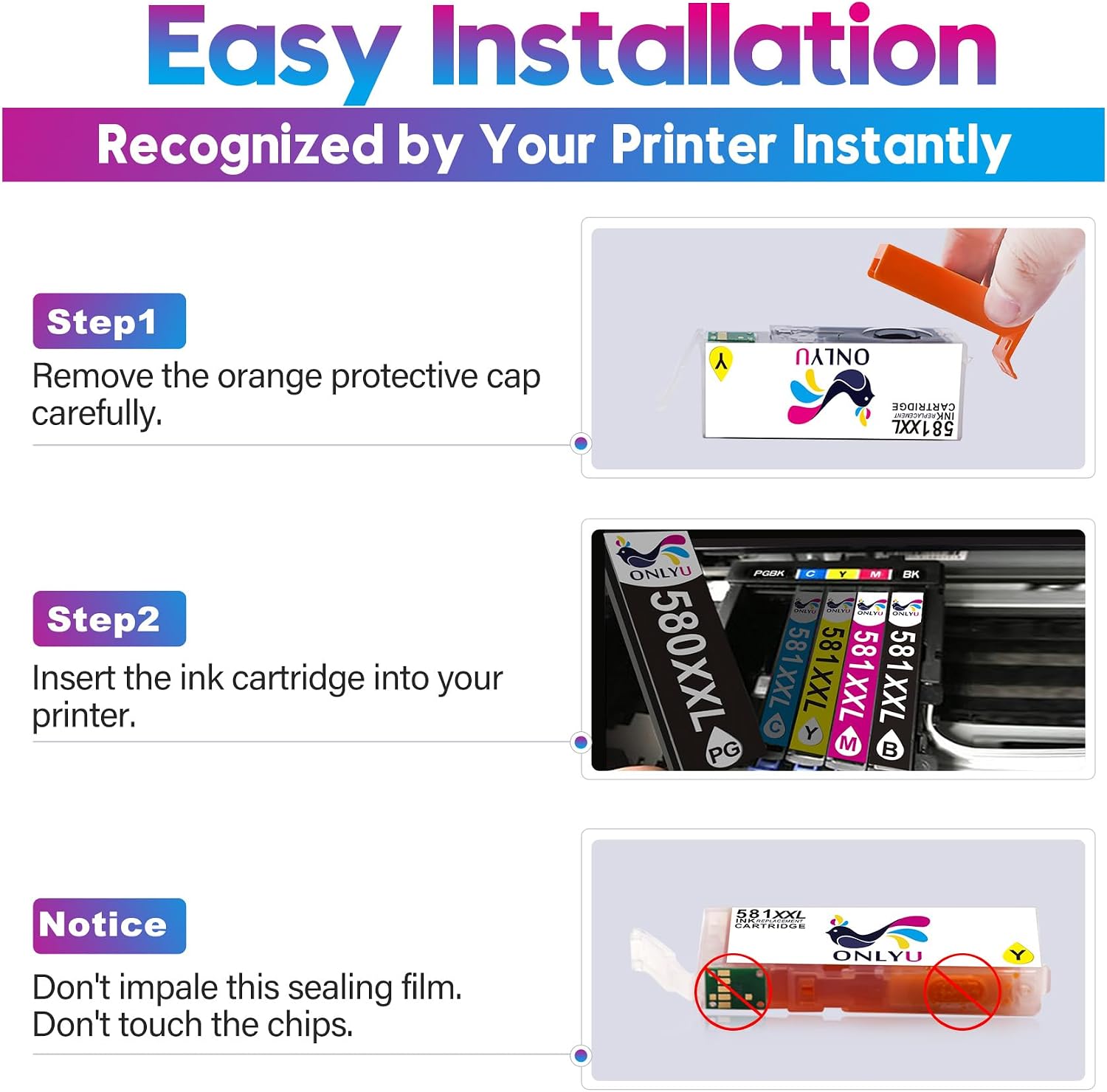
Installation is described as straightforward, but it’s worth treating it gently. The steps given are essentially:
- Lift the tab on the orange protective cap to remove it carefully.
- Do not scratch the chip.
- Insert the cartridge into the slot.
- Close the scan cover and print.
That “don’t scratch the chip” warning is the kind of detail that matters with compatible inks. If you tend to be a bit rushed with cartridge changes, this is one of those products where slowing down by a few seconds can prevent headaches.
A practical example: if you’re printing a weekly set of lesson worksheets and a few colour handouts at home, you’ll likely appreciate having a full set of replacement colours ready, rather than reordering one colour at a time when it runs low.
What matters most before you buy
Compatible cartridges are only genuinely “worth it” when they line up with your exact printer needs. Based on the information provided, you should double-check:
- Your PIXMA model matches those listed as compatible in the description.
- Your printer doesn’t require Photo Blue for your typical setup (because this pack does not include it for some TS8150/TS8151/TS8152 and TS8250/TS8251/TS8252-type models).
- You understand what ink mix you actually need (this pack covers black plus CMY colours, not Photo Blue).
Also, because the description references a chip and careful handling, it’s sensible to be mindful during installation. If your current cartridges are difficult to remove or you’re unsure about access, it may be worth checking your printer’s manual before you commit.
Pros
- Includes the full set of replacements for the listed ink family: PGI-580XXL black plus CLI-581XXL CMY and black.
- “XXL” positioning suggests fewer replacement cycles for regular home use.
- Installation steps are clear, and the protective-cap warning is specific enough to be actionable.
- Pack includes protective packaging, which is helpful if you’re ordering online.
The limitations you should keep in mind
Not everyone will love this set, even if the cartridge codes look right. The main limitation from the description is the absence of Photo Blue for certain compatible models—so if your printer expects that cartridge for your print profiles, you might find this pack doesn’t cover everything.
It also sits in the compatible category, so while it’s designed to work, it isn’t the same as original ink behaviour. If you’re printing high-stakes colour work and you’re sensitive to any variation, you may want to compare approaches before switching.
Is it worth it?
Worth considering if you have a compatible Canon PIXMA model from the list provided and you want a 5 pack that covers black plus cyan, magenta and yellow for day-to-day documents and normal colour printing. The XXL approach (with the page-yield estimates given) makes sense if you prefer buying replacements in one go rather than chasing low ink prompts.
It may not be a great match if your printer workflow relies on Photo Blue—because this pack is explicitly said not to include Photo Blue for some TS8150/TS8151/TS8152 and TS8250/TS8251/TS8252-type users mentioned in the description.
Before you order, make sure your specific PIXMA model and ink requirements align with what’s included, and be careful during installation (especially around the chip). If those boxes are ticked, this is the sort of compatible multi-pack that can be a practical value-for-money way to keep printing.
Mini FAQ
Does this 5 pack include Photo Blue?
No. The description says the pack does not include the Photo Blue ink cartridge for certain PIXMA TS8150/TS8151/TS8152 and TS8250/TS8251/TS8252 model users.
What cartridges are included in the box?
You get 1 PGI-580XXL PGBK ink cartridge and 4 CLI-581XXL cartridges: Black, Cyan, Magenta and Yellow.
Is it easy to install?
The instructions describe a simple installation process: remove the orange protective cap carefully, avoid scratching the chip, insert into the slot, then close the scan cover and print.
How long should the XXL cartridges last?
The listing provides approximate yields (e.g., about 600 pages for PGI-580XXL black, about 4590 pages for CLI-581XXL black, and about 830 pages for each of the colour inks). Real output can vary with print settings and usage.
Is it only for one Canon PIXMA model?
No—the description lists a range of compatible PIXMA models. Still, it’s smart to confirm your exact model is included and that you don’t need Photo Blue.