


ONIKUMA GAMING USB Condenser Gaming Microphone with Noise Cancellation & Mute Button (Black)
Reviews
Price
Product description
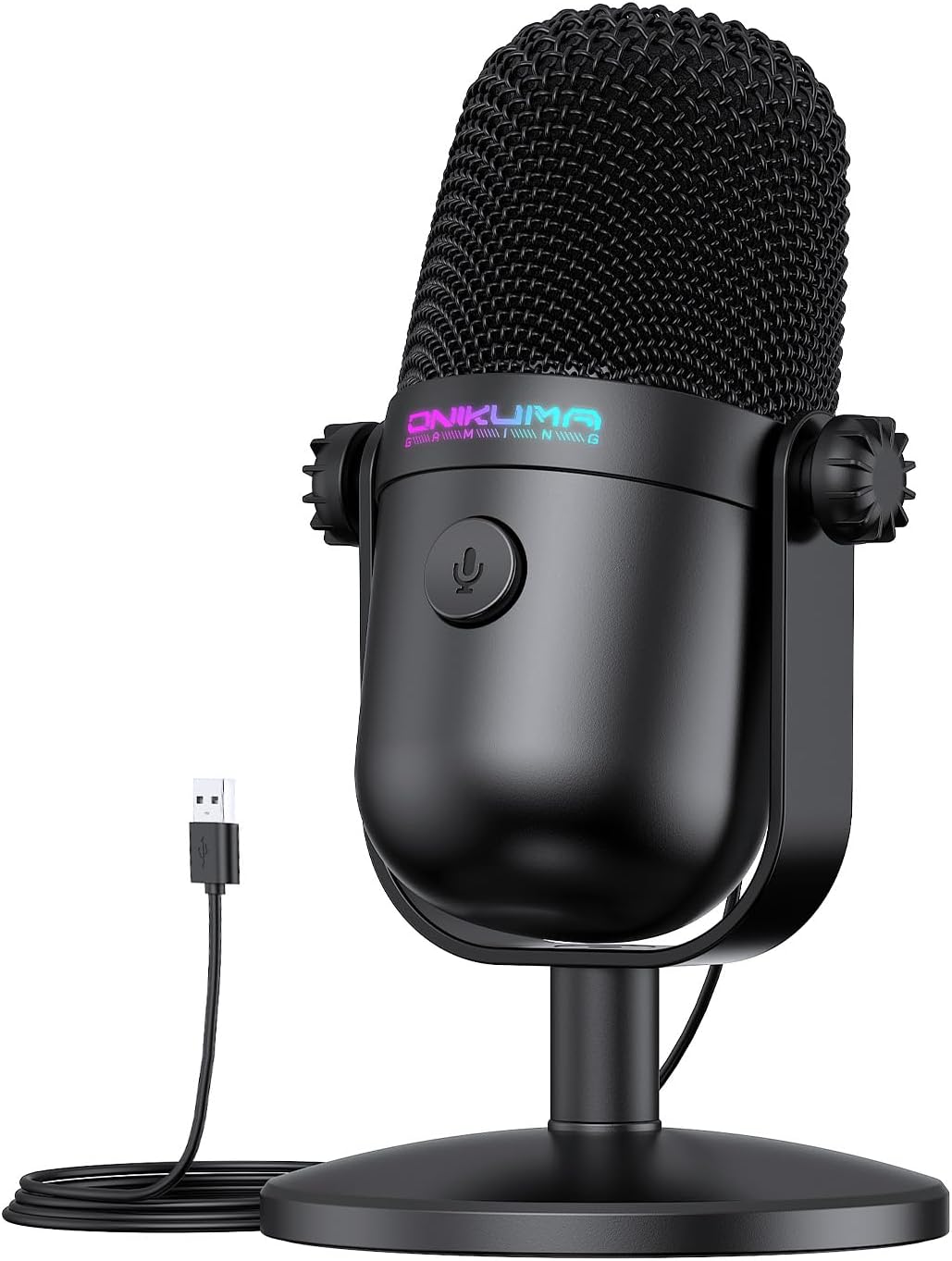
If you stream, record, or just want your voice to come through clearly while gaming, a USB microphone is often the simplest route. This ONIKUMA GAMING gaming mic is built around that idea: plug it in, mute quickly, and capture your voice with a cardioid pickup pattern.
It’s not trying to be a studio tool for every possible setup, though. It looks more like a compact, desk-friendly microphone aimed at everyday streaming, Discord calls, and YouTube/Twitch-style recording—where speed and usability matter as much as sound.
The essentials
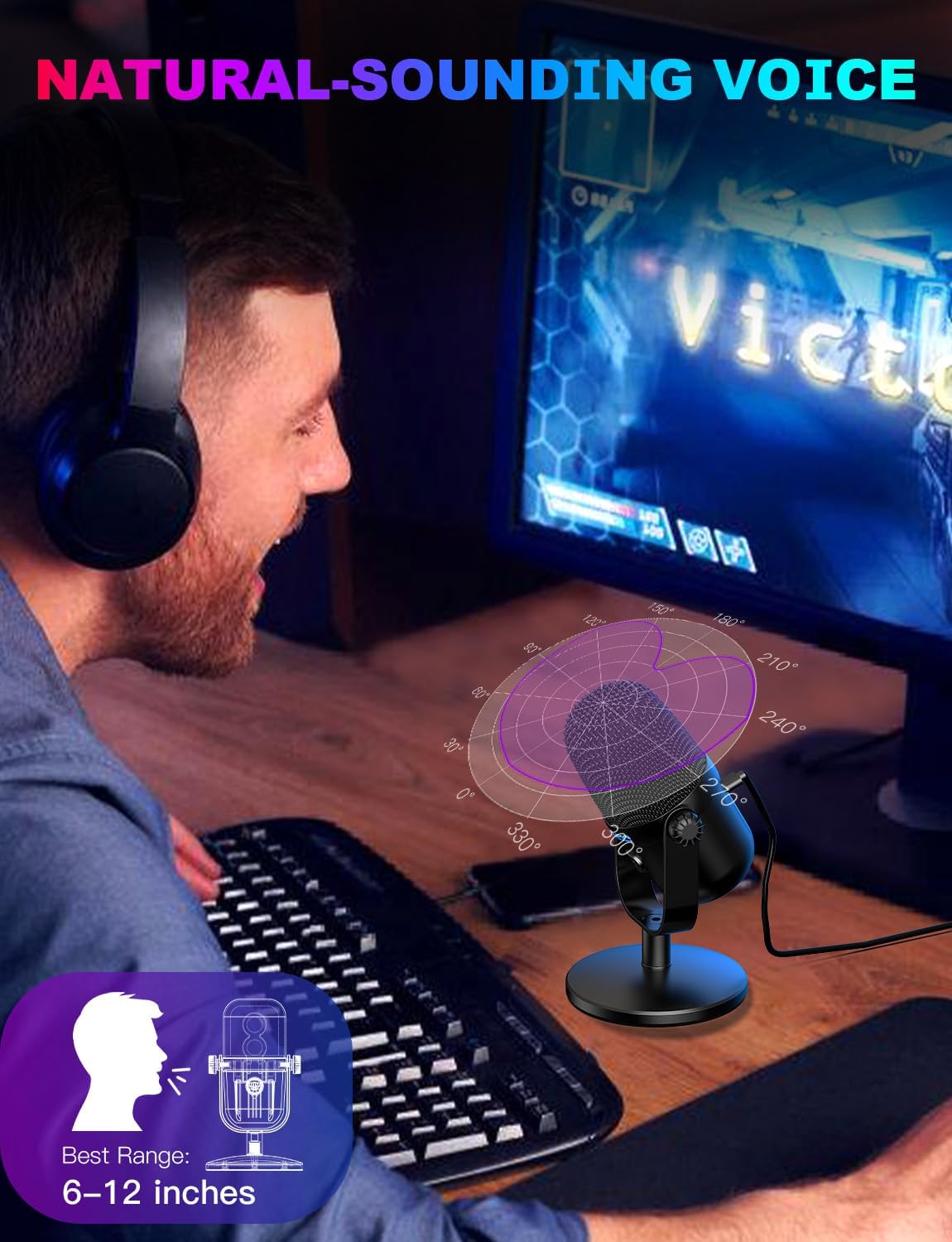
This is a USB condenser microphone designed for gaming voice capture, streaming and recording. On paper, the cardioid (front-focused) pickup helps concentrate on what’s in front of the mic, rather than picking up everything from the room. That matters if you’re in a shared space, have background noise, or you’re talking over gameplay audio.
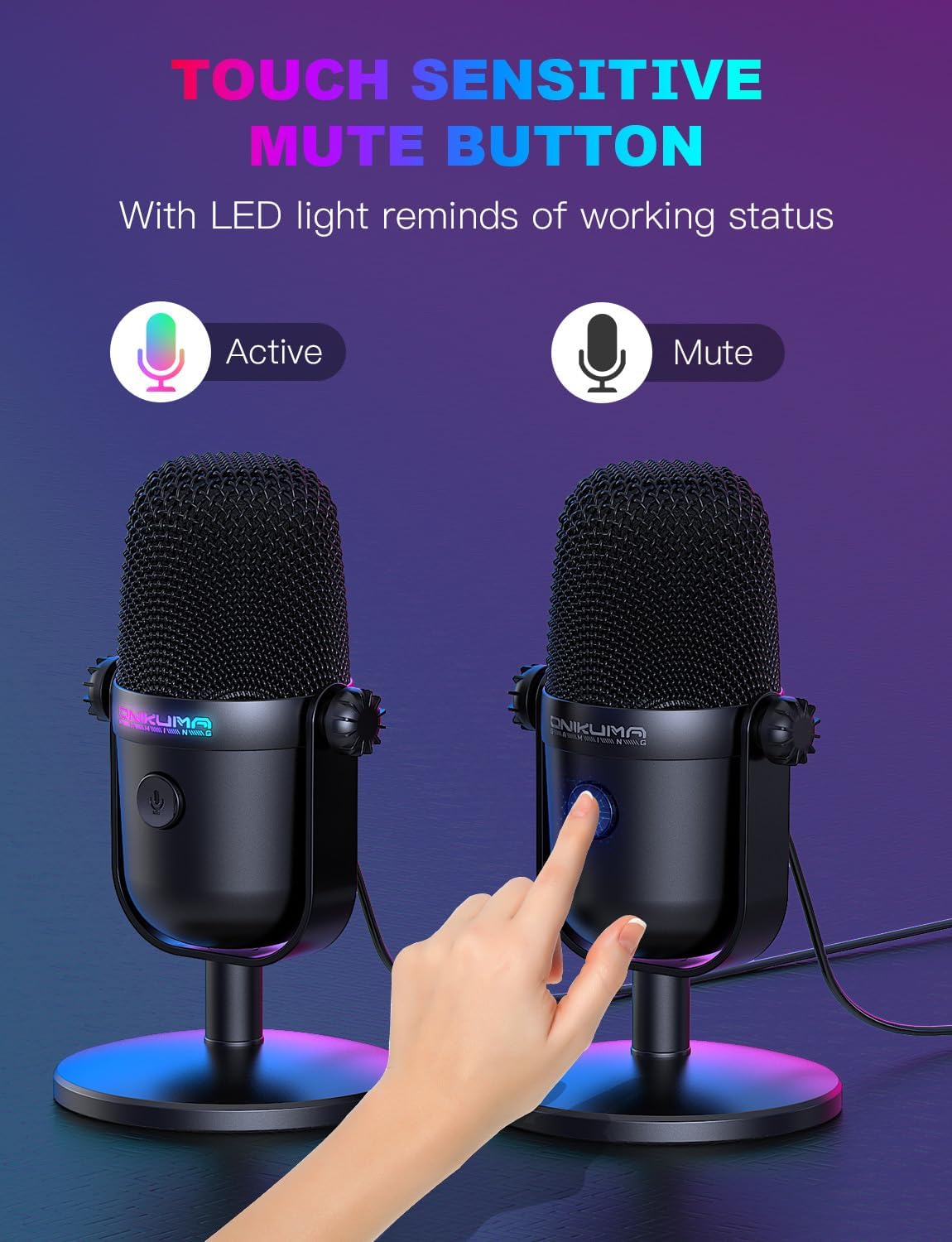
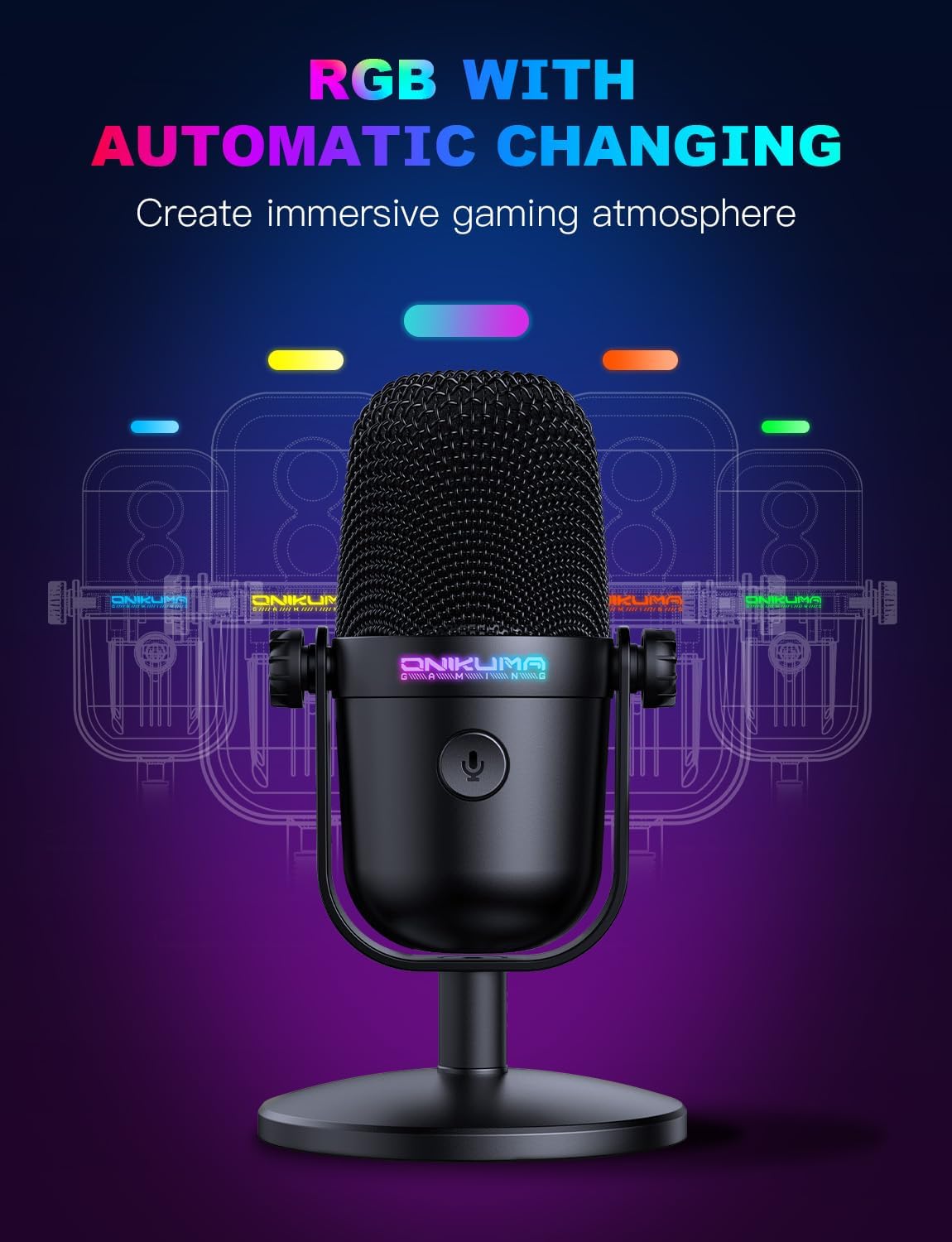
There’s also a tactile mute button on the top. The practical point here is that you don’t have to reach around to toggle anything in software—tap to mute when you need to cough, sneeze or quickly take a call. The mic’s status is also indicated with RGB lighting (the description mentions RGB changing with mute state), so you can check what’s happening without looking at your screen.
What you’ll notice day to day
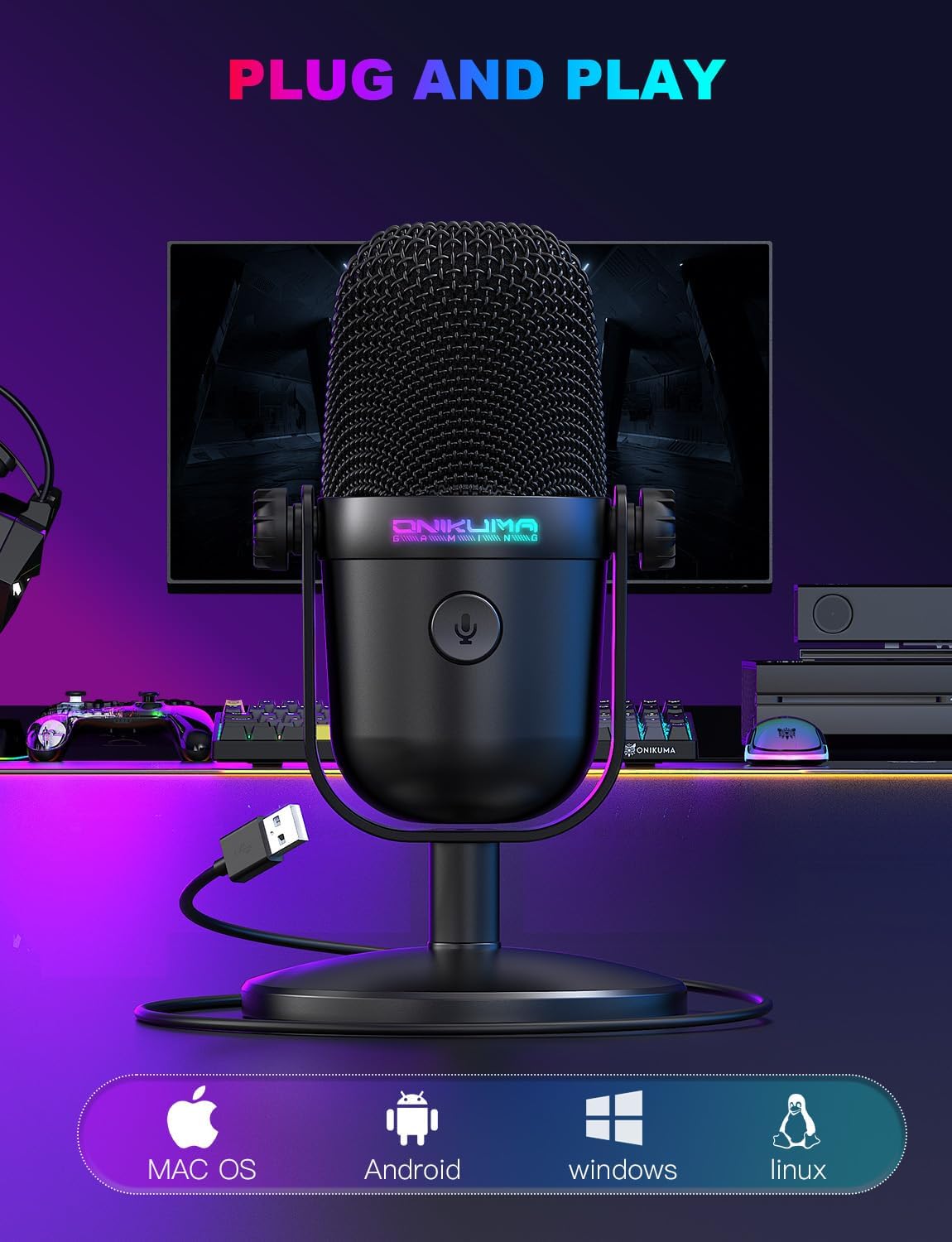
The biggest “real world” selling points are the ease of use and the quick mute workflow. Plug-and-play is promised, with no drivers required, and the mic is positioned as compatible with Windows PC, Mac, and console gaming (the listing also mentions PS4/PS5). For a busy streaming setup, that low-friction setup can be the difference between using the mic daily or leaving it packed away.
The ultra-compact design is also mentioned, which is worth thinking about if your desk is tight. It’s the type of microphone that should sit close to your mouth without hogging space, making it easier to keep your voice consistent throughout gameplay.
You’ll also likely appreciate the built-in gradient RGB lighting. It’s not essential for audio performance, but the description suggests it’s meant to add visual presence in a gaming/work environment.
Sound and noise handling, realistically
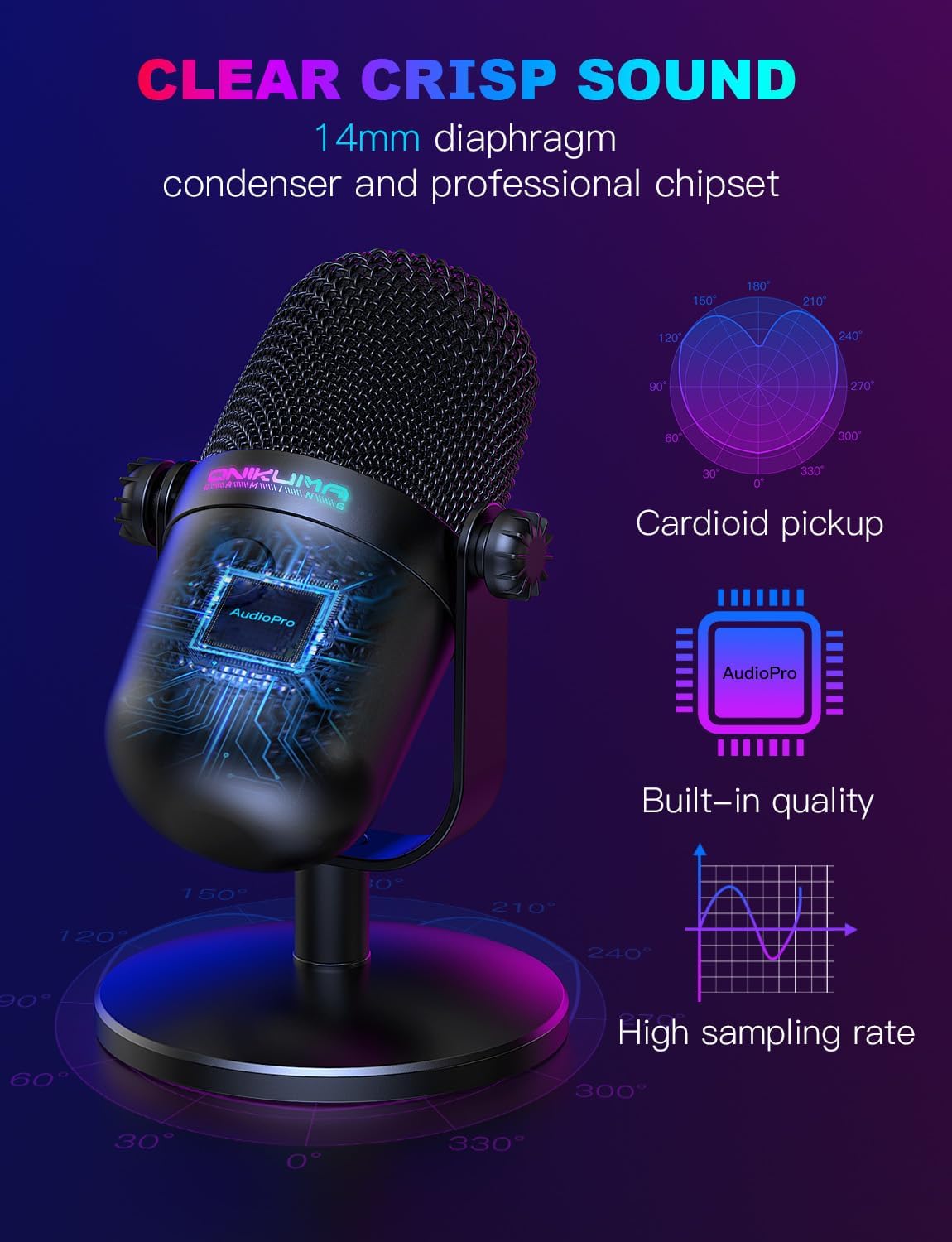
The mic uses a professional condenser chip design described as 192 kHz/24-bit, with cardioid pointing. The listing also claims it can automatically reduce background noise and restore clearer sound.
Still, it’s worth bearing in mind that “noise cancellation” in USB gaming microphones is often more about pickup pattern and basic filtering than removing every kind of sound perfectly. If your room is very loud or echo-prone, you may still need to manage placement and distance to get the best results.
Installation, compatibility and power
The listing states plug-and-play installation and compatibility with Windows PC, Mac, and gaming consoles (including PS4/PS5). It also mentions that a USB and USB C cable are included, which should reduce the faff when switching between devices.
For recording or streaming, the workflow is straightforward: connect directly to your computer/laptop using the included cable and you should be ready to capture your voice immediately.
There’s one small limitation mentioned: the manual is included, and Spanish language support isn’t guaranteed. That’s not a deal-breaker for most people, but it’s a fair note if you’re expecting full Spanish documentation.
Key specifications
- Type: USB condenser microphone (cardioid pickup)
- Noise handling: described automatic background noise reduction
- Audio claim: 192 kHz/24-bit condenser microphone chip (as stated in the listing)
- Controls: top touch mute button with RGB status indication
- Design: ultra-compact
- Compatibility stated: Windows PC, Mac, PS4/PS5
- Connections included: USB and USB C cable (included)
Where it shines (and where it may not)
This is a strong fit if you want a simple, desk-friendly microphone for gaming voice, Discord, podcasts, or basic streaming/recording. It makes sense if you prefer a quick mute button for interruptions and want RGB status so you can tell whether you’re live without fiddling.
It might not be the best match if you’re chasing the most demanding “studio-like” audio or if your setup relies heavily on acoustic treatment and very specific positioning. On paper, it sits more in the practical, everyday bracket than a specialist upgrade for people who already run a more complex mic chain.
Also, if you need very detailed guidance for a specific console/software workflow, you’ll want to double-check how it behaves with your exact device. The listing covers compatibility, but it doesn’t go into setup steps.
Buying verdict
It’s a sensible purchase if you prioritise quick setup, a front-focused cardioid pickup, and a top mute button that you can use mid-match without breaking your flow. The included USB/USB C cable also makes it easier to move between PC and laptop.
You may want to skip it if you need guaranteed “true” noise cancellation regardless of room conditions, or if you’re aiming for a high-end recording chain. Like many compact USB mics, it will depend quite a bit on placement and how much background sound you’re dealing with.
Quick FAQ
Is this microphone suitable for streaming and recording?
Yes—it's described as a USB mic for streaming/recording use, including podcast-style and YouTube/Twitch/Twitch-like scenarios.
Does it support a mute function without software?
The listing states there’s a touch mute button on the top of the microphone, which is designed for quick, tactile muting.
What connection do I need?
It uses USB, and the package includes both a USB and USB C cable (as stated in the listing).
Does it work with Mac and consoles?
The listing claims compatibility with Mac and also with PS4/PS5.
Will the RGB help me know if I’m muted?
According to the description, the RGB lighting changes state (including turning off/on) so you can check the mic status at a glance.