

OMOTON Bluetooth Wireless Keyboard for iOS (UK QWERTY) – Space Grey
Product description
Cable-free typing for your iPad or iPhone
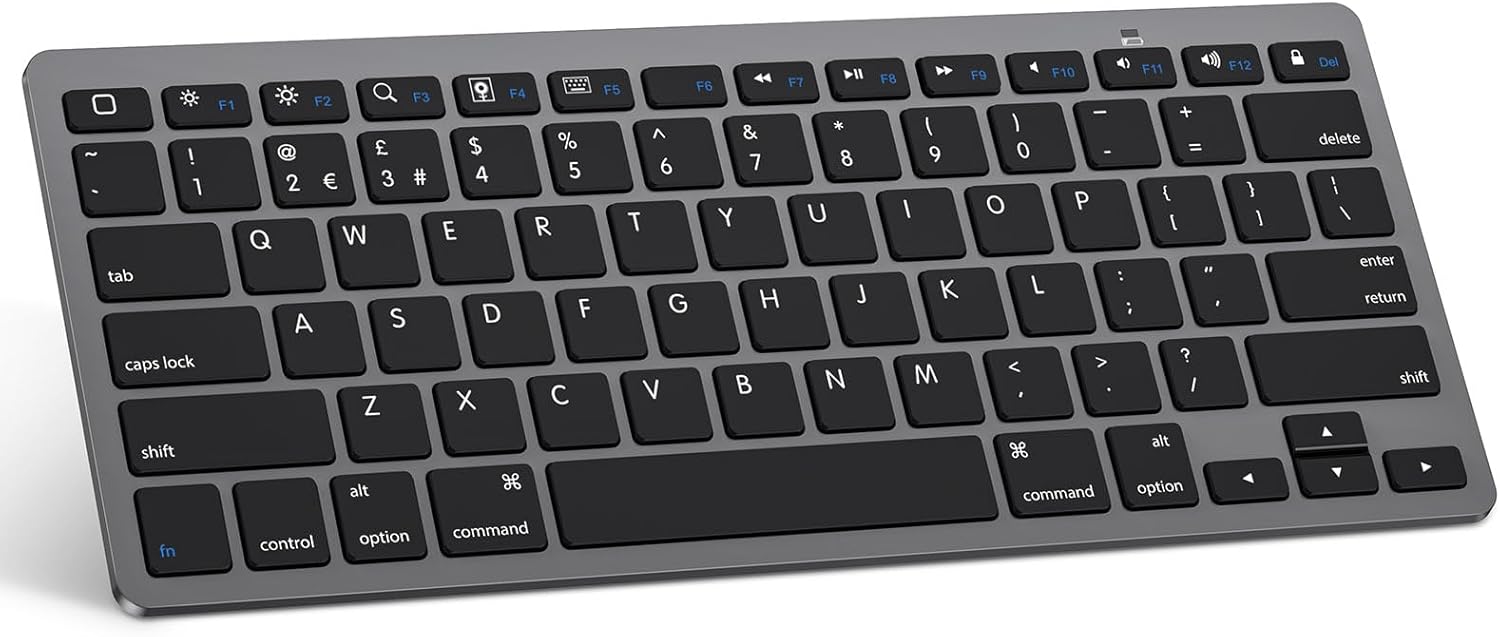
If you type a lot on an iPad or iPhone, a Bluetooth keyboard can turn “quick messages” into something more comfortable. The OMOTON Bluetooth Wireless Keyboard for iOS is a compact, wireless QWERTY keyboard aimed at people who want a familiar layout (including iPad-focused hot keys) without dealing with cables.
On paper, it ticks the boxes for everyday productivity: it connects via Bluetooth, supports a range of iPads and iPhones, and is designed to stay convenient in a bag. That said, it’s not positioned as a premium “laptop replacement” keyboard, so it may feel more like a useful accessory than a desk-first powerhouse.
Key features that matter day to day
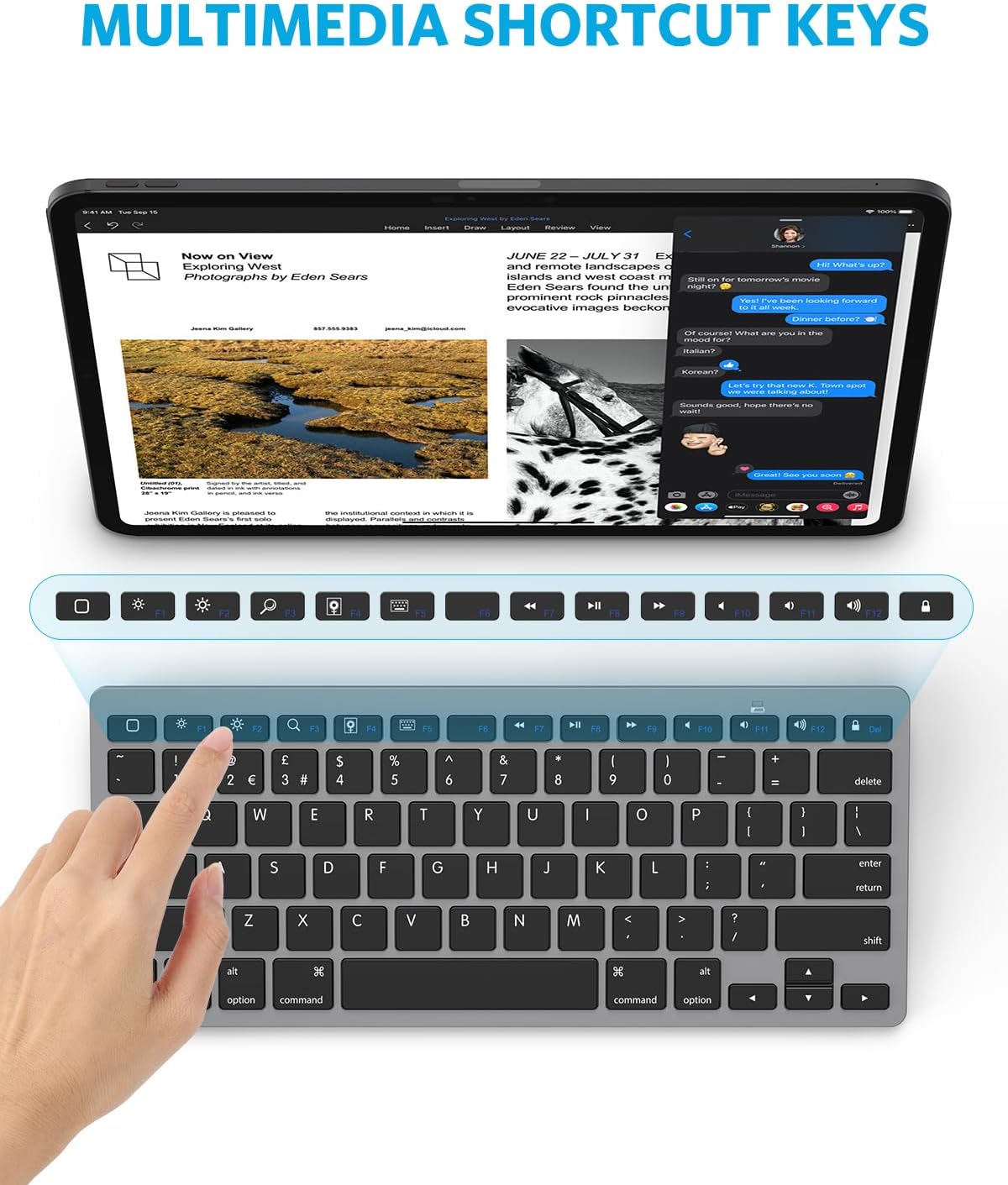
The main reason to consider this OMOTON keyboard is the combination of UK QWERTY layout and the way it’s set up for iOS/iPadOS controls. The listing mentions “hot keys customised for iPads”, including controls for volume, music, and brightness. For many users, those shortcuts make the keyboard feel less generic and more “in the ecosystem”.
It also uses a Bluetooth connection with an operating distance of up to 10 metres. That’s helpful if you like to sit back on the sofa, use your iPad on a table, or keep your phone/iPad slightly away from your keyboard.
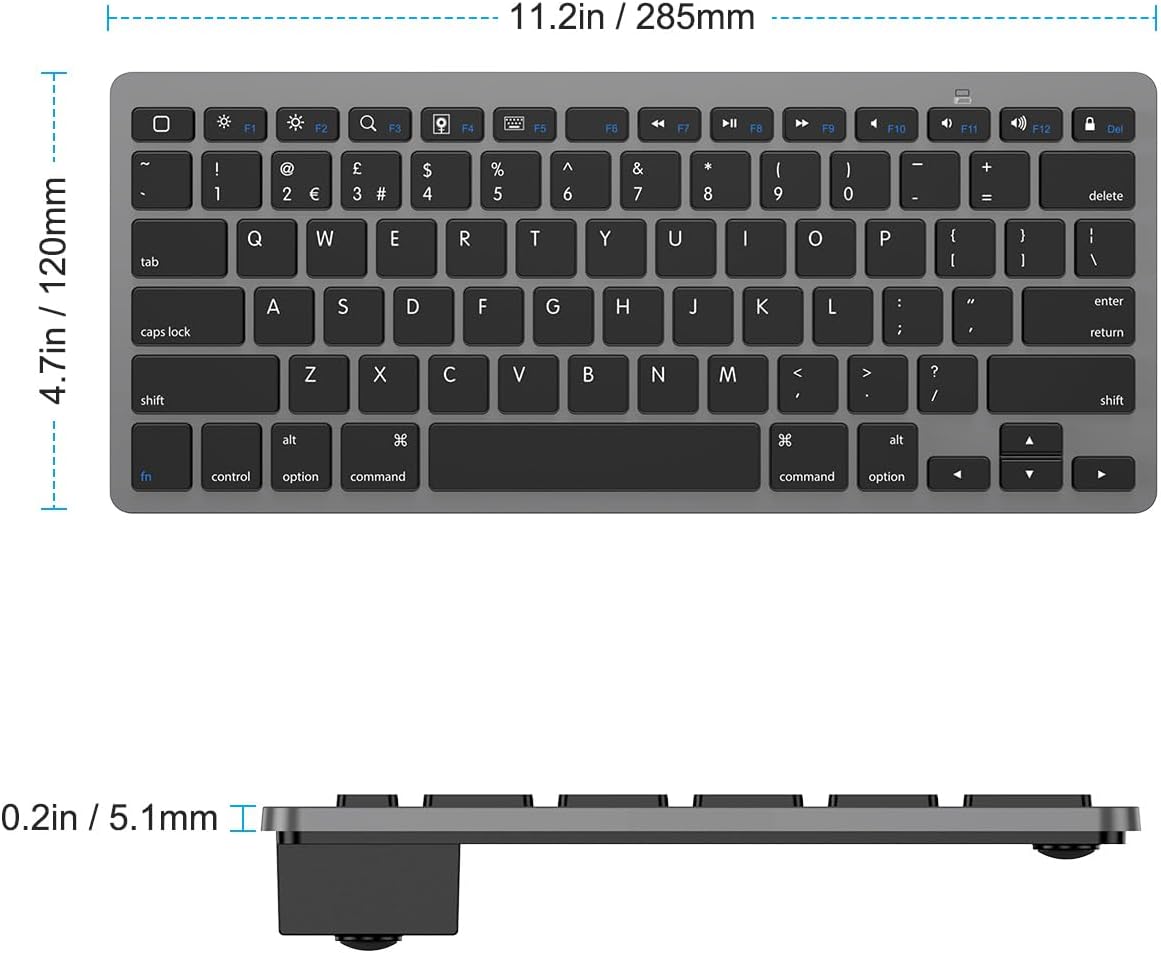
A smaller but practical point: it’s described as “just big enough for your fingers” while still being small enough for a suitcase or handbag. If you travel or work on the move, that portability angle will likely matter more than spec-heavy features.
Tech specs (as stated by the listing)
- Type: Bluetooth wireless keyboard
- Layout: UK QWERTY
- Connection: Bluetooth
- Operating distance: up to 10 metres
- Hot keys: iPad custom controls (e.g., volume, music control, brightness)
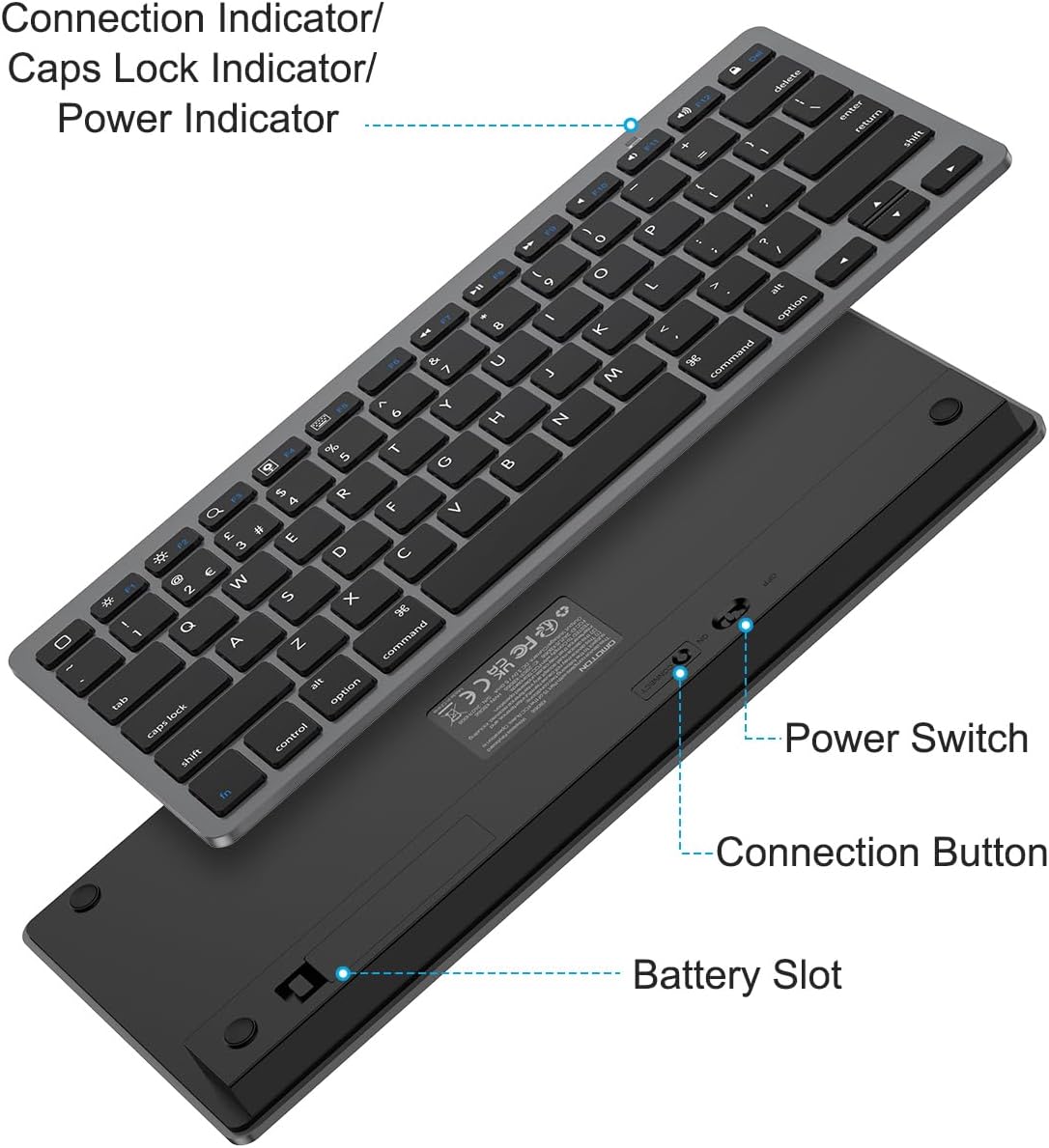
- Power: 2 x AAA battery (batteries not included)
- Battery life: up to 6 months between battery changes (with energy-saving design and automatic sleep mode)
- Colour: Space Grey
Compatibility: what it supports (and what to double-check)
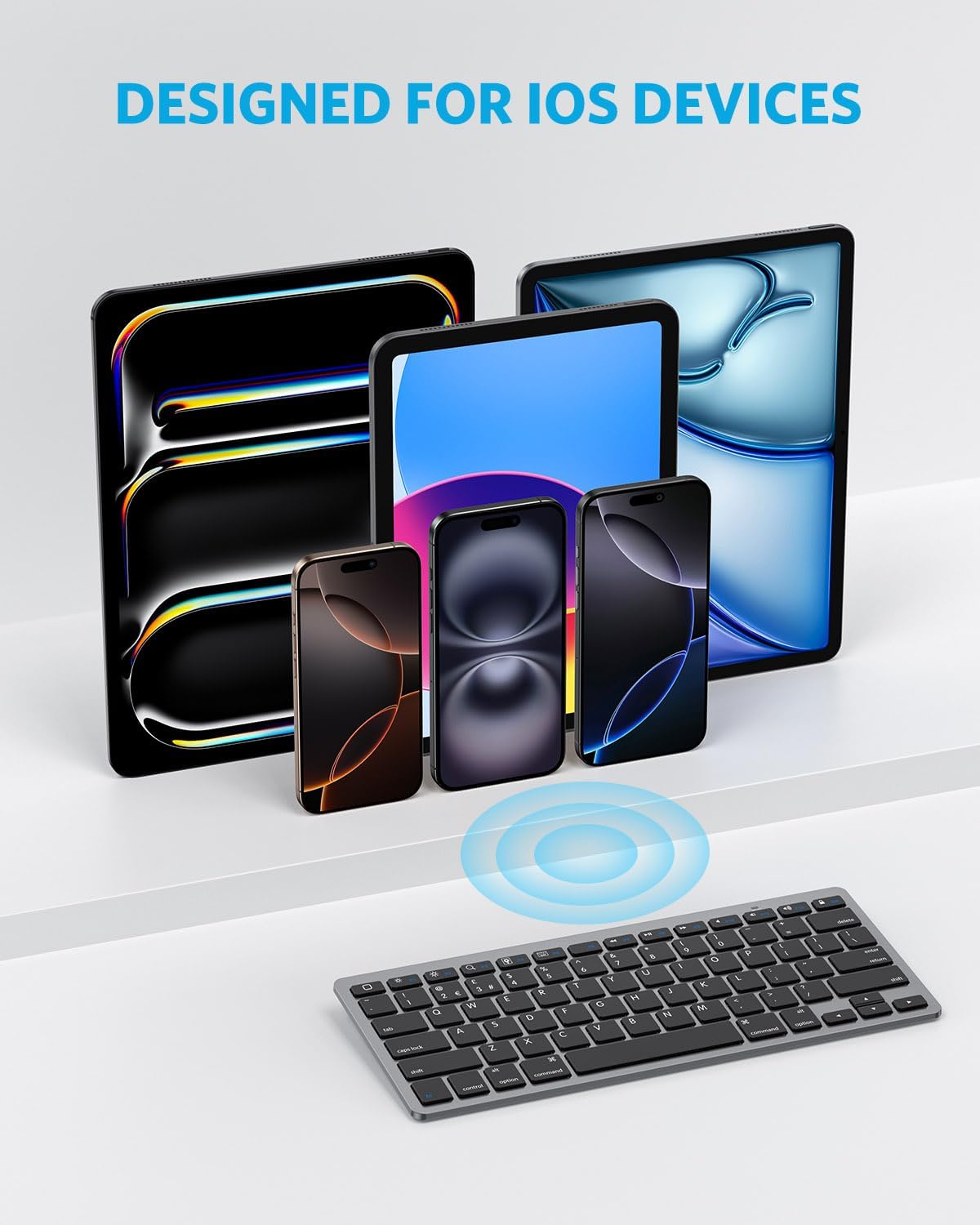
Compatibility is a big deal with iOS accessories, and the product description is fairly broad. It states compatibility with iPads and phones and other Bluetooth-enabled tablets/laptops/phones, specifically calling out examples such as iPad Pro (13/12.9/11 inch), iPad Air (13/11 inch and 10.9 inch models), iPad Mini (6/5), and iPhone 17/16/15 Pro/SE.
However, when you’re choosing a keyboard like this, it’s worth checking your exact iPad/iPhone model before buying—especially if you’re on a newer or less common variant. The listing gives several examples, but “compatible with” claims can still depend on how your device handles Bluetooth and iOS keyboard input.
Also, note that the hot keys are described as customised for iPads, so if your main use is an iPhone, some shortcuts may feel less relevant (or you may simply use the standard typing keys most of the time).
Usage tips and best use cases
In real day-to-day terms, this keyboard makes the most sense for tasks like:
- replying to emails on an iPad while you’re not at a desk
- writing longer messages on your phone using Bluetooth (when you need comfort)
- doing study notes or quick drafts on an iPad while travelling
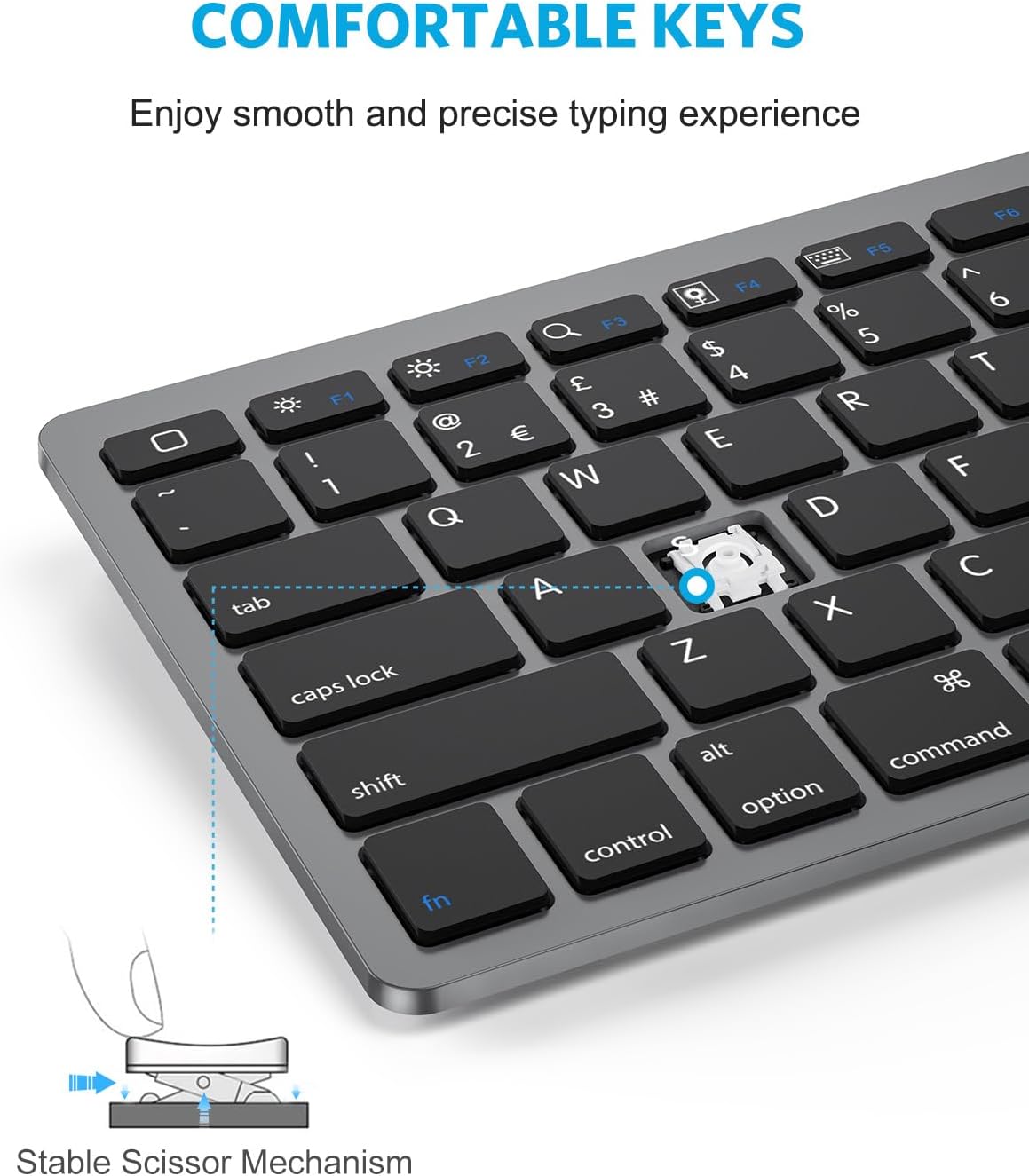
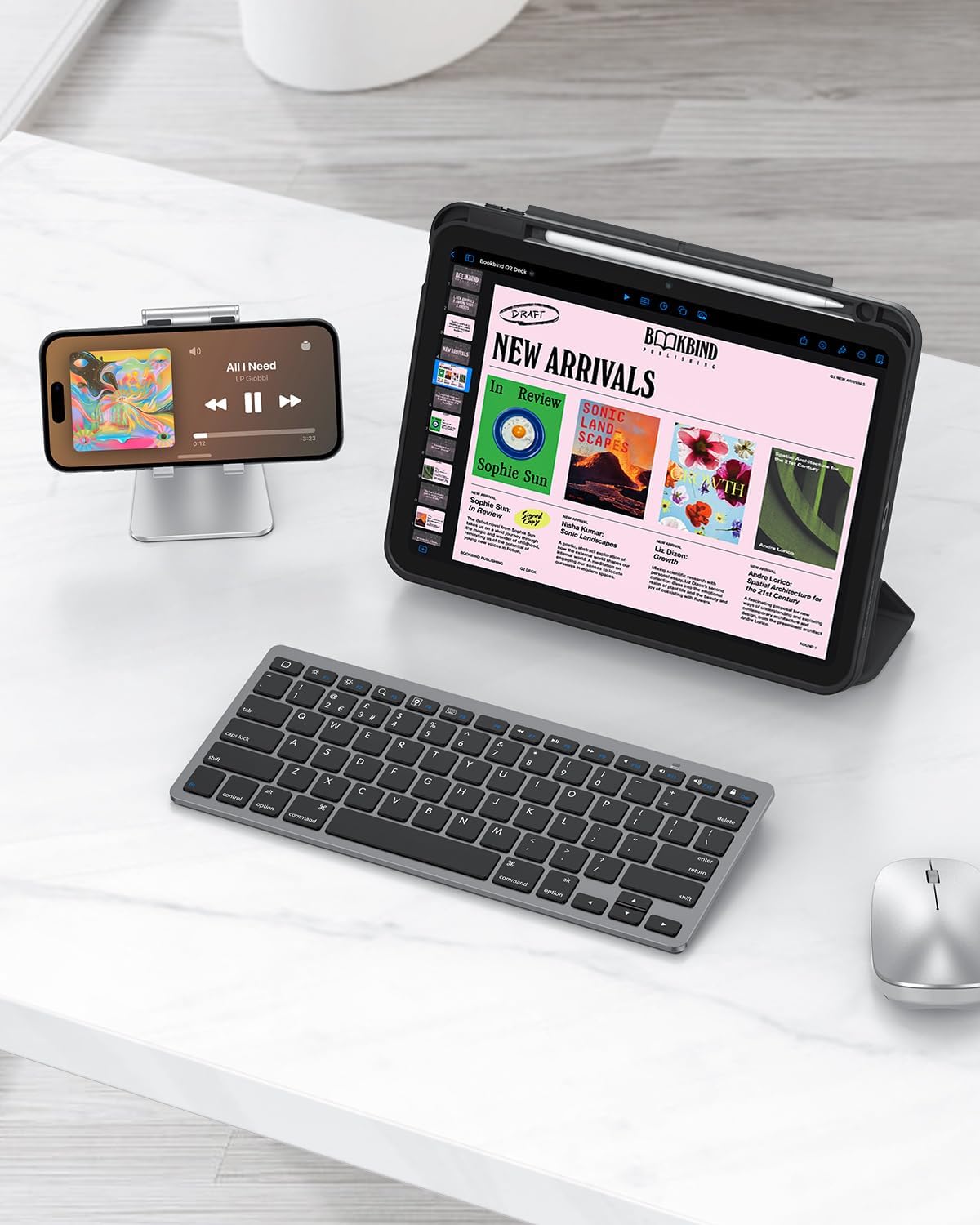
Micro-example: imagine you’re on a train, you pull out your Space Grey iPad, open a notes app, pair the keyboard via Bluetooth, and type your outline without having to chase the on-screen keyboard. The compact size is clearly intended for that “quick grab” lifestyle.
If you’re after something for heavy, all-day typing sessions, you may want to compare how the “perfect size” feels in practice—compact keyboards are convenient, but they can be less forgiving than larger layouts.
Where it shines, and where it may not
This OMOTON keyboard looks designed for convenience: cable-free setup, up to 10-metre range, and an energy-saving approach with automatic sleep mode aiming for up to 6 months between battery changes. For frequent travellers and people who want a simple typing boost for iPad/iPhone, it’s a sensible concept.
Where it can fall short is also fairly predictable for this category. It’s not described as a rugged, premium build, and it doesn’t come with rechargeable batteries (you’ll need 2 x AAA, which also means you’re budgeting for replacements). If you expect “laptop-like” performance for long, intense typing days, you may find it stays more in the supportive accessory lane than a serious workstation tool.
Mini FAQ
How do you power the OMOTON Bluetooth keyboard?
It runs on 2 x AAA batteries, and the batteries are not included.
Does it support iPads and iPhones?
The listing says it’s compatible with iPads and phones, including several named iPad Pro/Air/Mini and iPhone models, plus other Bluetooth-enabled devices.
What’s the connection range?
It’s stated to have an operating distance of up to 10 metres.
Does it include iPad shortcuts?
Yes—there are hot keys customised for iPads, with controls mentioned for volume, music control, and brightness.
Is it suitable for travel?
The product is described as small enough to fit into a suitcase or handbag, and “just big enough” for comfortable finger typing.
Should you buy it?
Worth considering if you want a compact, Bluetooth wireless UK QWERTY keyboard for iPad/iPhone typing, and you’d benefit from iPad-style shortcut keys like volume, music control, and brightness. The cable-free setup and the stated up-to-10-metre range are practical touches, and the energy-saving design aiming for up to 6 months between battery changes helps reduce maintenance.
You may want to skip it if you’re after rechargeable batteries, a large desktop-style layout, or a keyboard meant to feel like a premium laptop replacement for long, demanding typing sessions. In any case, do a quick check that your exact iPad or iPhone model is covered by the compatibility examples given in the listing, because “broad compatibility” can still have edge cases on iOS devices.