

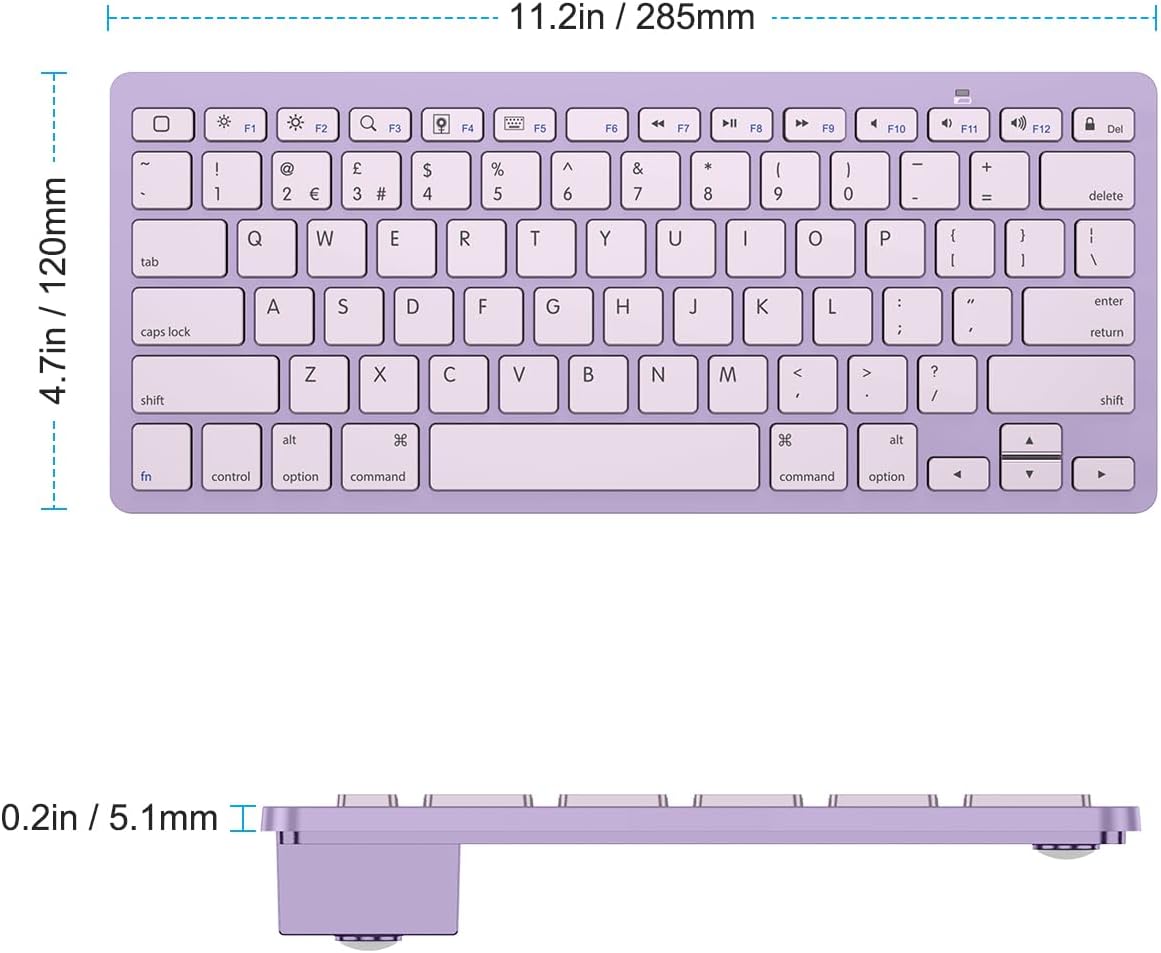
OMOTON Bluetooth Wireless Keyboard for iOS (UK QWERTY) – Purple
Product description
If you type a lot on your iPad or iPhone, a Bluetooth keyboard can turn “quick messages” into something closer to real work. The OMOTON Bluetooth Wireless Keyboard for iOS is built around that idea: a cable-free keyboard that pairs with compatible Apple devices, using a UK QWERTY layout and dedicated iPad-style controls.
It’s not trying to be a laptop replacement, and on paper it doesn’t promise premium materials or complex features. What it does aim for is practical convenience—easy pairing via Bluetooth, sensible hot keys, and battery life that should last through plenty of everyday sessions.
The essentials (what it’s for)
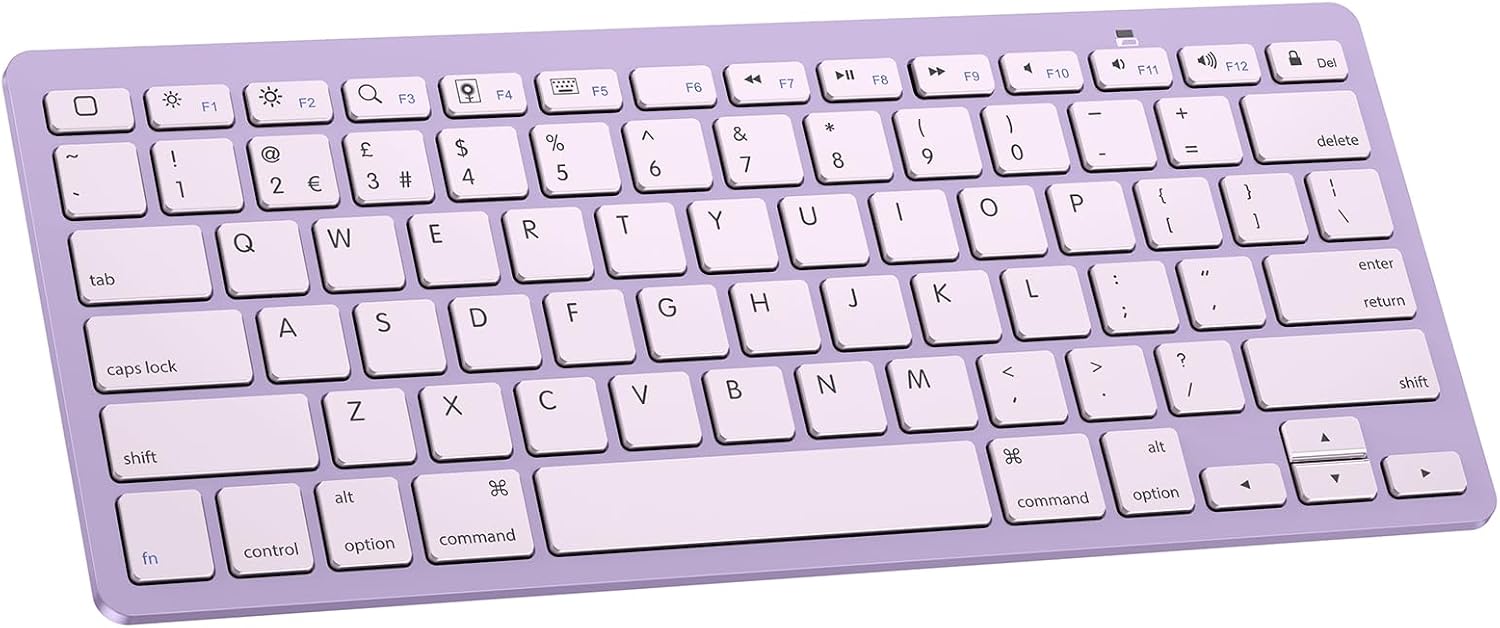
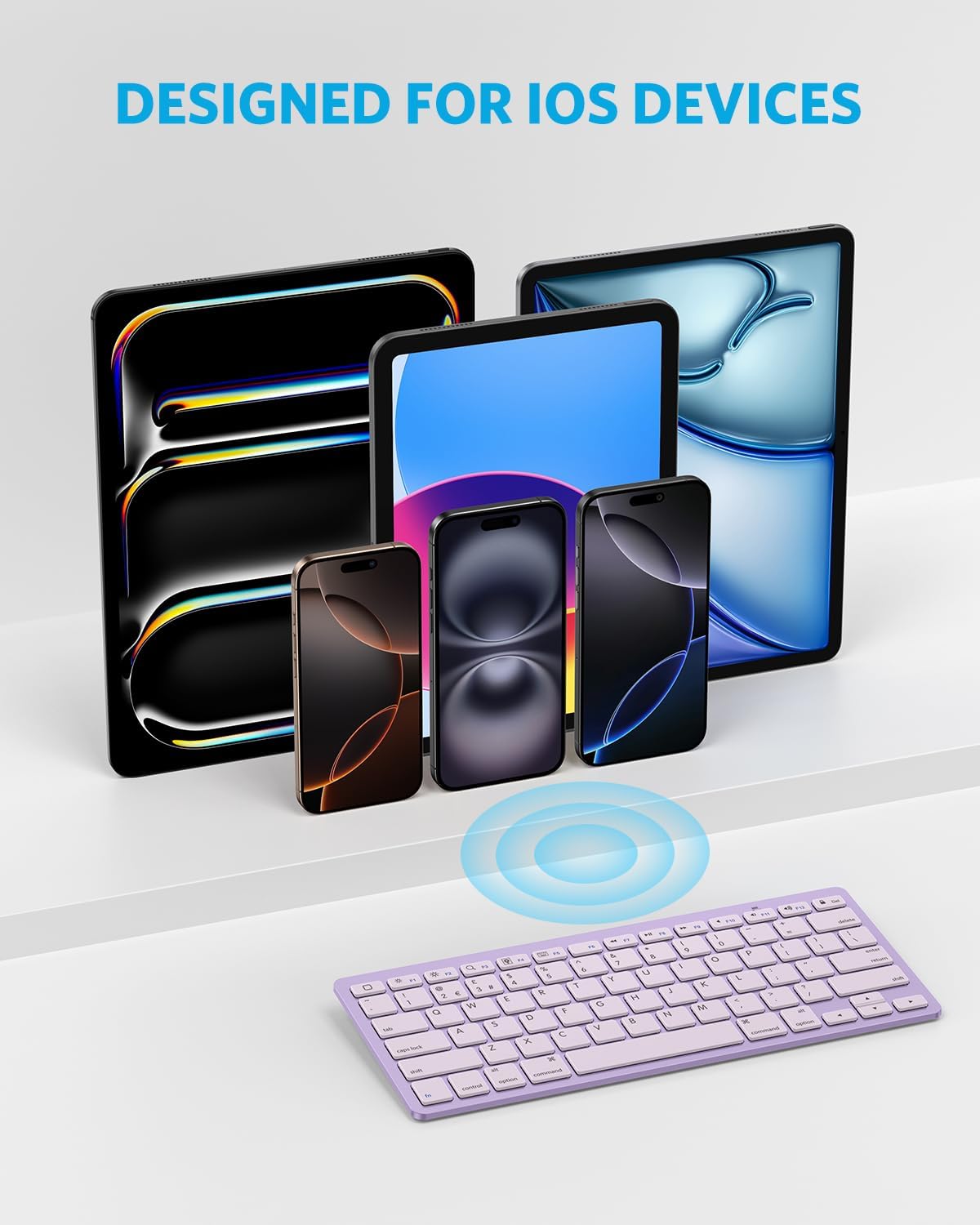
This OMOTON keyboard is a wireless Bluetooth keyboard designed for iOS-style use with tablets and phones, including a range of iPad and iPhone models, plus other Bluetooth-enabled devices mentioned in the compatibility notes. In day-to-day terms, it’s the sort of accessory you’d use when you want:
- faster note-taking in apps than on-screen typing
- easier email and messaging replies
- more comfortable typing when you’re travelling and don’t want cables
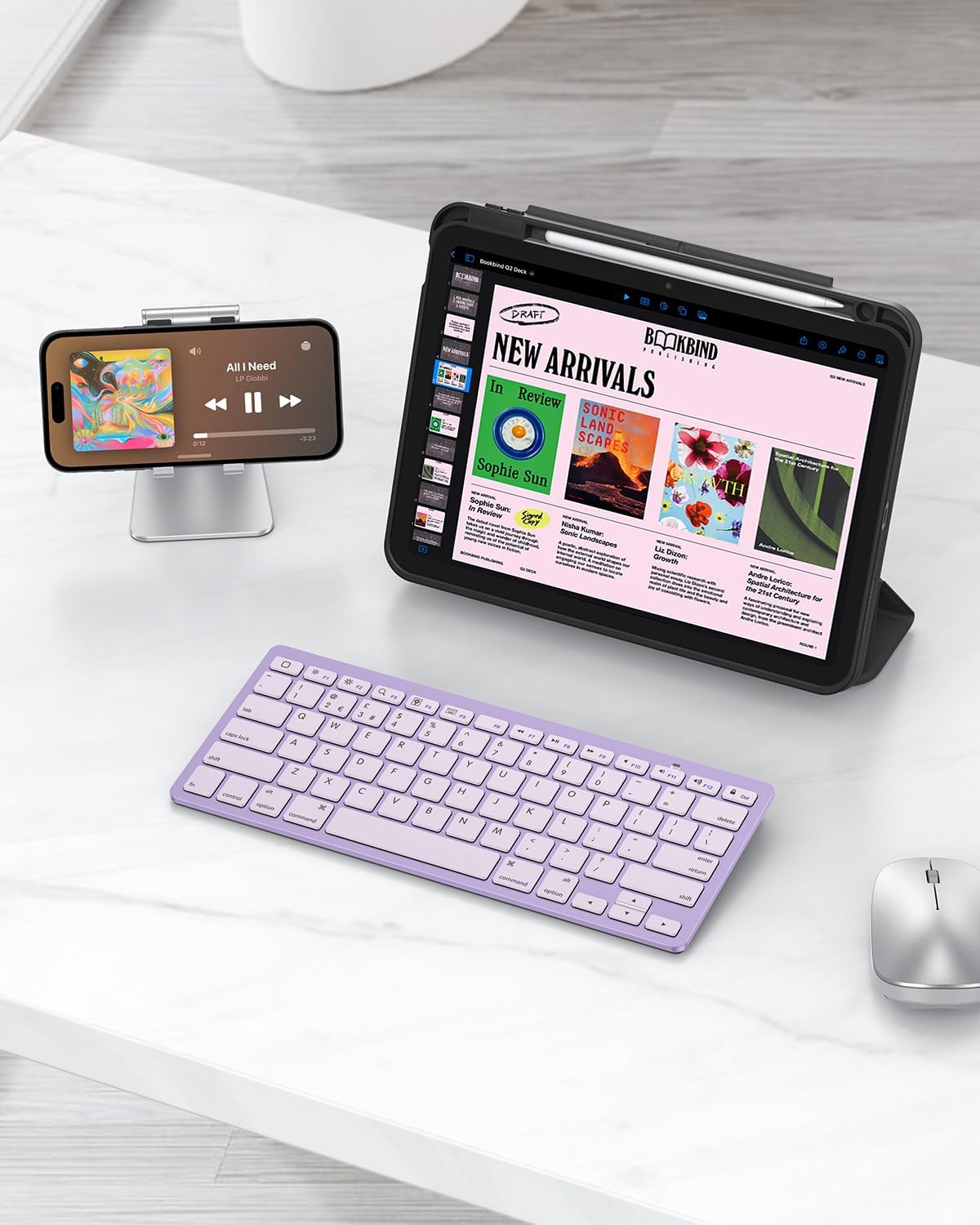
A good way to picture it: you open your iPad on the kitchen table, connect the keyboard, and you’re typing emails or a shopping list without having to fight a small on-screen keyboard.
Key features you’ll notice in use
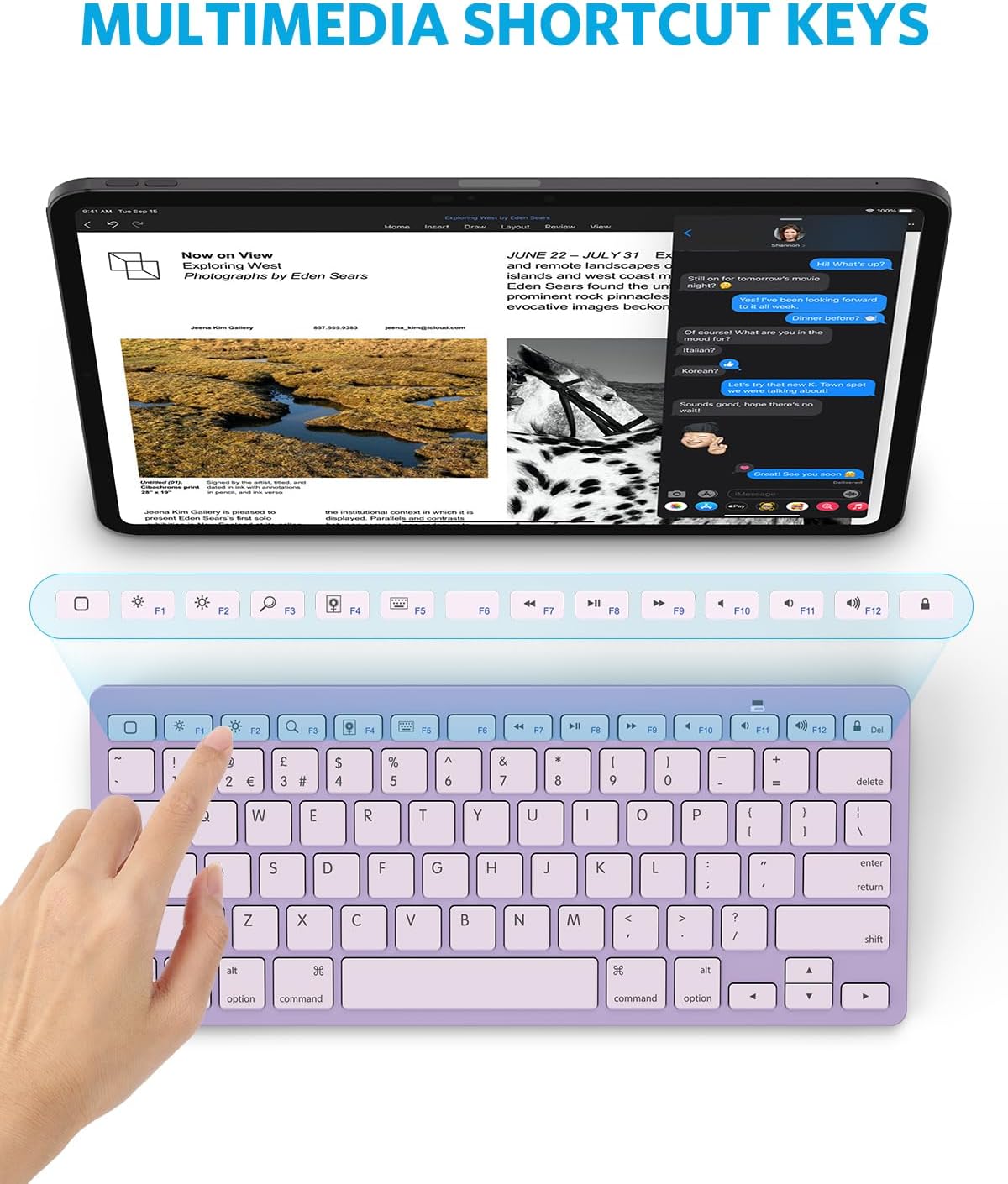
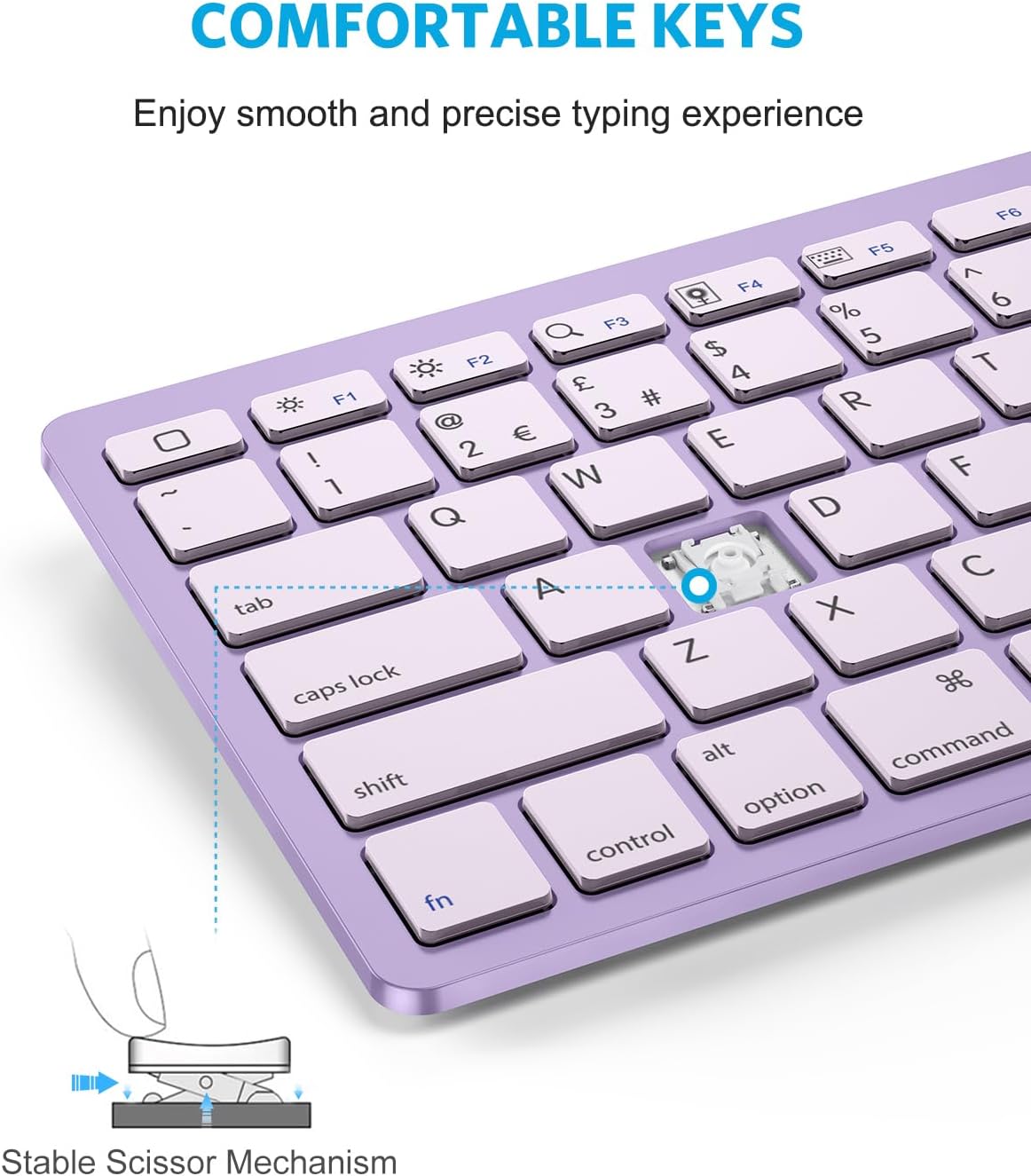
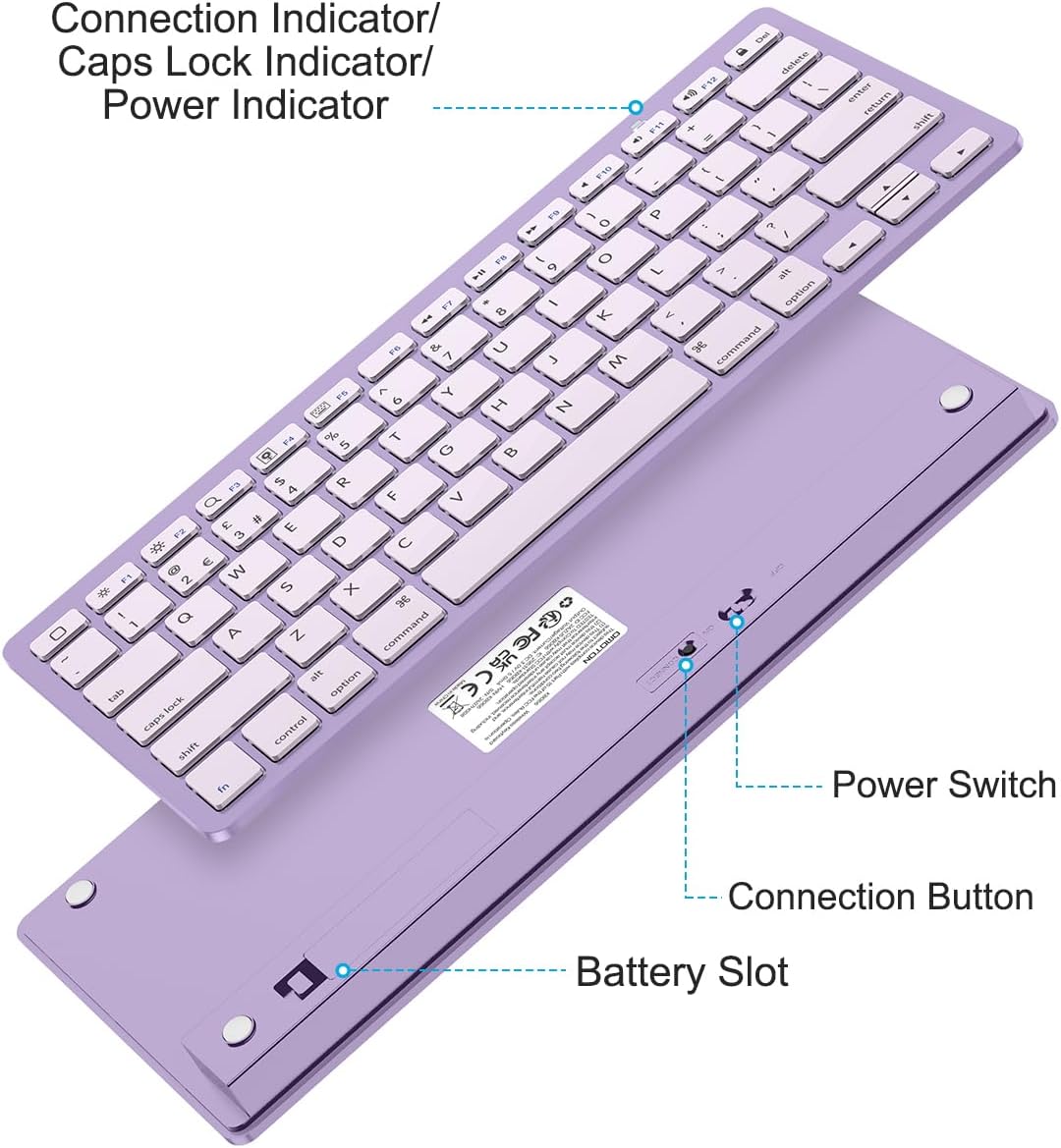
The biggest “feel” factor here is the layout and the shortcuts. It uses a UK QWERTY keyboard layout and includes hot keys customised for iPads, with controls for things like volume, music playback, and brightness. Those media keys can save you time when you’re switching tracks or adjusting brightness during a session.
It also uses a straightforward Bluetooth setup and is designed to work at typical short-range distances—up to 10 metres is listed. So whether your device is on a desk or on your lap, you should have some flexibility.
Battery life and power limits
Battery life is one of the more confidence-building points: it’s described as having an energy-saving design plus automatic sleep mode, with up to 6 months between battery changes. The keyboard runs on two AAA batteries, though it’s important to note that the batteries are not included.
That battery info is handy when you don’t want to think about power all the time. Still, real-world battery life can vary with how often you type and how frequently you wake the keyboard from sleep—so if you’re heavy on daily use, it’s worth treating “up to” as a best-case figure.
Compatibility: what it supports, and what to double-check
The compatibility list in the description is fairly broad, covering several iPad generations (including iPad Pro, iPad Air, iPad Mini) and iPhones (including Pro models and SE). It also states compatibility with other Bluetooth-enabled tablets and laptops, alongside the specific iPad models named.
However, since the info is given as a general “such as” list, it’s sensible to double-check that your exact device model is included in the stated examples before buying. If you own an iPad or iPhone variant not mentioned there, you may find it works as expected—or you may have to test or reconsider.
Where it makes sense (and where it doesn’t)
It makes sense if you’re after a compact, cable-free keyboard for iOS devices and you care about having quick controls (volume/music/brightness) without needing a full-size setup. It’s also positioned as “perfect size” for fingers while staying small enough for a suitcase or handbag.
It’s not necessarily the best choice if you expect it to behave like a high-end laptop keyboard. For example, if you want a more premium typing feel, extensive multi-device features, or a more sophisticated ecosystem, this kind of accessory can feel a bit more entry-to-mid level. You may also want to be cautious about buying if you dislike keyboards that rely on batteries rather than recharging.
Tech specs (quick summary)
- Type: Bluetooth wireless keyboard
- Layout: UK QWERTY
- Operating distance: up to 10 metres
- Power: 2 × AAA batteries (not included)
- Battery life: up to 6 months (with energy-saving design and automatic sleep mode)
- Colour: Purple
Final verdict
Is it worth it? If you want a no-cable keyboard for your iPad or iPhone, with UK QWERTY keys and handy iPad hot keys for media and brightness, the OMOTON is a solid practical pick. It’s especially appealing if you value portability and don’t want to keep swapping batteries too often.
However, it may not suit you if your main priority is a fully “laptop-like” typing experience or if your device model isn’t clearly covered in the compatibility examples. In that case, it’s better to confirm compatibility first rather than gamble.
If you’re the type of buyer who mainly needs reliable typing for emails, notes, and messages on the move, this is the sort of accessory that tends to earn its place pretty quickly.