

OMOTON Bluetooth Keyboard and Mouse Set for iPad and iPhone – Silver
Product description
What is it and who is it for
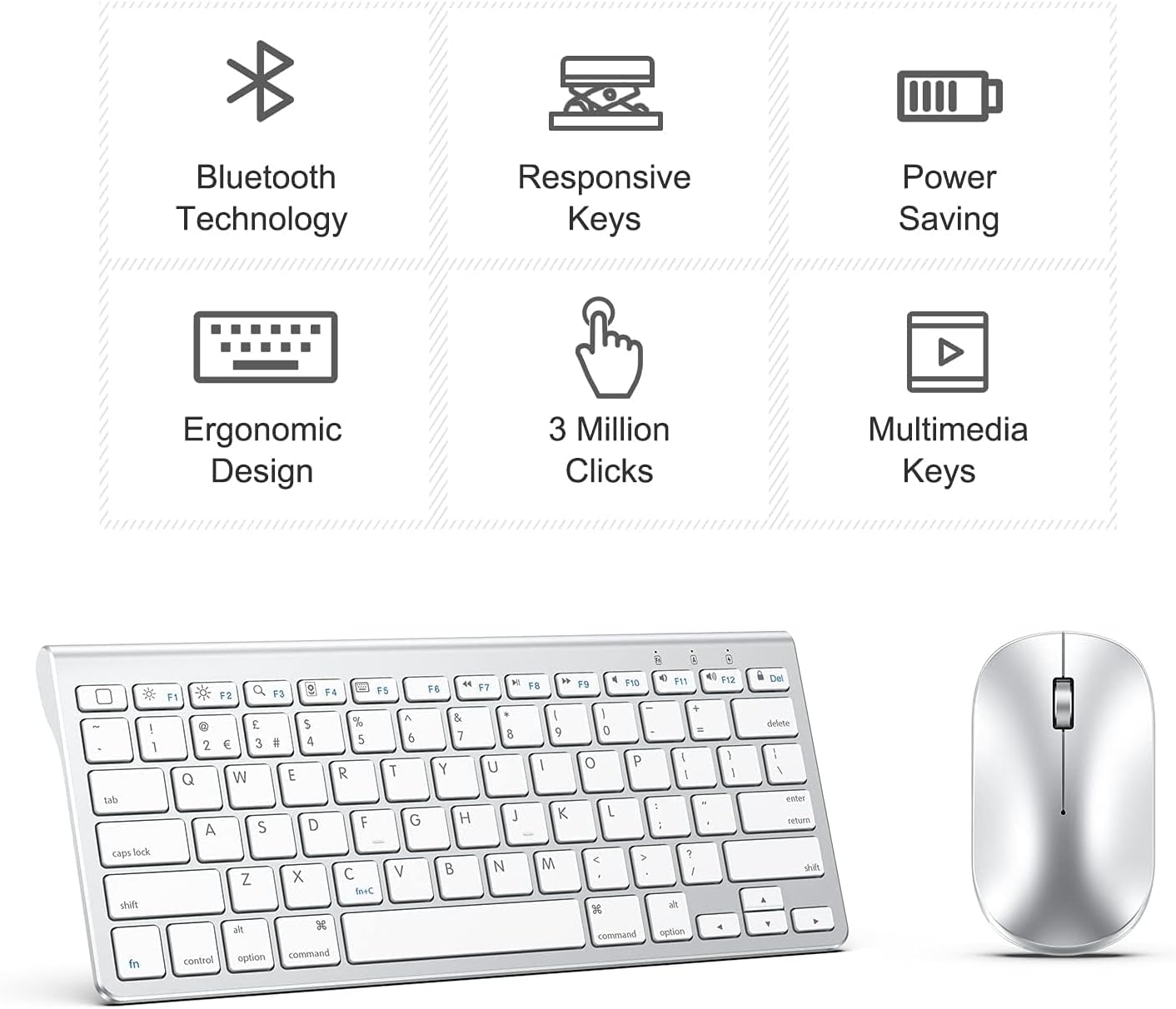
The OMOTON Bluetooth Keyboard and Mouse Set is a compact, wire-free input solution designed to work with most Bluetooth-enabled devices running iOS or iPadOS. It aims to turn an iPad into a more office- or travel-friendly device, offering silent typing and a compact footprint that caters to people who shift between home, travel and small workspaces. If you prioritise a tidy desk and the convenience of wireless peripherals, this combo can be a practical upgrade over on-device typing alone.
How it connects and what you can expect
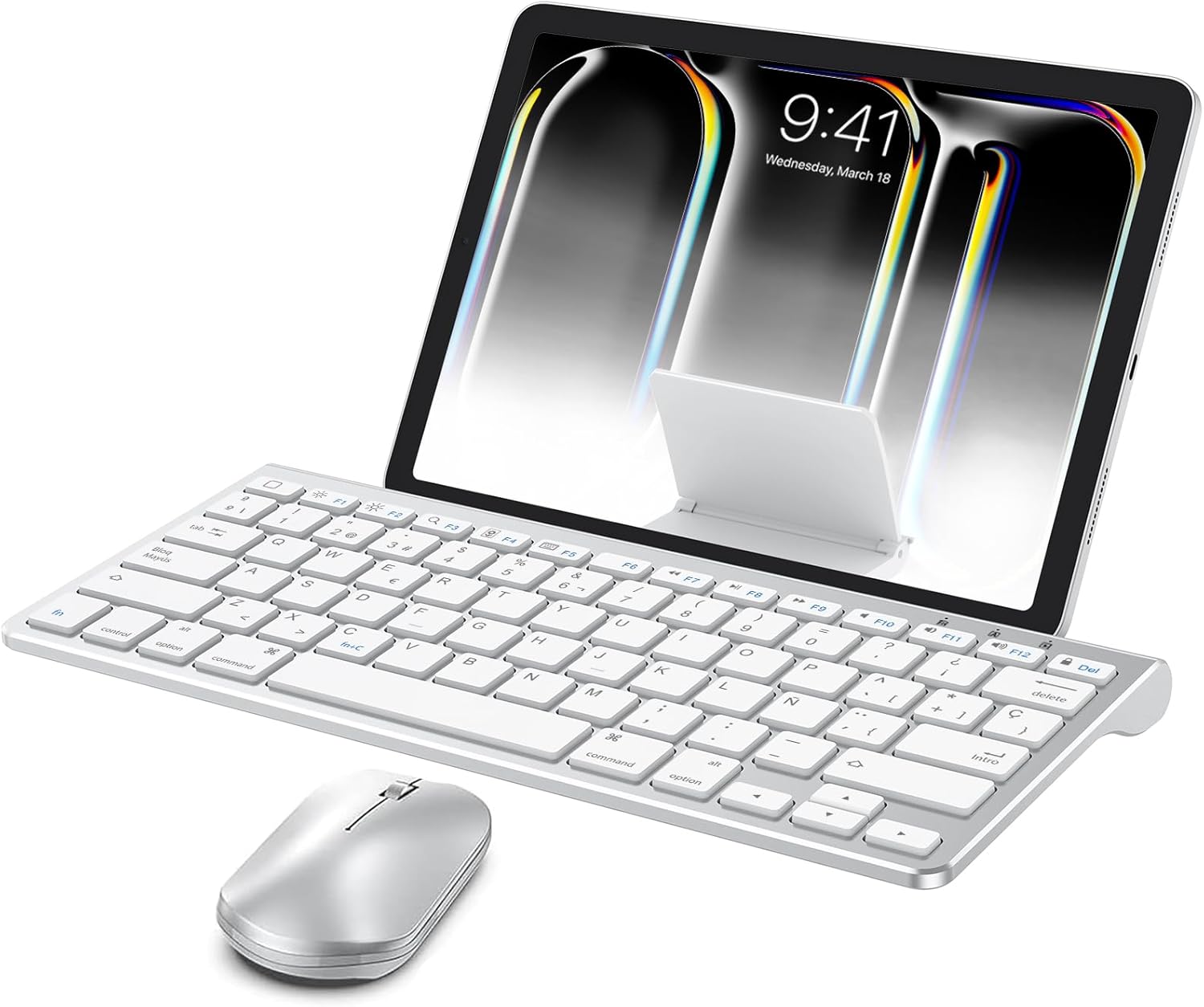
On paper, the kit connects to devices via Bluetooth with a comfortable working range of up to 10 metres. The keyboard runs on 2xAAA batteries and the mouse on 1xAA battery, with batteries not included in the box. In practice, this means you’ll want to factor in occasional battery swaps, which keeps the price down but adds a maintenance note to consider.
Stand and ergonomics in daily use
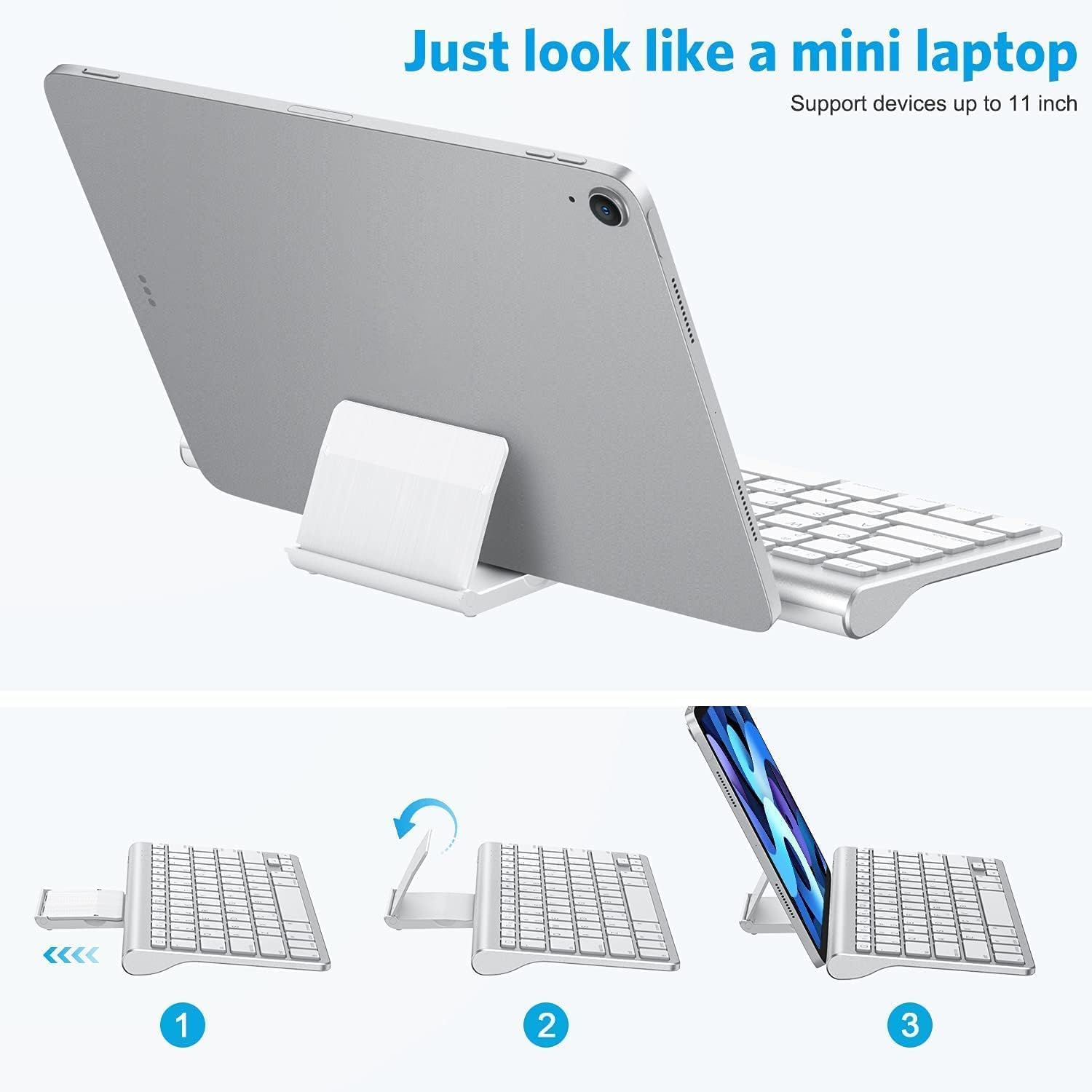
A notable feature is the built-in stand that slides out from the back of the keyboard, allowing you to position an iPad or iPhone between 4.0 and 10.5 inches. It’s a practical way to create a sub-laptop setup, particularly for visual tasks or typing sessions on the move. The stand cannot open to a 90-degree angle, which limits some angles but helps maintain a compact profile during transport.
Typing experience and control
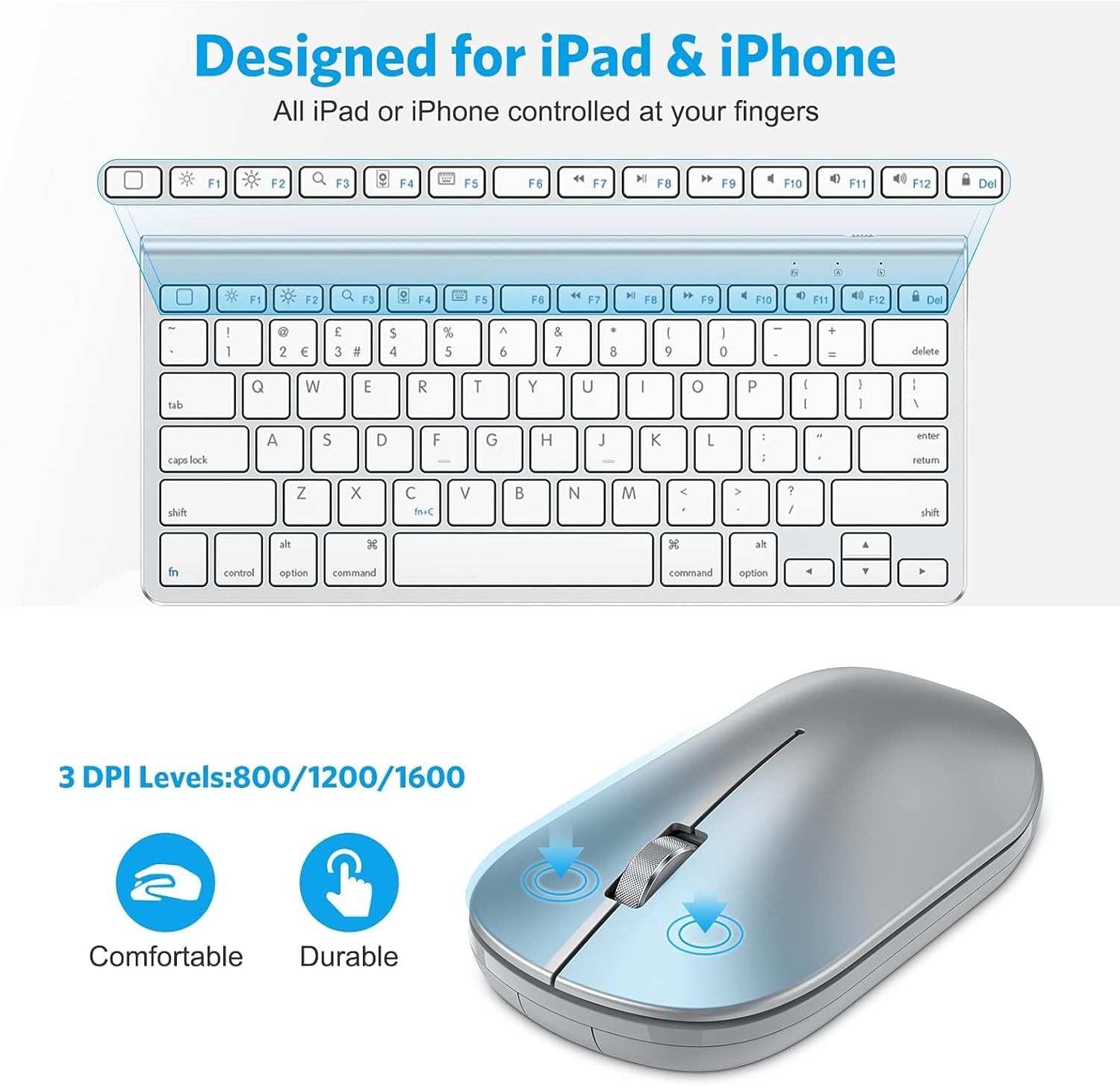
Key points to note are the scissor-switch keys that promise quiet, low-profile typing – a helpful attribute for shared spaces or late-night work. The keyboard offers silent input, which reduces distractions in home and office environments. The mouse provides three adjustable DPI settings (800/1200/1600), giving you flexibility to switch between precise cursor control and faster movements depending on the task.
Size, weight and everyday practicality
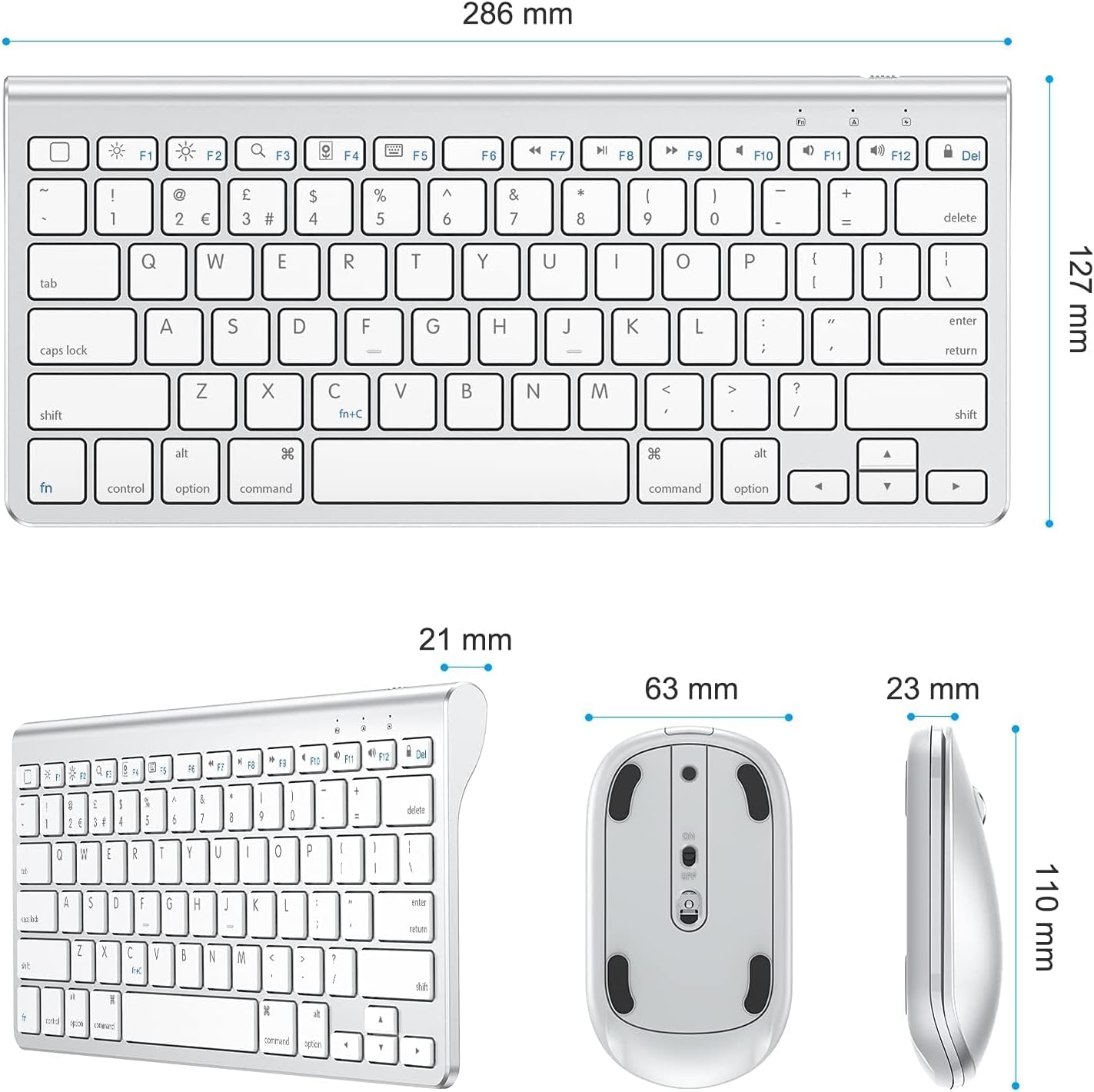
The pair is described as compact and easy to carry, designed to fit neatly into a bag. This is useful for business travellers who want a lightweight setup without the bulk of a full-size keyboard. Ergonomically, the set stays angled to facilitate more comfortable typing for longer sessions, though it’s worth noting that lightness and compactness may not suit everyone’s preferred ergonomic stance.
What’s good and what might hold it back
On the plus side, the absence of wires can simplify a cluttered workspace and the silent keyboard helps in quiet environments. The sliding stand adds a practical way to use an iPad as a mini-laptop, particularly for note-taking or emails on the go. The DPI options give a modest range of control for different tasks. On the downside, battery dependency means there’s ongoing cost and activity required to keep the setup functional. Battery type restrictions (2xAAA for keyboard, 1xAA for mouse) also tie you to standard batteries rather than rechargeable options.
Who is this best suited for
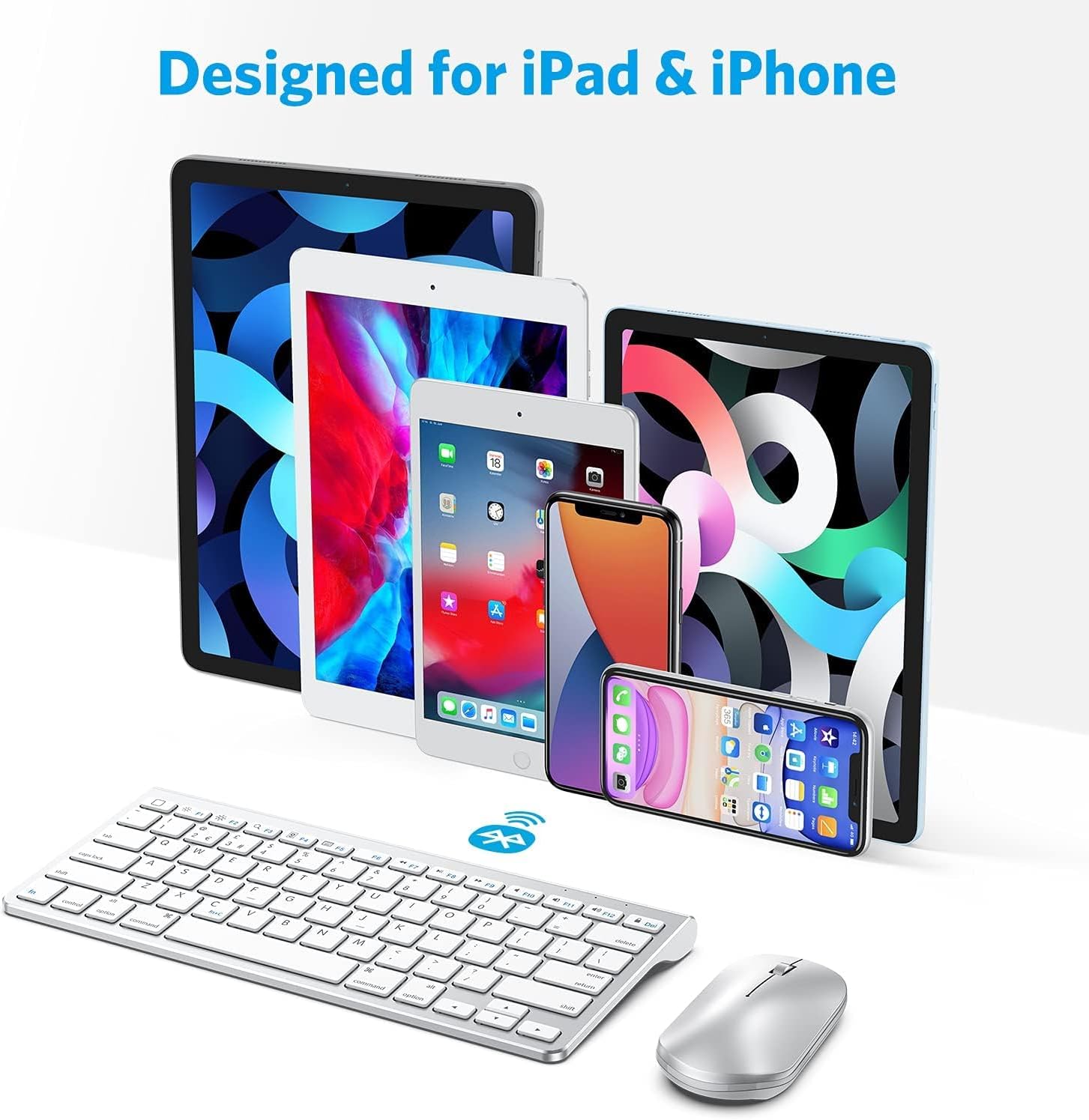
This set is a sensible choice for iPad and iPhone users who want a more traditional typing experience without compromising portability. It’s particularly relevant for travellers, students, or remote workers who want a simple, wireless pair to support productivity on flights, trains or in small workspaces. If you frequently require extended, premium typing comfort or plan heavy long-form writing, you might weigh up whether the compact form factor meets your ergonomic needs over a larger, more feature-rich setup.
When to buy and when to skip
It makes sense to consider this kit if you value a cable-free desk, need basic but reliable typing for iOS devices, and are comfortable with occasional battery swaps. It may not be ideal if your priorities include rechargeable power, a larger keyboard footprint, or advanced multi-device switching that isn’t documented in the available data.
What to check before purchasing
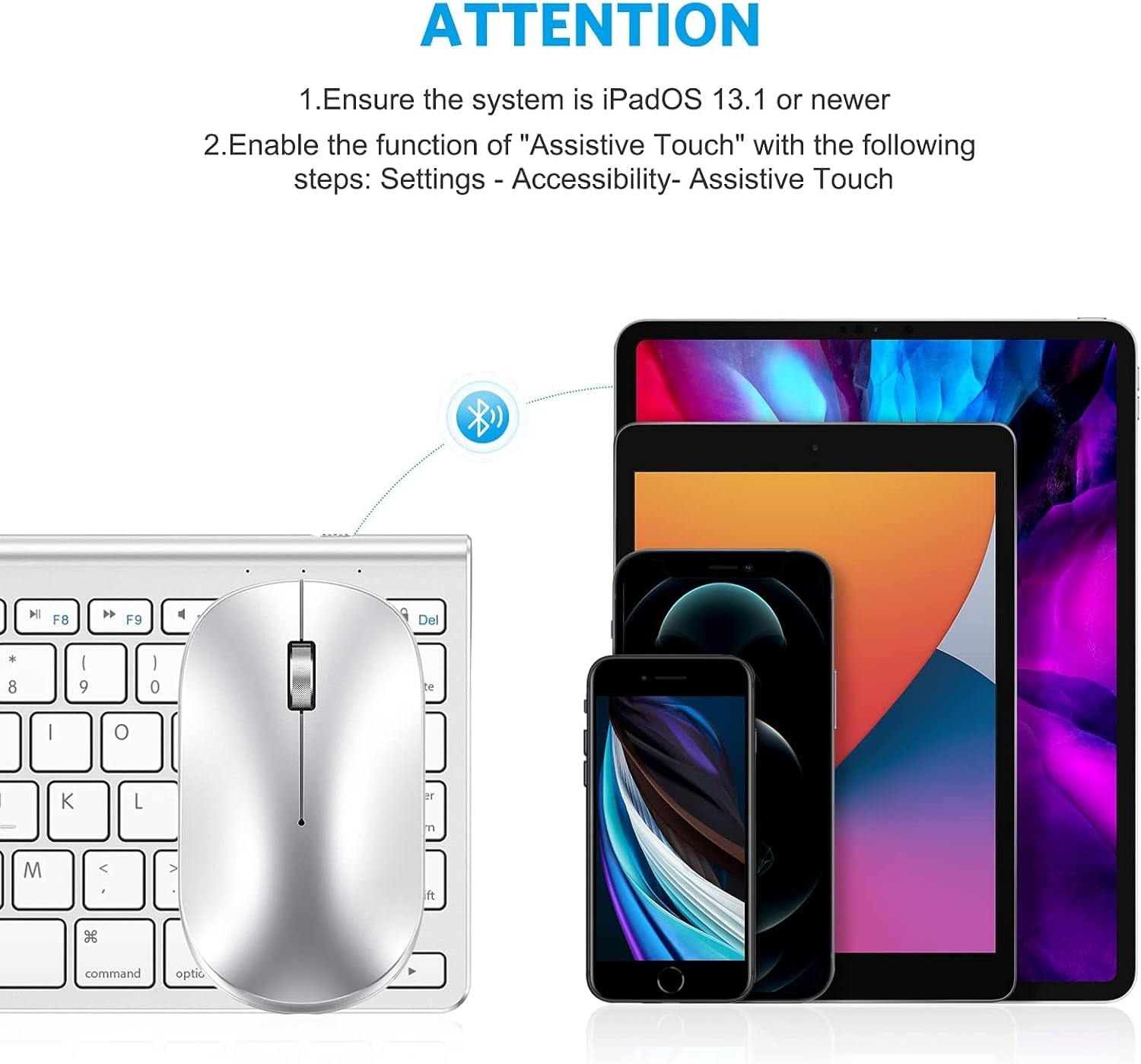
- Ensure your device supports iPadOS 13 or iOS 13 or higher and is compatible with Bluetooth keyboards and mice.
- Be prepared for the need to supply batteries, as they are not included.
- Consider whether a compact, slightly angled keyboard fits your typical typing posture and desk space.
Practical usage example
Imagine drafting a short report on an iPad Pro while commuting. You unfold the stand, pair the keyboard and mouse, and type with the quiet precision of the scissor switches. The mouse DPI can be adjusted for precise document editing or quick navigation across slides during a presentation. The lack of cables keeps your bag lighter and your workspace tidy, which is particularly welcome on a crowded train.
FAQ
- Is the stand adjustable to a perfect typing angle? It offers a slight angle and a range from 4.0 to 10.5 inches for the attached device, but cannot open to 90 degrees.
- Do batteries come with the set? No, the package does not include batteries.
- Will this work with Android or Windows devices? The description focuses on iOS/iPadOS compatibility, for non‑iOS devices, compatibility is not specified.
Is it worth it?
Worth considering if you want a lightweight, wireless setup for iPad/iPhone with silent typing and a built-in stand, and you’re comfortable managing standard batteries. If you prioritise rechargeable power, larger keyboards, or more extensive multi-device features, this may not be the best fit.