

NOVOO 5-in-1 USB C Hub with 4K HDMI and SD card reader 💻

Reviews
Product description
Go to offerDescription:
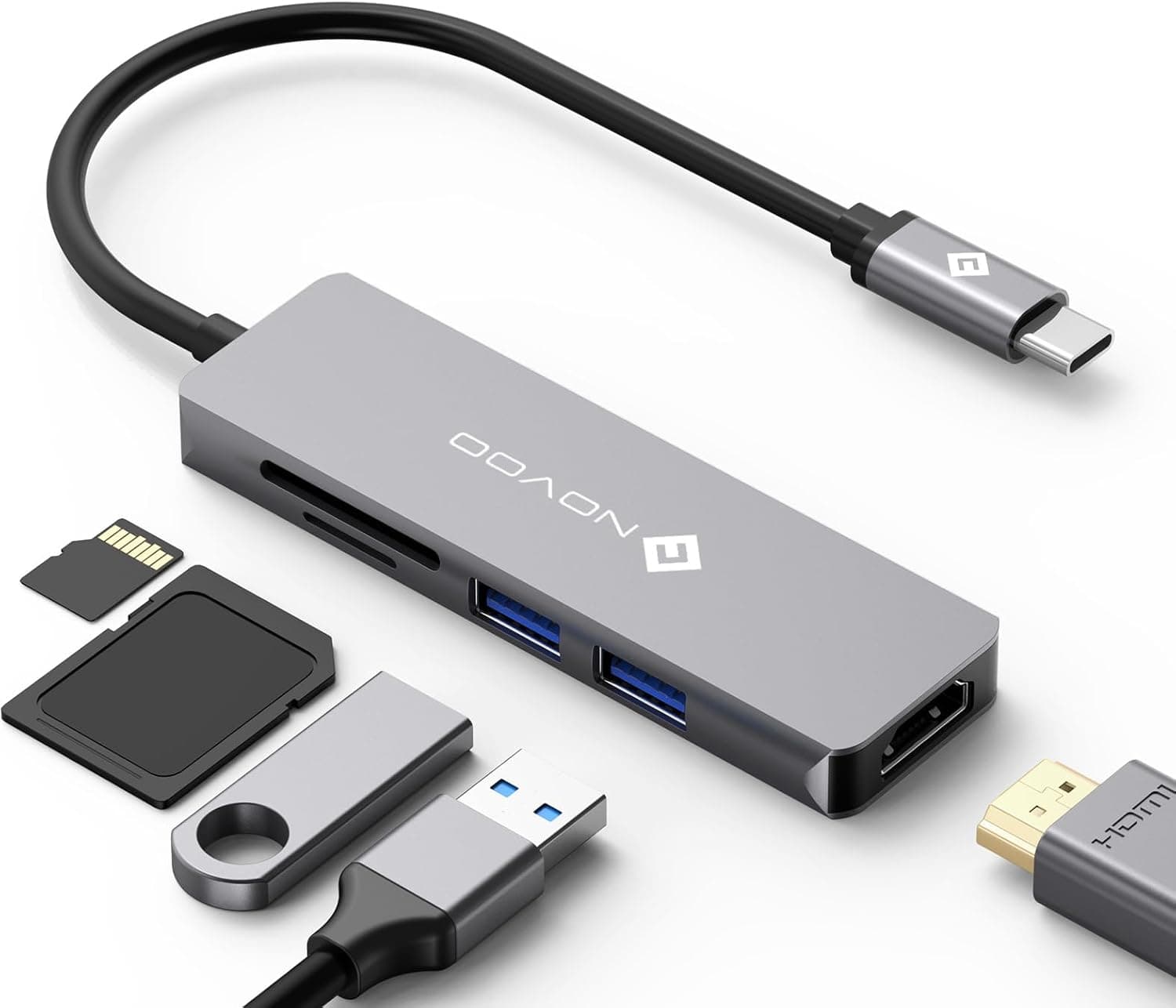
This compact USB-C hub expands a laptop’s connectivity with ports for video, storage and peripherals, making it useful for daily work or travel. It supports powering a compatible notebook while driving an external display and transferring data at USB 3.0 speeds, offering a neat way to add ports to a MacBook Pro, iPad Pro or Windows ultrabook.
Key Points
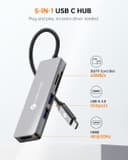
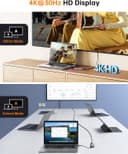
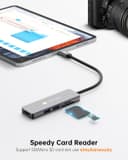
The hub includes an HDMI output that handles 4K video for connecting to TVs and monitors, and it keeps two USB-A 3.0 ports available for keyboards, mice or flash drives. It also offers dual card slots for SD and microSD/TF cards, handy for photographers and content creators who need quick access to memory cards. 🔌
Charging is supported through the USB-C PD input with up to 60W according to the manufacturer, so you can charge a laptop while using the hub to connect other devices. The unit has built-in protections for over-current, short-circuit and overheating, although the hub may become warm during heavy use and can stop working temporarily if the internal thermal protection activates. ⚠️
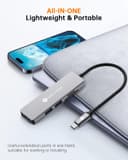
The design is portable and unobtrusive, which suits hybrid working and presentations on the go. It is compatible with a wide range of USB-C devices and has certifications such as FCC, CE and RoHS noted by the manufacturer.
Technical Specifications
- Name: NOVOO USB Hub 5-in-1 Type C
- HDMI: 4K output, 60 Hz according to the manufacturer
- Power Delivery input: 60W (20V @ 3A) maximum, compatible with higher wattage adapters
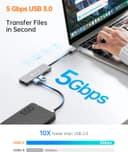
- USB-A ports: 2 × USB 3.0, up to 5 Gbps data transfer
- Card reader: SD and microSD/TF slots
Usage Recommendations
For video presentations or extending a desktop, connect the HDMI port to an external monitor and set the display mode from your operating system. When transferring large files from cameras, use the SD/microSD slots for faster workflow and plug USB storage into the USB-A ports for simultaneous access. 📺
If you plan to run multiple high-demand peripherals and charge a laptop at the same time, allow some ventilation around the hub since it can heat up with sustained heavy load. Also verify that your laptop’s USB-C port supports data and power delivery if you expect simultaneous charging and video output.
