

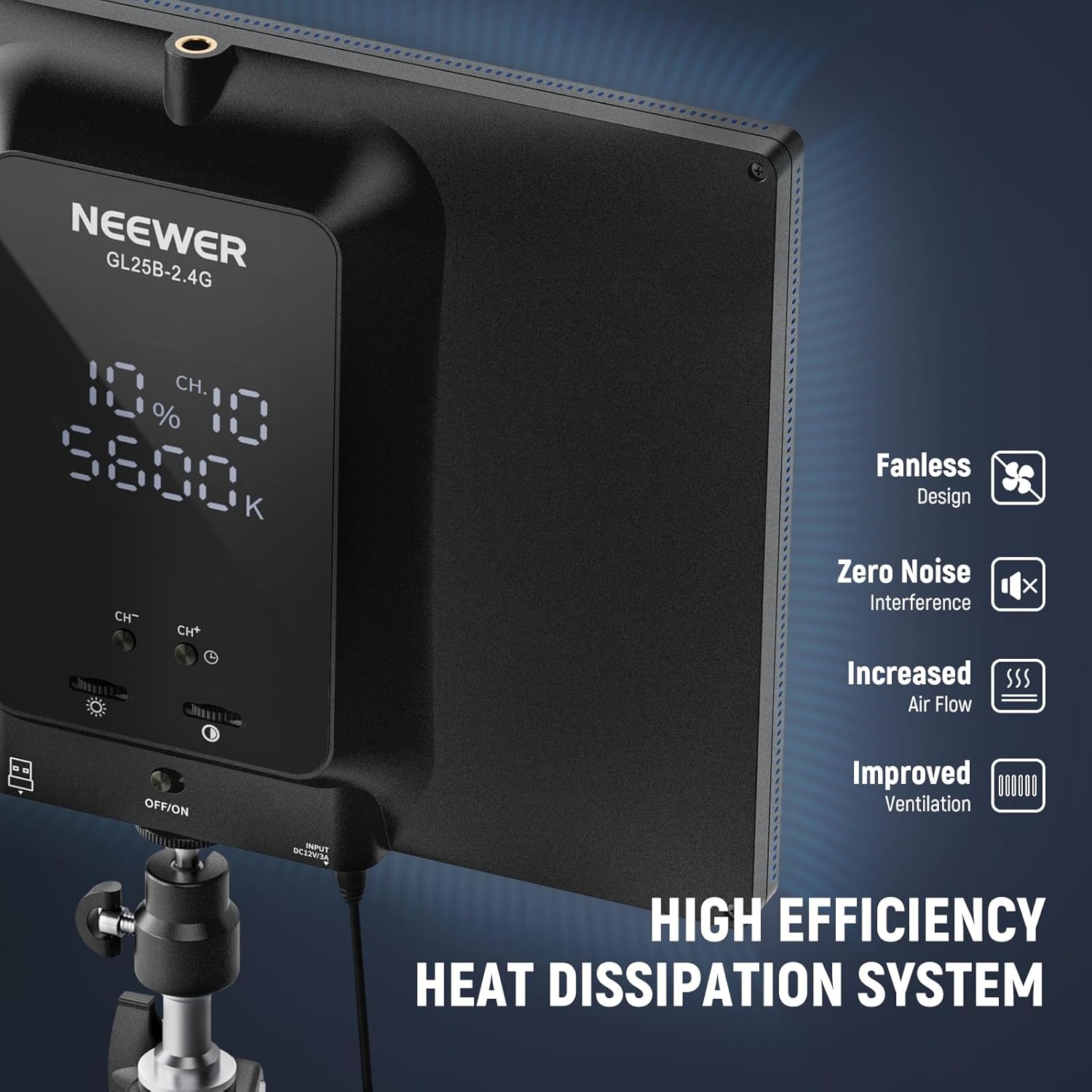
NEEWER GL25B 25W 12.9in Streaming Key Light with Desk Stand, 2.4G Remote & USB Transmitter (Neewer Control Center)
Product description
The essentials
If you’re setting up a webcam, laptop streaming space, or a home recording corner, lighting is usually the difference between “okay” and “watchable”. The NEEWER GL25B is a 12.9in full-screen edge-lit video panel designed to act as a key light or fill light, with a wide colour temperature range and smooth dimming.
On paper it’s built around three practical ideas: diffused light (so it doesn’t look harsh), controllability (on-panel controls plus a 2.4G remote, plus computer app control), and calmer operation (a fanless design aimed at zero noise). That combination makes it an appealing pick if you want something straightforward for Zoom, TikTok/YouTube recording, gaming streams, or general desk selfies.
Key features that matter in real use
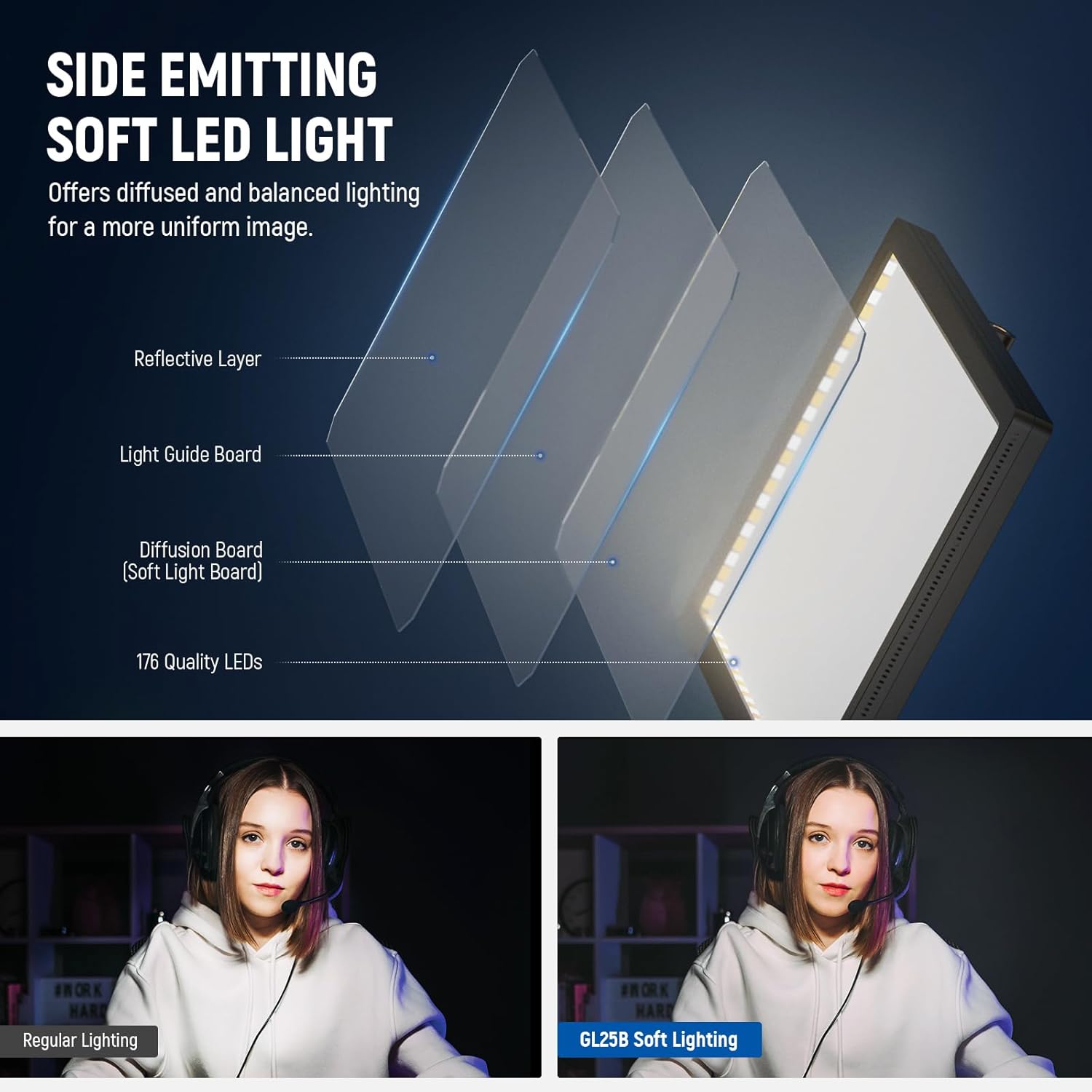
The GL25B uses 176 LEDs behind a white diffuser panel, and it’s enclosed in a diffuser cover with an edge-lit glow. The point of that setup is to spread light more gently across the frame, reducing the typical “hot spot” look and helping avoid glare from a more direct beam.
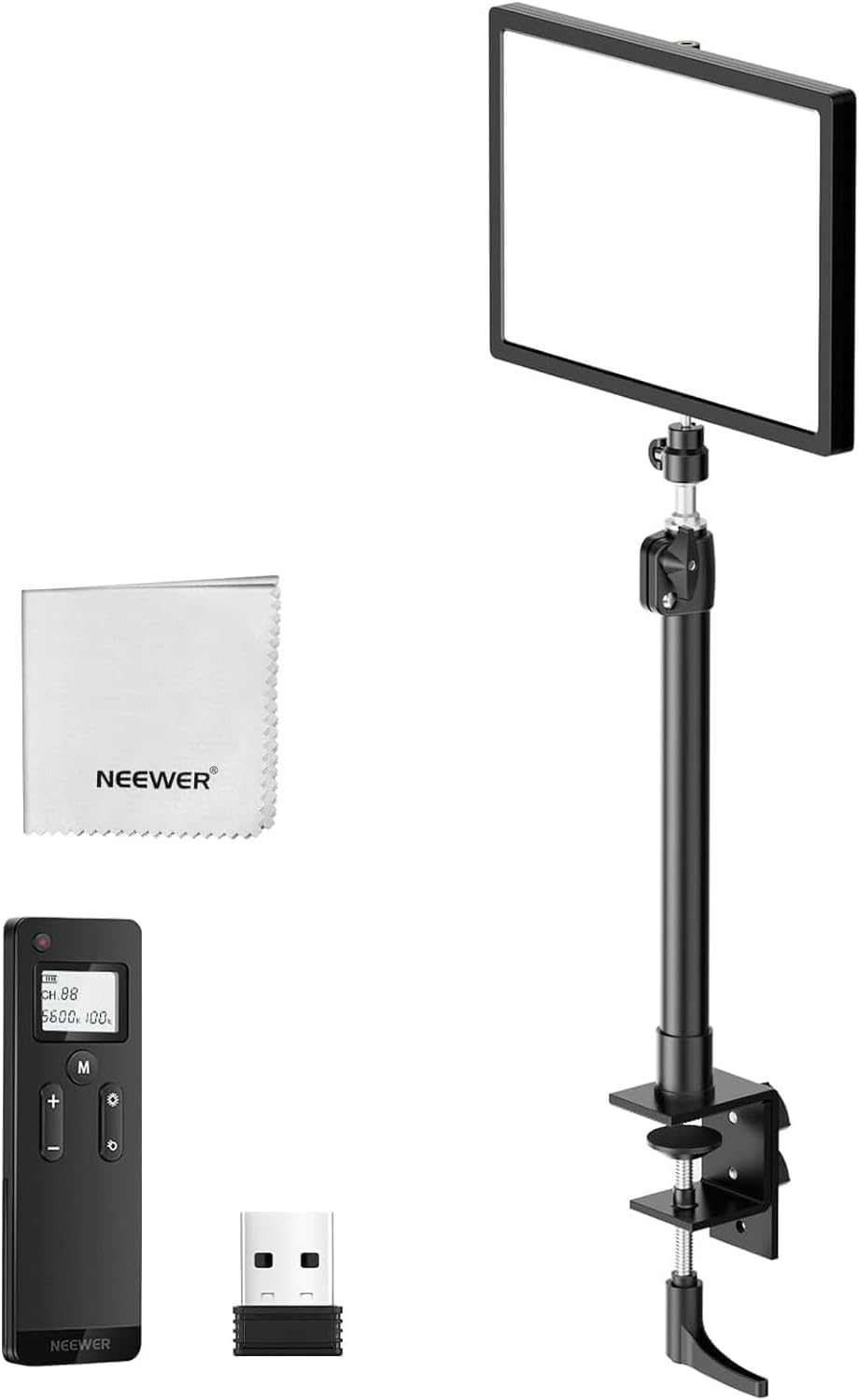
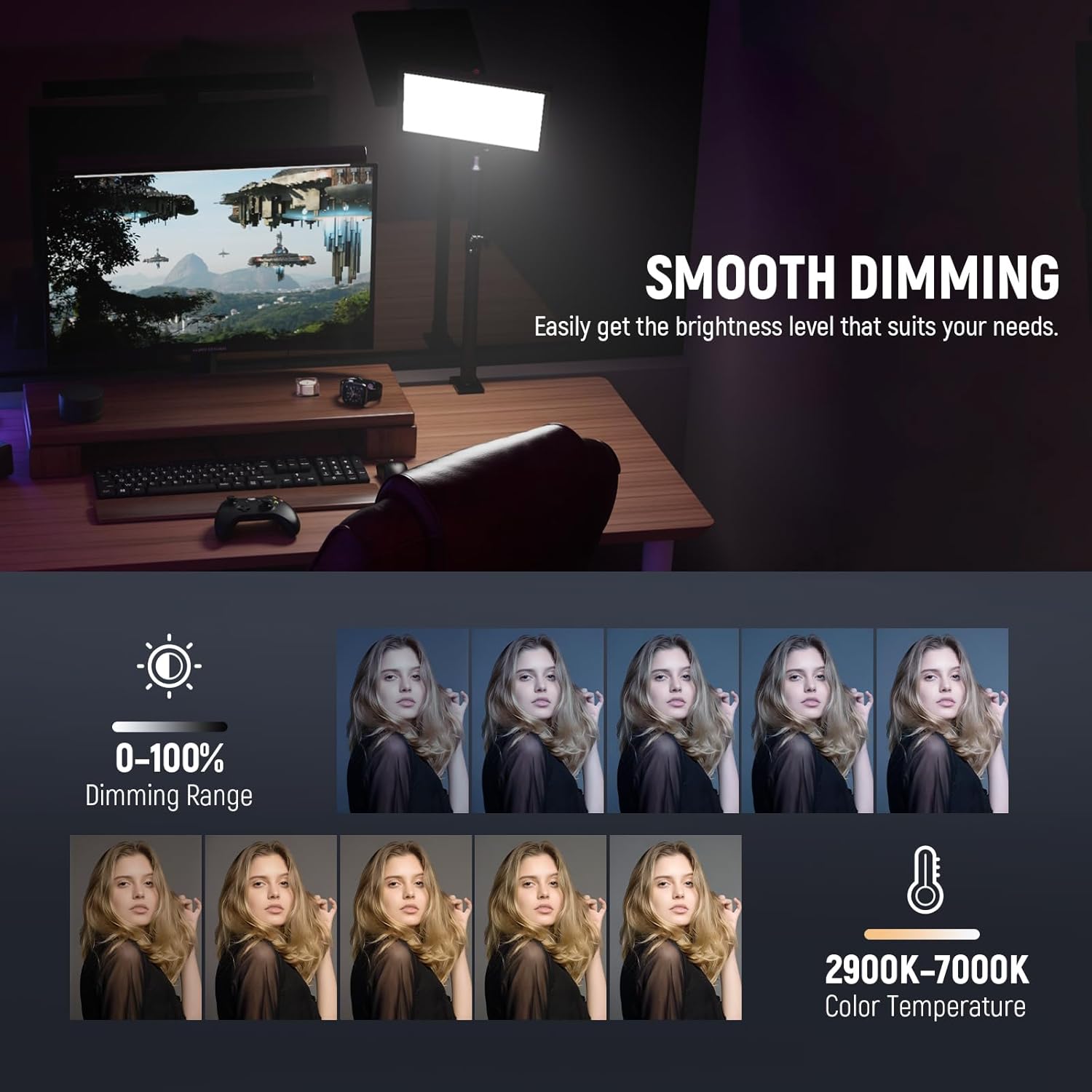
You also get stepless brightness adjustment, which is handy when you’re moving between sessions with different room light, or when you want a softer, more flattering look for a video call. The colour temperature range runs from 2900K to 7000K, so you’re not locked into a single white balance.
There’s also a claimed CRI of 98+, which is relevant if you care about skin tones and more accurate colour rendering on camera. It’s not magic—your camera settings and environment still matter—but a high CRI spec can help when you’re trying to make the lighting behave consistently.
Control options: panel, remote, or PC/Mac app
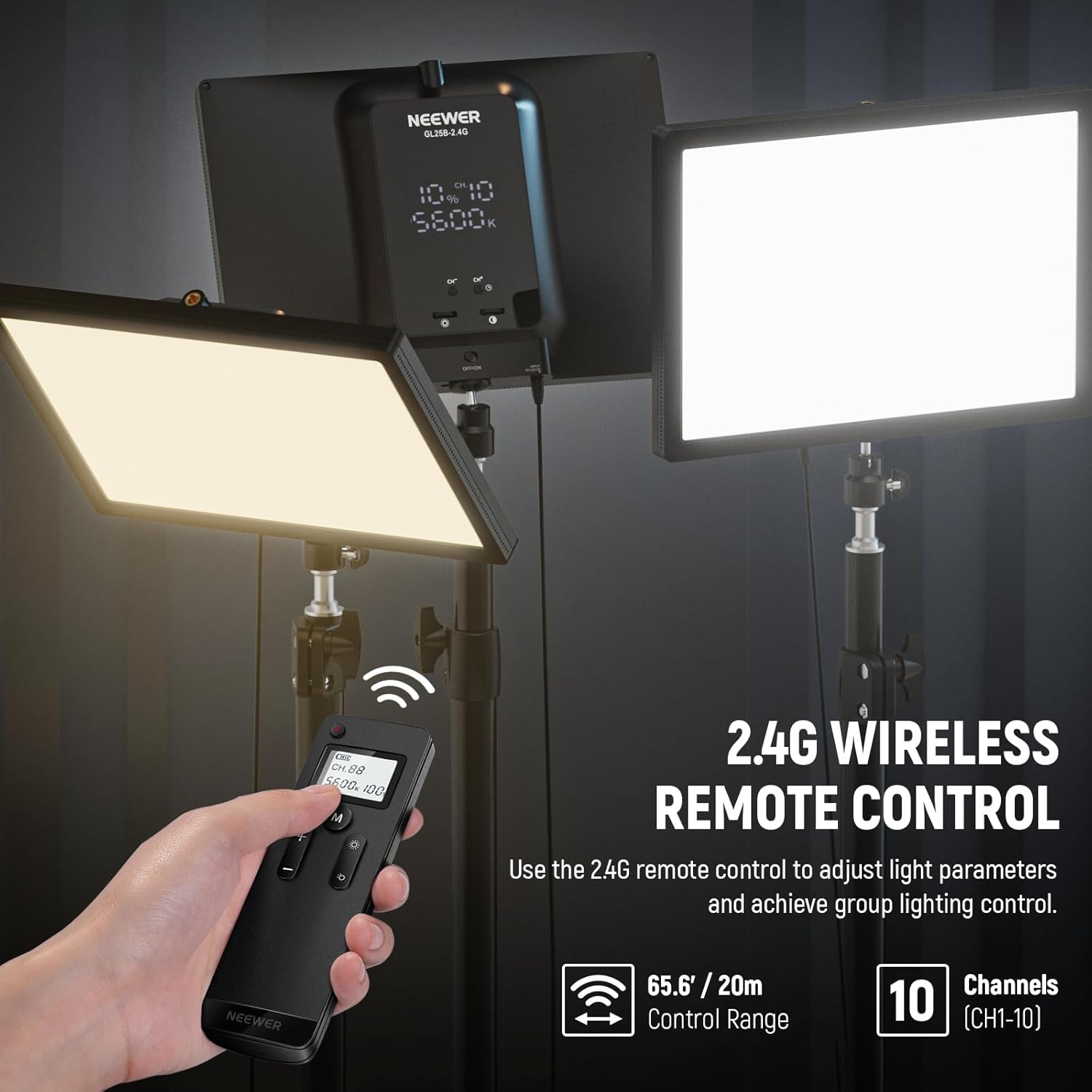
Control is one of the more flexible sides of this light. You can operate it directly on the panel, and there’s an included RT100 remote for wireless control.
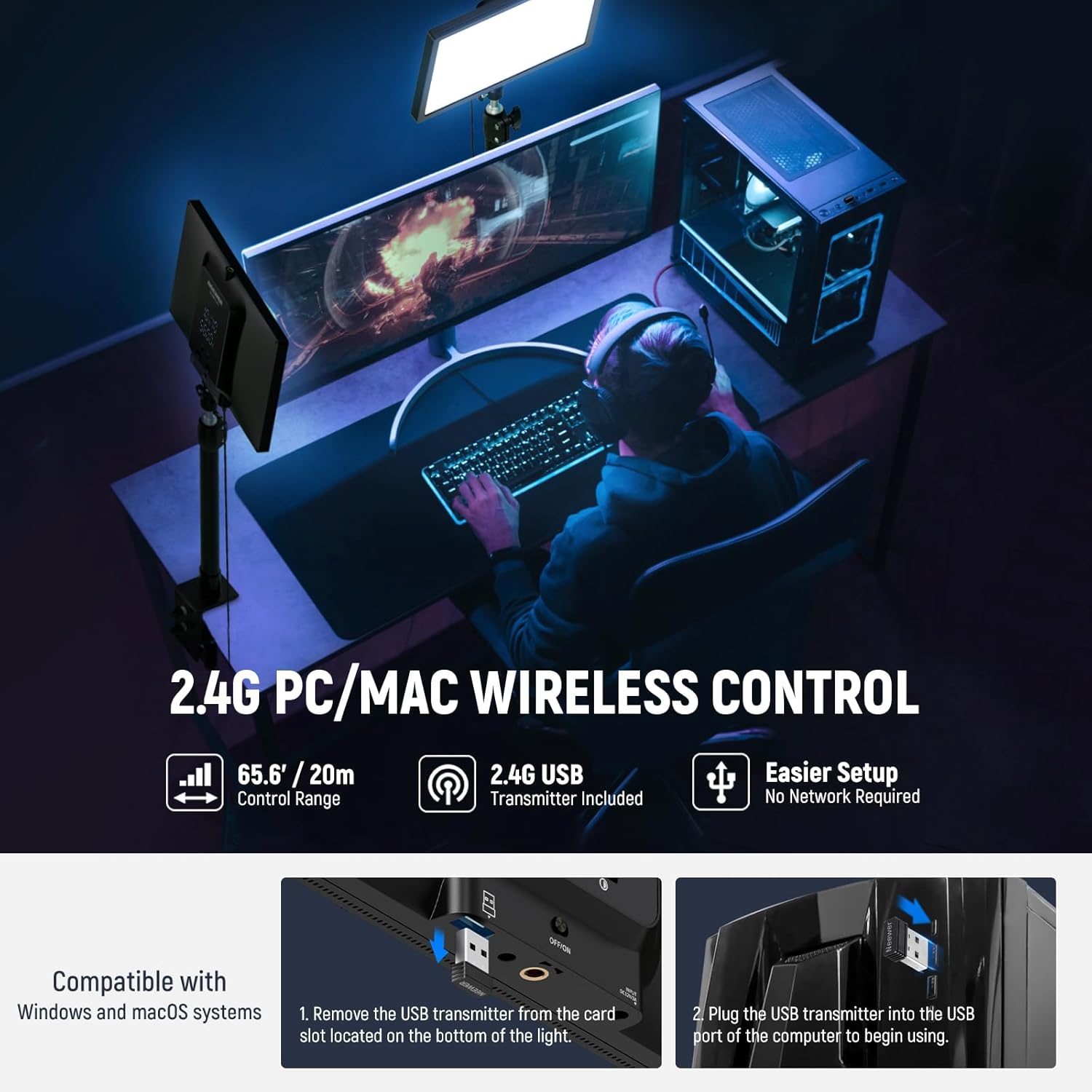
If you prefer doing everything from a computer setup, the design includes a built-in 2.4G USB transmitter. The approach is simple: remove the USB transmitter from the light and plug it into a Windows or macOS computer, then use the “Neewer Control Center” app to manage your lighting setup without needing internet.
A quick note: this is great if you already work from a PC/Mac during filming. If you’re mostly using the light standalone for occasional calls, you may not need the transmitter route as often.
What stands out (and what to keep in mind)
Where it earns its keep is the “desk-friendly” idea—diffused full-screen panel lighting aimed at webcam and laptop use, plus a fanless cooling system. A fanless design can be a big deal for audio-sensitive recording, especially if your microphone picks up little noises.
The light is rated at 25W with a peak illuminance of 2300lux at 0.5m, which suggests it can provide strong fill/key illumination at typical desk distances.
Still, it’s worth being honest about expectations: a panel light won’t replace bigger studio lighting if you’re aiming for a very wide, cinematic look across a large room. In other words, it’s more “practical desk production” than “full set lighting”.
Setup and positioning tips for webcam results
The GL25B clamps to the edge of your desk, and it includes an extendable stand with a ball head adapter for height and angle adjustments. That makes it easier to place the panel at eye-level or slightly above, which is usually where webcam lighting starts to look more natural.
For a simple example: try positioning the panel so the light is roughly facing you at a slight downward angle. Then dim it until your face looks evenly lit without blowing out highlights, and use the colour temperature to match your scene (warmer for a cosy tone, cooler for a crisper look).
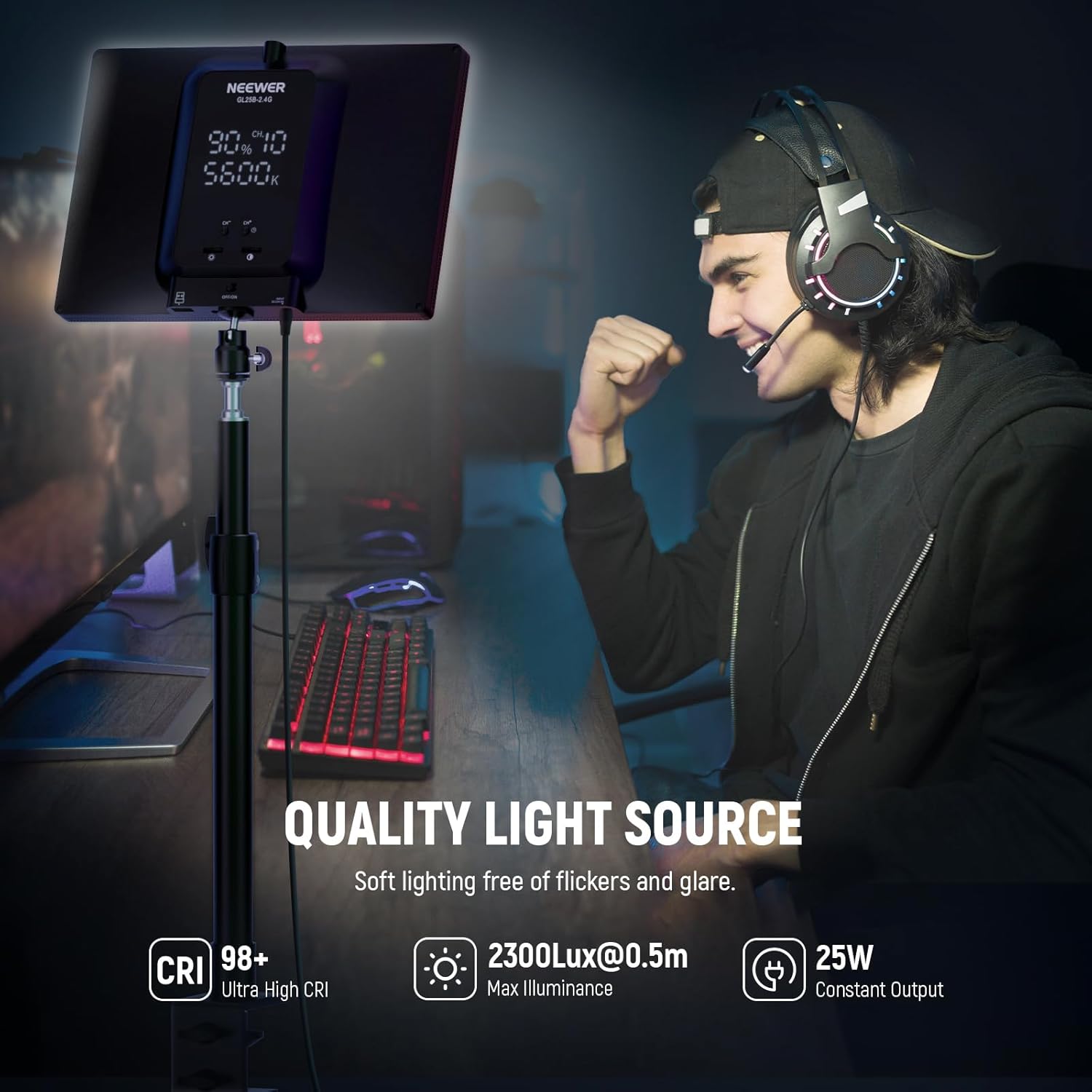
Because it’s an edge-lit diffuser, you’ll generally get fewer sharp shadows than with a more direct light source—so it’s a good match for beginners who don’t want to overthink beam placement.
Who it suits best (and who should skip it)
It makes sense if you want one light to cover several common tasks: Zoom calls, gaming live streaming, and content recording where you want consistent, soft illumination.
It may not be the best choice if your setup is very sporadic and you’d rather avoid app control and extra setup steps—you can still use it directly and with the remote, but the computer transmitter route is clearly aimed at users who like managing settings in software.
Also, if you’re lighting a large area or a full-body scene with lots of depth, a desk key light can feel limiting. You may need additional light sources or a wider arrangement.
Tech specs
- Type: Video panel light (streaming key/fill light)
- Power: 25W
- Panel size: 12.9in full screen
- LED count: 176 LEDs
- Illuminance: 2300lux/0.5m (peak)
- Colour temperature range: 2900K–7000K
- CRI: 98+
- Dimming: stepless brightness adjustment
- Cooling: fanless (silent) cooling system
- Control: on-panel control, 2.4G remote (RT100), and PC/Mac control via “Neewer Control Center” app using the included USB transmitter
Final verdict
The NEEWER GL25B is a sensible desk-focused key light if you value diffused, edge-lit illumination, silent operation, and flexible control. It’s not trying to be a studio powerhouse, it’s aiming to make webcam and desk recording lighting feel stable and easy.
You’ll probably feel it’s worth buying if you stream or record regularly and want a light that can be set up quickly, tuned for warmer or cooler tones, and adjusted smoothly for different sessions. You may want to look elsewhere if you need broad room coverage or if you’re after something specifically for high-end cinematic lighting rather than practical desk output.
Mini FAQ
Does it need internet for app control?
No. The transmitter route is described as working without a need for internet.
Can I control it without a computer?
Yes. You can control the light directly on the panel, and you can also use the included 2.4G remote.
Is the light suitable for webcam and video calls?
It’s positioned for key or fill lighting in scenarios like webcam use and video conferences, with an emphasis on soft, diffused illumination.
Will it be quiet to record with?
It uses a fanless cooling system, so it’s designed to avoid cooling fan noise.
What’s the main idea behind the edge-lit design?
The edge-lit diffuser approach is aimed at producing a soft, bright, continuous look with fewer harsh shadows or glare.