

memzuoix LED Wireless Mouse (Rechargeable 2.4G, 1400 DPI) – Pink
Product description
The essentials
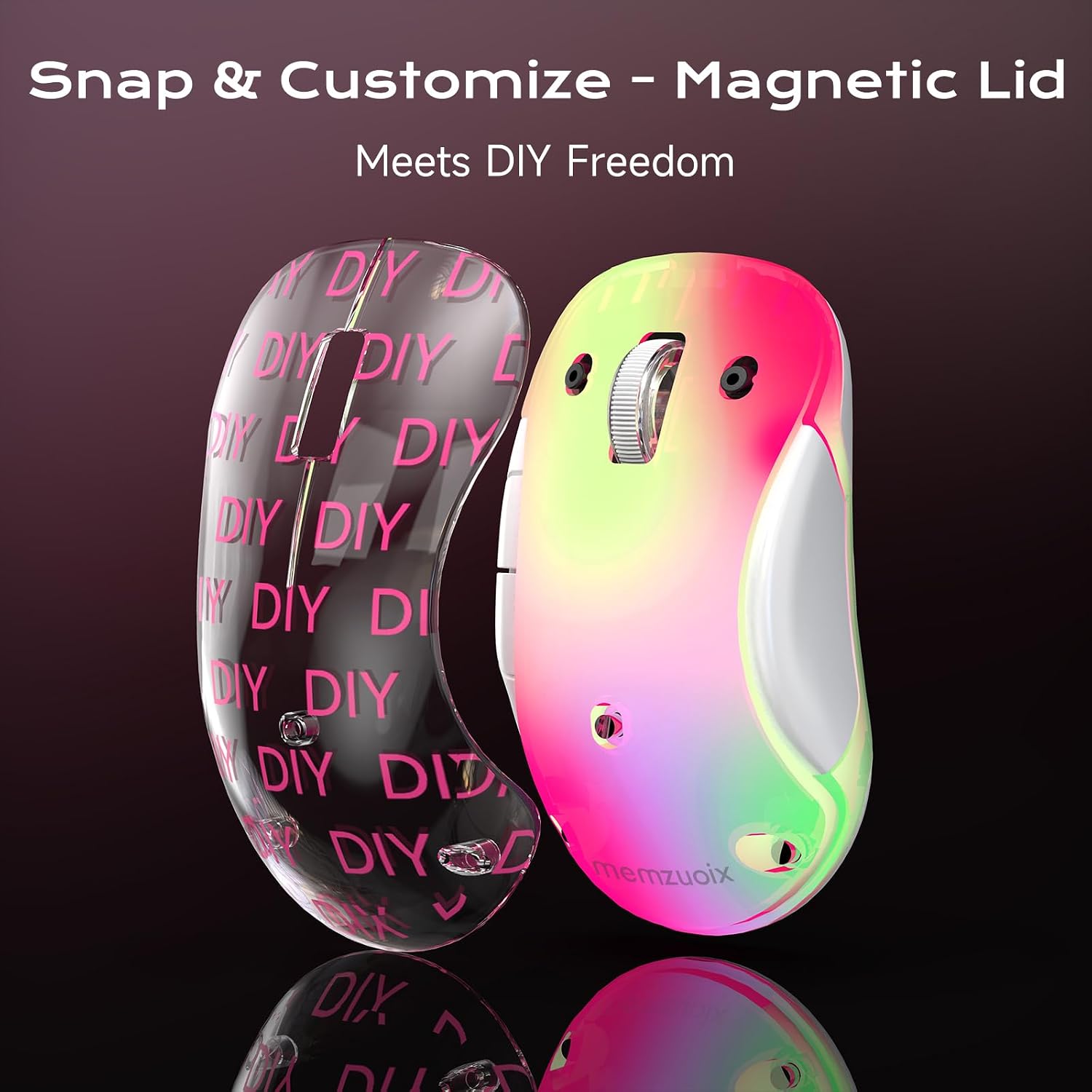
If you like a tidy desk but still want your gadgets to look a bit more fun, this memzuoix LED Wireless Mouse leans into that. It’s a rechargeable 2.4G wireless mouse with a transparent magnetic-style cover and soft RGB lighting that gives a “glow” effect without shouting too loudly. On paper, it’s aimed at everyday laptop and home-office use where you want simple plug-and-play setup, not a complicated tech project.
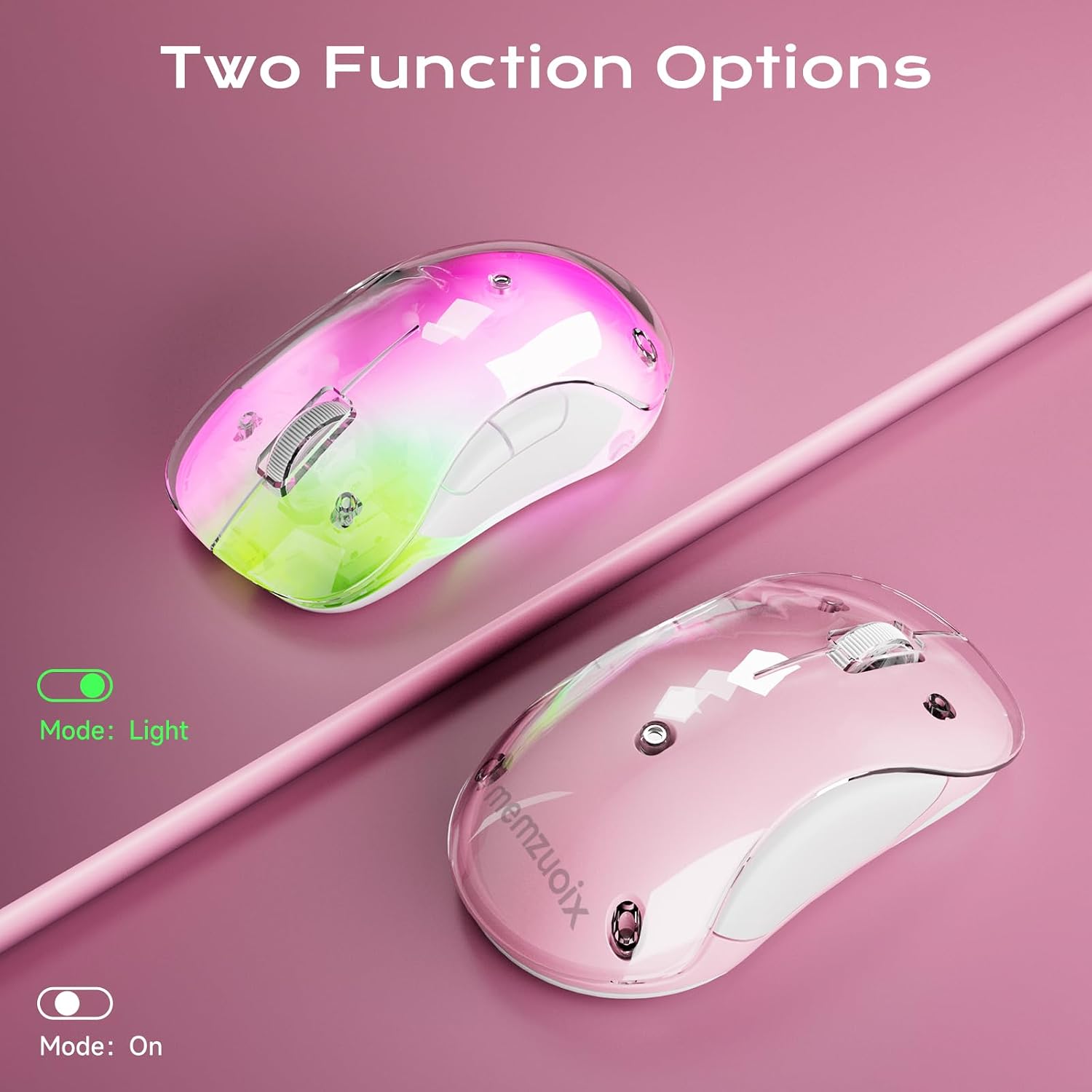
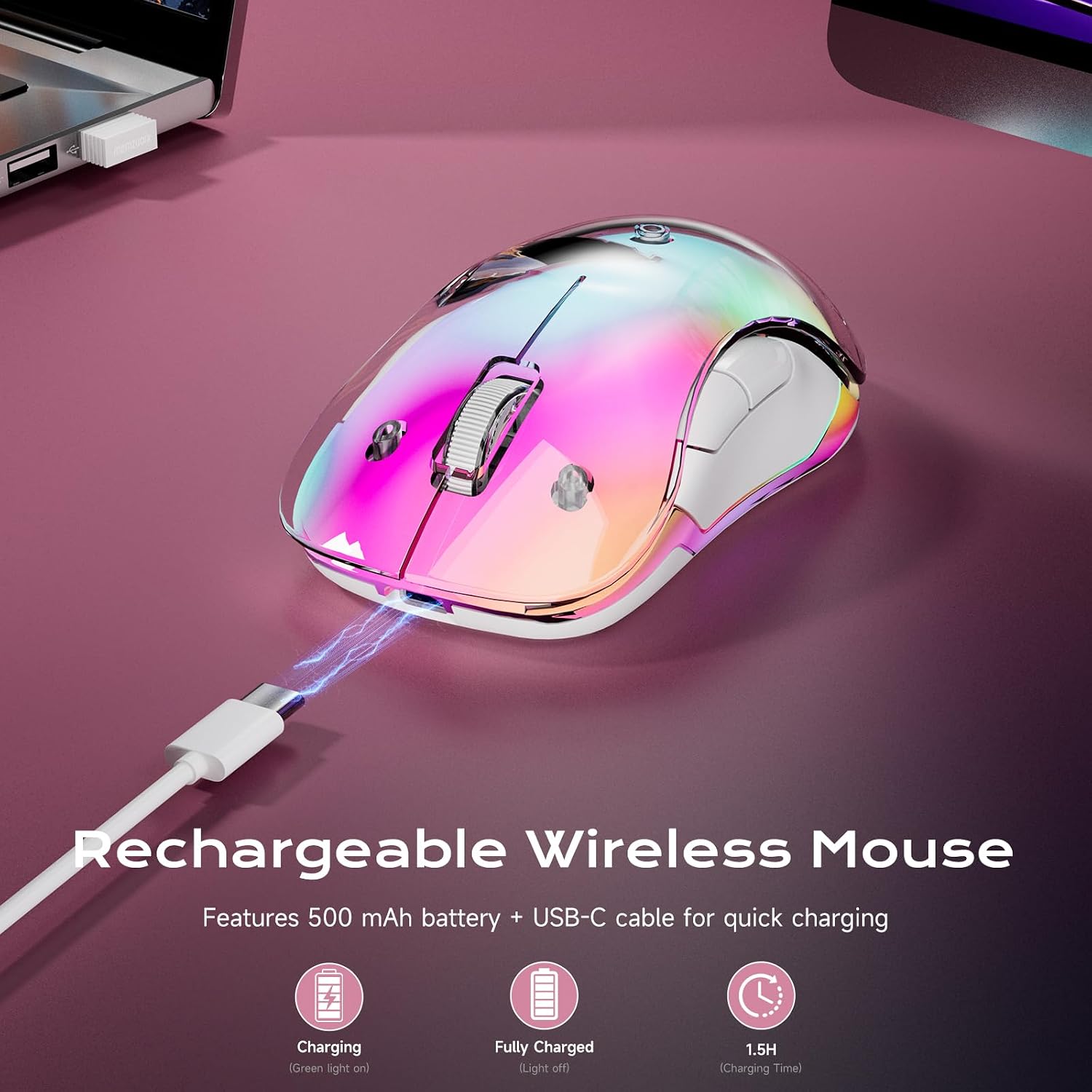
The core selling points here are pretty straightforward: 2.4 GHz connectivity via a USB receiver, an optical sensor rated at 1400 DPI, and a built-in 500 mAh rechargeable battery. The lighting is optional in practice too—battery life is stated as up to 17 hours with the LEDs on, or up to 90 hours when the LEDs are off, which matters if you’re sensitive to charging schedules or just want it to last.
Still, it’s not perfect for everyone. There are some trade-offs baked into the design choices, especially around the lighting and the way it behaves with system support.
Key points
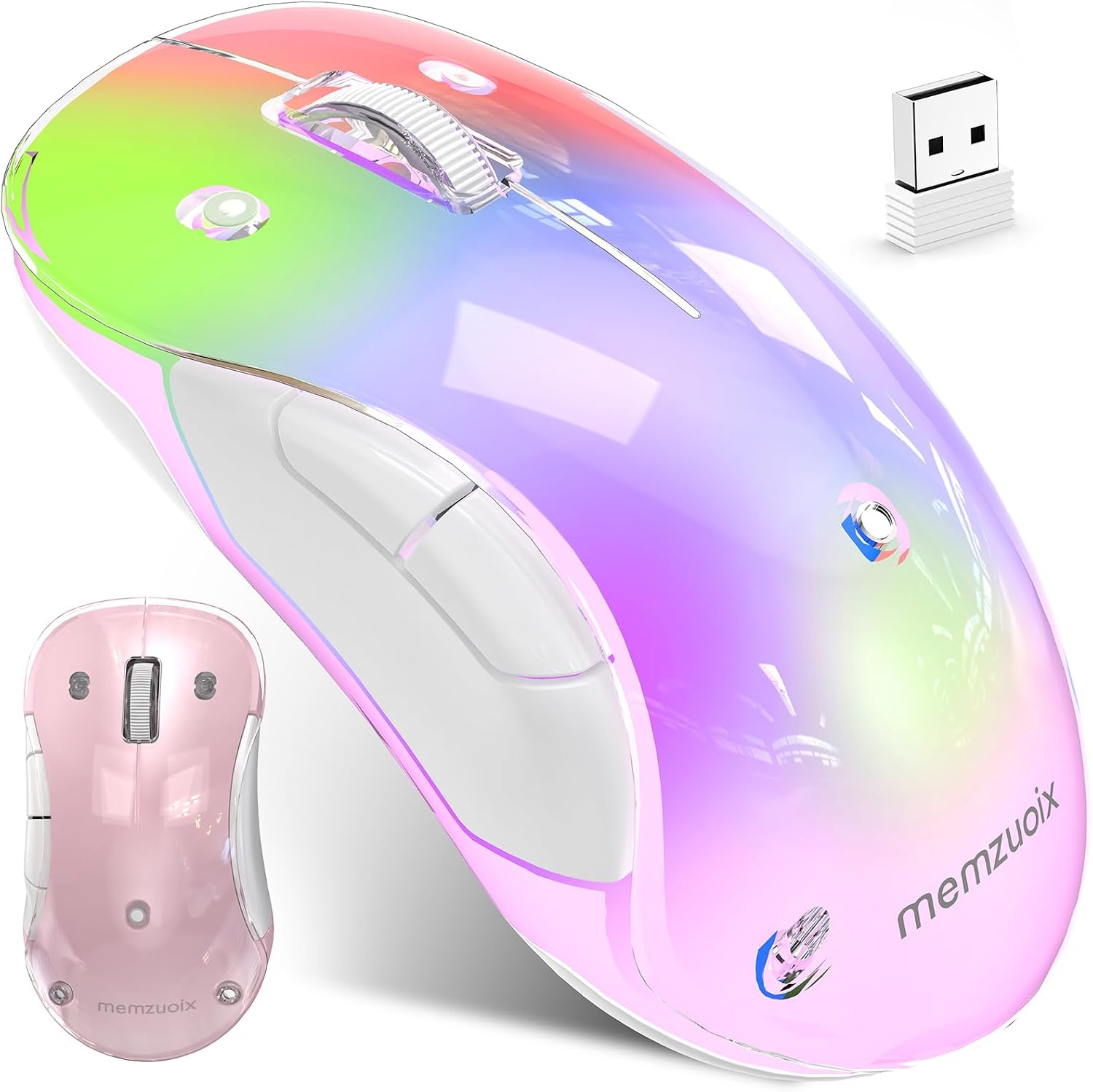
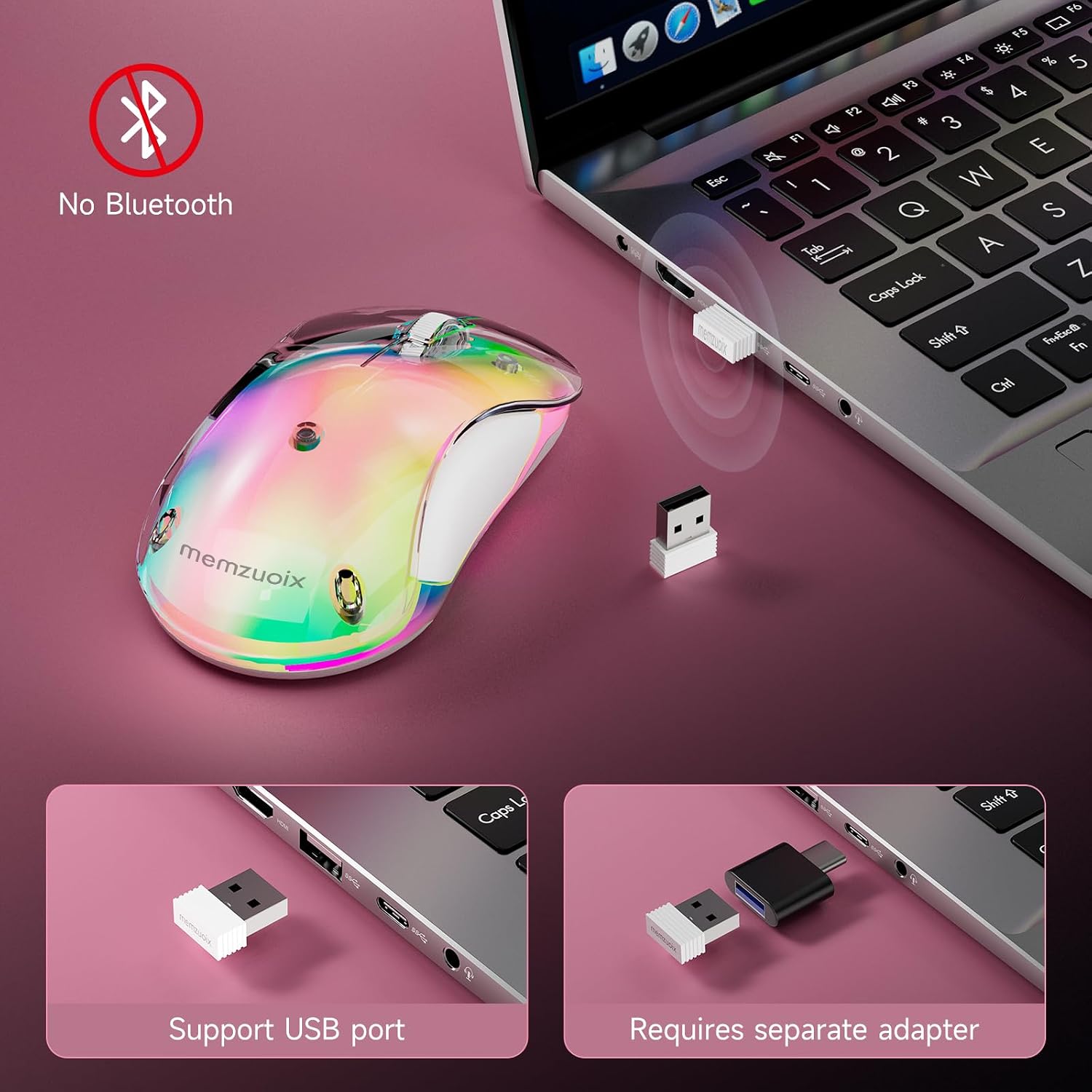
For a wireless mouse you can use straight away, this one ticks a lot of practical boxes. The 2.4G wireless approach avoids Bluetooth pairing, so you should be able to plug in the USB receiver and get going without drivers. It’s also rechargeable through USB-C (with the cable mentioned as USB-A connector), which is a convenience if you’d rather not keep swapping batteries.
Ergonomics are handled in a “compact and lightweight” way, not a heavy moulded gaming style. The shape is described as ergonomic and suitable for both right- and left-handed users, which is a nice plus if you share devices or simply prefer a more neutral fit.
And the RGB is there for mood and desk aesthetics. If you’re in a bright office or you just don’t want distraction, you can run it with the LEDs off—those numbers for battery life suggest the lighting does have a noticeable impact.
Tech specs
- Type: Wireless optical mouse (2.4G) with rechargeable battery
- DPI: 1400 DPI optical sensor
- Battery capacity: 500 mAh
- Charging: USB-C (USB-A connector for the cable)
- Charging time: around 1.5 hours (stated)
- Battery life: up to 17 hours with lighting, up to 90 hours with LEDs off (stated)
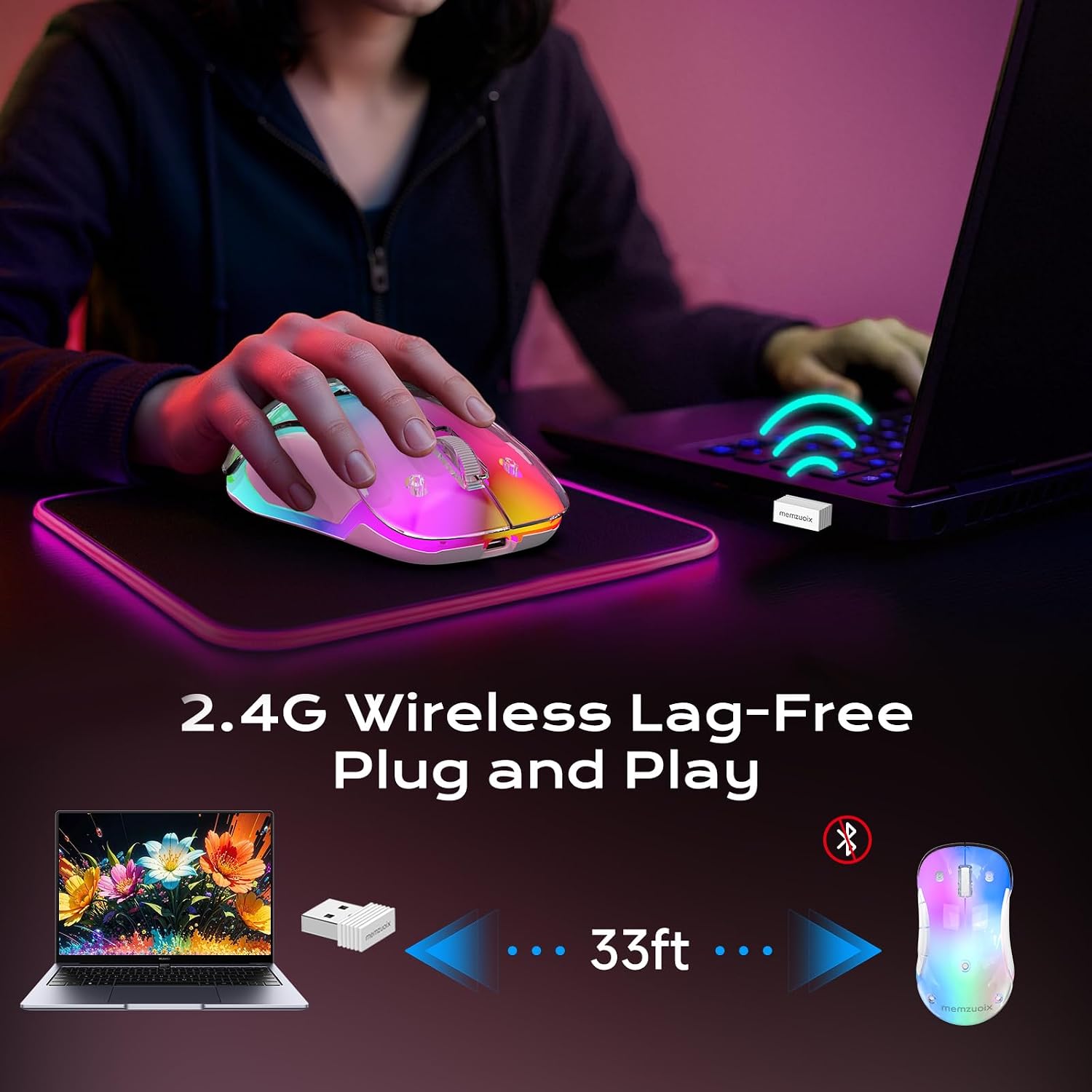
- Wireless range: up to 10 m (33 ft) (stated)
- Power saving: Auto Sleep Mode after 8 minutes of inactivity, wakes on a click
- Dimensions: 4.7 × 2.3 × 1.5 in (stated)
- Weight: 3.17 oz (stated)
- Connection: USB receiver, no Bluetooth pairing and no drivers needed (stated)
- Compatibility: Windows 8/10/11/XP/Vista, macOS, Linux (side buttons not supported on macOS)
What you’ll notice day to day
Setup is one of the big conveniences: the USB receiver route is meant to be simple, and the stated range of up to 10 m suggests it should work comfortably across a desk setup in the usual way.
In day-to-day control, the 1400 DPI optical sensor is a middle-of-the-road spec. It should feel smooth for office tasks like scrolling, navigating spreadsheets, and moving between windows. If your work involves lots of fine precision (for example, detailed graphic editing) you might find yourself wanting higher DPI or a more premium sensor setup, but for general use it generally lands in the “good enough” zone.
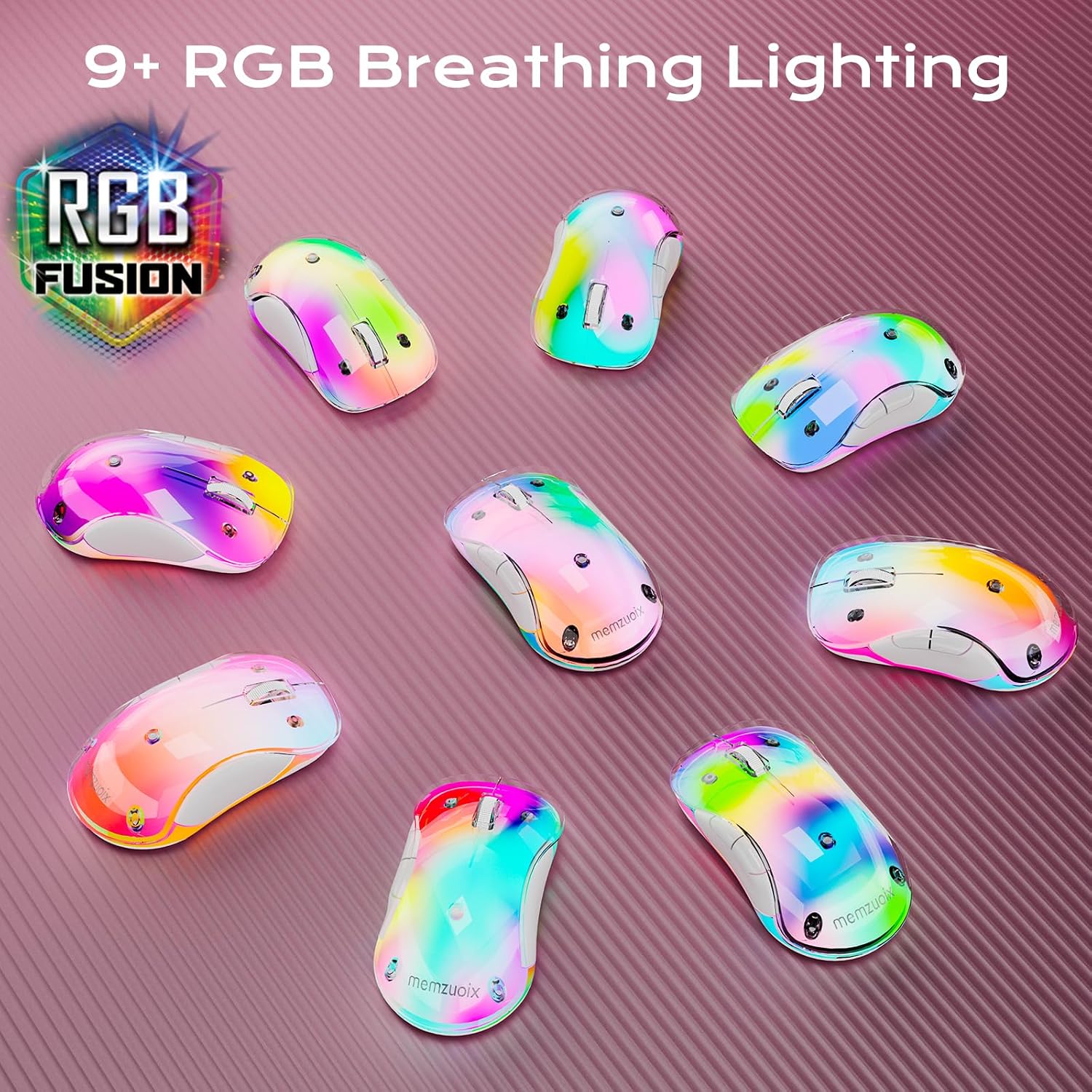
The LED flow effect is the other thing you’ll notice. It’s designed to “brighten your desk” rather than dominate it, but it’s still lighting—so if you’re the sort of person who hates any glow at all, consider that the battery life changes significantly when the LEDs are off.
One practical micro-scenario: imagine you’re heading between your laptop at home and a PC at work. You can keep the receiver plugged in at each location (or at least in the bag), and because it’s 2.4G plug-and-play, you’re not dealing with Bluetooth pairing menus each time.
Who it suits (and where it may fall short)
It makes sense if you want a compact wireless mouse for everyday laptop and desktop use, especially if you prefer rechargeable power over disposable batteries. It also suits people who like the look of a transparent, RGB-accented desk.
It may not suit you if: - You plan to use it on macOS and rely on side buttons—those aren’t supported according to the details. - You want maximum battery life regardless of features. With LEDs on it’s stated up to 17 hours, so you may end up turning the lighting off more often than you expect. - You’re after a specialist performance mouse (high-end precision gaming, very fast competitive aiming). Based on the information provided, it reads more as a practical, mid-range office option than a performance-focused device.
Worth considering if you’re building a basic but comfortable home setup for study, admin work, or casual use.
Care & maintenance
Because the shell is described as transparent with a magnetic cover, it’s worth handling the exterior gently. In practice, that usually means avoiding aggressive cleaners and keeping fingers away from the internal areas—just wipe the outside lightly when it gets dusty. Wireless mice also tend to collect skin oils over time, so a quick wipe-down between longer stretches of use will keep it feeling nicer.
Buying verdict
Final verdict
So, should you buy it?
You should consider this memzuoix LED Wireless Mouse if you’re looking for a rechargeable, 2.4G wireless mouse with easy plug-and-play setup, comfortable compact ergonomics, and optional RGB lighting that you can switch off when battery life matters. The stated auto sleep mode after 8 minutes is also the kind of small feature that tends to help in real use.
You may want to skip it if macOS side buttons are important to you, or if you dislike lighting enough that you’d rather never run RGB in the first place—because the battery-life difference suggests the LEDs aren’t just decorative, they do draw power.
If you’re buying for general home-office work, studying, or everyday laptop use, this looks like a sensible buy on its stated specs. Just double-check how you use side buttons on your setup, and decide whether the lighting is a feature you’ll genuinely enjoy—or something you’ll switch off straight away.
Quick FAQ
Does it need Bluetooth or drivers?
No Bluetooth pairing is required, and it’s described as driver-free with the USB receiver.
How long does the battery last?
With lighting on, it’s stated up to 17 hours, with LEDs off, up to 90 hours.
How quickly does it charge?
A full charge is stated as around 1.5 hours.
Will it work with a Mac?
It’s listed as working with macOS, but side buttons aren’t supported there.
Is the RGB lighting distracting?
It’s designed to be more of a soft flow effect. That said, the battery life impact means it’s worth deciding whether you’ll prefer it off for longer stretches of use.