MAXDONE A3 laminator for home and office 📎

Reviews
Product description
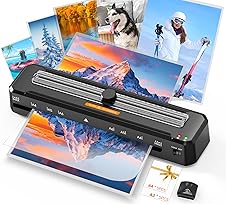
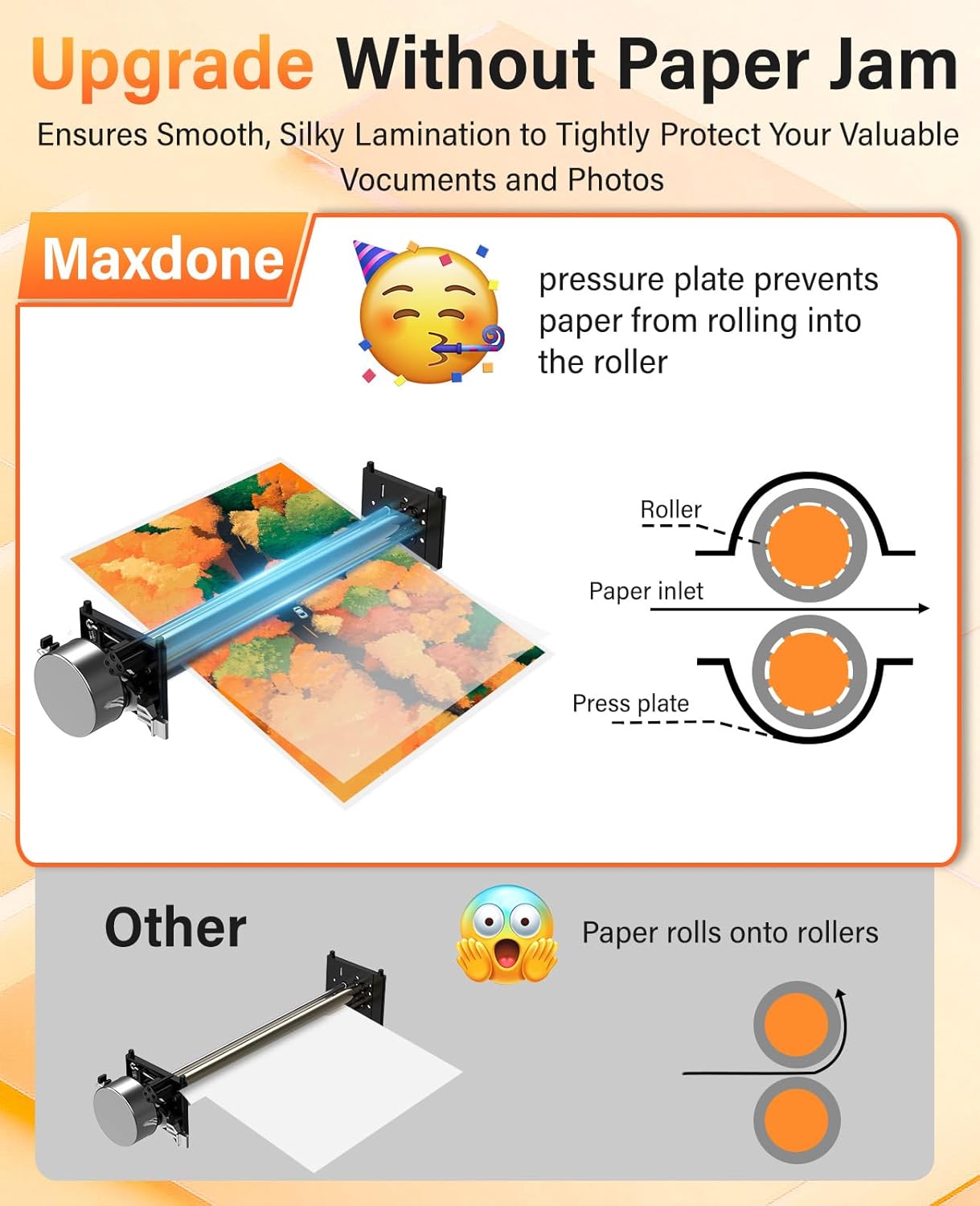
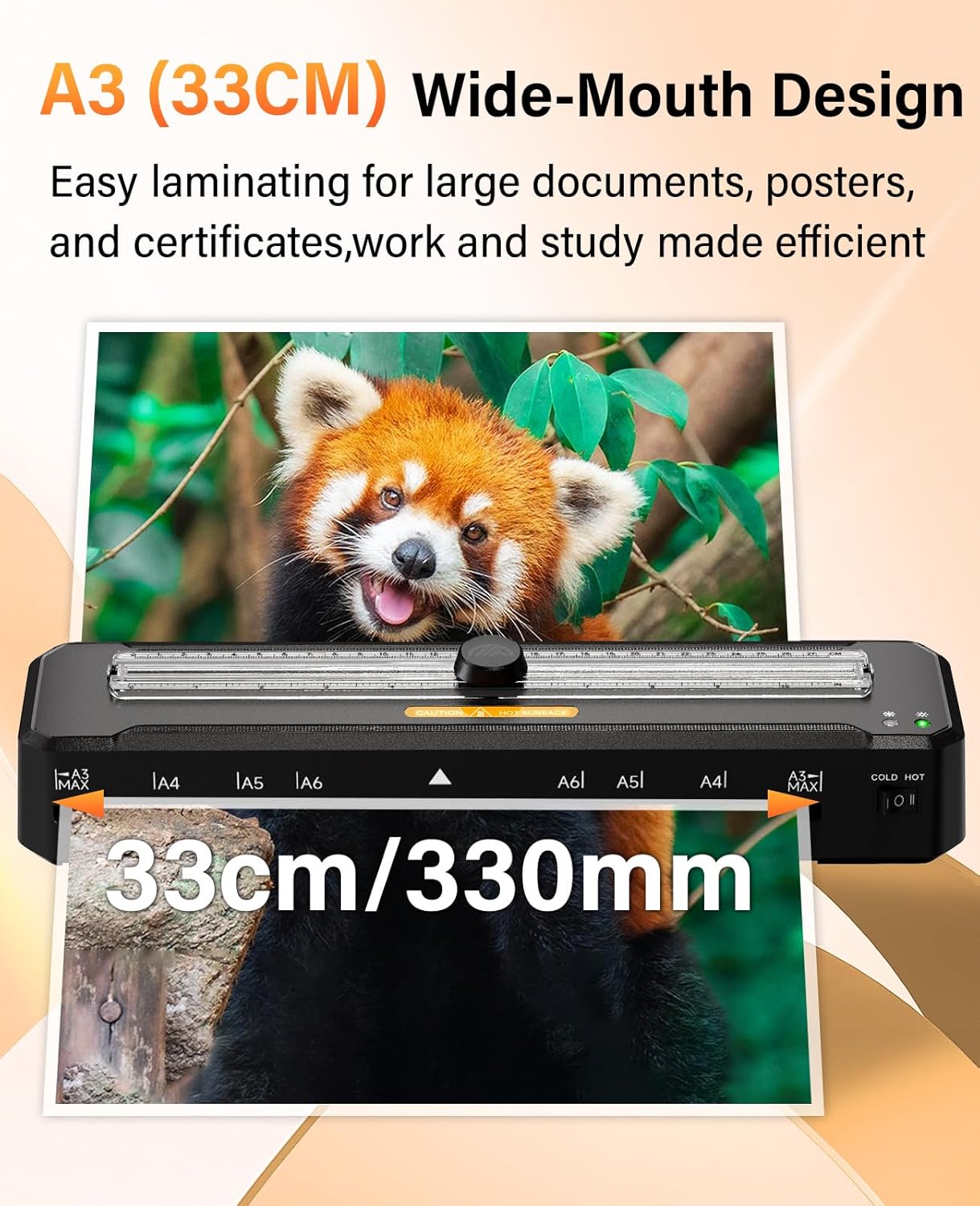
This A3 laminator from MAXDONE combines rapid warm-up and versatile finishing tools to handle home, school and small office projects with ease. It reaches working temperature in around 90 seconds according to the manufacturer and accepts A3 media for posters, certificates and classroom displays, offering both thermal and cold lamination modes for sensitive documents.
Key Points
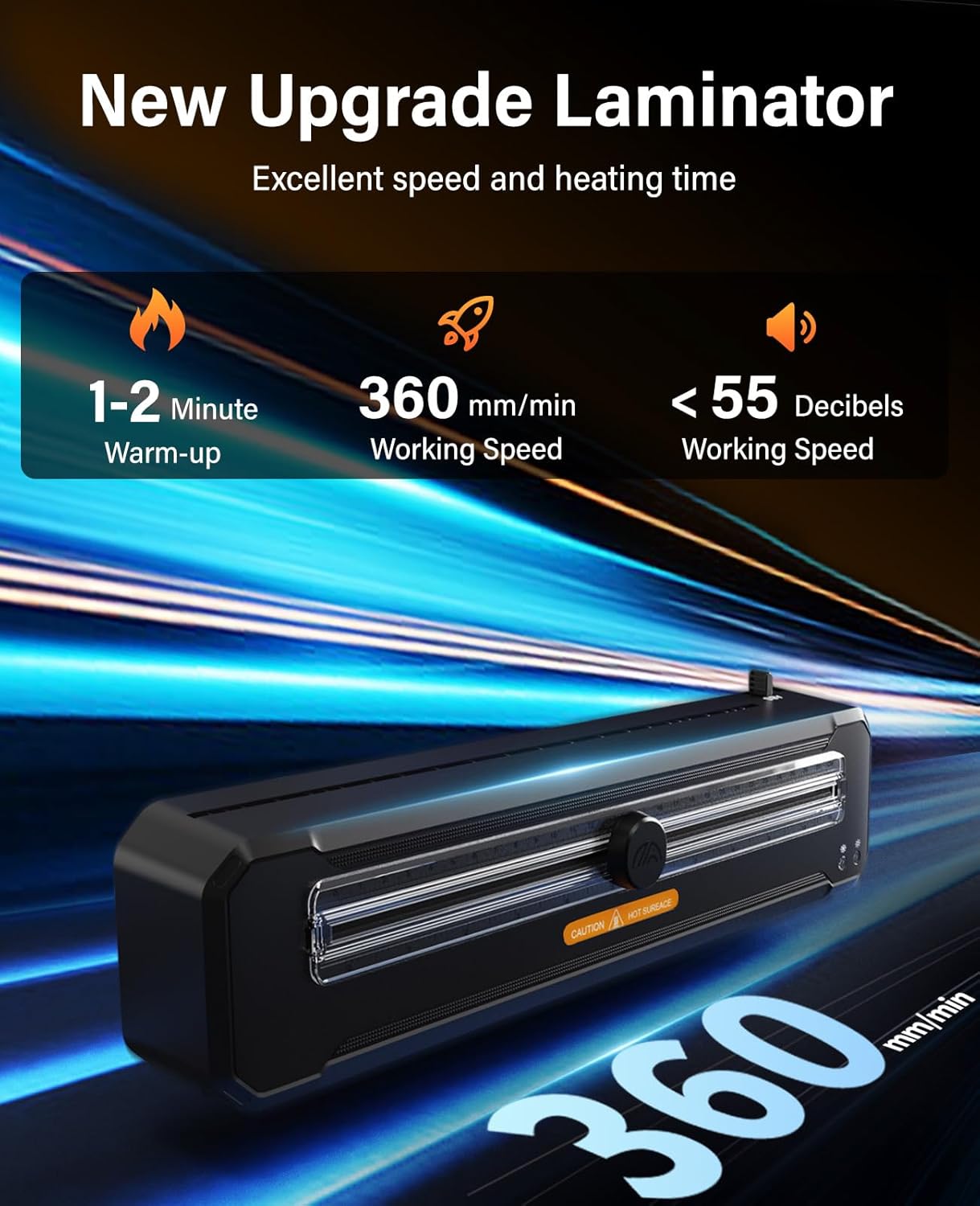
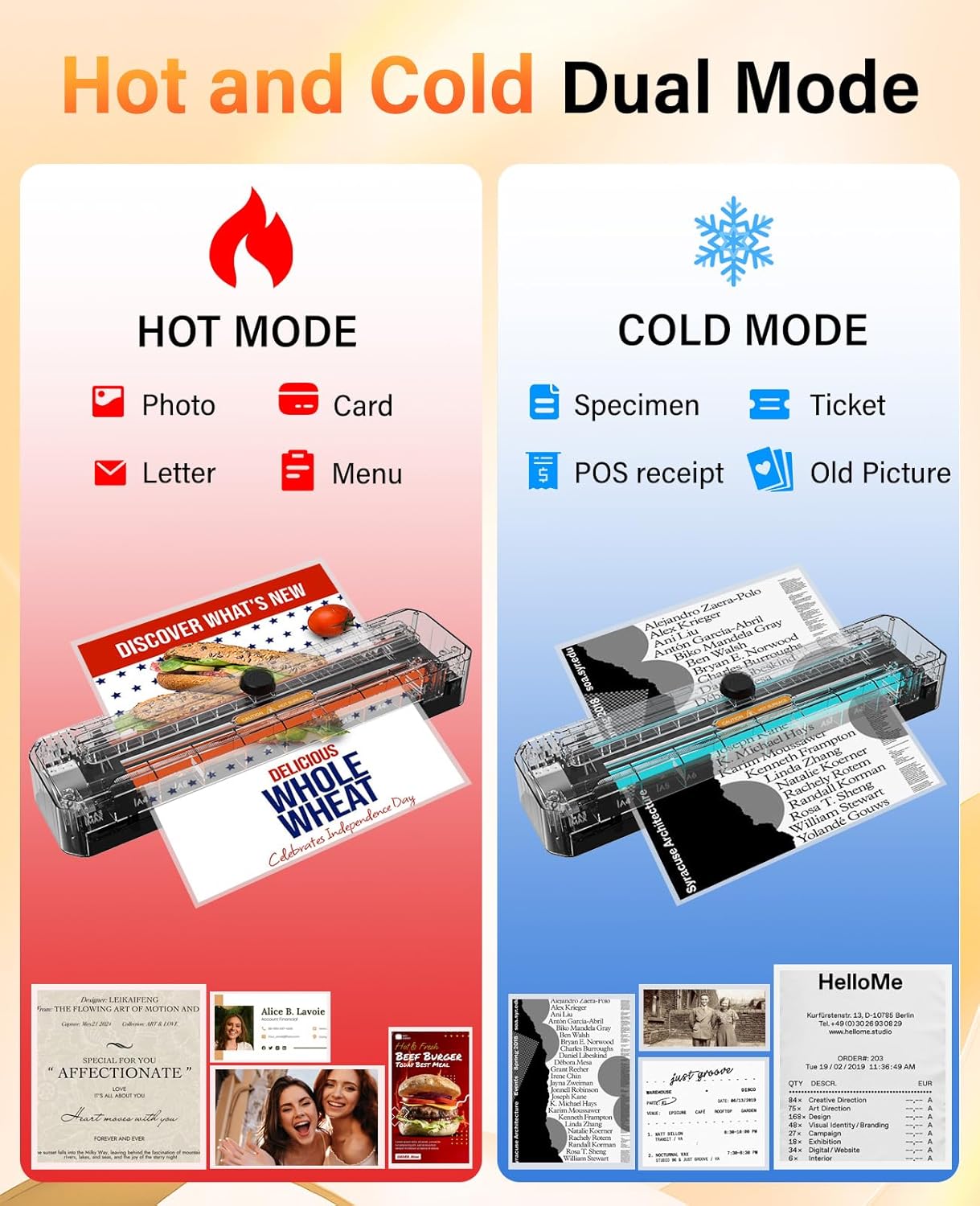
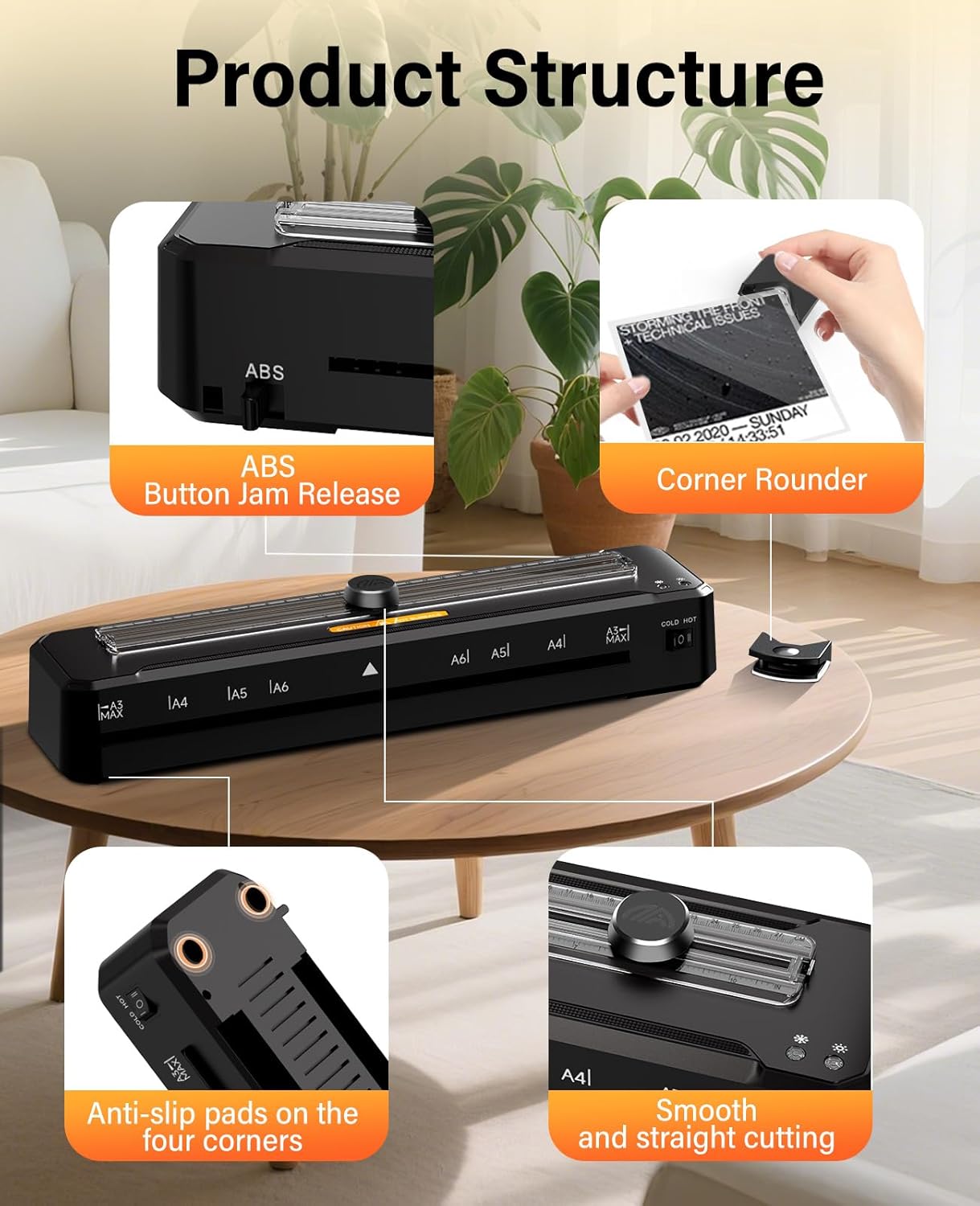
The machine supports fast throughput at a quoted laminating speed of 360 mm per minute, which cuts waiting time when processing multiple sheets. It comes with a built-in cutter and a corner rounder set, so you can trim and finish documents straight from the device with fewer additional tools. The pack includes ten laminating pouches to get started immediately and reduce the need to purchase consumables right away. For delicate items or heat-sensitive materials there is a cold mode that eliminates thermal exposure and helps prevent warping.
Technical Specifications
Name
: MAXDONE A3 Laminator- Format: A3 compatible
- Warm-up time: 90 seconds (manufacturer figure)
- Laminating speed: 360 mm/min
- Included accessories: 10 laminating pouches, built-in cutter, corner rounder set
Usage Recommendations
Place the laminator on a stable surface with adequate ventilation and use the included pouches for best results. For thicker or multi-layer projects use the thermal mode, while photographs or heat-sensitive prints should be passed through the cold setting. Feed items straight and centred in the pouch to reduce the chance of misalignment and to help avoid creases or folds. If you plan to laminating in larger batches, allow short pauses between runs to avoid motor overheating.
Benefits
The rapid warm-up helps when tasks are intermittent and time matters, for example preparing materials between classes or assembling handouts before meetings. Built-in finishing tools save space and simplify the workflow because you do not need extra scissors or corner punches. The dual-mode operation increases flexibility, allowing protective lamination of a wider range of media and preserving fragile originals when necessary. Users may find the built-in cutter convenient for producing clean edges without a separate trimmer, and the corner rounder reduces sharp edges for safer handling.
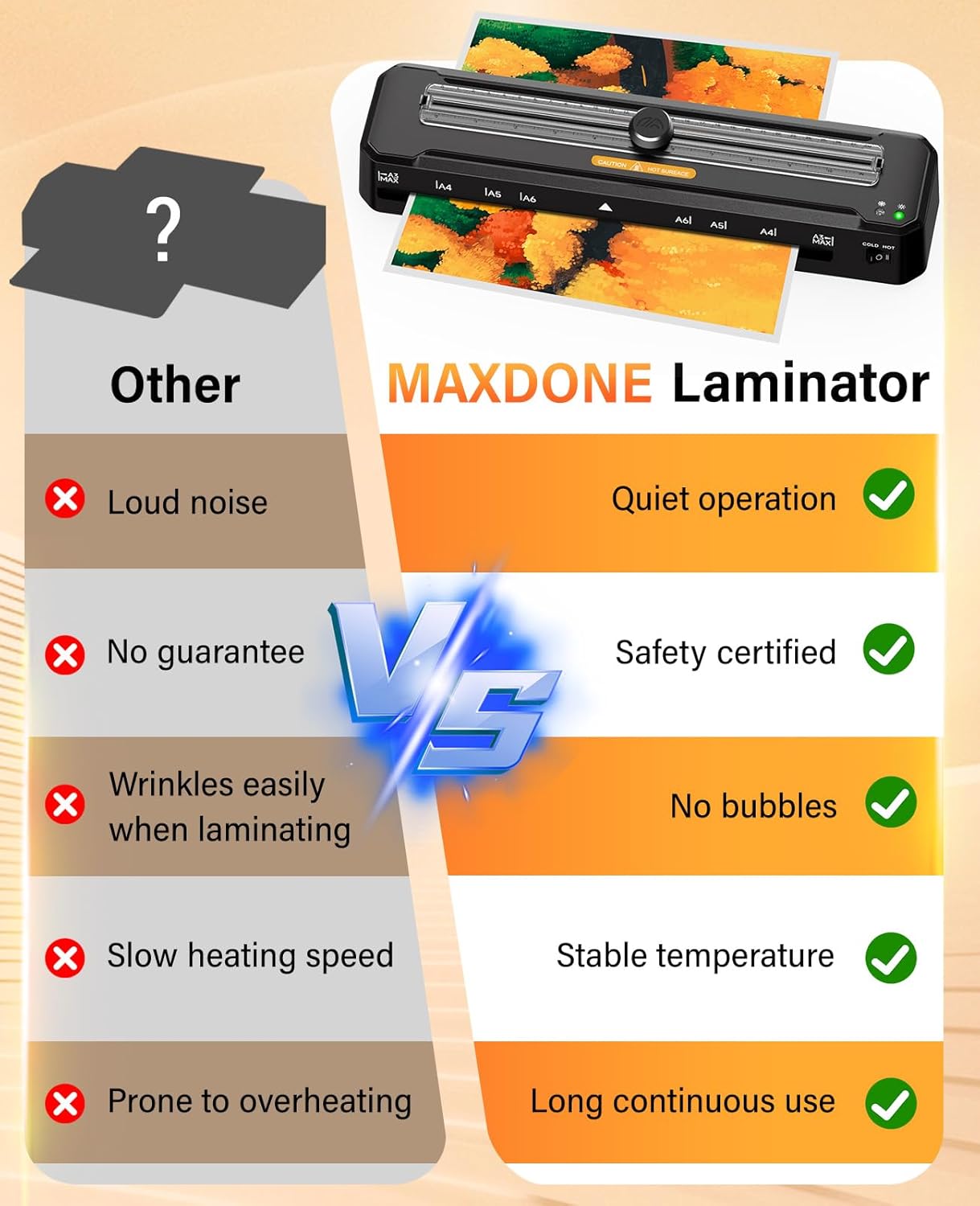
Note that, according to the manufacturer, performance figures are measured under specific conditions and results can vary with pouch thickness or ambient temperature. The machine may not be appropriate for very heavy-duty commercial demands where continuous high-volume throughput is required, but it is well suited to everyday home, school and small office lamination tasks.
Price evolution
Description:
This A3 laminator from MAXDONE combines rapid warm-up and versatile finishing tools to handle home, school and small office projects with ease. It reaches working temperature in around 90 seconds according to the manufacturer and accepts A3 media for posters, certificates and classroom displays, offering both thermal and cold lamination modes for sensitive documents.
Key Points
The machine supports fast throughput at a quoted laminating speed of 360 mm per minute, which cuts waiting time when processing multiple sheets. It comes with a built-in cutter and a corner rounder set, so you can trim and finish documents straight from the device with fewer additional tools. The pack includes ten laminating pouches to get started immediately and reduce the need to purchase consumables right away. For delicate items or heat-sensitive materials there is a cold mode that eliminates thermal exposure and helps prevent warping.
Technical Specifications
Name
: MAXDONE A3 Laminator- Format: A3 compatible
- Warm-up time: 90 seconds (manufacturer figure)
- Laminating speed: 360 mm/min
- Included accessories: 10 laminating pouches, built-in cutter, corner rounder set
Usage Recommendations
Place the laminator on a stable surface with adequate ventilation and use the included pouches for best results. For thicker or multi-layer projects use the thermal mode, while photographs or heat-sensitive prints should be passed through the cold setting. Feed items straight and centred in the pouch to reduce the chance of misalignment and to help avoid creases or folds. If you plan to laminating in larger batches, allow short pauses between runs to avoid motor overheating.
Benefits
The rapid warm-up helps when tasks are intermittent and time matters, for example preparing materials between classes or assembling handouts before meetings. Built-in finishing tools save space and simplify the workflow because you do not need extra scissors or corner punches. The dual-mode operation increases flexibility, allowing protective lamination of a wider range of media and preserving fragile originals when necessary. Users may find the built-in cutter convenient for producing clean edges without a separate trimmer, and the corner rounder reduces sharp edges for safer handling.
Note that, according to the manufacturer, performance figures are measured under specific conditions and results can vary with pouch thickness or ambient temperature. The machine may not be appropriate for very heavy-duty commercial demands where continuous high-volume throughput is required, but it is well suited to everyday home, school and small office lamination tasks.