

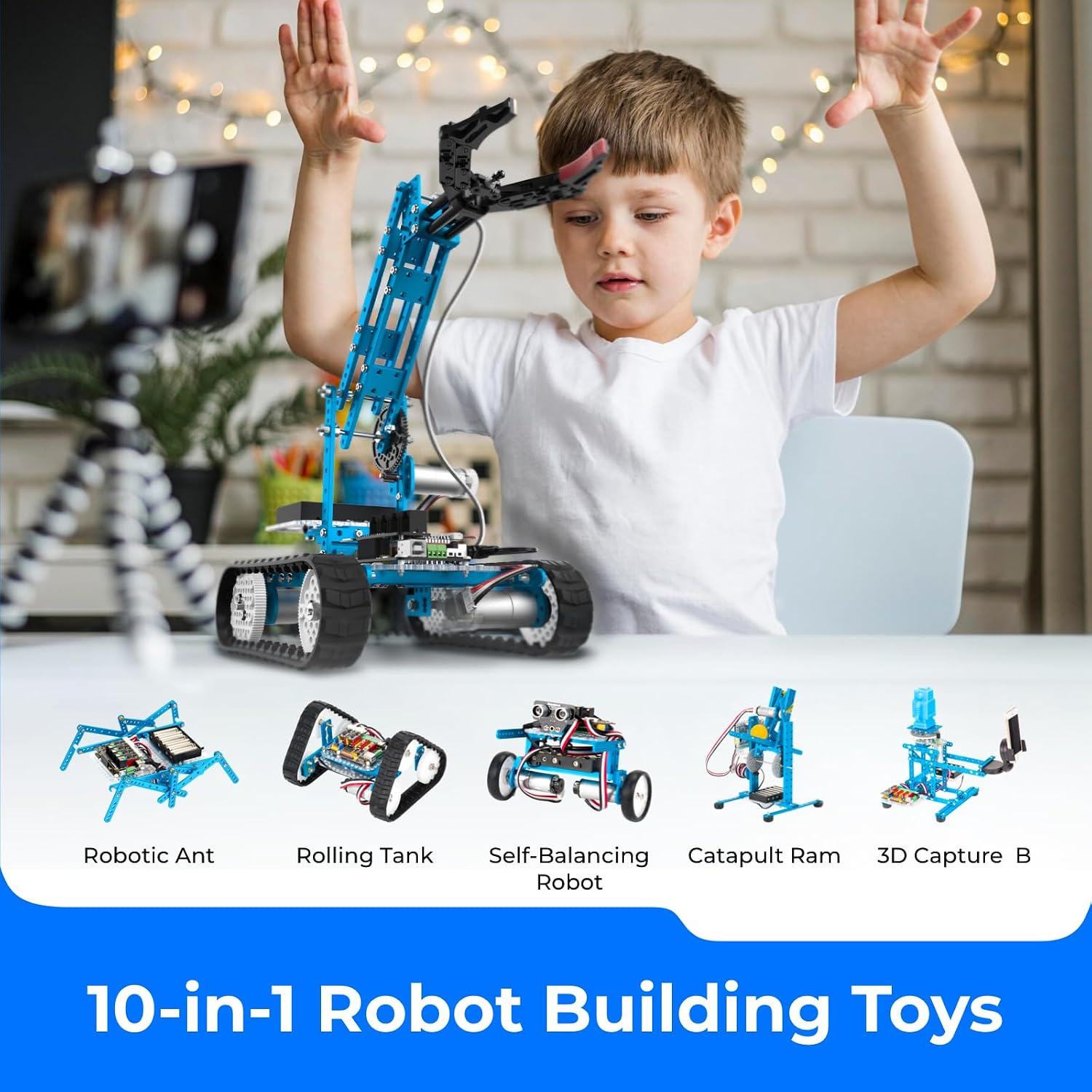
Makeblock mBot Ultimate 10-in-1 programmable robot kit (compatible with Arduino C & Raspberry Pi)
Reviews
Price
Product description
What it is and why people buy it
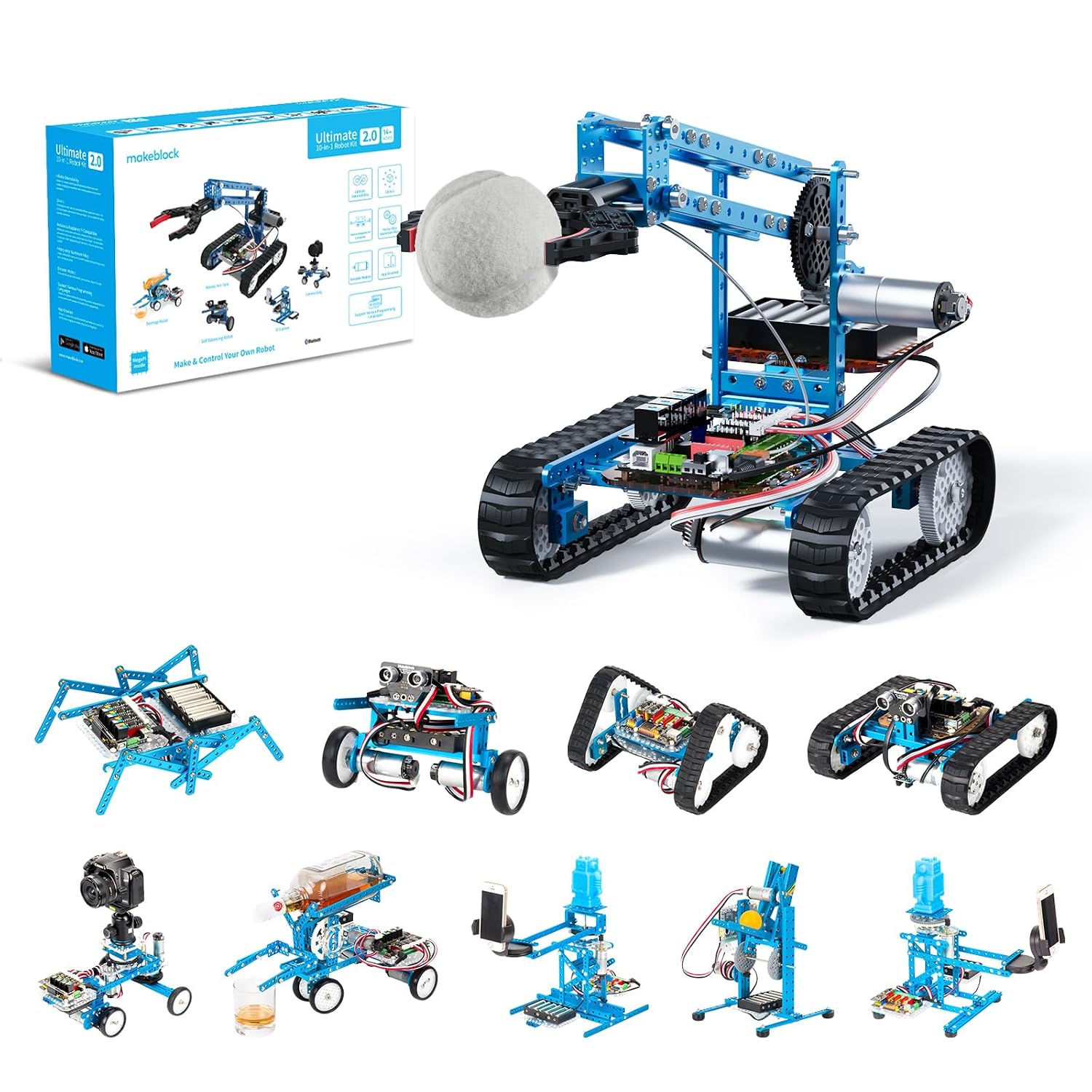
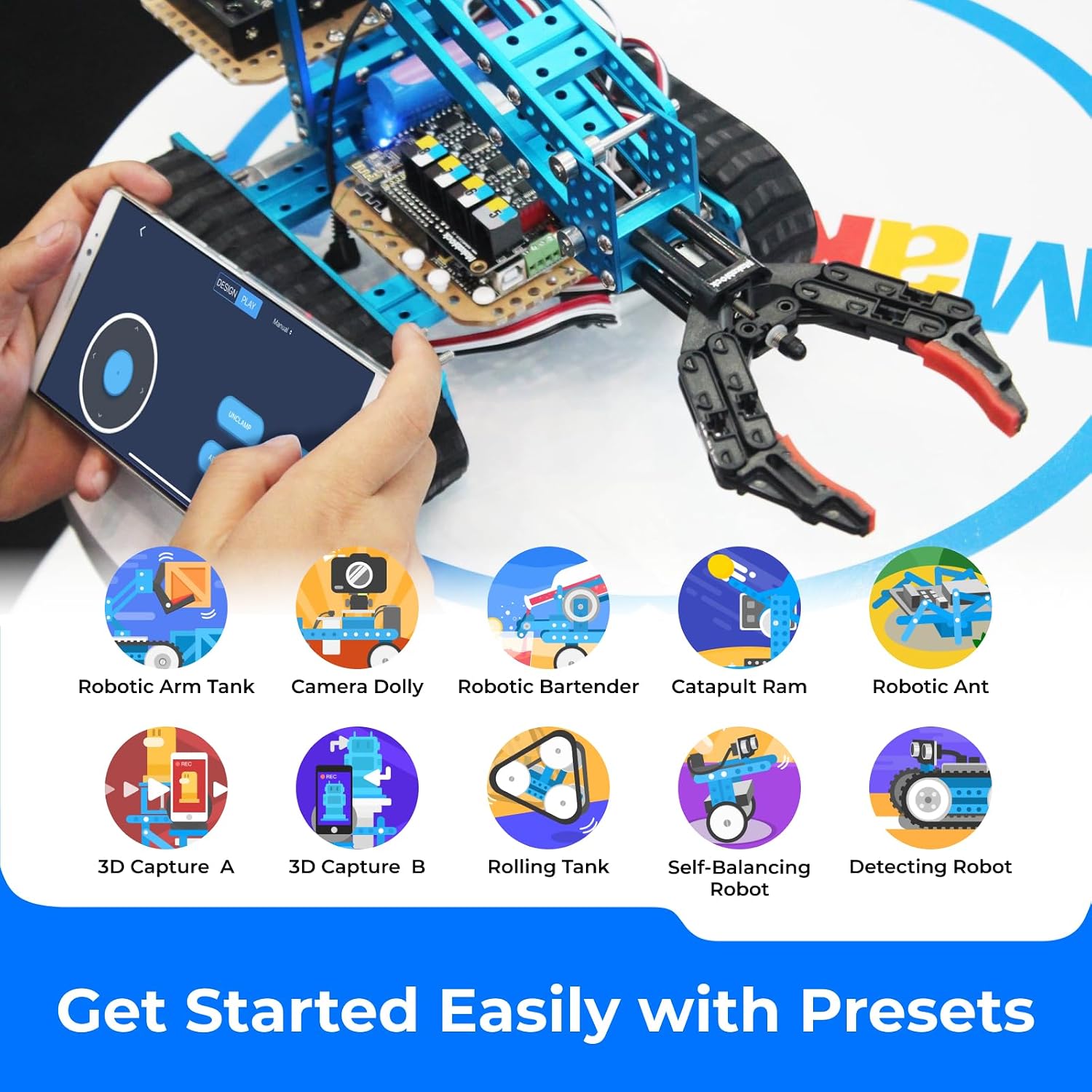
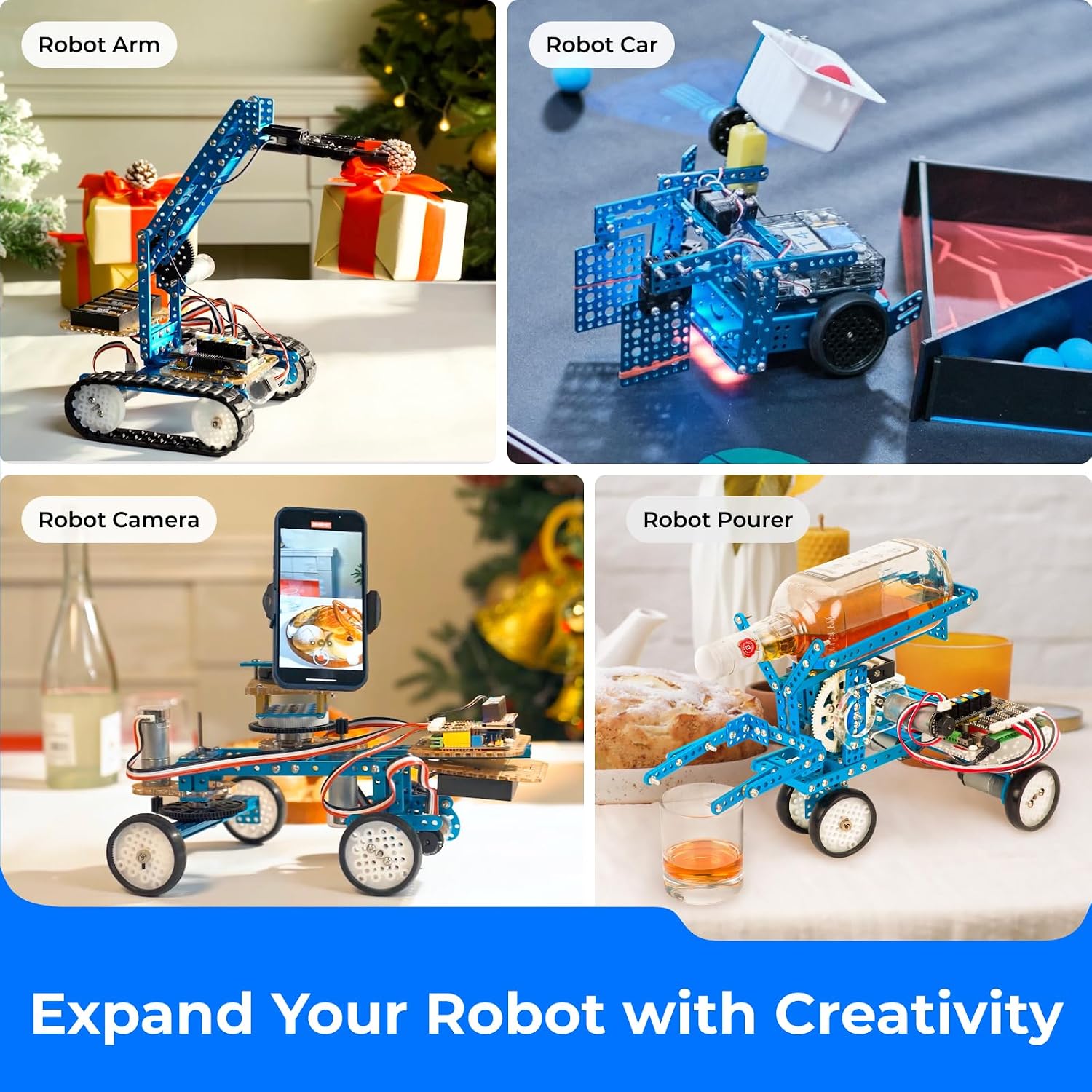
The Makeblock mBot Ultimate is a programmable robotics building kit that aims to cover a lot of ground without forcing you into one single robot style. On paper, you get enough mechanical parts and electronic modules to build multiple different robot models (it mentions 10 robot models, including examples like a robot arm and an RC tank), plus learning resources and user guides to help you along. It’s also positioned as a way to learn coding through different approaches, rather than just assembling a toy and moving on.
If you’re looking for a STEM-style project you can keep coming back to, the “10-in-1” angle matters. Instead of treating it like a one-off build, you can reconfigure it for different experiments, different mechanical layouts, and different coding tasks—assuming you’re happy to put time into assembly and iteration.
The coding side: Scratch, Arduino IDE, and Raspberry Pi (in practice)
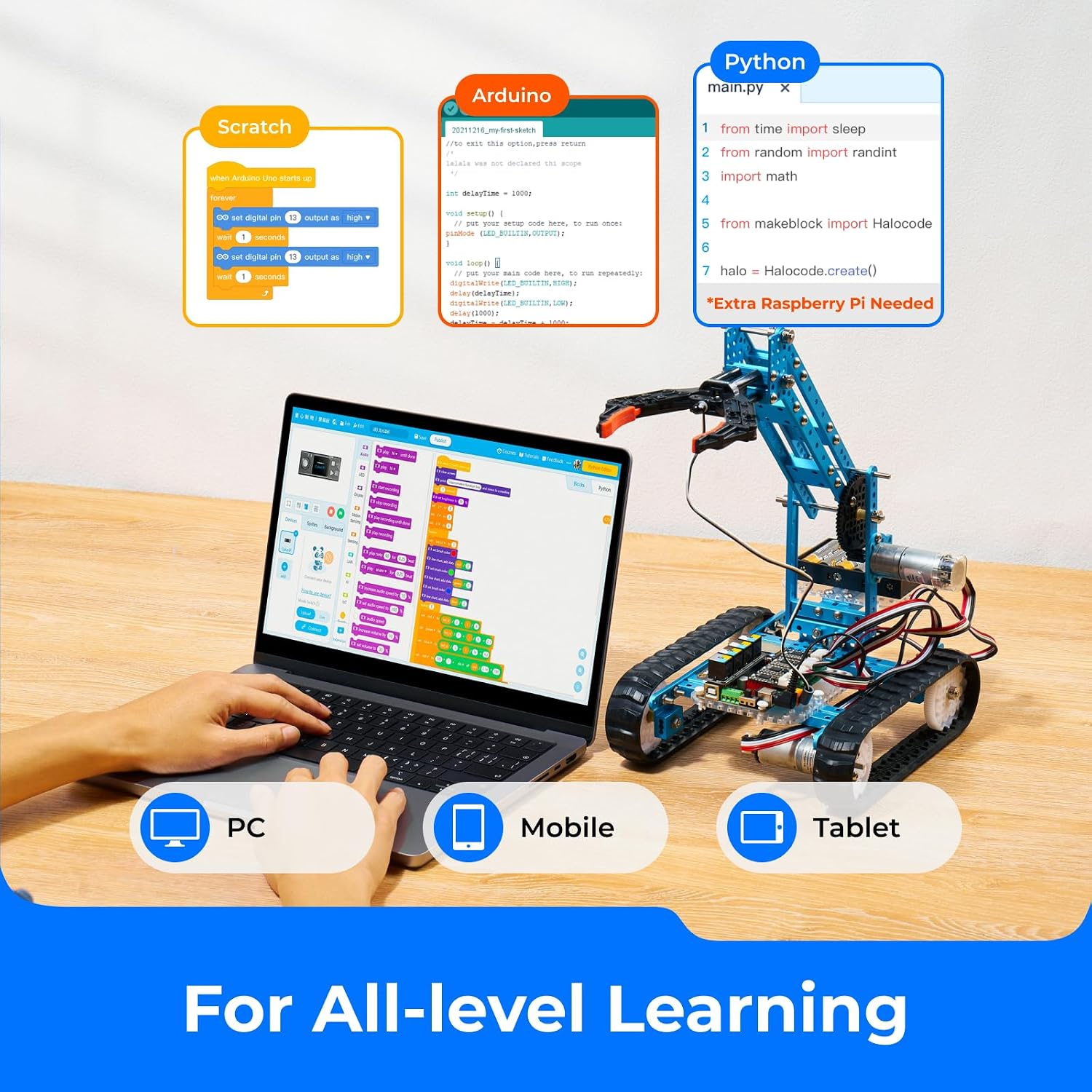
Where the kit becomes more than a mechanical model is the programming support. It states compatibility with:
- Scratch block-based programming, using the free mBlock software (drag-and-drop blocks)
- Arduino IDE (Arduino C support is mentioned)
- Raspberry Pi with Python programming, plus the ability to build coding games
This is the part that tends to suit mixed-experience households. Beginners can start with block-based coding, while more confident users can move towards Arduino IDE or Raspberry Pi setups. That said, you should bear in mind that going from blocks to text-based coding typically takes more patience and troubleshooting than the marketing line suggests—especially if you’re still learning how sensors and motors get wired up in each model.
A small example of what this looks like: you can build one of the robot configurations, then start with a basic program in block form to test movement or sensor reading, and only later expand it into more interactive behaviour (the kit mentions high-level functions like synchronous drive and sensor reading, plus communication with Raspberry Pi).
What stands out mechanically
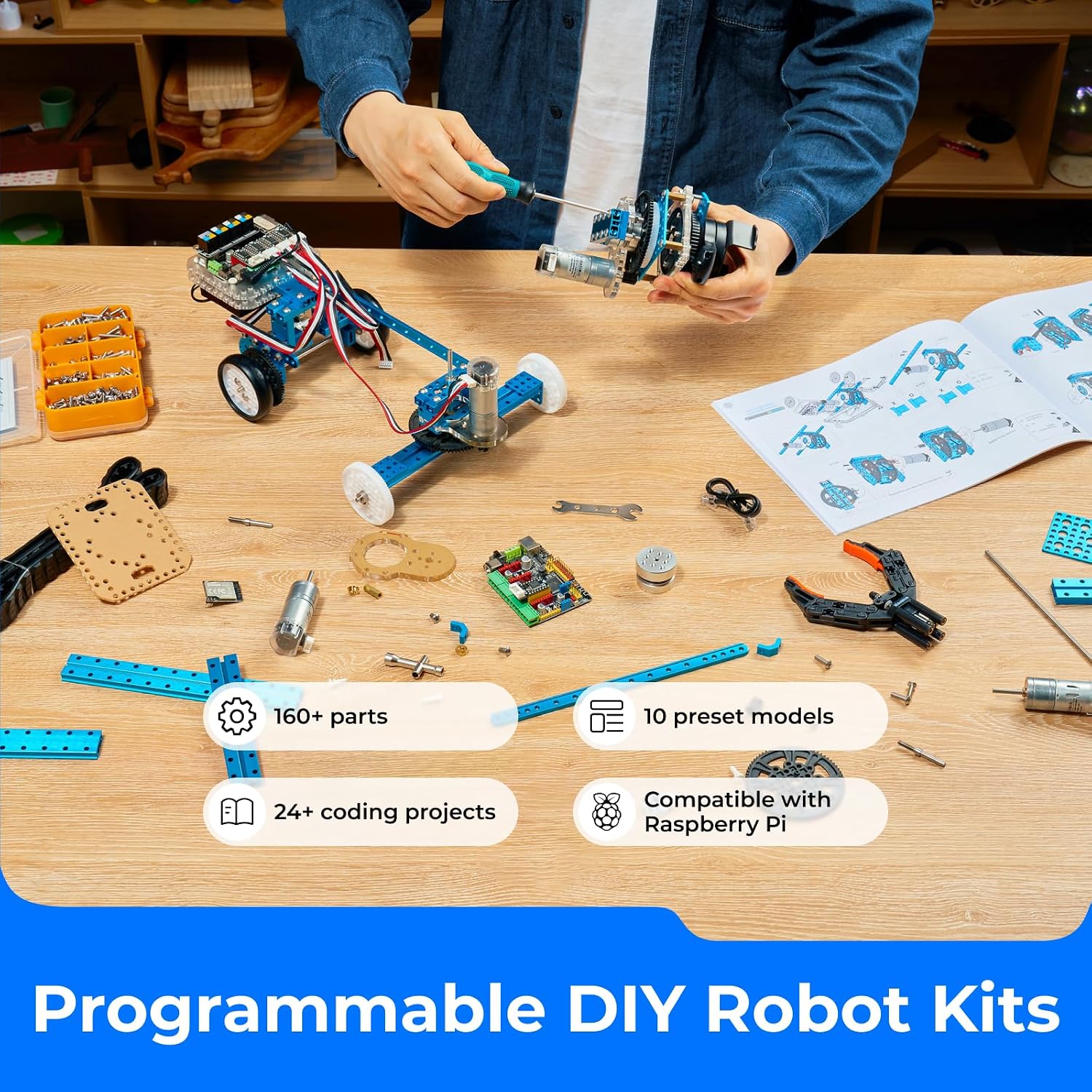
Most of the mechanical parts are described as industrial-grade aluminium alloy parts, with non-toxic anodic oxidation dyeing. The messaging here is durability and rigidity rather than lightweight “toy plastic” vibes. It also mentions that mechanical parts use thread grooves, designed to suit makers and industry-standard parts.
It’s not perfect, though. Aluminium alloy parts can be heavier than entry-level kits, and the real-world enjoyment depends on whether you like assembling with care. If you’re after something that’s quick to put together and forget about, this is more of a project than a casual impulse buy.
Control board and electronics: what to expect
The kit’s main control board is the MegaPi. The description says it’s compatible with Arduino and Raspberry Pi, and it can handle functions such as synchronous drive and controlling multiple motors and servos, sensor reading, and Raspberry Pi communication.
This kind of control capability is exactly what you want if you plan to progress beyond single-motor experiments. But it’s also a reminder that you’re buying into a learning workflow—wiring, building, testing, and then coding. If you mainly want a remote-controlled toy with no programming, you may find yourself wanting simpler options.
Power requirement you should check before buying
The description includes an important limitation: the robot needs 6 AA batteries or lithium batteries, and they are not included. That’s the sort of detail that can quietly turn a “ready to go” purchase into an extra errand.
Before you commit, it’s worth checking whether your household already has suitable batteries to avoid delaying your first build.
Who it suits, and who should think twice
It’s a good fit if you want a versatile robotics kit that supports multiple programming paths (blocks, Arduino IDE, and Raspberry Pi/Python on the project side) and you’re happy to build and rebuild different robot models.
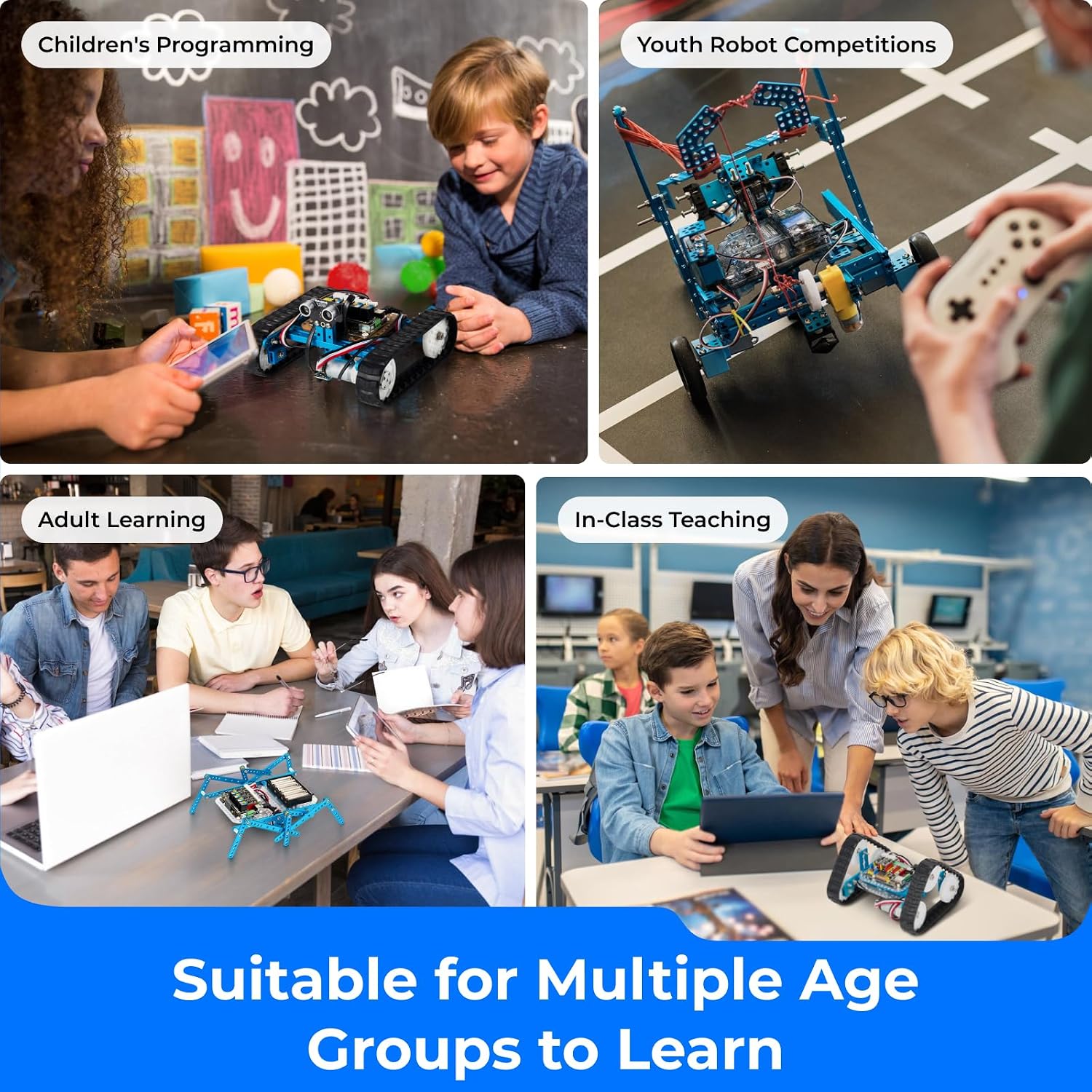
It makes sense if you’re buying for a kid, teen, or adult who enjoys STEM activities and doesn’t mind following guides and learning resources online as you go.
It may not suit you if your priority is a fully assembled remote control robot straight out of the box. It might also be a bit of a stretch if nobody in the group wants to touch programming at all—the kit’s value leans heavily on learning to code and experimenting with sensors and movement.
Is it worth it?
The Makeblock mBot Ultimate is worth considering when you want one kit that can grow with your skills: start with block-based coding, then experiment further with Arduino IDE or Raspberry Pi for more advanced projects. The aluminium alloy focus and the MegaPi control board approach support that “serious learning” direction.
However, don’t ignore the practical side: you’ll need batteries (not included), and the kit rewards people who are willing to assemble and troubleshoot. If you’re shopping for a quick toy, it may feel overcomplicated. If you’re shopping for a long-running STEM project with variety, it has a solid rationale.
Mini FAQ
Can I start with block-based coding?
Yes. The kit supports Scratch block-based programming through free mBlock software using drag-and-drop blocks.
Does it work with Arduino and Raspberry Pi?
The control board (MegaPi) is described as compatible with both Arduino and Raspberry Pi, and Raspberry Pi programming is mentioned as Python.
Are batteries included?
No. The description says it needs 6 AA batteries or lithium batteries (not included).
How many different robots can I build?
It mentions you can build 10 robot models, with examples such as a robot arm and an RC tank.
Are there guides and learning resources?
Yes, it states that there are many user guides and learning resources available online.