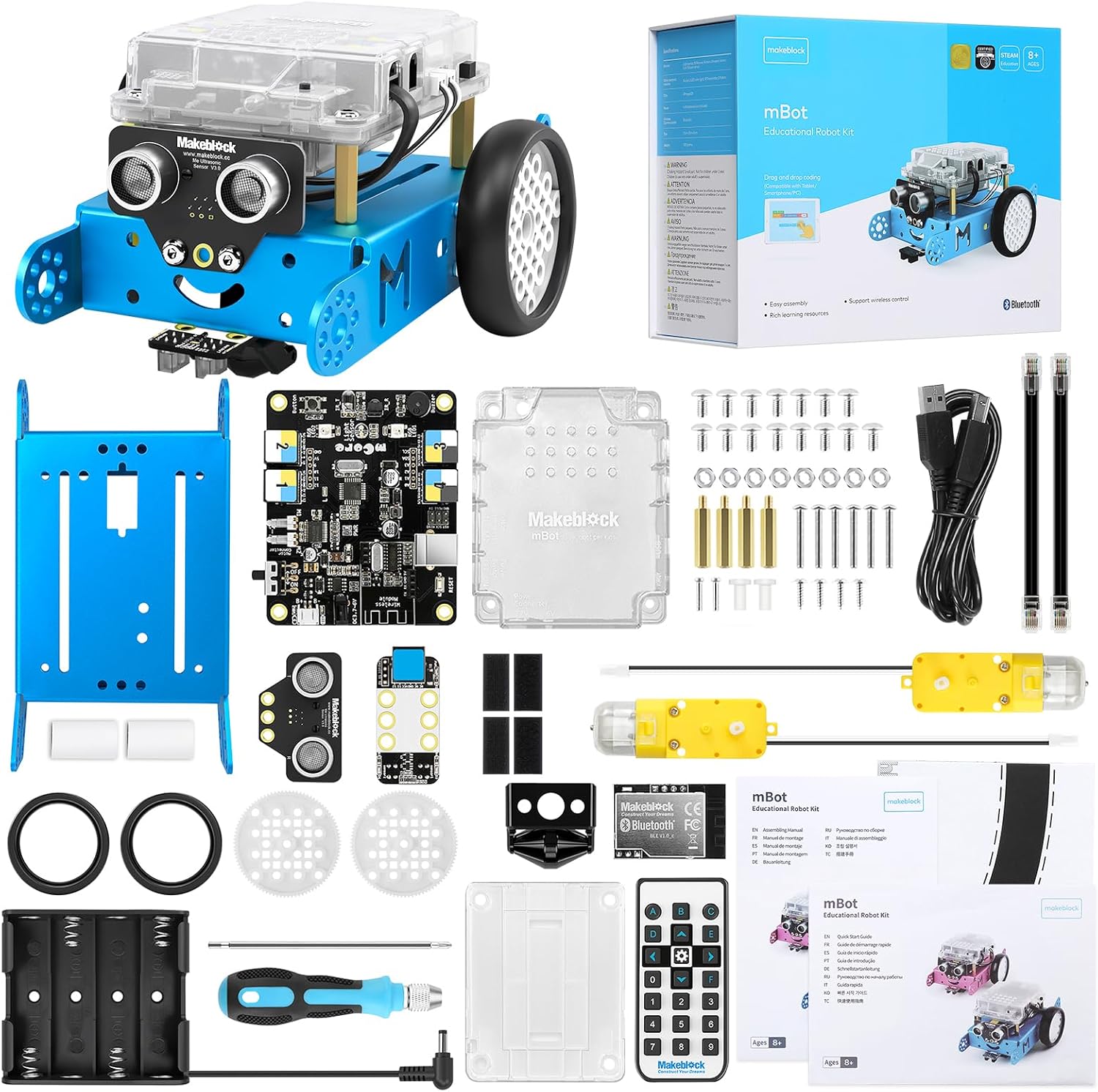
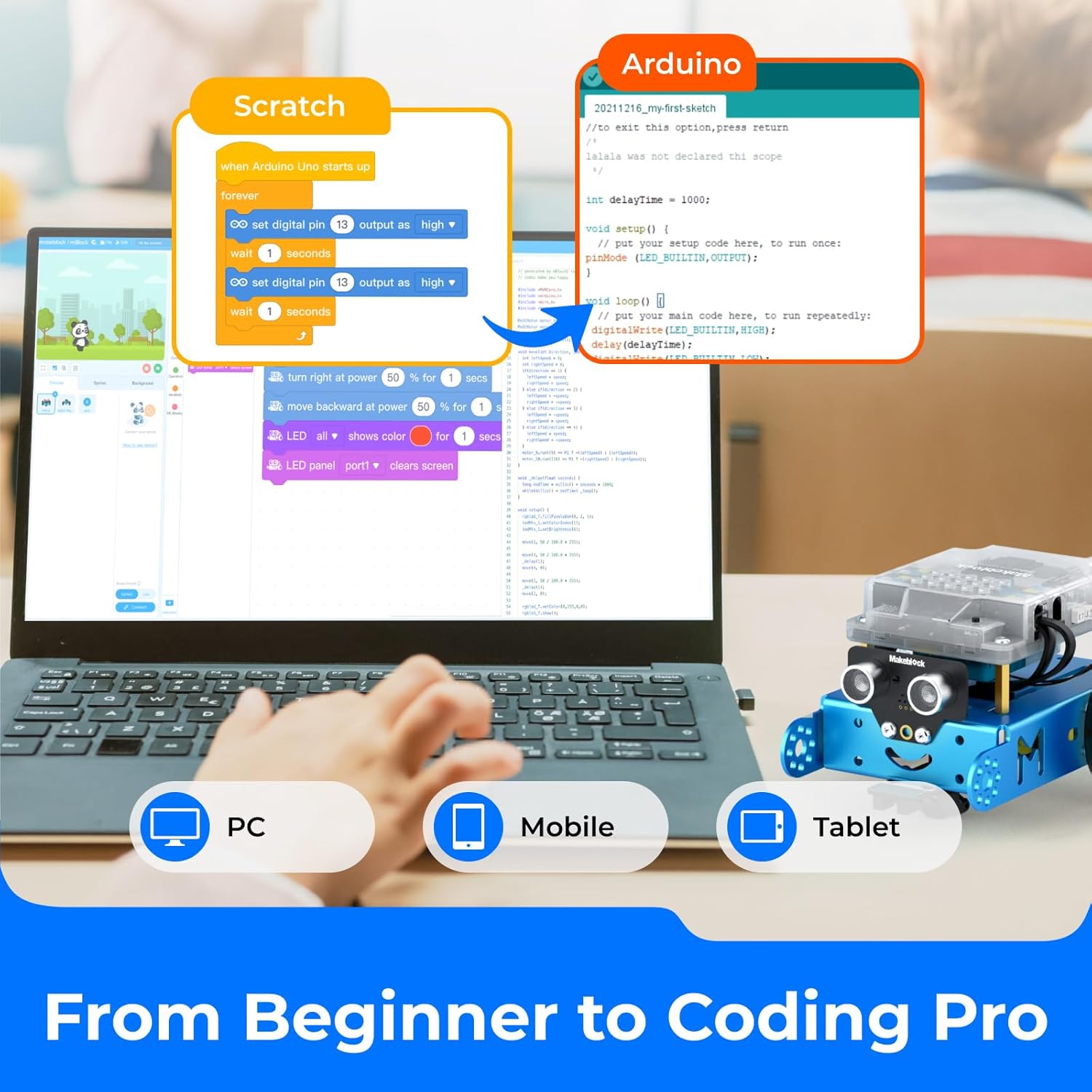
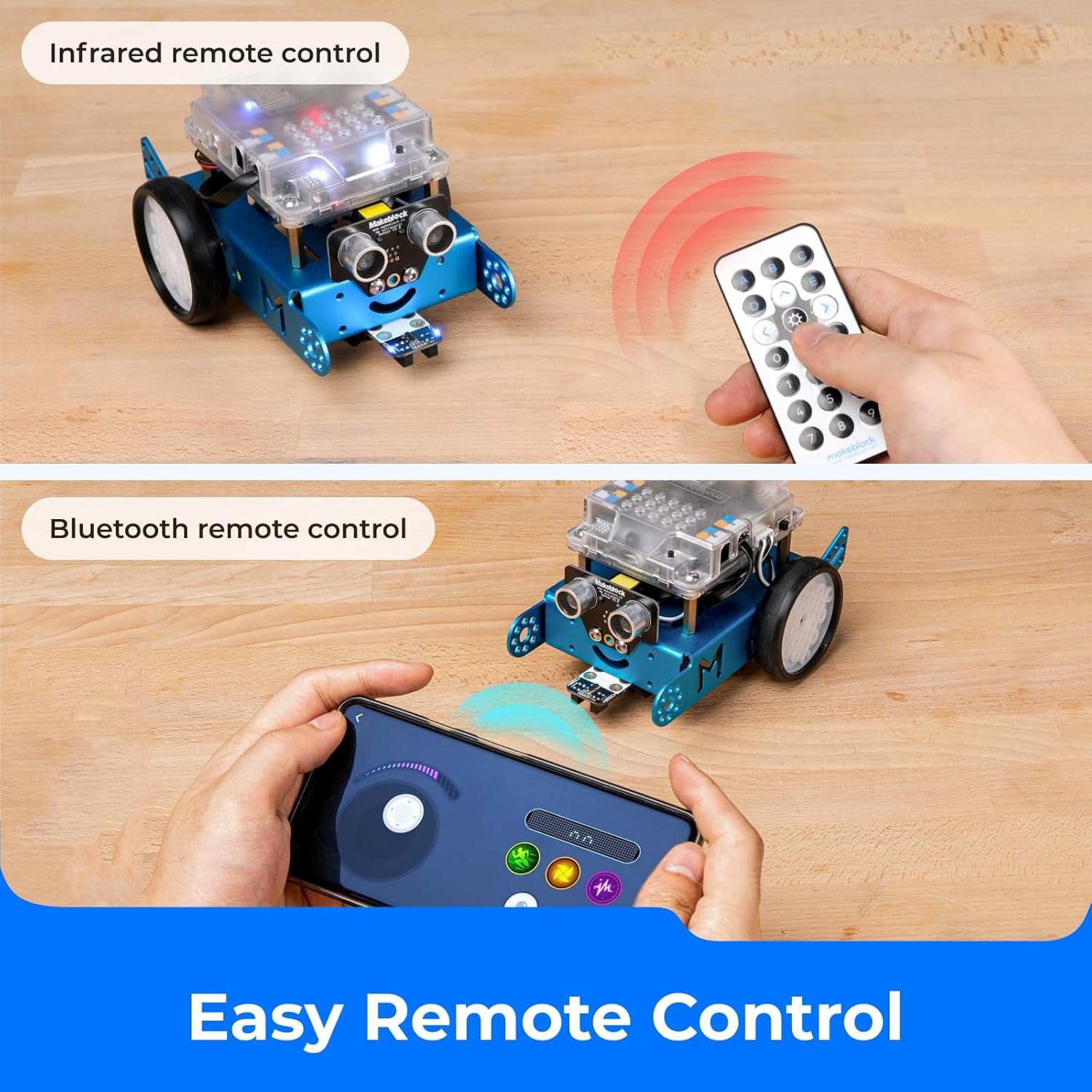
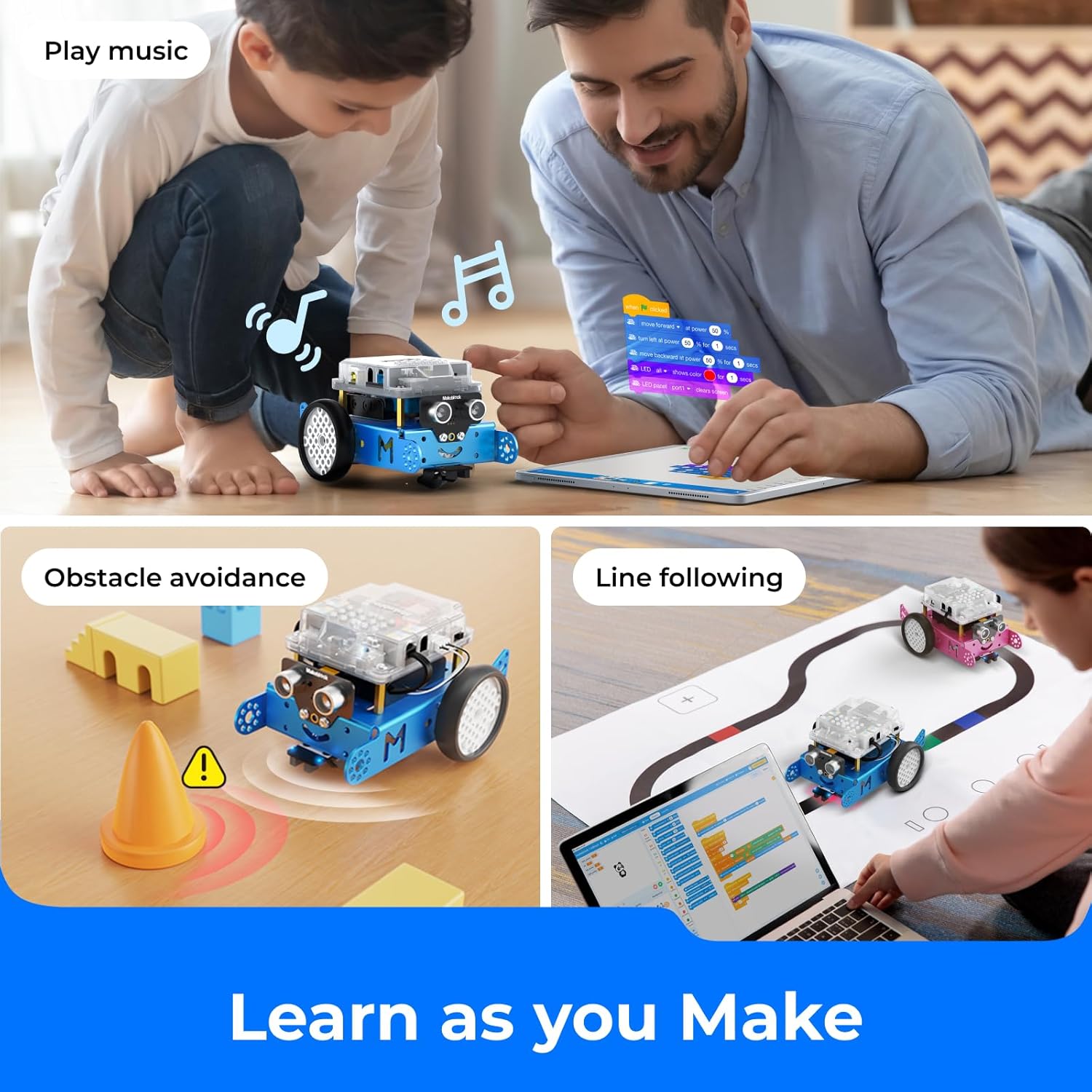
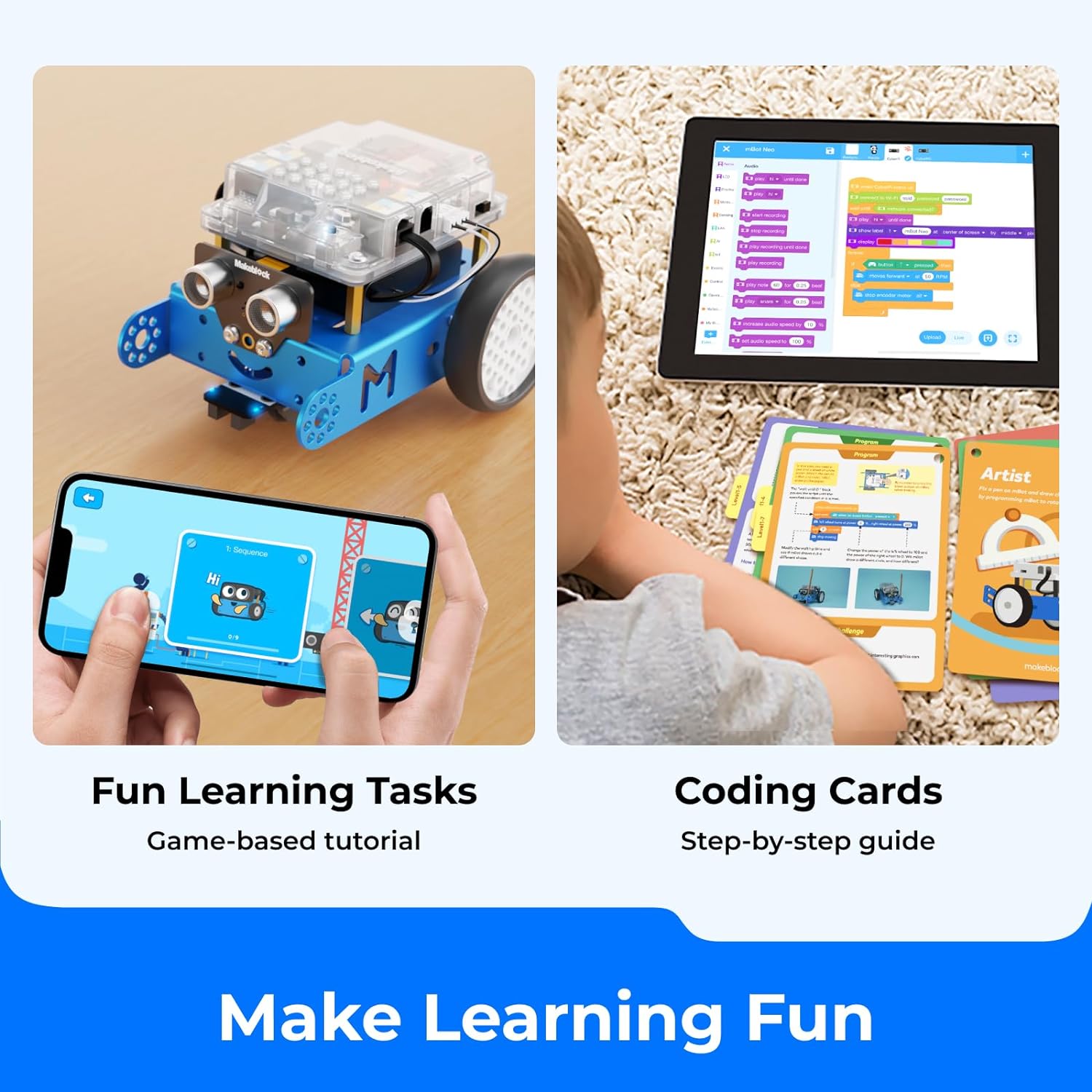
What it is and what it’s for\nThe Makeblock mBot is an entry‑level educational robot designed to introduce children to coding and robotics in an approachable way. Built as a hands‑on versatile kit, it helps kids explore engineering concepts, programming logic and problem solving through play and guided activities. The focus is on making programming feel tangible—from dragging blocks in a beginner friendly interface to experimenting with more advanced Arduino‑style coding as confidence grows. If you’re looking for a starter platform that grows with a child, the mBot offers a gentle learning curve that can translate into real skills over time.\n\n## How it teaches programming\nOn the surface, the robot supports block‑based coding, which lowers barriers for younger users. The pathway typically moves from Scratch to Arduino, enabling a gradual elevation in complexity. This structure is useful for families or classrooms aiming to build foundational STEM knowledge without needing a separate computer science curriculum. The bundled resources are designed to guide kids from building the robot to writing simple programs and observing immediate effects.\n\n## What the robot can do\nThe mBot is multifunctional: it can detect obstacles, follow a line, produce sounds and light signals, and receive commands from a remote control. Infrared communication with another robot adds a social or cooperative dimension to projects. The built‑in Bluetooth module allows control via compatible smartphones or tablets, expanding opportunities for experimentation beyond a computer. These capabilities support a variety of classroom or home activities, from maze experiments to path‑finding challenges.\n\n## What to like and what to watch out for\nPros: easy assembly (often a quick build), sturdy metal components that feel durable for regular classroom use, and a clear progression from basic to more advanced coding. The remote control option introduces a tangible way to understand input and feedback, which many children find motivating.\nCons: some activities rely on external devices or specific apps, so you’ll want to ensure you have compatible hardware at hand. The remote control battery is not included, and the robot itself requires AA batteries, which can add to the initial setup. Because it’s an educational kit, it may require adult guidance to maximise learning without turning it into a toy without purpose.\n\n## Ideal users and use cases\nThis kit suits families or schools wanting a practical, affordable robotics introduction for kids around age 8–12. It’s particularly well‑suited for children who are curious about how things work and enjoy hands‑on experimentation—whether building together on a weekend project or running simple challenges at school. If your aim is to develop early logical thinking and basic programming habits, the mBot provides a structured path.\nLimitations to consider: it’s not a high‑end robotics platform, so future growth beyond block‑based programming may require supplementary tools. If you prioritise industrial‑grade sensors or advanced AI features, this kit may feel modest in comparison.\n\n## When it makes sense to buy\nChoose this kit if you want a practical, budget‑friendly introduction to robotics that can grow from plug‑and‑play activities to more structured coding tasks. It’s a sensible gift for young makers who enjoy building and experimenting, and it can be a durable base for ongoing STEM exploration as skills advance.\n\n## Before you buy: quick checks\n- Confirm you have access to compatible software and a few AA batteries for the robot.\n- Consider whether you’ll use it as a family project, classroom activity, or solo learning aid.\n- Think about how you’ll extend learning once block coding becomes too basic, you may want to plan cross‑over to Arduino‑style coding in due course.\n\n## Practical example of use\nImagine a simple line‑following challenge in which the mBot navigates a track that changes colour or layout. The child updates the block code to respond to line cues, then tests and iterates based on the robot’s success or missteps, building a mental model of feedback loops and conditional logic. This concrete workflow helps translate abstract coding ideas into observable results.\n\n## FAQ — quick answers\n- Is it easy to assemble? Yes, designed for quick build with straightforward steps.\n- Do I need extra equipment? It needs batteries for the robot and the remote control battery, both are not included.\n- Can it be programmed with Scratch and Arduino? Yes, it supports Scratch first and guides toward Arduino coding as skills develop.\n\n## Should you buy it?\nIf you’re seeking a practical, affordable gateway into robotics for a child, with room to progress from visual coding to more advanced programming, this kit offers a balanced mix of play and learning. It isn’t the most feature‑rich platform, but it is well‑suited to establishing a foundation in STEM concepts. It may not be the best choice if the goal is a long‑term, high‑end robotics project or if you require extensive sensors and automotive‑grade robustness.\n