

LxTek TN2220 Compatible Toner Cartridge – Black, 2-Pack for Brother MFC and HL/FAX Series
Product description
What it is
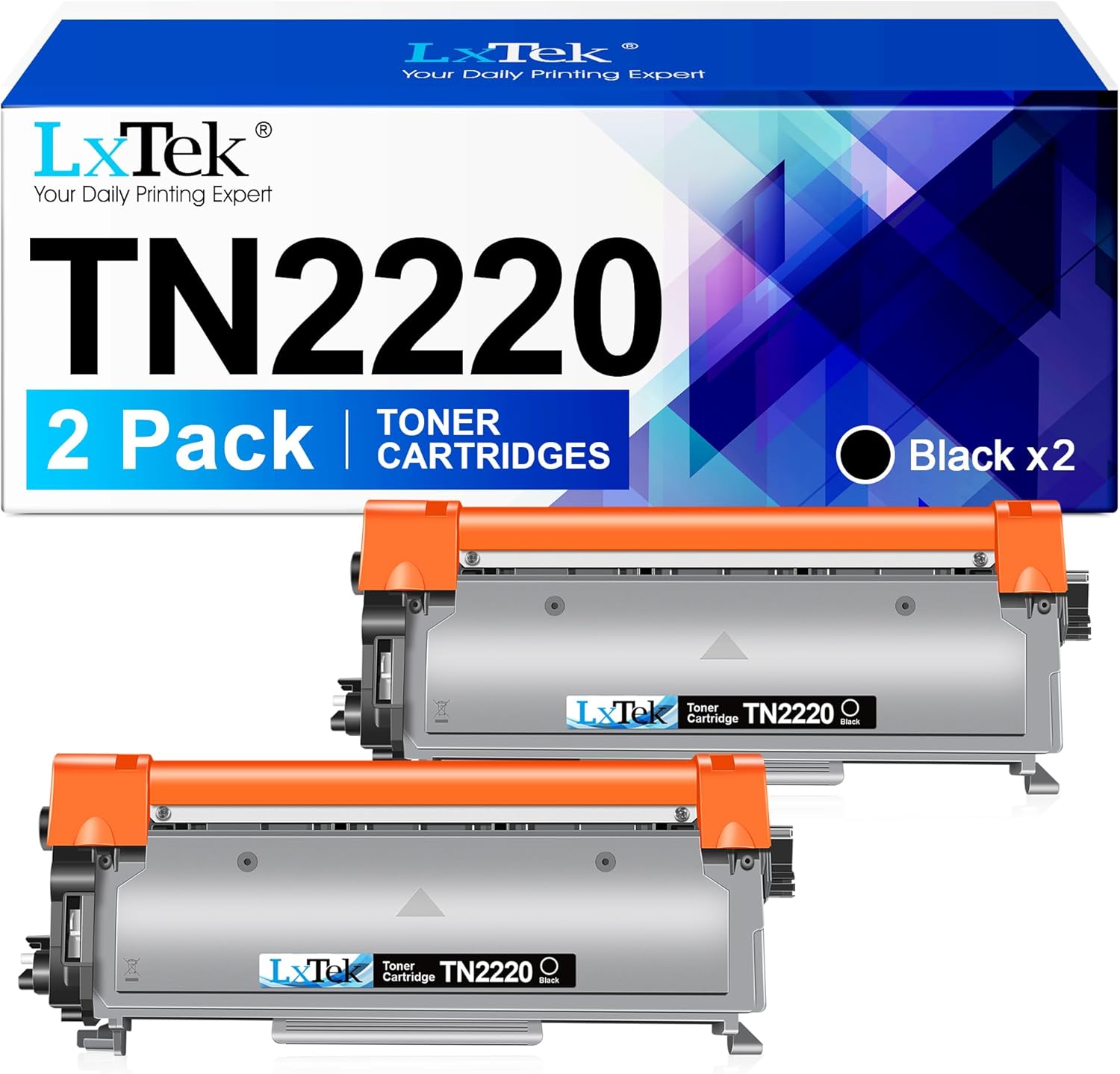
The LxTek TN2220 is a compatible black toner cartridge designed to replace Brother TN2220 and TN-2220 in a range of Brother printers and MFPs. This listing refers to a 2-pack, intended as a straightforward, cost-conscious alternative to original consumables. While the box contents in some listings may vary, the core proposition is consistent: standard sequential compatibility across multiple Brother devices and a straightforward black print finish. On the page yield, the official claim is around 2,600 pages per cartridge at 5% coverage on A4, which places this option in the affordable, mid-range tier for typical office tasks.
Compatibility and what it covers
On paper, this cartridge is marketed as compatible with a broad suite of Brother machines, including models in the MFC, HL, DCP, and FAX lines. If you’re upgrading or stocking up, it may fit printers like the MFC-7360N family and related FAX and HL devices. It’s prudent to double-check your exact model number and toner type before purchasing, given that packaging and model-specific variants can appear in the market. This is not an original Brother cartridge, and that distinction often translates to a different price point and potentially different calibration or colour consistency across printers.
What you’ll notice in use
For daily print tasks—texts, invoices, basic reports—the goal is clear, sharp black text with predictable saturation. On the page yield, two or more cartridges in a pack should offer a practical sense of value, especially for small teams that print in moderate volumes. Real-world results can vary depending on print density, page content, and print settings. Some users find compatible toners to be slightly more sensitive to firmware or printer cleaning cycles, if you rely on high-contrast documents or dense graphics, you may want to run a few test prints early to confirm alignment and density.
The good and the not-so-perfect
What stands out is the straightforward approach: a cost-effective substitute that aims to deliver similar grayscale output to OEM toners without the premium price. It’s not perfect for every scenario—how well a compatible cartridge performs can depend on the specific device and firmware version. In some instances, you might encounter minor variations in page tonal balance or initial calibration. If your workflow hinges on absolute colour accuracy or long-lasting print stability, you may prefer genuine consumables. For routine office tasks, this is a reasonable compromise.
Who it’s for
This cartridge makes sense for individuals or small teams who print a fair amount of black text and want to control costs without sacrificing legibility. It’s suitable if you favour a pragmatic approach to consumables and don’t mind a potential variance in page-to-page consistency between units.
Who it isn’t ideal for
If you require exact colour fidelity, specialised graphics, or heavy-duty printing with tight colour management, this option may not be the best match. Those who prioritise absolute compatibility guarantees with a specific printer model or firmware release could find OEM or manufacturer-approved alternatives more reassuring. If you print infrequently, the risk of clogged nozzles or extended priming cycles with some compatibles is worth considering.
Before you buy
Before committing, confirm your exact Brother model and confirm that a TN2220-compatible cartridge is appropriate for your device’s firmware. Look for a reputable supplier and verify what’s included in the box (the listing notes a 2-pack, though some variants show different packaging). Consider your typical monthly page volume and whether you’ll benefit from stock impact by purchasing in pairs or larger multiples. If you rely on devices that insist on precise calibration, set aside time for a quick test page run after installation.
How it compares to other approaches
Compared with genuine OEM toner, a compatible like this tends to offer cost savings per page, especially in environments with steady print demand. If your priority is reducing cost per page and you’re comfortable managing minor print variance, this is a reasonable route. If you’re weighing alternatives, a careful assessment of your printer’s reliability with compatible toners and the supplier’s return policy can help you gauge risk versus reward.
Practical example of use
Imagine a small home office juggling invoices and internal memos. You replace two Brother-compatible TN2220 cartridges to cover a month’s worth of small print jobs. The text remains clean and legible, and you notice a noticeable reduction in running costs compared with more expensive alternatives. It’s not the best pick if you regularly print detailed technical drawings or need exact colour matching for client deliverables, but for day-to-day documents, it’s a sensible compromise.
FAQ
- Will this work with my specific Brother device? It’s marketed as compatible with a wide range of Brother printers, verify your exact model number and firmware version to be sure.
- How many pages can I expect per cartridge? The manufacturer claims around 2,600 pages per cartridge at 5% coverage on A4, actual figures depend on your print content and settings.
- Are there any setup considerations? Some users report minor alignment or calibration steps after installation, running a quick nozzle check or test page can help confirm consistency.