

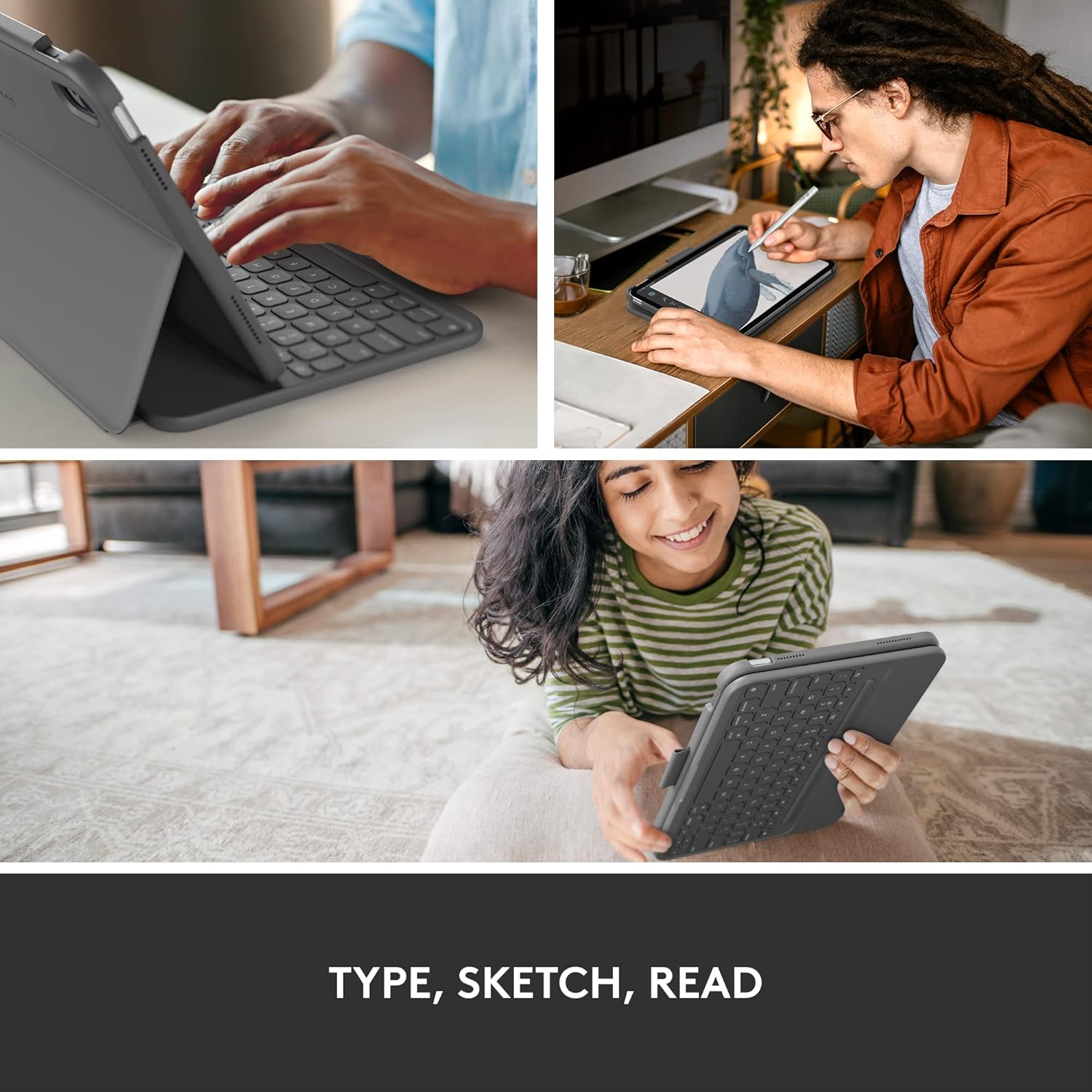
Logitech iPad 10th generation Keyboard Case Slim Folio with integrated wireless keyboard (Graphite) – US layout
Product description
The essentials
If you want your iPad to feel more like a working tablet, the Logitech iPad (10th generation) Keyboard Case Slim Folio is built for that day-to-day typing sweet spot. It’s a slim folio that combines a full-size, well-spaced keyboard with iPadOS shortcut keys, plus a smart-power and Bluetooth setup so you’re not constantly thinking about charging.
On paper, it’s a pretty straightforward concept: you get a comfortable, edge-to-edge keyboard experience (large, spaced keys) and the case does a lot of the “carry and protect” job. It isn’t the type of accessory that turns an iPad into a laptop replacement for everyone, but for people who write emails, reply quickly, or handle notes on the move, it can be a sensible upgrade.
It’s also worth flagging the layout: this version is for the US international layout. If you’re used to UK keyboard conventions, that matters more than you might expect.
What you’ll notice day to day
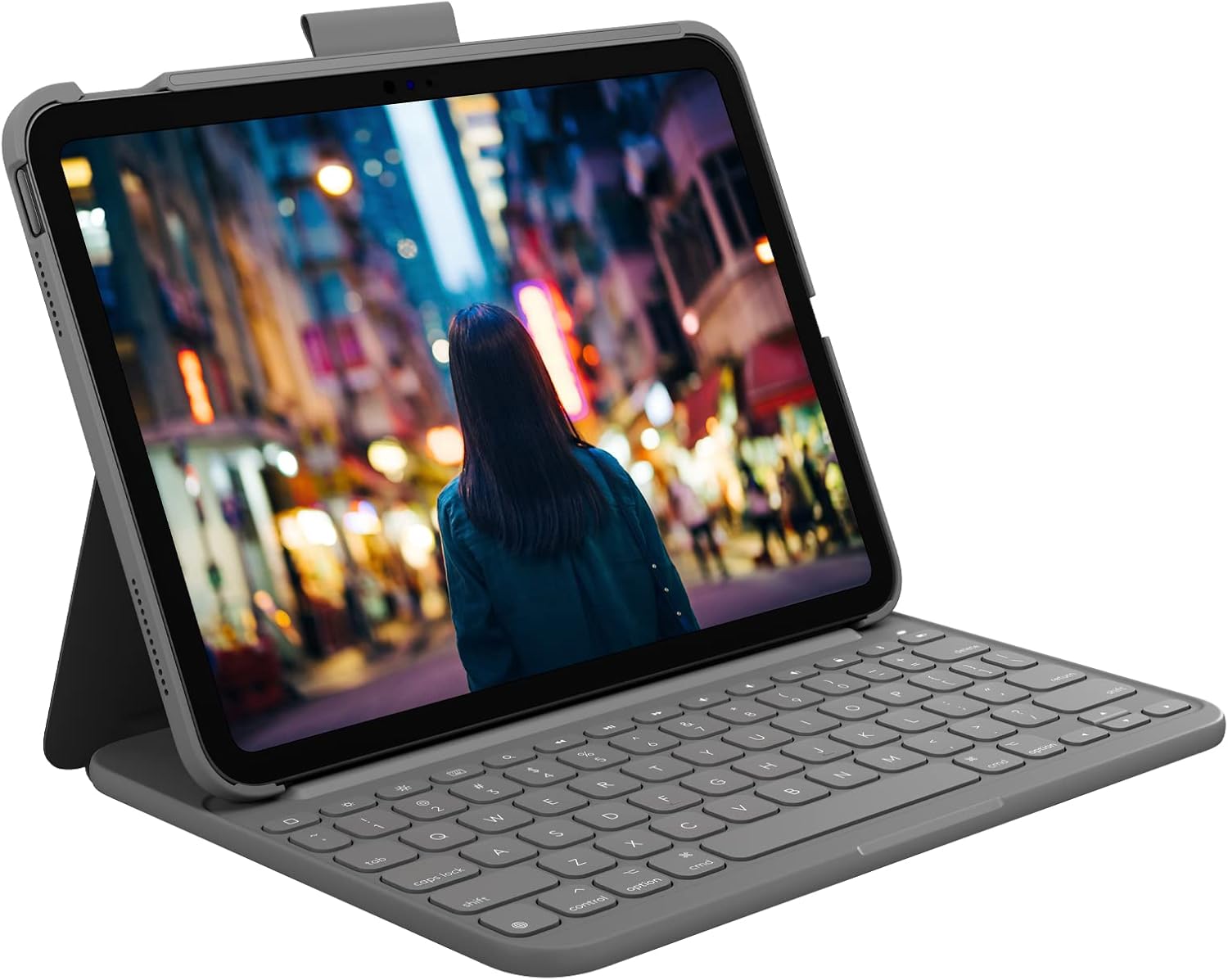
The keyboard is designed with a full-size feel, stretched edge-to-edge, and the keys are described as large and well-spaced. That’s the part that tends to make or break these cases: if keys are cramped, you end up typing slower and correcting more. With this one, the intention is clearly to make typing comfortable for longer sessions.
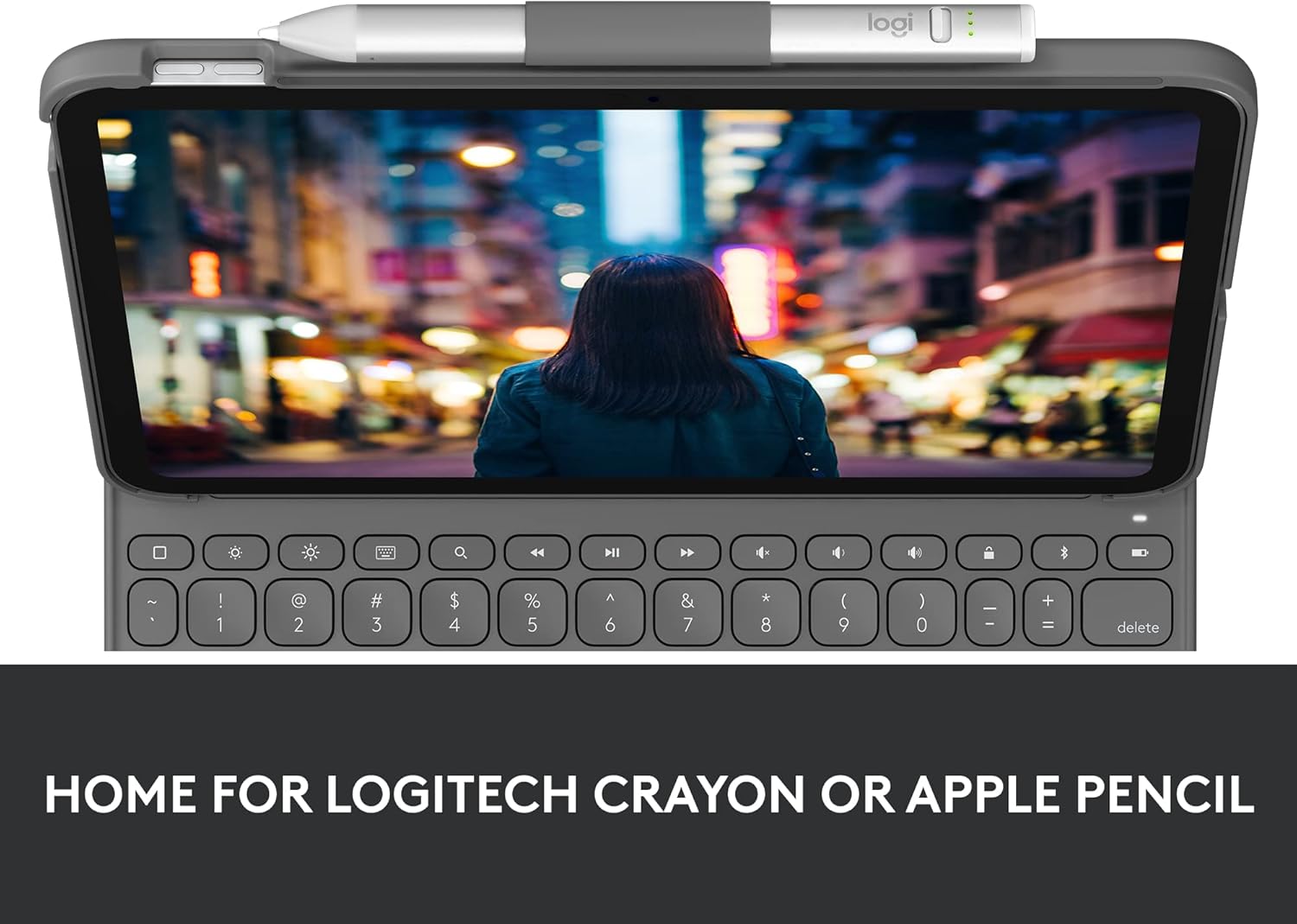
You also get a row of iPadOS shortcut keys aimed at quick control of things like volume and media. That can save you from constantly tapping on-screen menus, particularly when you’re listening to something while working or when you just want to adjust quickly and keep going.
Battery life and power approach
A key selling point here is the battery claim: up to three years, using two replaceable coin cell batteries. Logitech also mentions a smart-power management system designed to help you reach that kind of longevity without regularly swapping batteries.
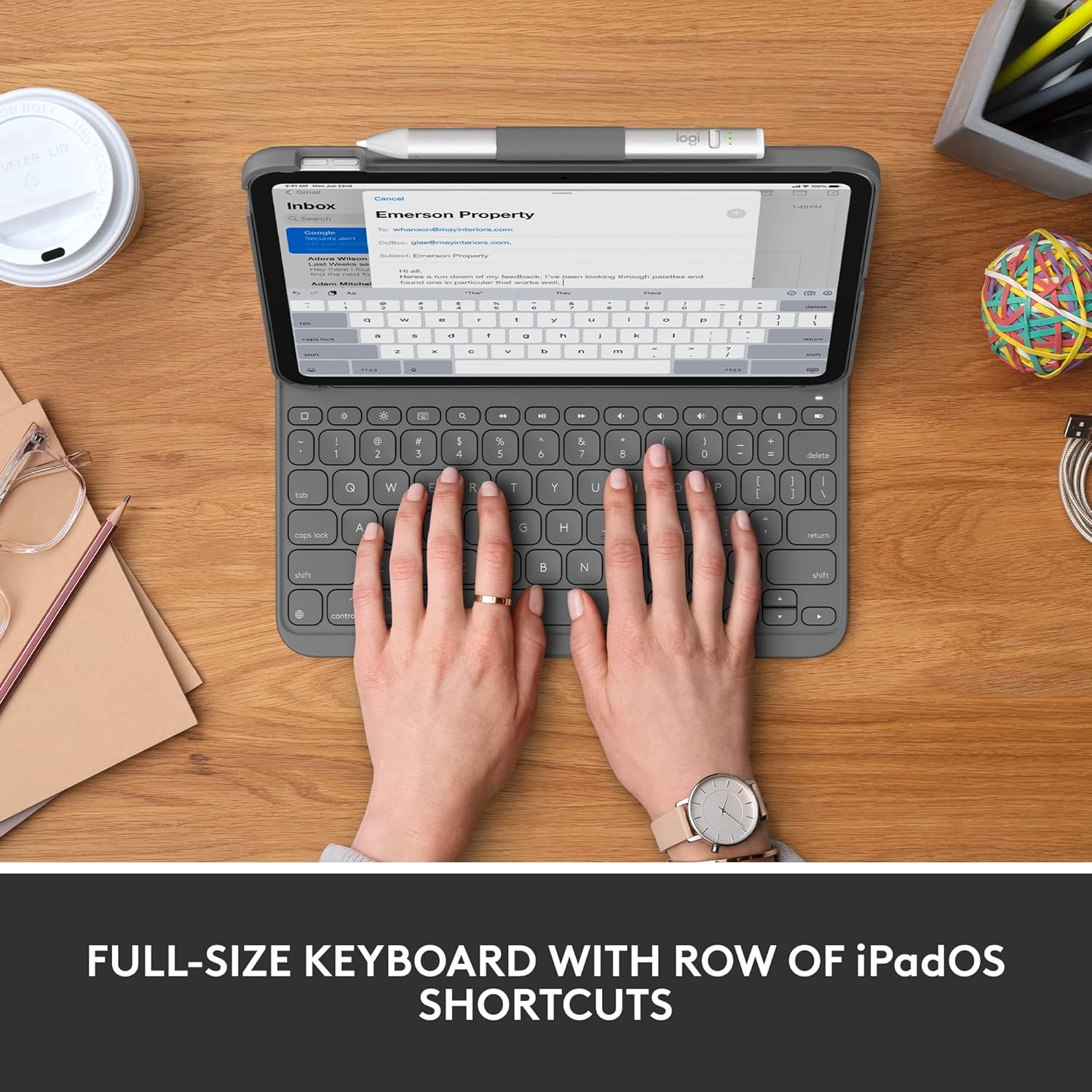
This is one of those features that sounds like a small detail until you’re living with it. A keyboard folio that demands frequent charging is annoying, one that you only think about occasionally tends to get used more often.
One limitation to keep in mind: coin cells are replaceable, but the text provided doesn’t say exactly what kind of replacement cycle you’ll experience in real use. If you type heavily every day, your mileage may vary.
Connectivity and protection
The Slim Folio uses Bluetooth Low Energy for a reliable, energy-efficient connection. In practice, that’s usually what you want from a keyboard folio: stable pairing and minimal drain.
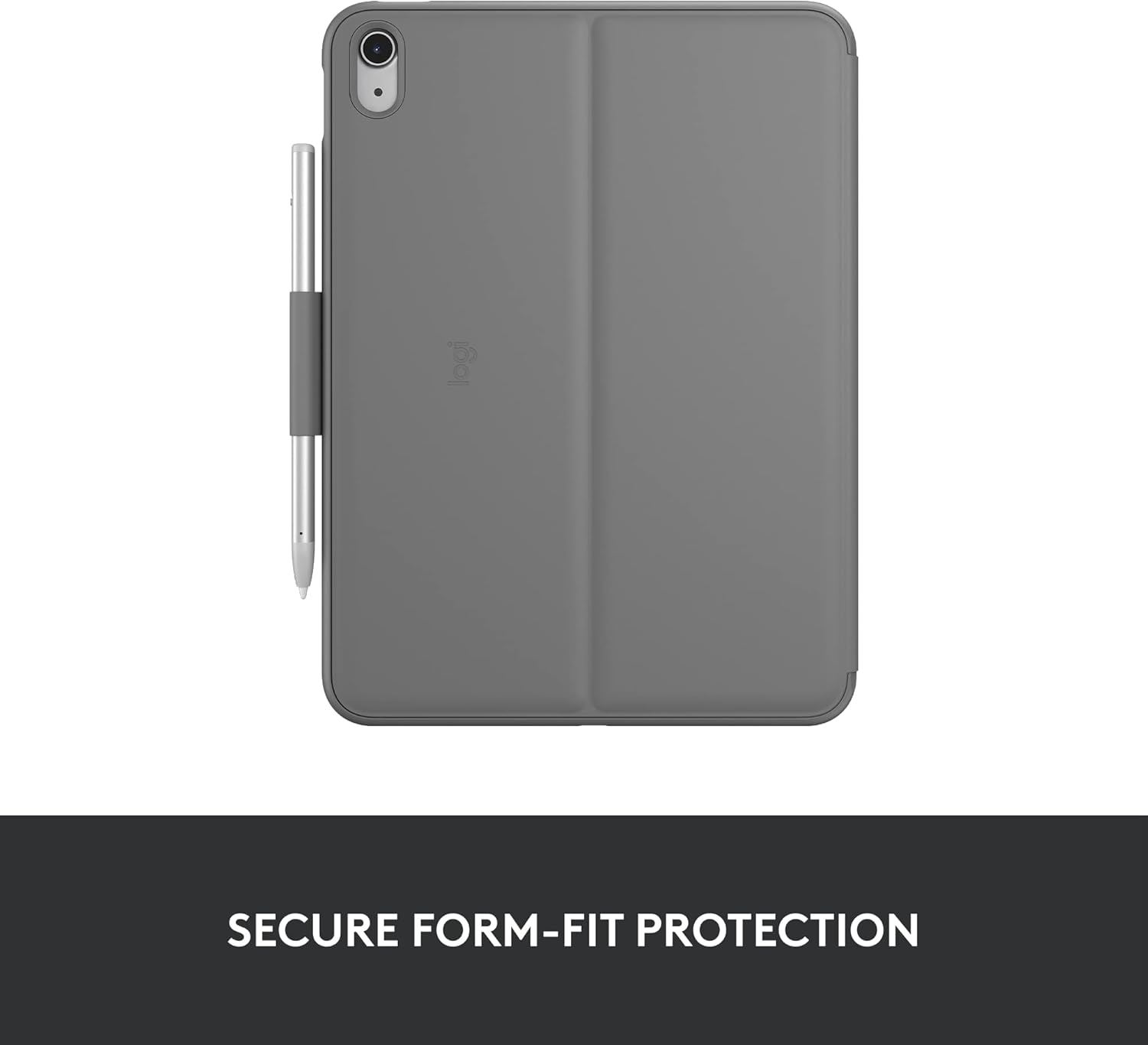
For protection, the case is described as form-fit, helping guard your iPad against bumps and scratches. The outer technical fabric is described as soft to touch yet resistant to wear and tear. Again, it’s not claiming military-grade protection, but it does cover the common, everyday “bag life” risks.
Pencil and Crayon storage
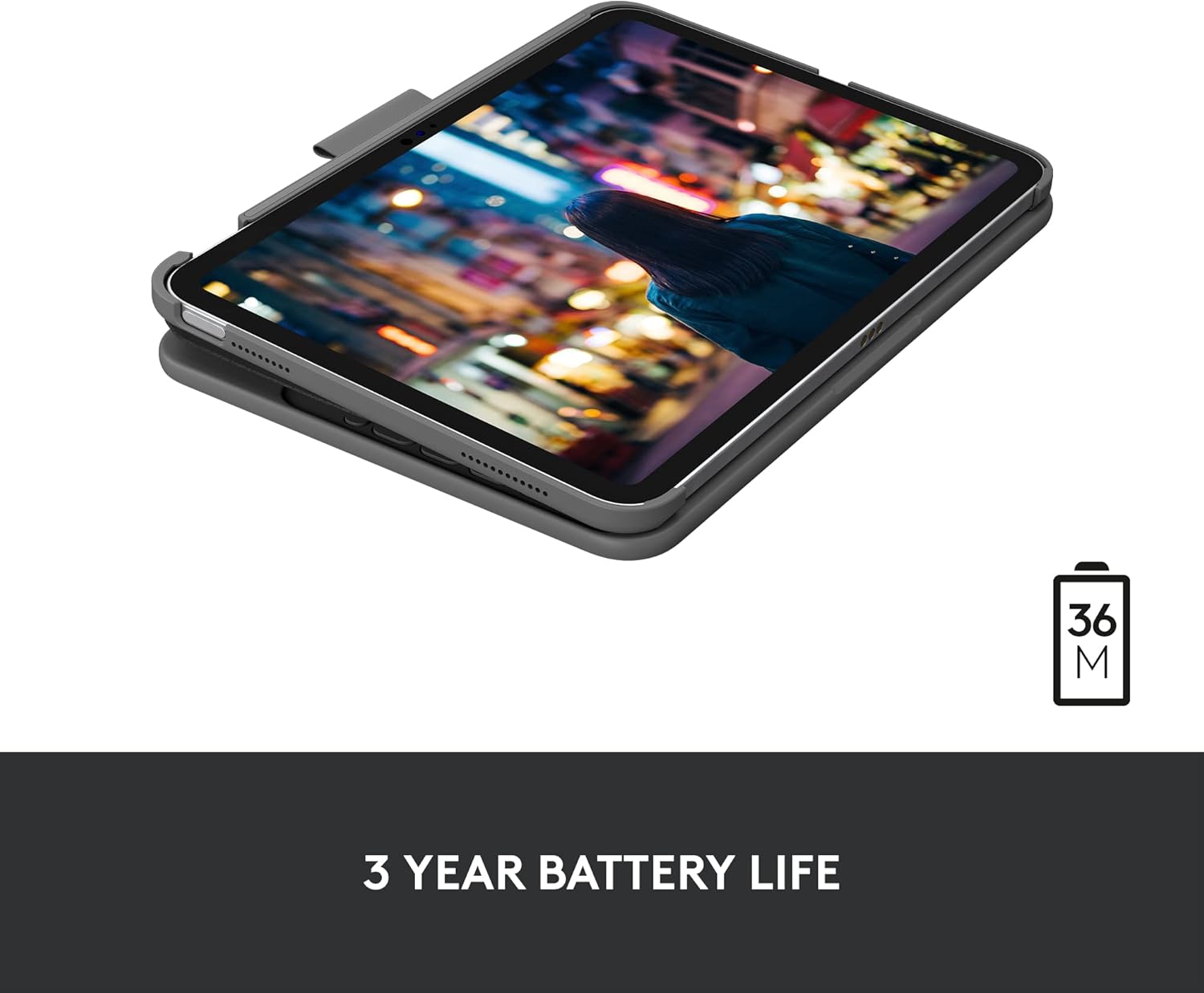
There’s a built-in holder intended for storing a Logitech Crayon or an Apple Pencil, so the stylus isn’t loose in your bag or in the way on your desk. If you regularly switch between typing and jotting ideas, that little storage convenience can be genuinely useful.
The downside is also simple: you’re choosing a case form factor that depends on having that stylus use pattern. If you never carry a pencil, you may feel like you’re paying for features you won’t use.
Tech specs

- Type: Slim folio keyboard case with integrated wireless keyboard
- Connectivity: Bluetooth Low Energy (Bluetooth)
- Keyboard layout: US International Layout
- Keyboard keys: large, well-spaced keys, full-size, edge-to-edge design
- iPadOS shortcut keys: row of shortcuts for quick access to functions such as volume and media controls
- Battery: powered by 2 replaceable coin cell batteries
- Battery life claim: up to 3 years (with smart-power management)
Who it suits best (and who should skip it)
It makes sense if you want an iPad accessory that focuses on comfortable typing, quick iPadOS shortcuts, and a “grab it and go” setup that’s designed to protect against everyday wear.
It’s a solid pick if you work through emails, drafts, or notes in regular bursts and you’d rather rely on a long-life battery approach than constant charging. It also suits people who carry a stylus and want it stored neatly in the case.
It may not suit you if you specifically need a UK keyboard layout (this one is US International), or if you’re mainly using your iPad for apps where typing is rare. In that case, a keyboard case can feel like extra bulk for limited benefit.
Is it worth it?
Worth considering if you’re shopping for a Logitech iPad (10th generation) Keyboard Case Slim Folio to improve typing comfort, add iPadOS shortcut keys, and keep power requirements low with replaceable coin cells. The Bluetooth Low Energy and the claimed multi-year battery life are the kind of practical touches that tend to matter after the novelty fades.
You may want to skip it if you’re sensitive to keyboard layout differences, or if you don’t realistically use a hardware keyboard. If your iPad routine is more about scrolling and touch-first apps, this kind of accessory may feel like overkill.
Mini FAQ
Will the keyboard help for everyday iPadOS shortcuts?
Yes, the folio includes iPadOS shortcut keys, described as a row for quick access to things such as volume and media controls.
How is the keyboard powered?
The keyboard uses two replaceable coin cell batteries, supported by a smart-power management system.
How does it connect to the iPad?
It uses Bluetooth Low Energy for a reliable, energy-efficient wireless connection.
Does it protect the iPad?
The case is described as form-fit protection against bumps and scratches, with a fabric outer that’s soft to touch and resistant to wear.
Where can I store a stylus?
There’s a holder designed for storing a Logitech Crayon or an Apple Pencil.