

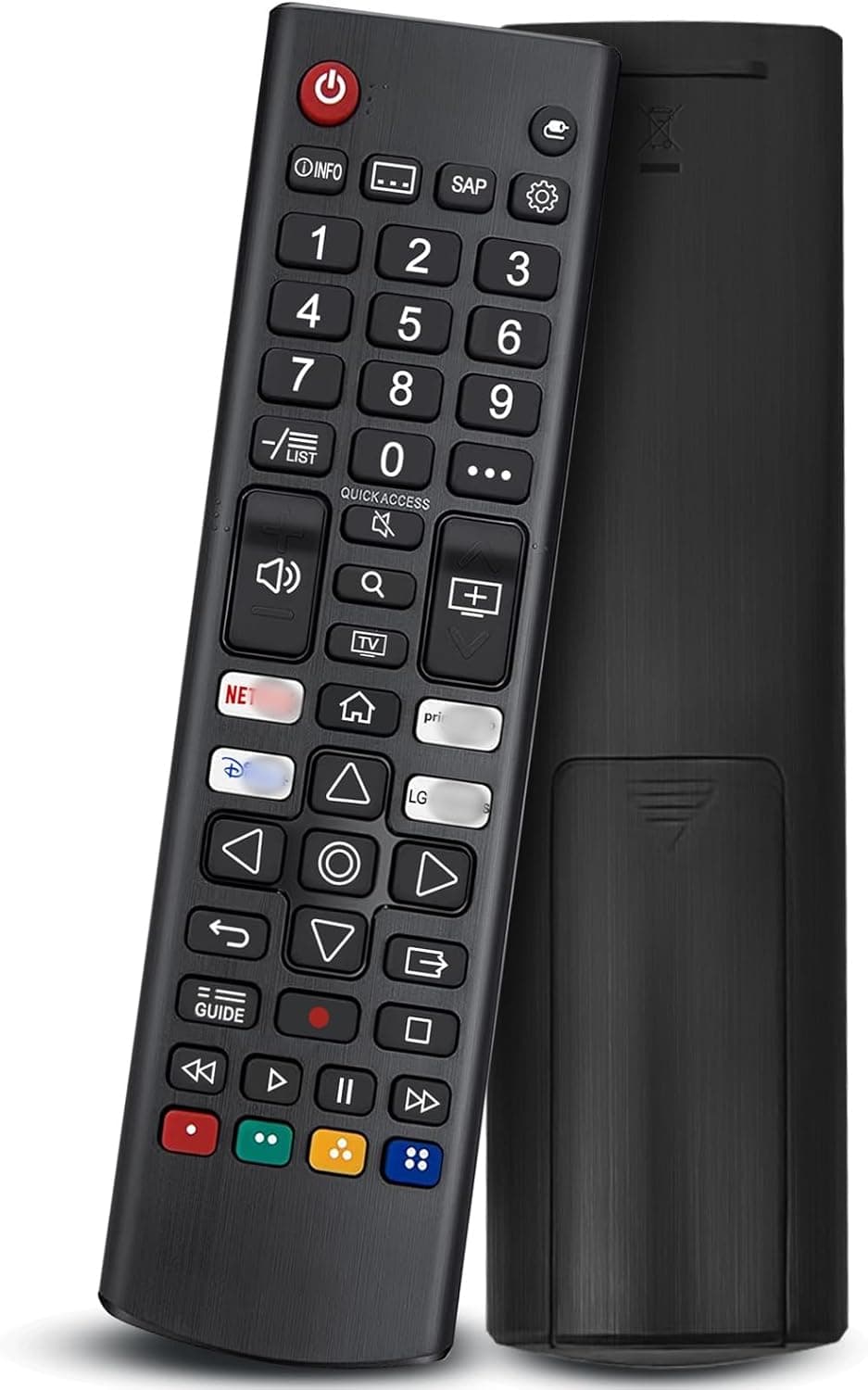


LG Universal Remote Compatible with LG TVs 📺

Reviews
Product description
Go to offerDescription:
This universal remote control from QINCINA replaces lost or damaged LG TV remotes and brings quick access to popular streaming apps for everyday viewing. It is compatible with a wide range of LG televisions including LED, OLED, NanoCell and QNED ranges, and its updated infrared chips deliver faster response for channel changes and menu navigation.
Key Points
The remote supports direct shortcuts to services such as Netflix and Disney Plus, plus an LG Channels button for faster access to platform content. According to the manufacturer, the smart chips respond in under 0.2 seconds and offer a claimed lifespan of over 100,000 clicks. No programming or pairing is required, so it starts working as soon as batteries are inserted. The casing is made from durable ABS plastic, intended to resist everyday knocks and provide a comfortable grip.
Technical Specifications
Name: QINCINA Universal Remote for LG TVs
- Compatibility: LG OLED, LED, LCD, WebOS models including UP70/75/76/80/87 series, OLED A1/A2/B1/B2/C1/C2/G1/G2/Z2 series, QNED 80/85/90/99, NanoCell 55/75/80/85/90/99, UQ7070/UQ7570/UQ8000/UQ9000 and similar.
- Range: up to 12 metres according to the manufacturer.
- Response time: under 0.2 seconds according to the manufacturer.
- Material: ABS plastic, impact resistant.
- Batteries: not included.
Advantages
This control offers a straightforward replacement experience without the need for complex setup. The inclusion of streaming shortcuts removes extra steps when launching popular apps, making it quicker to reach films, series and apps. The remote’s buttons follow a familiar LG layout so users migrating from an original remote should find functions and navigation intuitive. Build quality focuses on practical durability rather than premium finishes, which keeps the unit affordable while still robust for everyday handling.
Usage Recommendations
Insert the required batteries and direct the remote towards the TV within the stated 12 metre range for reliable operation. For models that use infrared control, point the unit at the TV’s IR receiver on the front panel when sending commands. Consider keeping the remote on a low-traffic surface to reduce the chance of accidental drops, even though the ABS housing aims to withstand impact. If a specific function does not respond immediately, try replacing batteries with fresh ones and checking that there are no obstructions between remote and receiver.
Note that functionality depends on TV model and firmware. Some proprietary features found on original manufacturer remotes may not be reproduced exactly by third-party units, and compatibility with certain older or very new TV models should be checked against the listed supported series.
