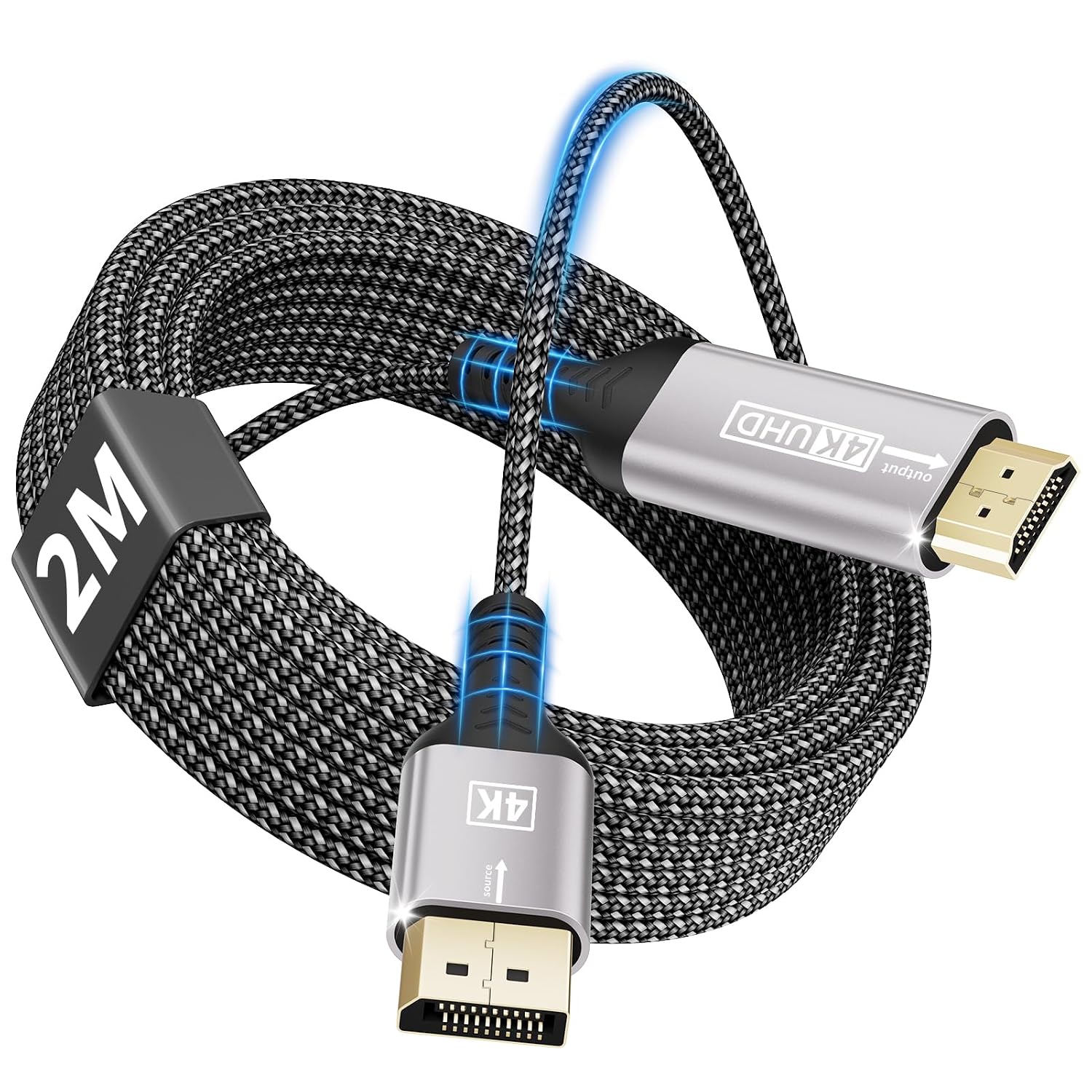
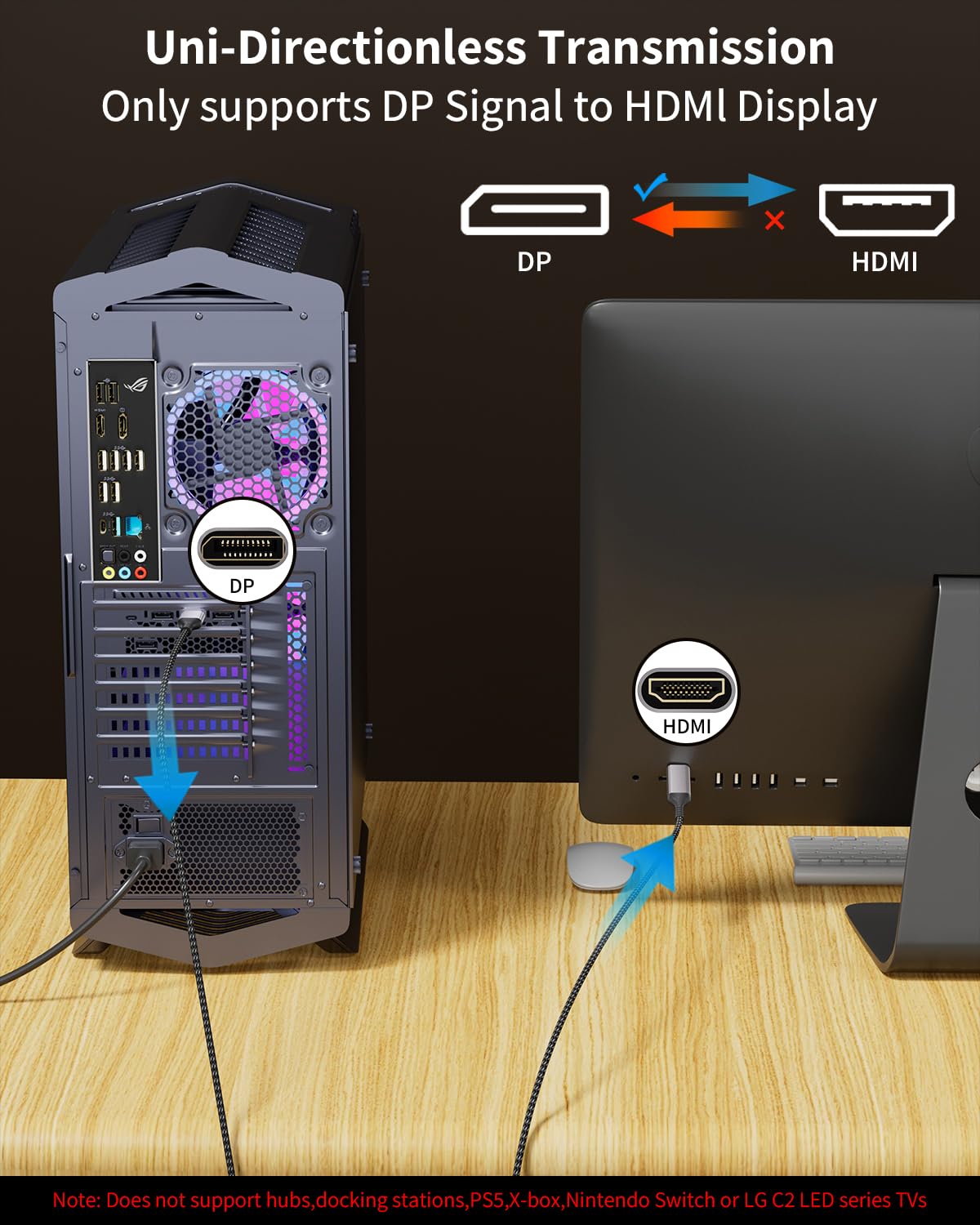
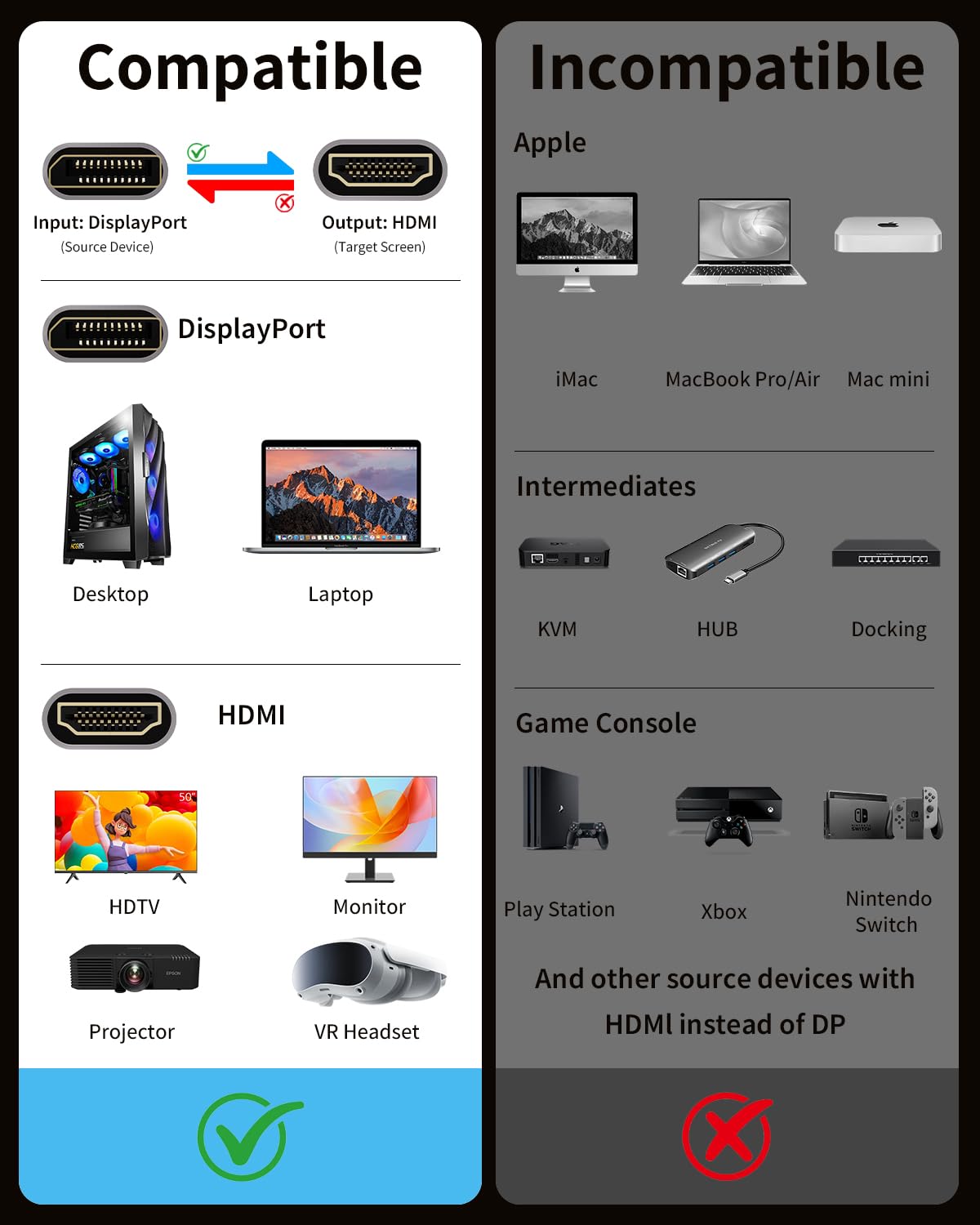
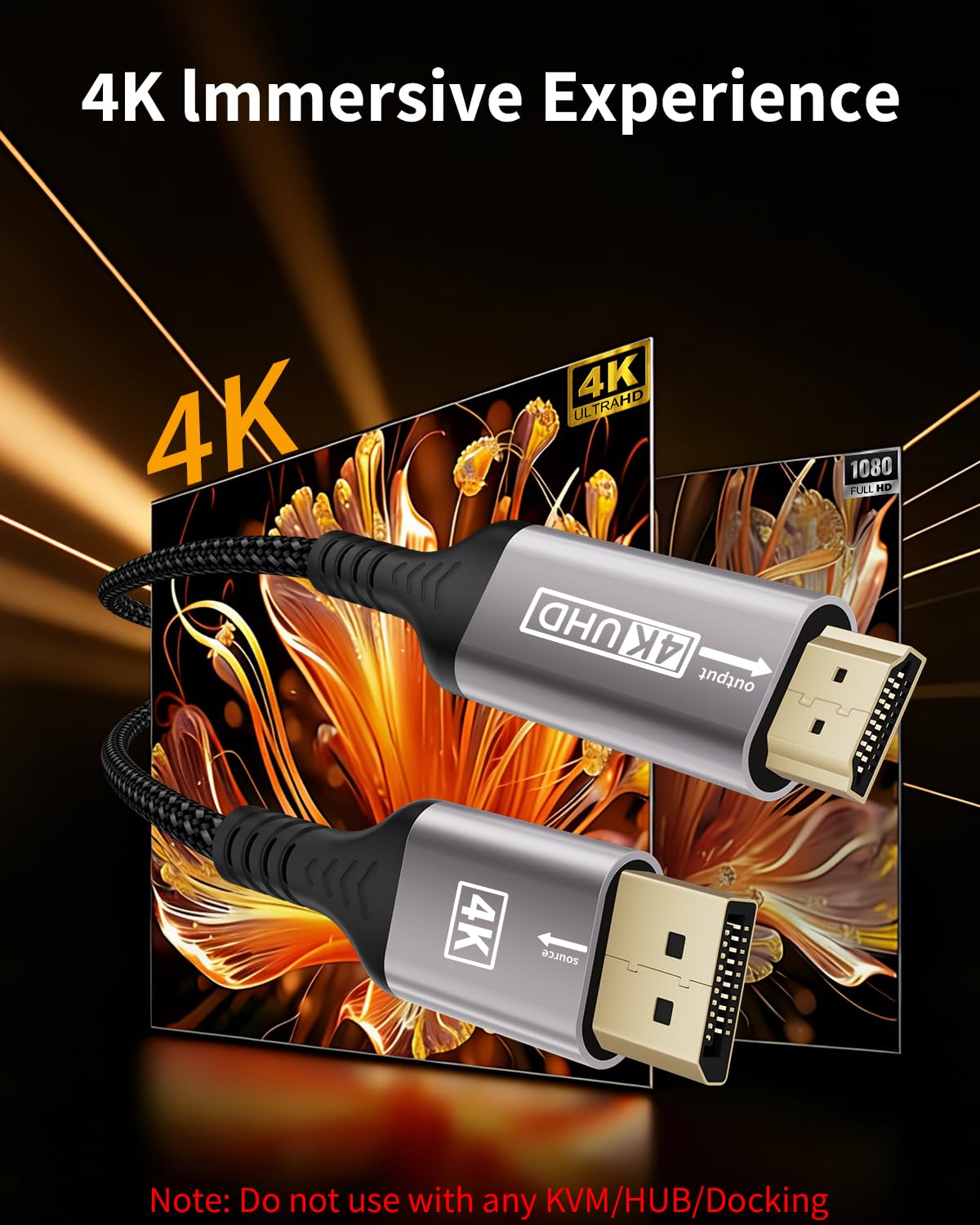
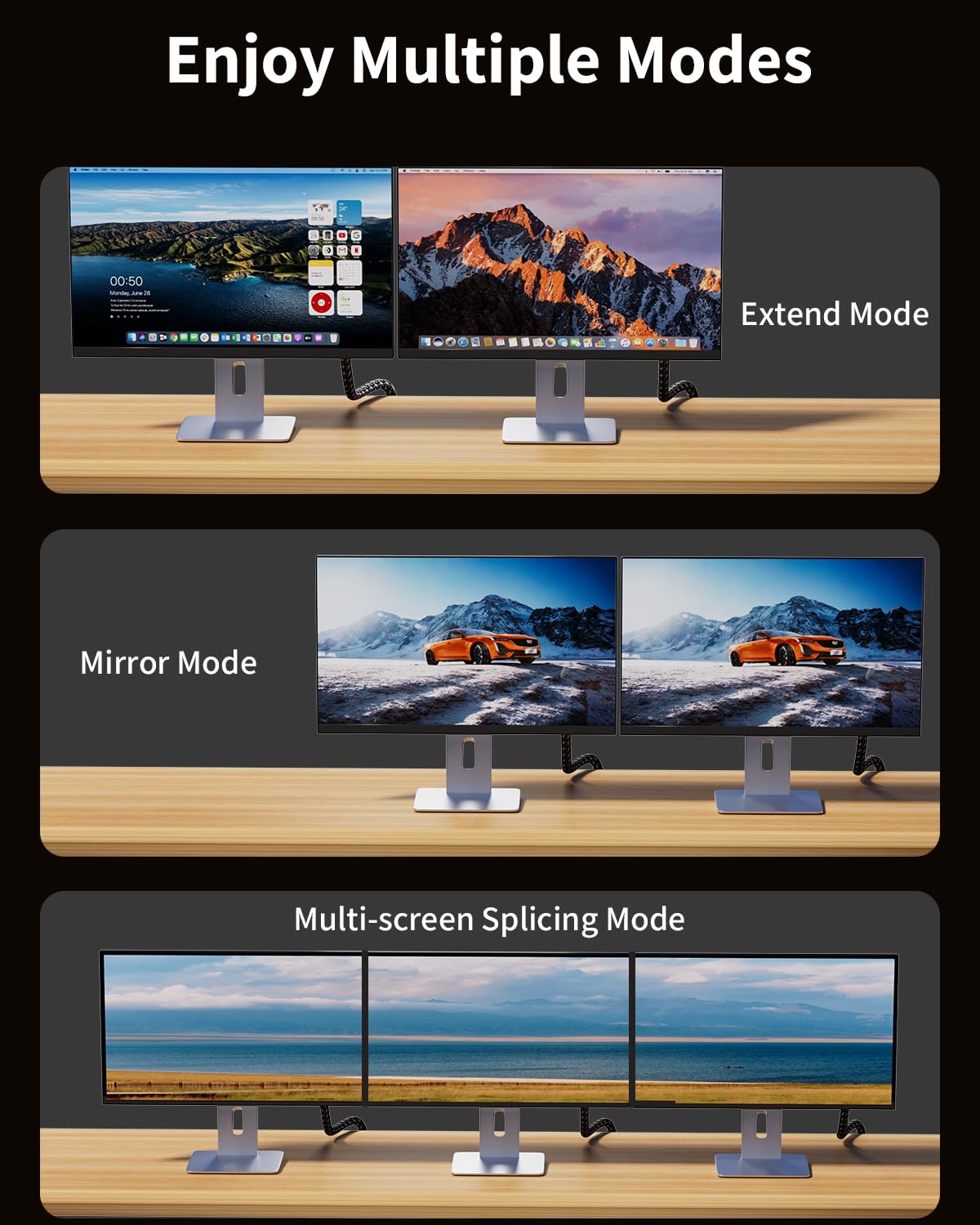
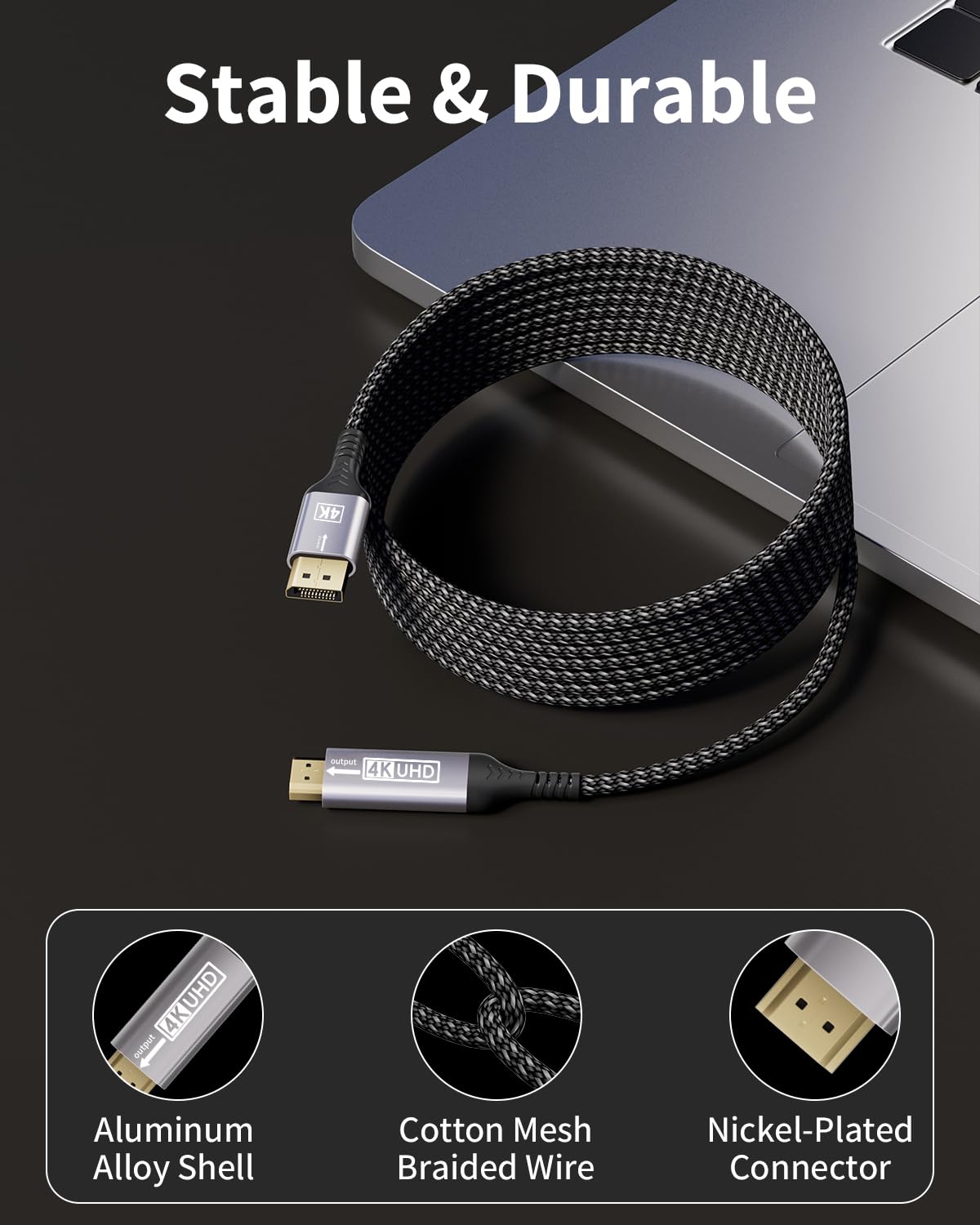
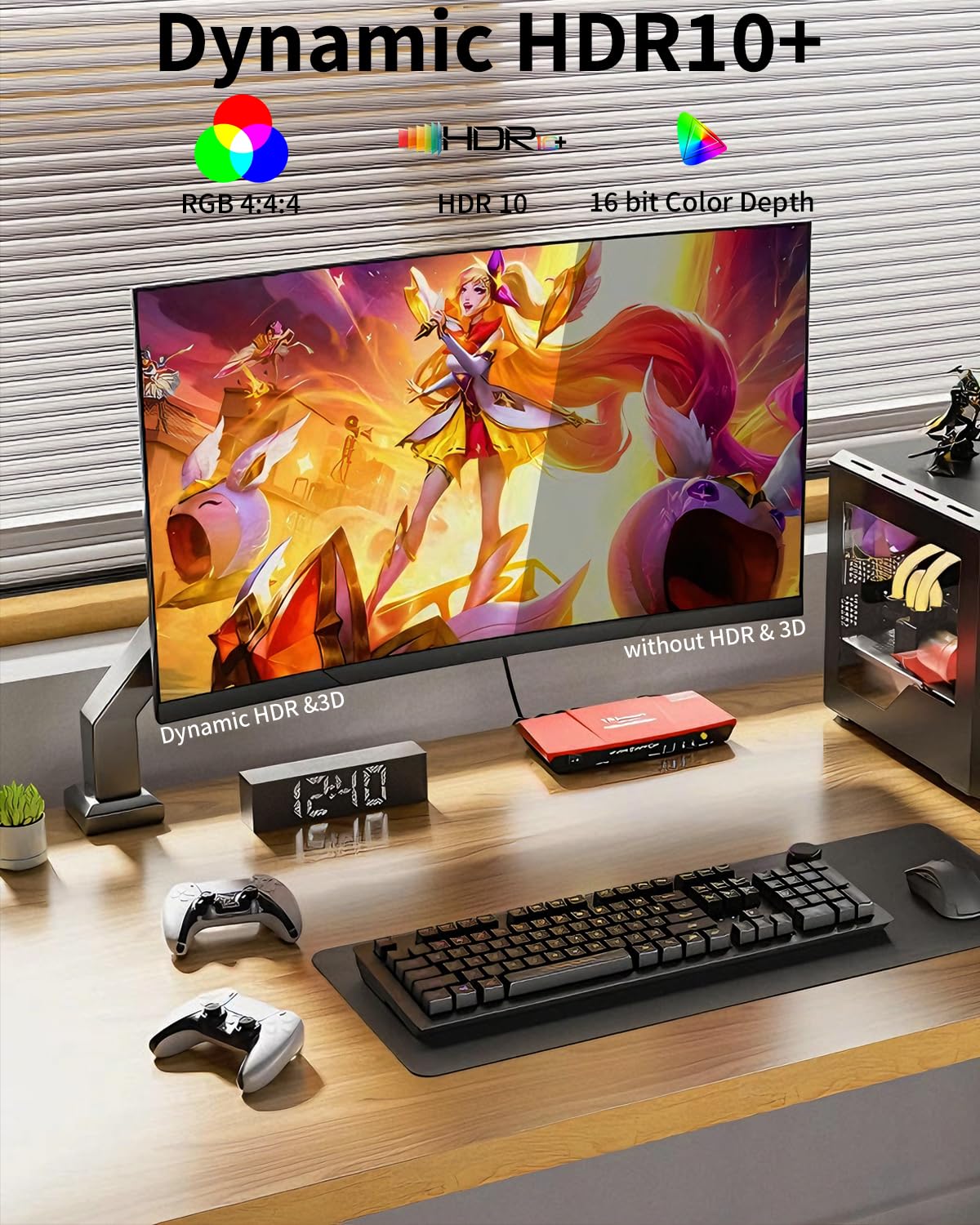
What this is and what it does\nThe layajia DisplayPort to HDMI cable is a uni-directional, male-to-male cable designed to connect a DisplayPort-enabled source (like a PC or graphics card) to an HDMI display (TV, monitor or projector). It translates a DP output to an HDMI input, supporting up to 4K UHD at 30 Hz and higher refresh rates at lower resolutions. On paper, this is a straightforward way to get image and sound from a compatible computer to an HDMI screen without adapters or adapters' adapters.\n\n## How it fits into your setup\nIf you mainly use a laptop or desktop with DisplayPort and you want to drive a HDMI display, this cable keeps things simple: one directional signal path, no active conversion, and a shielded build to help minimise interference. It’s well suited for general productivity, media playback and light gaming where a reliable DP→HDMI connection is sufficient.\n\n## What’s good about it\nDurable construction is highlighted by a tinned copper conductor, triple-layer shielding and gold-plated connectors, which should help durability and signal quality in daily use. The fibre of the casing and connectors is designed to resist wear from frequent plugging and unplugging. The cable length (2 m) is a practical middle ground for many desks, media setups and classrooms.\n\n## Potential limitations to note\nThis is a uni-directional cable: it only converts from DisplayPort (source) to HDMI (display). If your goal is HDMI-to-DisplayPort or to drive a HDMI source from a different kind of input, this cable won’t help. Also, while it supports up to 4K, the HDMI side may run at 4K only at 30 Hz, higher refresh rates at 4K aren’t specified and may require compatible hardware and displays. If you prioritise very high framerates at 4K, you may need to adjust expectations.\n\n## Who it’s for\nIt makes sense for users with a DP output on a computer or graphics card who want to connect to an HDMI display without dongles or adapters. It’s particularly practical in office environments, classrooms or home setups where a single DP source needs to feed an HDMI monitor or projector. It’s less ideal if your priority is bi-directional compatibility or HDMI-to-DP conversion.\n\n## What to check before buying\nConfirm your source device outputs DisplayPort with DP++ (dual-mode) if needed, and verify the HDMI display’s capabilities. Check if you require 4K at 60 Hz or 1080p at higher refresh rates, if so, you may need to adjust expectations or consider alternative connection methods. Ensure your cable length fits your setup and that both devices are compliant with the intended resolutions.\n\n## Practical use example\nIn a small conference room, you can plug the layajia DP→HDMI cable from a laptop into a projector to present slides and video. The USB speaker or projector’s built-in audio can be carried via the HDMI path if supported, otherwise you may need a separate audio solution.\n\n## Quick comparison of approaches\nIf you already have HDMI outputs on your source device, a simple HDMI-to-HDMI cable is simpler. If you need to run a DisplayPort source into an HDMI display, this cable provides a compact, cable-only solution without extra adapters. For very high-end gaming at 4K with high frame rates, you might look at other configurations that explicitly support higher bandwidth.\n\n## decision section\n### Is it worth it?\nYes, if you need a straightforward DP-to-HDMI link from a DisplayPort source to an HDMI display and your priorities align with a durable, no-fuss cable. It’s a sensible choice for everyday tasks and casual media use and for those who value a simple, plug‑and‑play approach.\n\n## FAQ\n- Will this work with HDMI-only devices as the source? No. It is uni-directional from DisplayPort to HDMI, so HDMI sources won’t feed into DP displays.\n- Can I get 4K at 60 Hz with this cable? The spec lists 4K support and higher refresh at 2K/1080p, but 4K at 60 Hz is not guaranteed, verify your hardware capabilities.\n- Is the cable compatible with laptops or desktops from common brands? It’s noted to work with many DP-enabled devices, but compatibility can vary by model and graphics card configuration.