

Lamicall Gooseneck Tablet Holder for Bed – flexible 360° mount for 4.7–13" devices
Product description
What it is and why people use it
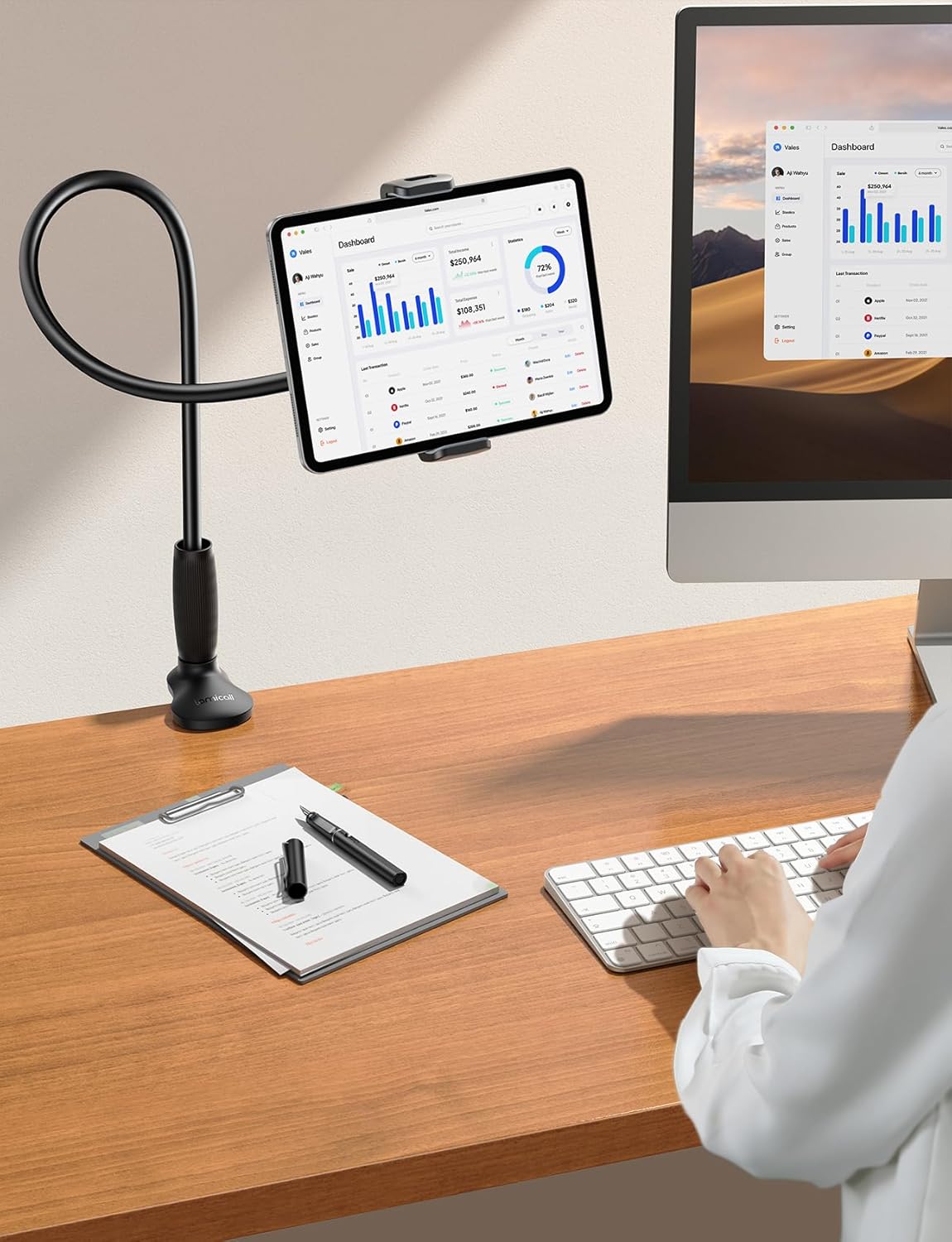
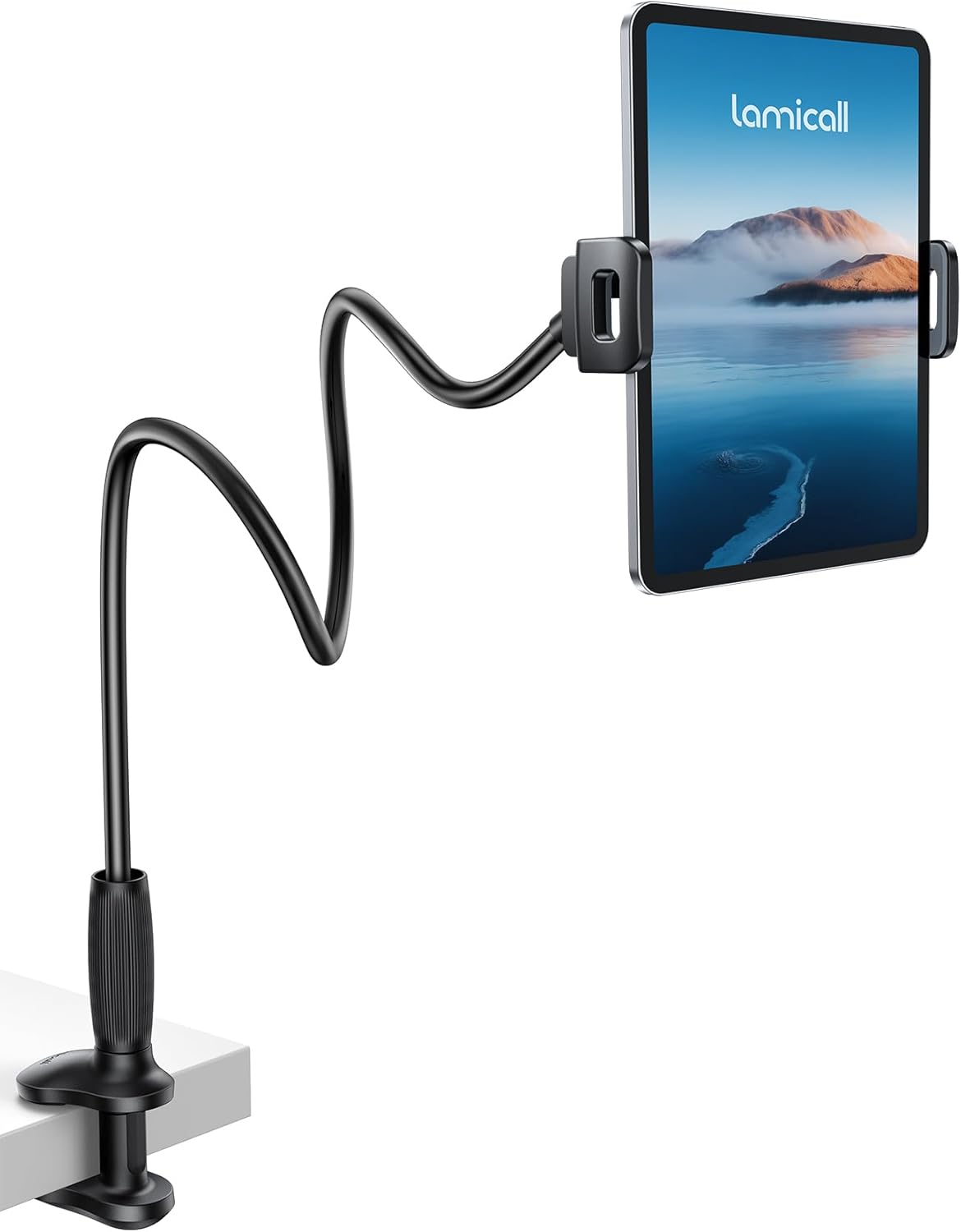
A Lamicall gooseneck tablet holder is one of those everyday accessories that looks simple, but can genuinely change how you use your tablet in bed, on the sofa, or at a bedside table. This one is built around a flexible gooseneck arm and a clamp that lets you position a tablet (or phone/tablet-style device) in a way that’s closer to eye level than balancing it on pillows.
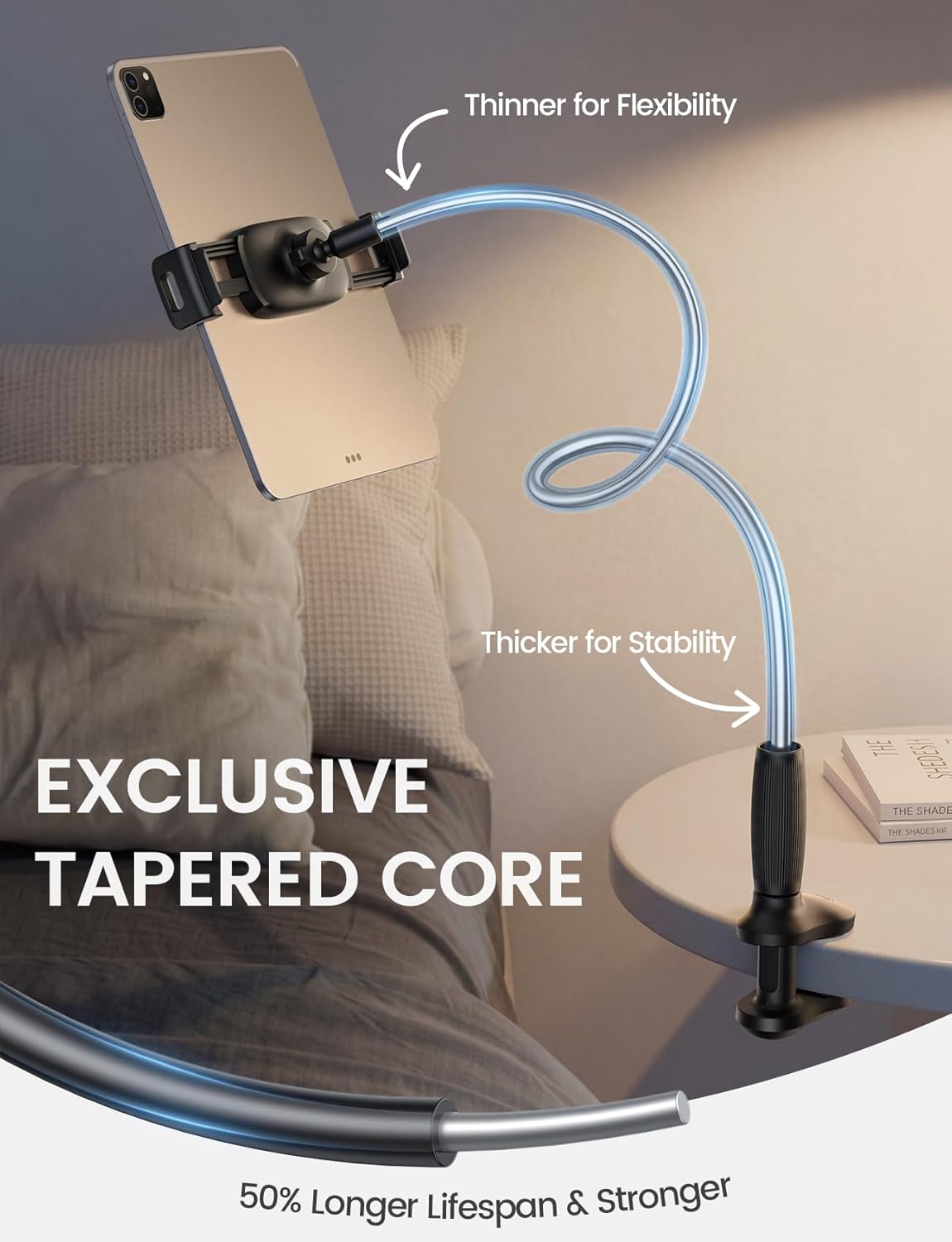
On paper, the standout here is the tapered tube design: the core narrows from bottom to top. The thicker lower section is meant to help stability, while the slimmer upper section is designed to adjust more easily without feeling flimsy. That combination matters because gooseneck mounts often fall into one of two camps—either they’re easy to bend but wobble, or they’re sturdy but harder to fine-tune. This one is trying to meet in the middle.
Key features that affect day-to-day use
The design is geared around a few practical outcomes: smoother adjustment, reduced tipping, and a mount that can handle heavier tablets (within limits).
- Tapered aluminium core + reinforced lower area is intended to prevent tipping and shaking, and improve break resistance.
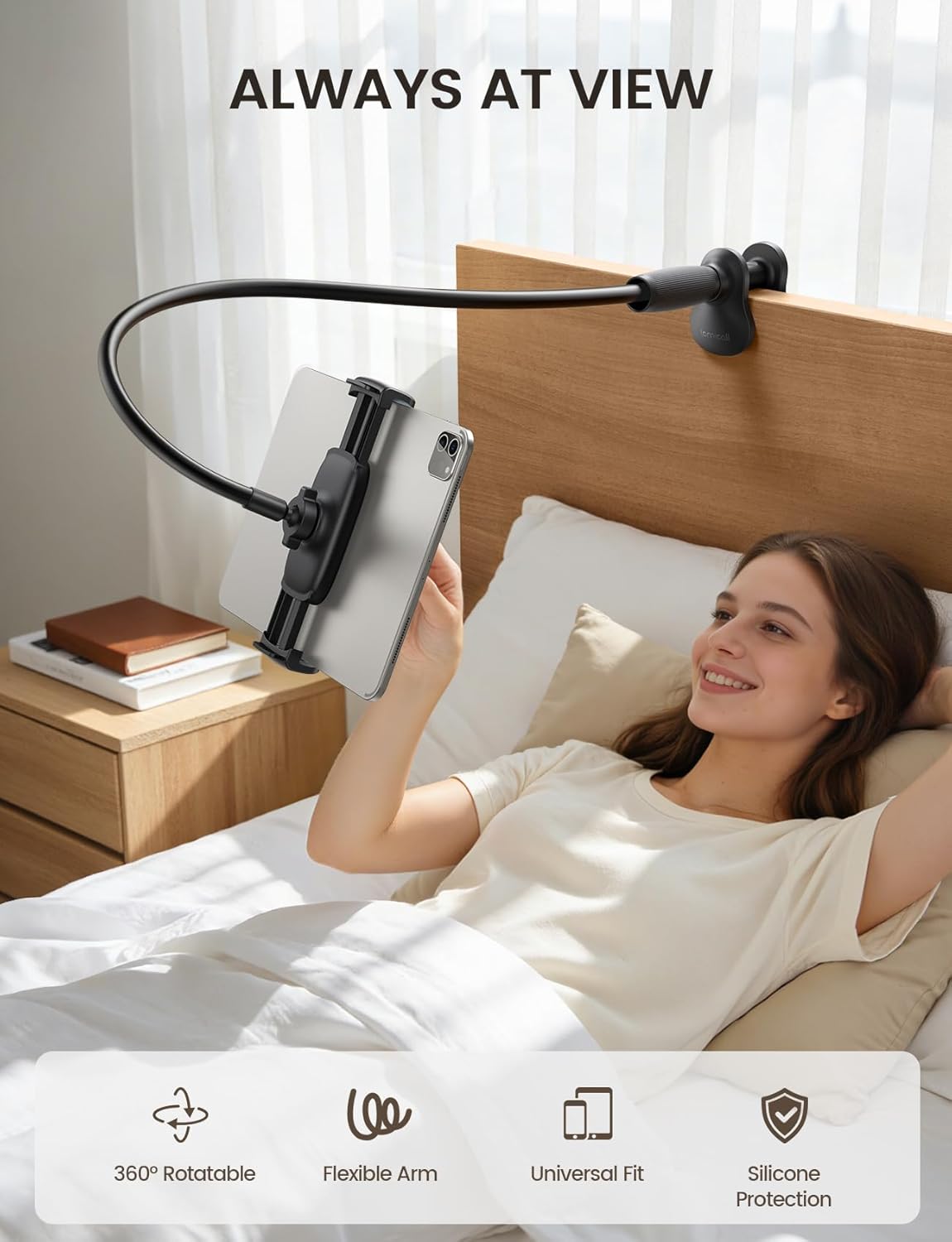
- 360° rotation and pitch adjustment lets you set angles for lying down, sitting, or standing postures.
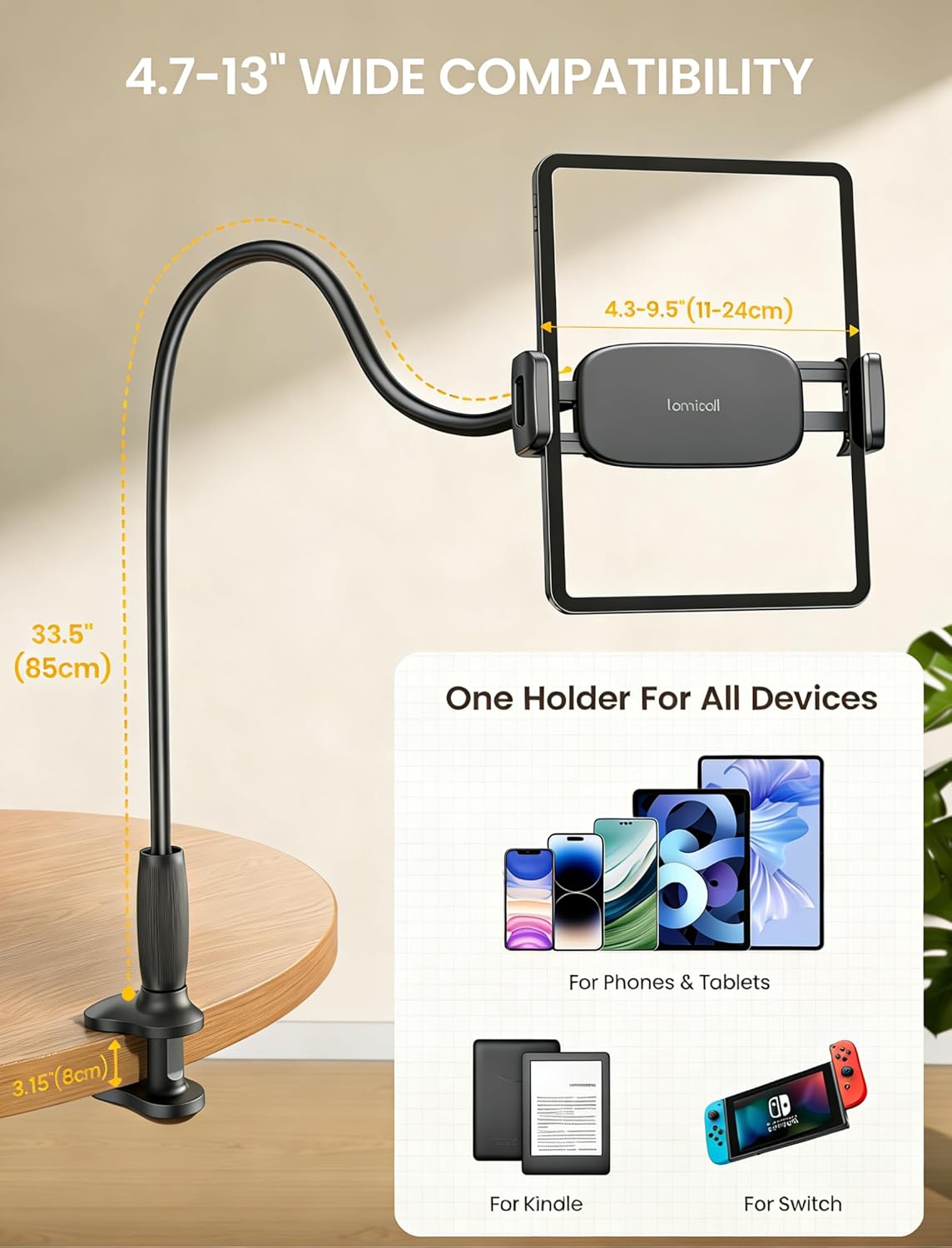
- The arm is described as 85cm extended, which should give you more freedom for where you clamp it and how you route the arm towards your viewing spot.
There’s also a reinforced base and tablet clamp with a stated support up to 800g. That’s useful if you’re using a larger, heavier tablet rather than a light e-reader. Still, you’ll want to stay within the clamp’s holding range and your device’s case thickness.
Compatibility and clamp range (things to check before you buy)
This holder is described as fitting 4.7–13 inch devices. It’s positioned as a “wide compatibility” mount, listing many popular device families including iPad models (up to 13" variants), Kindle and Switch, as well as iPhone. The clamp holding range is stated as 11–24cm, and it’s said to work with device cases under 15mm thick.
That’s the area where buyers should be a bit careful: compatibility here is less about brand names and more about whether your device (and its case) falls into the clamp range. If your case is thicker than you expect, or your device sits at the edges of the 11–24cm range, it may not clamp securely.
It’s also meant to suit flat surfaces within 0.2–3.15" (0.5–8cm) thickness, including bed frames, sofa armrests, desks, kitchen worktops, and gym equipment. If your surface is irregular, very rounded, or outside that thickness range, you could struggle to get a stable clamp.
What to expect when adjusting and using it
The gooseneck adjustment is described as “easy to bend”, and it’s paired with a tapered tube shape to make angle changes smoother than typical stands. There’s a practical note from the manufacturer about bending it into an “S”, “Z” or loop shape for best stability—this is one of those tips that often matters more than the spec sheet.
One limitation to keep in mind: slight wobble during screen use is described as normal. That doesn’t automatically mean it’s unusable, but it does suggest you may want to treat it as a “viewing and browsing” setup more than a mount for heavy, constant typing. The guidance is also to hold the device with one hand while typing or frequently touching the screen.
So, for example: if you’re watching a film in bed, setting the angle at a comfortable level and keeping your hands mostly free should work nicely. If you’re doing a lot of hands-on interaction—long typing sessions or rapid touch-heavy use—this is the moment where a wobble-friendly design can feel less ideal.
Pros and cons you’ll actually notice
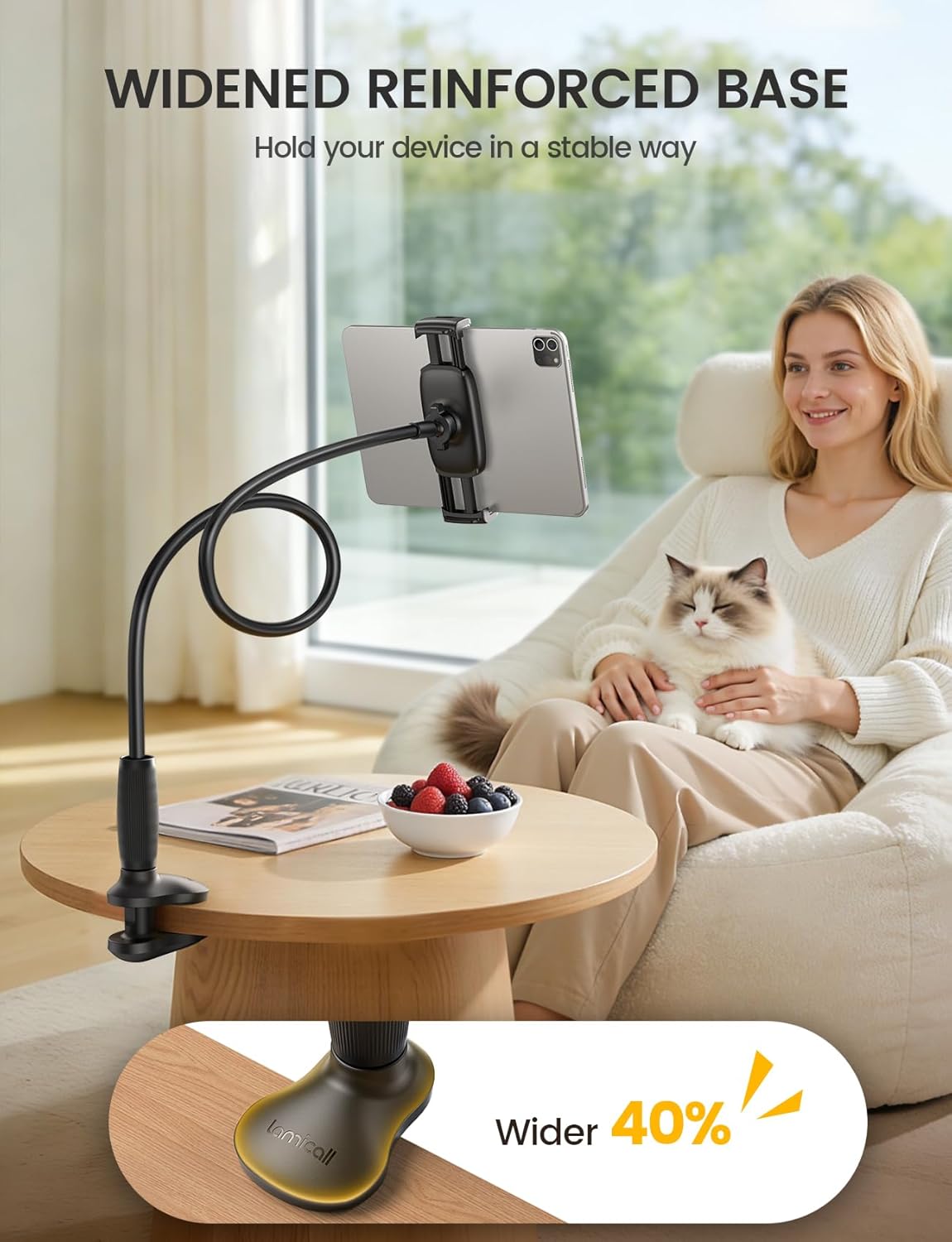
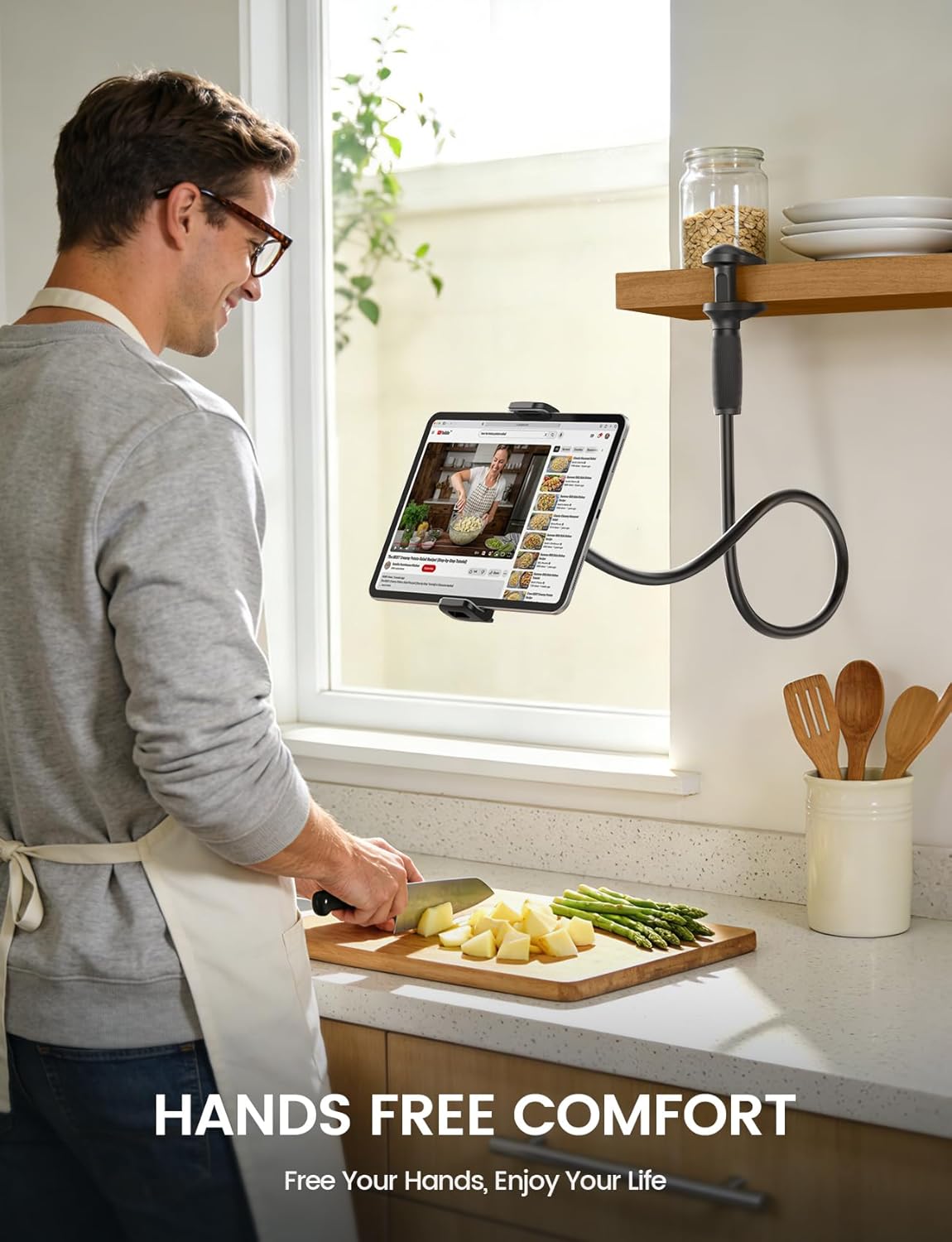
Where it makes sense If your goal is hands-free use on the move—bed movie watching, bedside reading, sofa working, kitchen recipe viewing, or a gym workout session—this mount is built for exactly that kind of “set it and use it” routine. Non-slip TPE pads on the clamp and base are also there to help prevent scratches and scuffs.
Where it may fall short It’s not marketed as a rock-solid, vibration-free studio rig. The “slight wobble is normal” note is a clear hint that it’s aimed more at everyday viewing than precision stability. If you prioritise a completely steady typing platform, or you need absolute rigidity at all angles, you may find it a bit more “tablet-on-a-flex” than you want.
Care, safety, and setup tips
To protect the device and your furniture, the clamp uses a half-wrapped design meant to reduce accidental falls even when the device is facing down. The non-slip pads help, but setup still matters.
A couple of sensible habits from the guidance: adjust the arm with both hands, and avoid forcing bends to protect the stand. Also, when you first set it up, take a moment to bend it into the recommended shape (like an “S” or loop) rather than leaving it straight—stability is part of the design intent.
Is it worth it?
It’s worth considering if you want a gooseneck tablet holder for bed or sofa use, and you’re using a device that falls within the 4.7–13" range and the 11–24cm clamp holding area. The tapered core approach and 360° adjustability make it a practical choice for changing viewing angles between lying, sitting, and standing.
You may want to skip it if you need a completely wobble-free setup for lots of typing or touch-heavy work, or if your device case is thicker than the stated 15mm limit. It may not suit you either if your mounting surface is outside the described 0.5–8cm thickness window.
Quick FAQ
Will it fit my tablet?
It’s described as fitting 4.7–13" devices and a clamp holding range of 11–24cm. The best check is whether your tablet (with its case) matches that range and sits within the case thickness limit.
Can I adjust it for lying down?
Yes. The mount is described with 360° rotation and pitch adjustment, and it’s specifically positioned as useful for lying, sitting, and standing postures.
Is wobbling a problem?
The manufacturer notes slight wobble during screen use is normal. If you do frequent typing or lots of touching, you may need to support the device with one hand.
Where can it be clamped?
It’s described as clamping to flat surfaces with a thickness of 0.5–8cm, such as bed frames, sofa armrests, desks, kitchen worktops, and gym equipment.
Does it protect my device and furniture?
Non-slip TPE pads are included to help prevent scratches and scuffs, and the clamp design is meant to reduce accidental falls.