

lalasis USB 3.0 Extension Cable 3m – A practical 5Gbps A to A USB extension
Product description
The essentials
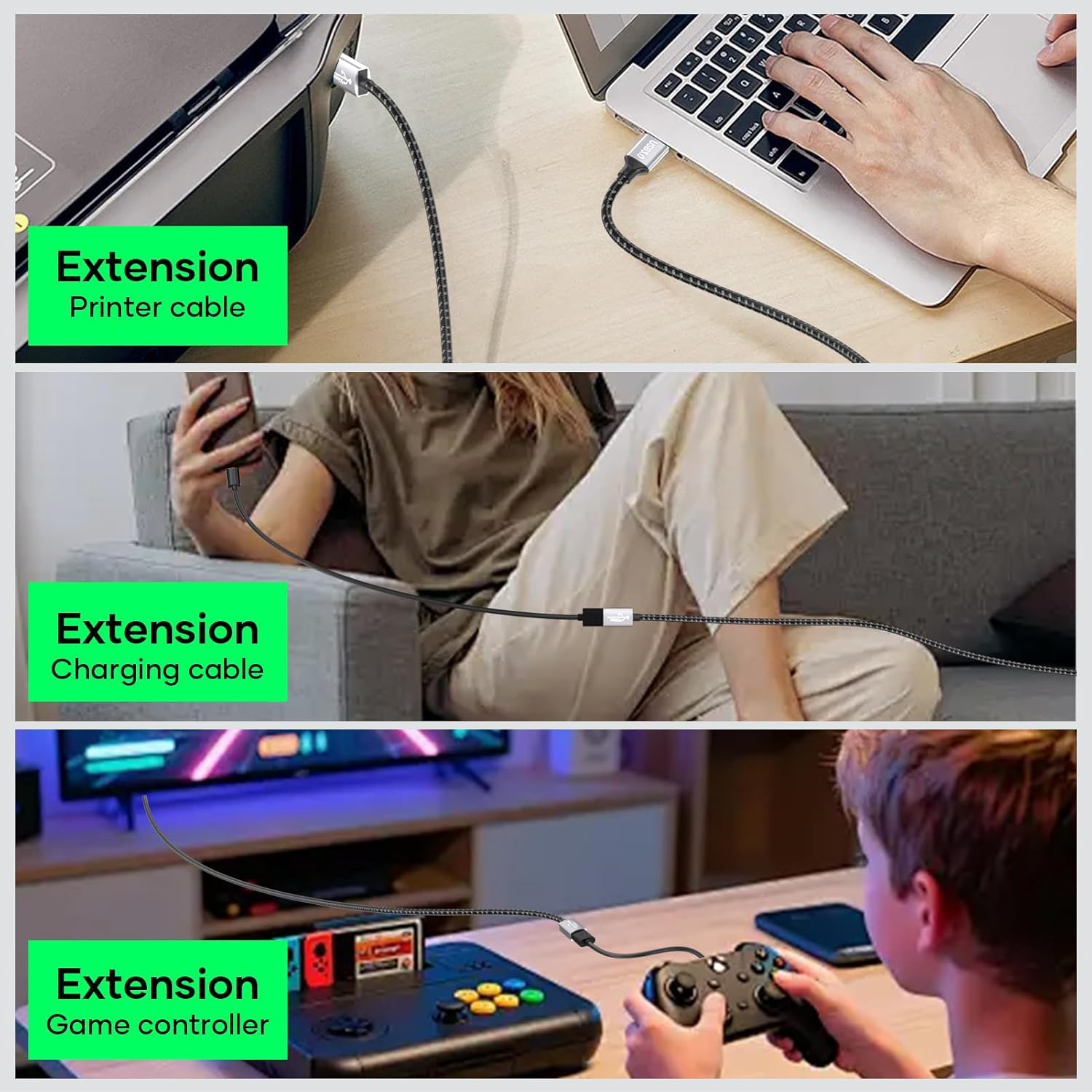
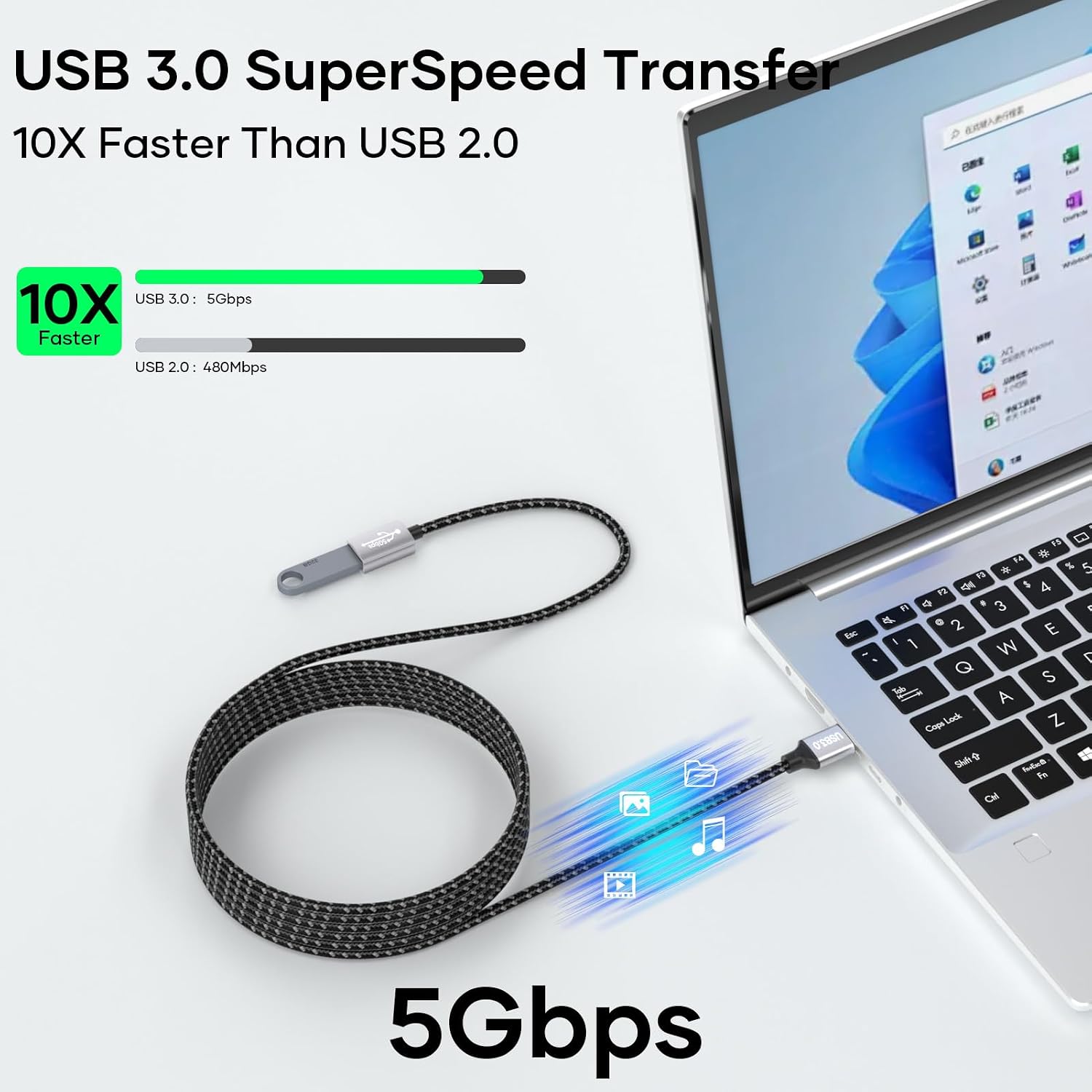
This lalasis USB 3.0 Extension Cable extends your reach for USB devices with a straightforward A to A connection. It’s designed for everyday tasks, from saving time during large file transfers to giving you a more comfortable setup for peripherals like keyboards, mice, webcams, printers and external drives. On paper, it offers fast data transfer up to 5 Gbps and charging up to 3 A, with backward compatibility for USB 2.0 and older standards. That means you can use it with a broad range of gear without needing a new hub or adapter. The cable length of 3m suits desks and small workspaces where devices sit a little further away, helping to reduce desk clutter and prevent stress on the ports caused by tight cables.
Design and build quality
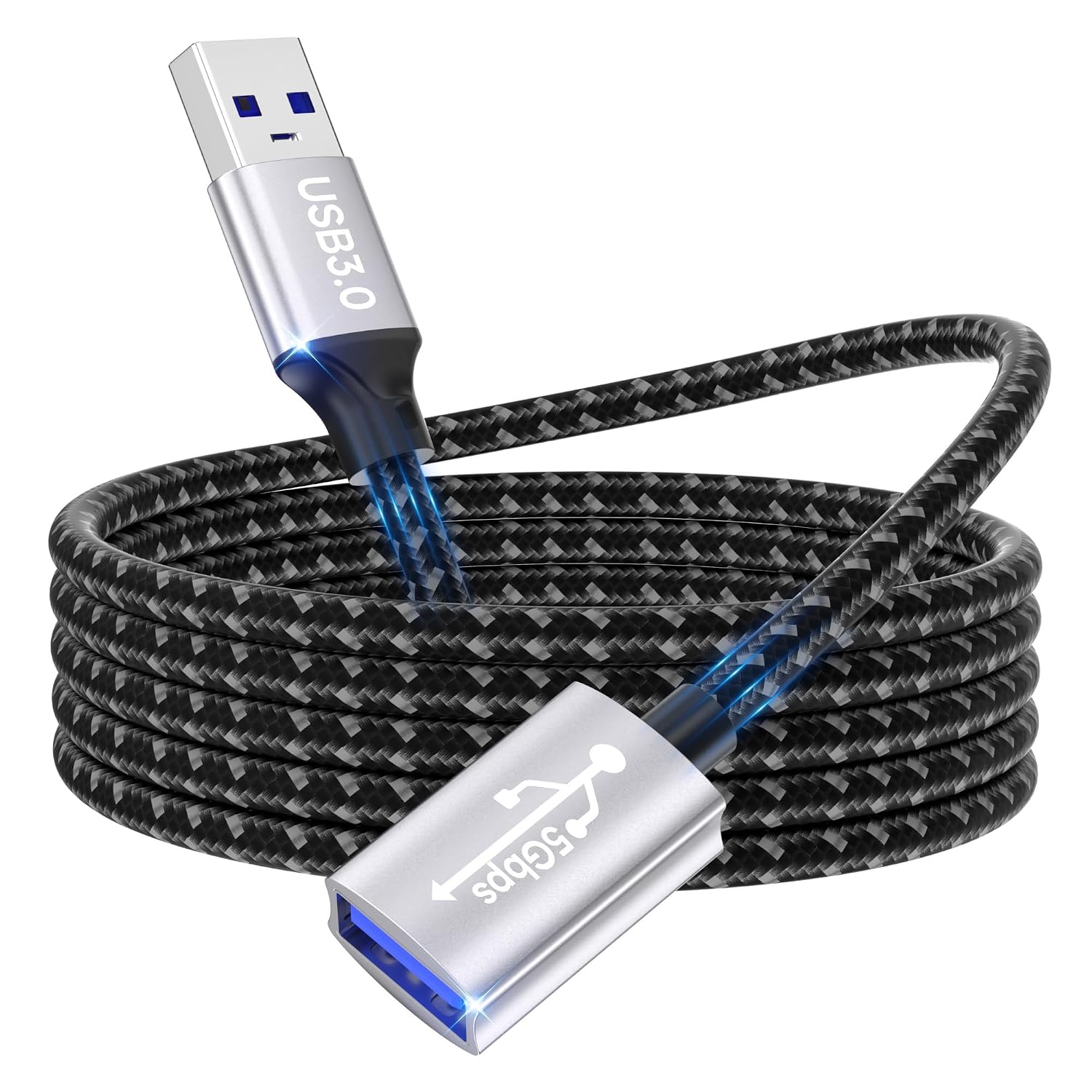
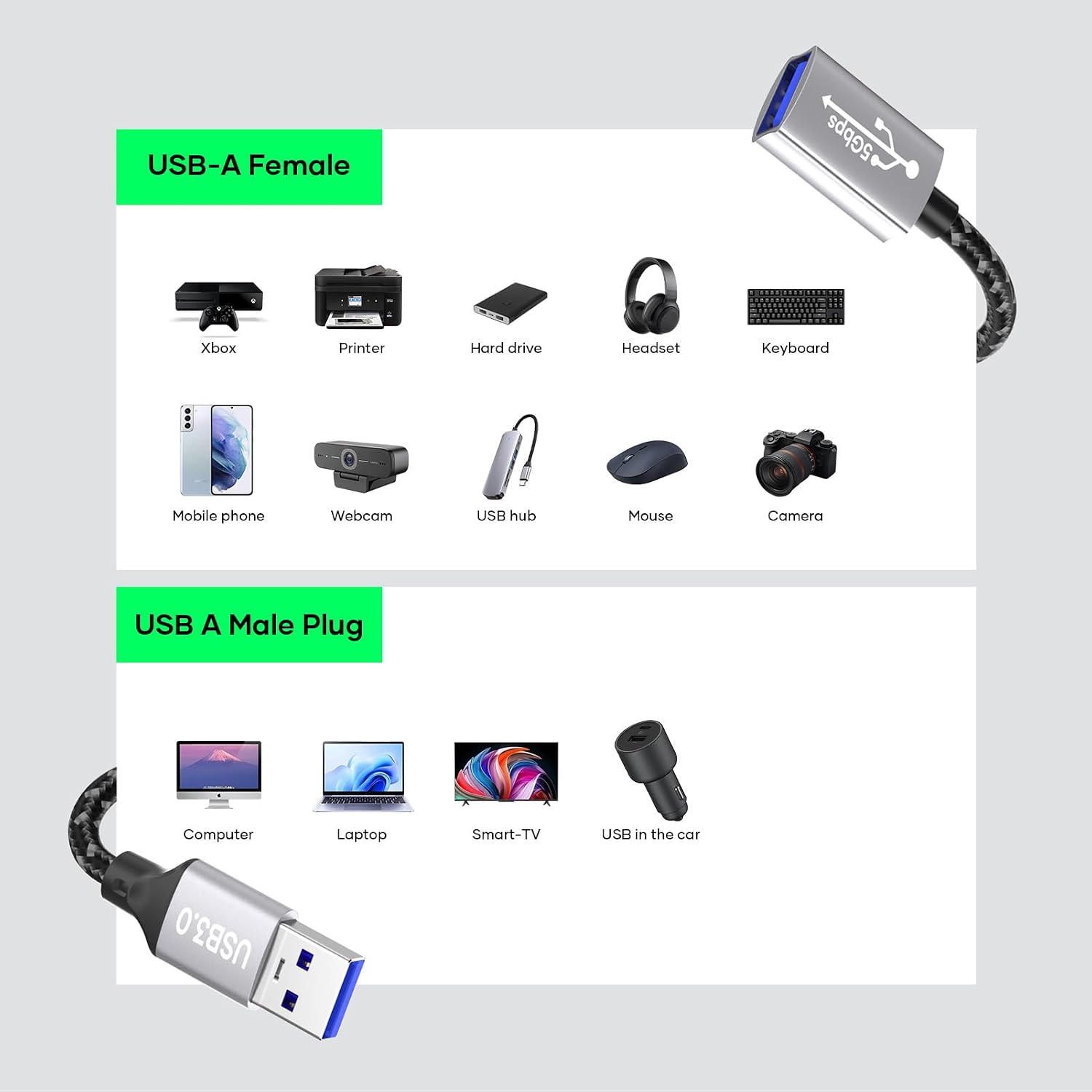
The extension cable uses a nylon-braided exterior, which helps resist tangling and protects the internal conductors from everyday wear and pull. The aluminium alloy housing on the connectors adds robustness for daily plug-in, plug-out use, especially in busy home offices or shared workspaces. It’s not a precision audio or high-end data line, but for general USB peripherals the construction feels solid enough for normal use. A note: the cable is a male-to-female USB-A extension, so you’re extending the port itself rather than acting as a direct data-throughput amplifier. If you prioritise neat cable management, the braided finish is a helpful detail.
What it’s best for
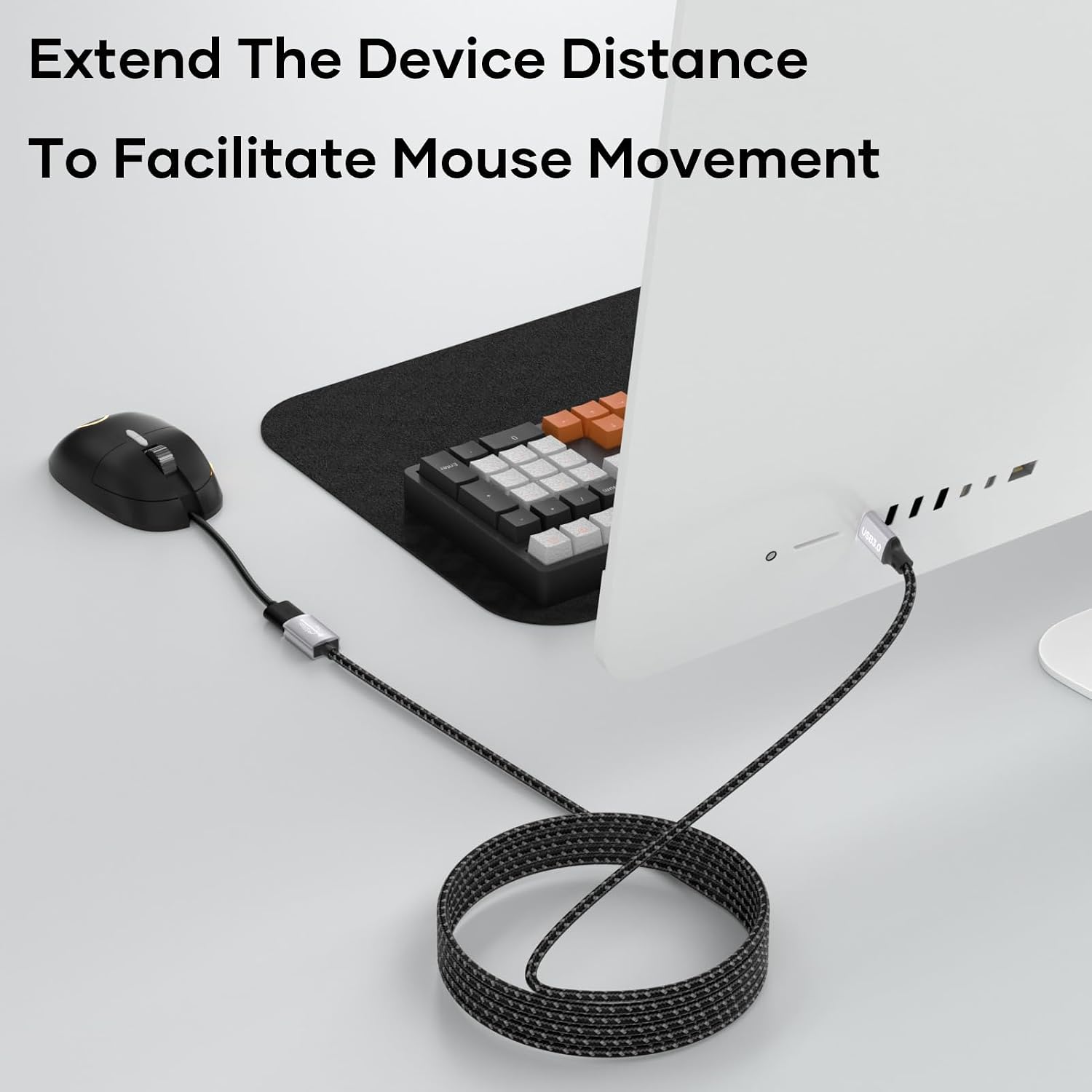
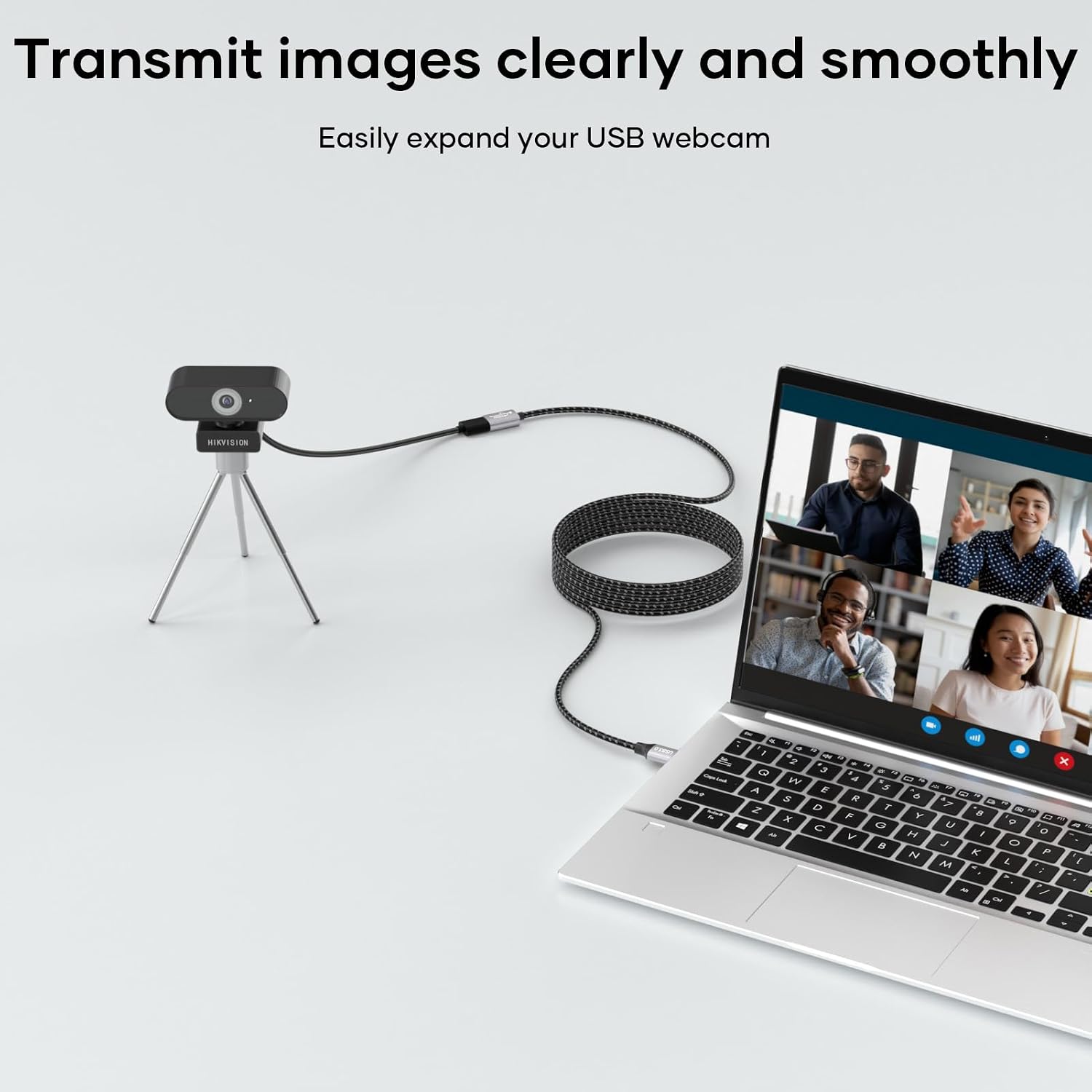
If you frequently find your USB sticks, card readers, keyboards or mice just out of reach, this 3m extension can free up space and reduce cable strain on devices that might otherwise be wiggly or unplug accidentally. It also makes sense for users with compact desks, or for those who want a simple way to position peripherals for more comfortable typing, better webcam framing, or easier printer access from the edge of a desk. If you’re assembling a PS4/PS5 setup or a Windows PC workflow that relies on USB peripherals, it offers a straightforward extension without adding drivers or software.
What it isn’t so good at
On the downside, the extension won’t magically improve signal integrity beyond USB 3.0 capabilities. If you’re transferring very sensitive data in environments with heavy interference, you may notice small variances, particularly with long cable runs or poor shielding elsewhere in the chain. It isn’t the most luxurious option for high-precision audio work or professional-grade external drives where the cable’s shielding and connector quality become critical under heavy use. Also, while 3m is useful, it’s longer than a typical short link, ensure the route minimises sharp bends to avoid wear over time.
How to choose it against alternatives
If you want a simple way to gain distance between a PC and a USB-heavy workstation, this extension fits the bill. It’s a practical mid-ground choice for general office tasks and casual media setup. If your needs are modest and you mainly require occasional extensions, you might opt for a shorter lead. If you rely on peak data integrity or need the most compact form factor, you could consider alternatives with tighter shielding or different connector configurations. In everyday terms, this cable sits in the middle: not the cheapest, not the most feature-rich, but genuinely useful for everyday USB workloads.
Practical usage example
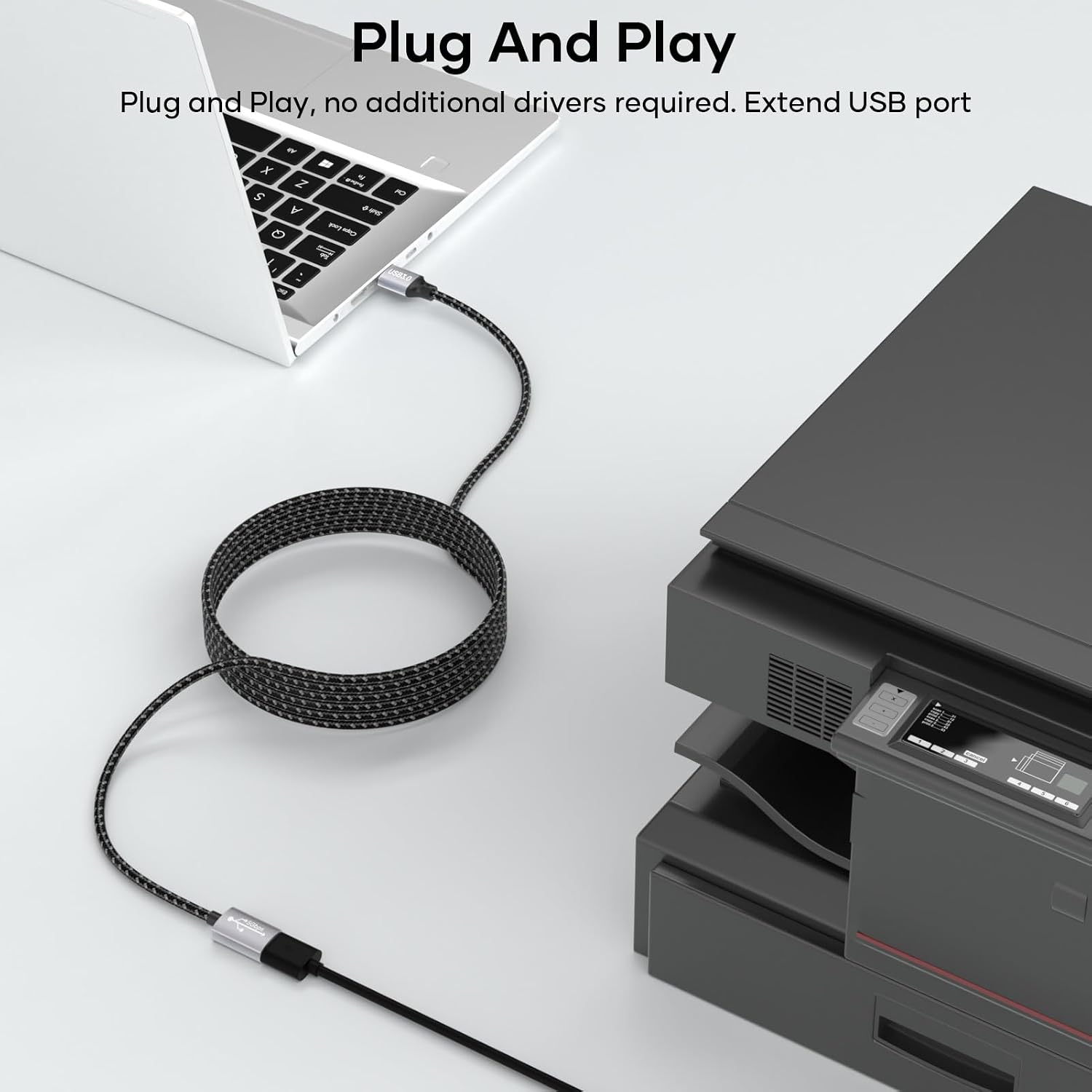
Imagine a home office where you keep a USB keyboard and mouse a little further from the computer. Plug the lalasis extension into the USB port on the PC, then connect the hub, webcam or printer to the extension. You’ll notice less strain on the device ports, and you won’t have to bend awkwardly to reach the ports on the back of the PC every time you print or scan something. It’s the sort of addition that makes daily tasks smoother without drawing attention or adding clutter.
What to check before you buy
- Confirm the devices you intend to connect support USB 3.0 for maximum speed and charging up to 3 A.
- Consider the layout of your desk to ensure 3m is the right reach without excess slack that could tangle.
- If you use highly interference-sensitive equipment, think about shielded options or shorter lengths for certain critical links.
- Ensure you’re pairing with a USB-A port that remains accessible and isn’t blocked by a monitor arm or tower case.
FAQ at a glance
- Does it require drivers? No, it’s plug & play.
- Will it work with USB 2.0 devices? Yes, it is backward compatible.
- Is 3m length too long for my desk? It depends on your layout, for most standard setups, it provides useful reach without excessive slack.
Is it worth it?
A solid pick if you need more reach for everyday USB peripherals and want a durable, tangle-resistant cable. It’s best for general use rather than high-end, mission-critical data transfer. Consider it if you value practical extension and calmer desk ergonomics, skip it if you need premium shielding for sensitive equipment or ultra-compact form factors.