

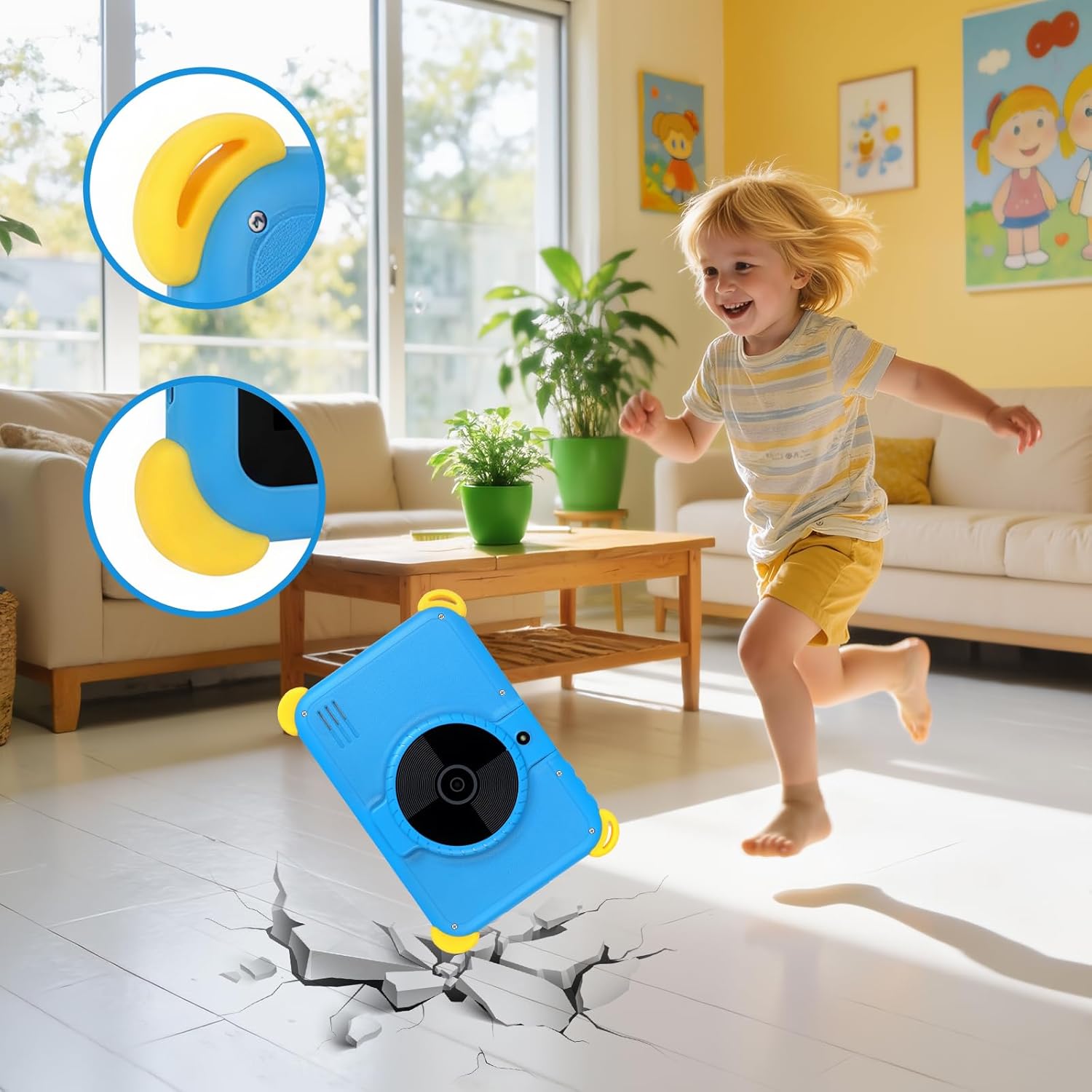
Kids Tablet 7 inch Android 15 with Parental Control, AI Dual Cam, Widevine L1 and Protective Case (Blue)
Product description
The essentials for a 7-inch kids Android tablet
A small Android tablet for children sounds simple—until you’re trying to balance learning time, safety controls and a device that can handle everyday use. This 7-inch kids tablet runs Android 15 and is positioned around parent-controlled access, kid-friendly learning, and a protective case.
What stands out on paper is the mix of tools aimed at both sides of the equation: parental control features for parents, plus built-in kid learning content and an AI character experience designed for voice interaction. There’s also a dual camera setup (5MP+5MP) that leans into “learning by exploring” through photos and built-in audio, which can be a nice change from just watching videos.
What you’ll notice in everyday use
The 7-inch IPS display is set up for comfortable viewing at a distance typical of kids’ use, and the resolution is listed as 1024×600. In day-to-day terms, this is the kind of size that suits short sessions: a story, a puzzle game, or a quick learning activity before you pack it away.
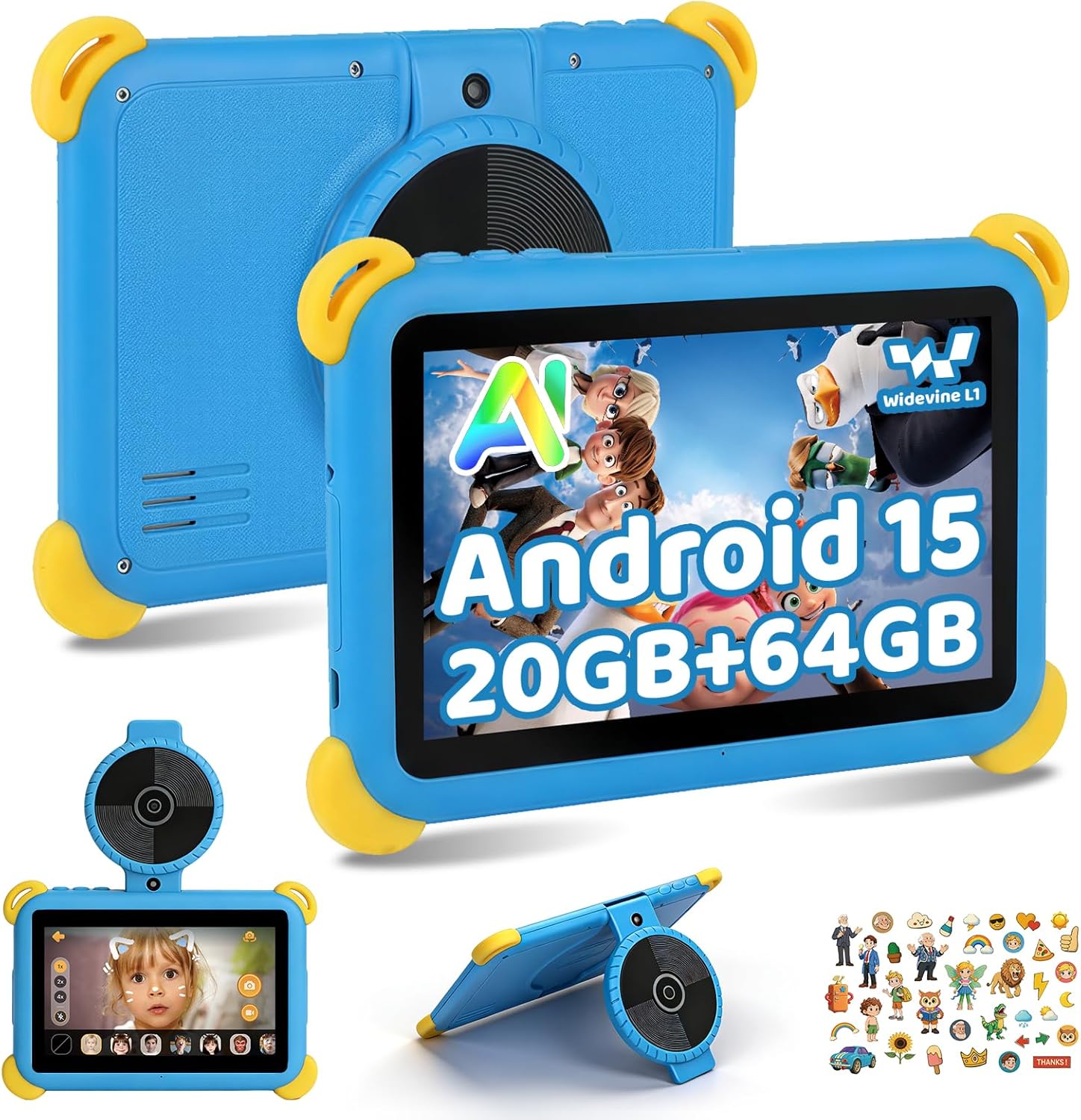
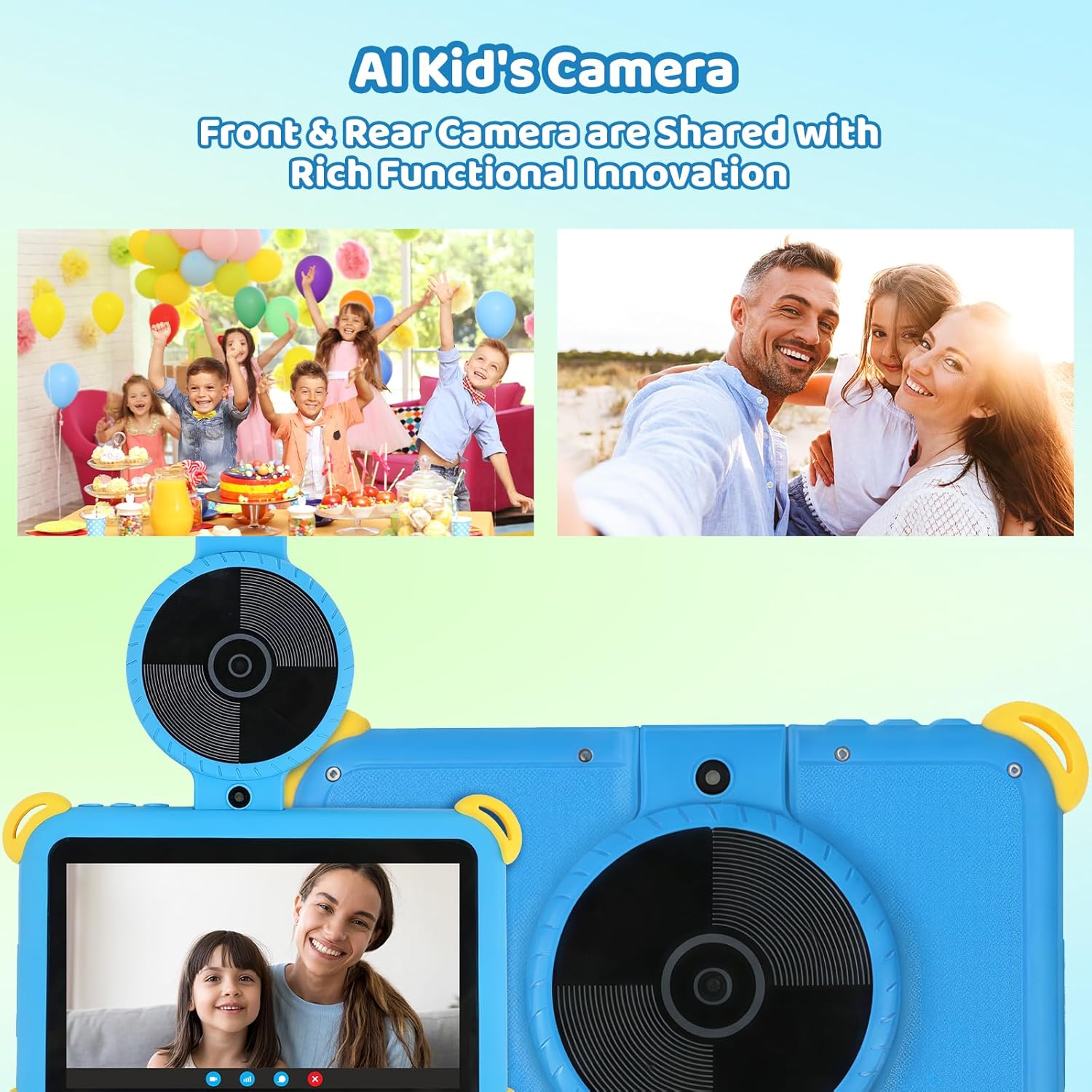
The tablet also includes an “AI Dual Cam” concept where kids can take photos of topics and get related information with audio. It also mentions AI sticker effects and options for artistic styles from photos of hand-drawn sketches—again, not exactly the same as a traditional camera learning app, but it gives a creative angle.
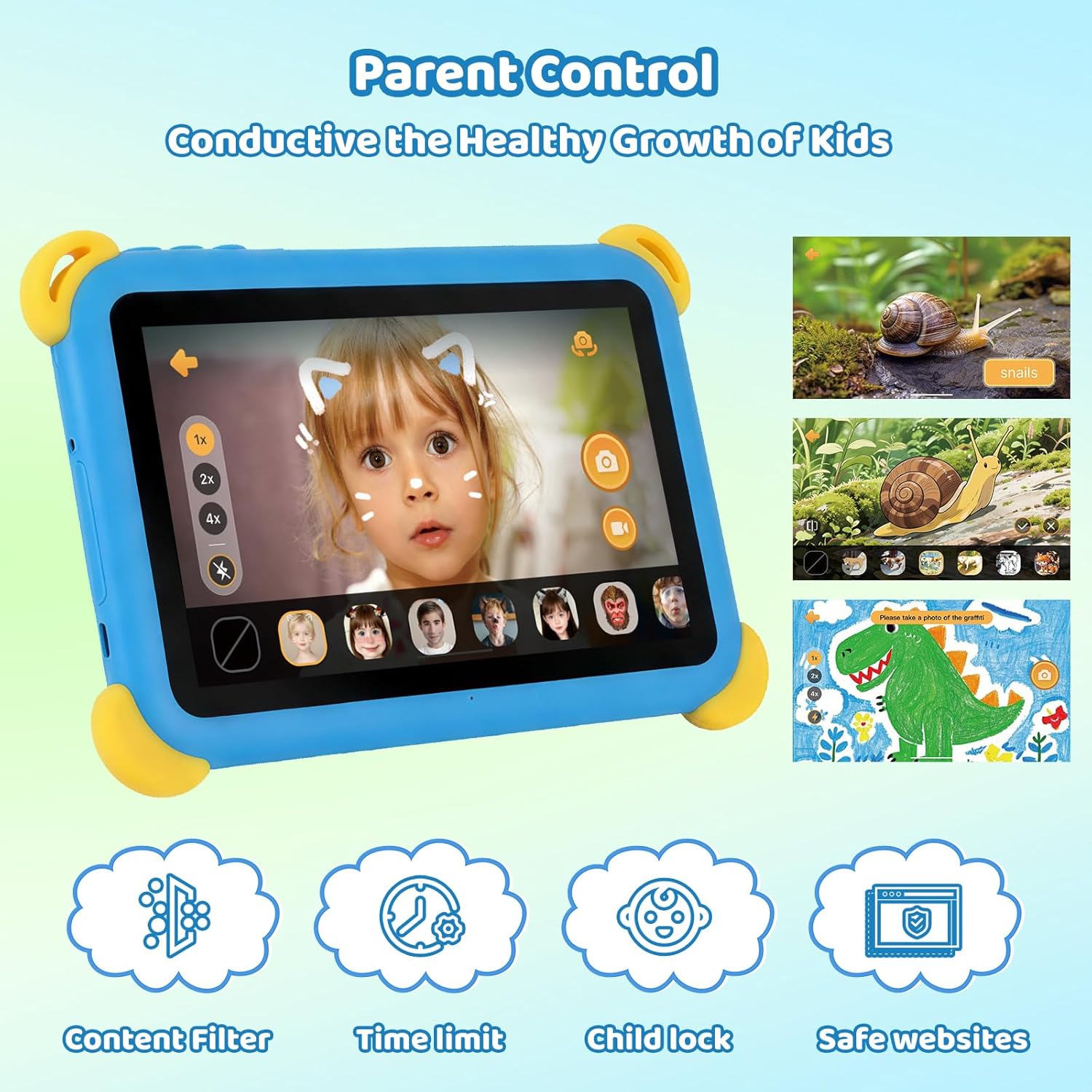
For parents, the emphasis is on control and privacy. The description calls out control over app permissions and personal data settings, plus parental control mode that can set screen time limits, manage app usage, and filter content. That’s the bit that usually matters most when deciding whether a kids tablet is genuinely usable at home.
One practical detail: it has gesture navigation and gesture-based screenshot/screen recording. That can be helpful for capturing learning moments, but do bear in mind that screen recording can also make it easier for kids to capture more than you intended—so it’s worth testing how recording behaves under the parental control settings.
The learning features and AI character mode
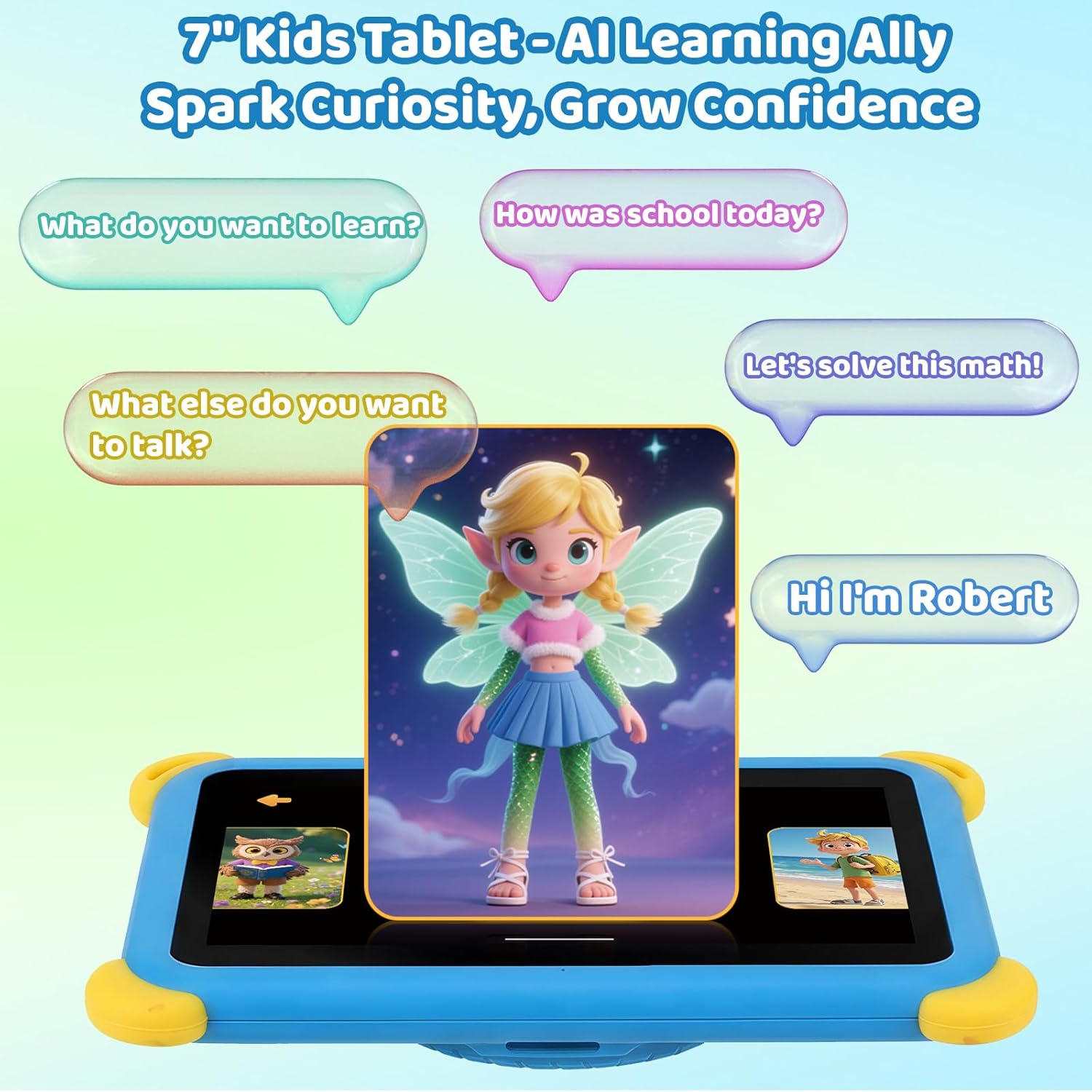
The tablet is described as having built-in AI characters that support natural voice conversations via a “Press and Speak” function. It’s framed as interactive learning designed to encourage creativity, communication skills and curiosity.
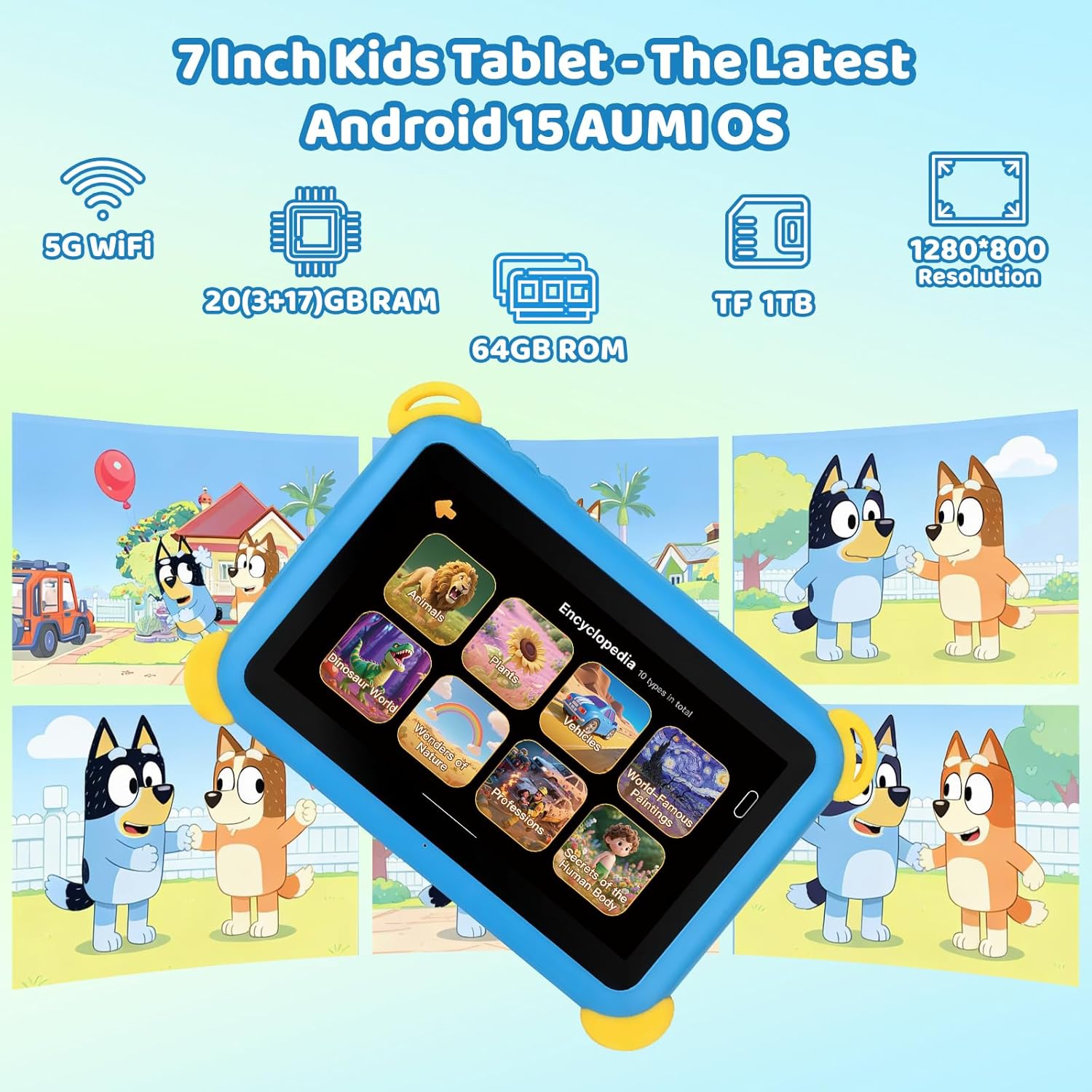
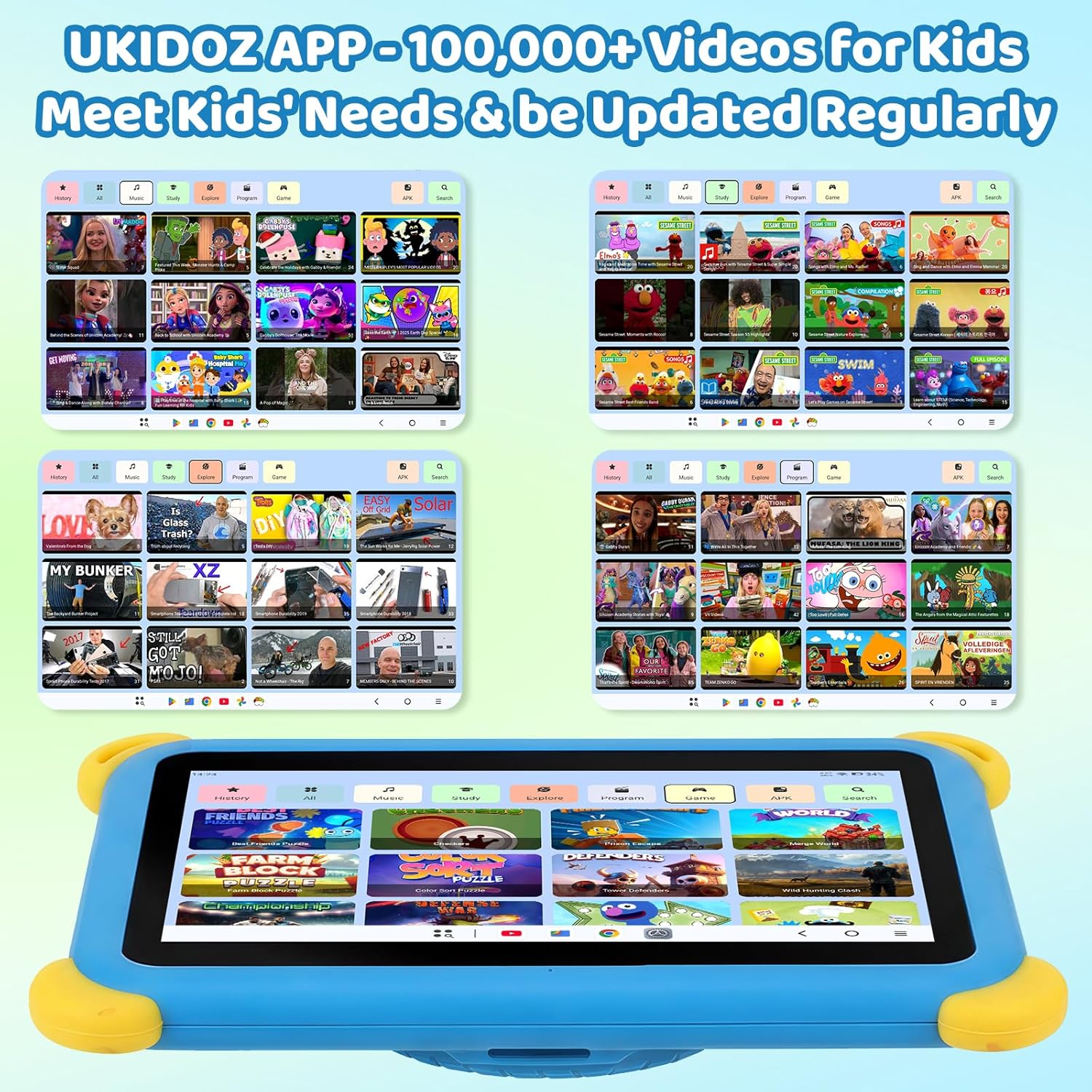
It also mentions kid-focused content through a UKIDoz app and “over 100,000 videos for kids”, with updates. The idea here is breadth: rather than relying on a single learning app, the tablet points towards an ongoing library.
However, it’s fair to be a bit cautious: big content claims are only as good as the curation and the parental controls you use. If you want tighter control over what your child watches, you’ll likely need to spend a little time setting up filters and screen time at the start.
Performance and storage (what matters, and what’s missing)
The spec claims include “20GB RAM+64GB ROM”, with an “achieved through expansion technology” note (listed as 3GB+17GB). It also states that storage can be expanded via a micro SD card up to 1TB, with the card not included.
If you’re planning to install extra apps or save videos and photos, the combination of listed RAM, 64GB internal storage, and the option to expand makes sense. Still, since the input only gives high-level storage figures (and not speed benchmarks), you should treat this as a capable kids tablet for learning and entertainment rather than a device to expect top-tier performance for heavy creative workloads.
Connectivity is also included as WiFi 6 (the listing mentions 5G WiFi) and Bluetooth 5.3, which is useful if you want smooth streaming, quick downloads for learning content, or pairing headphones.
Cameras and media: fun add-ons with educational intent
The tablet includes a 5MP+5MP AI dual camera setup. The description also talks about built-in “encyclopedia images” where kids can explore topics—animals, plants, dinosaurs, countries and more—by taking photos, with corresponding audio.
On the front camera side, it mentions AI sticker features and generating AI effect images from photos of hand-drawn sketches. There are also style options such as 3D style, romantic lighting and ink wash.
In practice, this is the sort of feature set that can keep a child engaged without forcing a strict “screen only” routine. But it can also be a “nice-to-have” rather than the main reason to buy—especially if your priority is mainly safe learning and controlled content.
Key points for parents: safety, permissions and parental control
Parental control mode is a core part of this product listing. It’s described as allowing screen time limits, managing app usage and filtering content to keep kids away from unhealthy or inappropriate material.
It also mentions privacy protections such as controlling app permissions and personal data settings. That’s helpful for reducing the risk of apps doing things you didn’t intend.
It’s not perfect though, and you should still check how the controls behave in the real world for your child’s use: for example, whether certain content categories are restricted the way you expect, and whether the “AI character” voice function can be turned off or restricted under parental supervision.
Tech specs
- Type: Kids tablet
- Screen size: 7 inch
- Operating system: Android 15
- Display resolution: 1024×600
- Memory: 20GB RAM (3GB+17GB achieved through expansion technology as stated)
- Storage: 64GB ROM
- Storage expansion: micro SD support up to 1TB (card not included)
- Cameras: 5MP + 5MP AI dual camera
- Connectivity: WiFi 6 and Bluetooth 5.3
- Video protection: Widevine L1
Is it worth it?
This kids tablet is a solid pick if you want a 7-inch Android device with parental control tools, a voice-based AI character learning element, and a camera-driven “learn by exploring” angle. It makes sense for families looking for a straightforward home tablet for ages 3+ (the listing specifically frames ages 3–7), with built-in kid content and a protective case to handle day-to-day knocks.
It might not be the best match if you’re expecting a tablet that feels premium and fast across everything, or if you’re mainly buying for advanced creativity and heavy app performance. Also, if you’re uncomfortable with any screen recording or gesture-based features, it’s worth thinking twice about whether you can easily govern them with the parental controls.
If you’re buying for a child, the safest approach is to plan a short setup session first: set screen time limits, review content filtering, and test the voice interaction and camera/recording features under your supervision. That’s usually where “kids tablets” either become genuinely convenient or feel more trouble than they’re worth.
Mini FAQ
Does it include parental controls?
Yes—parental control mode is described as allowing screen time limits, app usage management and content filtering.
What content is built in for kids?
The listing mentions a UKIDoz app and “over 100,000” kids videos for learning and play, with regular updates.
Can I expand the storage?
Yes, it supports micro SD expansion up to 1TB, but the micro SD card is not included.
What connectivity does it have?
WiFi 6 (the listing refers to 5G WiFi) and Bluetooth 5.3 are included.
What’s the camera used for?
It’s positioned for AI-assisted photo learning, with built-in audio and creative features like AI stickers and effects from hand-drawn sketches.