


JETech Samsung Galaxy S25 Ultra 5G Screen Protector
Product description
The essentials
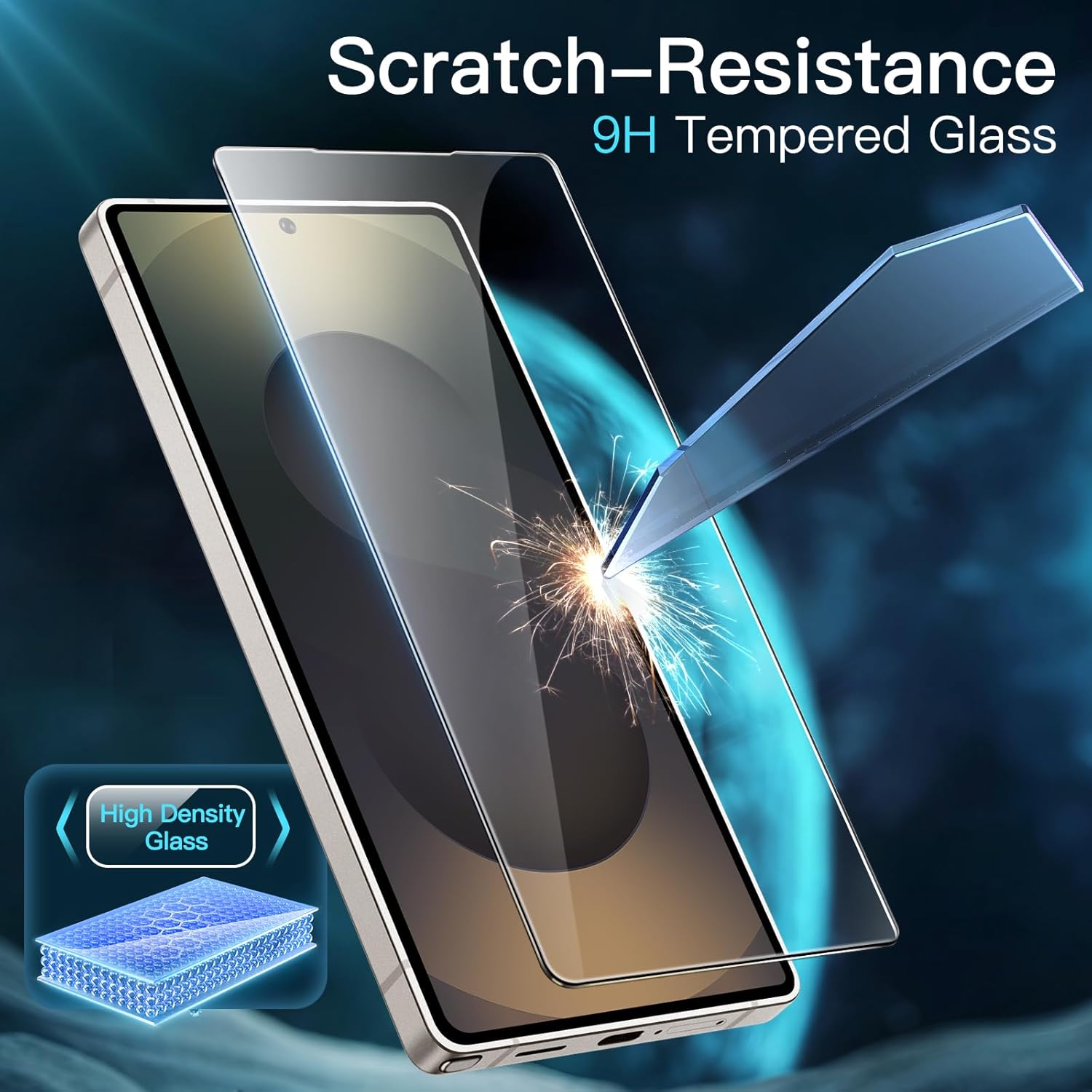
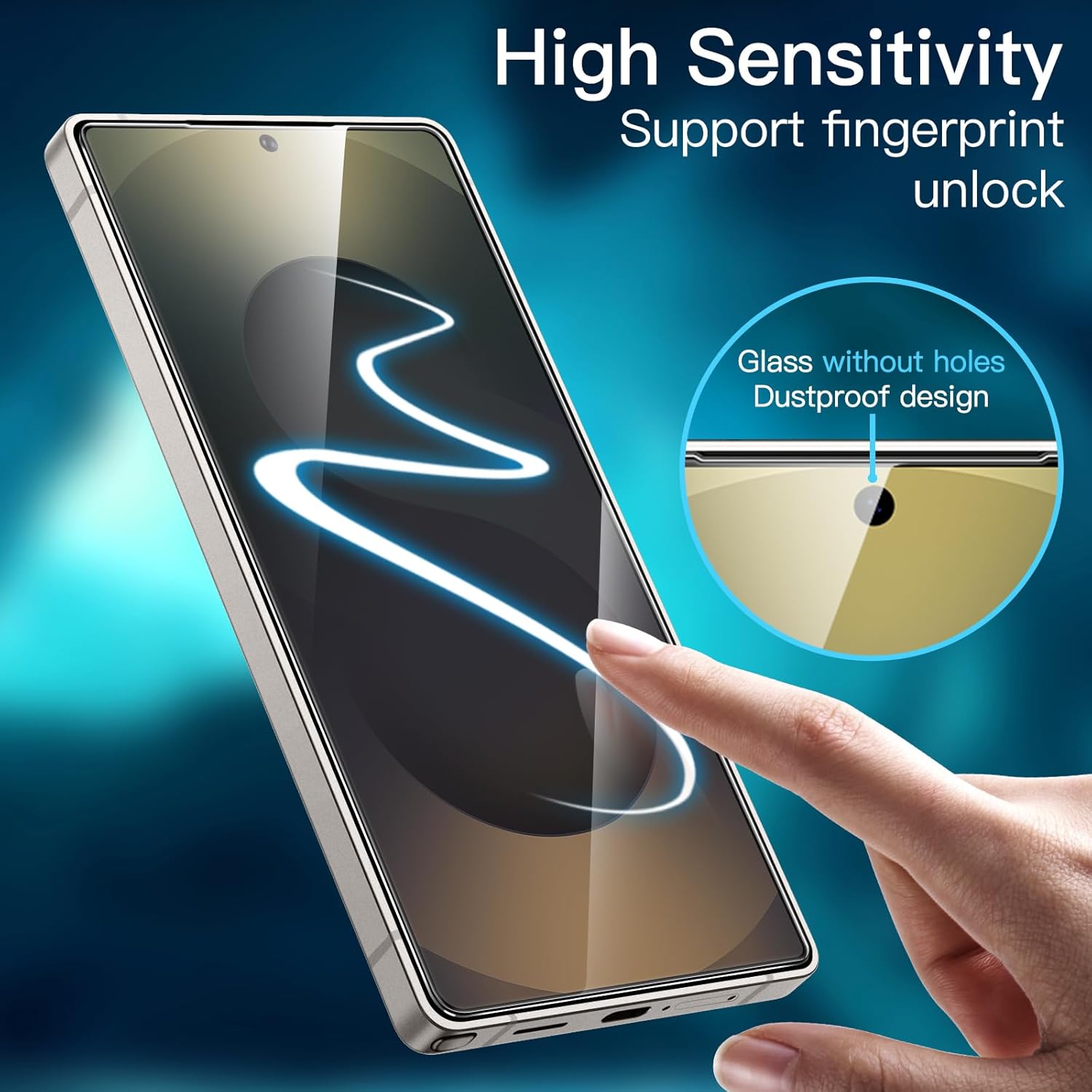
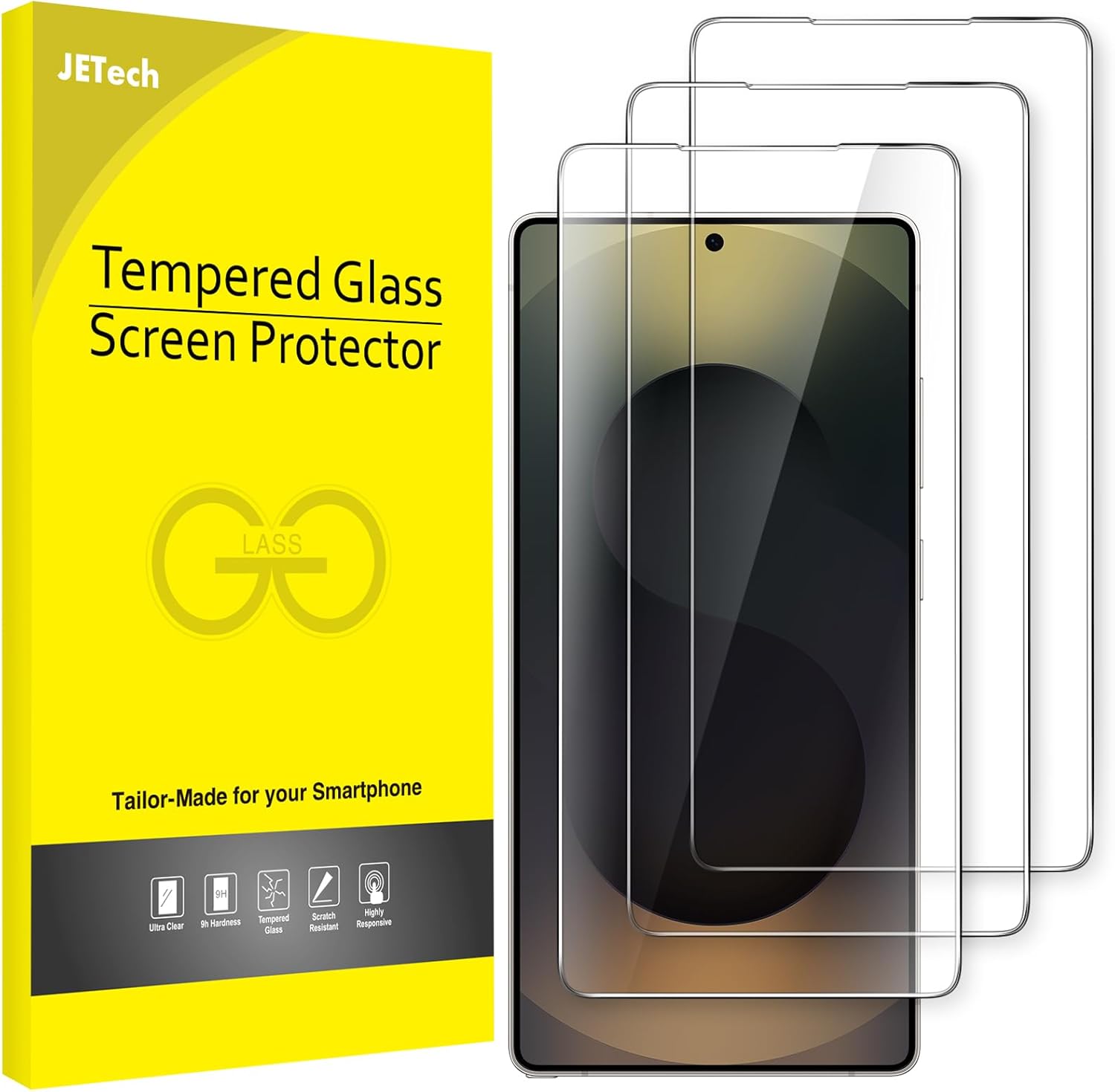
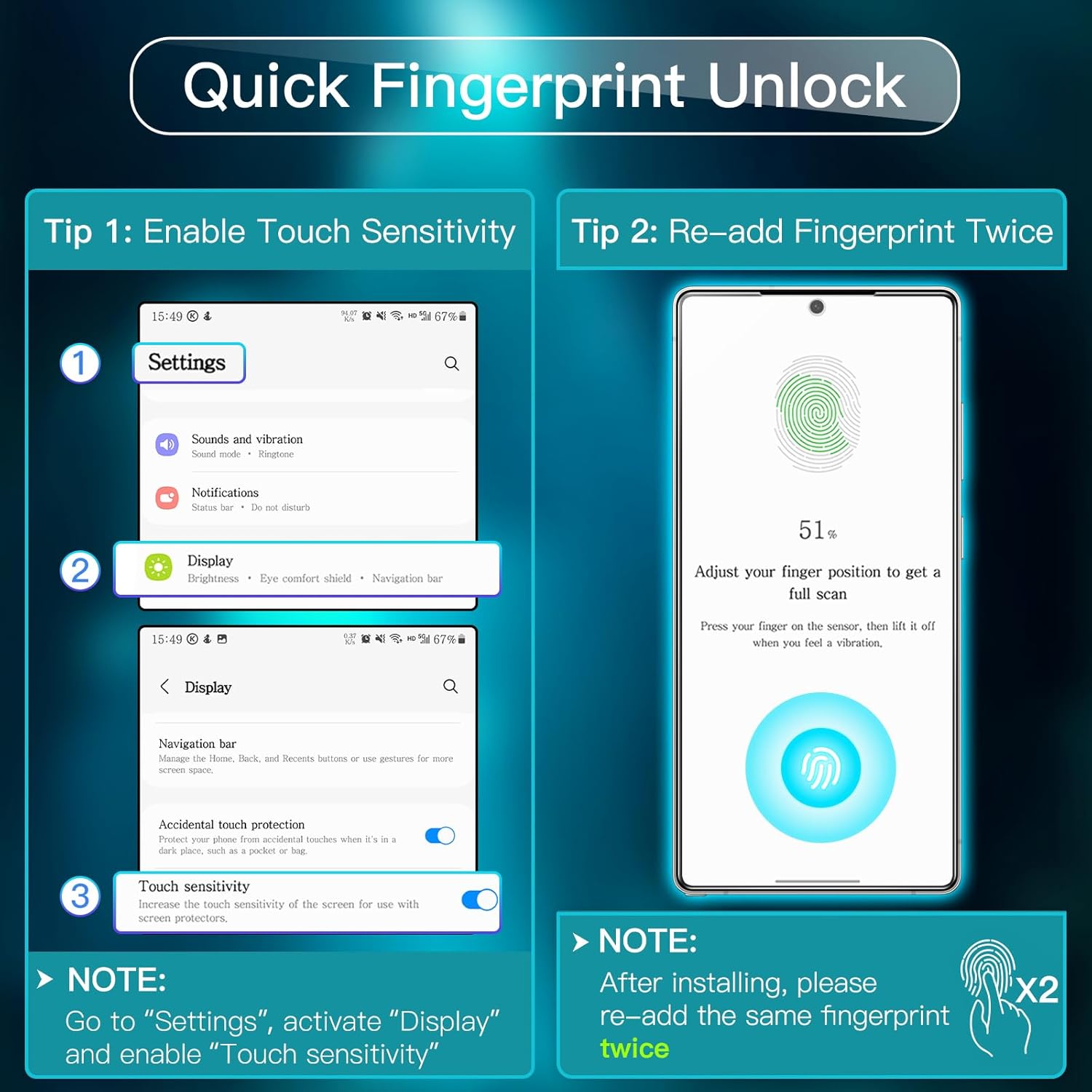
The JETech Screen Protector for Samsung Galaxy S25 Ultra 5G offers reliable protection with a high clarity finish. It uses 9H tempered glass to guard against scratches and abrasions while preserving the screen’s natural feel and touch sensitivity. The design is tailored for the S25 Ultra 5G, providing precise alignment and responsive performance for everyday use, including unlocking via fingerprint ID after application. A 3‑pack ensures you have spares for future replacements or multiple devices, making it a practical choice for value and longevity.
Technical details
- Name: JETech Screen Protector for Samsung Galaxy S25 Ultra 5G
- Type: Tempered glass film
- Material: Tempered glass with hydrophobic and oleophobic coating
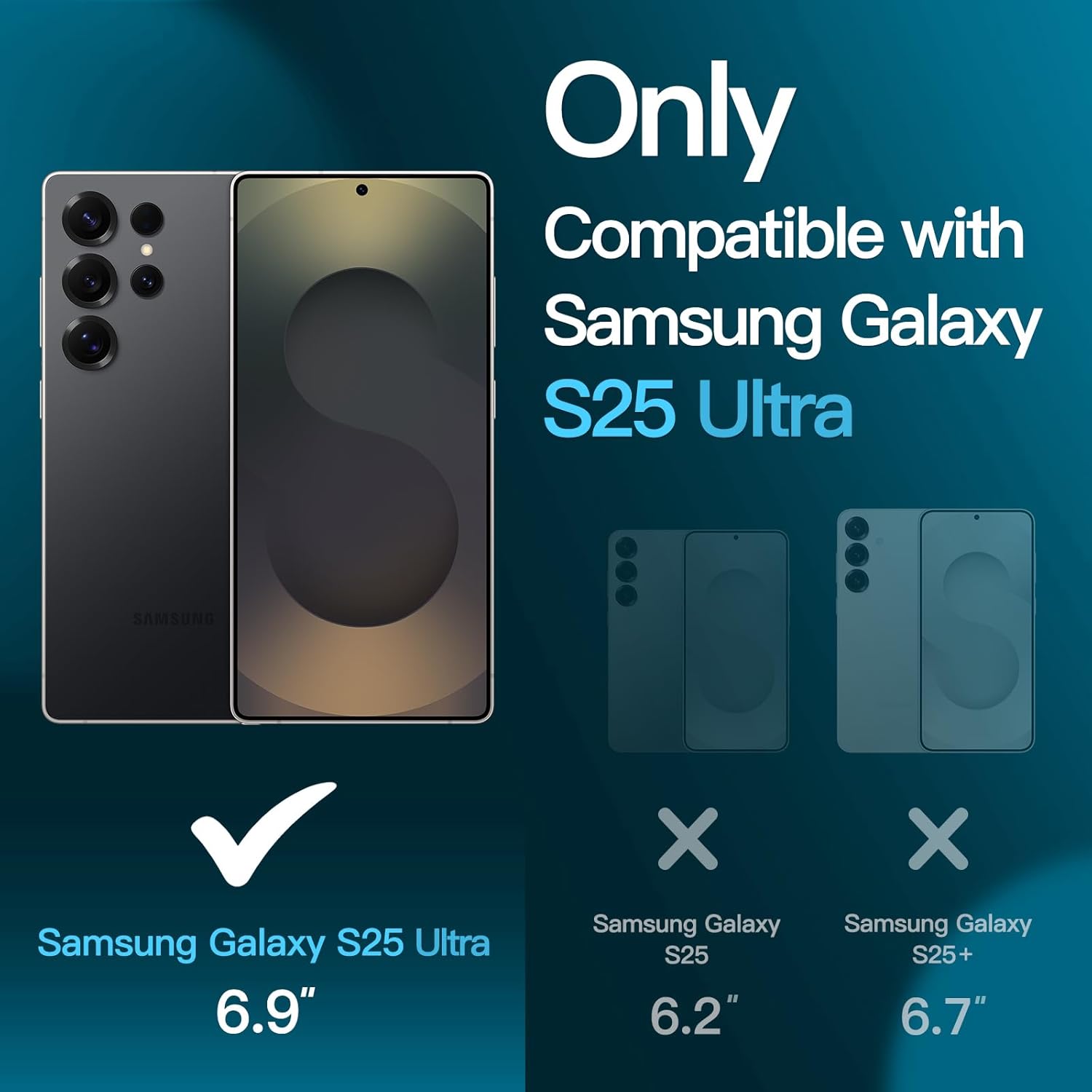
- Compatibility: Exclusive to Samsung Galaxy S25 Ultra 5G, not for S25 or S25 Plus
- Light transmittance: 99.9% for an ultra-clear viewing experience
- Durability: 9H hardness level to resist scratches and minor impacts
- Package contents: 3 screen protectors
How to use it
Begin by carefully aligning the protector with the display to ensure full coverage without bubbles. After applying, re-add the fingerprint and enable Touch Sensitivity in Settings to improve unlocking responsiveness. The coating helps repel fingerprints and oils, keeping the screen looking clean for longer. For best results, apply in a dust-free environment and press from the centre outwards to remove trapped air. With proper installation, you can expect smooth touch input and clear visuals during everyday tasks, whether browsing, streaming or gaming.