

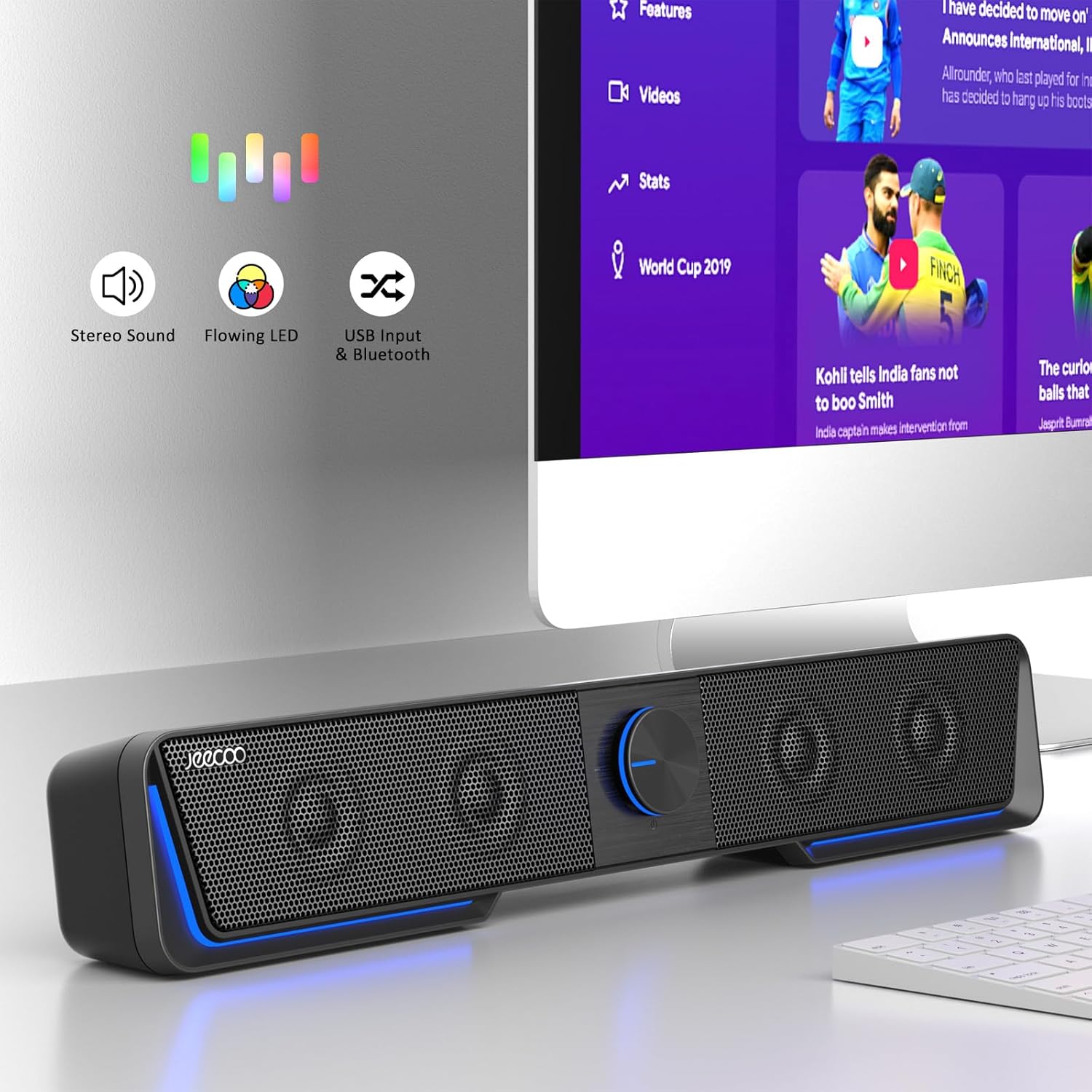
Jeecoo A40 USB & Type-C PC speakers with Bluetooth, touch LEDs and vibrating diaphragms
Product description
What these speakers are for
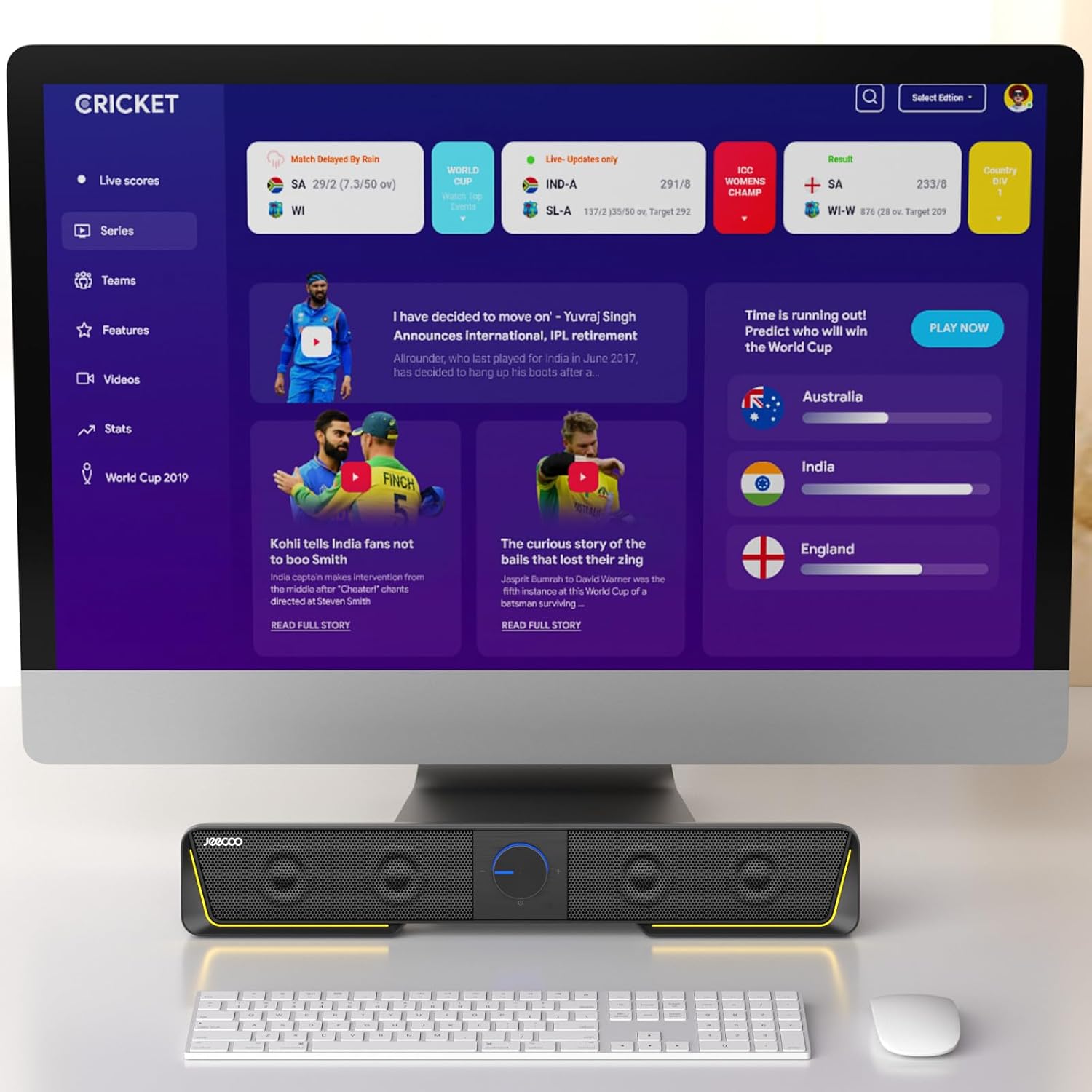
Jeecoo A40 PC Speakers are designed to sit neatly with a desktop setup: either under a desktop monitor or on the desk, where you want simple, everyday audio for things like music, films and even casual gaming. They’re a USB-first speaker pair, with Bluetooth available for when you want to switch to a phone or another Bluetooth audio source.
On paper, the main appeal is convenience. You don’t need to hunt for a 3.5mm jack, and you can switch between USB audio and Bluetooth using the controls on the speakers themselves. It’s the kind of setup you’d buy when you want something straightforward for a home office, study desk, or a compact gaming corner—without turning the experience into a technical project.
Key features that actually matter
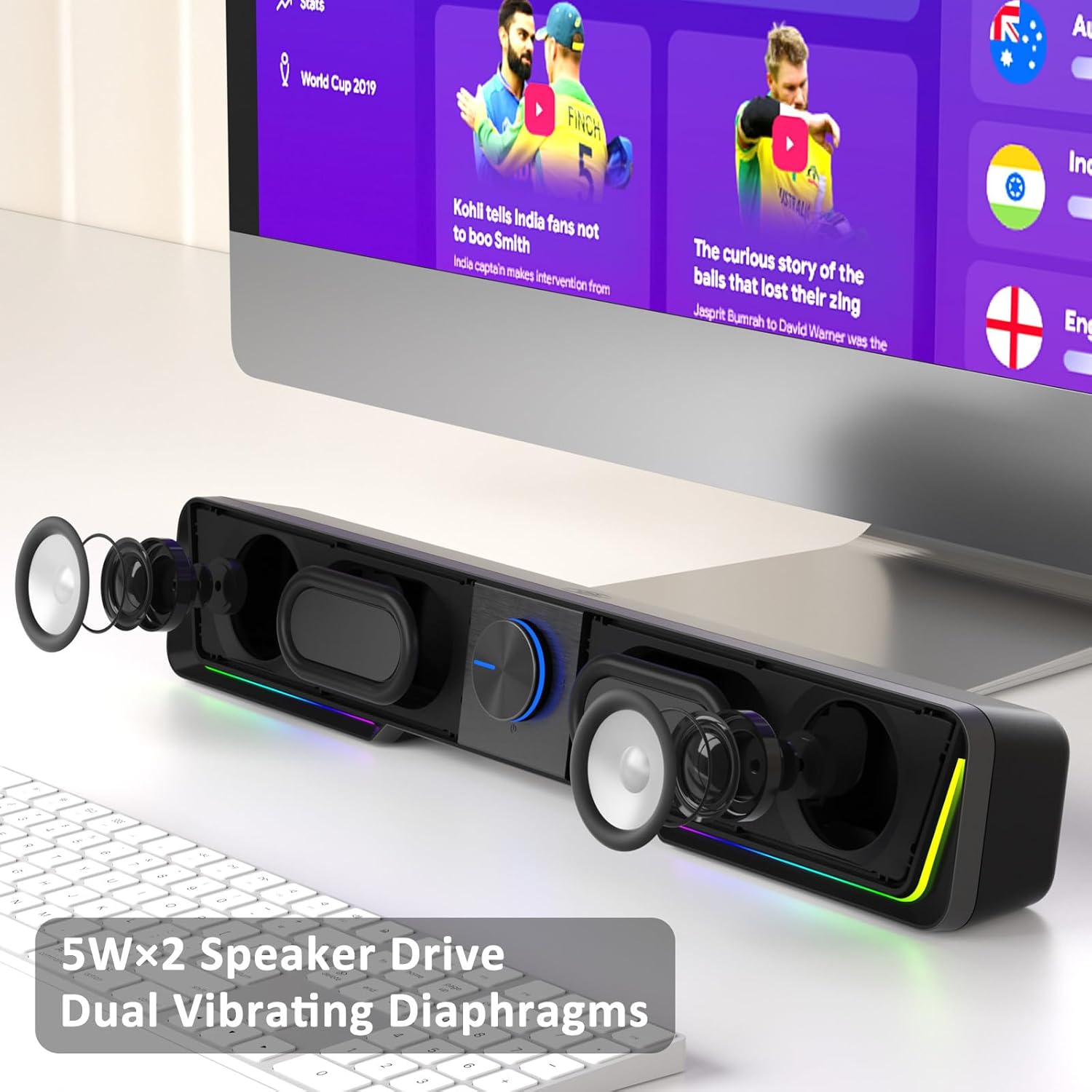
These aren’t “big living room speakers”. The A40s are positioned as practical desktop computer speakers. They use a dynamic output drive described as 10W (5W + 5W), with the brand promising clear stereo sound. For typical desk listening—YouTube, streaming, background music—this is exactly the sort of power class you’d expect from speakers aimed at a monitor and desktop users.
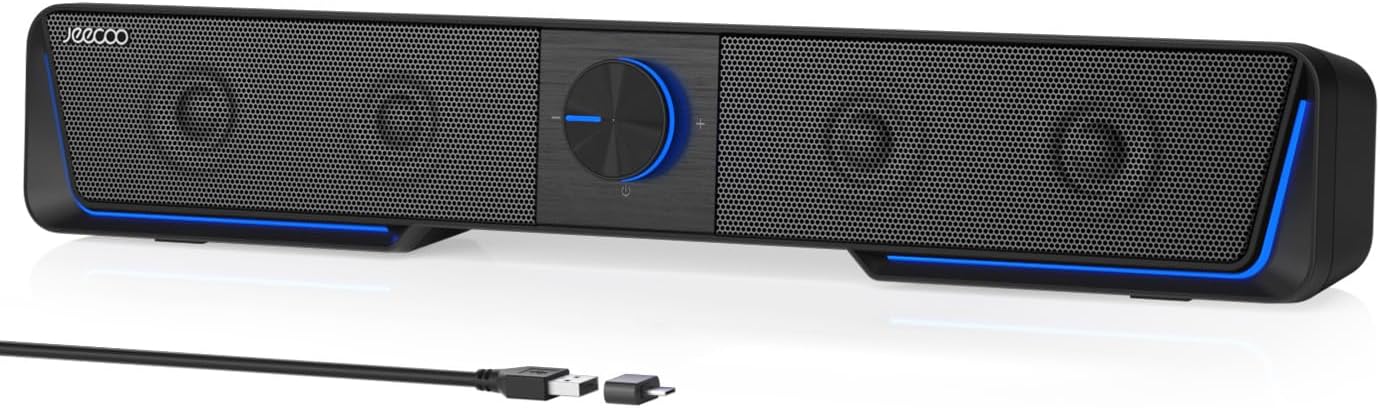
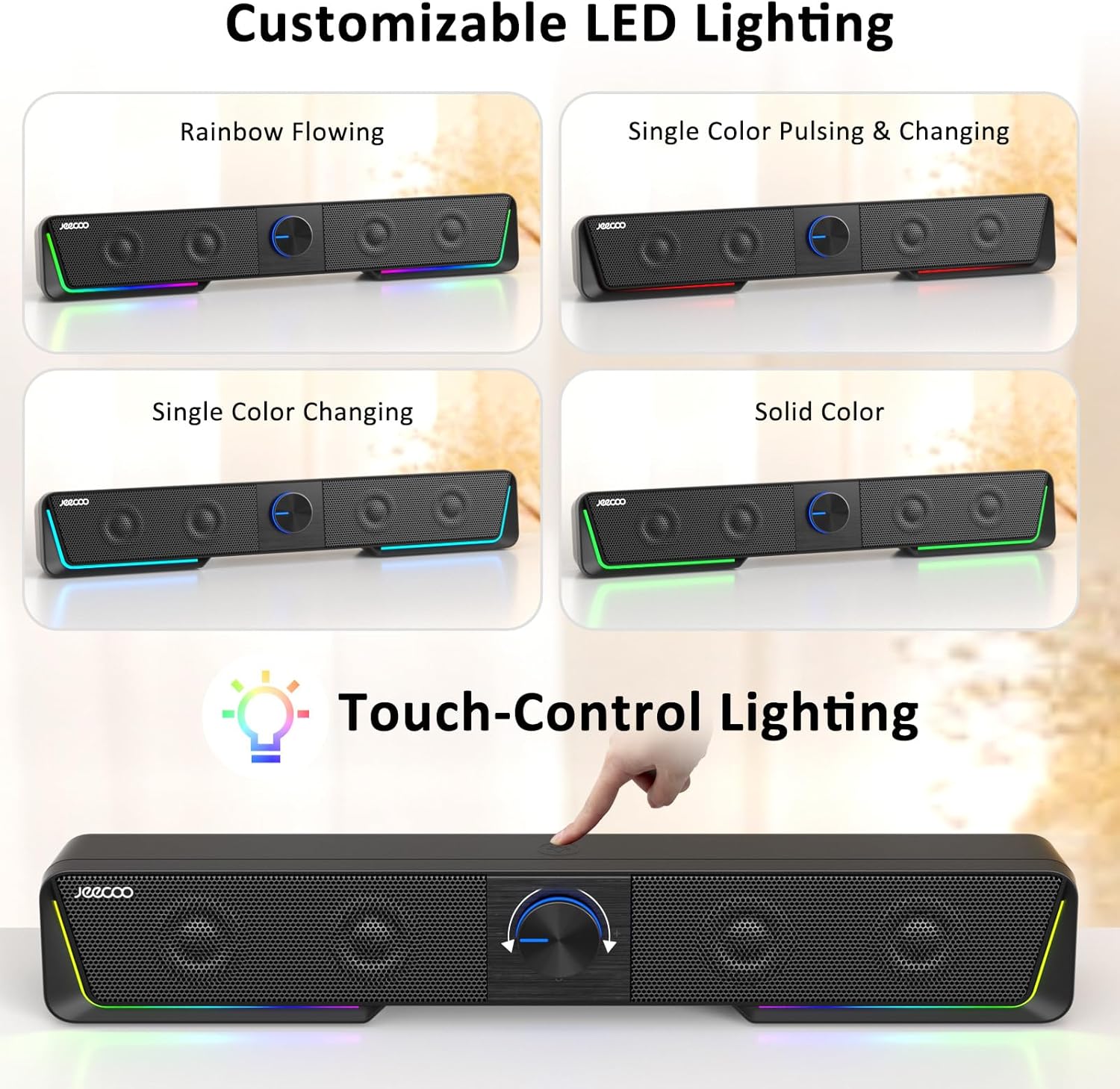
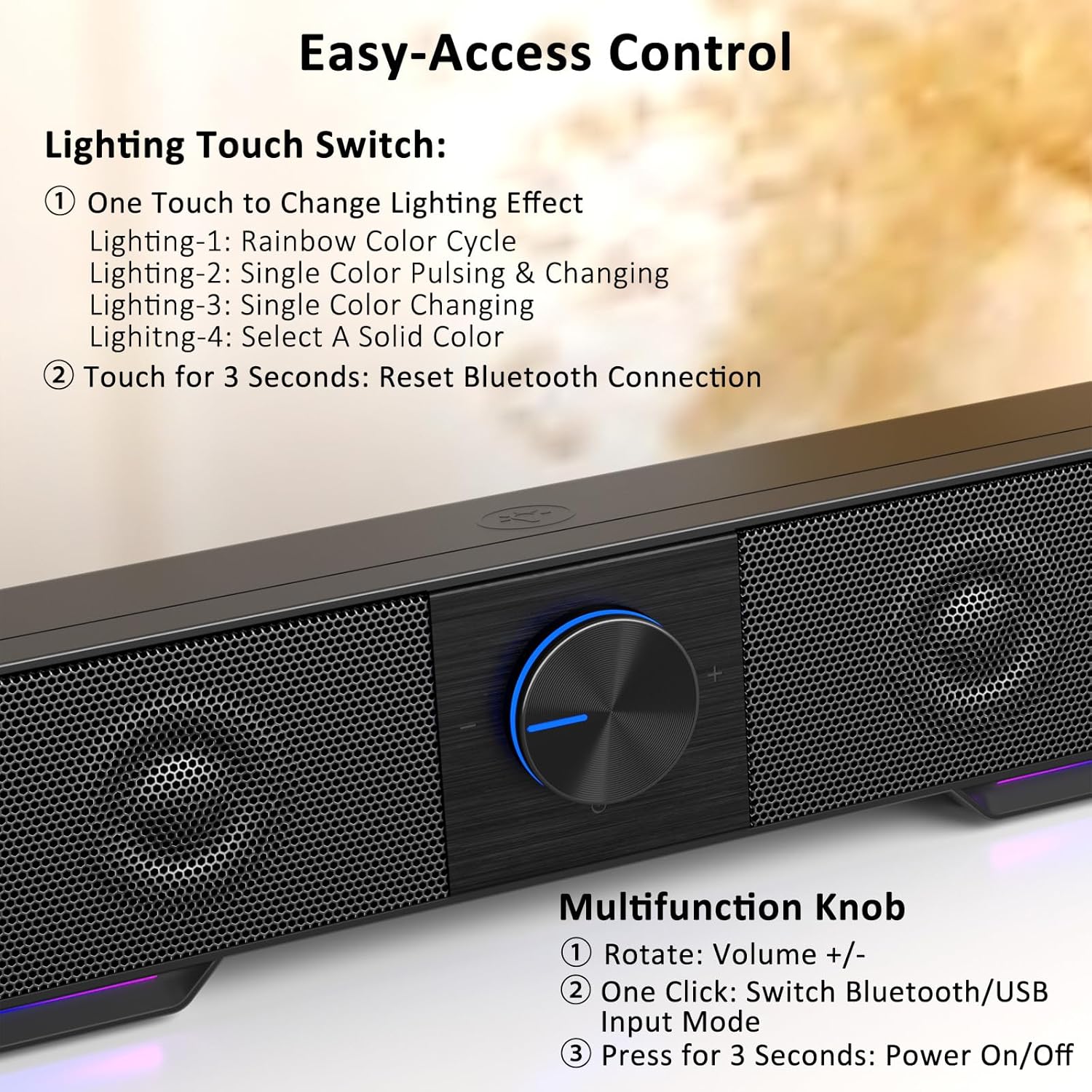
There’s also some user-facing control detail that’s genuinely useful day to day: - Touch-control on the top to change the LED lighting mode - A volume dial you can turn up and down - A button to switch between Bluetooth and USB input - A longer press (three seconds) to switch the device on and off
One thing to note with touch and lighting: if you’re the sort of person who hates any extra visual distractions, the “flowing” LED idea may be more or less welcome depending on your workspace.
How setup works (and the one limitation to be aware of)
The biggest practical point is the connectivity approach. These speakers are described as USB speakers with a USB power connection and no 3.5mm jack. That means audio playback depends on the input mode you choose:
- For computer audio, you use the USB input (plug in to a suitable USB port, no driver is required according to the description).
- For mobile audio, you can switch to Bluetooth mode.
- For anything that would normally use a 3.5mm headphone-style output, you’ll need to avoid expecting that convenience—unless you have a Bluetooth source to pair.
If you’re buying for a laptop or desktop monitor that only has a 3.5mm headphone socket, this could become annoying quite quickly. But if your device has USB output (or you’re happy using Bluetooth), it becomes an easy “plug and go” type of purchase.
Everyday use: what it feels like in a typical desk scenario
Imagine you sit down at your desk, start work, and you want sound without fiddling with cables. You plug the speakers into a USB port and pick the USB input via the on-speaker button. Volume is then handled by the dial—no apps, no menus. When you finish and want to play something from your phone, you switch to Bluetooth on the speaker and press play on your mobile.
The vibrating diaphragms angle is also part of the promise here: it’s intended to add to the physical “presence” of the sound. Whether it impresses you will depend on your expectations. If you’re chasing room-filling bass, these are likely not the right category. But if you want the sound to feel less flat than basic monitor audio, these are designed to help.
Who it suits best
These Jeecoo A40 speakers make the most sense if: - You want simple desktop computer speakers for a monitor setup - You prefer USB plug-and-play for PC audio - You like the idea of Bluetooth for your phone - You’re okay with compact desk-style audio rather than a home theatre build
They’re particularly relevant for a UK home office, student desk, or a secondary PC where you want an uncomplicated audio solution with controls you can reach quickly.
When you might want to skip them
They may not be the best choice if you need a 3.5mm jack for easy compatibility with older devices or simple aux-style setups. The description also frames the speakers as desktop focused, so if your priority is deep, high-impact low-end at louder volumes, you may find them more “gamer desk / desk background” than “serious listening”.
Also, while the LEDs are part of the appeal, they’re not everyone’s taste. If your workspace is light-sensitive (or you just hate visual noise), check whether the lighting modes will be something you’ll actually use.
Tech specs
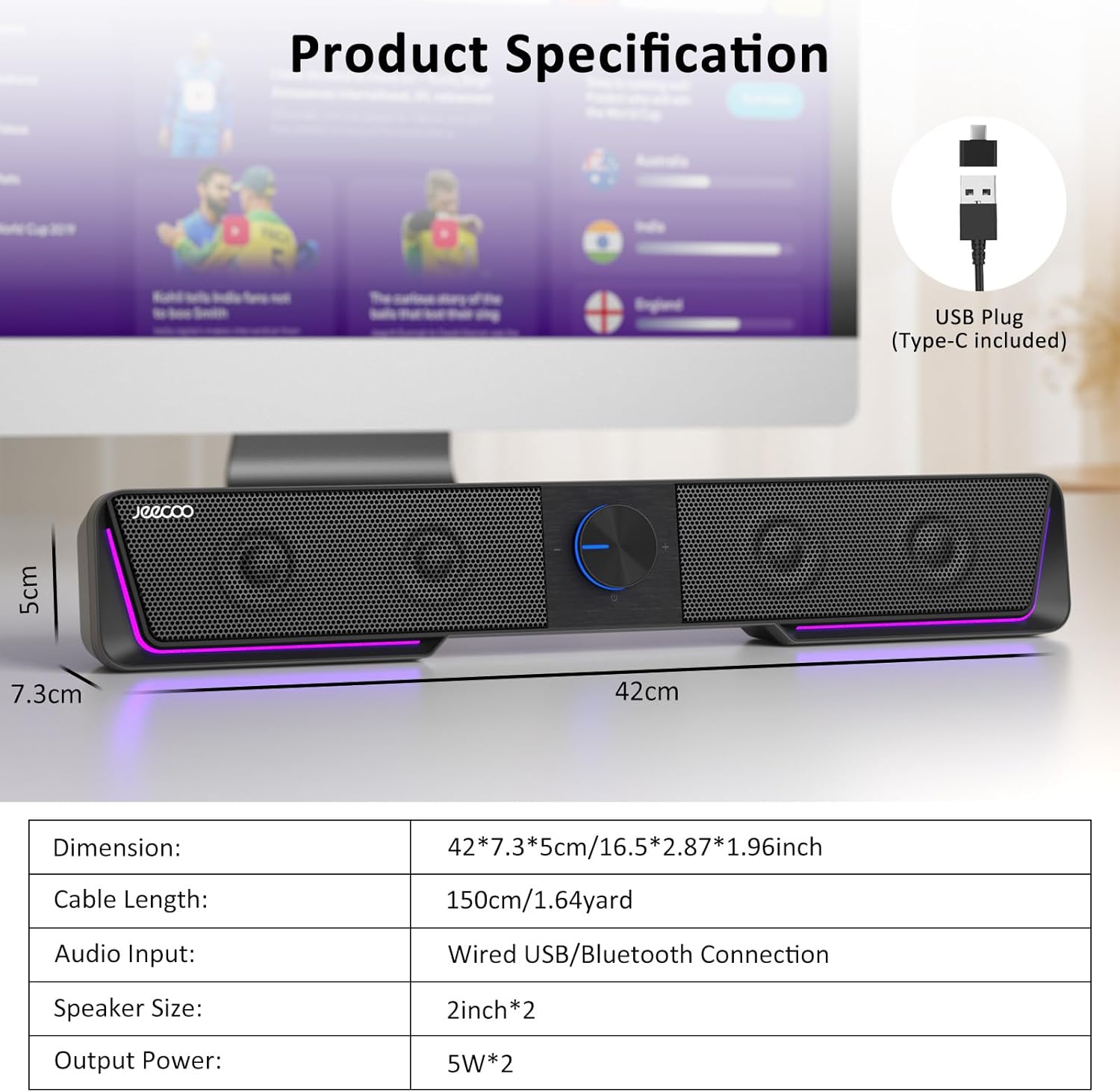
- Name: Jeecoo A40 PC Speakers
- Type: Computer speakers / USB speaker with Bluetooth input
- Power output (dynamic drive): 10W total (5W + 5W)
- Inputs: USB input and Bluetooth (no 3.5mm jack)
- Connectivity support mentioned: Type-C adapter for more devices
- Dimensions: 16.5 x 2.2 x 2.7 inches (length, width, height)
- Cable length: 2 yards (with an additional 1.8m cable length figure mentioned)
Is it worth it?
Buying verdict Worth considering if you want desk speakers for a monitor setup, appreciate USB plug-and-play simplicity, and would actually use Bluetooth when moving audio from phone to PC. The touch controls and LED lighting are a nice bonus for people who like quick, on-device control rather than remote apps.
Better avoided if you specifically need a 3.5mm jack or you’re relying on aux-style audio sources day to day. And if you expect “big system” sound quality and bass output, it’s likely to feel more mid-range than high-end—this is a practical desktop speaker set, not a replacement for serious hi-fi.
Quick FAQ
Questions you might be asking before purchase:
Does it work with USB on a PC?
The description says it’s plug and play via USB and doesn’t require a driver, as long as you use the USB input mode.
Can I use it with a phone?
Yes—Bluetooth mode is mentioned, so you can switch inputs and pair your mobile for audio playback.
Does it have a 3.5mm headphone/aux jack?
The description explicitly states it does not use a 3.5mm jack, so audio relies on USB input (for computer) or Bluetooth mode.
What controls does it have?
You can touch the top for LED lighting mode, use the volume knob to adjust volume, and use a button to switch Bluetooth/USB input. A long press (three seconds) switches the device on and off.