

Jabra Evolve2 65 Wireless PC Headset with Charging Stand — MS Teams Certified, Noise Cancelling, 37h Battery
Product description
What it is and who it helps
The Jabra Evolve2 65 is a wireless PC headset designed for focused work and clear collaboration. In practice, it aims to reduce distractions with a noise-isolating design while supporting long calls and conferences. If your day involves back‑to‑back Teams meetings or open-plan offices, this model is positioned to offer comfortable all‑day wear and straightforward connectivity.
How it connects and what you get
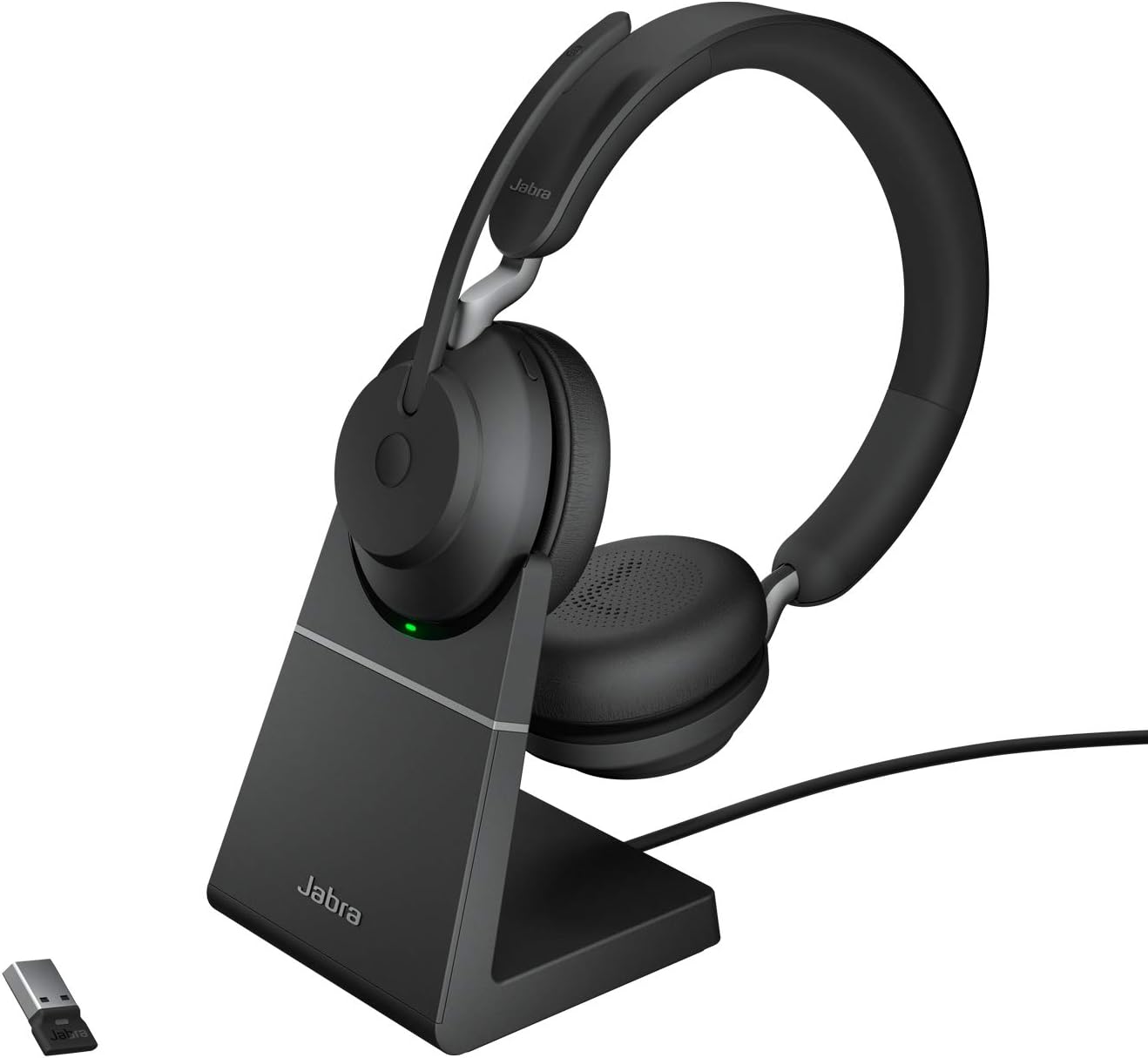
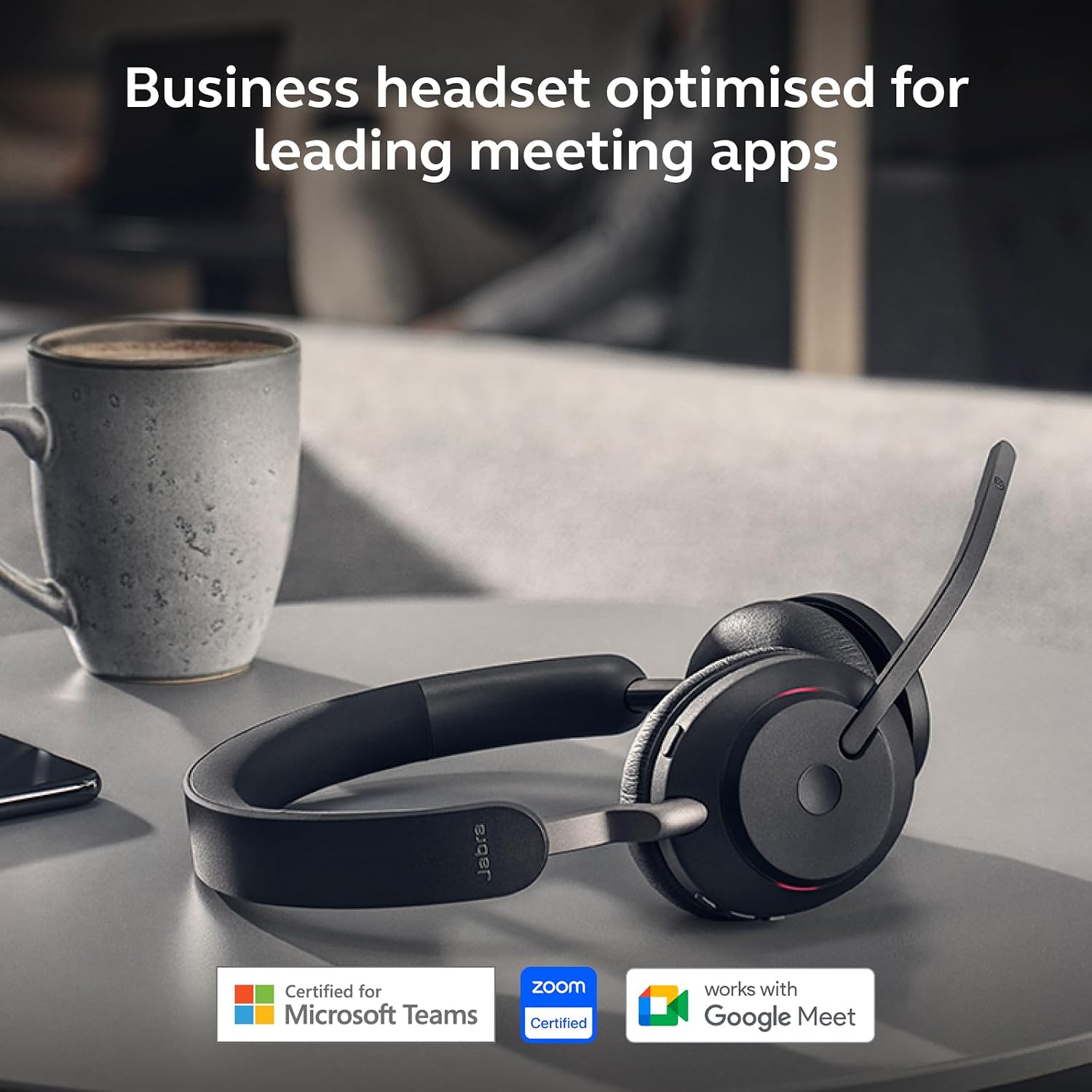
Included in the box is the headset itself, a desk charging stand, a USB‑A Bluetooth adapter, a 1.2 m USB‑C to USB‑A cable and a soft carry pouch. Weighing about 176 g, the headset sits on a compact stand and pairs over Bluetooth via the USB‑A adapter. The setup remains simple for everyday use, with a dedicated Teams button that aligns with Microsoft Teams workflows and helps reduce fiddling during calls.
Battery life and status indicators
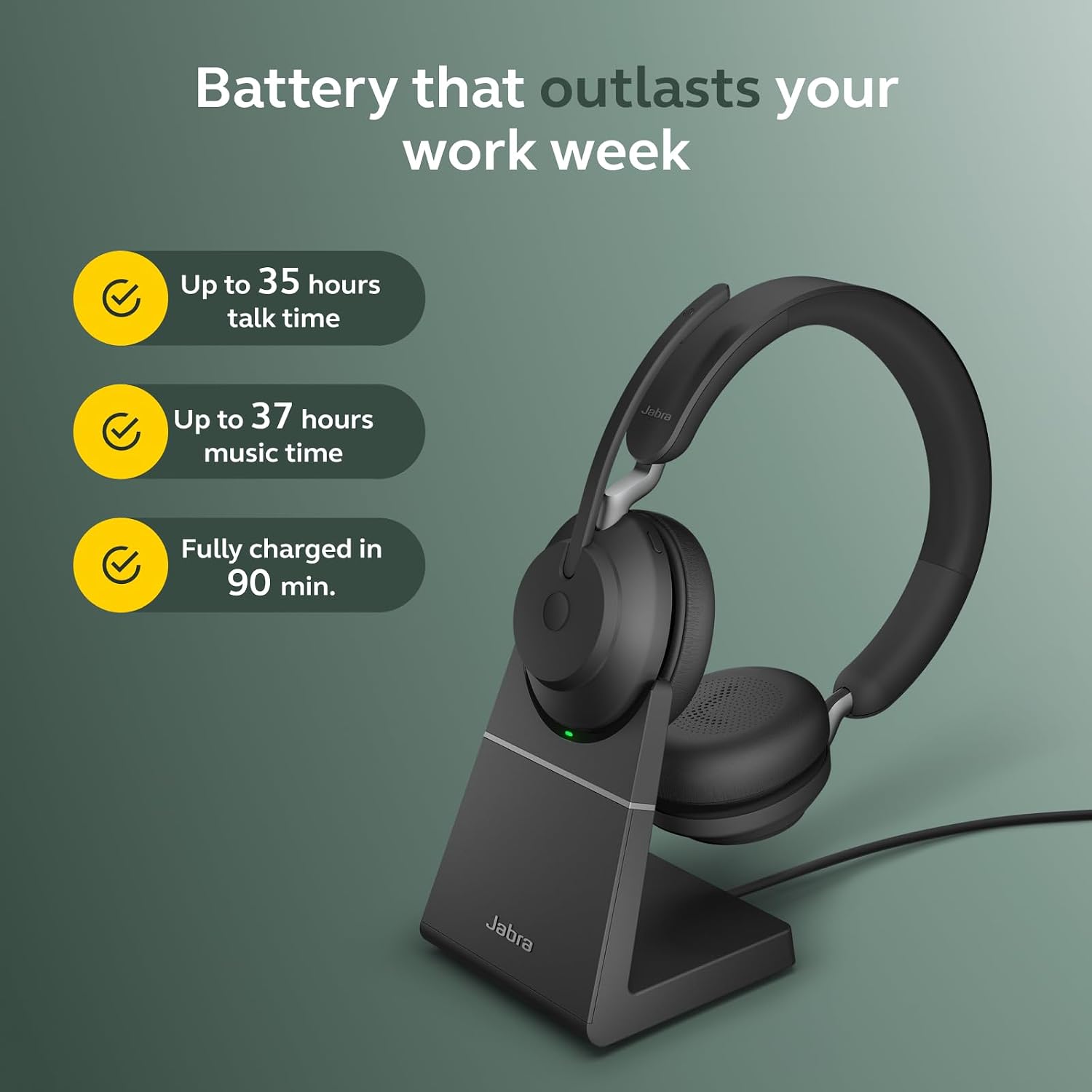
One of the practical advantages here is the promise of up to 37 hours of battery life. That’s useful if you’re away from a charger for a day of calls. The integrated busy light (a red LED) provides a visible cue when you’re on a call, which helps in shared workspaces to minimise interruptions.
Audio quality and microphone setup
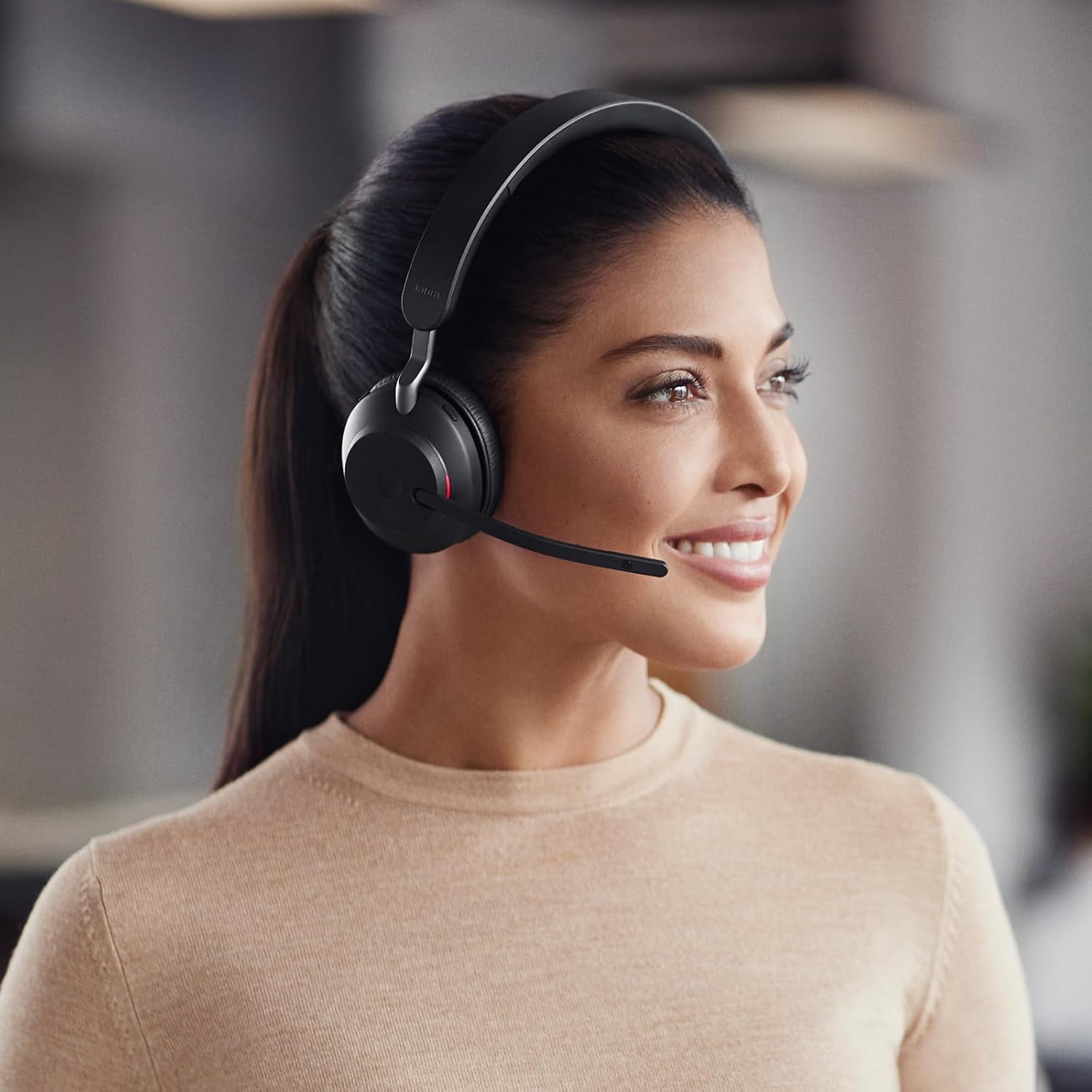
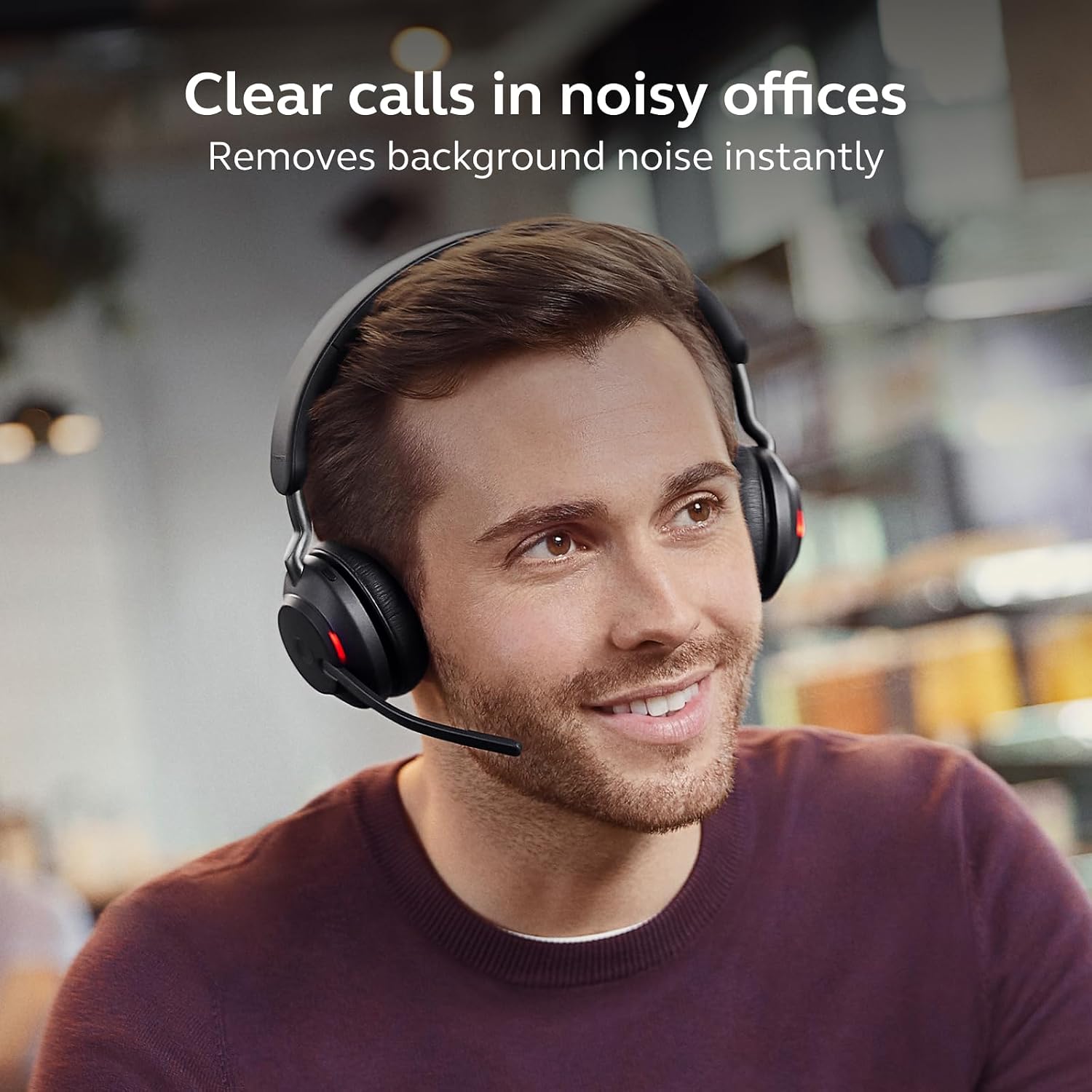
Jabra emphasises a three‑mic array and an enhanced digital chipset to improve voice pickup and noise rejection. The boom arm helps position the mic for consistent sound, which matters for meetings where clarity is key. On paper, this combination should translate to better intelligibility in typical work environments.
Design and comfort notes
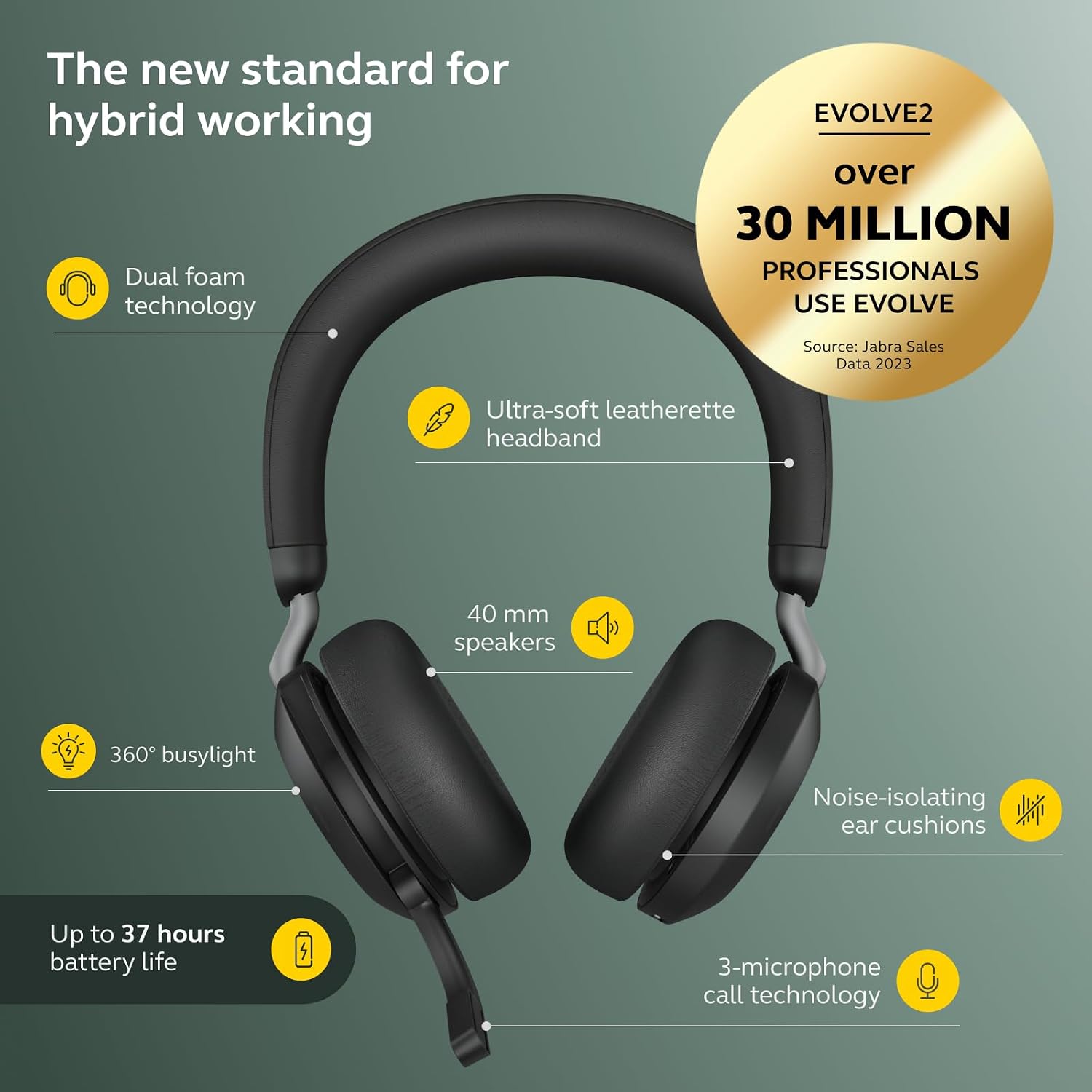
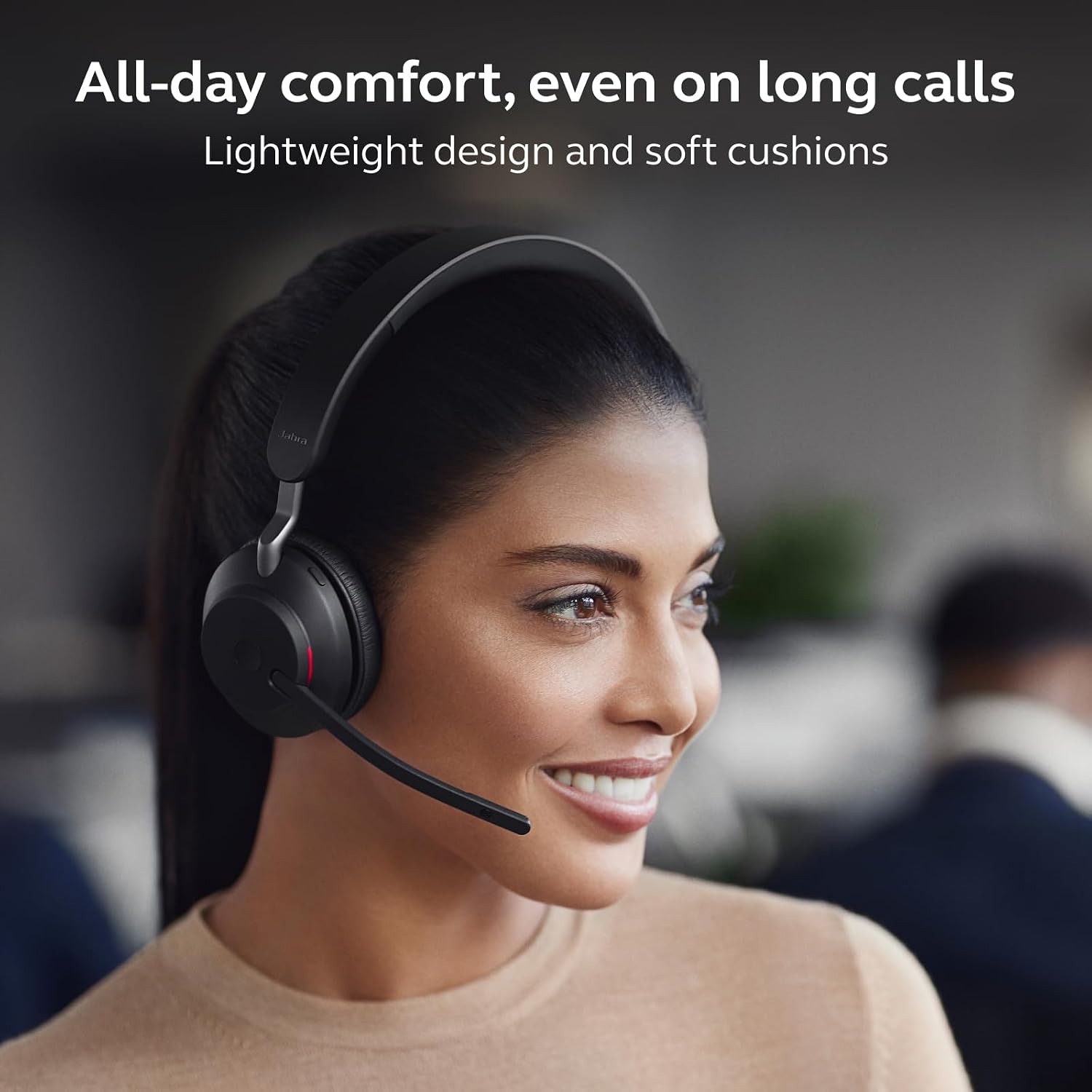
The Evolve2 65 uses an over‑ear design with soft cushions intended for prolonged wear. The weight is modest, but comfort varies with head size and how long you wear the headset. If you prioritise lightness or a snug fit for all‑day use, you may want to test how it feels across a full workday.
What it does well vs. potential limits
Where it shines is the focused, Teams‑friendly workflow and the long battery life—helpful for busy days with dozens of calls. The closed‑back, noise‑isolating construction should help in busy environments. It may not be the best choice if you need ultra‑high fidelity music playback or if your work requires intricate on‑ear controls beyond standard mute/volume and call handling.
Who it’s for and who it isn’t
It suits professionals who spend substantial time on calls, value MS Teams certification, and want a reliable long‑haul headset with a dedicated desk stand. If your priority is pure music listening, or you prefer lighter, sportier designs, this model might not feel ideal.
When it makes sense to buy
Consider this headset if you need a stable, business‑grade wireless solution with a dedicated Teams button, solid call quality, and long battery life for a office or home office setup. The inclusion of a charging stand is convenient for a tidy desk and immediate access to a charged unit.
What to check before buying
- Ensure your environment benefits from noise isolation and you’ll be using Teams frequently to justify the Teams certification.
- Confirm the weight and comfort will suit your head size and whether you will wear it for several hours at a stretch.
- Check you have space for the desk stand and a USB‑A port for the dongle, especially if your PC has limited rear ports.
Practical use and comparison to other approaches
In day‑to‑day use, you’ll notice fewer ambient interruptions during calls thanks to the noise‑isolation and three‑mic setup. Compared with wired alternatives, the wireless flexibility reduces desk clutter, while the stand encourages a quick, ready‑to‑go workspace. If your setup prioritises affordable, simple headsets for occasional calls, a lighter model might be sufficient, if you need MS Teams workflow integration and long talk times, this option aligns well with those needs.
FAQ
- How long does the battery truly last in heavy calling scenarios? Up to 37 hours is the stated figure, real‑world results depend on volume, mic use, and Bluetooth activity.
- Is it comfortable for all‑day wear? Comfort varies by wearer, tests often focus on cushion softness and grip. The headband and cushions look designed for comfort, but consider a trial if possible.
- Can it be used with non‑Teams software? Yes, it functions as a general wireless headset with a USB Bluetooth adapter, though the dedicated Teams button is Teams‑oriented.
Is it worth it?
Worth considering if you prioritise long battery life, clear microphone pickup, and a Teams‑friendly workflow in a professional setting. It may not be ideal if you mainly need music playback or ultra‑light weight. A solid pick if you value reliability and a dedicated collaboration button.