

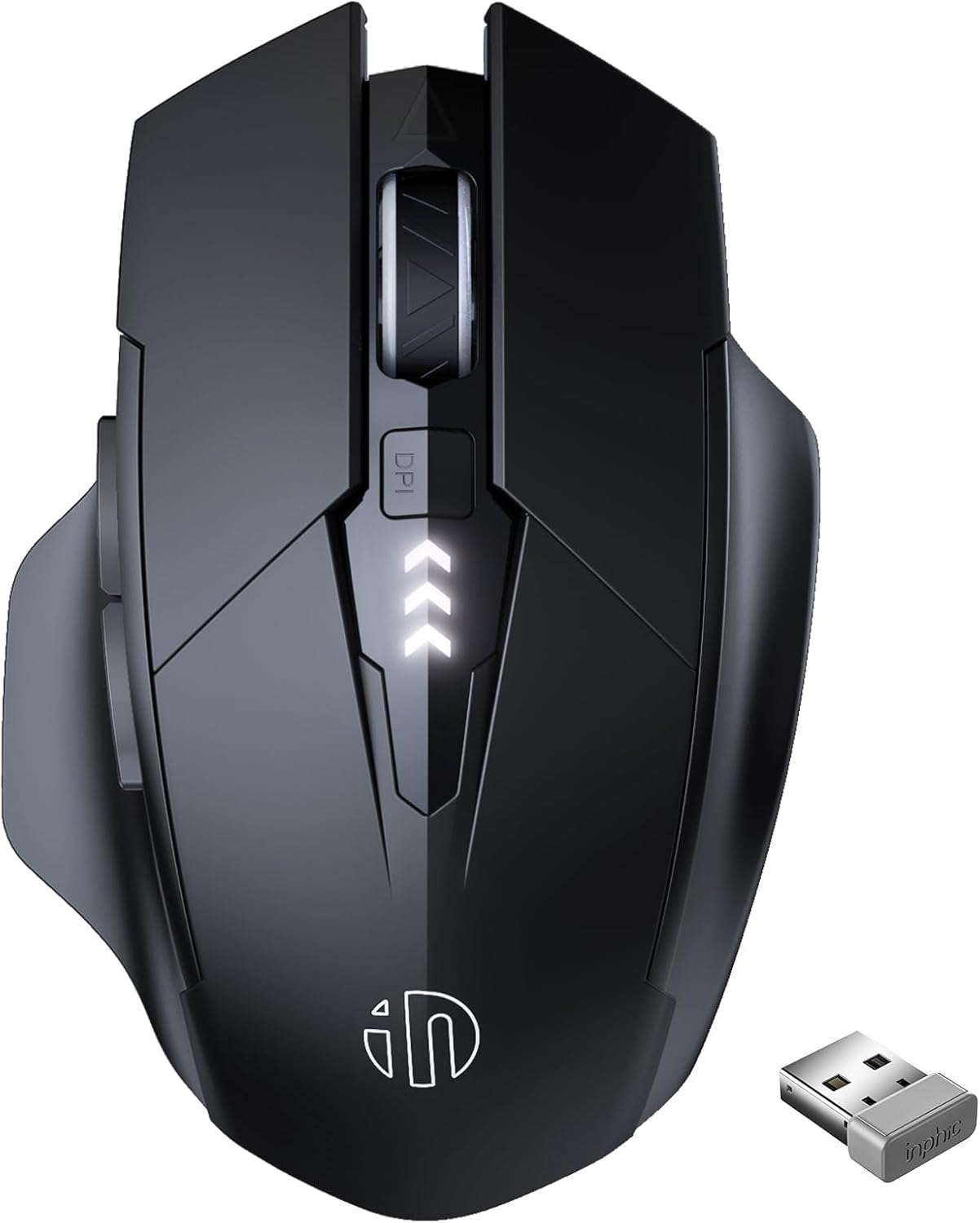
INPHIC Wireless Mouse Rechargeable, Silent Click, 2400 DPI – M6P Grey
Product description
What this is and what problem it solves
If you’re after a reliable, cordless mouse for your laptop or desktop, the INPHIC Wireless Mouse Rechargeable offers a practical balance of convenience and performance. It provides a rechargeable battery, a responsive 2.4G connection, and a comfortable grip designed for right-handed use. With multiple DPI settings and quiet click options, it’s aimed at everyday computing tasks, from document work to casual browsing, without the need to swap disposable batteries.
How it works and what’s inside the box
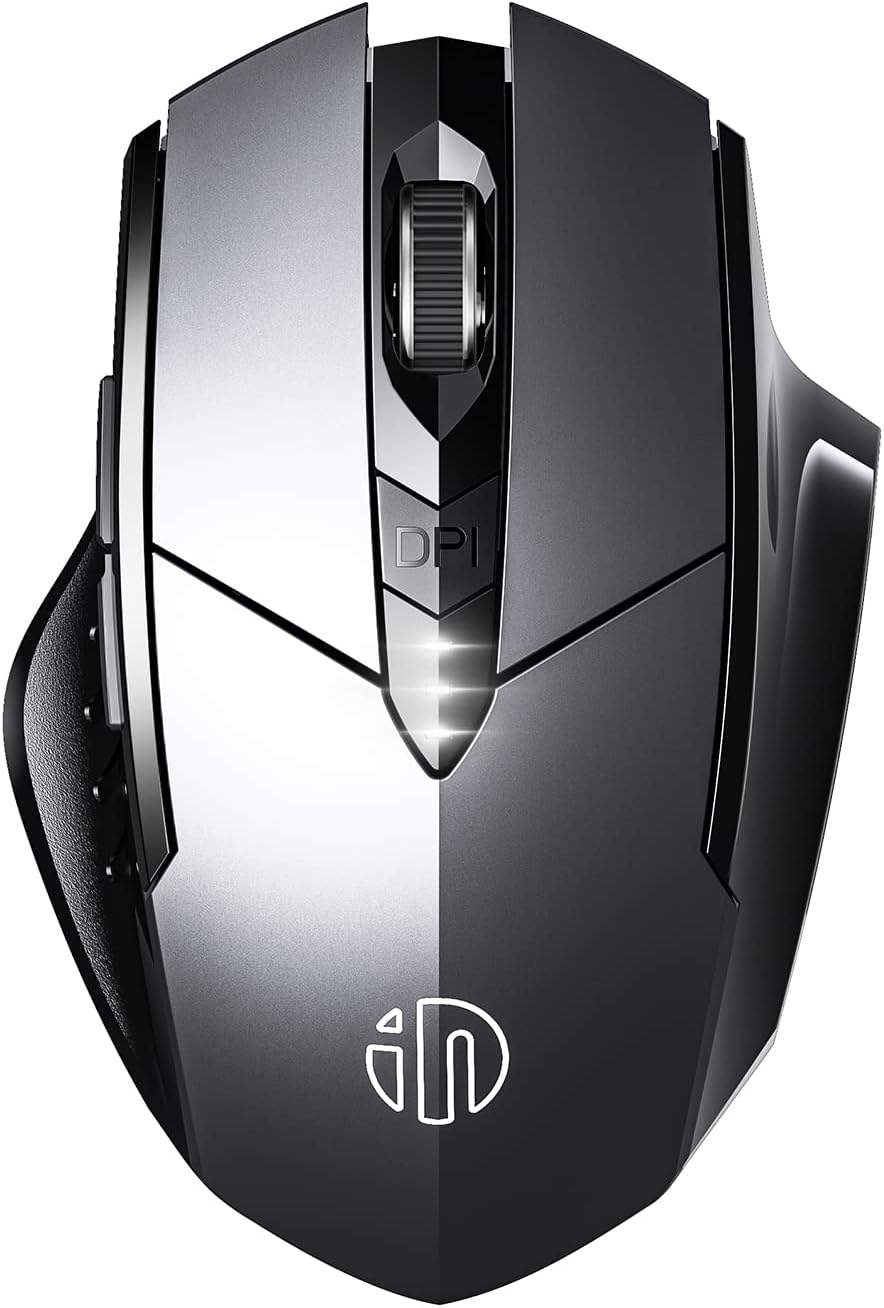
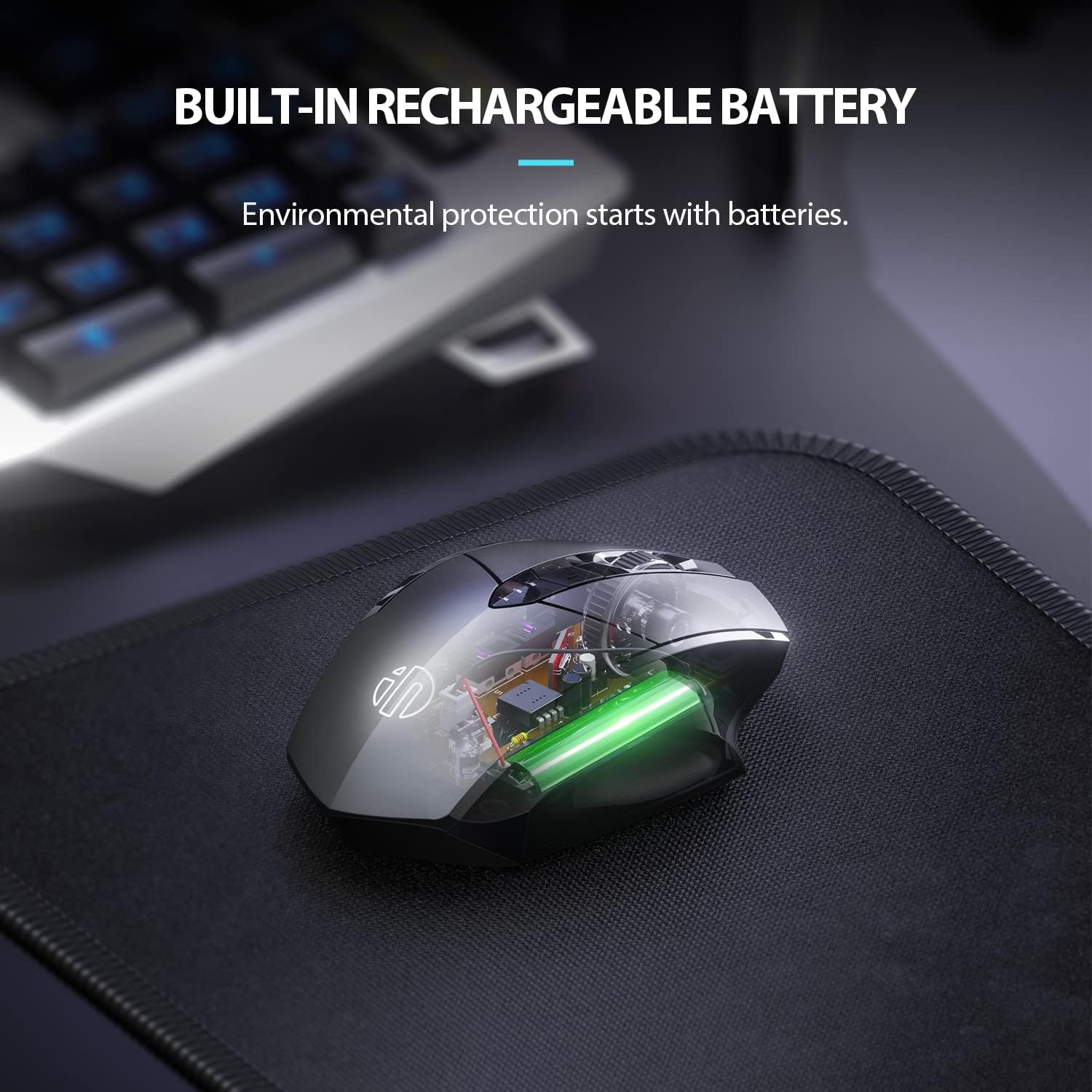
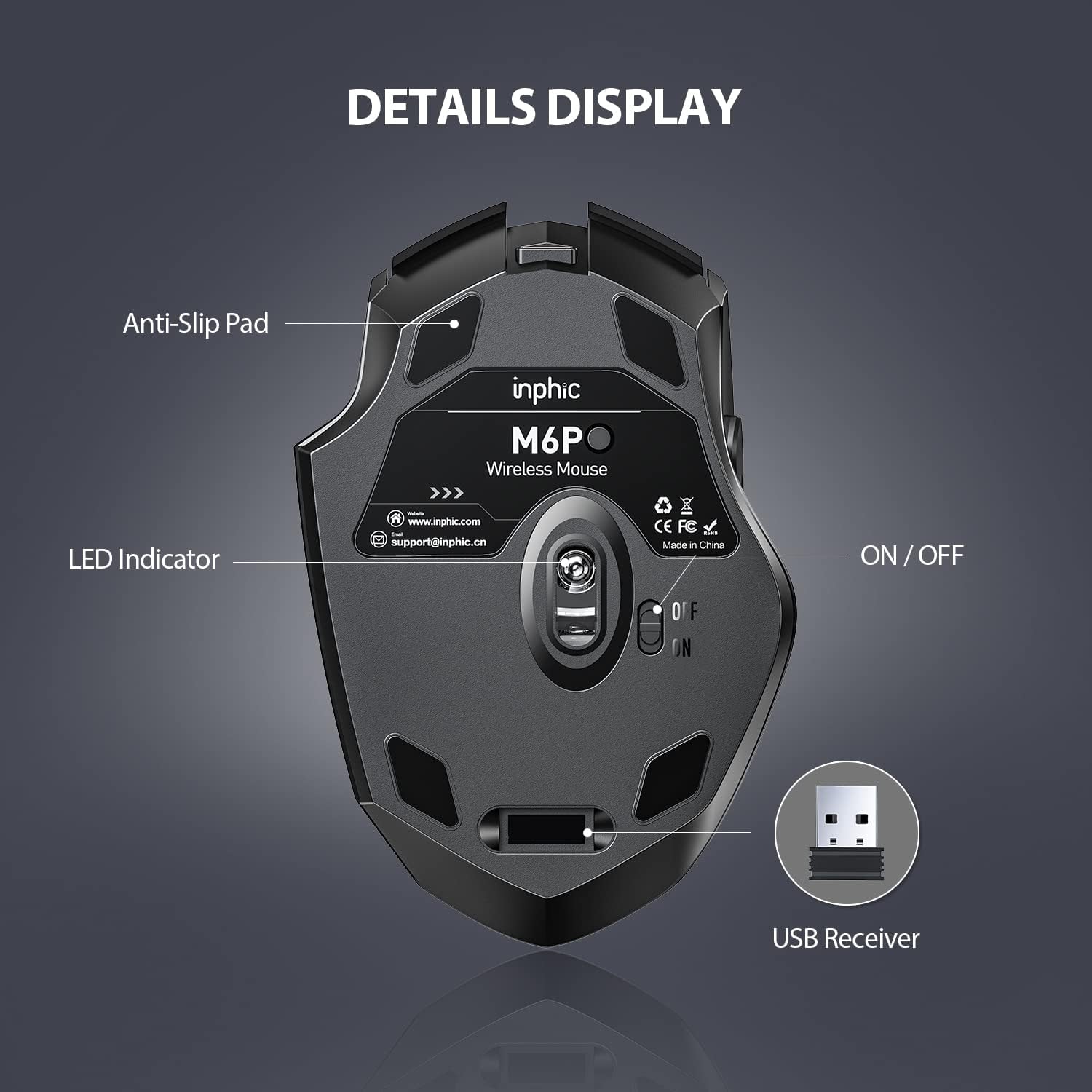
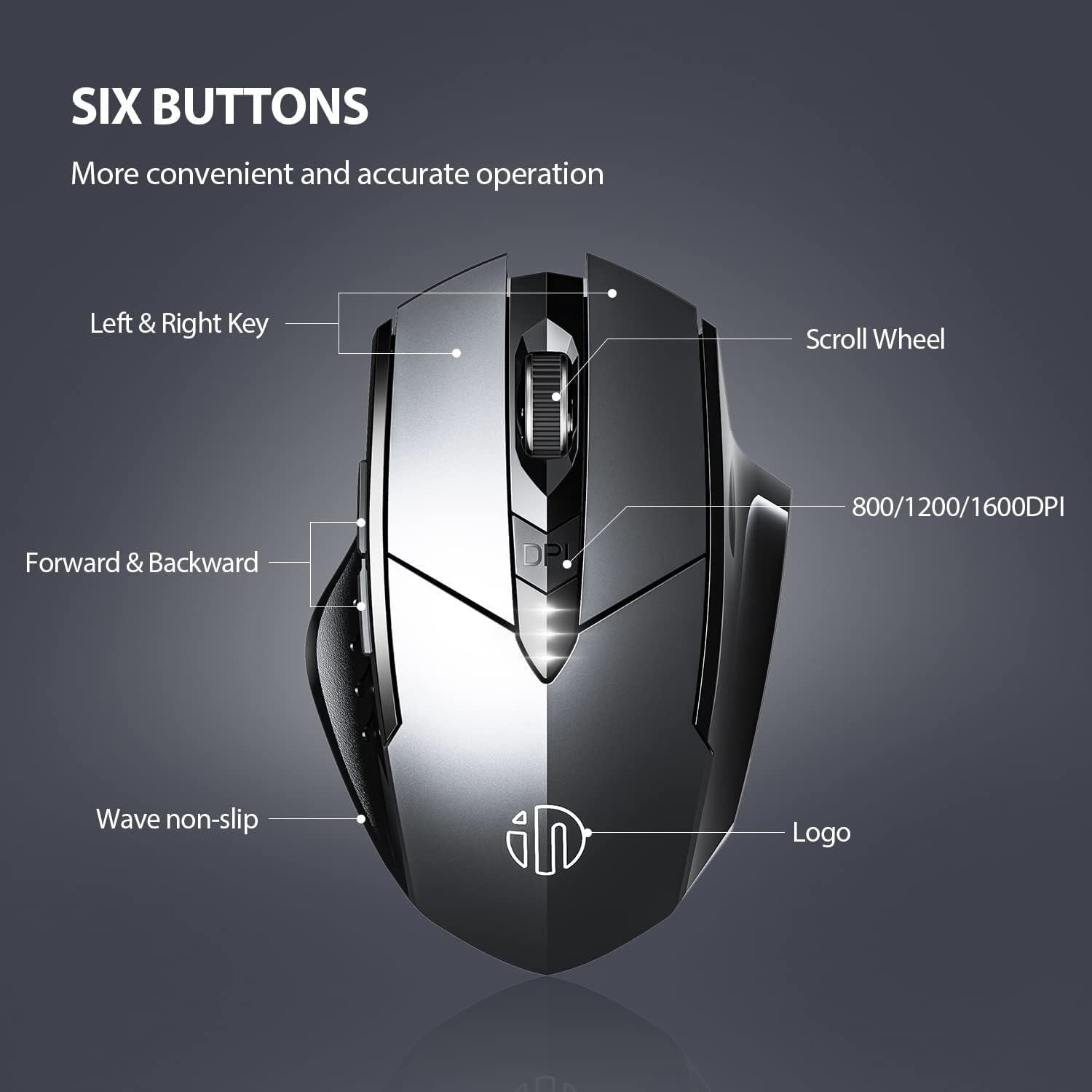
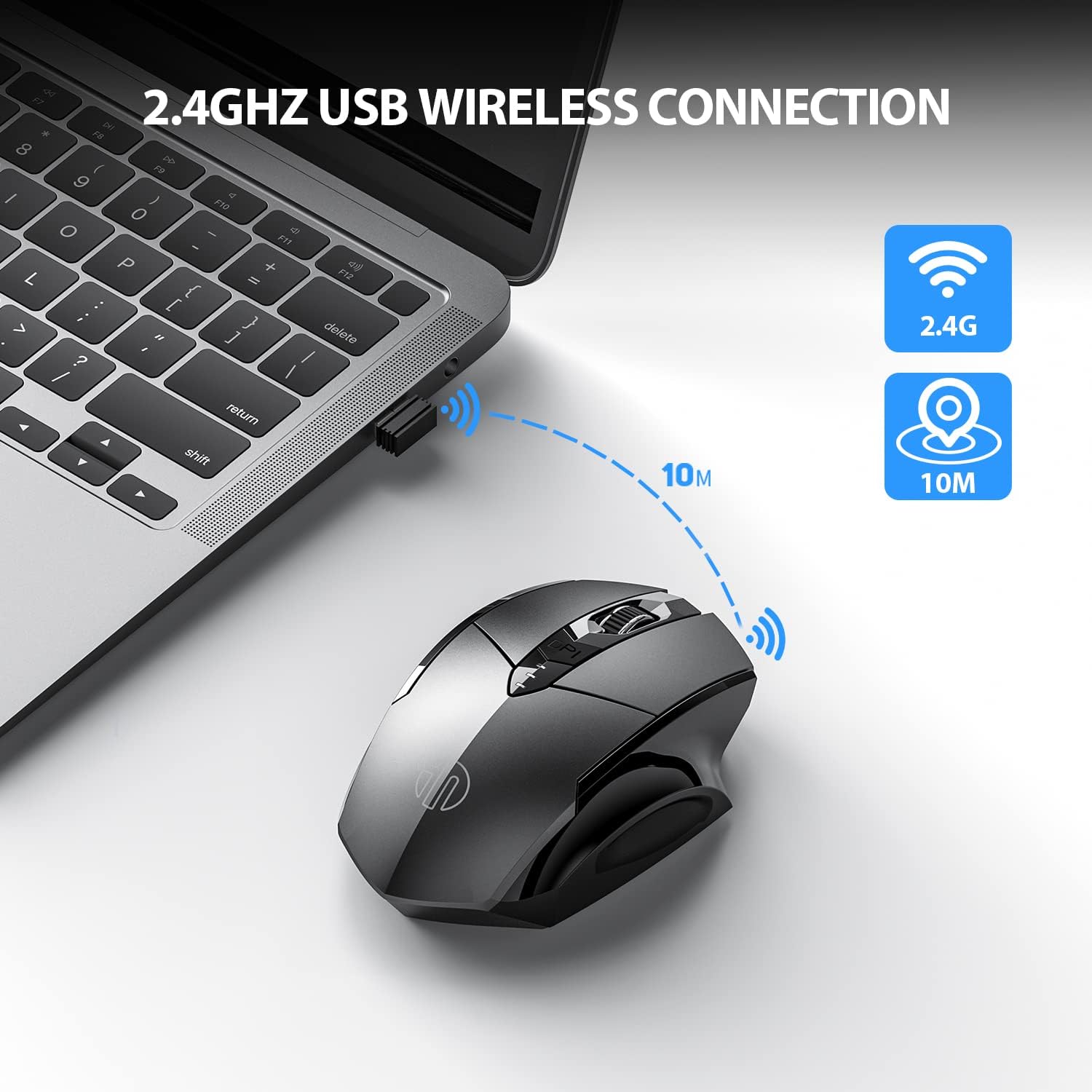
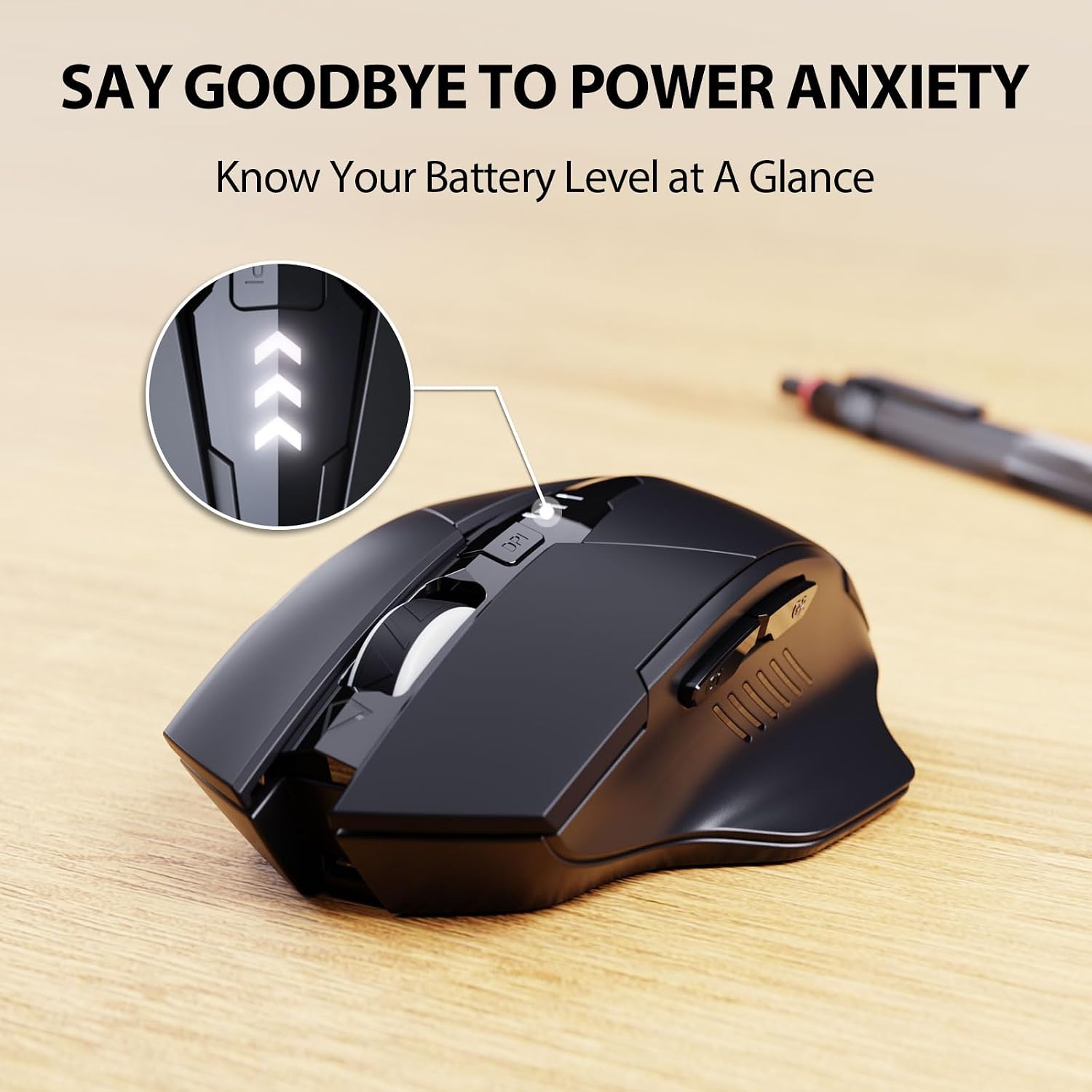
This is a plug-and-play wireless mouse. A micro nano USB receiver is stored on the bottom of the mouse, so you can connect quickly to Windows PCs, Macs, or laptops without installing drivers. The USB-C port is used for recharging the internal battery, and a simple charge should keep the unit powered for up to a month thanks to an energy-saving chip. Four DPI levels (800/1200/1600/2400) let you adjust sensitivity to suit tasks such as precise editing or everyday navigation. There are three power indicator lights to show battery status, helping to avoid unexpected shutdowns.
Design and comfort in use
The M6P is shaped with right-handed ergonomics in mind, offering a contoured grip that many usersfind more comfortable than a touchpad for long sessions. The left and right buttons are described as silent, which is welcomed in quiet environments. Do keep in mind that some features, like the side buttons, may not be supported on MacOS, which can influence how you use it if you’re heavily invested in Apple devices.
What stands out in everyday use
On paper, the major advantages are the rechargeable battery and the long wireless range (up to 10 metres). The micro USB receiver is unobtrusive and the setup is straightforward: plug in the receiver and you’re ready to go. The four DPI stages provide enough flexibility for regular office tasks and some light photo or video work, though it isn’t marketed as a gaming mouse. The energy saver and visible battery indicators could help minimise downtime during the workday.
Limitations and caveats to consider
It’s worth noting that the side-buttons may not be available on all operating systems, particularly MacOS. If you rely on those extra buttons for workflow shortcuts, this is something to check before purchase. Also, while the 10 m working distance is stated, actual performance can vary with obstacles or interference in busy wireless environments. Finally, the product explicitly states compatibility with Windows and Macs, but some Type-C devices may require an adapter with a USB port.
Who it’s best for
This mouse suits users who want a straightforward, rechargeable wireless option for daily tasks, especially if you prefer quiet click feedback and the convenience of USB-C charging. It’s a sensible choice for students, home workers, or professionals who value reliability and a compact, ergonomic design over gaming-specific features.
Who should think twice
If you need multiple programmable side keys for intensive shortcut workflows, or if you require full MacOS edge-case button support, you might outgrow this model. Also, if you place the device into environments with heavy wireless interference, the claimed 10 m range may not always translate to a solid connection.
Before you buy: quick checks
- Confirm your device supports USB-A or USB-C charging compatibility and whether an adapter is needed for certain Type-C laptops.
- Consider whether silent click is a priority for your environment. If tactile feedback matters more, you might prioritise a different click profile.
- Check that the side-button functionality aligns with your OS and use-case if you depend on those controls.
Practical usage example
Imagine you’re working from a coffee table or on a sofa with your laptop balanced on a tray. The INPHIC mouse’s rechargeable battery and compact form let you avoid frequent battery swaps, while the silent clicks keep the background noise down during a late-night editing session.
Decision: Is it worth it?
Is it worth it? If you prioritise a reliable, rechargeable wireless option with quiet clicks and a comfortable right-handed design for everyday tasks, this model makes sense to consider. It may not be the best fit if you need extensive MacOS side-button support or gaming-grade performance. Evaluate your typical device ecosystem and whether the USB-C charging and DPI range align with your daily needs.
FAQ
- How long does the battery last on a full charge? Up to about a month, depending on usage and DPI setting.
- Can I use it with MacOS? Yes, but side-button features may not be supported on all MacOS configurations.
- Do I need to install drivers? No, it’s plug-and-play with the micro nano USB receiver.