

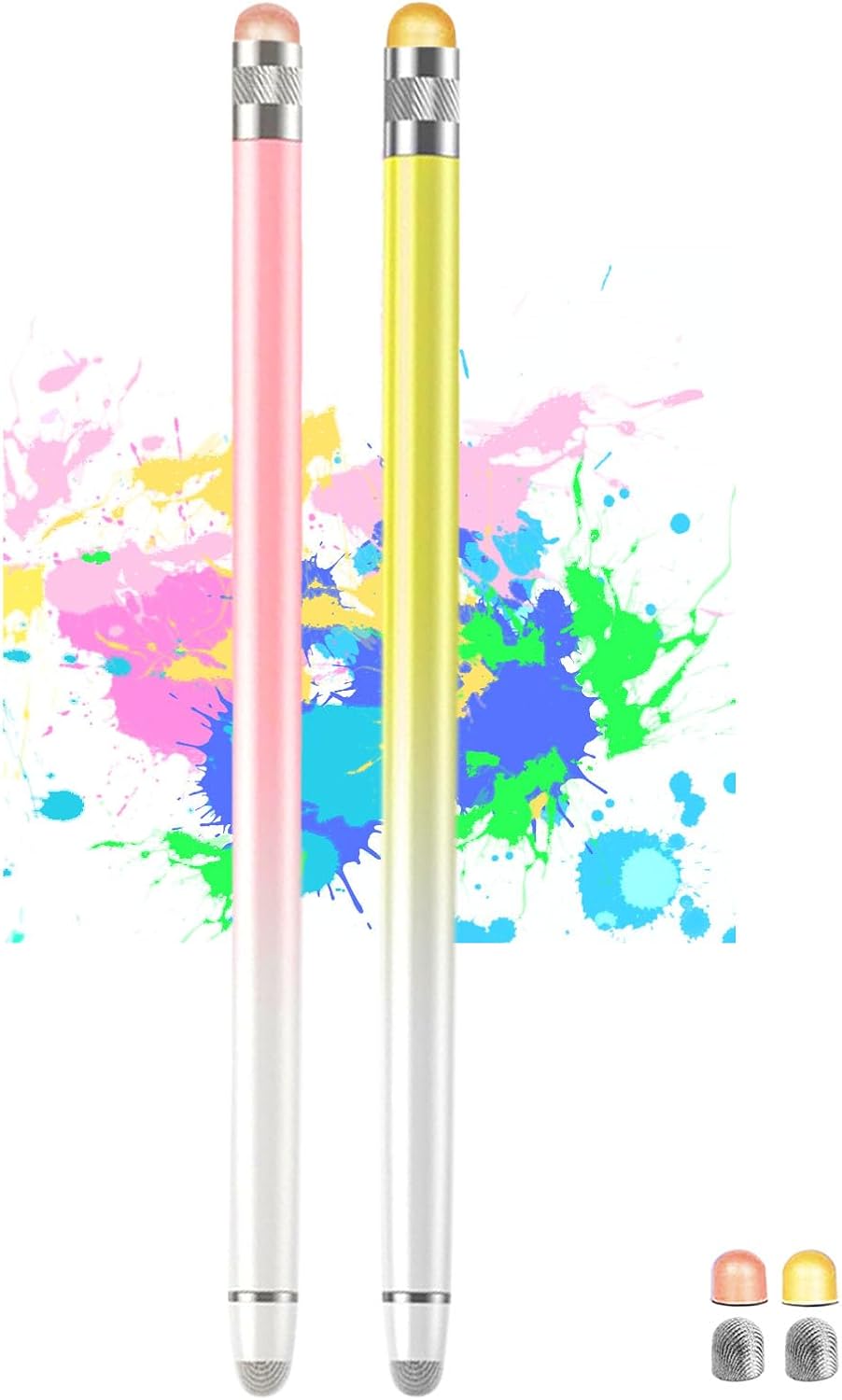
4-Pack 2-in-1 Stylus Pens for Touch Screens (iPad Pencil 2-style) with 8 Extra Tips
Product description
What it is and who it’s for
This 4-pack of stylus pens is designed for people who want a simple, pen-like way to write, draw and tap on touch screens—without charging, Bluetooth pairing, or installing apps. The set is positioned as a practical “daily work and school” accessory, and it focuses on accuracy and a smoother feel than using a finger.
The styling is aimed at pen users who like a clean, responsive tip and want an easier time with small taps—think writing notes, sketching lightly, or selecting tiny interface elements on tablets and phones.
Key takeaways (so you know what you’re buying)
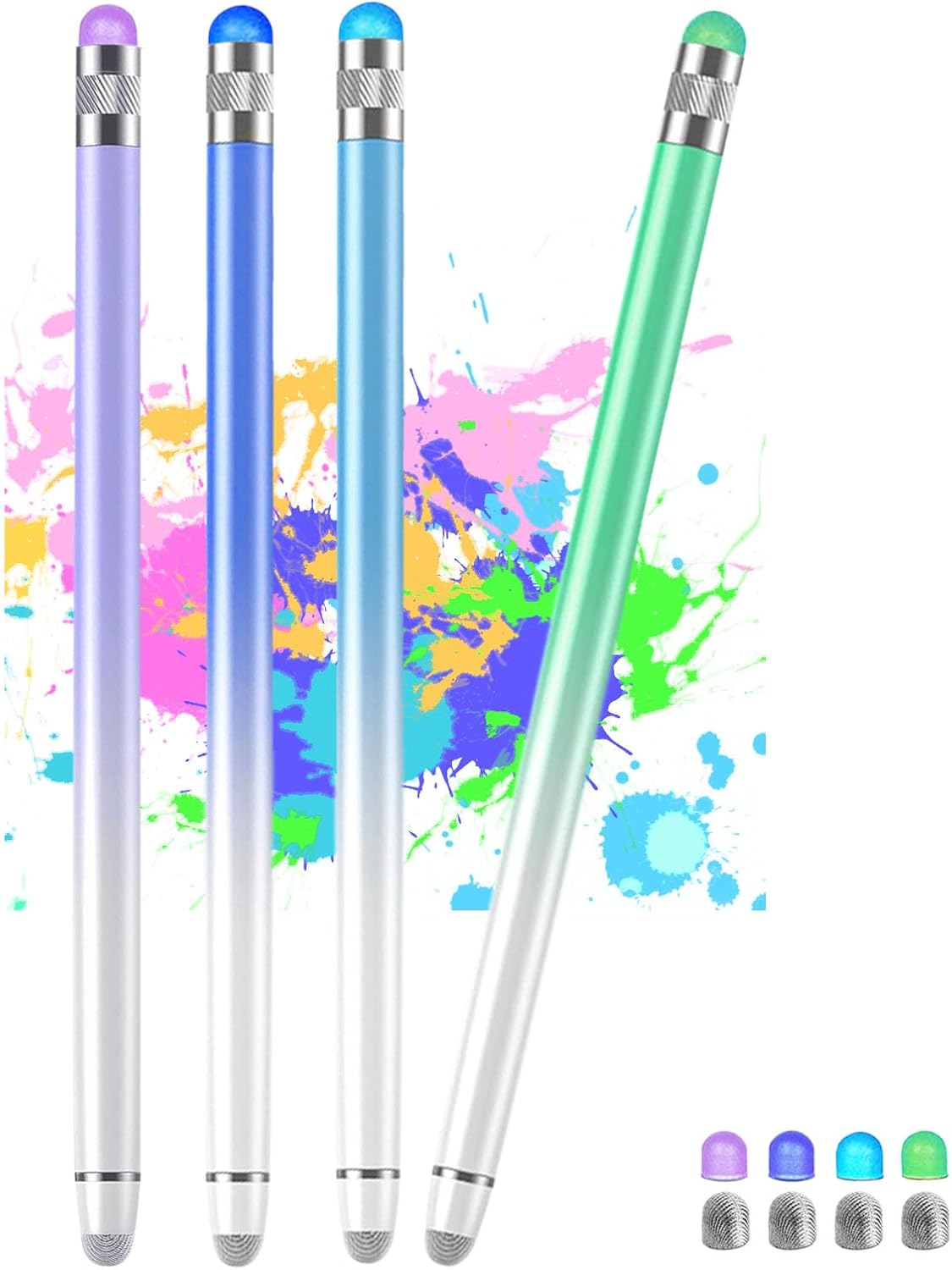
You get four different pens in the pack, each with two different end tips: one end is a fibre tip and the other end is a coloured rubber tip. The idea is that you can swap between the two tip types depending on whether you want a more “stylus pen” feel or a softer, rubber-based interaction.
The set also includes eight extra tips in total: four extra fibre tips and four extra coloured rubber tips. That’s useful because stylus tips are exactly the sort of thing that wear down with regular use, and replacements are usually the first thing you end up needing.
Where this package leans most strongly is convenience. It’s made to be used straight away on touch screens (no Bluetooth connection, no specific app). If you’re the kind of person who just wants to grab it from a bag and start, it’s a good match.
Where it stands out in everyday use
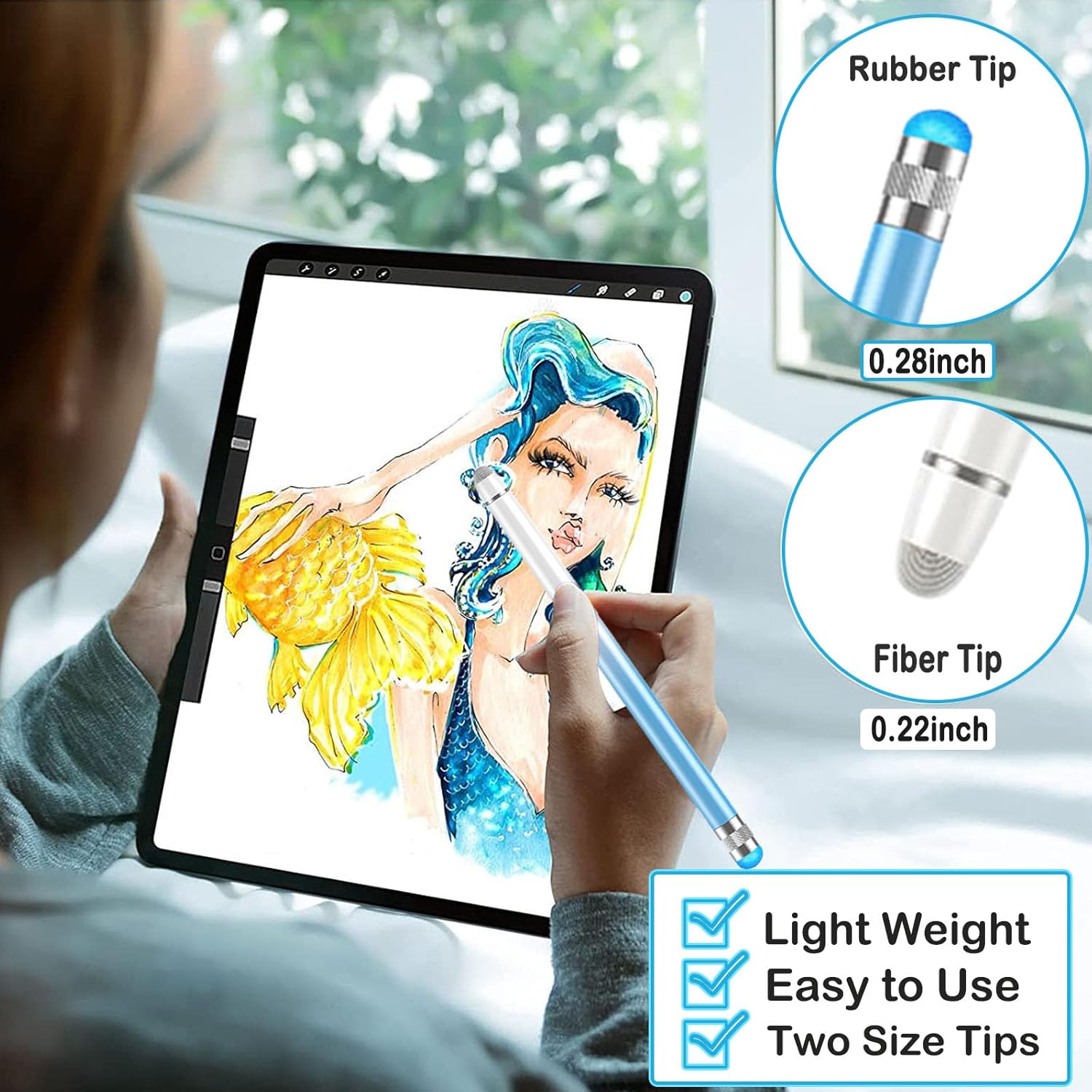
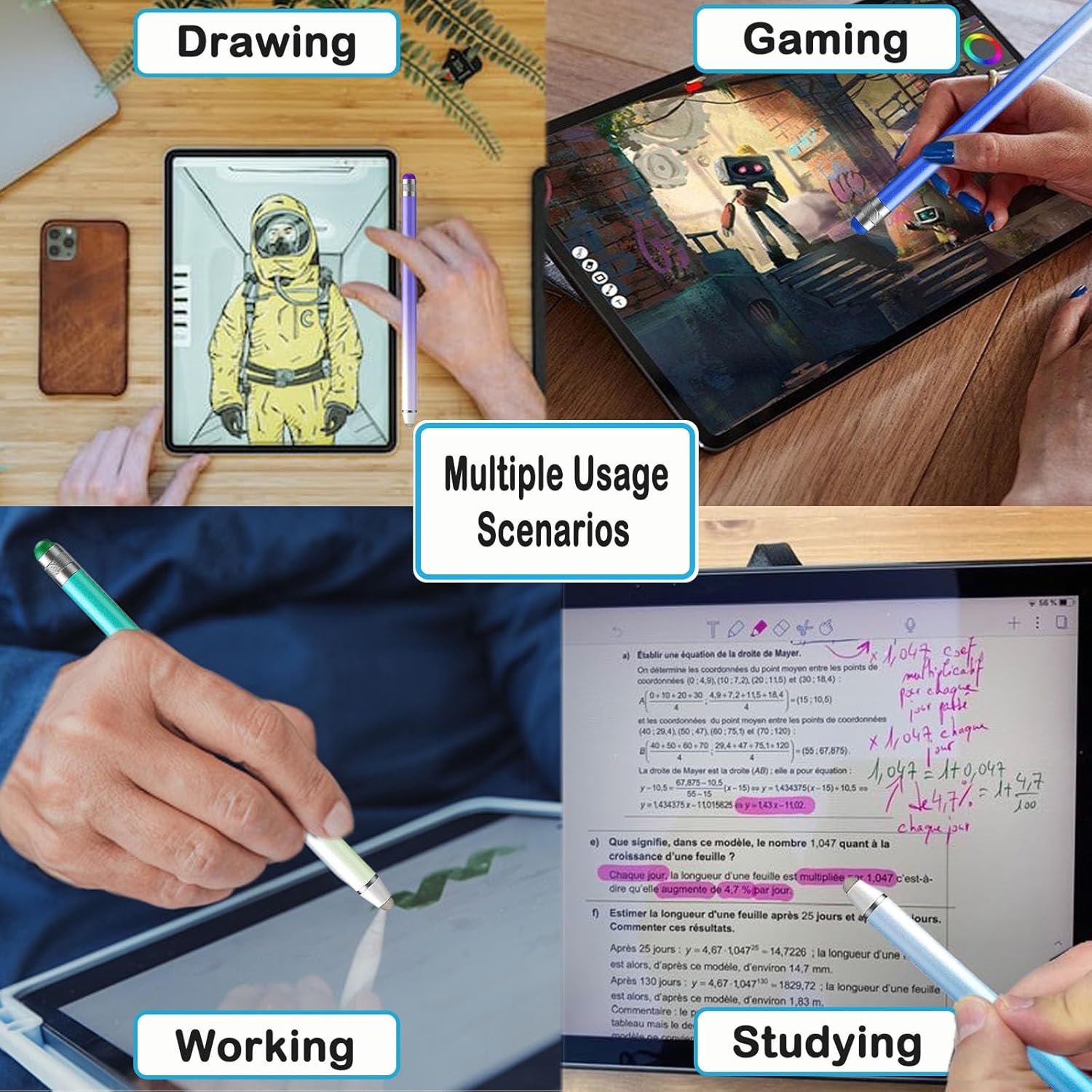
On paper, the benefit here is the “two-tip” approach. The fibre end is meant to help with precision-style writing and drawing, while the rubber end is positioned for touch interaction like typing, touching and dragging with improved accuracy compared with finger-only use.
A small but realistic example: if you’re composing a message on a mobile keyboard and your finger often presses the wrong letter, a narrow tip can help you land on smaller targets more consistently. And if you’re switching to games or broader screen interactions on a tablet, the wider end tip is intended to feel more suitable for that kind of input.
It’s also described as thin and lightweight, with a pen-like shape that should be easier to hold for longer sessions—especially if you find finger input fiddly.
What matters most for comfort and screen protection
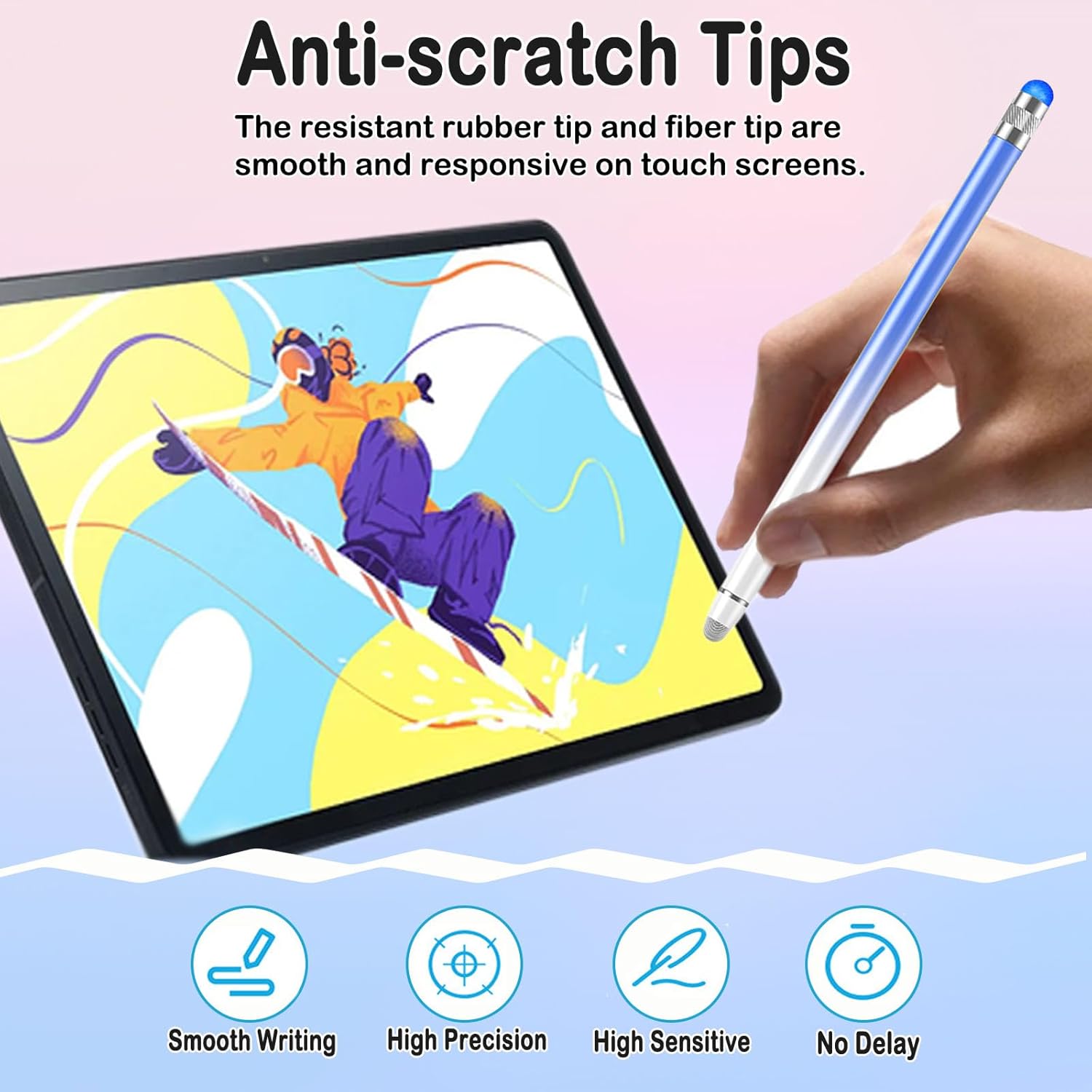
The tips are described as anti-scratch and made from soft, scratch-resistant rubber and fibre. The pitch is that the tips are designed to be smooth and responsive on touch screens while helping protect the screen from scratches.
The maker also notes that the stylus is meant to avoid fingerprints during use and keep the screen cleaner. That can be a real day-to-day difference if you’re bouncing between studying, commuting and relaxing with your device.
What to be careful about
There are a few limitations to keep in mind. First, this isn’t positioned as a premium pressure-sensitive stylus experience, the details provided focus on compatibility, tip types and responsiveness, not on advanced sensing.
Second, the product claims “no lag” and “high response”, but that’s phrased generally. In real life, performance can depend on your particular screen and app, and it may not match the feel of the most advanced stylus options on the market.
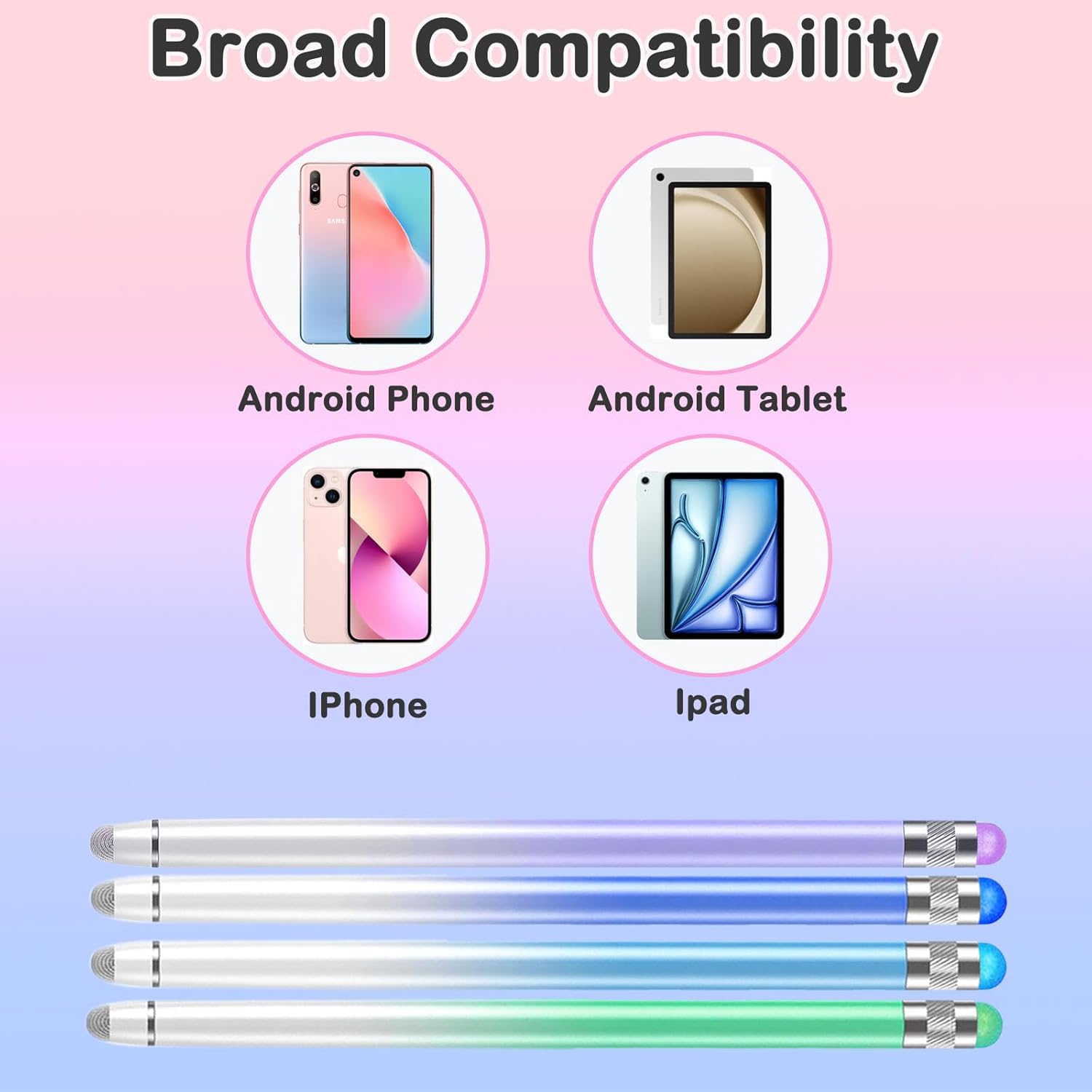
Also, while it’s said to be compatible “with all touch screen devices” and mentions a wide range (iPad/iPhone/tablets/Kindle/Android/Samsung Galaxy/Switch 2 and so on), compatibility in practice can vary by device and application. If you’re buying for a very specific workflow, it’s worth checking that your apps support stylus input as expected.
Should you buy it?
It makes sense if you want a no-fuss stylus set for everyday notes, light drawing and more accurate tapping than your fingertip—particularly if you like the idea of switching between fibre and rubber tips.
You may want to skip it if you’re chasing a specialist stylus experience with advanced sensing features, or if you’re buying for a workflow that really depends on highly consistent, app-specific stylus performance.
Overall, it sits in the practical end of the market: good when value-for-money and convenience matter, but it might feel more like a helpful everyday pen than a top-tier creative tool.
Mini FAQ
How do you connect it?
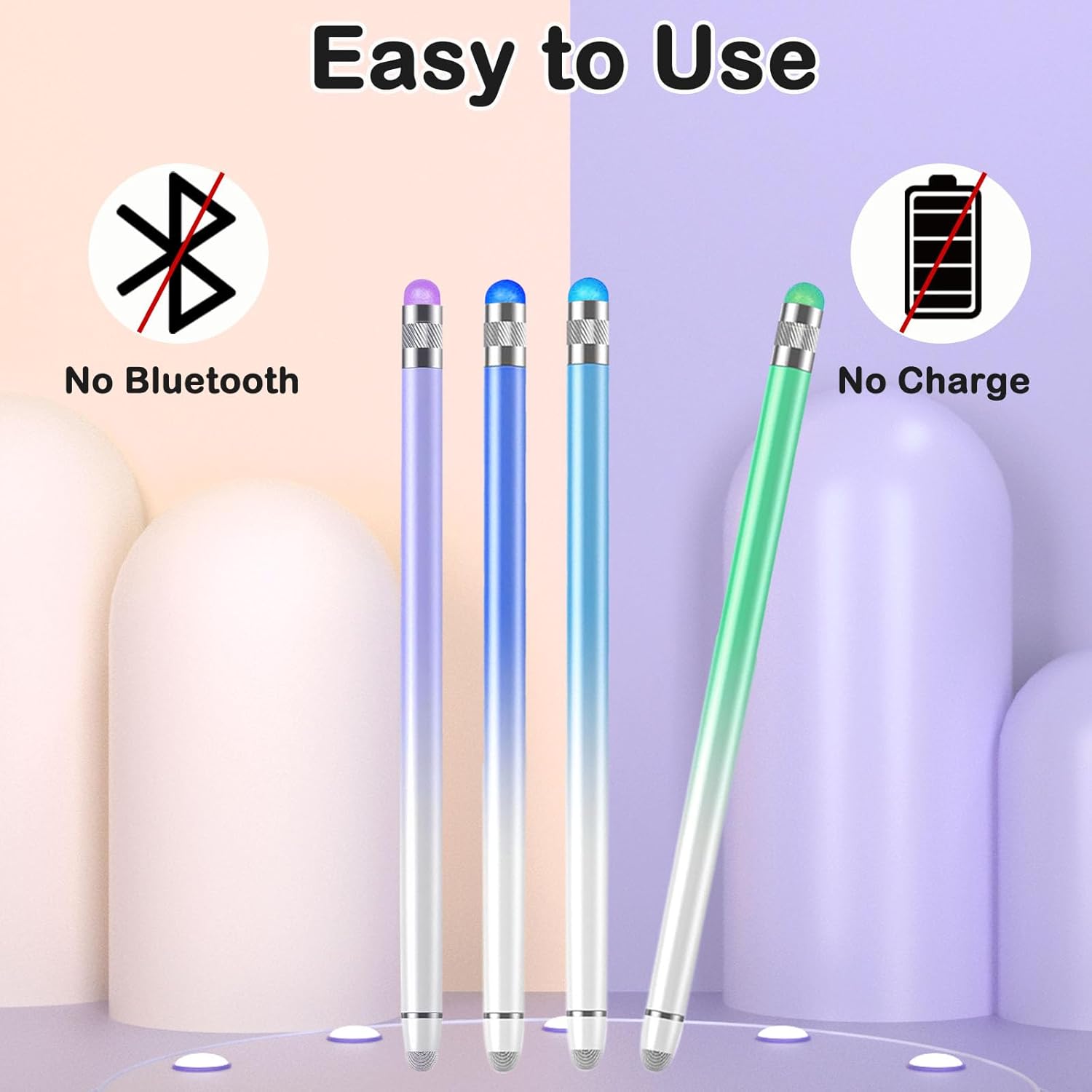
It doesn’t need charging or Bluetooth, and it doesn’t require an app. You can take it out of the bag and use it.
Can the tips be replaced?
Yes. The fibre and coloured rubber tips can be replaced in seconds without tools.
What extra tips are included?
The pack includes four extra fibre tips and four extra coloured rubber tips.
Is it suitable for both tablets and phones?
The description says it’s compatible with many touch-screen devices including iPad/iPhone and various Android/Samsung devices, and it’s also mentioned for Nintendo Switch 2.
Does it protect the screen?
The tips are described as anti-scratch and made to be smooth and responsive while helping protect touch screens.